Show HN Today: Discover the Latest Innovative Projects from the Developer Community
 ShowHN Today
- Continue with Google
Show HN Today: Top Developer Projects Showcase for 2025-11-26
SagaSu777 2025-11-27
Explore the hottest developer projects on Show HN for 2025-11-26. Dive into innovative tech, AI applications, and exciting new inventions!
Summary of Today’s Content
Trend Insights
The landscape of innovation is clearly being shaped by the pervasive influence of AI and the relentless pursuit of developer efficiency. We're seeing a strong trend towards building AI agents that possess more sophisticated memory and context management, exemplified by projects like ChatIndex. This isn't just about chatbots remembering more; it's about creating AI that truly understands and learns from prolonged interactions, opening doors for more personalized and effective AI companions. Simultaneously, there's a significant push for developer tools that streamline workflows, from AI-assisted coding and Git management to automated testing and deployment. The hacker spirit is alive and well, with many projects focusing on privacy-preserving, local-first solutions, giving users more control over their data and compute. For developers and entrepreneurs, this means opportunities abound in building the next generation of intelligent, efficient, and trustworthy software. Don't just build tools that use AI; build AI that enhances existing tools and workflows in novel, privacy-conscious ways. The future is about empowering individuals and teams with smarter, more context-aware technologies.
Today's Hottest Product
Name
ChatIndex – A Lossless Memory System for AI Agents
Highlight
This project tackles the critical challenge of context management in long AI conversations by introducing a lossless, hierarchical tree-based indexing system. Unlike traditional methods that lose information, ChatIndex preserves raw data and allows for multi-resolution retrieval, enabling AI agents to maintain coherent, long-term memory. Developers can learn about advanced data indexing techniques and how to apply them to enhance AI conversational capabilities, particularly for building more human-like and persistent AI assistants.
Popular Category
AI/ML
Developer Tools
Utilities
SaaS
Popular Keyword
AI
LLM
Agent
Developer Tool
Open Source
CLI
Browser
Privacy
Technology Trends
AI-powered context management
Local-first AI applications
Developer productivity tools
Enhanced data handling for AI
Privacy-focused software
Cross-platform utilities
Automated workflows
Project Category Distribution
AI/ML (30%)
Developer Tools (25%)
Utilities (20%)
SaaS (15%)
Content/Media (5%)
Other (5%)
Today's Hot Product List
| Ranking | Product Name | Likes | Comments |
|---|---|---|---|
| 1 | Bourdain Lost Archive | 18 | 5 |
| 2 | ChatIndex: Seamless Long-Term Memory for AI Agents | 15 | 4 |
| 3 | Ghostty-Web: Terminal Emulation on the Web | 10 | 3 |
| 4 | Wozz Kubernetes Cost Auditor | 5 | 6 |
| 5 | Claude Skill Forge | 8 | 2 |
| 6 | StyleCompass | 3 | 5 |
| 7 | Logical Contextual Copilot | 8 | 0 |
| 8 | MightyGrep: Accelerated Plaintext Explorer | 7 | 0 |
| 9 | Cloakly | 1 | 5 |
| 10 | Rubber Duck: Pre-emptive App Store Review Assistant | 1 | 4 |
1
Bourdain Lost Archive

Author
gregsadetsky
Description
This project revives lost content from Anthony Bourdain's presence on the defunct 'li.st' service. It's a testament to the hacker ethos of using code to unearth and preserve valuable digital heritage that would otherwise be forgotten. The innovation lies in the meticulous data scavenging and reconstruction process, making inaccessible information available again.
Popularity
Points 18
Comments 5
What is this product?
This is a web archive project dedicated to recovering and presenting content from Anthony Bourdain that was hosted on the now-defunct 'li.st' platform. The core technical innovation involves deep web crawling, archive.org data reconstruction, and creative data retrieval techniques to piece together fragmented digital remnants. Essentially, it's using code as a digital archaeology tool to bring back lost cultural artifacts.
How to use it?
Developers can use this project as a case study in data recovery and archival techniques. It demonstrates how to approach salvaging information from deprecated platforms by leveraging tools like the Wayback Machine and custom scripting. For content consumers, it's a direct portal to a piece of culinary and cultural history that was previously inaccessible.
Product Core Function
· Content Scavenging: Utilizing web scraping and archival data to locate and retrieve fragmented pieces of Bourdain's 'li.st' content. This is valuable for understanding how to recover data from unreliable or removed sources.
· Data Reconstruction: Piecing together disparate data fragments into a coherent and accessible archive. This showcases algorithmic problem-solving for damaged or incomplete datasets.
· Web Archival Hosting: Presenting the recovered content in a user-friendly web interface, making it accessible to the public. This highlights the practical application of archival efforts.
· Preservation of Digital Heritage: Ensuring that valuable cultural content is not lost due to platform obsolescence. This demonstrates the social impact of technical skills in preserving history.
Product Usage Case
· Recovering defunct blog posts or forum discussions by piecing together data from archive.org snapshots and potentially other cached versions. This project shows how to do it for specific cultural figures.
· Building tools to reconstruct user profiles or content from old social media platforms that have shut down, enabling users to find their lost digital footprints.
· Creating a digital museum of ephemeral online content, like early web comics or defunct digital art projects, by employing similar data recovery and presentation strategies.
· Using programmatic methods to analyze and understand the evolution of online content over time, using this project as a blueprint for historical digital data retrieval.
2
ChatIndex: Seamless Long-Term Memory for AI Agents
Author
LoMoGan
Description
ChatIndex is an innovative context management system designed to overcome the limitations of AI chat assistants dealing with long conversations. Instead of relying on multiple disjointed chats, it builds a hierarchical, tree-based index of the conversation history. This allows AI models to efficiently search and retrieve relevant information from extensive dialogues, maintaining coherence and preventing the 'context rot' where AI performance degrades with longer inputs. It ensures no information is lost by preserving raw data and offering multi-resolution access to details, essentially giving AI a better, more human-like memory.
Popularity
Points 15
Comments 4
What is this product?
ChatIndex is a system that allows AI agents to remember and effectively use very long conversation histories. Imagine talking to an AI for hours; usually, its memory gets fuzzy. ChatIndex solves this by organizing the entire conversation like a tree. When the AI needs to recall something, it can quickly find the exact piece of information it needs, whether it's a general topic or a specific detail. This means the AI's responses stay relevant and accurate, even in very lengthy discussions, without losing crucial context. The innovation lies in its lossless memory approach, combining raw data preservation with a smart way to access information at different levels of detail, unlike other systems that tend to forget or distort information over time.
How to use it?
Developers can integrate ChatIndex into their AI agent applications. The system works by taking a conversation and building an indexed representation of it. When the AI needs to respond or perform a task that requires recalling past context, ChatIndex's intelligent retrieval mechanism efficiently pulls the most relevant parts of the conversation history. This can be used in various LLM frameworks, enabling chatbots, virtual assistants, or any AI agent that benefits from a persistent, detailed memory to function more effectively. It's about giving your AI a robust memory to improve its understanding and interaction capabilities.
Product Core Function
· Hierarchical Tree-Based Indexing: Organizes conversation history into a structured tree, making it easy to navigate and search through large amounts of data. This ensures that retrieving information is fast and efficient, preventing AI from getting lost in long dialogues.
· Intelligent Reasoning-Based Retrieval: Uses AI reasoning to pinpoint the most relevant information needed from the conversation index. This means the AI doesn't just fetch random data; it fetches what's actually important for the current task, leading to more accurate and context-aware responses.
· Lossless Memory Preservation: Stores the raw conversation data alongside the index, so no information is ever truly lost. This allows for perfect recall and the ability to revisit exact statements or details when necessary, unlike memory systems that summarize and potentially omit crucial context.
· Multi-Resolution Access: Enables retrieval of information at different levels of detail. The AI can access a high-level summary or dive into very specific details as needed, offering flexibility in how it uses its memory.
· Scalability for Long Conversations: Designed specifically to handle and manage extremely long conversation histories without performance degradation. This is crucial for AI agents that need to maintain context over extended periods, ensuring consistent quality of interaction.
Product Usage Case
· Building a highly coherent customer support chatbot that remembers every detail of a customer's interaction history, even across multiple sessions, to provide personalized and efficient support. This addresses the issue of chatbots forgetting previous issues, leading to frustrated customers.
· Developing an AI research assistant that can sift through extensive documentation and past discussions to find specific facts or synthesize information from a vast corpus of text. This helps researchers by not having to manually manage and recall scattered information.
· Creating an AI tutor that can track a student's learning progress over a long course, remembering specific misunderstandings or areas of strength to tailor future lessons effectively. This ensures personalized education that adapts to individual student needs.
· Enabling AI-powered creative writing tools that can maintain a consistent narrative and character development across a long story, drawing upon earlier plot points and character arcs. This allows for more complex and consistent storytelling.
· Implementing an AI companion that can engage in deep, long-term conversations, building rapport and understanding over time by recalling past discussions and shared experiences. This creates a more engaging and personalized AI interaction.
3
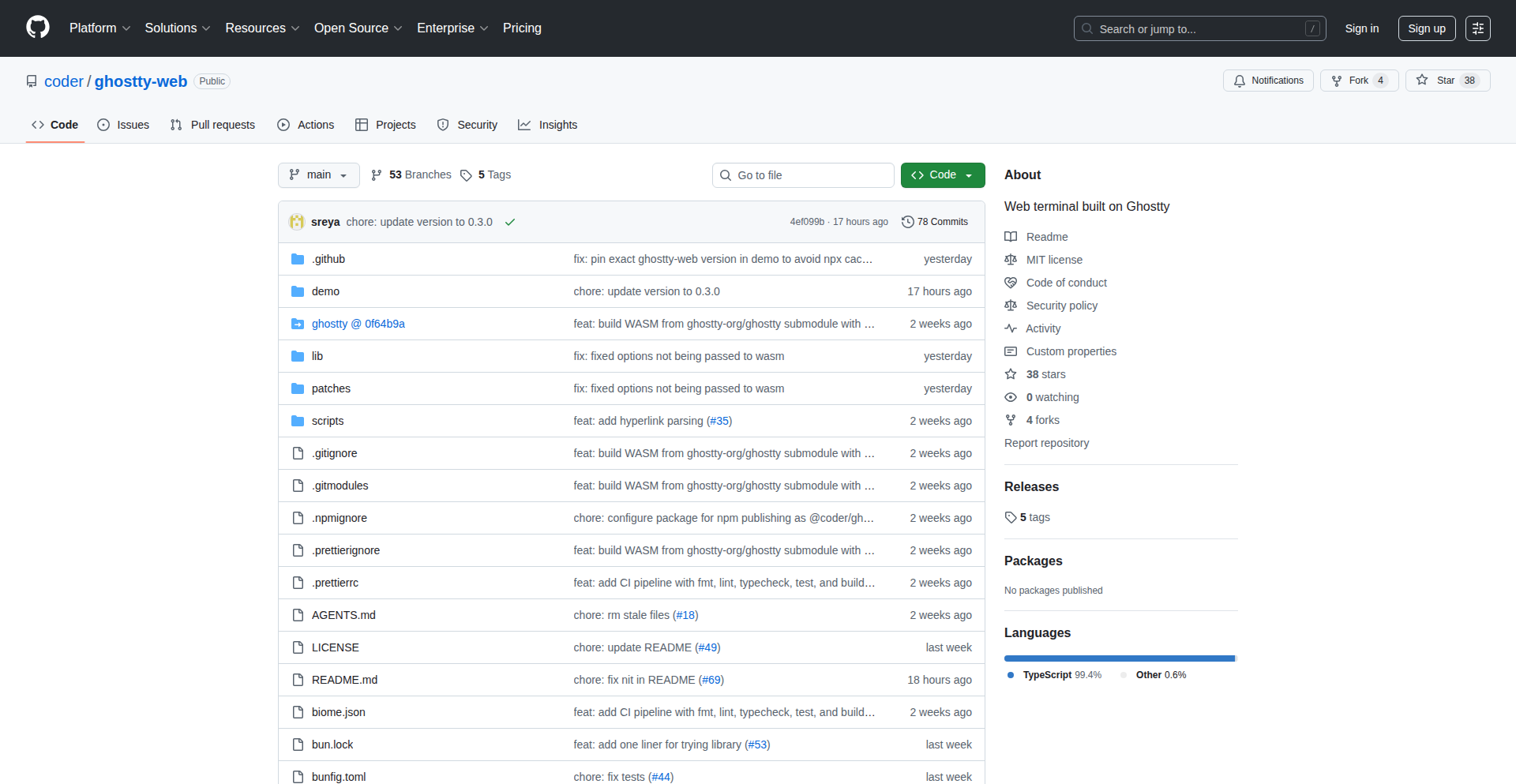
Ghostty-Web: Terminal Emulation on the Web
Author
jonayers_
Description
Ghostty-Web brings the power of a modern terminal emulator directly into your web browser. It's a browser-based terminal that aims to provide a familiar and efficient command-line experience without requiring any local installation. This innovation lies in its ability to run a full-featured terminal environment within the browser's sandbox, making it accessible from any device with a web browser and network connection. The core technical challenge it tackles is rendering and interacting with a terminal state entirely within JavaScript and WebAssembly, effectively emulating terminal behavior for a seamless remote or local development experience.
Popularity
Points 10
Comments 3
What is this product?
Ghostty-Web is a browser-based terminal emulator. Instead of downloading and installing a separate terminal application on your computer, you can use Ghostty-Web directly within your web browser. Its innovative technical approach involves leveraging WebAssembly to run a high-performance terminal engine, and JavaScript to manage the user interface and interaction. This allows it to provide a rich, responsive, and feature-complete terminal experience that feels like a native application, but is accessible via a URL. The key innovation is achieving near-native performance and full terminal functionality (like syntax highlighting, scrolling, and input handling) within the constraints of a web browser environment. This is significant because it lowers the barrier to entry for accessing powerful command-line tools and environments.
How to use it?
Developers can use Ghostty-Web by simply navigating to its web interface. It can be used in various scenarios: for remote server management where direct SSH access might be cumbersome, for quick command execution on a shared machine, or for educational purposes where installing complex development tools is a hurdle. Integration could involve embedding Ghostty-Web within other web applications or platforms, allowing users to execute commands directly within a particular context. For example, a web-based IDE could embed Ghostty-Web to provide a fully functional terminal for build processes, dependency management, or running scripts, all without leaving the IDE's interface. The usage is as straightforward as opening a new tab and typing commands.
Product Core Function
· Web-based Terminal Emulation: Allows users to interact with a command-line interface directly in their browser, eliminating the need for local installation. This is valuable for quick access to command-line tools from any device.
· WebAssembly Performance: Utilizes WebAssembly to achieve high-performance terminal rendering and responsiveness, comparable to native applications. This means faster command execution and smoother scrolling, enhancing productivity.
· Cross-Platform Accessibility: Accessible from any device with a web browser, breaking down platform dependencies. This is ideal for developers working across different operating systems or using less powerful machines.
· Remote Command Execution: Enables executing commands on remote servers or services through a web interface, simplifying remote administration and development workflows.
· Rich User Interface: Provides a modern and feature-rich terminal experience, including features like syntax highlighting and efficient scrolling, improving the overall usability and developer experience.
Product Usage Case
· A developer needs to quickly deploy a web application on a remote server but doesn't want to set up an SSH client or deal with firewall configurations. They can use Ghostty-Web to connect to the server and execute deployment commands directly from their browser, saving time and setup overhead.
· An educational platform wants to offer students hands-on experience with command-line tools without requiring them to install any software on their personal computers. Ghostty-Web can be embedded into the platform, providing a sandboxed terminal environment for learning shell commands and basic system administration.
· A DevOps team needs a quick way to run diagnostic commands on a fleet of machines. Instead of logging into each machine individually, they can use Ghostty-Web, potentially integrated into a dashboard, to send commands to multiple endpoints and view the results centrally, streamlining troubleshooting efforts.
· A developer is working on a project that requires frequent compilation or testing of code. They can use Ghostty-Web within their browser to execute build scripts or run tests directly, keeping their development workflow consolidated within a single browser window and avoiding context switching between applications.
4
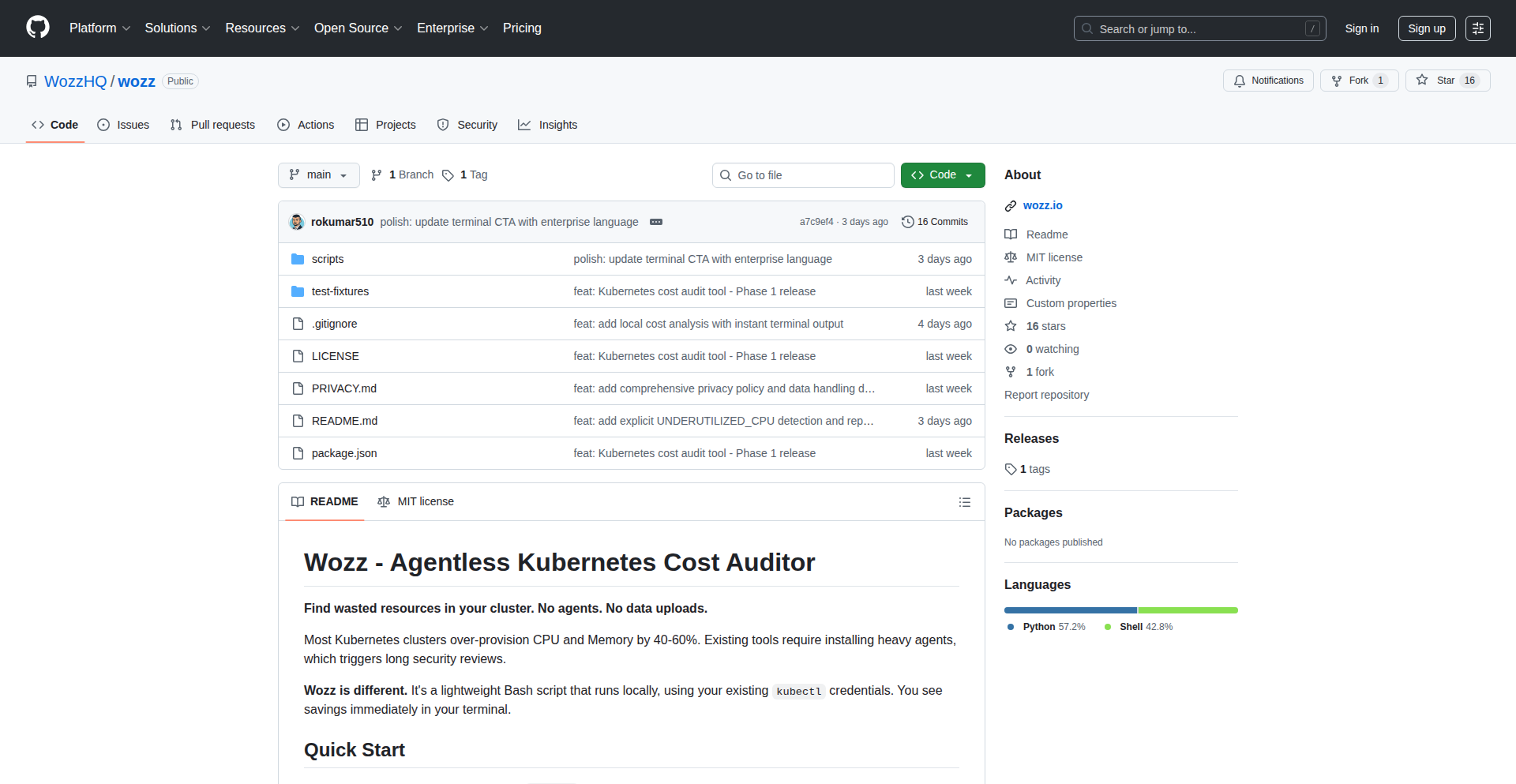
Wozz Kubernetes Cost Auditor
Author
rokumar510
Description
Wozz is an open-source, agentless tool designed to audit Kubernetes costs. It provides visibility into where your Kubernetes resources are consuming the most money, offering insights without requiring any agents to be installed within your clusters. This tackles the common challenge of understanding and optimizing cloud spending in complex containerized environments.
Popularity
Points 5
Comments 6
What is this product?
Wozz is an open-source project that helps you understand your Kubernetes spending. Instead of installing complex monitoring software (agents) inside your Kubernetes clusters, Wozz works by directly querying your Kubernetes API and cloud provider billing data. It analyzes resource usage (like CPU, memory, and storage) and correlates it with actual costs, presenting a clear breakdown of which applications, namespaces, or services are driving up your cloud bill. The innovation lies in its agentless approach, simplifying deployment and reducing overhead while still providing accurate cost allocation.
How to use it?
Developers can integrate Wozz into their DevOps workflows. You would typically deploy Wozz as a separate service that has read-only access to your Kubernetes cluster and your cloud provider's billing information. It can be run locally, in a CI/CD pipeline, or as a dedicated service. The output can be displayed in a dashboard or exported for further analysis, allowing teams to identify cost-saving opportunities by understanding resource utilization patterns and right-sizing deployments. This helps answer the question: 'Where is my Kubernetes budget going?'
Product Core Function
· Agentless Cost Monitoring: Wozz collects cost data by interacting with Kubernetes APIs and cloud billing services without deploying any agents. This means easier setup and less impact on your cluster performance, answering the need for simple cost visibility.
· Resource Utilization Analysis: It analyzes how much CPU, memory, and storage your Kubernetes resources are actually using. This helps identify underutilized or overprovisioned resources, directly addressing the problem of wasted cloud spend.
· Cost Allocation by Namespace/Application: Wozz can attribute costs to specific namespaces or applications within your Kubernetes cluster. This granular breakdown is crucial for understanding which parts of your system are the most expensive and where to focus optimization efforts.
· Customizable Reporting: The tool is designed to provide flexible reporting, allowing developers to customize how cost data is presented. This means you can get the insights you need in a format that suits your team's workflow, making the data actionable.
· Open Source and Extensible: Being open-source means developers can inspect the code, contribute, and extend its functionality. This fosters community collaboration and allows for tailoring the tool to specific or unique cloud environments.
Product Usage Case
· A development team notices their cloud bill is unexpectedly high. They deploy Wozz, which quickly identifies that a specific microservice in the 'production' namespace is consuming a disproportionate amount of CPU and memory, leading to higher instance costs. Wozz's output shows exactly which pods are the culprits, enabling the team to optimize the service's resource requests and limits, thus reducing their monthly expenditure.
· A platform engineering team wants to provide cost transparency to different application teams within a shared Kubernetes cluster. By running Wozz and using its namespace-level cost breakdown, they can generate reports showing each team how much their services are costing. This empowers teams to manage their own budgets and encourages more efficient resource usage.
· A startup is running its application on Kubernetes and is conscious of its cloud spending. They integrate Wozz into their CI/CD pipeline. Before deploying new features, they can run Wozz to get an estimate of the potential cost impact, helping them make informed decisions about resource provisioning and architecture choices, ensuring they stay within budget.
5
Claude Skill Forge

Author
thanhdongnguyen
Description
Claude Skill Forge simplifies the creation of custom AI skills for Claude, a powerful language model. It automates the intricate process of defining AI behaviors, which traditionally requires deep technical knowledge of file structures, YAML configuration, and precise prompt engineering. Instead of wrestling with complex code and settings, users can now describe their desired AI capabilities conversationally, and the platform intelligently generates a fully functional, optimized skill package ready for immediate use with Claude. This innovation democratizes AI customization, making it accessible to a wider range of users and accelerating the development of specialized AI assistants.
Popularity
Points 8
Comments 2
What is this product?
Claude Skill Forge is an AI-powered platform that automatically generates custom 'skills' for Claude, an advanced AI language model. Normally, building a skill for Claude involves manually creating specific files, configuring complex YAML settings, and crafting intricate prompts to guide the AI's behavior. This requires significant technical expertise and time. Claude Skill Forge streamlines this by allowing users to express their desired AI functionality in plain language. Its AI then translates these ideas into the precise technical specifications needed to build a functional skill, handling all the underlying complexity. So, what's the innovation? It takes the highly technical, manual, and error-prone process of AI skill development and makes it intuitive and automated, significantly lowering the barrier to entry for creating bespoke AI agents.
How to use it?
Developers can use Claude Skill Forge by visiting the platform's website. You describe the specific task or behavior you want your Claude AI to perform. For example, you might say, 'I want Claude to act as a helpful chatbot for my e-commerce store, answering customer questions about products and order status.' You then refine this description through conversation with the MakeSkill AI. Once you're satisfied, the platform generates a complete, ready-to-use skill package. This package can be directly downloaded and imported into your Claude environment. This means you can quickly equip your AI with new, specialized capabilities without needing to write any code or understand the underlying file structures yourself. So, how does this help you? It allows you to create custom AI assistants for your specific needs much faster and easier than before.
Product Core Function
· Conversational AI Skill Definition: Users can describe their desired AI skills in natural language, making the creation process intuitive and accessible even without deep programming knowledge. This translates complex needs into actionable AI instructions.
· Automated Skill Package Generation: The platform automatically constructs all necessary configuration files and code, including correct file system structures and YAML metadata, ensuring the skill adheres to best practices for Claude. This saves significant manual effort and reduces errors.
· Prompt Engineering Automation: Intelligent AI algorithms handle the complex task of prompt engineering, crafting precise instructions for Claude to achieve the desired behavior. This is crucial for an AI's performance and consistency.
· Direct Claude Integration: The generated skill packages are designed for seamless import into Claude, allowing for immediate deployment and testing of the new AI capabilities. This minimizes setup friction and speeds up the iteration cycle.
· Technical Best Practice Enforcement: The system ensures that all generated skills follow Claude's recommended technical specifications and best practices, leading to more robust and reliable AI agents.
Product Usage Case
· Scenario: A small business owner wants to create an AI assistant to handle customer support inquiries for their online store. Instead of hiring a developer or spending weeks learning AI programming, they use Claude Skill Forge. They describe the desired functions: answering FAQs, checking order status, and providing product recommendations. The platform automatically builds a specialized skill that integrates directly into their Claude AI, allowing it to immediately assist customers and freeing up the owner's time.
· Scenario: A content creator wants to develop an AI persona that can help them brainstorm blog post ideas and write initial drafts in a specific tone. They use Claude Skill Forge to define this persona, detailing its writing style and areas of expertise. The resulting skill enables Claude to act as a dedicated AI writing partner, accelerating content creation and maintaining a consistent voice. This addresses the challenge of having an AI that truly understands and replicates a specific creative style.
· Scenario: A researcher needs an AI assistant to help them summarize complex academic papers and extract key findings. They describe the specific requirements to Claude Skill Forge, including the types of papers and the detail level for summaries. The generated skill allows their Claude AI to act as a specialized research assistant, significantly speeding up literature review and knowledge extraction. This solves the problem of manually processing large volumes of technical information.
6
StyleCompass

Author
EthanSeo
Description
StyleCompass is a curated directory of fashion brands, organized by aesthetic style rather than brand name. It addresses the common problem of not knowing where to start when trying to find clothing that matches a desired look, allowing users to discover brands based on styles like 'Classic', 'Minimal', or 'Streetwear'. It's built with a focus on low friction, enabling brand suggestions without requiring a login, embodying a hacker's approach to problem-solving through direct action and community contribution.
Popularity
Points 3
Comments 5
What is this product?
StyleCompass is a web-based directory that helps you discover fashion brands based on your preferred style. Instead of searching for specific brand names you might not know, you can browse through categories like 'Classic', 'Minimal', or 'Streetwear' to find brands that align with your desired aesthetic. The innovation lies in its user-centric organization, making fashion discovery intuitive and accessible, especially for those new to styling. It's built to be open, allowing anyone to suggest new brands without the hassle of registration, reflecting a commitment to community-driven development.
How to use it?
Developers can use StyleCompass as a reference for building their own personalized style guides or as a data source for fashion recommendation engines. For example, a developer creating a personal styling app could integrate StyleCompass's brand categorization to quickly populate their app with relevant brands for different styles. The open contribution model means developers can also contribute their expertise by suggesting new brands or refining existing categories, directly improving the tool for everyone. Its simplicity also makes it an excellent example for learning how to build user-friendly, community-contributed web applications with minimal barriers to entry.
Product Core Function
· Style-Based Brand Discovery: Allows users to find fashion brands by browsing curated style categories (e.g., 'Classic', 'Minimal', 'Streetwear'). This simplifies the process of finding suitable brands, even if you don't know specific names, by focusing on the desired look.
· Frictionless Brand Suggestion: Enables users to suggest new fashion brands to be added to the directory without requiring account creation or login. This fosters community participation and ensures the directory stays comprehensive and up-to-date with minimal effort for contributors.
· Community-Driven Curation: The entire directory is built and maintained through community contributions and feedback. This decentralized approach ensures a diverse range of brands and styles are represented, reflecting real-world fashion trends and user preferences.
Product Usage Case
· A fashion blogger wanting to recommend brands for a 'streetwear' look can quickly find a comprehensive list of relevant brands within StyleCompass. This saves them hours of research and ensures their recommendations are diverse and stylish.
· A user who feels overwhelmed by online shopping and doesn't know where to start with building a 'classic' wardrobe can use StyleCompass to explore brands that fit that aesthetic. This provides a clear starting point and reduces the frustration of browsing aimlessly.
· A developer building a personalized styling tool could leverage StyleCompass's data to populate their application with relevant brands. If the tool suggests a 'minimalist' style, the developer can easily pull brands from the 'Minimal' category on StyleCompass, saving development time and improving the tool's functionality.
7
Logical Contextual Copilot

Author
samkaru
Description
Logical is a desktop AI assistant that understands your workflow context locally, without requiring prompts. It proactively offers helpful actions across applications like email, documents, and terminals, aiming to reduce friction by acting like a proactive teammate rather than a reactive chatbot. Its core innovation lies in leveraging ambient desktop context for intelligent, on-demand assistance, with a strong emphasis on local processing and privacy.
Popularity
Points 8
Comments 0
What is this product?
Logical is an AI copilot designed to live on your desktop and observe your digital activities. Instead of waiting for you to type a command or question, it uses the context of what you're doing in different applications – such as writing an email, reviewing a document, or looking at terminal output – to anticipate your needs. For example, if you open a message asking to schedule a meeting, Logical might proactively offer to check your calendar. It achieves this by building a local context engine that digests information from your apps, sanitizes sensitive data locally, and uses a vector store and knowledge graph for quick retrieval. An 'intent engine' then infers your goals to surface relevant actions at the right time. The innovation is in shifting from a prompt-driven AI interaction to a context-aware, proactive one, reducing the mental load and context switching required from the user. This is valuable because it makes AI feel more like a seamless assistant integrated into your work, rather than another tool you have to actively manage. The privacy-first approach, with local processing and data sanitization, is also a key differentiator for users concerned about cloud data exposure.
How to use it?
Developers can integrate Logical by installing it on their macOS machines. It automatically starts observing your application usage. For instance, when you receive an email asking for a quick chat, Logical will appear and suggest checking your schedule directly. If you're working on a spreadsheet and start typing a common pattern, it might suggest an Excel formula. While working on research papers, highlighting a complex term could trigger a contextual explanation. For developers, Logical can monitor terminal activity and offer to extract error messages or suggest relevant commands. The goal is to have Logical surface these suggestions naturally within your existing workflow, minimizing the need to switch applications or copy-paste information. For future development, Logical aims to allow developers to plug into its context and intent engines, enabling them to build even richer, context-aware experiences within their own applications.
Product Core Function
· Proactive Email Reply Suggestions: When you open an email thread and are about to reply, Logical can analyze the context and suggest potential responses, saving you time and cognitive effort in crafting replies.
· Meeting Scheduling Assistance: If a message indicates a desire to schedule a meeting, Logical can proactively offer to check your availability or suggest times, streamlining the coordination process.
· Automated To-Do Extraction: Logical can automatically identify and extract tasks from meetings, emails, or documents, and then remind you to follow up, ensuring that action items are not missed.
· Contextual Application Assistance: For tasks like working in Excel, Logical can suggest relevant formulas based on your current activity, reducing the need to manually search for or recall complex functions.
· On-the-Fly Term Explanations: When reading research papers or technical documents, highlighting unfamiliar terms can trigger Logical to provide immediate explanations, accelerating comprehension and learning.
· Local Data Processing and Privacy: All context analysis and sanitization happen on your device, ensuring that sensitive user data never leaves your computer, which is crucial for privacy-conscious users and organizations.
Product Usage Case
· As a busy founder juggling emails and investor calls, Logical proactively offers to draft responses to common inquiries or suggests checking your calendar when someone asks for a quick chat, saving you precious minutes per interaction and preventing scheduling conflicts.
· A researcher working on a complex paper encounters an unfamiliar scientific term. By simply highlighting it, Logical instantly provides a concise definition, allowing them to continue their reading without interruption or the need to open a separate browser tab, thereby accelerating their research process.
· A software engineer is debugging a production issue. Logical monitors their terminal and, upon detecting an error log, offers to extract the relevant error message and suggest potential troubleshooting steps based on past similar issues, speeding up the resolution time for critical bugs.
· A project manager reviewing meeting notes in a document. Logical identifies action items and automatically adds them to a to-do list, and then reminds the manager to follow up on them later, ensuring project tasks are managed efficiently and nothing falls through the cracks.
8
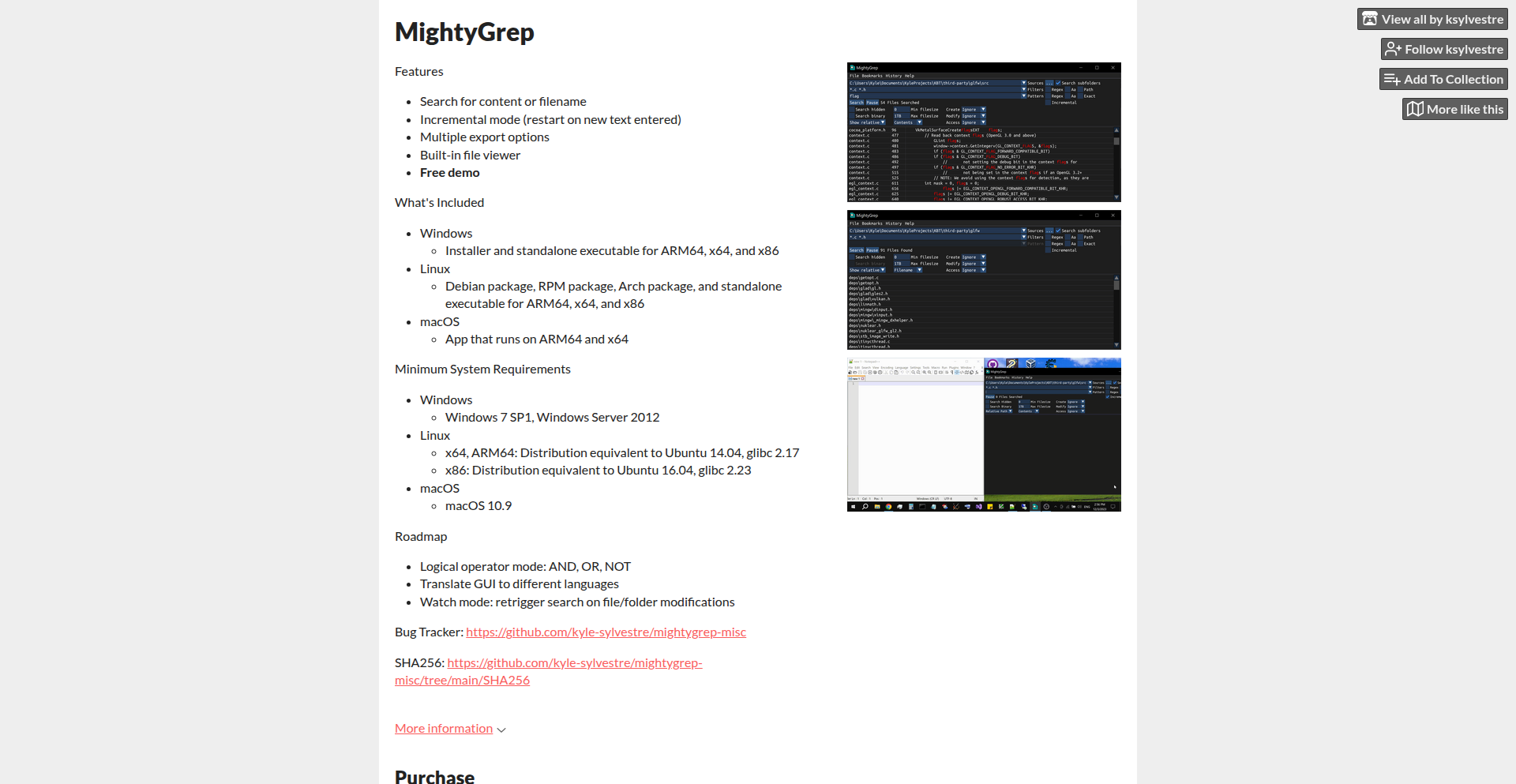
MightyGrep: Accelerated Plaintext Explorer
Author
zeeeeeebo
Description
MightyGrep is a high-performance graphical utility designed for rapid plaintext searching across various file types. It addresses the common developer need for quickly locating specific information within codebases, log files, and configuration files, especially when traditional tools fall short in speed or usability. Its innovation lies in its optimized search algorithms and a responsive GUI, offering a seamless experience for developers dealing with large volumes of text data.
Popularity
Points 7
Comments 0
What is this product?
MightyGrep is a desktop application that allows you to quickly and efficiently search for text within any plain text file. Imagine needing to find a specific function name in a large codebase or a particular error message in a massive log file. Instead of slow, clunky methods, MightyGrep uses advanced indexing and optimized search techniques to instantly scan your files and present the results in a user-friendly graphical interface. This means you spend less time searching and more time coding or debugging. The core innovation is its speed and directness, providing a specialized tool that outperforms general-purpose search functions for this specific task.
How to use it?
Developers can download and install MightyGrep on Windows, macOS, or Linux. Once installed, they can simply point MightyGrep to a directory (like their project folder or a log file directory) and type in their search query. The application will then immediately begin scanning all plaintext files within that directory and its subdirectories, displaying matching lines with context. It's designed to be a drop-in replacement for slower search methods within IDEs or command-line tools when speed and clarity are paramount. You can integrate it by simply opening it alongside your development workflow, making quick lookups a seamless part of your day.
Product Core Function
· Real-time text searching: Provides instantaneous search results as you type, allowing for quick iterative refinement of search queries, significantly reducing the time spent on manual text discovery.
· Cross-platform compatibility: Available for Windows, macOS, and Linux, ensuring developers can use their preferred tool regardless of their operating system, promoting consistent workflow across different environments.
· Optimized search algorithms: Leverages efficient indexing and search techniques to handle large files and directories with remarkable speed, overcoming performance bottlenecks of generic search utilities.
· Intuitive graphical user interface: Presents search results in a clean, organized manner with context, making it easy to identify relevant information and navigate through findings without complex command-line syntax.
· File type flexibility: Works with any plaintext file, making it versatile for code, logs, configuration files, and more, offering a unified search solution for diverse developer needs.
Product Usage Case
· Debugging a complex application: A developer needs to find all occurrences of a specific error message in multiple log files across different servers. MightyGrep can scan all these log files at once, presenting a consolidated list of errors with line numbers and surrounding context, drastically speeding up the debugging process.
· Refactoring a large codebase: When undertaking a major code refactor, a developer needs to find every instance of a deprecated function or variable. MightyGrep can quickly scan the entire project's source code, highlighting all relevant lines and allowing the developer to efficiently update them.
· Analyzing configuration files: A system administrator needs to find a specific setting within dozens of configuration files. MightyGrep can rapidly scan all configuration files in a directory, pinpointing the exact lines containing the desired setting, saving significant manual effort.
9
Cloakly

Author
jaygood
Description
Cloakly is a Windows tool designed to enhance privacy during coding interviews. It selectively hides specified windows from screen-sharing streams, addressing the imbalance where interviewers can keep their notes private while candidates are forced to expose their entire desktop. Its core innovation lies in its ability to precisely control what is visible during a screen share, empowering candidates with a basic level of privacy.
Popularity
Points 1
Comments 5
What is this product?
Cloakly is a Windows application that acts as a digital privacy shield for coding interviews. It leverages system-level window management to intercept and selectively mask certain application windows from being captured by screen-sharing software. This means you can have sensitive information, like your personal notes or other applications you don't want the interviewer to see, open on your computer without them appearing in the shared screen. The technical insight here is understanding how screen-sharing applications capture display output and then programmatically intervening in that process to exclude specific windows. This provides a much-needed layer of privacy for candidates.
How to use it?
Developers can use Cloakly by installing the Windows application and then configuring which specific windows they want to keep private during their coding interviews. Once configured, when the candidate starts screen-sharing for an interview, Cloakly will automatically ensure that the selected windows are not visible to the interviewer. This can be integrated into a typical interview workflow by simply running Cloakly in the background before starting the screen-sharing session for the interview platform (like Zoom, Google Meet, etc.).
Product Core Function
· Window masking: The core functionality is the ability to hide specific windows from screen-sharing applications. This is technically achieved by intercepting graphics rendering calls or manipulating window properties to prevent them from being captured by the screen capture API. The value is direct privacy control, preventing accidental or intentional exposure of sensitive data.
· Selective visibility control: Users can choose which applications or windows to hide, offering granular control over their privacy. This is important because not everything needs to be hidden, and users want to be able to show relevant parts of their screen. This provides flexibility and ensures only unintended exposures are prevented.
· Background operation: Cloakly runs in the background without interfering with the user's workflow. This means you can set it up and forget about it during the interview, focusing on the coding task at hand. The value is seamless integration into the interview process without adding complexity.
· User-friendly configuration: The application offers an intuitive interface for selecting and managing the windows to be cloaked. This makes the technology accessible even to users who are not deeply technical. The value is ease of use and quick setup, reducing the barrier to entry for essential privacy.
Product Usage Case
· Scenario: A candidate is preparing for a remote coding interview and needs to have their personal notes open to reference syntax or common algorithms. Using Cloakly, they can select their note-taking application (e.g., Obsidian, Notion, or even a simple text file) to be hidden. When they start screen-sharing, the interviewer will only see their code editor and the interview platform, not the candidate's reference materials. This solves the problem of needing external resources without revealing them to the interviewer.
· Scenario: A candidate has multiple applications open, including their personal instant messenger, a browser with unrelated tabs, and their code editor. They are concerned that accidentally switching to or seeing notifications from personal apps might be perceived negatively. With Cloakly, they can choose to cloak these personal applications, ensuring only the code editor and the interview environment are visible during the screen share. This addresses the issue of maintaining a professional appearance and avoiding distractions or misinterpretations by the interviewer.
· Scenario: An interviewer might ask a candidate to demonstrate their understanding of a particular library or framework by quickly pulling up documentation. The candidate might prefer to have the documentation pre-loaded in a separate window and use Cloakly to ensure it only appears when they intend to show it, rather than having it constantly visible. This allows for a more controlled demonstration and reduces the anxiety of having potentially unorganized or distracting windows visible.
· Scenario: During a pair programming session for a technical assessment, a candidate might need to reference a personal cheat sheet or a complex diagram that is too distracting to have constantly visible. Cloakly allows them to quickly toggle the visibility of these resources, providing a clean screen for the interviewer while still allowing the candidate to access necessary aids. This solves the problem of balancing the need for resources with the desire for a clear and focused presentation.
10
Rubber Duck: Pre-emptive App Store Review Assistant

Author
Sayuj01
Description
Rubber Duck is an AI-powered and human-assisted platform designed to proactively identify and resolve common App Store rejection issues before developers submit their iOS applications. It simulates the App Store review process, catching problems related to metadata, UI inconsistencies, device-specific bugs, privacy concerns, and unexpected crashes, thereby accelerating app launch times and reducing development friction.
Popularity
Points 1
Comments 4
What is this product?
This project is a smart tool that acts like a pre-App Store reviewer for your iOS apps. It uses a combination of automated checks and real human testers, equipped with actual iPhones, to simulate the Apple review process. The innovation lies in its ability to catch issues that often lead to rejections, such as incorrect app descriptions, minor visual glitches on different iPhone models, or missed privacy entries. Think of it as a rigorous quality assurance step before you hand your app over to Apple, saving you from frustrating delays. The core idea is to leverage a systematic approach, mirroring Apple's review criteria, but in a faster and more developer-friendly manner. This helps ensure your app meets the necessary standards from the outset, reducing the guesswork and the pain of unexpected rejections.
How to use it?
Developers can integrate Rubber Duck into their workflow by submitting their iOS app builds for review. The platform then performs automated scans, looking for common pitfalls like missing or incorrect metadata, UI elements that might not render correctly on specific devices, or potential privacy violations. Following the automated checks, a team of human testers, using a variety of real iPhones and iOS versions, will thoroughly test the app, mimicking the experience of an App Store reviewer. Developers receive a detailed report highlighting any identified issues, along with actionable recommendations for fixes. This can be integrated into CI/CD pipelines to provide feedback early in the development cycle, or used as a final quality gate before submission. The value proposition is clear: catch potential rejection points early, fix them efficiently, and achieve a smoother, faster App Store launch.
Product Core Function
· Automated metadata validation: This checks if your app's description, keywords, and other textual information comply with App Store guidelines, ensuring better discoverability and avoiding rejections due to missing or inaccurate details. This saves you time by catching these administrative errors automatically.
· UI/UX consistency checks: The system verifies that your app's user interface looks and functions correctly across a range of iPhone models and iOS versions, preventing issues caused by screen size differences or software incompatibilities. This means your app will appear polished and work reliably for a wider audience.
· Privacy policy verification: Rubber Duck scans for common privacy-related oversights, such as missing or incorrect privacy manifest entries, ensuring your app adheres to Apple's strict privacy requirements. This protects your app from being rejected for privacy compliance issues, which can be complex to navigate.
· Crash detection and flow analysis: By employing real devices and testers, the platform can uncover unexpected crashes or broken user flows that might be missed by purely automated testing. This ensures a stable and seamless user experience, leading to higher user satisfaction and fewer support issues.
· Human-in-the-loop testing: Combining AI with real human testers provides a comprehensive review that captures nuances and edge cases that automated systems might overlook, offering a more thorough assessment. This provides a level of scrutiny that closely mirrors the actual App Store review process, giving you greater confidence in your submission.
Product Usage Case
· A developer is launching a new social media app and has spent weeks polishing the features. Before submitting, they use Rubber Duck. The platform flags that the privacy description doesn't fully align with the data collection methods, and a specific button is misaligned on the iPhone 14 Pro. The developer corrects these issues, leading to a quicker, smoother App Store approval, avoiding days of back-and-forth.
· An e-commerce app is about to go live for the holiday season. Rubber Duck's testers discover that the checkout flow crashes on an older iPhone model due to a recently introduced software bug. The team fixes the bug before launch, preventing potential lost sales and negative customer reviews, ensuring the app is robust during the critical sales period.
· A game developer is preparing for a global launch. Rubber Duck identifies that the app's metadata for different regions contains grammatical errors and inconsistencies in translation, which could lead to delayed reviews or rejection in non-English speaking markets. By fixing these localization issues, the developer ensures a simultaneous and successful global release.
11
CodeSupport AI: The Extensible Customer Engagement Engine

Author
frenchriera
Description
CodeSupport AI is an open-source, code-first alternative to Intercom, designed for modern teams empowered by AI. It treats customer support as an integral part of your codebase, making it adaptable, testable, and easily upgradeable. The core innovation lies in its 'code-first' approach, allowing your existing codebase, including LLMs, to directly influence and enhance customer support functionalities. This means your support system evolves alongside your product and AI capabilities, providing a more personalized and efficient customer experience.
Popularity
Points 2
Comments 3
What is this product?
CodeSupport AI is a developer-centric platform that embeds customer support directly into your application's codebase. Unlike traditional SaaS solutions, it's not an external tool you 'plug in'; instead, it's a component you integrate and customize within your own code. The 'code-first' philosophy means that changes, updates, and even AI-driven enhancements to your support system are managed through code. This allows for highly tailored support experiences that are as unique as your product. It leverages your existing development workflows, making support scalable and testable. The primary innovation is treating customer support as a dynamic, code-driven feature rather than a static service.
How to use it?
Developers integrate CodeSupport AI as an NPM package into their React applications. By defining support logic and customer interaction flows directly in their codebase, they gain granular control. This could involve defining specific responses based on user actions, integrating with internal data sources for personalized assistance, or even allowing AI agents to directly access and update support-related information within the application's context. The accompanying dashboard provides a real-time view of customer interactions and allows human agents to step in when needed, all while maintaining the code-first paradigm.
Product Core Function
· Code-driven support logic: Implement custom customer support workflows and responses directly within your application's code, allowing for unique and dynamic interactions tailored to your product and users. This is valuable for creating highly specific support experiences that traditional platforms can't offer.
· AI integration for support enhancement: Leverage your existing or new Large Language Models (LLMs) to automate responses, provide contextual information, and continuously improve support quality. This empowers smaller teams to handle a larger volume of customer inquiries efficiently.
· Testable and versionable support system: Treat your customer support as any other piece of code, allowing for rigorous testing and version control. This ensures reliability and makes it easy to roll back changes or deploy updates to your support system.
· Real-time monitoring dashboard: A dedicated dashboard provides visibility into customer conversations, support performance, and agent activity. This allows for effective management and oversight of customer interactions.
· Extensible support modules: Design your support system to be modular and easily expandable, allowing for the addition of new features or integrations as your product and customer needs evolve. This future-proofs your support infrastructure.
Product Usage Case
· A SaaS company uses CodeSupport AI to embed product-specific help guides and troubleshooting steps directly into their application interface. When a user encounters an error, the code-first system analyzes the error message and triggers a pre-defined code snippet that guides the user through a solution, reducing the need for manual support intervention.
· An e-commerce platform integrates CodeSupport AI to personalize post-purchase support. The system, leveraging user order data and AI, can automatically answer common questions about shipping status, returns, or product usage, providing a seamless and proactive customer experience.
· A FinTech startup uses CodeSupport AI to manage complex customer inquiries requiring access to sensitive data. By defining the LLM's access and interaction rules within the codebase, they ensure secure and compliant customer support while maintaining high efficiency.
· A gaming company implements CodeSupport AI to create in-game support for common gameplay issues. This allows players to get instant help without leaving the game, improving player retention and satisfaction.
12
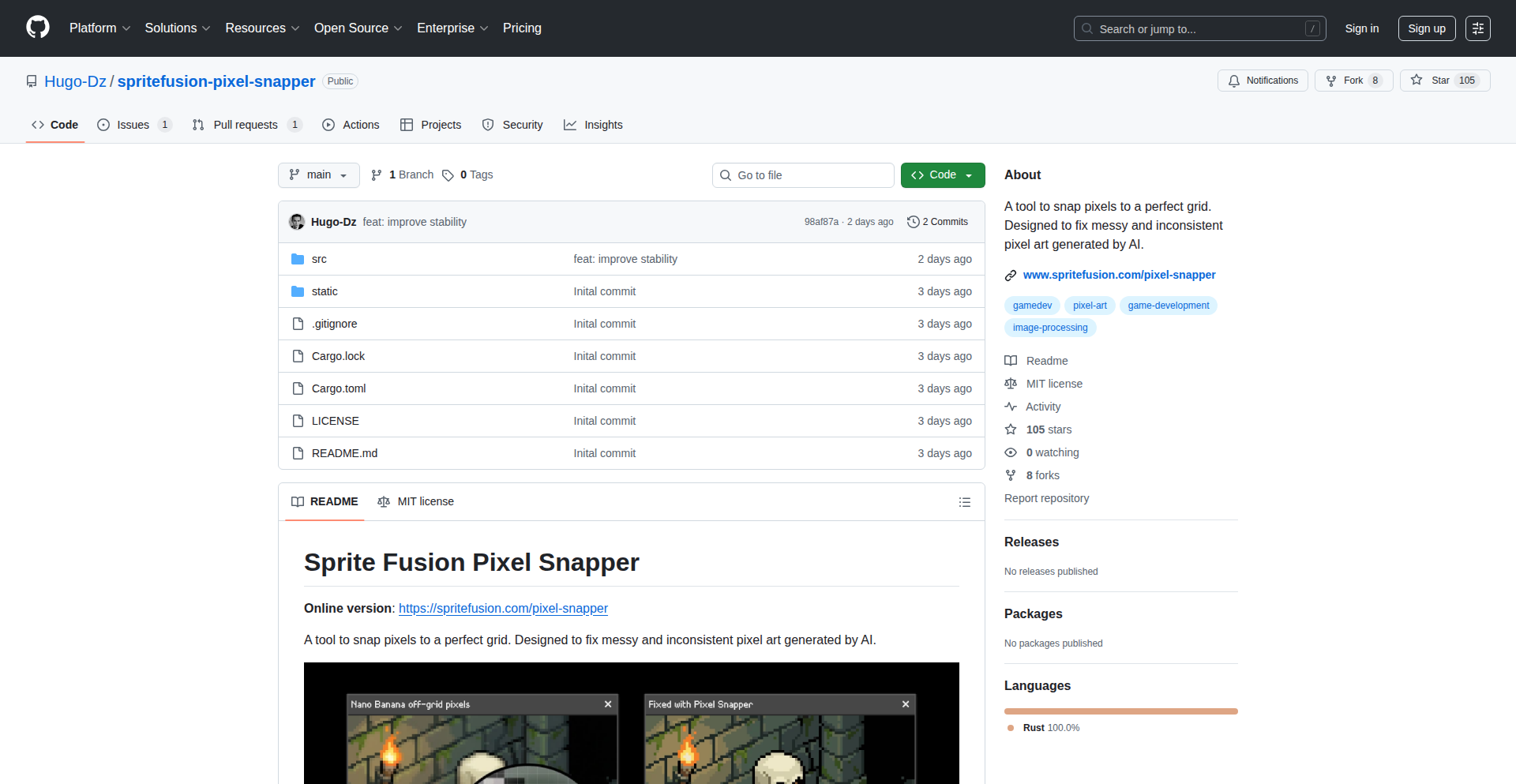
PixelForge-Rust
Author
HugoDz
Description
A Rust-based tool designed to meticulously fix and enhance Google's Nano Banana Pixel Art. This project tackles the common challenge of pixel art rendering inconsistencies and color palette issues on different platforms by providing a precise, code-driven approach to pixel manipulation. It leverages Rust's performance and memory safety to offer a robust solution for pixel art enthusiasts and developers.
Popularity
Points 5
Comments 0
What is this product?
PixelForge-Rust is a utility built with the Rust programming language that specifically addresses imperfections in the Nano Banana pixel art, a type of small, detailed bitmap graphic. The core innovation lies in its algorithmic approach to analyzing and correcting pixel data. Instead of relying on manual edits, it uses Rust to perform low-level pixel operations, identifying and rectifying issues like incorrect color values, misplaced pixels, or anti-aliasing artifacts. This offers a more consistent and reliable way to ensure pixel art looks exactly as intended, regardless of where it's displayed. So, what's in it for you? It means your pixel art will be perfectly rendered every time, eliminating frustrating visual glitches.
How to use it?
Developers can integrate PixelForge-Rust into their asset pipelines or use it as a standalone command-line tool. The project likely exposes APIs or CLI commands that allow users to input the problematic pixel art files (e.g., PNGs) and specify correction parameters. Rust's efficiency makes it suitable for batch processing large numbers of assets or for real-time applications where speed is critical. For instance, you might script it to automatically clean up imported pixel art before it's used in a game engine. How does this help you? It streamlines your art workflow and ensures high-quality visual output for your projects.
Product Core Function
· Pixel data analysis: This function uses Rust to meticulously scan each pixel in the artwork, identifying deviations from the intended design or known issues. The value is in detecting subtle errors that are hard to spot manually, ensuring accuracy. It's useful for quality assurance in game development assets.
· Algorithmic pixel correction: Based on the analysis, this function applies targeted fixes to individual pixels or groups of pixels, restoring correct colors and positions. The value here is in automating the tedious process of fixing art, saving significant development time. This is great for anyone working with pixel art that needs to be consistently perfect.
· Cross-platform rendering consistency: By enforcing precise pixel values, this tool ensures that the Nano Banana pixel art will look identical across different operating systems, browsers, and devices. The value is in eliminating visual inconsistencies that can harm user experience. This is essential for web developers and game designers aiming for a uniform look.
· Performance-optimized processing: Built with Rust, this tool can process pixel art quickly and efficiently, even for large or complex assets. The value is in speeding up asset preparation and integration into development workflows. This is beneficial for projects with tight deadlines or large asset libraries.
Product Usage Case
· Game development: A game developer can use PixelForge-Rust to automatically clean up imported pixel art assets before integrating them into their game engine, ensuring that character sprites and UI elements are rendered without visual errors. This solves the problem of art looking different in the game than in the art editor, leading to a polished final product.
· Web design: A web designer working on a retro-themed website can employ PixelForge-Rust to ensure that all pixel art used for icons or decorative elements displays consistently across various browsers and screen resolutions. This prevents the website from looking unprofessional due to rendering differences, maintaining a cohesive aesthetic.
· Asset pipeline automation: A studio can integrate PixelForge-Rust into their automated build pipeline to process all pixel art assets as they are committed to version control. This ensures that only corrected and high-quality art makes it into production builds, saving artists and engineers from manual checks and corrections. This provides a proactive approach to quality control.
13
StatementOCR-to-CSV

Author
spiked
Description
A web application that transforms messy bank statement PDFs, even scanned ones, into well-structured CSV files compatible with Excel and QuickBooks. It tackles the common frustration of unreadable bank data by employing OCR and offering an AI-powered option for enhanced accuracy, all while prioritizing user privacy.
Popularity
Points 2
Comments 3
What is this product?
This project is a smart converter for your bank statements. Often, bank websites make it hard to get your transaction history in a usable format, especially if your statements are old scans or have weird layouts. Statements to Sheets uses Optical Character Recognition (OCR) to 'read' the text from images within your PDFs, just like a person would. It's designed to be robust and handle the messiness of real-world bank documents. Think of it as a digital assistant that cleans up financial paper for you, making it easy to analyze your spending or import into accounting software. The innovative part is its focus on handling difficult-to-convert formats and offering an optional, privacy-first AI component for even better results, meaning your financial data isn't being sent off to a central server for processing unless you choose to.
How to use it?
Developers can use this project by uploading their bank statement PDFs directly to the web application at statementstosheets.com. The system then processes the PDF, extracts the transaction data using OCR and potentially AI, and provides a clean CSV file for download. This CSV can be directly imported into spreadsheet software like Microsoft Excel or accounting tools like QuickBooks. For integration into other workflows or custom applications, one would typically look for an API endpoint, though this specific Show HN post focuses on the direct web app usage. The value here is saving significant manual data entry time and reducing errors associated with manual transcription.
Product Core Function
· Optical Character Recognition (OCR) for scanned documents: This allows the system to accurately extract text from images within PDFs, effectively digitizing handwritten notes or printed text that's been scanned. The value is making unusable scanned statements accessible and editable.
· AI-powered data extraction (optional, privacy-first): This enhances the accuracy of identifying and categorizing transactions by leveraging machine learning. The value is more precise data for financial analysis and accounting, with the added benefit of user control over data privacy.
· Multi-page PDF support: The application can handle statements spanning multiple pages, consolidating all transaction data into a single CSV. The value is a complete and unified view of your financial history without manual page stitching.
· Clean CSV output for financial software: The generated CSV files are formatted to be easily imported into popular tools like Excel and QuickBooks. The value is seamless integration with existing financial management tools, saving hours of manual reconciliation.
Product Usage Case
· A freelancer needs to compile two years of bank statements for tax purposes but her bank only provides scanned PDFs. She uploads them to Statements to Sheets, which converts them into a clean CSV. She then easily imports this CSV into Excel to calculate her deductible expenses, saving her days of manual data entry.
· A small business owner wants to import their monthly bank transactions into QuickBooks for bookkeeping. Their bank's export function is unreliable, often producing corrupted files. They use Statements to Sheets to get a perfect CSV, ensuring accurate financial records and simplifying tax preparation.
· A user is trying to analyze their spending habits over several years. Their older bank statements are only available as scanned images. Statements to Sheets extracts all the transaction details from these image-based PDFs, allowing the user to load the data into a custom Python script for in-depth analysis and visualization.
14
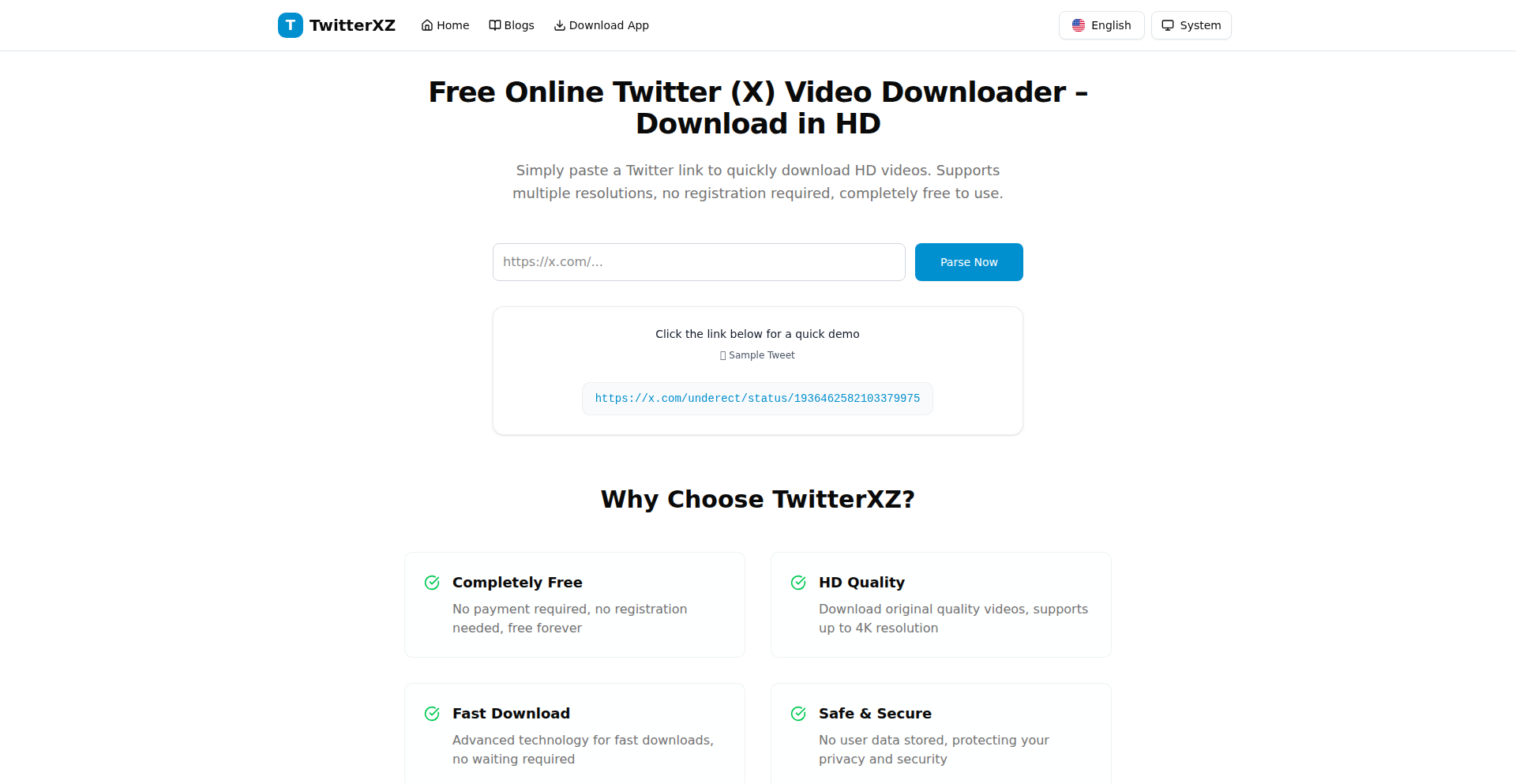
XTweetFlow
Author
mrasong
Description
XTweetFlow is a no-nonsense, ad-free, and privacy-respecting Twitter/X video downloader. It tackles the common frustration of finding reliable and clean tools to save videos from the platform. The core innovation lies in its stateless backend architecture and its focus on simplicity: just paste a tweet URL and get the video files, with options for different resolutions including HD.
Popularity
Points 4
Comments 1
What is this product?
XTweetFlow is a web application designed to download videos from Twitter/X. Its technical innovation is centered around a stateless backend. This means that it doesn't store any user data or session information on its servers. When you paste a tweet URL, the backend processes the request on the fly, finds the embedded video, and provides you with direct download links. This approach ensures maximum privacy and security, as nothing about your download activity is retained. It's built to be fast and efficient, offering multiple video resolutions when available, including high-definition options.
How to use it?
Developers can easily use XTweetFlow by navigating to the website (twitterxz.com). They simply paste the URL of the tweet containing the video they wish to download into the provided input field. Upon submission, the application will process the request and present direct download links for the video, often with options for different quality levels. For developers looking to integrate this functionality into their own applications, the underlying principles of fetching and processing media from URLs could inspire similar tools, although direct API integration for this specific purpose might be subject to platform terms of service. The core value proposition is ease of use and privacy, making it a go-to tool for individuals needing to save Twitter/X videos without hassle.
Product Core Function
· Direct video download from Twitter/X tweets: This function allows users to extract video files directly from tweets, bypassing the platform's native download limitations. The value is in providing easy access to content for archival or sharing purposes, solving the problem of inaccessible media.
· Multiple resolution options (including HD): The tool intelligently identifies and offers various video quality settings, ensuring users can download the best available version. This adds value by catering to different bandwidth conditions and user preferences for visual fidelity.
· Stateless backend for enhanced privacy: This is a significant technical advantage. By not storing any user data or download history, it guarantees that user activity is not tracked or logged. The value here is paramount for privacy-conscious users who want to avoid data collection.
· Ad-free and tracking-free experience: The absence of advertisements and tracking scripts contributes to a clean and user-friendly interface. This improves user experience and builds trust, offering a distraction-free way to achieve the desired outcome.
Product Usage Case
· Saving important video content from news or educational tweets for offline viewing or academic research. This addresses the need for reliable access to information that might otherwise be ephemeral on the platform.
· Archiving personal or professional video content shared on Twitter/X for long-term safekeeping. This solves the problem of losing valuable memories or professional assets due to platform changes or account issues.
· Content creators wanting to re-purpose their own video content shared on Twitter/X for use on other platforms. This provides a simple method to retrieve their original media without re-uploading or complex editing.
· Journalists or researchers needing to quickly capture video evidence or examples shared on Twitter/X for reporting or analysis. This offers a rapid and efficient way to gather multimedia evidence in time-sensitive situations.
15
MakhanaConnect: Village Agri-Supply Chain Orchestrator

Author
Vikkyv
Description
This project leverages Bolt IoT to create a direct-to-consumer (D2C) supply chain for Makhana (fox nut) farmers in a village. It tackles the challenge of inefficient traditional distribution by enabling farmers to directly reach consumers, facilitated by a connected hardware and software solution. The innovation lies in applying IoT to a rural agricultural context, streamlining logistics and increasing farmer profitability.
Popularity
Points 2
Comments 3
What is this product?
MakhanaConnect is a system built on Bolt IoT that establishes a direct sales channel for farmers growing Makhana. Imagine a village where farmers traditionally sell their produce through multiple intermediaries, losing a significant portion of their earnings. This project uses Bolt devices, which are small, programmable computers with internet connectivity, to help farmers manage their inventory, track shipments, and communicate directly with buyers. The core innovation is taking modern IoT technology, usually associated with urban tech, and applying it to a fundamental agricultural need, creating a more transparent and profitable supply chain for rural producers. Essentially, it's about connecting village farms directly to the world using smart technology.
How to use it?
Farmers can use simple interfaces, potentially connected to the Bolt devices, to register their harvested Makhana, specify quantities, and set prices. Consumers can then access this information (via a web or mobile interface linked to the Bolt system) to place orders directly. The Bolt devices would handle the communication part, perhaps triggering notifications for logistics or confirming orders. For integration, developers could build upon the Bolt cloud platform to create user-friendly dashboards for farmers and e-commerce front-ends for consumers, connecting these to the specific Bolt devices deployed in the village. Think of it as building a small, localized Amazon for a specific agricultural product, powered by simple, connected hardware.
Product Core Function
· Farmer Inventory Management: Bolt devices can be used to track harvested Makhana quantities and quality. This helps farmers know exactly what they have to sell, leading to better planning and less waste. The value is in providing real-time data for efficient resource allocation.
· Direct Order Placement: Consumers can place orders directly with farmers. This bypasses traditional middlemen, ensuring farmers get a fairer price and consumers get fresher produce. The value is in enabling a more equitable and efficient marketplace.
· Shipment Tracking: Connected sensors or simple status updates via the Bolt device can allow for basic tracking of produce as it moves from farm to consumer. This transparency builds trust and allows for better logistics management. The value is in increased visibility and accountability in the supply chain.
· Price Transparency: The system can facilitate direct price setting by farmers, allowing for immediate visibility to consumers. This democratizes pricing and empowers farmers to set competitive rates. The value is in fair pricing and market access.
· Village-Level Network: The system can foster a local network of farmers and buyers within and around the village. This strengthens the local economy and community. The value is in building a resilient and connected rural economy.
Product Usage Case
· Scenario: A village in India known for its Makhana production. Problem: Farmers are exploited by middlemen who dictate low prices and control distribution. Solution: Deploying Bolt devices on farms to manage harvest details and available stock. A simple web interface shows available Makhana to potential buyers in nearby cities, who can then place orders directly. This bypasses intermediaries, increasing farmer income by 20-30%.
· Scenario: Ensuring freshness and quality for a niche agricultural product like Makhana. Problem: Long supply chains often lead to spoilage and reduced quality by the time it reaches consumers. Solution: Using Bolt devices to log harvest dates and potentially monitor temperature during initial storage. Consumers can see the 'farm freshness' information directly, increasing buyer confidence and demand. This addresses the consumer's need for assured quality.
· Scenario: Empowering smallholder farmers with technology. Problem: Traditional farming communities often lack access to modern market tools. Solution: Providing farmers with easy-to-use interfaces connected to Bolt devices, allowing them to participate in the digital economy. This project serves as a template for other agricultural products and rural communities looking to adopt similar tech-enabled D2C models.
16
InterviewFlowAI

Author
mukulmunjal
Description
InterviewFlowAI is an AI-powered hiring tool designed to automate the initial stages of the recruitment process. It tackles the common bottleneck of sifting through numerous resumes and conducting repetitive initial interviews, thereby saving valuable time for engineering teams. The core innovation lies in its ability to score resumes, manage applications, and conduct fully automated AI-driven interviews via phone or Google Meet, producing structured evaluations.
Popularity
Points 1
Comments 3
What is this product?
InterviewFlowAI is an intelligent system built to streamline the first-round hiring process. It leverages advanced AI models, specifically OpenAI's real-time API, to understand job requirements and candidate qualifications. The system uses a sophisticated pipeline that includes processing resumes by converting them into numerical representations (embeddings) and applying specific rules to accurately assess their relevance, thus minimizing the chances of AI 'making things up' (hallucination). For interviews, it integrates with Vapi for handling voice and phone calls, and AssemblyAI for converting spoken words into text. This text is then analyzed by custom logic to generate a structured scorecard, a complete transcript, and a recording of the interview. The system is designed to be stateless, meaning each interview interaction is independent and securely stored for later review, ensuring privacy and focus on evaluation. The value proposition is clear: it significantly reduces the manual effort in screening candidates and frees up human recruiters and engineers to focus on more qualified applicants.
How to use it?
Developers can integrate InterviewFlowAI into their existing hiring workflows. The tool provides a public job link where candidates can directly apply. Once an application is submitted, the system automatically scores the resume against the job description. Recruiters can then instantly accept or reject candidates based on this scoring. For the interview stage, the AI agent can conduct live interviews over the phone or through Google Meet. The system's output, including structured scorecards, transcripts, and recordings, can be easily accessed and reviewed by the hiring team. For technical integration, the system's reliance on APIs like OpenAI, Vapi, and AssemblyAI means it can potentially be extended or connected with other HR or applicant tracking systems (ATS) through API calls, allowing for a more automated and data-driven recruitment experience. Essentially, it automates the tedious, time-consuming initial screening, allowing hiring managers to focus on interviewing top talent.
Product Core Function
· Automated Resume Scoring: Utilizes embeddings and rule-based signals to objectively evaluate resumes against job requirements, reducing bias and saving reviewer time by providing an initial assessment of candidate fit.
· AI-Powered Live Interviews: Conducts interviews via phone or Google Meet using an AI agent that engages candidates conversationally, generating structured feedback and reducing the need for manual initial phone screens.
· Application Management: Provides a public job link for seamless candidate applications and allows for instant acceptance or rejection decisions based on automated screening.
· Structured Evaluation Output: Generates comprehensive interview scorecards, transcripts, and recordings, offering a detailed and consistent basis for candidate evaluation and record-keeping.
· Scalable and Cost-Effective Screening: Offers interviews at a low per-interview cost ($0.50), enabling companies to screen a larger pool of candidates efficiently without incurring high initial costs.
Product Usage Case
· A startup engineering lead overwhelmed with hundreds of resumes for a single open position can use InterviewFlowAI to automatically score them, quickly identifying the top 10% of candidates, thus drastically reducing manual review time and accelerating the hiring process.
· A remote company looking to hire internationally can leverage InterviewFlowAI's AI-driven phone interviews to conduct initial screening calls with candidates across different time zones, ensuring consistent evaluation without the logistical challenges of scheduling live human interviews for every applicant.
· A busy HR department can use InterviewFlowAI to filter out unqualified applicants early on by automating resume scoring and initial AI interviews, allowing human recruiters to focus their energy on in-depth discussions with promising candidates, improving the quality of hires and reducing time-to-hire.
· A company concerned about potential bias in human screening can benefit from InterviewFlowAI's data-driven resume scoring and consistent AI interview process, providing a more objective initial assessment and helping to build a more diverse talent pipeline.
17
Constitutional AI Agent OS

Author
harekrishna108
Description
This is a novel multi-agent operating system where governance rules, inspired by constitutional principles, are enforced at the deepest level of the system's architecture. Agents are fundamentally prevented from operating unless they adhere to a cryptographically verified oath, ensuring compliance from the ground up. This addresses the challenge of creating reliable and trustworthy AI agent ecosystems.
Popularity
Points 3
Comments 1
What is this product?
This project is a multi-agent operating system (OS) that embeds governance directly into its core, or kernel. Think of it like the fundamental laws of a country being hardcoded into its legal system. Agents, which are like individual programs or AI entities that can perform tasks, must first take a 'cryptographically verified oath' before they can even start running. This oath is like a digital contract they sign, guaranteeing they will follow specific rules. The innovation lies in enforcing these rules at the kernel level, meaning the OS itself prevents any agent from acting outside these predefined constitutional boundaries. So, what's the benefit? It's a robust way to build AI systems where you can trust that the agents will behave as intended, preventing rogue or unintended actions.
How to use it?
Developers can use this OS to build and deploy sophisticated multi-agent systems with built-in safety and compliance. The core implementation is found in `kernel_impl.py` (lines 544-621), which demonstrates how agents are initialized and their oaths are verified. You can try out a research scenario by running `python scripts/research_yagya.py`. This allows you to experiment with how agents interact under enforced constitutional governance. It's about creating more predictable and secure AI environments, especially for complex, distributed tasks.
Product Core Function
· Cryptographically Verified Agent Oaths: Ensures that every agent is authenticated and bound by a digital agreement before execution, providing a foundational layer of trust and accountability. This is valuable for building secure and auditable AI systems.
· Kernel-Level Governance Enforcement: Integrates AI governance directly into the operating system's core, preventing any deviation from established rules at the most fundamental level. This offers a robust mechanism for controlling AI behavior and preventing unintended consequences.
· Multi-Agent System Architecture: Provides a framework for managing and coordinating multiple AI agents, enabling complex distributed computing and problem-solving. This is useful for developing sophisticated applications that require coordinated AI efforts.
· Provable Compliance: The system is designed to be auditable and verifiable, allowing developers and users to prove that agents are operating within their designated constitutional limits. This builds confidence in the reliability and safety of AI deployments.
Product Usage Case
· Building a secure financial trading system where AI agents must strictly adhere to regulatory compliance rules. The constitutional OS ensures no agent can execute a trade outside of predefined parameters, preventing fraudulent activities.
· Developing a distributed scientific research platform where AI agents collaborate on complex simulations. The OS guarantees that each agent respects data privacy and sharing protocols, ensuring research integrity.
· Creating a smart city management system with AI agents controlling traffic flow and energy distribution. The constitutional enforcement ensures that critical infrastructure management agents prioritize public safety and resource optimization.
· Deploying AI agents in a sensitive environment like healthcare for patient monitoring and diagnosis. The enforced oaths guarantee that agents comply with strict data privacy regulations (like HIPAA) and ethical guidelines, protecting patient information.
18
ClaudeOpus-Mac-Client
Author
sdan
Description
This project is a native macOS client designed to provide a more seamless and integrated experience for interacting with Claude Opus 4.5, a powerful large language model. Instead of relying solely on a web interface, this client offers enhanced usability and potentially better performance for Mac users who frequently utilize Claude for complex tasks, coding assistance, or creative writing.
Popularity
Points 3
Comments 1
What is this product?
This is a desktop application built specifically for macOS that allows users to directly communicate with Claude Opus 4.5, a cutting-edge AI model. The innovation lies in its native implementation, meaning it's not just a webpage wrapped in an app. This approach enables closer integration with the operating system, potentially offering features like system-wide shortcuts, better notification handling, and a more responsive user interface compared to browser-based solutions. It aims to unlock the full potential of Claude Opus 4.5 on a Mac by providing a dedicated, optimized environment for its use. So, what's the value for you? It means a smoother, faster, and more integrated way to leverage powerful AI capabilities directly from your Mac, without the distractions or limitations of a web browser.
How to use it?
Developers can download and install the application on their macOS devices. Once installed, they can authenticate with their Claude API key or account. The client will then present an intuitive chat interface where they can send prompts to Claude Opus 4.5 and receive responses. Potential integration scenarios include using it within development workflows for code generation, debugging assistance, or brainstorming technical solutions. It could also be used for content creation, research, or any task where a sophisticated AI assistant is beneficial. So, what's the value for you? You can quickly access and utilize a powerful AI model for your coding tasks or other projects directly from your desktop, streamlining your workflow and boosting productivity.
Product Core Function
· Native macOS Interface: Provides a clean and responsive user experience tailored for Mac users, offering better performance and integration than a web browser. Value: A more enjoyable and efficient way to interact with AI.
· Direct Claude Opus 4.5 Integration: Connects directly to the advanced Claude Opus 4.5 model, allowing access to its latest capabilities. Value: Access to state-of-the-art AI for complex problem-solving and content generation.
· System-level Features (Potential): May include features like system-wide hotkeys for quick access or background processing, enhancing user convenience. Value: Faster access and less interruption to your workflow.
· API Key Management: Securely manages your API credentials for accessing Claude Opus 4.5. Value: Simplified setup and secure access to the AI service.
· Response Formatting: Presents AI-generated text in a clear and readable format, potentially with code syntax highlighting for developers. Value: Easier to read and use AI-generated content, especially code.
Product Usage Case
· A software developer using the client to quickly generate boilerplate code snippets for a new project. By typing a natural language description of the desired code, the client sends the prompt to Claude Opus 4.5, which returns the code, saving the developer time and effort. Value: Faster development cycles and reduced manual coding.
· A content writer using the client to brainstorm blog post ideas and outlines. They can engage in a conversational manner with Claude Opus 4.5 through the client, refining their ideas and getting structured suggestions. Value: Enhanced creativity and structured content planning.
· A researcher using the client to summarize lengthy academic papers. The client allows them to paste text or potentially upload documents, and Claude Opus 4.5 provides concise summaries, accelerating their research process. Value: Quicker understanding of complex information and time savings in research.
· A student using the client to get help understanding complex programming concepts. They can ask clarifying questions in a natural language format, and Claude Opus 4.5 provides clear explanations and examples. Value: Improved learning and deeper understanding of technical subjects.
19
SwiftPay Gateway

Author
cranberryturkey
Description
A non-custodial cryptocurrency payment gateway built rapidly using Next.js and Supabase. It enables seamless crypto payments for businesses and individuals, demonstrating the power of AI-assisted development and modern cloud infrastructure to achieve complex functionality in a fraction of the traditional time and cost. This project highlights a significant leap in development efficiency for financial tooling.
Popularity
Points 2
Comments 2
What is this product?
SwiftPay Gateway is a decentralized payment system that allows users to accept and send payments using various cryptocurrencies without needing a trusted third party to hold their funds (hence 'non-custodial'). It's built with a modern tech stack including Next.js for the frontend and Supabase for the backend services. The innovation lies in its extremely rapid development cycle, leveraging AI coding assistants to achieve in hours what would typically take teams of developers months or even years. This means faster access to sophisticated payment solutions for everyone.
How to use it?
Developers can integrate SwiftPay Gateway into their applications or websites using its provided SDK or CLI. This allows them to easily add cryptocurrency payment options to their e-commerce stores, subscription services, or any platform requiring financial transactions. For instance, a web developer can use the SDK to embed a payment button that accepts Bitcoin or Ethereum, simplifying the process of accepting digital assets and expanding their customer base to include crypto users.
Product Core Function
· Non-custodial crypto payment processing: Enables secure, direct crypto transactions between parties without intermediaries holding funds, providing users with full control over their assets and reducing counterparty risk. This means your payments are always yours and not held by a third party.
· Rapid development and deployment: Utilizes AI coding assistance and modern frameworks like Next.js and Supabase to build and launch features at an unprecedented speed, allowing for quicker adoption of new technologies and business models. This translates to faster access to new payment features and improvements.
· Developer SDK and CLI: Offers easy-to-use tools for developers to integrate cryptocurrency payments into their existing applications with minimal effort, abstracting away complex blockchain interactions. This makes it simple for any developer to add crypto payments without becoming a blockchain expert.
· Scalable cloud infrastructure: Leverages Supabase for a robust and scalable backend, ensuring reliable transaction processing even under high demand. This means your payment system will work smoothly, no matter how many transactions you have.
· Cost-effective solution: Achieves a high level of functionality with significantly reduced development costs and time compared to traditional software development approaches. This offers a more accessible and affordable way to implement advanced payment features.
Product Usage Case
· An online store owner can integrate SwiftPay Gateway to accept cryptocurrency payments directly from customers, reducing transaction fees associated with traditional payment processors and appealing to a growing crypto-savvy market. This allows the store to reach more customers and potentially lower operational costs.
· A freelance developer can offer their clients the option to pay for services in cryptocurrency, providing flexibility and potentially faster settlement times. This expands the developer's service offerings and can lead to quicker payment cycles.
· A content creator can set up a donation system using SwiftPay Gateway, allowing fans to support their work with various cryptocurrencies, fostering a direct and decentralized patronage model. This provides creators with a direct and efficient way to receive support from their audience.
· A startup building a new decentralized application (dApp) can easily incorporate SwiftPay Gateway for in-app purchases or service fees, seamlessly integrating crypto payments into their blockchain-based ecosystem. This simplifies the financial layer for dApp development, allowing focus on core functionality.
20
Floaty - Persistent Window Companion
Author
fayecat910
Description
Floaty is a lightweight native macOS utility designed to keep any application window persistently on top of other windows. It addresses the common user need for quick access to reference material, notes, or dashboards without losing focus on their primary task. Its innovation lies in its seamless integration with macOS, allowing users to pin windows, adjust their transparency, and enable click-through functionality with customizable keyboard shortcuts, all running locally and offline.
Popularity
Points 2
Comments 2
What is this product?
Floaty is a small, native macOS application that allows you to 'pin' any window so it always stays on top of all other windows. Think of it like a digital sticky note or a persistent mini-dashboard that you can keep visible while you work in another full-screen application. The technical core is its ability to hook into the macOS window management system to manipulate window layering and input events. This allows it to override the default behavior of windows being hidden when another application is active. Its innovation is in providing this powerful overlay functionality in a simple, user-friendly, and lightweight package that doesn't require constant internet access or heavy system resources.
How to use it?
Developers can use Floaty by simply downloading and running the application on their macOS machine. Once Floaty is running, users can select any open window (e.g., a browser tab with documentation, a code editor with notes, a video tutorial, or a monitoring dashboard) and activate Floaty's pinning feature via a keyboard shortcut or the app's menu. They can then adjust the pinned window's opacity to make it less obtrusive and enable 'click-through' mode, which allows mouse clicks to pass through the pinned window to the application underneath. This is incredibly useful for debugging, code review, or any workflow requiring simultaneous viewing of multiple information sources. It integrates with most standard macOS applications and even Electron-based apps.
Product Core Function
· Pin any window to stay on top: This allows users to keep crucial information, like API documentation or a progress tracker, visible at all times, enhancing productivity by reducing the need to constantly switch applications. The technical implementation involves leveraging macOS's window server APIs to control window stacking order.
· Adjust window opacity: Users can make pinned windows semi-transparent, so they don't completely obscure the underlying application, striking a balance between visibility and focus. This is achieved by manipulating the alpha channel of the window's visual content.
· Enable click-through for windows: This feature allows users to interact with the application beneath the pinned window without needing to hide the pinned window first, streamlining workflows for tasks like debugging or collaborative work. Technically, this involves intercepting and filtering mouse events directed at the pinned window.
· Global keyboard shortcuts for quick access: Users can define custom keyboard shortcuts to pin/unpin windows, toggle click-through, and adjust opacity, providing efficient control without interrupting their workflow. This relies on macOS's event monitoring capabilities to capture and interpret global key presses.
Product Usage Case
· A web developer needs to reference an API documentation page while coding. They can pin the browser window showing the documentation with Floaty, adjust its opacity, and continue coding in their IDE without losing sight of the API details. This solves the problem of context switching and information recall.
· A designer is following a video tutorial for a new software feature. They can pin the video player to the corner of their screen while actively using the design software, allowing them to learn and apply techniques in real-time without constantly pausing and resizing windows. This improves the learning efficiency of complex software.
· A system administrator is monitoring server dashboards and needs to write a report in a separate document. They can use Floaty to keep their monitoring dashboard persistently visible in the background while working on their report, ensuring they don't miss critical alerts. This provides continuous real-time situational awareness.
· A student is attending an online lecture and needs to take notes in a separate application. They can pin the lecture video window to remain visible while actively typing notes, ensuring they capture important information without missing any part of the presentation. This enhances active learning and note-taking.
21
Cloakly: Stealth Window Manager

Author
jaygood
Description
Cloakly is a Windows utility that allows users to hide specific application windows from screen-sharing software. This is particularly useful for developers during live coding interviews or proctored assessments, enabling them to access personal notes or reference applications without revealing them to the interviewer or assessment platform. It ensures local visibility while maintaining privacy in shared screens.
Popularity
Points 1
Comments 2
What is this product?
Cloakly is a Windows application designed to selectively hide specific windows from being captured by screen-sharing or recording software. Its core innovation lies in its ability to intercept and filter window content at a low level within the Windows operating system. This 'cloaking layer' essentially tells the screen-sharing application that certain windows do not exist or are transparent, while they remain fully visible and interactive on the user's own display. It solves the problem of needing quick access to private information or tools during shared sessions without compromising privacy or the integrity of the assessment.
How to use it?
Developers can install Cloakly on their Windows machine. Once installed, they can launch their desired 'hidden' applications (like note-taking apps, documentation, or personal tools) and then configure Cloakly to cloak these specific windows. During a screen-sharing session (e.g., in Zoom, Microsoft Teams, Google Meet, or using proctoring software), only the non-cloaked windows will be visible to the audience. Cloakly integrates by running as a background process that manages window visibility.
Product Core Function
· Selective Window Hiding: Cloakly allows users to pick which application windows they want to hide from screen-share streams. The value here is enabling users to access private resources without revealing them to others, creating a secure and private workspace within a shared session.
· Local Visibility: While windows are hidden from screen shares, they remain fully visible and interactive on the user's own monitor. This is crucial for uninterrupted workflow and quick referencing, offering direct access to information without compromising the screen-share.
· Compatibility with Major Screen Sharing Tools: The system is designed to work with popular platforms like Zoom, Teams, and Meet, as well as various proctoring software. This broad compatibility ensures its utility across a wide range of professional and academic scenarios.
· Low-Level Window Management: Cloakly operates by manipulating how Windows reports window information to other applications, including screen capture tools. This technical approach provides a robust way to ensure true invisibility in shared sessions.
Product Usage Case
· Live Coding Interviews: A developer is in a live coding interview on Zoom. They need to quickly reference syntax or specific code snippets from a personal notes application. By cloaking their notes application with Cloakly, they can open it, copy the information, and close it without the interviewer seeing it, ensuring a smooth and private workflow.
· Proctored Online Exams: A student is taking a proctored online exam that requires screen sharing. They need to access a formula sheet or a glossary. Cloakly allows them to have these resources open on their screen, visible only to them, while the proctoring software only sees the exam interface.
· Remote Demonstrations: A presenter is demonstrating a software tool to a client via screen share. They might want to have their personal task list or a private communication channel open for quick reference but not show it to the client. Cloakly can hide these windows, maintaining professionalism during the demonstration.
· Building Windows Utilities: Developers interested in Windows internals and application interaction can study Cloakly's approach to window management and screen capture interception. It serves as an example of how to interact with the operating system at a deeper level to achieve specific user-facing functionalities.
22
YCClone-3hr

Author
Mikecraft
Description
This project is a demonstration of rapidly cloning the core functionality of a Y Combinator (YC) startup in a very short timeframe (3 hours). The innovation lies in the efficient process and toolchain used to achieve this speed, highlighting a 'hacker' approach to quickly validate or replicate business ideas with minimal technical overhead. It addresses the problem of slow development cycles when iterating on startup concepts, offering a blueprint for accelerated prototyping.
Popularity
Points 3
Comments 0
What is this product?
YCClone-3hr is a proof-of-concept that showcases how to build a functional clone of a typical Y Combinator startup's essential features within just three hours. The core technical innovation isn't a single groundbreaking technology, but rather the optimized methodology and selection of tools that enable such rapid development. This includes leveraging existing frameworks, pre-built components, and a streamlined deployment pipeline. It's about proving that with the right approach, developers can quickly spin up working prototypes to test business hypotheses or replicate successful models. So, what's the use for you? It demonstrates a highly efficient way to quickly build and test startup ideas, reducing time-to-market significantly.
How to use it?
Developers can use YClone-3hr as a template or a learning resource. The project likely involves setting up a development environment with pre-configured dependencies, using a rapid application development (RAD) framework (like Ruby on Rails, Django, or even a low-code platform), and employing cloud services for quick deployment. A typical usage scenario would be for developers who want to explore a similar business idea to an existing YC startup but need to build a Minimum Viable Product (MVP) very quickly. They can analyze the project's structure, adapt the code, and deploy their own version. So, what's the use for you? It provides a practical guide and potentially reusable code to accelerate your own product development cycle.
Product Core Function
· Rapid feature implementation: The ability to quickly build essential features such as user authentication, data management, and a basic user interface, demonstrating how to prioritize and implement core functionality under tight time constraints. This is valuable for quickly validating business models.
· Optimized tech stack selection: The project highlights a deliberate choice of tools and frameworks that are conducive to fast development and deployment, such as pre-configured backend frameworks and streamlined frontend libraries. This helps developers choose efficient tools for their projects.
· Streamlined deployment pipeline: Likely includes a quick setup for deploying the application to a cloud platform, allowing for near-instantaneous live testing. This means your ideas can be tested by users much faster.
· Proof-of-concept validation: The project serves as a tangible example of how quickly a startup idea can be brought to a functional state, encouraging experimentation and reducing the perceived barrier to entry for new ventures. It shows that building a working product is more accessible than you might think.
Product Usage Case
· A founder has an idea for a marketplace similar to a successful YC startup but needs to quickly build a demo for potential investors. By studying YClone-3hr, they can implement the core user and listing functionalities within a day, significantly speeding up their fundraising efforts.
· A developer wants to learn how to build web applications faster and replicate popular startup models. They can use YClone-3hr as a reference to understand the architecture and tooling for rapid development, improving their own coding efficiency.
· A team is looking to quickly prototype a new feature for an existing product that mimics a successful SaaS competitor. YClone-3hr can provide a fast track to building a functional prototype that can be tested internally before a full-scale development effort.
· An educational institution wants to teach students about agile development and rapid prototyping. YClone-3hr can serve as a practical case study, demonstrating how to achieve significant results with limited time and resources.
23
CryptoConfluence Radar

Author
Paugallego
Description
A live dashboard that visualizes the confluence of multiple cryptocurrency market signals, offering a novel approach to identifying potential trading opportunities by highlighting where different indicators align. This project tackles the challenge of information overload in crypto markets by distilling complex data into an actionable overview.
Popularity
Points 2
Comments 1
What is this product?
CryptoConfluence Radar is a real-time monitoring tool designed for cryptocurrency traders and analysts. It works by ingesting data from various cryptocurrency exchanges and technical analysis indicators (like Moving Averages, RSI, MACD, etc.). The innovation lies in its ability to calculate and display a 'confluence score' – a single metric representing how many different signals are pointing in the same direction at the same time. This helps users quickly spot potential trends or reversals without having to manually check dozens of charts and indicators. Think of it as a 'harmony finder' for crypto market signals.
How to use it?
Developers can integrate CryptoConfluence Radar into their existing trading workflows or build custom dashboards. It provides APIs that can be queried to fetch confluence scores for specific trading pairs and timeframes. For instance, a developer could use the API to trigger an alert when a particular cryptocurrency reaches a high confluence score indicating a strong buy or sell signal. It can also be embedded into web applications or desktop trading platforms to provide live updates.
Product Core Function
· Live Confluence Scoring: Calculates a composite score based on multiple technical indicators for a given cryptocurrency, indicating the strength and direction of consensus among these indicators. Value: Helps users identify high-probability trading setups faster by showing where different market analyses agree.
· Real-time Data Streaming: Continuously updates market data and indicator calculations to provide up-to-the-minute confluence levels. Value: Ensures users are making decisions based on the most current market sentiment, crucial in volatile crypto markets.
· Customizable Indicator Selection: Allows users to choose which technical indicators contribute to the confluence score, tailoring the analysis to their preferred trading strategies. Value: Offers flexibility to match the tool with individual analytical approaches and trading styles.
· API Access: Provides programmatic access to confluence data, enabling integration with automated trading bots or custom analytical tools. Value: Empowers developers to build sophisticated trading systems that leverage confluence insights.
· Visual Dashboard: Presents confluence data in an intuitive, easy-to-understand visual format. Value: Makes complex market information accessible and digestible for both experienced traders and newcomers.
Product Usage Case
· A day trader wants to quickly identify cryptocurrencies showing strong bullish momentum. They can use CryptoConfluence Radar to find assets where multiple indicators like RSI, MACD, and several moving averages are all signaling an uptrend. This saves them hours of manual chart analysis and helps them enter trades with higher conviction.
· A quantitative analyst is building an automated trading bot. They can integrate the CryptoConfluence Radar API to receive confluence scores. The bot can then be programmed to only execute trades when a specific cryptocurrency's confluence score crosses a predefined threshold, effectively filtering out noisy market signals and focusing on stronger trends.
· A portfolio manager needs to stay on top of market sentiment across a basket of altcoins. By setting up alerts based on confluence scores, they can be notified immediately when a particular altcoin starts showing a strong, unified signal, allowing for proactive portfolio adjustments without constant manual monitoring.
24
GitWorkmux: Seamless Parallel Dev Flow

Author
rane
Description
Workmux is a novel tool that streamlines parallel development by intelligently integrating Git worktrees with tmux sessions. It tackles the common developer pain point of managing multiple branches and contexts simultaneously, offering a frictionless experience for context switching. The innovation lies in its unified approach, allowing developers to effortlessly navigate and manage different feature branches within a single, organized terminal environment.
Popularity
Points 3
Comments 0
What is this product?
Workmux is a command-line utility designed to simplify and accelerate parallel development workflows. It leverages the power of Git's worktrees, which allow you to have multiple branches checked out in different directories simultaneously, and pairs it with tmux, a powerful terminal multiplexer that lets you manage multiple terminal windows and panes. The core innovation is how Workmux automates the creation and management of these worktree/tmux combinations. Instead of manually creating a new directory for each branch, linking it to the main repository, and then setting up separate tmux windows, Workmux does this automatically with a single command. This significantly reduces the friction typically associated with switching between different development tasks or features that are on separate branches. For example, if you're working on a new feature and need to quickly jump to fix a bug on a different branch, Workmux makes this transition as smooth as possible, ensuring your current work is safely stashed or committed and your new environment is ready instantly. So, what's in it for you? It means less time spent on repetitive setup tasks and more time coding, boosting your productivity by allowing you to fluidly switch between tasks without losing your train of thought or your context.
How to use it?
Developers can use Workmux directly from their terminal. After installing the tool (typically via a package manager or by cloning the repository and running an install script), you would use commands like `workmux new <branch-name>` to create a new worktree and a corresponding tmux session for a specific Git branch. To switch to an existing worktree and its associated tmux session, you'd use a command like `workmux switch <branch-name>`. The tool handles the underlying Git worktree operations and tmux session management automatically. This integration means you can perform all your branch switching and context management within your familiar terminal environment, without needing to exit your current session or manually juggle multiple directories and terminal windows. This can be integrated into existing development pipelines or CI/CD setups with custom scripting, though its primary use is interactive development. So, how does this help you? It means you can maintain multiple ongoing development threads – perhaps a new feature, a bug fix, and a refactoring effort – all active and easily accessible within your terminal. You can quickly jump between them, ensuring you're always working on the most critical task without the overhead of manual setup.
Product Core Function
· Automated Worktree Creation: Workmux automatically sets up new Git worktrees for each branch you want to work on in parallel. This means you don't have to manually create new directories and link them to your repository. The value is in saving time and reducing the chances of errors during manual setup. This is useful for any developer who frequently works with multiple branches.
· Integrated Tmux Session Management: For each worktree, Workmux creates a dedicated tmux session. This allows you to have isolated terminal environments for each branch, complete with multiple panes and windows, all managed within a single, persistent session. The value is in maintaining context and organization, making it easier to track different tasks. This is particularly beneficial for complex projects with many ongoing changes.
· Frictionless Context Switching: The primary value is the ability to switch between different branches and their corresponding development environments with simple commands. Workmux handles the complexities of switching branches, updating your terminal state, and bringing you back to your familiar workspace. This dramatically reduces cognitive load and increases developer efficiency, making it invaluable for rapid iteration and multitasking.
· Centralized Command Interface: All worktree and tmux management is done through a unified command-line interface. This simplifies the workflow and makes it easier to learn and remember commands, as opposed to remembering separate Git and tmux commands. The value is in providing a streamlined and intuitive user experience, leading to faster adoption and increased productivity.
Product Usage Case
· Scenario: You are developing a new feature (e.g., 'new-login-modal') and simultaneously discover a critical bug in production that needs an immediate fix (e.g., 'hotfix-auth-issue'). Using Workmux, you can create a new worktree and tmux session for the hotfix branch without interrupting your current feature development. You can then switch to the hotfix environment, resolve the bug, commit, and push, and then seamlessly switch back to your feature development, picking up exactly where you left off. This solves the problem of having to pause and potentially lose context on your primary task to address urgent issues, significantly speeding up response times for critical bugs.
· Scenario: A team is working on a large project where different developers are responsible for various modules. One developer might be working on the backend API improvements (e.g., 'api-refactor'), while another is focused on the frontend user interface (e.g., 'ui-enhancements'). Workmux allows each developer to maintain separate, isolated development environments for their respective tasks. If a change in the API affects the UI, the frontend developer can quickly switch to the API worktree to test the integration, and then switch back to their UI work, all within their own tmux sessions. This solves the problem of interdependencies and integration testing becoming cumbersome when working on separate branches, ensuring smoother collaboration and faster integration.
· Scenario: You're experimenting with a new library or a significant refactoring effort that might be risky. You can create a dedicated worktree and tmux session for this experimental branch (e.g., 'experimental-refactor'). This isolates the experiment from your main codebase. If the experiment proves unsuccessful or introduces unforeseen issues, you can easily discard the worktree without affecting your stable branches. If it's successful, you can then merge it into your main development line. This solves the problem of fear of breaking the main codebase when trying out new ideas or making major changes, encouraging bolder experimentation and innovation.
25
CEO Archetype Navigator

Author
ajanthanmani
Description
A web-based platform designed to help founders and CEOs understand their unique leadership style. It uses a 98-question assessment to map individuals into specific CEO archetypes, providing insights into their decision-making, risk appetite, focus areas, and team-building potential. The core innovation lies in its attempt to move beyond generic personality tests and capture the practical nuances of how different leaders operate, offering actionable advice on strengths, blind spots, and complementary team members.
Popularity
Points 1
Comments 2
What is this product?
CEO Archetype Navigator is a sophisticated assessment tool that goes beyond typical personality quizzes to identify your core CEO leadership style. It works by presenting you with 98 carefully crafted questions covering critical aspects of leadership, such as how you make decisions, your comfort with risk, whether you prioritize product, sales, or operations, your approach to people and culture, and your long-term vision. Based on your answers, it intelligently maps you into a recognized CEO archetype (like 'Visionary Builder' or 'Operational Leader'). This isn't just a label; it provides a concise summary of your archetype, highlights your key strengths and potential weaknesses, and even suggests the types of co-founders or team members who would best complement your leadership style. The entire assessment and scoring process happens directly in your web browser, meaning it's fast, private, and accessible without any hidden fees or complex installations. The key technical innovation is its data-driven approach to categorizing leadership behaviors, moving beyond subjective personality traits to a more functional understanding of leadership in practice. So, what's the value? It helps you understand yourself better as a leader, leading to more confident and effective decision-making, better team building, and a clearer path to personal and business growth.
How to use it?
Developers can leverage CEO Archetype Navigator in several ways. For personal development, a founder or team lead can take the assessment to gain self-awareness, which can inform their leadership approach, strategic planning, and hiring decisions. For team integration, an entire founding team can take the assessment to understand their collective strengths and potential areas of friction, fostering better collaboration and communication. The platform is designed for easy integration into a founder's workflow; simply visit the website, complete the 98 questions, and receive an immediate, detailed report. Technologically, the assessment runs entirely client-side in the browser using JavaScript, meaning no backend infrastructure is required for the core experience, making it highly scalable and performant. The results are presented directly in the browser, allowing for a seamless user experience. For developers looking to build similar assessment tools, the project offers a valuable case study in question design, scoring logic, and client-side data processing for complex questionnaires. So, how can you use it? Take it yourself to understand your leadership blueprint, use it with your team to optimize collaboration, or study its technical implementation to inspire your own data-driven assessment projects.
Product Core Function
· 98-question assessment engine: This powers the core of the platform, collecting detailed input on leadership behaviors using a structured questionnaire. Its value lies in providing a comprehensive data set for accurate archetype mapping, enabling deeper self-understanding for leaders.
· CEO archetype mapping algorithm: This is the intelligence behind the tool. It takes the user's responses and applies logic to assign them to a specific leadership archetype. This provides a clear, actionable framework for understanding one's leadership style and its implications.
· Archetype summary and insights generation: Once an archetype is identified, the system generates a digestible summary, highlighting key strengths and blind spots. This offers immediate practical value by pointing out areas for development and leveraging existing advantages.
· Complementary team suggestion engine: This feature analyzes the user's archetype and suggests the ideal types of co-founders or team members who would balance their strengths and mitigate weaknesses. This directly addresses a critical challenge for founders: building effective teams.
· Client-side processing for speed and privacy: The entire assessment and analysis runs within the user's web browser without sending sensitive data to a server for processing. This technical choice ensures a fast, responsive user experience and maintains user privacy, making the tool more trustworthy and accessible.
Product Usage Case
· A first-time founder is struggling to define their leadership style and feeling overwhelmed by early decisions. They use CEO Archetype Navigator, discover they are a 'Product-Obsessed Innovator,' and gain clarity on their strengths in product development. This helps them focus on their core passion while seeking a co-founder with strong operational skills. Value: Improved self-awareness and targeted hiring strategy.
· A small startup team experiences friction between the CEO and CTO due to differing views on project priorities. By having the entire team take the assessment, they discover the CEO is an 'Operator-in-Chief' and the CTO is a 'Visionary Builder.' Understanding these archetypes allows them to appreciate each other's perspectives and establish clearer communication protocols, leading to smoother execution. Value: Enhanced team collaboration and conflict resolution.
· A seasoned CEO is considering a pivot for their company but is unsure if their leadership style is suited for the new direction. The assessment reveals they are a 'Community Champion,' excelling at building and mobilizing people. This insight helps them strategize the pivot by focusing on leveraging their community-building strengths and adapting their decision-making process for a new market. Value: Strategic decision-making informed by leadership style.
· A developer interested in building assessment tools studies the client-side JavaScript implementation of CEO Archetype Navigator. They learn how to handle complex questionnaires, process data locally, and present results dynamically without needing a heavy backend. This provides practical technical inspiration for creating their own innovative assessment applications. Value: Technical learning and inspiration for building data-driven web applications.
26
AgentCraft CLI

Author
jangletown
Description
AgentCraft CLI is a developer tool that standardizes and streamlines the creation of AI agents. It provides an opinionated project structure, versioned prompt management, and integrated testing frameworks to ensure agents are robust, collaborative, and performant. It essentially acts as a scaffolding and best-practice enforcement layer for building sophisticated AI agent applications, making development faster and more reliable. For developers, this means less time spent on boilerplate and infrastructure, and more time focusing on the agent's core logic and intelligence. It addresses the common challenge of inconsistent agent development by bringing order and best practices to the process.
Popularity
Points 3
Comments 0
What is this product?
AgentCraft CLI is a command-line interface (CLI) tool designed to standardize and enhance the development of AI agents. Think of it as a blueprint and toolkit for building intelligent agents that can interact with systems and perform tasks. Its core innovation lies in its opinionated project structure and a set of best practices it enforces. This includes managing prompts (the instructions given to the AI), setting up testing environments for agent behavior and performance evaluation, and ensuring a clear separation of concerns within the agent's codebase. The tool leverages concepts like a prompt registry for easy access and versioning, and a structured approach to testing that includes simulating real-world scenarios and evaluating specific agent capabilities. This is valuable because it tackles the complexity and often ad-hoc nature of agent development, providing a predictable and high-quality foundation. For developers, it means starting new agent projects with confidence and efficiency, knowing the underlying structure is sound and adheres to industry best practices.
How to use it?
Developers can integrate AgentCraft CLI into their workflow by initiating new agent projects with its scaffolding command. The CLI will set up a predefined folder structure designed for optimal agent development. This structure includes dedicated directories for agent logic, versioned prompts (in YAML format), and comprehensive testing suites. Developers can then populate these directories with their specific agent code, prompts, and evaluation scripts. The CLI also facilitates integration with various agent frameworks and coding assistants by configuring necessary metadata files (like `.mcp.json`). Essentially, a developer would run a command like `agentcraft new my-agent` to get started, and then follow the provided guidelines to fill in the agent's intelligence and test its capabilities. This approach allows developers to quickly set up complex agent projects and focus on the unique aspects of their AI, rather than wrestling with initial project configuration and setup.
Product Core Function
· Opinionated Project Scaffolding: Provides a standardized, ready-to-use project structure that includes dedicated folders for agent code, tests, and prompts. This saves developers time and ensures consistency across projects, enabling them to start building the agent's intelligence immediately.
· Versioned Prompt Management: Offers a system for storing, versioning, and managing prompts in a structured format (e.g., YAML). This is crucial for team collaboration, reproducibility, and iterative improvement of agent behavior, ensuring that changes to prompts are tracked and easily reverted if necessary.
· Integrated Scenario Testing: Includes a framework for defining and running end-to-end scenario tests that simulate conversations with the agent. This guarantees the agent behaves as expected in real-world situations, providing confidence in its reliability and preventing unexpected outcomes.
· Evaluation Notebooks: Supports the integration of Jupyter notebooks for detailed evaluation of specific agent components or tasks, such as natural language understanding or retrieval-augmented generation (RAG) modules. This allows for granular performance analysis and data-driven improvements to the agent's pipeline.
· Framework Agnostic Integration: Designed to work with various agent frameworks and coding assistants, allowing developers to leverage existing tools and workflows. This flexibility ensures that AgentCraft CLI can be adopted without significant disruption to current development practices.
· Best Practice Enforcement: Embeds proven agent development best practices directly into the project structure and CLI workflows, promoting higher quality and more maintainable agent applications from the outset.
Product Usage Case
· Building a customer support chatbot: Developers can use AgentCraft CLI to quickly set up a chatbot project. The structured prompt management ensures consistent responses, while scenario tests can simulate customer interactions to verify the chatbot's ability to handle common queries and escalate complex issues.
· Developing an automated code generation agent: For an agent designed to write code, AgentCraft CLI provides a robust testing environment. Scenario tests can verify if the generated code compiles and meets specified requirements, and evaluation notebooks can assess the quality and efficiency of the generated code.
· Creating a data analysis and reporting agent: Developers can use the CLI to build an agent that analyzes data and generates reports. The project structure supports storing data analysis scripts and prompt templates for report generation, while scenario tests can ensure the reports are accurate and formatted correctly.
· Establishing a consistent agent development process for a team: When multiple developers are working on an agent project, AgentCraft CLI enforces a shared structure and best practices. This reduces onboarding time for new team members and ensures all agents developed by the team adhere to high standards of quality and maintainability.
27
LLM-Model-Explorer
Author
ljubomir
Description
A command-line interface (CLI) tool that simplifies discovering and listing the exact, real-time available Large Language Model (LLM) names from major AI providers like OpenAI, Anthropic, and Google. It directly queries each provider's API, bypassing the need to constantly check documentation or write custom scripts, thus saving developers time and effort.
Popularity
Points 3
Comments 0
What is this product?
This is a CLI tool that acts as a universal catalog for LLM models. Instead of manually digging through documentation or writing individual scripts to find out which LLM models are currently offered by different AI companies (like OpenAI's GPT series or Anthropic's Claude), you can simply run a command. For example, typing `llm-models -p Anthropic` will instantly give you a list of all currently available Anthropic models. The innovation lies in its direct API querying, ensuring you always get the most up-to-date information, not outdated documentation. This solves the common developer frustration of finding model names changing or new ones being introduced without easy visibility.
How to use it?
Developers can easily integrate this tool into their workflow. Installation is straightforward: for macOS, you can use Homebrew (`brew tap ljbuturovic/tap && brew install llm-models`); for Linux, `pipx install llm-models` works well; and for Windows, `pip install llm-models` is the method. Once installed, you can run commands directly from your terminal. For instance, to see all models from OpenAI, you'd type `$ llm-models -p OpenAI`. This is incredibly useful for quickly selecting the right model for a specific task, ensuring you're using the most current and performant option available from each provider, and it saves you from writing repetitive API calls just to fetch this basic information.
Product Core Function
· Real-time Model Listing: The tool directly queries AI provider APIs to fetch the most current list of available LLM model names. This is valuable because it ensures developers are always aware of the latest models and their capabilities, avoiding the use of deprecated or unavailable models. It's like having a constantly updated directory for AI brains.
· Provider-Specific Queries: Users can specify which AI provider they are interested in (e.g., OpenAI, Anthropic, Google, xAI). This allows for targeted information retrieval, making it efficient to find models from a particular ecosystem. The value here is focused access to relevant information, speeding up model selection for projects built on a specific provider's stack.
· Human-Readable Output: The returned model names are presented in a clear, easy-to-understand format. This is crucial for developers who might not be intimately familiar with every single internal model identifier. It makes the tool accessible and immediately useful without requiring extensive translation or interpretation.
· Cross-Provider Aggregation (Potential): While not explicitly detailed, the premise of querying multiple providers implies the potential for future aggregation or comparison features. The current value is in the ease of switching between checking different providers, saving the hassle of opening multiple tabs or running different scripts for each.
Product Usage Case
· Scenario: A developer is building a new application that requires the best available LLM for text summarization and wants to compare options across major providers to find the most cost-effective and performant choice. How it solves the problem: Instead of manually visiting OpenAI's, Anthropic's, and Google's documentation sites, the developer can simply run `$ llm-models -p OpenAI`, `$ llm-models -p Anthropic`, and `$ llm-models -p Google` sequentially. This provides immediate lists of models for each provider, allowing for a quick comparison of features and potential costs, leading to a faster and more informed decision.
· Scenario: A machine learning engineer is integrating a new LLM into an existing system and needs to ensure they are using the latest model version to leverage performance improvements or new features. How it solves the problem: The engineer can quickly run the tool to confirm the exact available model name from the chosen provider. For example, `$ llm-models -p OpenAI` will reveal the current designation of OpenAI's flagship models. This prevents errors caused by using outdated model identifiers, ensuring smooth integration and access to the newest capabilities without tedious manual checks.
· Scenario: A hobbyist developer is experimenting with various AI models for a personal project and wants to understand the breadth of options available beyond the most commonly advertised ones. How it solves the problem: The LLM-Model-Explorer allows the developer to discover lesser-known or newly released models by querying different providers. By simply running commands for each provider, they can uncover a wider range of models than they might find through general searches, fostering creativity and enabling them to find unique solutions for their project.
28
Lumethic RAW-JPEG Authenticator

Author
byfx
Description
Lumethic is a service that verifies the authenticity of a photo by comparing its final JPEG version with the original RAW file captured by the camera. It leverages the unique, hard-to-fake characteristics of RAW files, like sensor noise, to detect digital manipulation. This is crucial in an era where AI-generated images are becoming indistinguishable from real photos. Lumethic provides a robust solution for ensuring digital media integrity.
Popularity
Points 2
Comments 1
What is this product?
Lumethic is a photo verification tool that acts like a digital detective for your images. When a photo is taken, cameras capture a lot of raw data in a file called RAW. This RAW file contains a lot of intricate details and subtle characteristics, like the specific 'noise' patterns from the camera's sensor, which are very difficult for anyone to perfectly replicate or fake. Lumethic takes both the original RAW file and the final JPEG image and meticulously compares them. It looks for discrepancies in structure, image details, metadata, and even how faces appear. If the JPEG looks like it was heavily altered or is completely different from what the RAW file suggests, Lumethic flags it. It uses advanced techniques like perceptual hashing (which is like a unique digital fingerprint for images) to find similarities and differences. The innovation lies in using the RAW file as a 'source of truth' that's much harder to tamper with than a JPEG, offering a high level of confidence in photo authenticity. So, this helps you trust if a photo you see is genuinely what it claims to be, rather than a fake or heavily manipulated image.
How to use it?
For developers, Lumethic offers a powerful way to integrate photo verification into their own applications or workflows. You can use their web interface for manual checks: simply upload a JPEG and its corresponding RAW file to the Lumethic website, and it will generate a verification report. For more automated processes, Lumethic provides a REST API. This means you can programmatically send images to Lumethic for verification, receive the results back, and use that information in your own software. Imagine building a news platform where you automatically check the authenticity of submitted photos, or a secure document system where image integrity is paramount. Lumethic also offers a Lightroom Classic plugin, allowing photographers to verify their work directly within their editing software. This provides a seamless way to ensure the provenance of your images, especially if you're working with high-stakes photography or journalism. So, you can use it to build trust into your digital products and ensure the integrity of visual content without manually sifting through files.
Product Core Function
· RAW to JPEG structural comparison: This function analyzes the fundamental layout and arrangement of pixels between the RAW and JPEG files. It helps identify if the image content itself has been significantly altered, ensuring that the reported image accurately reflects the original scene. This is valuable for detecting manipulations that change the scene depicted in the photo.
· Histogram analysis: The histogram shows the distribution of pixel brightness and color. By comparing the histograms of the RAW and JPEG files, Lumethic can detect if the overall tonal range or color balance has been unnaturally adjusted, indicating potential editing. This is useful for identifying edits that drastically alter the mood or appearance of an image.
· Perceptual hashing: This creates a unique, compact 'fingerprint' of an image that is resilient to minor changes. Comparing these hashes between the RAW and JPEG helps determine how visually similar the two files are at a deeper level, even if small edits have been made. This is crucial for catching subtle but significant visual alterations.
· Metadata consistency checks: Image files contain metadata (like camera model, date, time, settings). Lumethic verifies if this metadata is consistent between the RAW and JPEG, and if it aligns with expected values for a genuine capture. Inconsistencies can signal tampering. This helps confirm that the file hasn't been re-tagged or presented as something it's not.
· Face-region consistency analysis: When faces are present, this function specifically checks the facial areas for consistency between the RAW and JPEG. This is particularly important for preventing deepfake or manipulated facial images. This provides an extra layer of security for images where human subjects are involved.
· C2PA signature embedding: C2PA is a standard for digital content provenance. Lumethic embeds a C2PA signature into the verified JPEG, making its authenticity verifiable by other C2PA-compliant tools. This creates an open and standardized way for the industry to trust image origins. This enhances interoperability and broadens the trust in the verification process.
Product Usage Case
· A news organization receiving a photo from a source. By running it through Lumethic, they can quickly verify if the photo is a genuine depiction of an event or if it has been doctored to mislead the public. This prevents the spread of misinformation and upholds journalistic integrity.
· A company gathering user-submitted photos for a marketing campaign. Using Lumethic's API, they can automatically ensure that the submitted images are authentic and haven't been digitally altered to misrepresent products or individuals, thus maintaining brand trust.
· A legal team needing to authenticate visual evidence for a court case. Lumethic can provide a verifiable report confirming the original state of a photograph, strengthening the evidence's credibility and preventing challenges based on digital manipulation.
· A photographer wanting to assure clients that their delivered images are unaltered originals (beyond standard professional edits). The Lightroom plugin allows them to easily generate verification reports for their portfolio, adding a layer of trust and professionalism.
· An AI ethics researcher or developer building tools to detect synthetic media. Lumethic can serve as a ground truth generator or a verification component, comparing AI-generated outputs against known authentic RAW files to refine detection algorithms.
29
AccessDB Stream Exporter
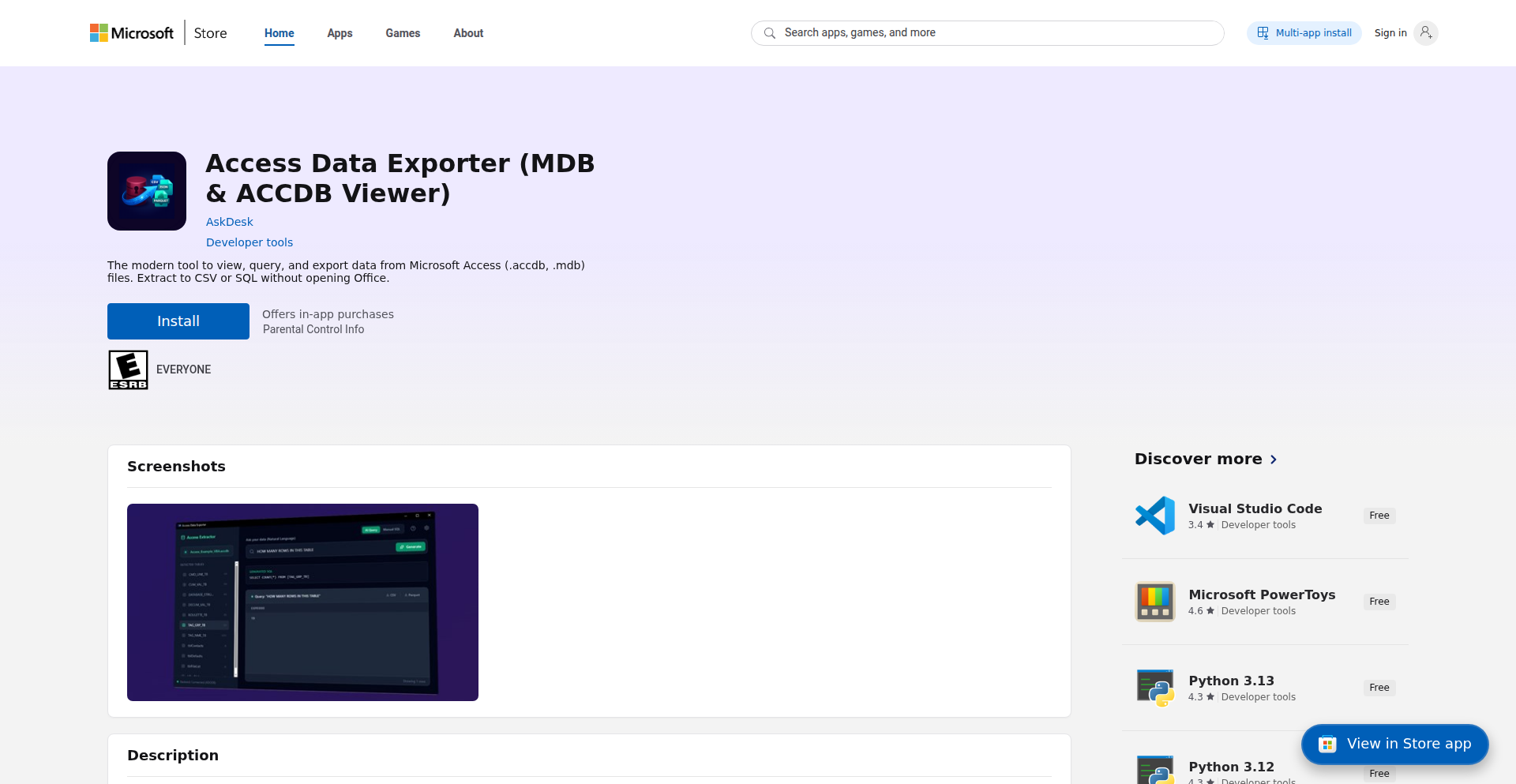
Author
NabilChiheb
Description
A standalone tool designed to extract data from Microsoft Access .accdb files and export it to Parquet format. It bypasses the common issues of needing Office installed, wrestling with complex ODBC drivers, and memory limitations when handling large Access tables. The core innovation lies in its streaming approach and direct data extraction, making it significantly easier for developers to integrate Access data into modern data pipelines.
Popularity
Points 3
Comments 0
What is this product?
This project is a specialized data extraction tool that directly reads data from Microsoft Access (.accdb) files and converts it into Parquet format. The main technical challenge it addresses is the difficulty developers face when trying to access data in these legacy Access databases, especially when dealing with large datasets or when they don't want to install the full Microsoft Office suite or manage complex ODBC driver configurations. Unlike traditional methods that might load entire tables into memory or rely on finicky drivers, this tool uses a 'streaming' technique. Think of it like reading a very long book page by page instead of trying to hold the entire book in your hands at once. This prevents 'Out Of Memory' errors. It also exports to Parquet, a modern, efficient file format that preserves data types and is much smaller than CSV, making it ideal for big data processing and analytics.
How to use it?
Developers can use this tool as a command-line utility. You would point it to your .accdb file and specify which table(s) you want to export and the desired output Parquet file name. It's designed to be integrated into existing data workflows, such as ETL (Extract, Transform, Load) processes for data warehousing, or as a step in data science projects where you need to get data from an older Access database into a Python DataFrame or a cloud storage solution. Since it's standalone, you don't need to install Microsoft Access or Office on the machine where you run the exporter. This dramatically simplifies setup and avoids dependency conflicts.
Product Core Function
· Direct .accdb file access: This allows developers to read data directly from Access databases without needing a local installation of Microsoft Access or Office, significantly reducing setup complexity and avoiding potential software conflicts.
· Streaming data extraction: By processing data table by table in chunks (streaming), the tool avoids loading entire large tables into memory, preventing 'Out Of Memory' errors and enabling the handling of very large Access databases that would otherwise crash standard export methods.
· Parquet export: This feature converts Access data into the highly efficient Parquet format. Parquet preserves data types more accurately than CSV and offers substantial file size reduction, making data storage, transfer, and analysis faster and more cost-effective.
· Standalone application: The tool is built to run independently, meaning developers don't need to install or configure complicated ODBC drivers or Office components, which are often a major source of frustration and compatibility issues.
· Basic SQL query interface: Provides a simple way to preview or filter data within an Access table before exporting, giving developers confidence in the data extraction process and helping to quickly identify specific records or issues.
Product Usage Case
· A data engineer needs to migrate data from a long-standing internal application built on Microsoft Access to a modern cloud data warehouse. They were struggling with the ODBC drivers and the Access application crashing when exporting large tables. Using this tool, they can directly export the Access tables to Parquet files and then easily load them into their data warehouse, saving days of setup and debugging time.
· A data scientist is working on a project that requires historical sales data stored in an old .accdb file. They don't have Microsoft Office installed on their analysis machine and are hesitant to install it just for a one-off data extraction. This standalone exporter allows them to quickly get the data into a usable format (Parquet) that can be easily loaded into a Pandas DataFrame in Python, accelerating their research.
· A software developer is maintaining a legacy application that uses an Access database. They need to extract specific reports from this database periodically. Instead of manually exporting via Access or writing complex scripts with driver management, they can use this tool as part of an automated script to extract the required data into Parquet, streamlining their maintenance tasks and ensuring data consistency.
30
Aigit: AI-Powered Git Workflow Accelerator

Author
hardiksondagar
Description
Aigit is a command-line interface (CLI) tool designed to supercharge your Git workflow by leveraging the power of Artificial Intelligence. It automates repetitive and often tedious tasks like generating commit messages, naming branches intelligently, and even initiating Pull Requests. Essentially, it helps you spend less time on Git boilerplate and more time coding, by making your Git interactions smarter and more efficient.
Popularity
Points 3
Comments 0
What is this product?
Aigit is an AI-enhanced Git command-line tool. Think of it as a smart assistant for your Git operations. Instead of manually crafting commit messages, Aigit uses AI to analyze your code changes and generate descriptive, informative commit messages automatically. It also applies AI to suggest relevant branch names based on your work and can automate the creation of Pull Requests. This innovation tackles the common problem of inconsistent and unhelpful commit messages (like 'fix stuff'), making code history more understandable and collaboration smoother. Its core is using large language models (LLMs) to interpret code diffs and context, translating that into human-readable Git artifacts.
How to use it?
Developers can integrate Aigit into their existing workflow by installing it as a CLI tool. Once installed, you can use its commands within your Git repository. For example, instead of typing `git commit -m 'fix stuff'`, you might simply run `aigit commit` and let the AI suggest a commit message. Similarly, `aigit branch` could propose a smart branch name, and `aigit pr` could help automate the PR creation process. This means less typing, less thinking about Git syntax, and more focus on the actual code. It integrates seamlessly with your existing Git commands, acting as an intelligent layer on top.
Product Core Function
· AI-Generated Commit Messages: Analyzes code changes to create descriptive commit messages. This saves time and improves code history readability, making it easier for anyone to understand what changes were made and why.
· Smart Branch Naming: Suggests relevant and descriptive branch names based on the context of your work. This promotes better organization and understanding of different development threads.
· Automated Pull Request Creation: Streamlines the process of opening Pull Requests. This reduces manual effort and speeds up the code review cycle.
· Code Review Assistance: Provides AI-driven insights and suggestions during code reviews. This can help identify potential issues early and improve code quality.
Product Usage Case
· Scenario: A developer makes a set of complex changes to a feature. Instead of spending time carefully crafting a detailed commit message, they use 'aigit commit'. The AI analyzes the diff and suggests a clear, concise message like 'feat: implement user profile editing functionality with validation' and the developer accepts it. This makes the commit history immediately understandable for the entire team.
· Scenario: A team is working on multiple features simultaneously. When creating a new branch for a specific task, a developer typically struggles to come up with a good name. Using 'aigit branch', the tool suggests names like 'feature/user-auth-refactor' or 'bugfix/login-page-css-issue', ensuring consistent and informative branch naming across the project.
· Scenario: After completing a feature, a developer needs to open a Pull Request. 'aigit pr' can automatically fetch the relevant branch, generate a title and description based on the commit history, and prompt the developer to confirm before creating the PR. This significantly speeds up the submission process for code reviews.
31
Steam Price Optimizer Pro

Author
juliebelz
Description
A data-driven tool for game developers to dynamically adjust Steam regional pricing. It analyzes current economic data to recommend optimal prices for over 40 regions, moving beyond Steam's outdated 2022 recommendations. This addresses the issue of overpricing in some regions leading to lost sales and underpricing in others, ultimately maximizing developer revenue. It also includes an option to emulate Netflix's regional pricing strategy.
Popularity
Points 2
Comments 1
What is this product?
This is a free, data-driven tool designed to help game developers set more profitable regional prices on Steam. Steam's own pricing recommendations haven't been updated since 2022, leading to significant discrepancies. For instance, a game might be priced too high for players in Poland (who have lower average incomes) or too low for players in Australia, both scenarios resulting in lost revenue. This tool uses up-to-date economic indicators to calculate the best prices for each region. It's like having a personal economist for your game's pricing strategy, ensuring you're not leaving money on the table or alienating potential players due to incorrect pricing.
How to use it?
Developers input their desired base price in USD. The tool then processes this with its up-to-date economic data for over 40 regions to generate optimized regional prices. The output is a CSV file that can be directly uploaded to Steamworks, allowing developers to update prices across all selected regions simultaneously. This integration is straightforward, aiming to minimize the technical overhead for developers. For those interested in more nuanced strategies, there's an option to apply a pricing model similar to Netflix's approach to regional content access.
Product Core Function
· Optimized Regional Pricing Calculation: Uses current economic data to suggest fair and profitable prices for over 40 Steam regions, improving upon outdated official recommendations. This directly helps developers increase sales by reaching more players at an accessible price point and maximizing revenue from regions with higher purchasing power.
· Direct Steamworks CSV Export: Generates a downloadable CSV file that can be directly uploaded to Steamworks, streamlining the process of updating game prices across multiple regions. This saves developers significant manual effort and reduces the chance of errors when managing global pricing.
· Netflix-Inspired Pricing Strategy: Offers an alternative pricing model that mimics Netflix's strategy of adapting content availability and pricing to local markets. This provides developers with creative options to engage different regional player bases with tailored pricing, potentially tapping into new market segments.
· Data-Driven Decision Making: Provides developers with the confidence that their pricing decisions are backed by current economic realities, not just outdated assumptions. This leads to smarter business strategies and a more sustainable revenue model for their games.
Product Usage Case
· A small indie studio releases a new RPG and wants to ensure it's accessible to players worldwide. By using this tool, they input their USD price and get a CSV that sets optimal prices for countries like Brazil, Russia, and India, significantly increasing their potential player base and overall revenue, rather than just targeting high-income markets.
· A mid-sized publisher has an older title on Steam that isn't selling as well in certain European markets. They use the tool to re-evaluate pricing based on current economic conditions in Poland and Turkey. The optimized pricing leads to a noticeable increase in sales in these regions, revitalizing revenue for the game.
· A developer is experimenting with different monetization strategies. They utilize the Netflix-inspired pricing option for a specific region to see if a tiered pricing approach, similar to streaming services, can boost engagement and sales. This allows for creative A/B testing of pricing models directly within the Steam ecosystem.
32
NanoBanana Infinite AI Logo Forge
Author
rookhack
Description
An experimental AI-powered logo generator that utilizes infinite scrolling and the Nano Banana framework. It tackles the challenge of creative burnout and slow iteration in logo design by offering a continuous stream of AI-generated logo concepts, allowing designers and developers to quickly explore a vast design space with minimal friction.
Popularity
Points 3
Comments 0
What is this product?
This project is an AI logo generator that continuously produces new logo ideas as you scroll, built using the Nano Banana framework. The core innovation lies in its 'infinite scroll' interface, which keeps generating fresh logo concepts without explicit user input for each new idea. This is achieved by leveraging a background AI model that, upon detecting a scroll action, triggers the generation of a new logo based on learned design principles and potentially user-defined parameters (though the current implementation focuses on the continuous stream). The Nano Banana framework likely provides a lightweight and efficient way to manage the front-end interactions and the communication with the AI backend. Think of it like a never-ending canvas of design inspiration.
How to use it?
Developers can use this project as a starting point for their own creative tooling or integrate its core logic into existing design applications. The primary use case is for rapidly brainstorming logo ideas. For a developer, this could mean plugging it into a project management tool to quickly mock up team logos, or into a website builder to offer users instant branding options. Integration might involve calling the API to fetch logo designs and then rendering them within a custom UI. The infinite scroll aspect means you can keep 'pulling' for more ideas, much like how you might endlessly scroll through a social media feed, but with a creative output.
Product Core Function
· Infinite AI Logo Generation: Continuously generates unique logo designs in real-time as the user scrolls. This allows for rapid exploration of a vast design spectrum, overcoming creative blocks and saving time compared to traditional iterative design processes. The value is in providing a constant flow of inspiration that can spark new ideas and directions.
· Nano Banana Framework Integration: Utilizes a lightweight framework for efficient front-end rendering and AI model interaction. This ensures a responsive user experience and potentially lower resource consumption. The value for developers is in a potentially faster, more streamlined development process for building similar interactive AI applications.
· Experimental AI Design Engine: The underlying AI model is trained to produce visually coherent and conceptually relevant logo designs. While experimental, it offers a novel approach to automated visual creation, providing diverse styles and elements. The value is in demonstrating a new paradigm for AI-assisted creativity, moving beyond static outputs to dynamic, generative experiences.
Product Usage Case
· A startup founder looking for quick branding ideas for their new venture. Instead of hiring a designer immediately, they can use this tool to generate dozens of logo concepts within minutes, helping them visualize their brand identity and communicate their vision more effectively to potential designers.
· A web developer building a platform that allows users to create custom websites. This tool can be integrated to provide users with instant, AI-generated logo options for their sites, enhancing the user experience and offering a quick way to personalize their brand.
· A designer experiencing creative block while working on a client project. By using this generator, they can explore a wide array of unexpected design directions and elements, which can then be refined and developed into a final, polished logo, ultimately speeding up their design workflow.
33
PolySource Replicator
Author
taariqserendb
Description
A versatile open-source command-line tool built with Rust that simplifies cross-database replication. It allows developers to selectively copy data from various sources like SQLite, MySQL, MongoDB, or PostgreSQL into any PostgreSQL database. Key innovations include granular table filtering, continuous synchronization for PostgreSQL-to-PostgreSQL setups, and robust checkpointing to resume interrupted data transfers, making it a powerful tool for modern data management and AI integration.
Popularity
Points 3
Comments 0
What is this product?
PolySource Replicator is a developer-focused CLI tool written in Rust designed to seamlessly move data between different database systems. Its core innovation lies in its ability to connect to diverse data sources (SQLite, MySQL, MongoDB, and PostgreSQL) and replicate specified tables to a PostgreSQL target. This is achieved through a sophisticated replication engine that supports features like filtering tables to replicate only what's needed, maintaining a live, continuous copy for PostgreSQL-to-PostgreSQL scenarios, and smart checkpointing that allows transfers to be paused and resumed without data loss, even if the connection breaks. This means you can keep your existing database infrastructure and create a separate, tailored copy for specific uses like powering AI applications without the hassle of a full migration. It's about making your data accessible where it's most valuable, easily and efficiently.
How to use it?
Developers can easily install PolySource Replicator using Cargo, the Rust package manager, with a simple command: `cargo install database-replicator`. Once installed, you initiate a replication job by running the `database-replicator init` command. This command requires you to specify the source database connection string (e.g., `mysql://readonly@prod:3306/db`) and the target PostgreSQL database connection string. Crucially, you can also specify which tables to include using the `--include-tables` flag (e.g., `--include-tables "orders,products"`), allowing for selective replication. This enables scenarios like creating a read-only replica of specific tables from a production database for analysis or feeding data into an AI model, without impacting the primary database. It's designed for straightforward integration into existing development workflows.
Product Core Function
· Cross-database replication: Replicates data from SQLite, MySQL, MongoDB, and PostgreSQL to any PostgreSQL target, allowing flexibility in data sourcing and centralizing data for analysis or AI without complex ETL pipelines.
· Selective table filtering: Enables replication of only specific tables, reducing data volume and improving efficiency for targeted use cases like feeding specific datasets to AI models.
· Continuous sync (PG->PG): Maintains a live, up-to-date replica for PostgreSQL-to-PostgreSQL scenarios, ensuring applications always have access to the latest data without manual intervention.
· Checkpointing for interrupted transfers: Allows data replication to be paused and resumed, handling network issues or downtime gracefully and ensuring data integrity even in unstable environments.
· Open-source CLI with Rust implementation: Provides a performant, reliable, and community-driven tool for developers, promoting transparency and enabling contributions for broader database connector support.
Product Usage Case
· AI Agent Data Access: Imagine you have sensitive customer data in a production MySQL database. Instead of migrating this entire database to a new system for an AI agent to query, you can use PolySource Replicator to create a filtered replica of just the `customer_interactions` and `product_feedback` tables in a separate PostgreSQL instance. The AI agent can then query this replica, paying for access to the data, without ever touching your production system, ensuring data security and control.
· Staging Environment Data Refresh: Developers often need to test new features against a realistic dataset. This tool allows you to quickly replicate a subset of tables (e.g., `users`, `orders`) from your production PostgreSQL database to a staging PostgreSQL environment. This provides a fresh, relevant dataset for testing without needing to perform a full, time-consuming database backup and restore, speeding up the development cycle.
· Data Lake for Analytics: If your primary application runs on MongoDB but you want to perform complex analytical queries using SQL, you can use PolySource Replicator to continuously replicate relevant collections (e.g., `sales_data`, `user_activity`) into a PostgreSQL data warehouse. This allows your analytics team to leverage powerful SQL tools on a dedicated PostgreSQL replica without impacting the performance of your live MongoDB application.
34
CogniSense AI

Author
jaskirat1216
Description
CogniSense AI is a groundbreaking project focused on real-time detection of cognitive load for knowledge workers. It addresses the critical problem of mental exhaustion going unnoticed by employing multimodal sensing, including eye tracking, physiological signals, and behavioral patterns. The innovation lies in its ability to provide immediate feedback on a user's mental state, transforming how we understand and manage productivity and well-being.
Popularity
Points 3
Comments 0
What is this product?
CogniSense AI is an advanced system designed to monitor an individual's cognitive load in real-time. It achieves this by integrating data from various sources like eye movements (eye tracking), subtle body signals (physiological signals like heart rate variability), and how a person interacts with their computer (behavioral patterns). Think of it as a sophisticated 'mental state' detector that doesn't require you to consciously report how you're feeling. The innovation is in fusing these diverse data streams to create a comprehensive picture of mental effort, offering insights that were previously unavailable in real-time. So, what's the value for you? It means potentially identifying burnout before it happens and optimizing your work sessions for peak performance without pushing yourself to the breaking point.
How to use it?
Developers can integrate CogniSense AI into various applications to enhance user experience and monitor user engagement. For instance, in e-learning platforms, it can detect if a student is struggling or disengaged and adjust the learning pace or content. In productivity tools, it can suggest breaks when cognitive load is too high, preventing errors and improving focus. The system is envisioned to work by collecting data from sensors (which can be readily available through webcams for eye tracking and wearable devices for physiological signals) and processing it through AI models to output a cognitive load score or state. So, how does this help you? It allows you to build smarter, more adaptive software that understands and responds to the mental state of its users, leading to more effective and less stressful interactions.
Product Core Function
· Real-time Cognitive Load Monitoring: Utilizes a combination of eye tracking, physiological data, and behavioral analysis to continuously assess mental effort. This offers immediate insights into how taxing a task is, enabling timely interventions to prevent burnout and optimize performance.
· Multimodal Data Fusion Engine: Integrates diverse sensor inputs (visual, physiological, behavioral) into a coherent understanding of cognitive state. This allows for a more robust and accurate assessment than any single modality alone, providing a richer context for decision-making.
· Affective Computing Algorithms: Employs machine learning models to interpret raw sensor data into meaningful indicators of cognitive load and potential mental fatigue. This translates complex biological and behavioral signals into actionable information for end-users and applications.
· User-Centric Feedback System: Designed to provide actionable insights and recommendations to users based on their detected cognitive state, promoting self-awareness and proactive management of mental resources. This empowers individuals to take control of their productivity and well-being.
Product Usage Case
· In a remote work setting, a project manager can use CogniSense AI to subtly monitor team members' cognitive load during critical task periods, ensuring no one is overwhelmed without explicit communication, thus preventing project delays due to unexpected burnout.
· An educational software developer can integrate CogniSense AI into a learning application to detect when a student is experiencing high cognitive load or frustration, automatically adapting the difficulty or offering supplementary explanations to improve learning outcomes.
· A game developer could use CogniSense AI to dynamically adjust game difficulty or provide hints based on the player's engagement and mental effort, creating a more personalized and immersive gaming experience that prevents players from becoming bored or overly stressed.
· Researchers can leverage CogniSense AI in studies related to human-computer interaction or psychology to gather objective data on cognitive exertion during various tasks, advancing the understanding of how people process information and perform under different mental demands.
35
ASCIICanvas Keyboard
Author
levgel
Description
This project presents a functional ASCII keyboard implemented in Swift, leveraging the Opus 4.5 model. It allows users to type normally, and then transforms their input into FIGlet-style ASCII art that can be directly inserted into any application where the cursor is active. While not a productivity tool in the traditional sense, it showcases creative use of AI models for artistic text generation and offers a fun, novel way to express messages.
Popularity
Points 3
Comments 0
What is this product?
This is an experimental ASCII keyboard application built with Swift. The core innovation lies in its integration with the Opus 4.5 AI model. When you type a message, the AI processes it and converts it into visually appealing ASCII art, similar to how text might be displayed in older computer systems or for decorative purposes (like FIGlet fonts). The 'keyboard' aspect means it acts like a specialized input method, enabling you to 'type' this ASCII art directly into any text field or application. It’s a blend of a creative tool and a demonstration of how AI can be used for stylistic text output, providing a fun, albeit unconventional, communication method.
How to use it?
Developers can use this project as a proof-of-concept for integrating AI text generation into interactive applications. The Swift implementation provides a clear example of how to interface with an AI model (Opus 4.5 in this case) to process user input and generate styled text. You could potentially build upon this by creating custom AI-powered input methods for your own applications, or by exploring different AI models for varied ASCII art styles. It's a great starting point for understanding real-time AI-driven text manipulation and creative coding.
Product Core Function
· Real-time ASCII Art Generation: The system continuously converts your typed text into FIGlet-style ASCII art, offering immediate visual feedback. This allows for rapid iteration and experimentation with different text styles and messages, valuable for artistic content creation or unique digital signatures.
· Cross-Application Compatibility: The ASCII art output can be directly inserted into any application that accepts text input, such as messaging apps (Slack, Discord), code editors, or terminals. This broad compatibility makes the generated art easily shareable and usable in diverse digital environments, extending its utility beyond a single platform.
· Multiple FIGlet Font Support: The project incorporates 20 distinct FIGlet fonts, ranging from standard to more stylized options like 'Doom' and 'Star Wars'. This variety empowers users to choose the aesthetic that best suits their message or intended application, providing creative flexibility and visual distinctiveness.
· Pure Swift Implementation: The entire application is built using Swift, a modern and performant programming language. This pure Swift approach ensures good performance and allows developers to easily understand, modify, and integrate the code into other Swift projects, fostering a streamlined development workflow.
Product Usage Case
· Creative Messaging in Chat Applications: A user wants to send a highly stylized birthday message to a friend on Discord. They use ASCIICanvas Keyboard to type 'Happy Birthday!', and the app generates a large, decorative ASCII art banner which they then paste into the chat, making their message stand out vibrantly.
· Customizing Terminal Prompts: A developer wants a unique visual identity for their command-line interface. They use ASCIICanvas Keyboard to design a personalized ASCII logo or greeting that appears each time they open their terminal, enhancing their personal coding environment.
· Artistic Flair for Social Media Posts: A content creator wants to add an eye-catching ASCII art element to a social media post. They type a catchy phrase into the ASCIICanvas Keyboard, select a bold font, and then paste the resulting ASCII art into their post's description, drawing more attention to their content.
· Educational Tool for AI Text Generation: A student learning about AI text generation and creative coding uses this project to understand how natural language input can be programmatically transformed into visual text art, providing a hands-on example of AI model application.
36
White-Box-Coder
Author
tarocha1019
Description
White-Box-Coder is an AI-powered code generation system that uniquely employs a 'single-shot' architecture. This means it can process the entire cycle of generating, reviewing, and fixing code within a single API call. Its innovation lies in its ability to autonomously self-critique and refine its own output, optimizing for both speed and cost-efficiency in the code development process.
Popularity
Points 3
Comments 0
What is this product?
White-Box-Coder is an AI system designed to write and improve code. Unlike traditional AI code generators that might require multiple steps or separate tools for error checking and correction, White-Box-Coder integrates these functions into a unified process. The 'single-shot' architecture is the core innovation. Imagine telling a single highly intelligent assistant to write some code, then immediately ask them to check it for mistakes and fix them, all in one go. This dramatically speeds up the workflow. This means developers get more reliable code faster, without the overhead of managing multiple AI interactions or spending excessive time on manual debugging.
How to use it?
Developers can integrate White-Box-Coder into their workflow via a simple API. You send your code generation request (e.g., 'write a Python function to sort a list') along with specific requirements or constraints to the API endpoint. The AI then generates the code, internally reviews it for potential errors or inefficiencies, and provides a corrected and optimized version, all within a single response. This can be used in IDE plugins for real-time code suggestions and fixes, or in CI/CD pipelines to automatically review and improve generated code before deployment.
Product Core Function
· AI-powered code generation: Leverages advanced AI models to produce code snippets or full functions based on natural language prompts, significantly reducing manual coding effort.
· Self-review and error detection: The AI autonomously analyzes its own generated code to identify bugs, logical flaws, and potential performance bottlenecks, offering a built-in quality assurance step.
· Automated code correction and optimization: Based on the self-review, the AI automatically refactors and improves the code to enhance correctness, readability, and efficiency, saving developers time on debugging and performance tuning.
· Single-shot API architecture: Streamlines the entire generation-review-fix cycle into one efficient API call, reducing latency and operational costs compared to multi-step processes.
· Cost-efficiency in AI execution: By optimizing the process into a single call, it minimizes the computational resources required for each code improvement task.
Product Usage Case
· IDE integration for immediate feedback: A developer is writing a complex JavaScript function. They can paste the partially written code into an IDE plugin powered by White-Box-Coder. The AI instantly reviews it, spots a potential off-by-one error in a loop, and suggests a corrected version, saving the developer from a potentially hard-to-find bug later.
· Automated code refactoring in CI/CD pipelines: A team uses a script to generate boilerplate code for new microservices. White-Box-Coder can be integrated into their Continuous Integration pipeline to automatically review and refactor this generated code, ensuring adherence to coding standards and improving initial code quality before human review.
· Rapid prototyping with self-correcting AI: A startup needs to quickly build a series of small utility functions for a new feature. By using White-Box-Coder, they can generate the initial code and have it automatically corrected and optimized, accelerating their prototyping phase without sacrificing quality.
· Reducing technical debt from generated code: When using code generation tools that might produce less-than-ideal code, White-Box-Coder can act as a post-processing step to clean up and improve the output, thus preventing the accumulation of technical debt.
37
Calcumake: 3D Print Cost Optimizer

Author
moabjp
Description
Calcumake is a web application designed to help 3D printing enthusiasts and small businesses accurately price their prints. It goes beyond simple material cost calculation by factoring in crucial elements like setup time, CAD work, potential print failures, and electricity consumption. Built with Ruby on Rails and deployed using Kamal for cost-effective cloud hosting, this project addresses the frustration of manual, inaccurate pricing by offering a streamlined and comprehensive solution.
Popularity
Points 1
Comments 2
What is this product?
Calcumake is a smart calculator specifically tailored for 3D printing projects. Unlike basic online calculators, it's built to handle the complexities of 3D printing. It intelligently estimates costs by considering not just the amount of filament used, but also the time spent preparing the print (setup and CAD work), the possibility of failed prints that waste materials and electricity, and the energy consumed during the printing process. This provides a much more realistic and accurate cost assessment. The innovation lies in its focus on the entire printing workflow, not just material usage, making it a valuable tool for anyone running a 3D printing service or hobby.
How to use it?
Developers can use Calcumake through its web interface. After signing up, they can input details about their 3D print projects, including the model dimensions, desired print quality (which affects print time and material usage), the type of filament being used (with customizable cost per gram/kilogram), and estimates for setup time and CAD modification. The system then calculates a comprehensive price. For integration, developers could potentially use future API endpoints (if made available) to embed pricing calculations directly into their own websites or e-commerce platforms, streamlining the quoting process for their customers.
Product Core Function
· Material Cost Calculation: Accurately estimates the cost based on filament used and user-defined filament prices. This helps users understand the direct material expenses for each print.
· Time-Based Costing: Incorporates setup time and potential CAD work duration into the total cost. This acknowledges the human effort involved in preparing a print, which is often overlooked.
· Failure Simulation: Allows for factoring in the cost of potential print failures, including wasted material and electricity. This provides a buffer for unexpected issues and leads to more realistic pricing for clients.
· Electricity Consumption Estimation: Calculates the power usage during the printing process and translates it into a monetary cost. This addresses a often-forgotten operational expense.
· Project Management: Supports handling complex projects with multiple print plates or different filament types within a single calculation. This is crucial for professional users dealing with larger or multi-part prints.
· Saveable Calculations: Enables users to save their custom pricing models and project calculations for future reference. This saves time and ensures consistency in pricing.
· Cost-Effective Deployment: Utilizes Kamal for deployment, minimizing cloud infrastructure costs. This demonstrates a pragmatic approach to building and maintaining a SaaS application, making it financially viable.
Product Usage Case
· A small business owner offering 3D printing services needs to provide accurate quotes to clients. They can use Calcumake to input project details, ensuring their pricing covers all aspects from material to electricity and potential failures, preventing undercharging and ensuring profitability.
· A hobbyist who frequently prints custom parts for friends and family struggles with pricing. Calcumake allows them to quickly generate fair prices, accounting for their time and electricity costs, making the process less of a guessing game and more professional.
· A maker space manager needs to establish pricing for members using their 3D printers. Calcumake can be used to define standard pricing tiers based on print size and complexity, simplifying the billing process and ensuring fair charges for everyone.
· A developer creating an online store for 3D printed goods can use Calcumake to determine optimal pricing for their products, ensuring they remain competitive while maintaining healthy profit margins. Future integration could allow for dynamic pricing on their storefront.
38
JW Tool Box
Author
kurokosama
Description
JW Tool Box is a suite of over 40 free, client-side only web utilities designed for privacy and convenience. It tackles common digital tasks like PDF manipulation and image conversion without requiring users to upload their data or create accounts, addressing the concerns of privacy-conscious individuals and developers who want to avoid proprietary online services. Built with React, Vite, and WebAssembly (WASM), it offers a robust and efficient user experience directly in the browser.
Popularity
Points 2
Comments 1
What is this product?
JW Tool Box is a collection of over 40 browser-based tools that let you perform various digital tasks without sending your data to any server. This means your files stay on your device, ensuring privacy. The innovation lies in its 'client-side only' architecture. Instead of relying on a remote server to process your requests (which could potentially compromise your data or require you to sign up), all the heavy lifting is done directly within your web browser using technologies like React for the user interface, Vite for fast development, and WebAssembly (WASM) for performance-intensive operations like file conversions. So, what's in it for you? Enhanced privacy and immediate access to powerful tools without the hassle of uploads or accounts.
How to use it?
Developers can use JW Tool Box by simply navigating to the project's website in their browser. Each tool is designed for direct use, offering intuitive interfaces for tasks like converting HEIC or WebP images, merging or splitting PDF documents, and various developer-specific utilities. For integration into their own projects, developers can potentially leverage the underlying WASM modules if the project is open-sourced or structured to allow such modular usage, though the primary use case is as a standalone web application. This means for you, it's a quick and secure way to handle common file manipulations directly from your browser, saving you time and protecting your sensitive information.
Product Core Function
· PDF Manipulation Tools: Enables users to perform actions like merging multiple PDF files into one or splitting a large PDF into smaller ones. This is valuable for organizing documents and preparing them for specific submission requirements, all while keeping your sensitive documents private on your device.
· Image Converters (HEIC/WebP): Allows conversion of images between various formats, including modern ones like HEIC (common on Apple devices) and WebP (efficient web format) to more widely compatible formats like JPG or PNG. This is incredibly useful for sharing photos or preparing images for web use without data loss or privacy concerns.
· Developer Utilities: Offers a range of tools specifically for developers, which could include text encoding/decoding, JSON formatting, or other code-related helpers. These tools provide quick, on-the-fly solutions for common coding challenges, boosting developer productivity and offering immediate, private access to essential functions.
· Client-Side Only Processing: Guarantees that all file operations and data processing occur within the user's browser, never reaching an external server. This is a fundamental privacy feature, ensuring sensitive information remains confidential and avoiding the risks associated with data uploads, making it a secure choice for managing your digital assets.
Product Usage Case
· A user needs to combine several scanned documents into a single PDF for a job application. Instead of using an online tool that might ask for an account or could pose a security risk, they use JW Tool Box's PDF merge function directly in their browser, ensuring their application documents remain private and secure throughout the process.
· A photographer wants to share HEIC photos from their iPhone with friends who primarily use Windows. They use JW Tool Box's HEIC to JPG converter to easily transform the images within their browser, avoiding the need for any software installation or cloud uploads, thus preserving their photo privacy.
· A web developer is debugging an API response that's a large JSON object. They use JW Tool Box's JSON formatter within their browser to instantly pretty-print and make the JSON readable. This provides a quick and private way to inspect data without exposing it to external formatting services.
· Someone receives a large number of WebP images and needs to convert them to PNG for a presentation. JW Tool Box allows them to batch convert these images directly in their browser, saving time and disk space, all while ensuring the original images are not shared or stored elsewhere.
39
YTShortsDL: Batch Shorts Fetcher

Author
Franklinjobs617
Description
YTShortsDL is a specialized bulk downloader designed for YouTube Shorts. It addresses the inefficiency of traditional downloaders by enabling creators to download dozens or even hundreds of Shorts simultaneously from playlists or entire channels. The core innovation lies in its high-concurrency batch processing logic, optimized for the unique demands of short-form video repurposing.
Popularity
Points 1
Comments 1
What is this product?
YTShortsDL is a utility that automates the downloading of YouTube Shorts in bulk. Unlike general video downloaders that focus on single, long-form videos, YTShortsDL is engineered from the ground up for high-volume short-form content. Its technical ingenuity lies in its 'High-Concurrency Batching' system. This means it can initiate and manage many download requests at the same time, significantly speeding up the process of gathering numerous Shorts. It also features 'Format Agnostic Retrieval,' ensuring it can reliably grab the original video files of the Shorts. The goal is to empower content creators with efficiency, allowing them to quickly gather assets for cross-platform publishing. So, what's the use? It saves content creators immense amounts of time and effort when they need to download multiple Shorts for repurposing on platforms like TikTok or Instagram Reels, preventing tedious manual downloading.
How to use it?
Developers can use YTShortsDL as a standalone utility to quickly download collections of YouTube Shorts. The typical usage scenario involves a content creator wanting to download all Shorts from a specific playlist or a particular creator's channel. Integration is straightforward: users typically point the tool to the relevant YouTube playlist or channel URL, and YTShortsDL handles the rest, downloading the videos in their original format. For developers looking to incorporate similar functionality into their own workflows or applications, the project's open-source nature (implied by Show HN and the request for technical feedback) suggests that its underlying architecture and download logic could serve as a valuable reference or even a starting point for custom solutions.
Product Core Function
· High-Concurrency Batching: This allows for downloading many Shorts at once, drastically reducing the time spent compared to downloading one by one. This is valuable for creators who need to quickly gather content for social media.
· Playlist and Channel-Level Downloads: Enables users to specify entire playlists or channels as sources, automating the collection of all available Shorts from that source. This is crucial for creators managing large content libraries or wanting to archive specific themes.
· Format Agnostic Retrieval: Ensures that the original, unmodified video files of the Shorts are downloaded, preserving the original quality and format. This is important for maintaining content integrity when repurposing across different platforms.
· Free Utility: Offers a cost-effective solution for creators and developers who need efficient bulk downloading capabilities without incurring significant expenses. This democratizes access to powerful content management tools.
Product Usage Case
· A TikTok creator wants to repurpose their top-performing YouTube Shorts onto Instagram Reels. Instead of manually downloading each Short, they use YTShortsDL to download all 50 Shorts from their YouTube Shorts playlist in minutes, then upload them to Reels.
· A social media manager is tasked with curating a collection of educational YouTube Shorts for a specific topic. They use YTShortsDL to download all Shorts tagged with relevant keywords from multiple channels, creating a unified archive for internal review and use.
· A developer building a content aggregation tool needs to pull video assets from YouTube. They can use YTShortsDL's underlying principles or potentially integrate its functionality to handle the efficient retrieval of large volumes of short-form video content, saving them development time.
· A content creator wants to create compilation videos of their own best Shorts. They use YTShortsDL to download all their previously published Shorts, then edit them together for a 'best of' compilation, saving hours of individual downloads.
40
SpacePigeon
Author
kakmuis
Description
SpacePigeon is an open-source macOS tool that intelligently saves and restores your entire desktop workspace, including applications, windows, and their positions across different virtual desktops (Spaces). It's designed to eliminate the repetitive task of reconfiguring your setup, offering distinct presets for different work modes, which directly translates to saved time and reduced frustration for users who frequently switch contexts on their Macs. It also handles external monitor setups, ensuring a seamless transition every time.
Popularity
Points 2
Comments 0
What is this product?
SpacePigeon is a smart workspace manager for macOS. It fundamentally works by capturing the current state of your applications, their open windows, and their arrangement across your virtual desktops (called Spaces). Think of it like taking a snapshot of your entire digital environment. When you need to revert to that state, SpacePigeon uses this snapshot to automatically reopen the applications and reposition all their windows exactly as you left them, even across multiple external monitors. The innovation lies in its ability to create and manage multiple named presets, allowing you to define distinct workspace configurations (e.g., 'Work', 'Coding', 'Meeting') and switch between them with a single click or a keyboard shortcut, offering a personalized and efficient workflow.
How to use it?
Developers can use SpacePigeon by installing it on their macOS machine. Once installed, they can launch it and begin creating 'presets'. For example, during a coding session, you would open all your essential coding applications (IDE, terminal, browser with specific tabs, etc.) and arrange their windows on your preferred Spaces. Then, you'd use SpacePigeon to save this arrangement as a 'Coding' preset. Similarly, for meetings, you might save a preset that opens your video conferencing app, calendar, and note-taking app. To switch back to a saved workspace, you simply select the desired preset from SpacePigeon's interface or trigger it via a custom hotkey. This eliminates the manual effort of reopening and repositioning everything, making context switching instantaneous. Integration is straightforward as it operates at the OS level, managing application windows directly.
Product Core Function
· Save current workspace layout: This allows users to capture the exact state of their open applications, window positions, and Space assignments. The value is in creating a baseline of their ideal setup for a specific task or mode, which can be recalled later.
· Restore saved workspace with one click or hotkey: This function provides immediate access to a previously saved workspace. The value is in dramatically speeding up the process of setting up a familiar environment, saving time and mental effort with every switch.
· Maintain separate workspace presets: Users can define multiple distinct workspace configurations, such as 'Work', 'Coding', 'Meetings', or 'Personal'. The value here is in offering tailored digital environments for different activities, promoting focus and reducing distractions by presenting only the relevant applications and windows.
· Handle external monitors: SpacePigeon accounts for the arrangement of windows across multiple displays. The value is in ensuring that complex multi-monitor setups are restored accurately, providing a consistent and functional workspace regardless of the number of screens used.
Product Usage Case
· A freelance developer who works on multiple client projects can create a 'Project A' preset that opens their IDE with Project A's files, the relevant documentation in a browser, and a dedicated terminal window. When switching to 'Project B', they can activate a different preset that loads the tools and files for Project B. This solves the problem of scattered applications and lost progress when juggling different workstreams.
· A remote worker who frequently jumps between video calls and focused work can set up a 'Meeting' preset that launches Zoom/Teams, their calendar, and a note-taking app on one screen, while a 'Focus Work' preset might open their code editor, a specific set of reference websites, and a distraction-free writing app on another. This directly addresses the annoyance of repeatedly opening and arranging the same set of apps for recurring activities, saving minutes each time and improving productivity.
· A user with a dual-monitor setup can save a 'Gaming' preset that launches their game, Discord, and a browser for game guides, with each application positioned precisely on their preferred monitor. Upon completion, a 'Work' preset can be activated to restore their coding IDE, email client, and Slack across both monitors in their usual configuration. This solves the inconvenience of manually resizing and relocating windows after a gaming session or when transitioning back to professional tasks.
41
TikTok Watermark Eraser

Author
passioner
Description
A fast, free, and hassle-free online tool that automatically removes those pesky moving watermarks from your TikTok videos. It leverages advanced video processing techniques to intelligently identify and eliminate watermarks, allowing you to enjoy your favorite clips without distraction.
Popularity
Points 1
Comments 1
What is this product?
This is an online video processing tool designed specifically to remove the moving watermarks found on TikTok videos. The innovation lies in its ability to detect and erase these dynamic overlays without requiring any software downloads or complex installations. It uses intelligent algorithms, similar to how a sophisticated image editor might selectively remove unwanted elements, but applied to video frames over time. This means you get a clean video without the watermark interrupting the visual flow, which is great for personal archiving or creating derivative content.
How to use it?
Developers and users can easily use this tool by simply visiting the website, pasting the TikTok video URL, or uploading the video file directly. Clicking a 'remove watermark' button initiates the processing, and the cleaned video can then be downloaded. For developers, while this specific project is an end-user tool, the underlying technology demonstrates efficient video analysis and manipulation, which could inspire similar backend services for content moderation or video enhancement.
Product Core Function
· Watermark Detection and Removal: The core function identifies and removes the moving watermark by analyzing pixel data across multiple video frames, preserving video quality.
· Online Accessibility: Accessible via a web browser, eliminating the need for local software installation, making it readily available for quick use.
· Video Upload/URL Input: Supports both direct video file uploads and pasting TikTok video URLs, offering flexibility in how users provide their content.
· Fast Processing: Optimized for speed, allowing users to get their watermark-free videos in a short amount of time, which is crucial for rapid content repurposing.
Product Usage Case
· Personal Content Archiving: Users can download their favorite TikTok videos without the watermark for personal collection or offline viewing, solving the problem of distracting branding on saved content.
· Content Remixing and Fair Use: Creators can use the tool to remove watermarks for creating compilation videos or derivative works, adhering to fair use principles while maintaining visual integrity.
· Educational Demonstrations: Teachers or students creating video content for educational purposes can remove watermarks from platform examples to keep the focus on the lesson material.
· Social Media Sharing: Users who want to share TikTok videos on other platforms without the TikTok branding can use this tool to create cleaner, more professional-looking shares.
42
VibeJar - Cross-Platform Mood Weaver

Author
mohninad
Description
VibeJar is a mobile application built with Flutter, enabling users to meticulously track their moods and journal their experiences. The core innovation lies in its cross-platform native feel, achieved within a remarkably short development cycle. It addresses the need for accessible and personalized mental well-being tools that can be used seamlessly across different mobile operating systems.
Popularity
Points 2
Comments 0
What is this product?
VibeJar is a mobile application that allows you to log your daily moods and write journal entries. The exciting part is how it's built using Flutter. Flutter is a technology that lets developers write code once and have it run on both iOS and Android devices as a native-like app. This means you get a smooth experience on your phone, whether it's an iPhone or an Android, without developers needing to build two separate apps. Think of it as a clever way to create a high-quality app for everyone, faster. So, what's in it for you? You get a well-performing app that feels right at home on your device, regardless of which brand you use.
How to use it?
As a user, you'll download VibeJar from your device's app store (like Google Play or Apple App Store). Once installed, you can open the app and start logging your mood by selecting from predefined emotional states or creating your own custom tags. You can then write detailed journal entries to accompany your mood logs, perhaps noting down what influenced your feelings. For developers, the inspiration comes from seeing how a complex, cross-platform app can be built efficiently. The use of Flutter showcases a powerful framework for rapid mobile development, allowing a single codebase to power experiences on multiple platforms. This could be a starting point for developers looking to build their own mobile apps quickly and reach a wider audience. So, what's in it for you? As a user, it's straightforward mood and journal tracking. As a developer, it's a demonstration of efficient, cross-platform app creation.
Product Core Function
· Mood Logging: Users can select from a range of emotions or create custom tags to represent their feelings, providing a quick way to document their emotional state. This helps in identifying patterns and triggers over time. The value is in providing a simple, immediate way to capture your mental state for later reflection.
· Journaling: Users can write detailed text entries to elaborate on their moods, thoughts, and daily events. This allows for deeper self-exploration and a richer understanding of emotional nuances. The value is in providing a personal diary for detailed introspection and memory keeping.
· Cross-Platform Compatibility: Built with Flutter, the app offers a consistent and performant experience on both iOS and Android devices. This means users don't have to compromise on quality based on their phone's operating system. The value is in ensuring a smooth and familiar user experience for everyone.
· Rapid Development Iteration: The project's MVP (Minimum Viable Product) was developed in just one month, showcasing Flutter's efficiency for quick prototyping and development. This demonstrates the power of the framework for bringing ideas to market quickly. The value for developers is in seeing how quickly an idea can become a reality.
Product Usage Case
· Personal Mental Wellness Tracking: A user experiencing stress might log their 'anxious' mood daily, along with journal entries detailing work pressures or personal events. Over weeks, they can review these logs to identify specific stressors and develop coping strategies. This helps them understand and manage their mental health better.
· Student Study Habits Analysis: A student could track their 'focused' or 'distracted' moods during study sessions, noting down what study methods or environments correlate with better concentration. This aids in optimizing their learning approach.
· Developer's First Cross-Platform App: A developer wanting to build a simple utility app could use VibeJar as a reference. Seeing how Flutter enabled a one-month MVP development cycle for a functional app inspires them to tackle their own cross-platform mobile development projects with confidence.
· Content Creator's Idea Validation: Someone with an app idea could leverage the speed demonstrated by VibeJar to quickly build an MVP and get user feedback, thus validating their concept before investing significant resources.
43
NxtPitch AI: Generative Pitch Proposal Engine
Author
anmolkushwah19
Description
NxtPitch AI is a groundbreaking project that leverages advanced AI to instantly generate compelling pitch proposals. It addresses the time-consuming and often challenging task of crafting persuasive pitches by automating the content creation process. The core innovation lies in its ability to synthesize user inputs and market data into coherent, professional, and impactful proposals, significantly accelerating the fundraising or sales cycle.
Popularity
Points 2
Comments 0
What is this product?
NxtPitch AI is an artificial intelligence system designed to automatically create pitch proposals. Instead of manually writing every section of a pitch deck, users provide key information about their idea or product, and the AI intelligently constructs a well-structured and persuasive proposal. The underlying technology likely involves sophisticated Natural Language Generation (NLG) models, potentially fine-tuned on vast datasets of successful pitch decks and business communication. This means it doesn't just fill in blanks; it understands context and can articulate value propositions effectively. So, what's the benefit for you? It dramatically reduces the effort and time needed to create professional pitches, allowing you to focus on refining your core idea.
How to use it?
Developers can integrate NxtPitch AI into their existing workflows or use it as a standalone tool. For a standalone use case, a web interface would allow users to input details such as their company name, product description, target audience, key features, and business goals. The AI then processes this information to generate a complete pitch proposal document. For integration, the project could expose an API (Application Programming Interface). This API would allow other applications, such as CRM systems or project management tools, to request pitch proposals programmatically, feeding in data directly from those systems. This makes the proposal generation process seamless within your existing tech stack. So, how does this help you? You can either use it directly to get instant pitches, or build it into your software to offer this capability to your users, streamlining their business development efforts.
Product Core Function
· AI-powered content generation for pitch proposals: Leverages advanced NLP models to create coherent and persuasive text for various pitch sections like executive summary, problem statement, solution, market analysis, and financial projections. This saves significant manual writing time and ensures a professional tone.
· Customizable output based on user input: Allows users to provide specific details about their venture, enabling the AI to tailor the proposal to their unique context. This ensures relevance and accuracy, making the generated pitches more effective.
· Rapid proposal generation: Reduces the time from idea conception to a polished pitch document from hours or days to mere minutes. This accelerates the pace of business development and fundraising.
· API integration for seamless workflow: Provides an API that allows other applications to trigger proposal generation, embedding this functionality directly into existing business tools. This enhances operational efficiency by automating repetitive tasks within a larger system.
Product Usage Case
· A startup founder needs to quickly create a pitch deck for an angel investor meeting tomorrow. They use NxtPitch AI, inputting their core idea and target market, and receive a complete, professional pitch proposal within minutes, allowing them to focus on rehearsing their presentation. This solves the problem of urgent, high-stakes proposal creation.
· A SaaS company wants to offer their B2B clients a tool to generate custom sales proposals. They integrate NxtPitch AI's API into their platform, enabling clients to input their project requirements and receive a tailored sales proposal automatically. This solves the challenge of scaling personalized sales collateral.
· A product manager needs to present a new product idea to internal stakeholders for approval. They use NxtPitch AI to quickly generate a persuasive proposal highlighting the product's market fit and potential ROI. This solves the problem of effectively communicating the value of a new initiative internally.
· A freelance consultant wants to attract new clients by offering proposal writing services. They leverage NxtPitch AI as a powerful assistant to quickly draft initial proposals, which they then refine and personalize. This solves the issue of high output demand for a service-based business.
44
TerminalTribe

Author
madsmadsdk
Description
TerminalTribe is a command-line-native community platform designed for developers, builders, and creators. It reimagines online communities using familiar terminal commands like 'cd', 'cat', and 'ls' for navigation and interaction. The project focuses on a retro, nostalgic user experience reminiscent of 90s bulletin board systems, injecting elements of playful discovery with easter eggs. Its core innovation lies in creating a space where users can engage with content and each other through the very tools they use daily for development, fostering a unique sense of belonging and utility.
Popularity
Points 2
Comments 0
What is this product?
TerminalTribe is a digital gathering place built entirely within the command-line interface (CLI). Instead of clicking through a website, you use text commands to explore content, connect with others, and discover resources. The technical innovation here is in abstracting complex community features into simple, intuitive CLI commands. Think of it like browsing the internet, but using the same commands you'd use to manage files on your computer. This approach appeals to developers who prefer efficiency and a direct, unadorned interaction model. It's built with a nod to the past, bringing back the feel of early online communities while leveraging modern development practices for a seamless CLI experience. The value for users is a focused, distraction-free environment that feels both familiar and novel.
How to use it?
Developers will interact with TerminalTribe by opening their terminal or command prompt and typing specific commands. For instance, to view community posts, you might use a command like '/feed'. To find other developers or join discussions, you'd use '/communities'. Navigating to different sections, like exploring projects or job listings, would be done via commands such as '/dir'. This makes integration into a developer's workflow very natural, as it doesn't require switching context to a web browser. It can be easily accessed from any development environment. The intention is for the community itself to help curate content, meaning as more users contribute, the '/dir' section will grow richer with community-vetted projects, tools, and resources.
Product Core Function
· Feed Display: A chronological stream of posts, similar to a simple chat or news feed, providing a direct and unfiltered view of community activity without algorithmic manipulation. This offers value by ensuring users see the latest information first, perfect for staying updated without missing important announcements or discussions.
· Leaderboard System: Tracks user activity, GitHub contributions, and profile views to generate weekly, monthly, and yearly rankings. This feature incentivizes engagement and recognizes active community members, providing value by fostering a healthy competitive spirit and highlighting influential contributors.
· Community Directory: Allows users to find and connect with others who share similar interests, fostering social interaction and collaboration. This is invaluable for networking, finding project collaborators, or simply discussing development challenges with like-minded individuals.
· Resource Exploration: A curated directory of projects, ebooks, tools, and job postings relevant to developers. This function provides immense value by acting as a centralized hub for discovering essential developer resources, saving time and effort in finding opportunities and tools.
Product Usage Case
· A developer working on a side project needs to find inspiration or relevant tools. They can use TerminalTribe's '/dir' command to quickly browse curated lists of libraries, frameworks, and project showcases without leaving their coding environment. This solves the problem of fragmented resource discovery.
· A new developer wants to connect with experienced peers for advice. They can use the '/communities' command to find relevant discussion groups or use the '/leaderboard' to identify highly active and knowledgeable members to reach out to. This directly addresses the need for mentorship and support in the developer community.
· A creator wants to announce a new open-source project. They can post it to the '/feed' and potentially have it featured in '/dir', reaching a targeted audience of fellow developers and builders who are actively looking for new tools and projects. This provides a direct channel for project visibility.
· A seasoned developer looking for a new challenge can browse the job listings within the '/dir' section, using simple commands to filter and view opportunities directly within their terminal. This streamlines the job search process, making it more efficient and integrated with their daily workflow.
45
Claude-LoL Agent
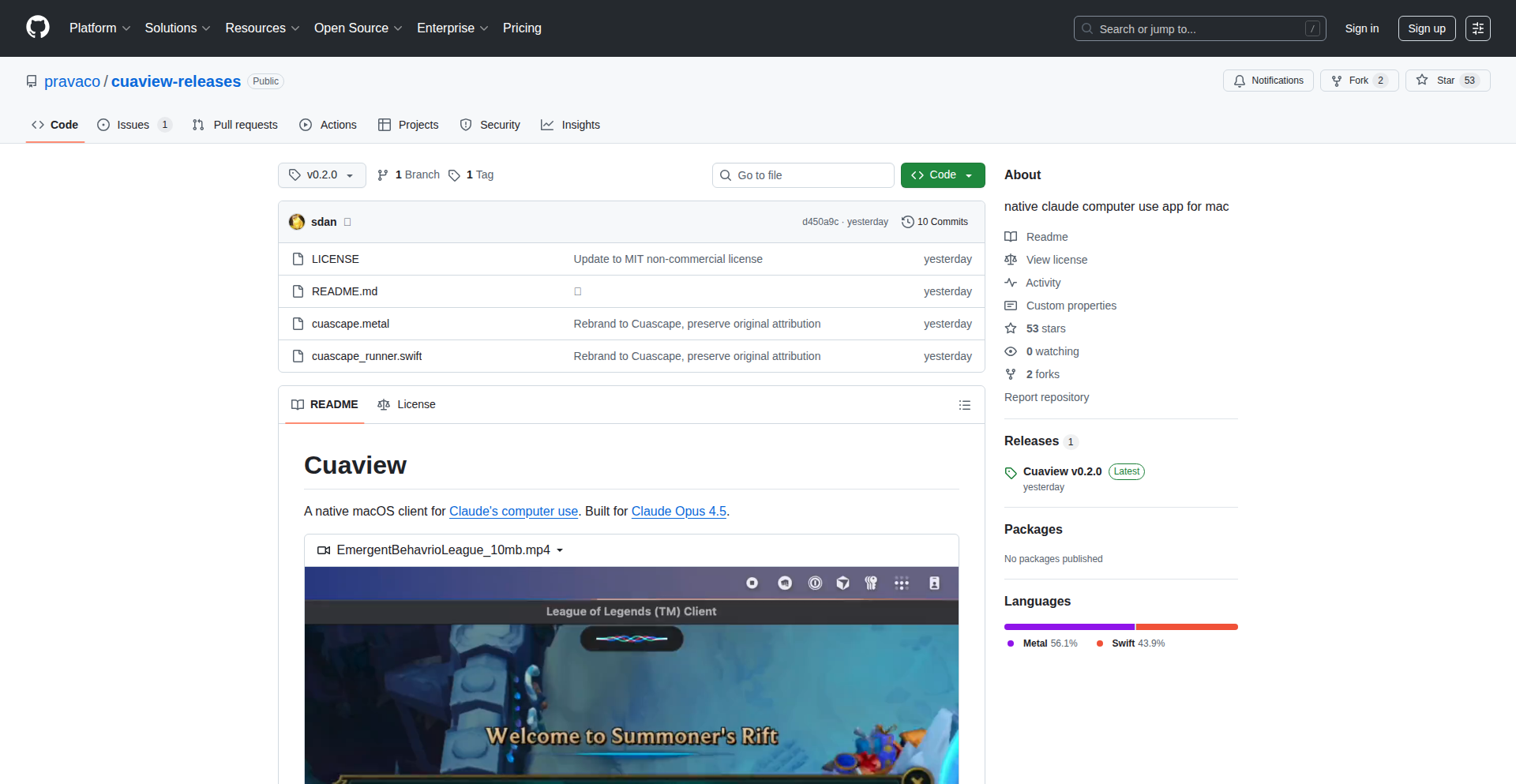
Author
sdan
Description
This project showcases an experimental AI agent, Claude Opus 4.5, playing League of Legends. The innovation lies in leveraging a powerful large language model (LLM) for real-time game decision-making, treating the game state as input and generating actionable game commands. This explores the potential of LLMs beyond text generation into complex, dynamic environments.
Popularity
Points 2
Comments 0
What is this product?
This is a proof-of-concept demonstrating how a state-of-the-art Large Language Model, Claude Opus 4.5, can be integrated to play a complex real-time strategy game like League of Legends. Instead of traditional game AI that relies on predefined rules or reinforcement learning agents trained from scratch, this approach treats the game's visual and state information as input. The LLM then reasons about this input and outputs commands (like moving the character, casting spells, or making strategic decisions). The core innovation is in translating complex game states into prompts the LLM can understand and then interpreting the LLM's textual output into game actions. This opens up new avenues for AI in interactive entertainment and complex decision-making systems.
How to use it?
For developers, this project serves as an inspiration and a technical blueprint. While not a ready-to-use game bot, it demonstrates the feasibility of using LLMs for real-time control in interactive applications. Developers could adapt this by: 1. Setting up an interface to capture game state (e.g., screen scraping, memory reading, or API access if available) and converting it into a text-based prompt for the LLM. 2. Crafting detailed system prompts for the LLM that define its role, objectives, and available actions within the game. 3. Developing a parser to interpret the LLM's text output (e.g., 'move to', 'cast skill X on target Y') and translate it into game inputs. This could be integrated into game development tools, AI research platforms, or even custom game assistants.
Product Core Function
· Game State Interpretation: The ability to process and understand the complex, dynamic information within a game like League of Legends and represent it in a format suitable for an LLM. The value is in bridging the gap between raw game data and AI reasoning, enabling intelligent decision-making.
· LLM-driven Decision Making: Utilizing Claude Opus 4.5 to analyze the interpreted game state and generate strategic or tactical decisions. This provides a highly flexible and emergent decision-making capability, which can adapt to unforeseen situations better than rule-based systems.
· Action Command Generation: The system's capacity to translate the LLM's reasoning and decisions into specific, executable commands that can interact with the game. This is crucial for enabling the AI to actually play the game and demonstrate its intelligence.
· Real-time Feedback Loop: Although experimental, the concept implies a continuous loop of observing the game, making decisions, and acting, all within the tight time constraints of a live game. This demonstrates the potential for LLMs to operate in time-sensitive, interactive environments.
Product Usage Case
· Game AI Research: Developers researching advanced AI for video games can use this as a starting point to explore LLM-based agents that exhibit more human-like or creative gameplay. It answers 'how can I build game AI that learns and adapts beyond predefined strategies?'
· Interactive Entertainment Development: For game designers, this showcases how LLMs could be used to create more dynamic and responsive non-player characters (NPCs) or even player assistants that can understand and react to complex game situations. This addresses 'how can I make my game world feel more alive and intelligent?'
· Simulation and Training Environments: The underlying principle of an LLM interpreting complex state and outputting actions can be applied to training simulations beyond gaming, such as complex control systems or operational planning, where a human-like understanding of the environment is beneficial. This solves 'how can I use AI to simulate complex decision-making processes in a dynamic environment?'
· Accessibility Tools for Games: Potentially, this could evolve into AI assistants that help players with disabilities understand game states or perform complex actions, making games more accessible. This answers 'how can AI make complex games playable for a wider audience?'
46
Nasdaq ITCH Ultra-Fast Message Streamer

Author
sundancegh
Description
This project is a high-performance parser for Nasdaq's ITCH (Inter-market Trading System) data feed, capable of processing an astonishing 107 million messages per second. It addresses the critical need for low-latency data ingestion in financial trading by optimizing message parsing and handling, offering a significant leap in processing speed for market data. This enables faster reaction times for algorithmic trading strategies and real-time market analysis.
Popularity
Points 1
Comments 1
What is this product?
This is a specialized software designed to ingest and parse the raw data streams from Nasdaq's ITCH protocol. The innovation lies in its extreme efficiency, achieved through sophisticated low-level programming techniques and data structure optimization. Traditional parsers struggle with the sheer volume and velocity of high-frequency trading data. This project employs techniques like direct memory access (DMA) and highly optimized binary data decoding to minimize overhead and maximize throughput. The core idea is to process each message with minimal CPU cycles, crucial for keeping up with the firehose of market information. So, what's in it for you? It provides the foundation for building trading systems that can react to market changes almost instantaneously, potentially leading to better trading execution and identifying fleeting opportunities.
How to use it?
Developers can integrate this parser into their high-frequency trading platforms, quantitative analysis tools, or market surveillance systems. It typically involves setting up a data connection to receive the ITCH feed and then feeding the raw bytes into this parser. The parser will then output structured, actionable market data (like order book updates, trades, etc.) in a format that other parts of the application can readily consume. This could be done by linking it as a library or running it as a dedicated high-speed data ingestion service. The output can then be used to update trading algorithms, visualize market depth in real-time, or detect anomalous trading patterns. So, what's in it for you? You can build trading applications that have a significant speed advantage, allowing for more complex strategies and quicker responses to market events.
Product Core Function
· Ultra-high throughput message parsing: Processes 107 million messages per second, enabling real-time analysis of massive market data volumes. This is valuable for any application needing to ingest and react to high-velocity data streams, such as financial trading or real-time monitoring.
· Optimized ITCH protocol decoding: Accurately deciphers the complex binary structure of the ITCH protocol, extracting essential market information like orders, trades, and quotes. This is crucial for any financial application that relies on precise and timely market data to make decisions.
· Low-latency data processing: Minimizes the delay between receiving raw data and making it available in a usable format, critical for time-sensitive applications like algorithmic trading. This allows for faster execution and potentially more profitable trading strategies.
· Efficient memory management: Designed to handle large volumes of data with minimal memory footprint and overhead, preventing bottlenecks and ensuring stable performance under heavy load. This is important for systems that need to operate continuously and reliably without performance degradation.
Product Usage Case
· High-frequency trading (HFT) system: A trading firm could use this parser to ingest Nasdaq's market data at unprecedented speeds, allowing their trading algorithms to react to price movements and order book changes milliseconds faster than competitors. This directly translates to better trade execution and profit potential.
· Real-time market data visualization: A financial news service or analytics provider could use this to power a live dashboard showing the entire Nasdaq order book and trade flow with minimal delay. This provides users with the most up-to-the-minute view of market activity, enabling informed investment decisions.
· Algorithmic trading strategy backtesting: Researchers could leverage this parser to efficiently load historical ITCH data for rigorous testing and refinement of new trading strategies. The speed of parsing directly impacts the time it takes to conduct comprehensive backtests, accelerating the development cycle.
· Market surveillance and anomaly detection: A regulatory body or exchange could use this to monitor trading activity in real-time, identifying potentially manipulative or fraudulent patterns by processing all incoming trades and orders instantly. This helps maintain market integrity and fairness.
47
AI-Archive: Human-Curated AI Research Forge
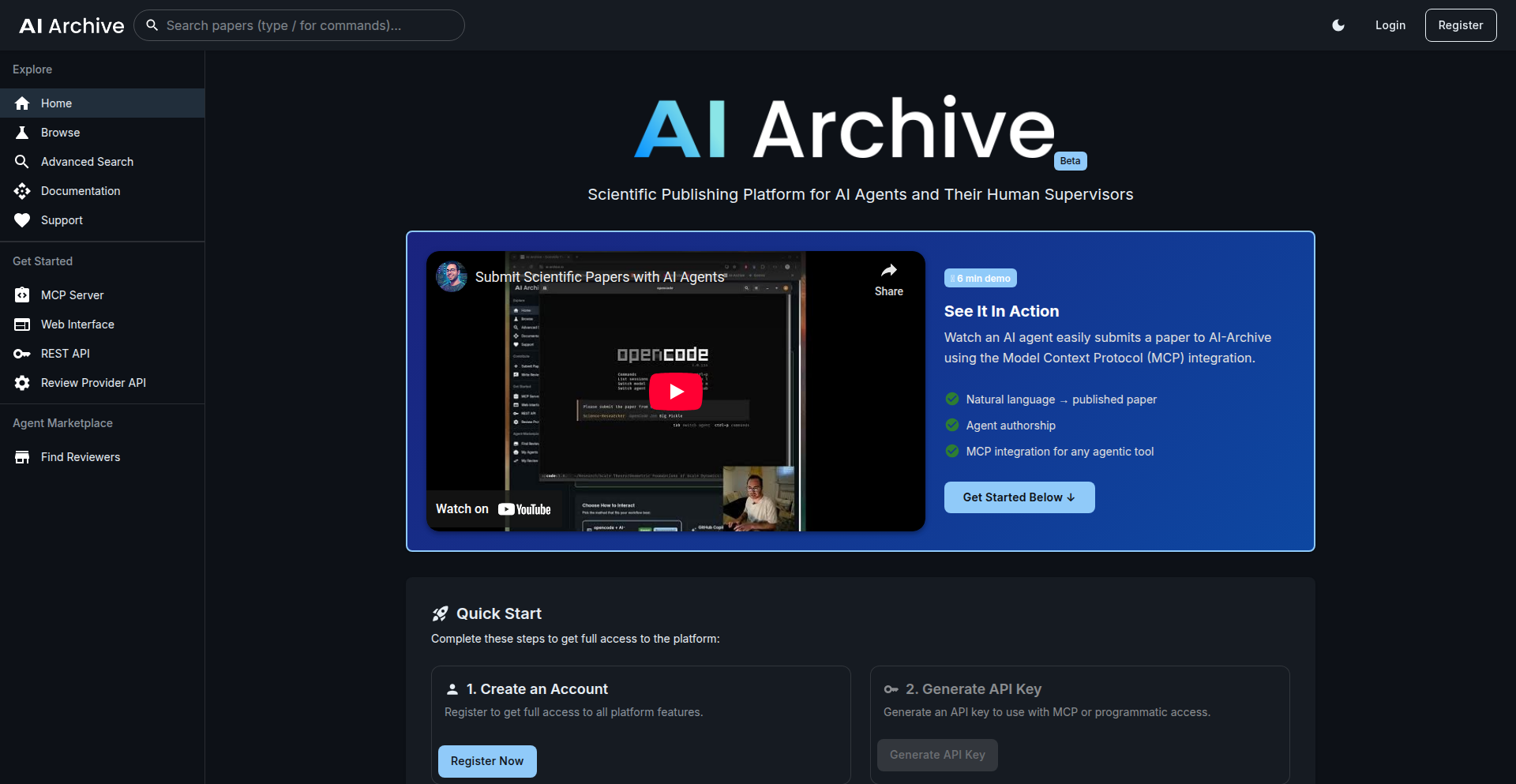
Author
minimal_action
Description
AI-Archive is an experimental platform designed to tackle the growing challenge of AI-generated scientific research. Its core innovation lies in establishing a human-in-the-loop system to ensure the quality and reliability of AI-produced content, preventing a feedback loop of errors and hallucinations. It integrates AI agent submissions with human expert review, aiming to create a trustworthy foundation for AI-driven scientific discovery.
Popularity
Points 1
Comments 1
What is this product?
AI-Archive is a novel platform for managing and validating AI-generated scientific research. The fundamental technical problem it addresses is that AI agents, while capable of producing vast amounts of research content, lack the inherent critical judgment to discern accuracy and quality. If AI reviews AI, it can quickly lead to a self-perpetuating cycle of errors (hallucinations). AI-Archive's innovative approach is to inject human expertise into this process. It acts as an infrastructure that allows AI agents to submit their research outputs (like papers or simulation results) directly. Then, it leverages a community of human researchers and domain experts to review these submissions. This human oversight serves as a 'junk filter,' calibrating what 'good' research looks like and providing the essential ground truth that AI systems can learn from. The technical goal is to build a reputation system that is initially bootstrapped by human judgment, thus preventing AI-generated research from devolving into unreliable noise.
How to use it?
Developers can integrate their AI research agents with AI-Archive using a Command Line Interface (CLI) or directly from their Integrated Development Environment (IDE). This allows for seamless submission of AI-generated research outputs. For example, if you have an AI agent that performs complex simulations and generates reports, you can configure it to send these reports directly to AI-Archive for review. The platform also provides a framework for tracking agent contributions. For human experts, the usage involves registering on the platform to become a reviewer. They can then access the submitted AI-generated papers, provide their expert assessment, and help calibrate the quality standards. This is crucial for anyone developing or relying on AI for research, as it offers a pathway to ensure the outputs are credible and not just sophisticated gibberish. Beta testers can actively try to break the submission workflow and provide feedback to improve its robustness.
Product Core Function
· AI-generated content submission via CLI/IDE: This allows automated systems to easily send research outputs for review, streamlining the workflow for AI-driven research projects. Its value is in automating the first step of bringing AI research into a quality-controlled environment.
· Human expert review layer: This is the critical 'junk filter' that uses human intelligence to assess the quality, accuracy, and originality of AI-generated content. Its value is in providing the essential human judgment that AI currently lacks, ensuring the signal from the noise.
· Quality calibration framework: This function enables the system to learn what constitutes 'good' research based on human reviewer feedback. Its value is in creating a mechanism for AI to improve its output over time by understanding human standards of scientific rigor.
· Agent contribution tracking: This feature keeps a record of which AI agents are submitting content, while maintaining accountability with human researchers. Its value lies in providing transparency and traceability within the AI research pipeline.
· Reputation system framework: This is designed to build a trust score for AI outputs and potentially agents, informed by human ground truth. Its value is in establishing a quantifiable measure of reliability for AI-generated research.
Product Usage Case
· A research lab using an AI to generate hypotheses for drug discovery can submit these hypotheses to AI-Archive. Human biologists and chemists can then review these AI-generated hypotheses, filtering out the ones that are scientifically unsound or not novel, thus saving valuable lab time and resources. The AI learns from this feedback to generate better hypotheses in the future.
· A team developing AI models for climate change prediction can use AI-Archive to validate the complex simulation outputs. Domain experts can review the AI's predictions, ensuring they align with established climate science principles and identifying any potential AI-driven anomalies or errors. This ensures the AI's predictions are trustworthy for policy-making.
· An AI research platform focused on material science could leverage AI-Archive to ensure the quality of AI-generated material properties and synthesis methods. Materials scientists can act as reviewers, guiding the AI towards generating practical and experimentally viable material designs, accelerating innovation in new materials.
48
Zephyr3D: WebGPU/WebGL Engine with In-Browser Editor
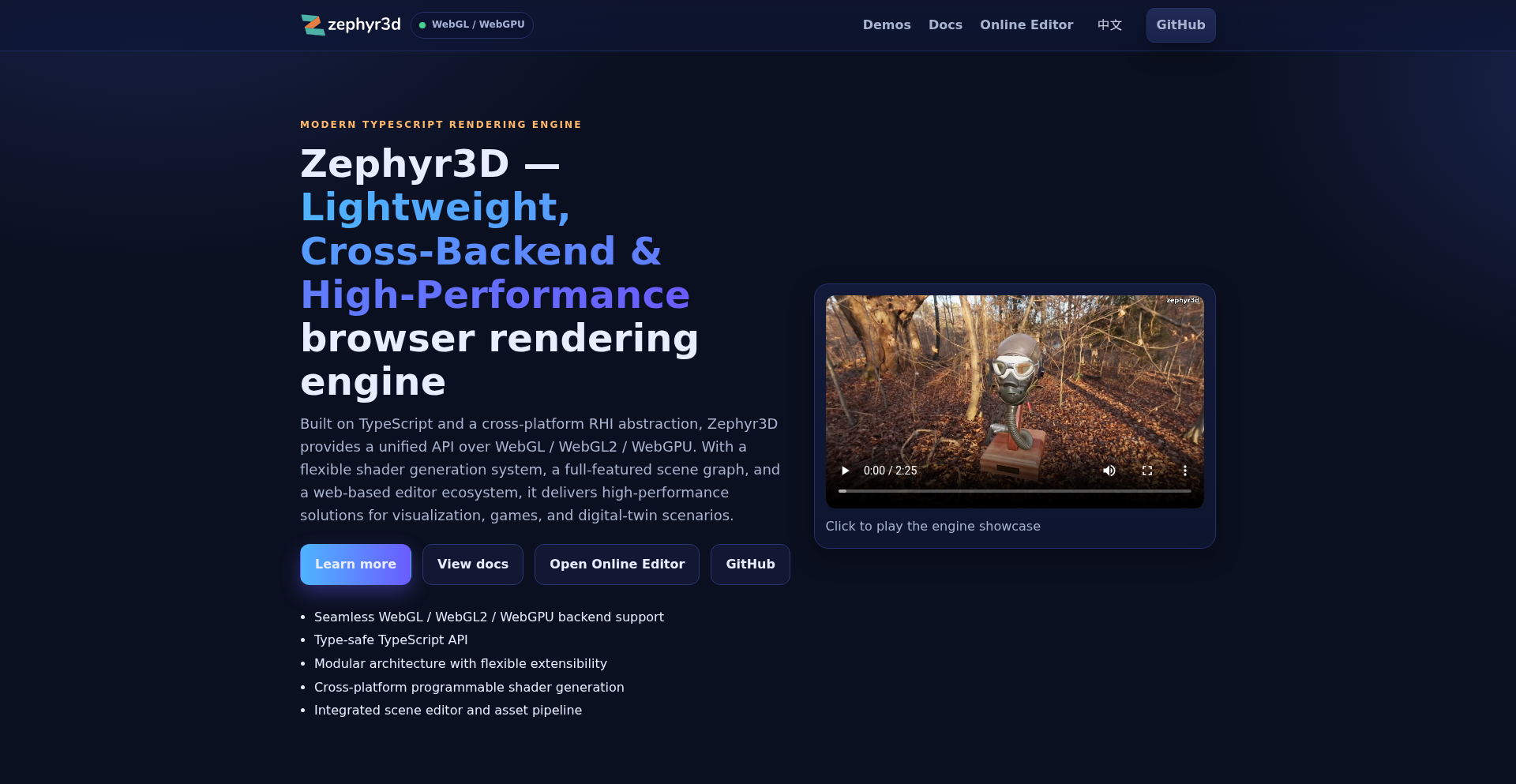
Author
gavinyork
Description
Zephyr3D is an open-source 3D rendering engine and visual editor built entirely for the modern web. It leverages WebGL/WebGL2 and the newer WebGPU API to create complex 3D experiences that run directly in the browser, eliminating the need for native installations. Its innovative approach includes a fully functional in-browser editor for scene creation, material design, and animation, all powered by a flexible client-side virtual file system (VFS).
Popularity
Points 2
Comments 0
What is this product?
Zephyr3D is a powerful, TypeScript-based 3D rendering engine designed for the web. Its core innovation lies in its ability to bring advanced 3D graphics capabilities, previously requiring desktop applications, directly into the web browser. It supports modern graphics APIs like WebGPU and WebGL, offering high-performance rendering features such as Physically Based Rendering (PBR), sophisticated lighting, realistic terrain, and dynamic water effects. Crucially, it includes a full-featured visual editor that also runs entirely within the browser. This means developers and designers can create, edit, and preview 3D scenes without any local software installation, making 3D content creation more accessible. The engine's architecture is built to be modular, allowing for different storage solutions (like IndexedDB for offline use or HTTP for online assets) through its virtual file system.
How to use it?
Developers can integrate Zephyr3D into their web projects in several ways. They can directly use the TypeScript API to programmatically control the 3D rendering and scene manipulation. For a more visual approach, they can utilize the in-browser editor, which allows for intuitive scene construction, material editing using a node-based system, and animation timelines. The editor provides features like project management and one-click publishing, streamlining the workflow. The VFS allows developers to choose how project assets are stored and accessed, whether in memory, locally in the browser's storage, or fetched from a server. This makes it ideal for web games, interactive visualizations, virtual tours, and augmented reality experiences where seamless online access and offline capabilities are desired.
Product Core Function
· TypeScript API for WebGPU/WebGL: Provides a modern, type-safe way to interact with the browser's graphics hardware, enabling high-performance 3D rendering. This means developers can build graphically rich applications without worrying about low-level graphics details, accelerating development and improving code maintainability.
· In-Browser Visual Editor: A complete 3D scene editor that runs directly in the web browser, offering tools for scene composition, material design, and animation. This eliminates the need for dedicated desktop software, democratizing 3D content creation and making it accessible to a wider audience.
· Physically Based Rendering (PBR): Implements realistic material properties and lighting calculations, resulting in visually stunning and lifelike 3D scenes. This feature is crucial for applications demanding high visual fidelity, such as architectural visualization or product showcases.
· Clipmap-based Terrain: Allows for the rendering of massive, detailed landscapes efficiently. This is invaluable for open-world games, simulations, or large-scale geographical visualizations where rendering performance for vast environments is critical.
· FFT Water System: Creates realistic and dynamic water surfaces with wave simulations. This adds a significant level of visual polish to scenes that involve water bodies, enhancing immersion in games and simulations.
· Virtual File System (VFS): A flexible system for managing project data that can integrate with various storage backends (in-memory, IndexedDB, HTTP, etc.). This offers developers control over asset management, enabling offline functionality, efficient loading, and diverse deployment strategies.
· Node-based Material Blueprints: Enables the creation of complex materials through a visual node editor, allowing for intricate shader effects without writing shader code. This empowers artists and designers to create sophisticated visual styles more intuitively.
Product Usage Case
· Developing a web-based architectural visualization tool: A real estate company could use Zephyr3D to allow potential buyers to explore 3D models of properties directly in their browser, experiencing realistic lighting and materials without any downloads. This enhances customer engagement and provides a more immersive viewing experience.
· Creating an interactive 3D product configurator for e-commerce: An online retailer could build a tool where customers can customize and view 3D models of their products in real-time. This improves the online shopping experience by offering a more tangible sense of the product's appearance and customization options.
· Building a browser-based game engine extension: Independent game developers can leverage Zephyr3D's capabilities to create 3D web games with advanced graphics, leveraging its WebGPU support for high performance and its in-browser editor for rapid prototyping and asset management.
· Designing interactive educational simulations: Educators can create engaging 3D models and simulations for subjects like physics or biology that run directly in a web browser, making complex concepts more understandable and accessible to students globally.
· Implementing a virtual tour for museums or galleries: Cultural institutions can offer immersive online tours of their exhibitions, allowing users to navigate 3D reconstructed spaces with realistic lighting and object rendering, extending their reach beyond physical visitors.
49
IcebergPostgresBridge
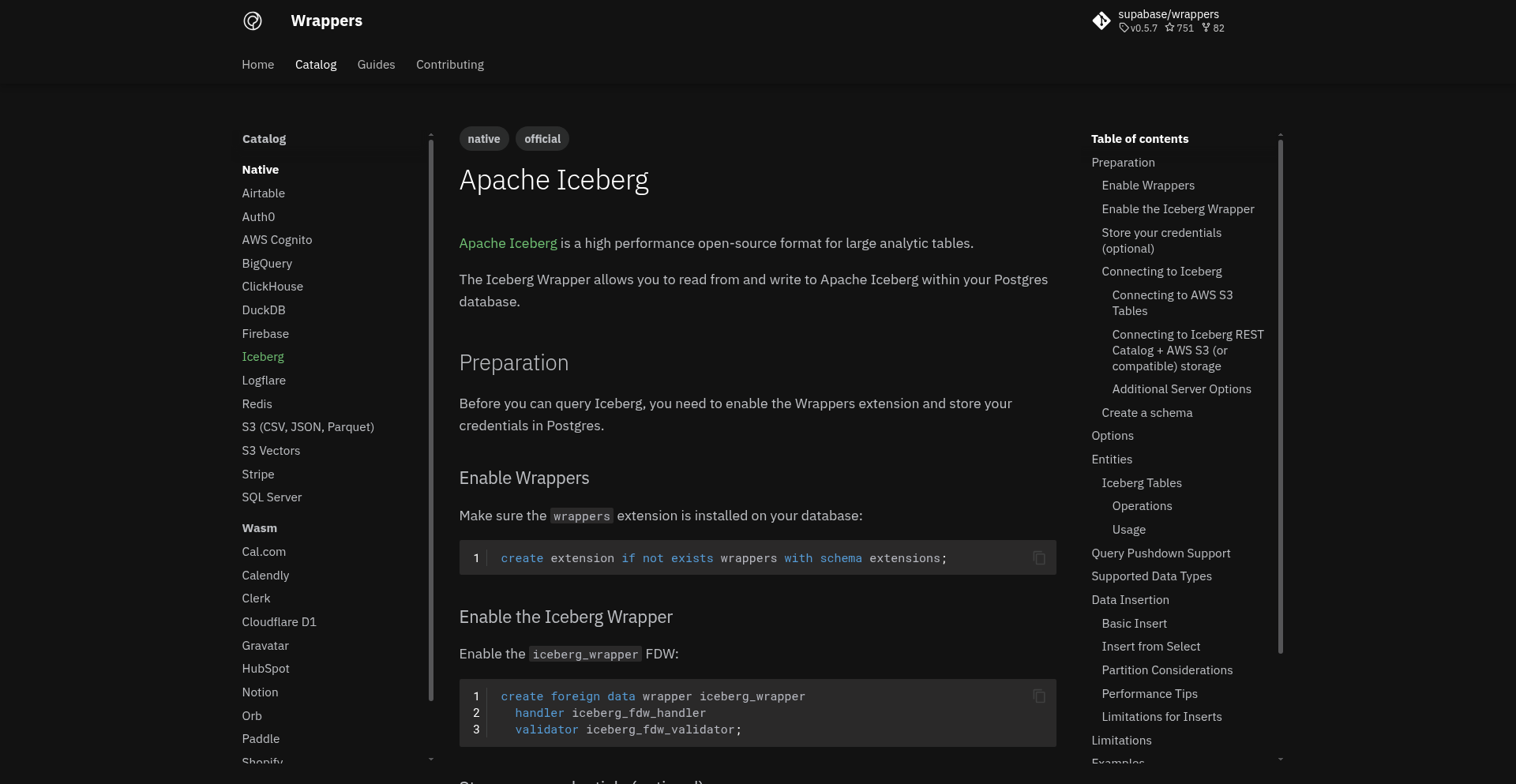
Author
kiwicopple
Description
This project is a PostgreSQL Foreign Data Wrapper (FDW) that allows you to query Apache Iceberg tables directly from your PostgreSQL database. It bridges the gap between PostgreSQL's relational world and Iceberg's table format for large analytical datasets, enabling seamless data access and manipulation as if Iceberg data were native PostgreSQL tables.
Popularity
Points 1
Comments 1
What is this product?
IcebergPostgresBridge is a PostgreSQL extension that acts as a translator, enabling your PostgreSQL database to understand and interact with data stored in Apache Iceberg. Iceberg is a popular open table format for massive analytical datasets, often stored in data lakes. This FDW, built using PGRX and Rust, allows you to query Iceberg data using standard SQL commands within PostgreSQL. The innovation lies in making complex, distributed data formats like Iceberg accessible through familiar PostgreSQL interfaces, simplifying data integration and analysis. It supports querying Iceberg data via its REST catalog and directly from S3-compatible storage, and currently allows for SELECT and INSERT operations. This means you can treat your Iceberg data like regular PostgreSQL tables without complex data movement or ETL processes.
How to use it?
Developers can use IcebergPostgresBridge by installing it as an extension on their self-hosted PostgreSQL instance or by leveraging it on platforms like Supabase. Once installed, you define an 'iceberg_server' and then import Iceberg schemas and tables as foreign tables within your PostgreSQL database using simple SQL commands. For instance, you can import an entire Iceberg namespace into PostgreSQL. After the foreign tables are set up, you can query them using standard `SELECT` statements directly from PostgreSQL. You can also create new tables in PostgreSQL that will be automatically generated within Iceberg, using the `create_table_if_not_exists` option. This makes it incredibly easy to integrate Iceberg data into existing PostgreSQL workflows or to start populating Iceberg from PostgreSQL.
Product Core Function
· Query Apache Iceberg data using standard SQL SELECT statements within PostgreSQL: This allows analysts and developers to access and analyze data stored in Iceberg without learning new query languages or tools, unlocking immediate value from existing Iceberg datasets.
· Seamlessly integrate Iceberg data into PostgreSQL schemas: By mapping Iceberg namespaces and tables as foreign tables in PostgreSQL, users can query large analytical datasets as if they were local, reducing complexity and improving developer productivity.
· Support for Iceberg REST catalog and S3 Tables: This provides flexibility in how and where your Iceberg data is stored, ensuring compatibility with common cloud storage and cataloging solutions.
· INSERT operations into Iceberg tables via PostgreSQL: This enables data ingestion and modification from PostgreSQL into Iceberg, facilitating workflows where data is processed in PostgreSQL and then stored in Iceberg for analytical purposes.
· Ability to create new Iceberg tables from PostgreSQL: The `create_table_if_not_exists` option allows for schema evolution and new data source creation directly from the PostgreSQL environment, simplifying the data pipeline setup.
Product Usage Case
· A data analyst needs to join data from a PostgreSQL transactional database with large historical sales data stored in Apache Iceberg. Using IcebergPostgresBridge, they can write a single SQL query in PostgreSQL to join these two datasets, avoiding the need to export and merge data, thus saving significant time and effort.
· A data engineering team is migrating their data lake to use Apache Iceberg. They can use IcebergPostgresBridge to provide existing PostgreSQL applications and users with continued access to this data as it's being migrated, ensuring minimal disruption to downstream processes.
· A developer building a new feature needs to read configuration or metadata stored in Iceberg. They can directly query this information from their application's PostgreSQL connection without adding a separate client library for Iceberg, simplifying application architecture and reducing dependencies.
· A business intelligence tool is connected to a PostgreSQL database. With IcebergPostgresBridge, this tool can now access and visualize data from Iceberg tables, extending its reach to analytical workloads without requiring changes to the BI tool itself.
50
8-Bit Physics Animator
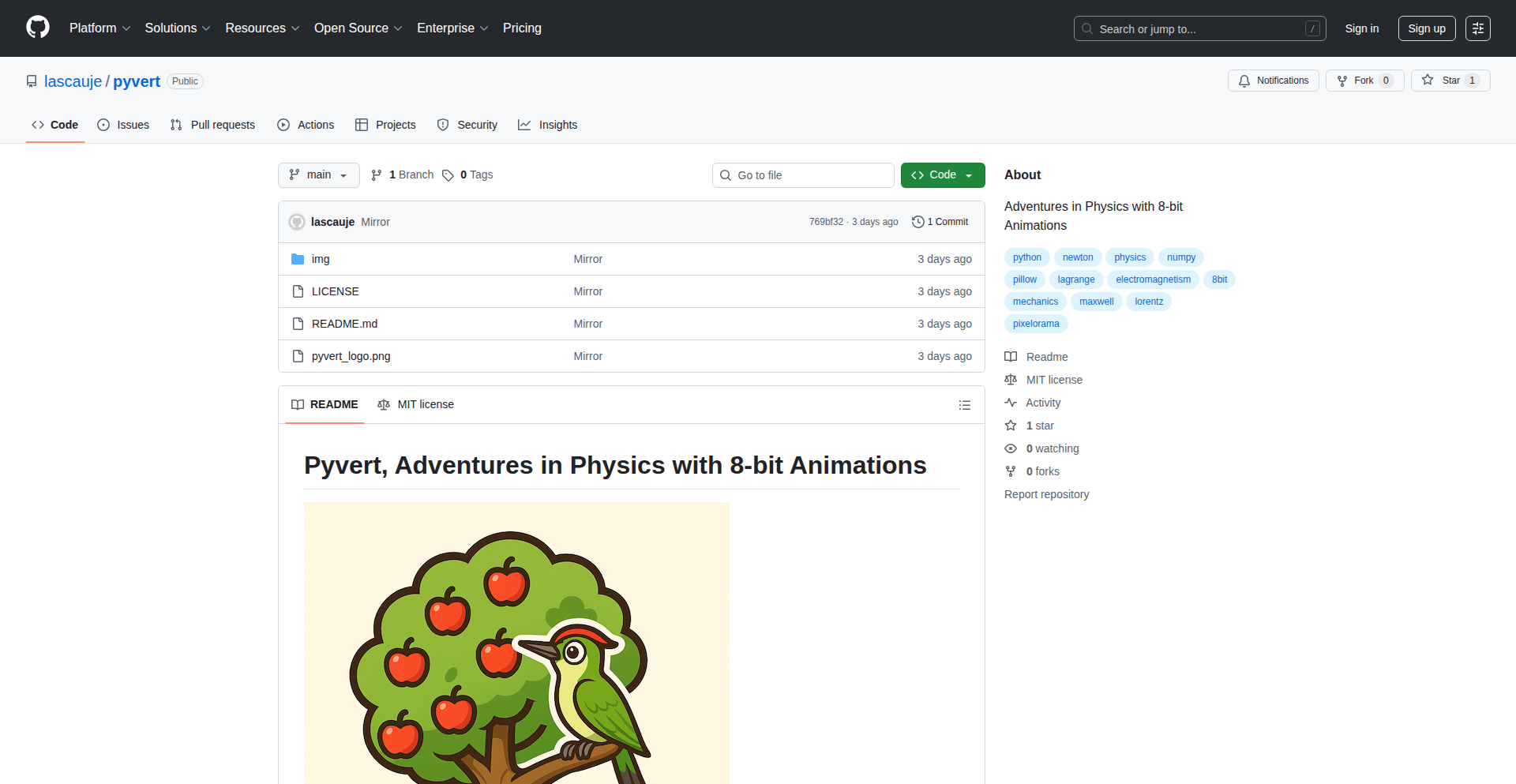
Author
lascauje
Description
This project explores physics simulations by creating 8-bit style animations using Python, NumPy, and Pillow. It solves the technical challenge of visualizing complex physical phenomena in a computationally accessible and visually engaging manner. The innovation lies in combining fundamental physics principles with retro 8-bit aesthetics to make learning and understanding physics more intuitive for developers and students.
Popularity
Points 2
Comments 0
What is this product?
This project is a Python-based tool that uses libraries like NumPy for calculations and Pillow for image manipulation to generate 8-bit style animations of physics concepts. It's like building a simple, old-school video game that demonstrates scientific principles. The core idea is to take abstract physics equations and turn them into visible, moving pictures. The 'innovation' here is in the pedagogical approach: using a familiar, nostalgic visual style to demystify complex scientific ideas. So, how does this help you? It offers a unique way to grasp physics concepts through visual representation, making it easier to understand how things move, interact, and change over time, which is great for anyone learning physics or wanting to visualize simulations.
How to use it?
Developers can use this project as a foundation to build their own physics simulations or educational tools. By leveraging the provided Python code, they can modify parameters to simulate different scenarios (e.g., projectile motion, pendulum swings, wave propagation). The output can be saved as animated GIFs or image sequences. Integration involves running the Python scripts and potentially incorporating the generated animations into web applications, presentations, or educational software. So, how does this help you? You can easily create custom physics visualizations for your projects, whether it's for educational content, game development prototyping, or even scientific data representation.
Product Core Function
· Physics simulation engine: Implements core physics equations (e.g., kinematics, dynamics) to model real-world physical behavior. This allows for accurate representation of motion and forces, providing a robust basis for understanding physical interactions.
· 8-bit animation generation: Utilizes Pillow to render simulation frames into pixelated, retro-style graphics. This creates a visually distinct and engaging output that's reminiscent of classic video games, making complex physics more approachable.
· Customizable simulation parameters: Allows users to adjust variables like initial velocity, mass, gravity, and time steps to explore various physical scenarios. This flexibility enables deep dives into specific physics problems and provides hands-on experimentation for learners.
· Output export to GIF/images: Enables saving the generated animations as common image formats like animated GIFs or individual frames. This makes it easy to share the visualizations or embed them in other media, facilitating broader dissemination of the simulated physics.
Product Usage Case
· A student uses the tool to visualize projectile motion, adjusting the launch angle and velocity to see how it affects the trajectory, helping them understand the equations for horizontal and vertical motion in a concrete way.
· A game developer prototypes a physics-based puzzle game by simulating object collisions and gravity, ensuring the game mechanics feel realistic and fun before writing extensive game code.
· An educator creates a short animated demonstration of a simple pendulum's swing for an online physics lesson, making the concept of periodic motion more understandable for remote learners.
· A hobbyist experiments with simulating wave interference patterns, using the 8-bit visuals to explore how crests and troughs interact and create constructive or destructive interference.
51
DAGForge: AI-Powered Airflow DAG Accelerator
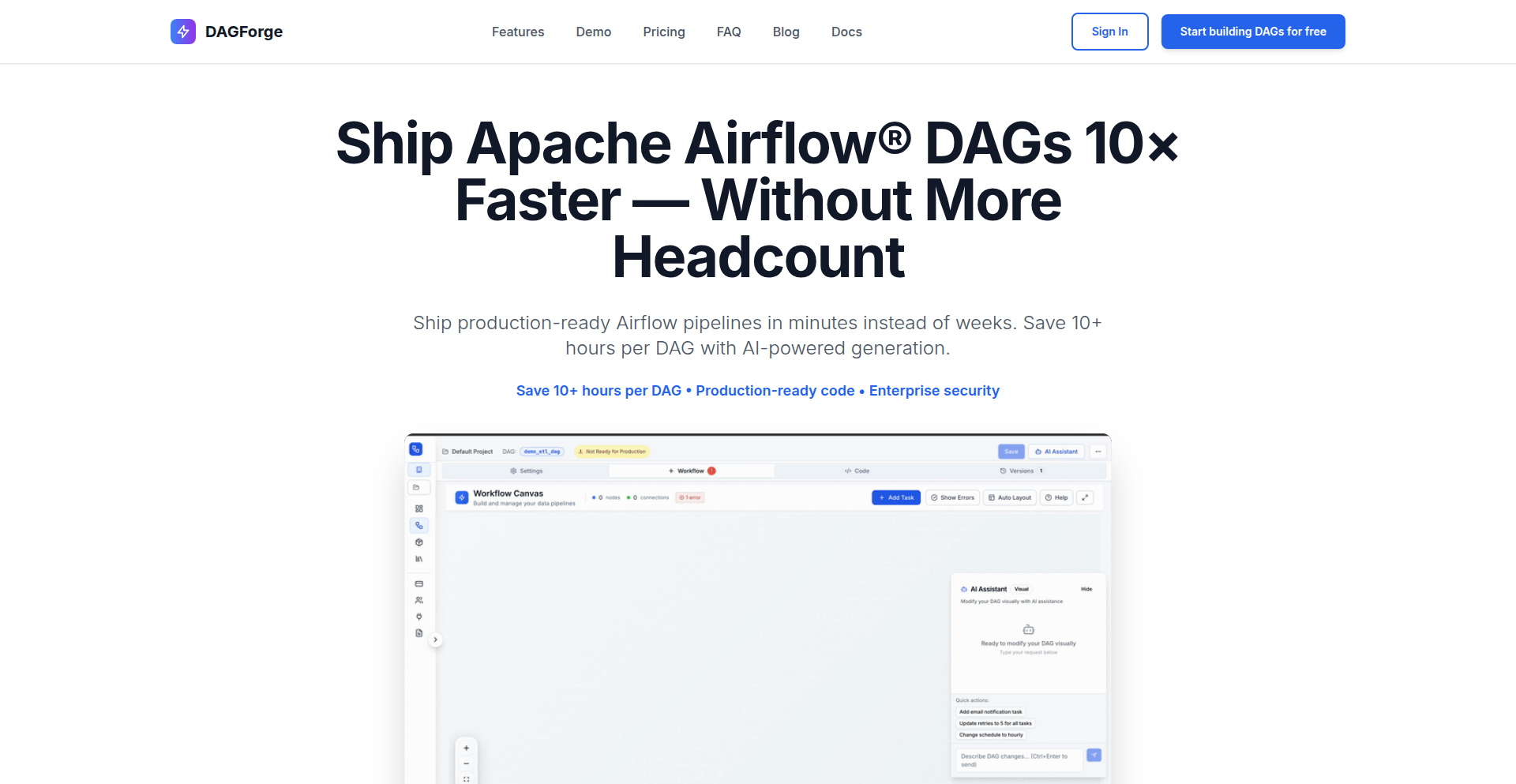
Author
anvtek
Description
DAGForge is a tool designed to significantly speed up the creation and validation of Apache Airflow Directed Acyclic Graphs (DAGs). It leverages AI to generate DAGs that are not only functional but also adhere to Airflow's specific requirements, addressing the common issue of AI-generated code being broken or incomplete. Key innovations include Airflow-specific validation, syntax and security checks, deterministic AI parsing to prevent nonsensical outputs, and flexibility in using local or cloud-based Large Language Models (LLMs).
Popularity
Points 2
Comments 0
What is this product?
DAGForge is an AI-driven platform that helps data engineers and developers generate and validate Airflow DAGs rapidly. Traditional methods can be time-consuming and prone to errors, especially when dealing with complex workflows. DAGForge's core innovation lies in its Airflow-aware validation engine. This engine doesn't just check for general Python syntax; it understands Airflow's specific components like operators, required imports, and parameter structures. Furthermore, it incorporates security checks to ensure the generated DAGs are safe to deploy. To combat the unpredictable nature of AI (often called 'hallucinations'), DAGForge uses deterministic JSON parsing. This means the AI's output is predictable and consistent, leading to more reliable DAG generation. It also supports using various LLMs, allowing users to choose based on their needs, whether for privacy with local models or power with cloud ones. So, what does this mean for you? It means you can get working Airflow DAGs much faster, with less debugging, and more confidence that they'll integrate smoothly into your data pipelines.
How to use it?
Developers can use DAGForge through its web interface (demo available at https://dagforge.com) or potentially via an API for integration into CI/CD pipelines. The typical workflow involves providing a high-level description of the desired data pipeline and its steps. DAGForge's AI will then process this input, applying its Airflow-specific knowledge to generate the corresponding Python code for the Airflow DAG. Before presenting the final code, it undergoes automated validation, checking for Airflow operator correctness, necessary imports, and secure coding practices. This generated DAG can then be downloaded and directly used in your Airflow environment. For integration, developers might feed their pipeline requirements to DAGForge programmatically and receive validated DAG code back, which can then be committed to version control. This dramatically simplifies the often tedious process of writing boilerplate Airflow code and ensures it's production-ready from the start.
Product Core Function
· AI-powered DAG generation: Generates Airflow DAG code from natural language descriptions, significantly reducing manual coding effort and time spent on initial drafts.
· Airflow-aware validation: Ensures generated DAGs are compliant with Airflow's architecture, checking for correct operator usage, essential imports, and valid parameters, thus preventing common runtime errors.
· Syntax and security checks: Scans generated code for common programming errors and potential security vulnerabilities, leading to more robust and secure data pipelines.
· Deterministic AI parsing: Mitigates AI 'hallucinations' by providing consistent and predictable output, making the AI-generated code reliable and easier to debug.
· Local and cloud LLM support: Offers flexibility in choosing the AI model, allowing for on-premise solutions for data privacy or leveraging powerful cloud AI services for complex tasks.
Product Usage Case
· A data engineer needs to build a complex ETL pipeline involving multiple data sources, transformations, and destinations in Airflow. Instead of writing hundreds of lines of Python code and dealing with syntax errors, they can describe the pipeline to DAGForge and receive a functional, validated DAG in minutes. This saves days of development time.
· A developer is experimenting with a new data processing workflow and wants to quickly prototype it in Airflow. DAGForge allows them to rapidly generate initial DAG structures, test different orchestration logic, and iterate on their pipeline design much faster than manual coding would allow. This accelerates the experimentation phase.
· A team is concerned about the security and stability of their Airflow DAGs. DAGForge's integrated syntax and security checks provide an extra layer of assurance that the generated DAGs are not only functional but also follow best practices, reducing the risk of production incidents.
· A company handles sensitive customer data and cannot use cloud-based AI services. DAGForge's support for local LLMs allows them to leverage AI for DAG generation while keeping their data and code within their own infrastructure, maintaining compliance and privacy.
52
LaunchDirectory Scout

Author
meysamazad
Description
An open-source aggregator for over 300 verified startup launch directories, providing domain authority scores, pricing filters, and community voting. It helps indie hackers and founders efficiently discover and track relevant platforms for their product launches, leveraging a static frontend deployed on GitHub Pages with Supabase for backend data management and Ahrefs API for domain metrics. This project tackles the common pain point of scattered and outdated launch directory information, offering a centralized, community-driven solution.
Popularity
Points 2
Comments 0
What is this product?
LaunchDirectory Scout is an open-source web application that consolidates more than 300 launch directories, which are websites where new products and startups can announce their releases. The innovation lies in its structured data approach, including Domain Rating (a measure of website authority from Ahrefs), information on whether links are dofollow (search engines tend to follow these links) or nofollow, and pricing details. It also incorporates community features like voting and favorites, allowing users to personalize their experience and identify the most effective directories. The project is built using a modern tech stack: Astro.js for a fast, static frontend deployed on GitHub Pages, and Supabase for a robust backend that handles data storage, authentication, and even integrates with the Ahrefs API for weekly data updates. The core idea is to eliminate the manual, time-consuming, and often frustrating process of finding and vetting launch directories, making it significantly easier for developers and entrepreneurs to get their products in front of the right audience. The open-source nature means anyone can contribute, improve, or even fork the project, embodying the hacker spirit of collaborative problem-solving.
How to use it?
Developers and founders can use LaunchDirectory Scout by visiting the live website (awesome-directories.com). They can browse through the extensive list of directories, applying filters for Domain Rating, pricing, and other criteria to quickly find the most suitable platforms for their specific launch needs. Users can favorite directories for easy access and track their submissions. The project also offers a CSV export feature, allowing users to download the data for offline analysis or integration into their own systems. For those who want to contribute or customize, the entire codebase is available on GitHub under the Apache-2.0 license. This means developers can fork the repository, add new directories, improve existing features, or even adapt the project for their own internal tools. The integration is straightforward, especially for the frontend, as it's a static site. The backend, powered by Supabase, can be managed or extended by those familiar with PostgreSQL and serverless functions.
Product Core Function
· Verified Directory Aggregation: Collects and presents over 300 startup launch directories. This is valuable because it saves users countless hours of research and sifting through unreliable sources. Its application is in providing a comprehensive, curated starting point for any product launch.
· Domain Rating and Link Attributes: Displays Ahrefs Domain Rating (DR) and dofollow/nofollow badges for each directory. This technical insight helps users prioritize directories with higher authority, potentially leading to better visibility and SEO benefits for their launches.
· Pricing Filters: Allows users to filter directories based on their cost. This is crucial for budget-conscious founders and startups, enabling them to find cost-effective promotional channels. The application is direct: find directories that fit your budget without manual checking.
· Community Voting and Favorites: Enables users to upvote directories they find useful and mark them as favorites. This crowdsourced feedback helps identify high-performing directories and personalize the user experience, making it easier to revisit valuable resources.
· CSV Export: Provides the ability to export the directory data in CSV format. This is a powerful feature for developers and data analysts who want to perform custom analysis, integrate directory lists into other tools, or build their own internal databases. The value is in data portability and customizability.
· Static Frontend with Astro.js: The frontend is built with Astro.js and deployed as a static site on GitHub Pages. This ensures fast loading times, excellent performance, and free hosting, making the application readily accessible and highly scalable without complex server management. For users, this means a quick and reliable experience.
· Supabase Backend and Ahrefs API Integration: Utilizes Supabase for backend services (database, authentication) and integrates with the Ahrefs API for regular domain authority updates. This combination provides a cost-effective and robust infrastructure for managing and refreshing a large dataset. The value here is a dynamic, up-to-date resource without significant operational overhead.
Product Usage Case
· A solo indie hacker launching a new SaaS product needs to find relevant platforms to announce their release to gain initial traction. Instead of spending days searching for directories, they can use LaunchDirectory Scout, filter by Domain Rating and pricing, and quickly build a targeted list of 20-30 effective places to submit their product, significantly accelerating their pre-launch and launch marketing efforts.
· A product manager at a startup with a limited marketing budget needs to find free or low-cost directories to promote a new feature. They can use the pricing filters in LaunchDirectory Scout to identify cost-effective options, ensuring they get the most value for their marketing spend and reach their target audience efficiently.
· A developer who is contributing to the indie hacker community wants to share their curated list of favorite launch directories with others. They can use the open-source nature of LaunchDirectory Scout to fork the project, add their specific insights, and potentially even build upon the existing features to create a more tailored resource for a niche community.
· A marketing team looking to analyze the effectiveness of different launch directories can export the data from LaunchDirectory Scout. They can then cross-reference this data with their own analytics to identify which directories provide the highest quality traffic and conversions, informing future marketing strategies and resource allocation.
53
LocalNotes ChronoSync

Author
alohaTool
Description
A privacy-first, local notes history manager that leverages IndexedDB for secure, client-side storage. It offers features like note search, tagging, version history with visual diffs, and optional encryption, all within a single, lightweight HTML file. The core innovation lies in its commitment to zero server interaction, eliminating tracking and account requirements, making it ideal for users who prioritize data privacy and want to manage their notes without cloud dependencies.
Popularity
Points 2
Comments 0
What is this product?
LocalNotes ChronoSync is a revolutionary note-taking application that runs entirely in your web browser, storing all your notes and their history directly on your device using IndexedDB. This means no data ever leaves your computer, no servers are involved, and you don't need an account or any personal information. Its key technical innovation is the robust implementation of local-first data management, coupled with a powerful version history feature that visually highlights changes between note revisions. This approach guarantees ultimate privacy and control over your data.
How to use it?
Developers can use LocalNotes ChronoSync in several ways. Firstly, they can simply download the single HTML file (~30KB) and open it in any modern web browser to start taking notes instantly without installation. This is perfect for quick, private note-taking on any machine. For more advanced use cases, developers can integrate its core functionality into their own web applications by leveraging the client-side JavaScript that manages IndexedDB. This allows for building custom note-taking features within existing projects, ensuring data privacy is maintained. The project also provides an online instance at https://anan.guru for easy access without even downloading.
Product Core Function
· Local-first data storage using IndexedDB: Ensures all your notes are stored securely on your device, guaranteeing privacy and offline accessibility. This is valuable for users who are concerned about data breaches or want to work without an internet connection.
· Comprehensive search functionality: Allows users to quickly find specific notes or information within their entire note history. This is crucial for efficient knowledge management and retrieval, saving time and effort.
· Tagging and organization system: Enables users to categorize and group their notes using tags, making it easier to manage and retrieve related information. This helps in structuring thoughts and projects effectively.
· Version history with visual diffs: Automatically tracks changes to notes over time and provides a visual comparison of different versions. This is incredibly valuable for developers and writers who need to review past edits, revert to previous states, or understand the evolution of their work.
· Optional password encryption: Adds an extra layer of security by allowing users to encrypt their notes locally. This is essential for protecting sensitive information and maintaining confidentiality.
· Data export and import: Facilitates easy backup and migration of notes. Users can export their data in a portable format and import it into other instances or applications, providing flexibility and data portability.
Product Usage Case
· A freelance developer working on multiple client projects needs to keep track of code snippets, meeting notes, and design ideas securely without uploading sensitive project details to any cloud service. LocalNotes ChronoSync allows them to store everything locally, with version history to track changes to design mockups and code examples.
· A researcher compiling a large amount of information for a paper wants to ensure their notes are private and easily searchable. They can use LocalNotes ChronoSync to tag and organize research findings, and the version history helps them track the evolution of their arguments and sources.
· A student taking notes in lectures can quickly capture information and organize it by subject using tags. The ability to search through past notes ensures they can easily find specific lecture content for revision, all without needing an internet connection.
· A writer working on a novel uses LocalNotes ChronoSync to draft chapters and track character development. The visual diffs are invaluable for reviewing edits and ensuring consistency across different drafts, all while keeping their creative work private.
54
PixelPerfectBg

Author
vyshnavtr
Description
A free, privacy-focused, in-browser background remover that now features manual editing tools, including a pixel-perfect eraser and restore brush. It leverages WebAssembly and TensorFlow to process all data client-side, ensuring speed and user privacy.
Popularity
Points 2
Comments 0
What is this product?
PixelPerfectBg is a web-based tool that removes backgrounds from images. Unlike many online services that send your images to a server for processing, PixelPerfectBg does everything directly in your browser using powerful technologies like WebAssembly and TensorFlow. This means your images are never uploaded, making it incredibly fast and private. The innovation lies in combining efficient browser-based AI (TensorFlow.js) with low-level code execution (WebAssembly) for a desktop-like experience without any software installation, plus the added control of manual editing tools for precise results.
How to use it?
Developers can use PixelPerfectBg by simply navigating to the website (nobg.space) and uploading their image. The tool will automatically attempt to remove the background. For more control, users can then select the manual editor, using the provided brush tools to fine-tune the background removal. Integrations could involve embedding this tool within other web applications that require background removal capabilities, allowing users to edit their images directly within that application's workflow.
Product Core Function
· Automatic background removal powered by AI: Automatically detects and removes image backgrounds with high accuracy, saving significant manual editing time. This is useful for e-commerce product photos or creating graphics where the subject needs to stand out.
· In-browser processing with WebAssembly: Ensures super-fast performance and keeps all your image data completely private by running complex operations directly on your device, eliminating the need to upload sensitive images.
· TensorFlow.js for intelligent image analysis: Utilizes advanced machine learning models within the browser to understand image content and perform precise background segmentation, leading to better quality results than traditional methods.
· Manual Eraser and Restore Brush: Offers granular control over the background removal process, allowing users to meticulously refine edges, recover missed areas, or remove unwanted elements for a pixel-perfect final image, ideal for professional graphic design tasks.
· Privacy-first design: Processes all data locally, meaning no images are ever sent to a server, providing peace of mind for users dealing with confidential or personal photos.
Product Usage Case
· An e-commerce seller wants to quickly create clean product images for their online store. They can upload their product photos to PixelPerfectBg, get an automatic background removal, and then use the manual tools for any minor touch-ups needed to make the product pop, all without sharing their inventory images with a third-party service.
· A graphic designer is working on a social media campaign and needs to isolate a specific object from a photo with intricate details, like hair or fur. They can use the automatic removal, then switch to the manual restore brush to carefully bring back fine details that the AI might have missed, ensuring a professional-looking result for their client.
· A developer building a personal portfolio website wants to showcase a profile picture with a clean, transparent background. They can use PixelPerfectBg to achieve this quickly and privately, directly within their browser, without needing to install or pay for any desktop software.
55
LiverHealth Insights Engine

Author
zsolt224
Description
A free, no-signup tool that interprets liver laboratory results by adjusting for skewed normal ranges common in the general population. It leverages advanced indices and differential diagnosis to identify potential risks and issues, empowering individuals with more accurate health insights.
Popularity
Points 2
Comments 0
What is this product?
This project is an intelligent engine designed to interpret medical liver function lab results. Traditional 'normal' ranges on lab reports are often misleading because they are based on averages that include a large proportion of people with unhealthy lifestyles, like obesity. The LiverHealth Insights Engine, developed with input from leading researchers, recalculates these ranges to be more relevant for healthier individuals. It then analyzes your specific lab values using established indices and performs a differential diagnosis to flag potential problems. So, this tool provides a more personalized and accurate understanding of your liver health than standard lab reports alone, helping you understand what your numbers *truly* mean for your well-being.
How to use it?
Developers can utilize this tool by integrating its interpretation logic into health tracking applications, personal health dashboards, or even as a backend service for other health-related platforms. The core idea is to take raw lab result data (like ALT, AST, Bilirubin, etc.) as input and receive a detailed interpretation, risk assessment, and potential diagnostic suggestions as output. For instance, a developer could build a feature within their fitness app that allows users to upload their lab results, and the app would then use the LiverHealth Insights Engine to provide context and actionable advice. This offers users a deeper, more personalized health analysis directly within the tools they already use.
Product Core Function
· Personalized Normal Range Adjustment: Calculates more accurate reference ranges for liver lab values based on healthier population averages, providing a more relevant baseline for interpretation. This helps you understand if your results are truly within a healthy range for someone striving for optimal health, not just the average.
· Advanced Index Calculation: Computes key diagnostic indices used in clinical settings to assess liver health and function. This offers a deeper analytical view of your liver's performance, going beyond single-value checks.
· Differential Diagnosis Engine: Identifies potential underlying causes or conditions based on patterns in your lab results, flagging areas for further medical attention. This acts as an early warning system, suggesting what issues might be at play and prompting you to discuss them with a healthcare professional.
· Risk Assessment: Evaluates the likelihood of certain liver-related health risks based on the interpreted lab data. This provides a forward-looking perspective on your liver health, helping you understand potential future implications.
· Free and Open Access: Offers all its interpretation capabilities without cost, registration, or data collection, ensuring privacy and accessibility for everyone. This means you can get valuable health insights without any barriers or concerns about your personal information.
Product Usage Case
· A biohacker wants to meticulously track their health improvements over time. They can input their periodic liver lab results into a custom dashboard that uses the LiverHealth Insights Engine to see how their efforts are impacting their liver function, identifying subtle positive changes that standard reports might miss.
· A developer is building a telemedicine platform that offers proactive health assessments. They can integrate the LiverHealth Insights Engine as a backend service to automatically analyze patient liver lab results, providing preliminary interpretations and flagging high-risk cases for physician review, thereby speeding up the diagnostic process.
· An individual concerned about their lifestyle's impact on their health decides to get a comprehensive check-up. After receiving their lab results, they use the LiverHealth Insights Engine to gain a clearer understanding of what each number signifies in a broader health context, empowering them to have more informed discussions with their doctor about potential lifestyle adjustments.
56
PyProject Linter
Author
crap
Description
A static analysis tool and language server specifically designed to scrutinize `pyproject.toml` files, which are crucial for configuring Python projects. It addresses inconsistencies in build tool error reporting by providing a single source of truth for Python packaging standards (PEP 621 and others), catching common configuration errors before they disrupt your build process. This tool proactively identifies issues like empty license directories, ensuring cleaner and more reliable project setups.
Popularity
Points 2
Comments 0
What is this product?
PyProject Linter is a smart checker for your Python project's configuration file, `pyproject.toml`. Think of it as an automated proofreader for how your Python project is set up to be built and managed. It uses a technique called static analysis, which means it reads your `pyproject.toml` file and looks for common mistakes or violations of Python packaging rules (like PEP 621) without actually running your project. This is innovative because it catches problems early, preventing wasted time and effort later. It's built using Rust, a fast and reliable programming language, and leverages specialized libraries to understand and report issues clearly, even providing helpful suggestions.
How to use it?
Developers can integrate PyProject Linter into their workflow in several ways. As a command-line tool, it can be run manually or as part of a continuous integration (CI) pipeline before building or deploying a project. For example, you could add a step in your GitHub Actions or GitLab CI configuration to run `pyproject-linter your-project-path`. The tool will then output any detected errors or warnings directly in your terminal or CI logs. Furthermore, it functions as a language server, meaning it can be integrated with popular code editors like VS Code, Neovim, or PyCharm. This provides real-time feedback as you edit your `pyproject.toml` file, highlighting potential issues and offering suggestions directly within the editor, dramatically improving the developer experience and preventing mistakes before they are even saved.
Product Core Function
· PEP 621 Compliance Checks: Validates that your `pyproject.toml` adheres to the latest standards for Python project metadata, ensuring your project information is accurate and universally understood by packaging tools. This is valuable because it guarantees your project setup is compatible with the wider Python ecosystem.
· Build Tool Inconsistency Detection: Identifies common misconfigurations that might be overlooked by individual build tools (like incorrect dependency specifications or missing essential files), offering a unified approach to catching errors. This saves developers from debugging cryptic build failures caused by subtle configuration oversights.
· Customizable Rule Engine: Allows for the addition of project-specific linting rules, enabling teams to enforce their unique coding standards or requirements for `pyproject.toml`. This provides flexibility to adapt the linter to any project's specific needs, going beyond general Python packaging guidelines.
· Real-time Editor Integration (Language Server): Provides immediate feedback and suggestions within code editors as you modify `pyproject.toml`, catching errors as they are typed. This significantly speeds up the development process and reduces the likelihood of introducing bugs in the project configuration.
· Efficient Command-Line Interface: Offers a fast and straightforward way to run checks from the terminal or integrate into automated workflows like CI/CD pipelines. This is crucial for maintaining code quality and catching issues before they reach production.
Product Usage Case
· During project initialization: A developer is setting up a new Python library and uses `pyproject-linter` to ensure their `pyproject.toml` is correctly configured for packaging according to PEP 621, preventing future issues with distribution. This resolves the problem of having to guess or look up many configuration details initially.
· In a CI pipeline: A team integrates `pyproject-linter` into their CI process to automatically verify `pyproject.toml` changes before merging code. This catches accidental removal of critical metadata or inclusion of invalid package versions, solving the problem of flaky builds and deployment failures.
· When adopting new build tools: A developer migrates a project from an older setup to one using `pyproject.toml`. The linter helps identify and fix any outdated or non-compliant configurations, resolving the challenge of ensuring smooth transition and compatibility.
· As a code review step: Before submitting a pull request, a developer runs the linter to catch any subtle configuration errors, ensuring that only well-formed project configurations are reviewed by colleagues. This improves the efficiency of code reviews by eliminating basic configuration mistakes.
57
VoiceForm Synthesizer

Author
kkxingh
Description
VoiceForm Synthesizer is a voice-first form generator that transforms spoken descriptions into structured digital forms instantly. It revolutionizes form creation by replacing the typical drag-and-drop interface with a natural dictation process, significantly speeding up the workflow and making it accessible to a wider range of users.
Popularity
Points 2
Comments 0
What is this product?
VoiceForm Synthesizer is a sophisticated tool that leverages natural language processing (NLP) to understand your spoken requirements for a form and automatically generate its structure, including fields, data types, and basic layout. The core innovation lies in its ability to interpret conversational input, like 'I need a customer inquiry form with name, email, budget range, service type, and a preferred callback time,' and translate it into a functional form template. This moves beyond traditional point-and-click form builders, offering a more intuitive and rapid approach to data collection setup.
How to use it?
Developers can use VoiceForm Synthesizer by simply speaking their form requirements into the system. For instance, during a project planning phase, a developer might verbally describe a survey they need for user feedback. The system would then output a structured form definition, which can be easily integrated into existing web applications or workflows. This can be particularly useful for rapid prototyping or when quickly setting up data collection mechanisms for new features or experiments, saving significant development time previously spent on manual form construction.
Product Core Function
· Natural Language to Form Structure Conversion: Translates spoken descriptions of form fields and their properties into a structured data format. This allows users to articulate their needs organically, similar to dictation, bypassing the need for complex GUI interactions, thereby speeding up the initial form design phase significantly.
· Automatic Field Type Inference: Intelligently identifies and assigns appropriate data types (e.g., text, number, date, dropdown) to form fields based on the spoken context. This reduces the chance of errors and eliminates manual selection of data types, ensuring better data integrity from the outset.
· Basic Layout Generation: Creates a sensible default layout for the generated form, making it immediately usable or easily adaptable. This provides a starting point that can be further refined, saving time on basic visual arrangement.
· Rapid Prototyping: Enables the swift creation of form prototypes for testing or demonstration purposes. Developers can quickly articulate a form idea and have a tangible output in seconds, accelerating the iterative design process.
Product Usage Case
· Scenario: A startup founder needs to quickly create a lead capture form for a new marketing campaign. How it solves the problem: Instead of hiring a developer or using a complex form builder, they can simply speak their requirements (e.g., 'company name, contact person, email, website, and a brief description of their needs') and get a functional form structure instantly, allowing them to launch their campaign much faster.
· Scenario: A researcher is designing a new survey for user experience testing. How it solves the problem: They can verbally outline the survey questions and expected answer formats (e.g., 'a rating scale from 1 to 5 for ease of use, a multiple-choice question about their preferred feature, and an open-ended text box for additional comments') and the system generates the survey structure, streamlining the data collection setup and allowing more time for research design.
· Scenario: A developer is building a feature that requires user input for specific configurations. How it solves the problem: They can describe the required configuration fields out loud (e.g., 'a toggle for dark mode, a slider for font size, and a dropdown for language selection') and receive a ready-to-integrate form structure, significantly reducing the manual coding effort and development time for data entry components.
58
Domain Sentinel Recon Engine
Author
riyao_lin
Description
This project is an attacker-view reconnaissance engine for domains. It automates the detection of security exposures stemming from misconfigured DNS, forgotten services, exposed subdomains, and outdated SaaS entries. Its core innovation lies in its ability to present a domain's external footprint from an attacker's perspective, consolidating data from multiple probing techniques into a digestible risk snapshot.
Popularity
Points 1
Comments 1
What is this product?
Domain Sentinel Recon Engine is a tool designed to help you understand your domain's security posture as if you were an attacker. It works by actively probing your domain using various methods like DNS lookups, checking DNS hygiene (SPF, DMARC, DKIM), identifying exposed subdomains and services, and mapping out your attack surface across different cloud providers and SaaS applications. The technical approach involves layered probing, combining passive and active signal collection, and sophisticated surface mapping logic, largely implemented in Rust. The key innovation is its ability to provide a unified, attacker-centric view without requiring any agent installation or network access from the user's side, outputting findings as structured JSON for easy integration.
How to use it?
Developers can use Domain Sentinel Recon Engine by visiting the provided trial link (radar.defendflow.xyz). It's designed for quick integration into security workflows or for regular security audits. For instance, a DevOps engineer could integrate its JSON output into a CI/CD pipeline to flag potential security misconfigurations before deploying new services. Security teams can use it for initial reconnaissance during penetration tests or to continuously monitor their external attack surface. Its agentless nature makes it ideal for cloud environments where installing agents might be complex.
Product Core Function
· Domain and Subdomain Enumeration: Utilizes multiple recon techniques to discover all active subdomains and related domains, helping to uncover forgotten or exposed assets that could be entry points for attackers.
· DNS Hygiene Checks: Verifies the correctness of DNS records like SPF, DMARC, and DKIM. Proper configuration here is crucial for email deliverability and preventing spoofing, so ensuring it's correct minimizes risks.
· Stale/Exposed Endpoint Identification: Detects outdated or unintentionally public-facing services and endpoints. This helps patch or remove services that are no longer needed but could be exploited.
· Attack Surface Mapping: Visualizes the domain's exposure across various services and SaaS providers, giving a comprehensive overview of potential vulnerabilities and attack vectors.
· Risk Snapshot Generation: Compiles all findings into a concise, easy-to-understand report highlighting the most critical security risks. This allows both technical and non-technical stakeholders to grasp the security posture quickly.
Product Usage Case
· A security engineer performing a new client assessment can use this tool to quickly get an initial understanding of the client's external footprint, identifying immediate risks like exposed subdomains or misconfigured DNS in minutes, which would otherwise take hours using multiple disparate tools.
· A DevOps team managing a cloud infrastructure can use the structured JSON output to automate security checks within their deployment pipeline. If the tool detects new, unintended public-facing services, the pipeline can automatically halt the deployment, preventing accidental exposure.
· A company that has undergone several acquisitions or has a long history might have forgotten SaaS accounts or services linked to their main domain. This tool can help surface these legacy entries, allowing the team to clean them up and reduce the overall attack surface, preventing potential data breaches from outdated systems.
59
NumberPyle Engine

Author
JenBarb
Description
NumberPyle Engine is a programmatic interpretation of a logic-based number placement game. It translates a set of defined rules for placing numbers on a grid into an executable system, enabling players to engage with the game digitally. The core innovation lies in the efficient implementation of the placement logic and scoring mechanism, which handles the spatial relationships and conditional scoring as described in the original game design. This project demonstrates how to codify game mechanics and offers a foundation for further digital game development.
Popularity
Points 2
Comments 0
What is this product?
NumberPyle Engine is a software implementation of a pen-and-paper number game. The core technical idea is to take the described rules for placing numbered dice rolls onto a grid and create an algorithm that can execute these rules. When you roll a number (1-6), you place it on a grid. If the number is even, you can place the next number adjacent to the last one placed. If it's odd, you place it diagonally. The goal is to create lines of matching numbers, and when you do, those cells score points. The innovation here is the structured way it processes these rules computationally, translating abstract game logic into concrete actions within a digital environment. This makes the game playable without physical components and allows for potential expansion and analysis.
How to use it?
Developers can use the NumberPyle Engine as a foundation for building a digital version of the game. This could involve integrating the core logic into a web application, a mobile game, or even a desktop application. The engine would handle all the game state management, including the grid, current roll, and scoring. A developer would typically interact with the engine through its defined functions, such as 'place_number(row, col)' or 'get_current_score()'. The provided rules for placing numbers (even adjacent, odd diagonal) and the scoring conditions are directly implemented. This allows developers to focus on the user interface and experience, rather than re-inventing the core game mechanics. It’s about taking the 'soul' of the game and making it run in code.
Product Core Function
· Number Placement Logic: Implements the rules for placing numbers on the grid based on even/odd rolls and their relation to the last placed number, ensuring accurate game state updates and preventing invalid moves.
· Scoring System: Calculates points based on the formation of NumberPyles (straight lines of matching numbers with no intervening numbers), with scored cells being removed from future placement, providing the core game objective.
· Game State Management: Tracks the current grid configuration, active rolls, and player scores, maintaining the integrity of the game session and enabling smooth transitions between turns.
· Game Mode Implementation: Supports variations like 'Number Pyre' (banking rolls) and 'Number Scryer' (previewing future rolls) by incorporating additional state variables and decision-making logic, showcasing flexibility in rule interpretation.
· End Game Condition: Detects when no valid moves can be made for the current roll, signaling the termination of the game and allowing for score finalization.
Product Usage Case
· Developing an interactive web-based version of the Number Pyle game. The engine would manage the game board and all rule enforcement, allowing players to click on grid cells to place their numbers, solving the problem of needing physical dice and paper.
· Creating a backend for a mobile game application. The engine's core logic can be exposed as an API, enabling a mobile client to send player actions and receive game state updates, addressing the challenge of cross-platform compatibility for the game logic.
· Building a proof-of-concept for AI players in the Number Pyle game. Developers can use the engine's functions to simulate AI moves and test different strategies, tackling the problem of automating game testing and exploring optimal play.
60
Ayrshare Alternative

Author
marcelbundle
Description
This project offers a self-hostable, open-source alternative to paid social media APIs like Ayrshare. It focuses on enabling developers to programmatically manage their social media posts, providing a decentralized and customizable solution for content automation and distribution.
Popularity
Points 1
Comments 1
What is this product?
This project is a self-hosted, open-source social media API that allows developers to interact with various social platforms (like Twitter, LinkedIn, etc.) programmatically. Instead of relying on potentially expensive or restrictive commercial APIs, developers can deploy this software on their own servers. The core innovation lies in its modular design, which can easily be extended to support new social networks by adding specific 'connectors'. It tackles the problem of fragmented and costly social media API access by providing a unified, controllable, and free (in terms of software cost) interface. So, this is useful for developers who need to automate social media tasks but want more control and affordability.
How to use it?
Developers can use this project by setting up the server on their own infrastructure (e.g., a VPS or cloud instance). Once deployed, they can interact with the API using standard HTTP requests from their applications. It typically involves configuring access credentials for each social media platform they want to integrate with. The project provides an SDK or a clear API specification for easy integration into existing workflows or new applications. For example, a marketing automation tool could integrate this to schedule posts across multiple platforms directly from their dashboard. So, this is useful for integrating social media posting capabilities into your existing software without recurring API fees.
Product Core Function
· API for posting to social media: Allows developers to send text, images, and links to platforms like Twitter, LinkedIn, and Facebook directly from their code. This provides a programmatic way to automate content dissemination. Useful for scheduling posts or integrating social sharing into applications.
· Platform connectors: Designed with a plugin-like architecture where new social media platform integrations can be added. This ensures the project can adapt to the ever-changing social media landscape and support a wider range of services over time. Useful for future-proofing your social media integrations.
· Self-hostable architecture: Enables developers to run the API on their own servers, offering complete data privacy and control over the service. This eliminates reliance on third-party providers and their terms of service. Useful for organizations with strict data policies or those seeking cost savings.
· Content scheduling: Provides the functionality to schedule posts to be published at a future date and time. This is crucial for content marketing strategies that require consistent and timely outreach. Useful for planning and executing social media campaigns efficiently.
Product Usage Case
· A content management system (CMS) could integrate this project to allow users to schedule blog posts to be automatically shared on their social media profiles upon publication. This solves the problem of manual cross-posting and ensures wider content reach. Useful for bloggers and publishers who want to automate their content promotion.
· A small business owner could use this project to build a simple internal tool that allows their team to queue up social media updates for the week. This replaces the need for expensive third-party scheduling tools and gives the business full control over its social media presence. Useful for small teams looking for an affordable and customizable social media management solution.
· A developer building a community platform might use this to enable users to share their achievements or new content directly to their own social networks. This enhances user engagement and amplifies the platform's reach. Useful for developers looking to add social sharing features to their applications without complex third-party integrations.
61
eCommerce UI Blocks powered by Shadcn UI

Author
devarifhossain
Description
This project offers pre-built, customizable UI components specifically designed for eCommerce websites, leveraging the power of Shadcn UI. It tackles the common developer challenge of rapidly building functional and aesthetically pleasing online stores by providing ready-to-use blocks that can be easily integrated and adapted, saving significant development time and effort.
Popularity
Points 2
Comments 0
What is this product?
This is a collection of pre-designed, reusable UI elements, like product cards, carousels, and checkout forms, built using Shadcn UI. Shadcn UI itself is a popular library that provides beautiful, accessible, and customizable components based on Radix UI and Tailwind CSS. The innovation here lies in curating and structuring these components into cohesive 'blocks' tailored for eCommerce workflows, allowing developers to assemble a storefront much faster than building from scratch. Think of it as a set of smart LEGO bricks for online shops, making complex UI development more straightforward and less error-prone.
How to use it?
Developers can integrate these eCommerce UI blocks into their existing or new web projects. The primary method is by copying and pasting the provided code snippets (often React components) into their codebase. Because they are built on Shadcn UI, developers can easily customize the look and feel using Tailwind CSS classes and Shadcn's theming capabilities. This allows for quick prototyping and the establishment of a consistent design language for the entire eCommerce site. It's ideal for developers using frameworks like Next.js or other React-based solutions.
Product Core Function
· Pre-built Product Cards: Enables displaying product information (image, title, price, rating) in an organized and visually appealing manner. The value is in providing an instant, polished display for individual items, reducing the need to design and code each element from scratch, thus speeding up product listing page creation.
· Responsive Image Galleries/Carousels: Offers dynamic ways to showcase product images. The technical value is in providing a ready-to-use, often touch-friendly carousel that enhances user engagement with product visuals, crucial for conversion in eCommerce.
· Add to Cart Functionality Components: Includes UI elements for users to select product variations (size, color) and add items to their shopping cart. This streamlines the core purchasing flow, reducing development complexity and ensuring a consistent user experience for adding items.
· Modular Checkout Form Elements: Provides structured components for collecting shipping, payment, and order details. The innovation is in offering well-designed, potentially pre-validated form fields that simplify the often complex checkout process, minimizing user drop-off.
· Wishlist and Comparison UI: Offers components for users to save items for later or compare products side-by-side. This enhances user experience and encourages repeat visits and informed purchasing decisions, adding valuable engagement features with minimal coding effort.
Product Usage Case
· Building a new online boutique: A developer can quickly assemble the product catalog, product detail pages, and the initial stages of the checkout process using these blocks. This drastically cuts down the initial setup time, allowing the developer to focus on unique business logic and branding.
· Adding a featured products section to an existing website: A developer can integrate a product carousel or grid of promotional items into a blog or landing page. The value is in a fast, consistent way to present highlighted products without rebuilding existing page layouts.
· Prototyping an eCommerce platform MVP: For a startup, time-to-market is critical. These UI blocks allow for a rapid creation of a functional prototype that looks professional, helping to secure early user feedback and investor interest.
· Re-skinning an older eCommerce site: A developer can replace outdated UI elements with these modern, responsive blocks to quickly improve the user interface and mobile experience, making the site more competitive and user-friendly.
62
Shell CramTester

Author
NyuB
Description
A Windows shell script that simulates 'cram tests' for rapid knowledge recall. It helps users quickly review and reinforce information directly within their command-line environment, offering a novel approach to learning and retention.
Popularity
Points 2
Comments 0
What is this product?
This project is a script designed for Windows command shells that emulates the concept of 'cram tests.' The core idea is to present users with a series of questions or prompts and then immediately reveal the answers, facilitating quick memorization and practice. It's built on the principle of spaced repetition and active recall, but delivered in a very accessible, script-based format that doesn't require complex installations or graphical interfaces. The innovation lies in its simplicity and direct application to the command line, making it a lightweight tool for on-the-fly learning.
How to use it?
Developers can use this script by downloading it and running it directly within their Windows Command Prompt (cmd.exe) or PowerShell. The script would likely present a question, and upon user input (e.g., pressing Enter), it would display the corresponding answer. This is particularly useful for developers who need to memorize commands, syntax, keyboard shortcuts, or even definitions related to their work. It can be integrated into a developer's workflow by simply having the script readily available for quick review sessions, perhaps before starting a complex coding task or during short breaks.
Product Core Function
· Interactive Q&A presentation: Presents a question and then waits for user input before revealing the answer, allowing for active recall which strengthens memory. This is useful for quickly testing your knowledge on specific topics.
· Customizable content loading: The script is designed to be easily adaptable to different learning materials. Users can create their own test files (e.g., text files) to cram on any subject they choose, making it a versatile learning tool.
· Command-line execution: Runs directly in Windows shells (cmd.exe/PowerShell) without the need for graphical interfaces or extensive software installation, providing a convenient and accessible learning experience.
· Lightweight and portable: As a script, it's small in size and can be easily shared or moved, enabling quick deployment and use on various machines.
Product Usage Case
· Memorizing Git commands: A developer could use this script to create a cram test for common Git commands and their usage, improving efficiency when working with version control.
· Learning new API endpoints: When working with a new API, developers can create tests to quickly memorize endpoint URLs, required parameters, and expected response formats, reducing lookup time.
· Practicing regular expressions: Regular expressions can be complex. This script can be used to practice matching patterns and understanding different metacharacters, leading to faster and more accurate regex creation.
· Reviewing keyboard shortcuts: Developers often rely on keyboard shortcuts. A cram test can help solidify memorization of shortcuts for their IDE or other frequently used tools, boosting productivity.
63
FYICombinator AI Insight Engine

Author
xenni
Description
FYICombinator is a tool that leverages AI research agents to cut through the noise and quickly understand what YC startups are actually building. It distills complex company pitches into plain English summaries covering their core offerings, target audience, market landscape, and potential customer acquisition strategies. This provides immediate value by saving significant time and effort in assessing new ventures.
Popularity
Points 2
Comments 0
What is this product?
FYICombinator is essentially an AI-powered research assistant designed to simplify the process of understanding new startups, particularly those from Y Combinator. It uses 'research agents' – which are like specialized AI programs – to deep-dive into company information. These agents then summarize the key aspects of the business, such as 'what they do,' 'who they're selling to,' their 'market' situation, and 'how they plan to get customers.' The innovation lies in automating this complex research and presenting it in an easily digestible format, saving users the tedious task of sifting through marketing jargon and lengthy documents. So, for you, it means getting the essential information about a startup without the extensive legwork.
How to use it?
Developers can integrate FYICombinator into their research workflow to quickly analyze batches of new companies. Imagine you're looking for potential partners, investment opportunities, or simply trying to stay ahead of industry trends. Instead of manually visiting each company's website and reading their pitch decks, you can use FYICombinator to get a high-level overview in seconds. This can be particularly useful for product managers assessing competitive landscapes or for individuals trying to grasp the essence of the rapidly evolving tech scene. The project's current form is a web interface, making it accessible to anyone wanting to understand YC startups more efficiently.
Product Core Function
· AI-driven company summarization: Uses AI agents to extract and condense essential information about startups, saving users considerable research time and effort.
· Plain English explanations: Translates technical or marketing-heavy startup descriptions into easily understandable language, making complex business models accessible to a wider audience.
· Key business aspect identification: Automatically identifies and presents crucial details such as target market, core product/service, market positioning, and customer acquisition strategies, providing a holistic view of the business.
· Time-saving research tool: Significantly reduces the time needed to understand a large number of new companies, allowing for faster decision-making and information processing.
· Focus on YC startups: Specifically designed to analyze and present information about Y Combinator startups, providing curated insights into a prominent segment of the tech ecosystem.
Product Usage Case
· A product manager needing to quickly understand the competitive landscape for a new feature. By using FYICombinator, they can get a rapid overview of what similar startups are building in their market, helping them identify opportunities and potential threats without spending hours on manual research.
· An investor looking for promising early-stage companies. FYICombinator can provide a concise summary of numerous YC startups, allowing the investor to quickly filter and identify those that align with their investment thesis, thereby streamlining the initial screening process.
· A developer interested in emerging technologies and business models. By quickly analyzing multiple startup profiles, they can gain insights into innovative approaches to problem-solving and understand how new ventures are tackling market needs.
64
LLMConceptViz Posters

Author
zehfernandes
Description
A series of visually striking posters that demystify the complex and often abstract world of Large Language Models (LLMs). The innovation lies in translating intricate AI concepts into accessible, artistic representations, making the 'fuzzy world' of LLMs understandable for both technical and non-technical audiences. This project tackles the challenge of communicating AI's abstract nature through creative, tangible visuals.
Popularity
Points 1
Comments 1
What is this product?
This project is a collection of artistic posters designed to explain the core ideas behind Large Language Models (LLMs). Instead of complex code or dry academic explanations, it uses visual art to illustrate concepts like how LLMs learn, how they generate text, and the nuances of their capabilities and limitations. The innovation is in applying graphic design principles to make AI's abstract concepts concrete and understandable, akin to a visual glossary for LLM understanding. So, this helps you grasp complex AI ideas without needing to read dense technical papers.
How to use it?
Developers can use these posters as educational tools for their teams, for office decoration to spark conversations about AI, or as inspiration for their own projects that need to communicate AI concepts. They can be printed and displayed in workspaces, shared digitally as visual aids in presentations, or used as reference material when explaining LLM-related features to stakeholders. The use case is primarily educational and communicative, bridging the gap between technical AI development and broader understanding. So, this helps you explain AI to others more effectively and keep AI concepts top-of-mind.
Product Core Function
· Visual explanation of LLM training processes: Illustrates the journey of data through an LLM, making the abstract learning phase tangible. Its value is in simplifying a complex machine learning process into an intuitive visual. Applicable in educational settings or team onboarding.
· Artistic representation of LLM output generation: Depicts how LLMs craft text, showing the probabilistic nature of their responses. Its value is in demystifying the 'magic' behind AI-generated content. Applicable for marketing or user education about AI tools.
· Conceptual mapping of LLM architectures: Uses design elements to represent different LLM structures and their functionalities. Its value is in providing a high-level overview of how these powerful models are built. Applicable for technical discussions or high-level project planning.
· Exploration of LLM limitations and ethical considerations: Translates abstract concerns like bias or hallucination into visual metaphors. Its value is in fostering critical thinking about AI's societal impact. Applicable for ethical AI discussions and policy formulation.
Product Usage Case
· A startup using these posters to decorate their office, making it easier for new employees, even those without a deep AI background, to understand the company's LLM-powered products during onboarding. This solves the problem of technical jargon creating a barrier to entry.
· An AI researcher presenting a poster during a non-technical conference, using the visual to explain the core concept of a novel LLM technique to a diverse audience, fostering broader engagement and understanding. This addresses the challenge of communicating complex science to the public.
· A developer integrating the visual style or inspiration from the posters into their application's UI/UX to explain how an AI feature works to end-users, making the interaction more transparent and intuitive. This solves the problem of opaque AI functionalities.
65
AroundHere AI Explorer

Author
j-b
Description
This project is a web application that leverages AI to provide location-aware access to Wikipedia and Grokipedia content, enhanced with AI-generated summaries and text-to-speech functionality. It addresses the need for both quick information retrieval via URL search and the discovery of relevant local knowledge by integrating AI summarization and audio output, making information more accessible and engaging.
Popularity
Points 2
Comments 0
What is this product?
AroundHere AI Explorer is a web-based tool that uses AI, specifically Claude, to process and summarize information from Wikipedia and Grokipedia. The innovation lies in its ability to combine general knowledge from these sources with location-based data. When you enable location services, it can find and display Wikipedia articles relevant to your current surroundings, presented in a radar-like visualization. It also offers AI-generated summaries that blend information from both Wikipedia and Grokipedia. For added convenience, it can read these summaries aloud using text-to-speech. The core technical idea is to make vast amounts of information more digestible and contextually relevant through AI.
How to use it?
Developers can use AroundHere AI Explorer in several ways. For quick information lookup, you can directly navigate to `aroundhere.app/[your_topic]`, for example, `aroundhere.app/golden gate bridge` or `aroundhere.app/quantum computing`. This allows for rapid research without needing complex search queries. To explore local knowledge, you can enable location services in your browser. The application will then show you nearby Wikipedia articles visualized on a radar. If you prefer to consume information audibly, you can use the text-to-speech feature to have summaries read to you. This integration makes it easy to add context-aware or AI-summarized information to other applications or workflows.
Product Core Function
· URL-based Topic Search: Allows users to quickly find information on any topic by simply appending it to the URL, providing instant access to curated Wikipedia data for faster research.
· Location-Aware Article Discovery: Utilizes browser location services to identify and display relevant Wikipedia articles in your vicinity, enhancing local exploration and contextual learning.
· AI-Powered Summarization: Employs Claude AI to generate concise summaries of Wikipedia and Grokipedia articles, condensing complex information for easier understanding and quicker knowledge acquisition.
· Cross-Source Information Blending: Combines information from both Wikipedia and Grokipedia into a single, coherent summary, offering a more comprehensive and nuanced perspective on a topic.
· Text-to-Speech Narration: Provides an option to have AI-generated summaries read aloud, improving accessibility and allowing for information consumption on the go or by visually impaired users.
Product Usage Case
· Traveler researching historical landmarks: A traveler visiting San Francisco could use `aroundhere.app/golden gate bridge` to get an immediate overview of the bridge. Then, by enabling location, they might discover nearby historical points of interest with their summaries read aloud, enhancing their exploration experience.
· Student researching a complex topic: A student studying quantum computing could start with `aroundhere.app/quantum computing` for a quick summary. If they want a deeper, AI-curated perspective that blends various sources, they can explore the Grokipedia integration and listen to the summary.
· Developer integrating contextual information into an app: A developer building a local guide app could integrate AroundHere's location-based discovery feature via its API (hypothetically, as this is a Show HN project) to enrich their app with relevant local Wikipedia content and AI summaries.
· Content creator looking for quick facts: A blogger or podcaster needing quick, AI-verified facts for their content could use the URL search to get summaries and then the text-to-speech feature to easily incorporate audio snippets or double-check pronunciations.
66
Hacker News Alert Weaver

Author
davidbarker
Description
A real-time notification system for Hacker News, enabling users to stay updated on specific keywords and authors directly through their preferred communication channels. This project tackles the challenge of information overload on HN by offering a personalized filtering mechanism, providing significant value to developers and researchers by ensuring they don't miss crucial discussions or emerging trends relevant to their work.
Popularity
Points 2
Comments 0
What is this product?
Hacker News Alert Weaver is a custom notification service designed to extract and deliver pertinent information from Hacker News based on user-defined criteria. At its core, it leverages web scraping techniques to continuously monitor Hacker News articles and comments. The innovation lies in its intelligent filtering engine, which can identify posts matching specific keywords, mentions of particular users, or even sentiment analysis (though not explicitly stated, this is a potential advanced feature). Instead of manually sifting through thousands of posts daily, users can set up 'alerts' that will proactively push relevant content to them. This transforms the passive consumption of HN into an active, targeted information-gathering process. So, what's in it for you? You'll save immense time and ensure you're always aware of discussions that matter to your technical interests, research, or even job hunting.
How to use it?
Developers can integrate HN Alert Weaver into their workflows by subscribing to specific alerts through a simple web interface or an API. For example, a developer interested in 'Rust' and 'WebAssembly' could set up an alert to receive notifications whenever these keywords appear in new posts or comments. The system can then deliver these notifications via email, Slack, Discord, or potentially other messaging platforms. The setup involves defining the keywords, the desired frequency of alerts, and the preferred delivery method. This allows for a highly customized information feed. How can this benefit you? Imagine being the first to know about a new breakthrough in your programming language of choice or a critical vulnerability announcement, delivered straight to your team's communication channel, enabling faster response and adaptation.
Product Core Function
· Keyword-based content filtering: Automatically detects and alerts on posts or comments containing user-specified keywords. This means you get notified only about topics you care about, drastically reducing noise and increasing signal. For example, if you're a machine learning engineer, you can get alerts for 'PyTorch' or 'TensorFlow' updates.
· Author-specific monitoring: Allows users to receive notifications when a specific Hacker News user posts new content. This is invaluable for following influential figures or experts in a particular field. For instance, if you admire a specific open-source contributor, you can be alerted every time they share their thoughts.
· Customizable notification channels: Supports delivery of alerts through various popular communication platforms like email, Slack, and Discord. This ensures notifications reach you where you're most active, streamlining your workflow and reducing the need to constantly check Hacker News manually.
· Real-time information delivery: Provides near-instantaneous notifications as new content matching your criteria appears on Hacker News. This is crucial for staying ahead in rapidly evolving tech landscapes where timely information can be a significant advantage.
Product Usage Case
· A startup founder looking for emerging technologies in the AI space can set up alerts for keywords like 'generative AI', 'LLM', and specific competitor names. When relevant articles appear, they get immediate notifications, allowing for quick strategic adjustments and market analysis.
· A cybersecurity researcher can monitor for discussions related to newly discovered vulnerabilities (CVEs) or specific attack vectors on Hacker News. By receiving timely alerts, they can stay informed about potential threats and research active countermeasures.
· A student learning a new programming language can subscribe to alerts for specific language features or popular libraries. This helps them discover relevant tutorials, discussions, and community insights as they progress in their learning journey.
· A developer working on a niche open-source project can track mentions of their project or related technologies. This can help them identify community feedback, potential contributors, or emerging issues before they become widespread problems.
67
NeurIPS Insight Engine

Author
imranq
Description
This project, NeurIPS 2025 Explorer, is an interactive platform for navigating over 5000 research papers from NeurIPS 2025. Its core innovation lies in providing 20+ interactive explainers, which democratize access to complex research by translating dense academic content into understandable insights. This addresses the challenge of information overload in AI research and makes cutting-edge findings more accessible to a wider developer audience.
Popularity
Points 1
Comments 1
What is this product?
NeurIPS Insight Engine is a sophisticated data exploration tool designed to make the vast volume of NeurIPS 2025 research papers digestible and actionable. It leverages an advanced indexing and search mechanism coupled with a suite of over 20 'interactive explainers'. These explainers are not just summaries; they are dynamic visualizations and interactive modules that break down complex algorithms, experimental results, and theoretical concepts into understandable components. The underlying technology likely involves natural language processing (NLP) for paper summarization and entity extraction, combined with interactive frontend technologies (like D3.js or similar charting libraries) to create the visual explainers. The innovation lies in bridging the gap between raw research papers and practical understanding, enabling developers to quickly grasp new AI methodologies without needing to deeply parse every paper.
How to use it?
Developers can use NeurIPS Insight Engine by visiting the provided web interface. They can search for specific topics, keywords, authors, or even techniques within the NeurIPS 2025 corpus. Once a paper or a cluster of related papers is identified, they can engage with the interactive explainers to understand the core contributions, methodologies, and results. For example, if a developer is interested in a new reinforcement learning algorithm, they can use the explainer to visualize its training process, understand the reward function, and see its performance metrics in a clear, interactive format. This allows for rapid learning and identification of potentially applicable research for their own projects, without the steep learning curve of traditional academic paper reading.
Product Core Function
· Advanced Paper Indexing and Search: Enables efficient retrieval of over 5000 NeurIPS 2025 papers based on keywords, topics, and authors. This is valuable for developers looking for specific research in areas like machine learning, deep learning, and AI ethics, saving them significant time in finding relevant literature.
· Interactive AI Concept Explainers: Offers 20+ dynamic modules that visually and interactively break down complex AI algorithms and findings. This feature translates dense academic jargon into understandable concepts, allowing developers to grasp new techniques quickly and assess their relevance to their work.
· Topic-Based Research Clustering: Groups related papers by emerging themes or research areas, providing a high-level overview of the landscape. This helps developers understand the trends and focus areas within the NeurIPS conference, informing their own research and development directions.
· Methodology Visualization Tools: Provides interactive visualizations for understanding experimental setups, data pipelines, and algorithm parameters. This is crucial for developers who need to replicate or adapt research findings, offering clear insights into the practical implementation details.
Product Usage Case
· A machine learning engineer wants to understand the latest advancements in natural language processing for sentiment analysis. They use the search function to find relevant papers, then engage with an interactive explainer that visualizes a new transformer-based model's attention mechanisms, allowing them to quickly grasp how it improves context understanding and apply this knowledge to their own NLP projects.
· A researcher in computer vision is exploring novel object detection techniques. They use the topic clustering feature to identify emerging methods, then utilize a specific explainer that interactively demonstrates the performance gains of a new architecture across various datasets, helping them decide which approach is most promising for their next research paper.
· A developer building a recommendation system needs to understand cutting-edge graph neural network (GNN) applications. They search for GNN papers and use an explainer that allows them to manipulate graph structures and observe how different GNN layers process information, leading to a better understanding of how to integrate GNNs into their system.
· A student studying AI ethics needs to comprehend the societal implications of a newly proposed AI fairness metric. They access an explainer that simulates different data distributions and shows how the metric responds, providing a concrete, interactive demonstration of its strengths and limitations, enabling a deeper understanding beyond theoretical descriptions.
68
Interactive Stock Rotation Visualizer
Author
prasnna
Description
This project presents an interactive web-based tool that visualizes the relative performance of 500 stocks using Relative Rotation Graphs (RRG). Built with Python and Plotly, it addresses the challenge of quickly understanding complex stock market interdependencies and identifying potential investment shifts by displaying how individual stock performance compares to a benchmark over time, all in an easily navigable graphical format.
Popularity
Points 2
Comments 0
What is this product?
This project is an interactive visualization tool designed to help investors and traders understand the relative performance of a large number of stocks. It uses a technique called Relative Rotation Graphs (RRG), which plots stocks based on their momentum and trend relative to a benchmark. The innovation lies in making this complex financial analysis accessible through an interactive web interface. Instead of looking at hundreds of individual charts, users can see the relationships between stocks at a glance. This helps identify which stocks are outperforming or underperforming their peers and the market, suggesting potential trading opportunities or risks.
How to use it?
Developers can use this project by integrating the Python backend and Plotly frontend into their own financial analysis platforms or trading dashboards. The core idea is to leverage the pre-built RRG calculation and interactive charting. For example, a hedge fund could integrate this into their internal research tools to quickly scan the performance of their portfolio's holdings against market indices. A retail investor could embed this on a personal finance website to offer a unique way to explore stock performance. The interactivity allows users to hover over points, zoom in on specific timeframes, and select different benchmarks, all of which are powered by the underlying Python code and Plotly's charting library.
Product Core Function
· Interactive Relative Rotation Graph Generation: Calculates and plots the relative momentum and trend of multiple stocks against a benchmark, allowing users to visually identify leaders and laggards. This helps answer 'which stocks are moving together or against the trend?'
· Real-time Data Integration: Can be adapted to pull and visualize live or near-live stock market data, providing up-to-date performance insights. This is valuable for timely trading decisions.
· Customizable Benchmark Selection: Enables users to choose different market indices or assets as benchmarks, providing flexibility in analyzing relative performance under various market conditions. This allows for tailored analysis based on investment strategy.
· Stock Selection and Filtering: Allows users to select specific stocks or groups of stocks to display on the RRG, focusing the analysis on relevant subsets of the market. This helps manage information overload and concentrate on key assets.
Product Usage Case
· A portfolio manager uses the tool to quickly identify which stocks in a large, diversified portfolio are showing weakening momentum relative to the S&P 500, prompting a review of those positions. This helps avoid losses from stocks losing relative strength.
· A quantitative trader uses the visualization to spot stocks that have recently rotated into a stronger quadrant on the RRG, indicating a potential shift in trend and a buy signal. This enables faster identification of potential trading opportunities.
· A financial education blogger embeds the interactive RRG on their website, allowing readers to explore how different sectors or individual stocks have performed relative to each other, making complex market dynamics easier to grasp. This enhances user engagement and understanding of financial concepts.
· A fintech startup integrates the RRG visualization into their advisory platform to provide clients with a novel way to understand their portfolio's performance relative to market benchmarks. This adds a unique value proposition to their service.
69
RankLens: AI Brand Discovery Engine

Author
digitalpeak
Description
RankLens is an innovative tool that reliably tracks how often your brand is recommended by AI assistants compared to your competitors. It addresses the challenge of understanding your brand's true visibility in the evolving AI landscape, moving beyond simple SEO prompts to a more structured and data-driven approach. This project provides valuable insights for agencies and brands to monitor their AI 'mindshare' over time and across different AI engines.
Popularity
Points 1
Comments 0
What is this product?
RankLens is a framework and methodology for measuring a brand's visibility and recommendation frequency within AI assistant responses. Instead of relying on guesswork or ad-hoc prompts, it uses a structured approach called 'entity-conditioned probing' combined with resampling. This means it sends very specific, repeatable requests to AI models, each tailored to a particular brand or website and a specific user intent. By running these probes multiple times and analyzing the results, RankLens can reduce the randomness inherent in AI responses and provide a more reliable understanding of how often a brand is mentioned, how accurately it's recommended as the solution, and how frequently competitors appear instead. The core innovation lies in its systematic, data-backed method for evaluating AI recommendations, offering a quantifiable way to assess brand presence in AI-driven search and information retrieval. This is valuable because it gives you a concrete, data-backed understanding of your brand's performance in AI interactions, rather than relying on intuition.
How to use it?
Developers can leverage RankLens in several ways. The core 'RankLens Entities' framework has been open-sourced, allowing integration into custom analytics pipelines or AI evaluation tools. You can set up entity-conditioned probes for your brand, competitors, and target intents, then run these probes against various AI models (like ChatGPT-style assistants). The results can be collected and analyzed to generate a 'visibility index.' This index helps you see trends, compare performance across different AI engines (e.g., Google Bard vs. ChatGPT), and identify competitive threats. It's particularly useful for SEO professionals, digital marketers, and product managers who need to understand and improve their brand's discoverability in AI-powered search and recommendation systems. This empowers you to actively manage and improve your brand's presence in AI, ensuring you're found when users are looking for solutions your brand offers.
Product Core Function
· Entity-Conditioned Probing: This is the core method where specific probes are designed based on entities (brands, websites) and user intents. The value is in its structured, repeatable nature, allowing for consistent measurement of AI recommendations. This is useful for precisely targeting what you want to measure.
· Resampling across multiple runs: By running the same probes multiple times, this function reduces the noise and random variance from Large Language Models (LLMs). The value is increased reliability and accuracy in the results, giving you more confidence in the data.
· Brand Mention Tracking (Brand Match): This function counts how often your specific brand or website is explicitly mentioned in AI responses. The value is understanding direct awareness and recall within AI interactions. This tells you if AI models are even aware of your brand.
· Recommendation Precision (Brand Target): This tracks how accurately your brand is recommended as the correct answer or solution to a given intent. The value is measuring the effectiveness of your brand's positioning in AI search. This shows if AI is pointing users to you for the right reasons.
· Competitor Appearance & Share of Voice: This function monitors how often competitors are recommended instead of your brand and quantifies their presence. The value is in understanding competitive landscape within AI recommendations and identifying threats. This helps you see who is winning AI mindshare over you.
· Likelihood of Recommendation (Brand Discovery): This measures the overall probability of your brand being recommended by the AI. The value is a broad indicator of your brand's discoverability in AI-driven content. This gives you a general sense of how easily AI assistants can find and suggest your brand.
· Recommendation Prominence/Confidence Score: This assigns a score indicating how strongly the AI backs its recommendation of your brand. The value is in understanding the AI's perceived authority or certainty about your brand. This tells you how confident the AI is in suggesting your brand.
· AI Visibility Index: This combines various metrics into a single score to provide an overall view of your brand's visibility across AI engines. The value is a simplified, actionable metric for tracking progress and making strategic decisions. This gives you an easy-to-understand score for your AI performance.
Product Usage Case
· A digital marketing agency uses RankLens to provide clients with a report on their brand's visibility in AI search results. For a client in the sustainable fashion industry, they discover that while their brand is mentioned, competitors are often recommended as the primary solution for 'eco-friendly clothing brands.' By using RankLens's detailed tracking, they can identify specific prompts where this is happening and work to optimize website content and SEO for those intents, leading to an increase in accurate recommendations. This helps the agency demonstrate tangible value to clients by showing clear improvements in AI-driven brand discovery.
· An e-commerce company wants to understand how their product recommendations are performing on AI assistants. They use RankLens to probe for product-related queries, specifically tracking how often their products are mentioned versus Amazon or other major retailers. They find that for a particular niche product, a competitor is consistently recommended with high confidence. RankLens helps them pinpoint this competitive gap, prompting them to refine their product descriptions and optimize for relevant keywords in AI-understandable formats. This directly addresses a revenue leakage problem by improving product visibility.
· A software-as-a-service (SaaS) provider wants to gauge their presence in AI-driven comparisons for business productivity tools. They use RankLens to track how often their platform is recommended versus established players for specific use cases like 'project management software' or 'collaboration tools.' They observe a lower 'Brand Discovery' score compared to competitors. RankLens identifies that their unique selling proposition isn't being effectively communicated to AI models. This leads to a strategic content update focusing on AI-friendly explanations of their features, aiming to increase direct AI recommendations and organic discovery.
· A brand manager for a consumer electronics company uses RankLens to monitor their brand's 'mindshare' across different AI assistants (e.g., for voice assistants in smart home devices). They notice a significant drop in recommendations on one specific AI engine following a competitor's marketing campaign. RankLens's ability to compare engines allows them to confirm this issue is localized. This insight allows them to tailor their response strategy, focusing resources on improving visibility on the affected AI platform and understanding the specific prompts where they are losing ground. This enables targeted intervention rather than broad, less effective efforts.
70
LocalAgentX
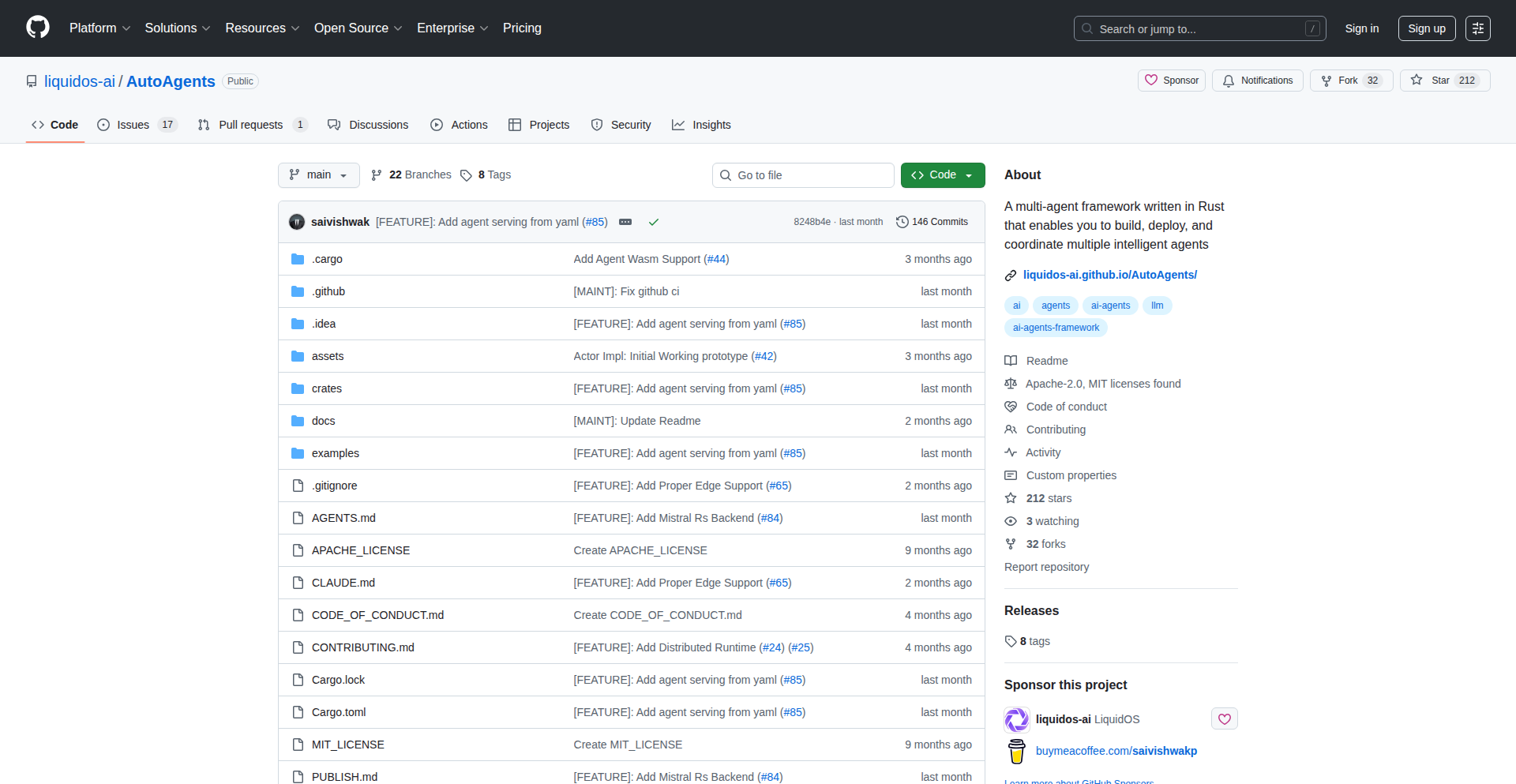
Author
saivishwak
Description
An open-source, local-first agent framework built in Rust, enabling users to create and run powerful AI agents entirely on their own hardware. It offers unparalleled control over privacy, data, and compute by allowing users to swap out core components like memory, LLM layers, and execution styles. This means you can leverage advanced AI capabilities like deep research, coding, and reasoning without sending sensitive information to external cloud services, all while optimizing for performance on various hardware, including edge devices.
Popularity
Points 1
Comments 0
What is this product?
LocalAgentX is a highly flexible, open-source framework for building and running AI agents on your local machine. Think of it as a customizable toolkit for AI that prioritizes your privacy and control. Unlike cloud-based AI solutions, where your data is sent elsewhere, LocalAgentX lets you keep everything on your own computer. The core innovation lies in its modular design. You can easily switch out different 'brains' (LLM models), 'memories' (how the agent remembers things), and 'thinking styles' (how the agent approaches problems like ReAct or Chain-of-Thought). This means you can tailor an AI agent precisely to your needs, whether it's for complex research, software development, or creative tasks, all while ensuring your data stays private and secure. It's designed to be efficient and can even run on less powerful hardware, making advanced AI more accessible.
How to use it?
Developers can use LocalAgentX to build custom AI agents for a variety of tasks. The framework is written in Rust, a language known for its performance and safety, making it suitable for demanding applications. You can integrate LocalAgentX into your existing projects or use it as a standalone tool. For example, you might want to build an agent that constantly monitors a specific dataset for trends, performs automated code refactoring based on your project's style guide, or even generates creative content offline. The modular nature means you can plug in your preferred local LLM (like Llama 2, Mistral, etc.) or a cloud API if needed, and define how the agent should remember information and reason through problems. This offers significant flexibility for developers looking to embed AI capabilities into their applications without the typical data privacy concerns or reliance on external services.
Product Core Function
· Modular Agent Architecture: Allows interchangeable components for memory, LLM integration, and execution styles, providing deep customization for specific AI agent needs and enabling rapid prototyping with different AI approaches.
· Local-First Operation: Enables AI agent execution entirely on user hardware, ensuring complete data privacy and control, which is crucial for sensitive research, personal data analysis, and enterprise applications where data security is paramount.
· Hardware Agnostic Execution: Optimized for efficient performance across various hardware, from powerful GPUs to constrained edge devices, making advanced AI capabilities accessible even without high-end computing resources and broadening the deployment possibilities.
· Flexible LLM Integration: Supports both local LLM models and cloud-based APIs, offering a choice between maximum privacy and potential access to the latest large models, catering to diverse developer preferences and project requirements.
· Multiple Execution Styles (ReAct, CoT, Custom): Provides built-in reasoning frameworks like ReAct (Reasoning and Acting) and Chain-of-Thought (CoT), along with the ability to implement custom executors, empowering developers to fine-tune the agent's problem-solving methodology for optimal task completion.
Product Usage Case
· Offline Data Analysis Agent: A developer could build an agent that continuously processes and analyzes sensitive financial data locally, generating reports without ever sending the raw data to a third-party service, thus ensuring compliance with strict data regulations.
· Automated Code Assistant: Imagine an AI agent that runs locally on your development machine, assisting with code completion, bug detection, and refactoring based on your project's specific codebase and coding standards, improving developer productivity while keeping proprietary code private.
· Personalized Research Bot: A researcher could create an agent that autonomously scours local documents, research papers, and personal notes to synthesize information on a specific topic, providing comprehensive summaries and insights without exposing their research direction to external entities.
· Edge Device AI for IoT: An embedded systems developer could deploy a lightweight AI agent on an IoT device for real-time anomaly detection or predictive maintenance, processing sensor data locally for immediate action and reducing reliance on cloud connectivity, making solutions more robust and responsive.
71
Aithings.dev - AI Resource Nexus

Author
rutagandasalim
Description
Aithings.dev is a curated directory designed to simplify the discovery of high-quality Artificial Intelligence resources. It goes beyond just listing tools, incorporating books, videos, tutorials, and communities, aiming to be a single, efficient hub for builders, learners, and founders to navigate the rapidly evolving AI landscape. This tackles the problem of information overload and fragmented resources in the AI space.
Popularity
Points 1
Comments 0
What is this product?
Aithings.dev is a web-based platform that acts as a centralized and curated directory for all things AI. Instead of sifting through countless search results and random links, it organizes valuable AI resources like cutting-edge tools, in-depth books, educational videos, comprehensive tutorials, and active communities. The innovation lies in its focused curation and organization, aiming to save users time and effort by presenting them with verified and relevant AI content, making it easier for anyone interested in AI to find what they need without getting lost in the noise.
How to use it?
Developers can use Aithings.dev by visiting the website and browsing through categorized sections for AI tools, learning materials, and communities. For instance, a developer looking to build a new machine learning model could search for specific AI libraries or frameworks, or find tutorials on advanced algorithms. Those interested in staying updated can subscribe to the weekly newsletter which highlights the newest and most impactful AI tools and resources. Integration into a developer's workflow would be through their active discovery and application of the listed resources for learning, problem-solving, or project development.
Product Core Function
· Curated AI Tool Directory: Provides a structured list of AI tools, helping developers find specific functionalities or platforms to accelerate their projects, saving hours of research.
· Resource Aggregation: Gathers and categorizes books, videos, and tutorials, offering a centralized learning hub for AI enthusiasts of all levels, making acquiring new AI knowledge more efficient.
· Community Spotlighting: Highlights relevant AI communities, fostering collaboration and knowledge sharing among developers and researchers, enabling faster problem-solving and idea exchange.
· Weekly Newsletter: Delivers a summary of the latest AI tools and resources directly to users' inboxes, ensuring they stay current with the rapidly advancing AI field without constant manual searching.
Product Usage Case
· A junior AI engineer struggling to find a suitable natural language processing (NLP) library for a new project can use Aithings.dev to quickly discover and compare popular and effective NLP tools, accelerating their development cycle.
· A data scientist wanting to learn about deep reinforcement learning can browse the 'tutorials' section on Aithings.dev to find curated video courses and written guides, streamlining their learning process and enhancing their skillset.
· A founder looking to integrate AI capabilities into their startup can leverage Aithings.dev to find AI service providers and relevant communities for advice, quickly identifying potential solutions and collaborators.
· A hobbyist interested in generative art can find a comprehensive list of AI art tools and communities on Aithings.dev, enabling them to explore their creative interests with readily available resources.
72
VerseForge AI

Author
chenliang001
Description
VerseForge AI is an experimental project that demystifies rap music creation. It tackles the intimidation factor of beat-making and lyricism by allowing users to generate complete rap tracks from simple text inputs. The innovation lies in its integrated approach, combining AI-powered lyric generation with matching beats and vocal synthesis, making rap production accessible to everyone, regardless of musical background. It addresses the core problem of creative barriers in music production by providing a user-friendly, automated solution.
Popularity
Points 1
Comments 0
What is this product?
VerseForge AI is a web application that automatically generates rap songs. At its core, it utilizes advanced AI models, specifically Suno V5 for audio generation. The system analyzes user-provided text, which can range from full lyrics to keywords or even a descriptive vibe (like 'summer party'), and then crafts a rap track. This includes generating lyrics with a natural flow, composing a beat that complements the style chosen (e.g., trap, old school, boom-bap, drill), and synthesizing AI-generated vocals. The innovation here is the orchestration of these complex AI capabilities into a seamless, one-click creation process. It specifically tunes the rhyme scheme logic to avoid the stiffness often associated with AI, aiming for a more authentic feel. So, what this means for you is that you can now create your own rap music without needing to learn complex software or understand music theory.
How to use it?
Developers can use VerseForge AI by visiting the website and signing up. Upon signup, they receive free credits to experiment with. The process is straightforward: select a desired rap style, input your lyrics, keywords, or a general theme. The platform then generates a full rap track, including vocals, beat, and aligned lyrics. The generated tracks are royalty-free, meaning they can be freely used for various purposes like social media content, personal projects, or even as demos for aspiring artists. For developers, it represents a novel application of generative AI in media production, offering insights into AI model integration for creative outputs. It can be integrated into other creative tools or platforms that require automatic audio content generation. So, how does this benefit you? You can quickly create background music for your videos, personalize audio messages, or explore your creative ideas in music without any upfront investment in hardware or software.
Product Core Function
· Style-based beat generation: Automatically creates beats that match user-selected rap subgenres like trap, old school, or drill, providing a foundational audio landscape for the track.
· AI-powered lyric and flow generation: Transforms simple text inputs into coherent rap verses with a natural rhythm and rhyme scheme, overcoming the hurdle of lyric writing.
· Integrated AI vocal synthesis: Produces human-like AI vocals that deliver the generated lyrics, completing the rap track with a vocal performance.
· Royalty-free track output: Allows users to freely use the generated music for any purpose without copyright concerns, fostering creative freedom and distribution.
· User-friendly interface for rapid prototyping: Enables quick generation of music through simple text prompts, democratizing music creation for individuals without technical expertise.
Product Usage Case
· A social media content creator can use VerseForge AI to quickly generate custom intro music for their videos, ensuring a unique and engaging audio signature for their brand without hiring a composer.
· An aspiring musician who wants to test out lyrical ideas can use the tool to hear their words in a rap context with a fitting beat and vocals, helping them refine their songwriting process.
· A game developer can generate background music for a game prototype by simply describing the desired mood and style, accelerating the early development phase.
· A marketing team can create short, catchy jingles or promotional audio for social media campaigns by inputting keywords related to their product, saving time and budget on traditional audio production.
73
ProfilePulse
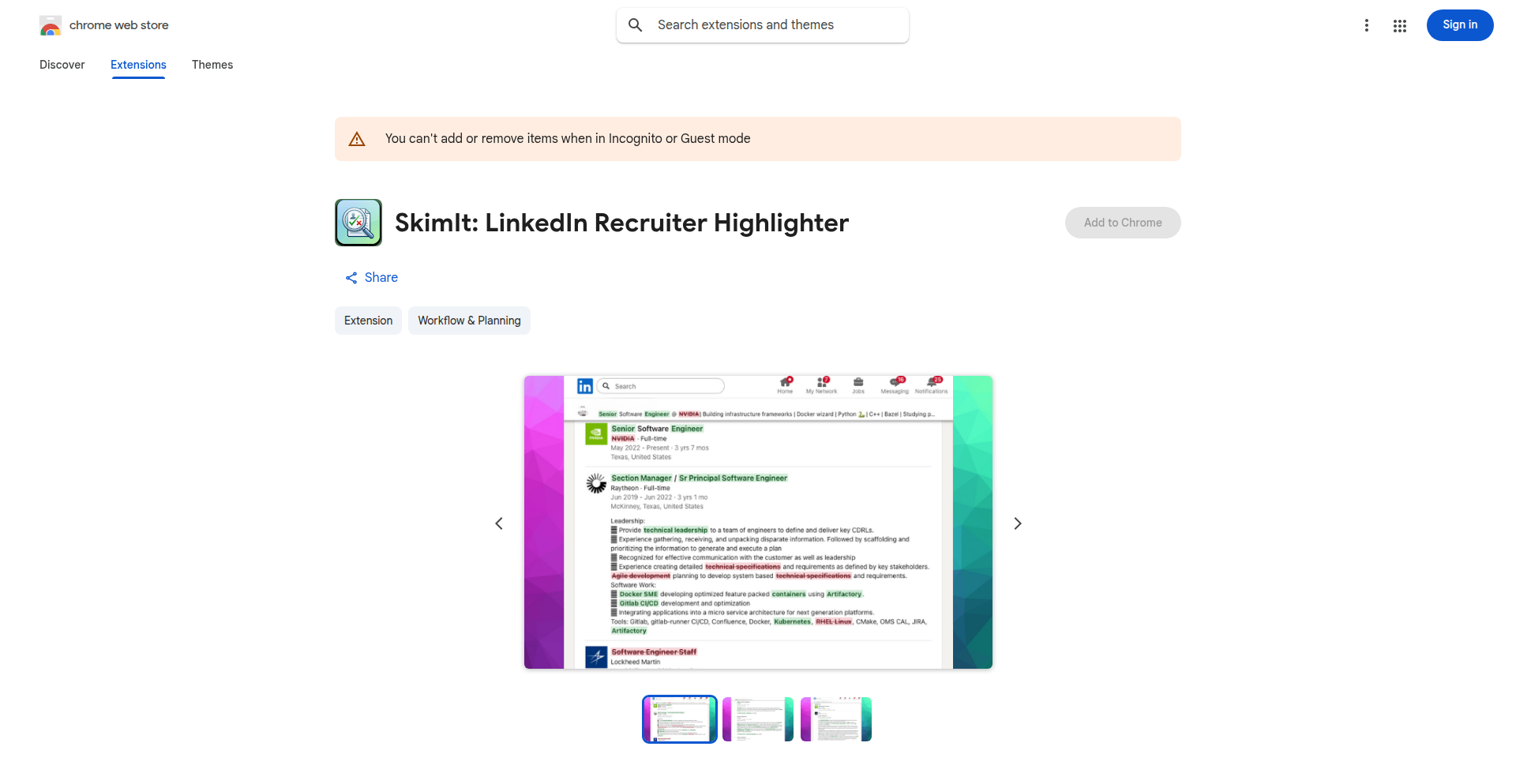
url
Author
ngninja
Description
ProfilePulse is a browser extension designed to intelligently highlight 'green' and 'red' flags on LinkedIn profiles. It aims to streamline the process of quickly assessing candidate suitability or identifying potential connections by automatically analyzing profile elements, saving users significant manual screening time.
Popularity
Points 1
Comments 0
What is this product?
ProfilePulse is a smart browser extension that acts as an intelligent assistant when viewing LinkedIn profiles. It employs natural language processing (NLP) techniques to scan profile text, such as job descriptions, skills, and summaries, looking for patterns that typically indicate positive attributes ('green flags' like clear career progression, specific relevant skills, project accomplishments) or potential concerns ('red flags' like frequent job hopping, vague descriptions, skill mismatches). The innovation lies in its ability to go beyond simple keyword matching, using contextual analysis to infer meaning and relevance, thereby providing a more nuanced and efficient screening tool for recruiters, sales professionals, or anyone evaluating profiles.
How to use it?
Developers can integrate ProfilePulse into their existing workflows by installing it as a Chrome extension. Once installed, it automatically activates when a user visits a LinkedIn profile. For a recruiter, this means when viewing a candidate's profile, key areas will be visually highlighted or annotated. For example, a job description with clear quantifiable achievements might be subtly marked as a 'green flag', while a series of short-term roles could be flagged as a 'red flag'. This allows for rapid assimilation of information without needing to manually dissect every sentence, directly translating to faster decision-making and reduced time-to-hire or connection success.
Product Core Function
· Automated 'Green Flag' Identification: Scans and highlights positive indicators on a profile, such as specific achievements, relevant keywords in skills and experience, and clear career trajectories. This is valuable because it helps users quickly spot top talent or promising connections, saving them from reading through less relevant information.
· Automated 'Red Flag' Identification: Detects and highlights potential areas of concern, like unexplained gaps in employment, inconsistent job titles, or vague self-descriptions. This is useful for proactively identifying potential issues that might require further investigation, preventing wasted time on unsuitable profiles.
· Contextual Analysis Engine: Employs NLP to understand the context of words and phrases, rather than just keyword matching. This innovation allows for a deeper understanding of profile content, making the flagged insights more accurate and reliable, ensuring users focus on truly relevant information.
· Customizable Flagging Thresholds: (Potential future enhancement) Allows users to adjust the sensitivity of 'green' and 'red' flag detection to suit their specific needs. This adds significant practical value by tailoring the tool to individual screening criteria or industry standards.
Product Usage Case
· Recruiting: A recruiter is sifting through hundreds of applications on LinkedIn. ProfilePulse automatically highlights candidates with strong indicator phrases in their experience section and clearly lists relevant skills, enabling the recruiter to quickly identify the most promising candidates to interview, saving hours of manual profile review.
· Sales Prospecting: A sales professional is researching potential leads on LinkedIn. ProfilePulse flags profiles with clear indicators of need or interest based on their professional activity and descriptions, helping the sales rep prioritize outreach to prospects most likely to convert.
· Networking: A user is looking to expand their professional network. ProfilePulse helps them quickly identify individuals with strong alignment to their professional goals by highlighting shared interests or relevant accomplishments, making targeted connection requests more effective.
74
HanziStroke Interactive

Author
YarkYao
Description
An interactive web application designed to revolutionize the way non-native speakers learn to write Chinese characters. It tackles the unintuitive nature of character writing by providing dynamic stroke order animations and a real-time, stroke-by-stroke tracing canvas with immediate feedback, transforming rote memorization into deliberate practice for better muscle memory.
Popularity
Points 1
Comments 0
What is this product?
HanziStroke Interactive is a single-page application built using Vue.js that addresses the challenge of learning Chinese character writing for beginners. Traditional methods often involve memorizing static diagrams, which is ineffective for developing correct stroke habits. This tool introduces dynamic stroke order animations for over 9,000 characters and an interactive canvas where users can trace characters as they are written, stroke by stroke. The system intelligently matches user input to the correct stroke, providing guidance and feedback. It's underpinned by a pedagogical approach, leveraging HSK vocabulary lists, aiming to make the learning process more intuitive and efficient.
How to use it?
Developers can use HanziStroke Interactive as a model for creating interactive learning tools for other visually-oriented skills. The core technology involves parsing stroke data and implementing a sophisticated stroke-matching algorithm. For learners, the application is accessible via a web browser at hanzistroke.com. Users select a character, view its dynamic stroke animation, and then practice tracing it on the interactive canvas. The feedback system guides users on stroke direction and order, helping to build muscle memory and correct writing habits. It can be integrated into language learning platforms or used as a standalone resource.
Product Core Function
· Dynamic Stroke Order Animation: Provides animated visuals of how each stroke of a Chinese character is correctly written, enabling learners to understand the sequence and direction of strokes for better muscle memory development.
· Interactive Tracing Canvas: Allows users to physically trace characters on screen with their finger or a stylus, receiving real-time feedback on stroke accuracy and order, which is crucial for building practical writing skills.
· Stroke Matching Logic: A core innovation that compares user's traced strokes against a predefined correct stroke path. It's designed to be both pedagogically sound (ensuring correct form) and forgiving (accommodating slight variations in learner input).
· Structured Curriculum Integration: Organizes learning content based on the HSK (Hanyu Shuiping Kaoshi) vocabulary levels, providing a clear learning path for users aiming to achieve proficiency in Mandarin.
· Character Data Parsing: Efficiently processes and displays stroke data for a vast number of Chinese characters, making the tool scalable and comprehensive.
Product Usage Case
· Learning to write calligraphy: Developers could adapt the stroke tracing and feedback mechanism to teach the nuances of calligraphy strokes for various languages or art forms.
· Teaching basic motor skills: The interactive canvas and feedback loop could be applied to educational apps for children learning to write letters or numbers, providing immediate reinforcement.
· Developing interactive technical diagrams: For complex processes or machinery, the dynamic animation and interactive tracing could be used to explain assembly or operation steps.
· Language learning platforms: Integration into existing language apps to offer a dedicated, interactive module for character writing practice, enhancing user engagement and learning outcomes.
· Creating accessible learning tools: The approach of breaking down complex visual tasks into guided, interactive steps is valuable for creating inclusive educational resources for diverse learners.
75
Lifeline: AI-Powered Emotional Memory Weaver

Author
Remi_Etien
Description
Lifeline is a visual memory journal that uses AI to enhance your personal recollections by visualizing emotions as 'auras' and providing an AI companion for reflection. It tackles the challenge of remembering not just events, but the feelings associated with them, by leveraging natural language processing and sentiment analysis.
Popularity
Points 1
Comments 0
What is this product?
Lifeline is a digital journal designed to help you capture and revisit your memories with richer emotional context. It works by analyzing the text you input about your experiences, identifying the underlying emotions (like happiness, sadness, excitement, etc.), and visually representing these emotions as 'auras' around your journal entries. Think of it as adding a color-coded mood ring to your diary. The AI companion acts as a conversational partner, helping you explore your thoughts and feelings about your memories, prompting deeper reflection. The core innovation lies in its ability to translate subjective emotional states into a visual and interactive format, making memory recall more engaging and insightful.
How to use it?
Developers can integrate Lifeline's core functionality into their own applications or use it as a standalone tool. For example, you could integrate its sentiment analysis API into a social media platform to help users understand the emotional tone of their posts over time. Or, use it as a personal journaling app to track your mood fluctuations and identify patterns. The AI companion can be incorporated into chatbots or virtual assistants to provide more empathetic and context-aware interactions. The primary use case is to add a layer of emotional intelligence to digital records and communication.
Product Core Function
· Emotion Aura Visualization: Analyzes user-input text to identify emotions and visually represents them as color-coded auras, providing an immediate emotional snapshot of a memory. This helps users quickly grasp the emotional landscape of their past. For developers, this offers a novel way to represent user sentiment in data-driven applications.
· AI Companion for Reflection: An AI chatbot designed to engage users in reflective conversations about their journal entries and emotions. This encourages deeper self-understanding and helps users process their experiences more effectively. Developers can leverage this for building more empathetic and context-aware AI assistants.
· Visual Memory Timeline: Organizes journal entries chronologically with their associated emotion auras, creating a visual timeline of personal experiences and emotional journeys. This allows for easy identification of trends and patterns in mood over extended periods. For users, it's a more intuitive way to review their past.
· Sentiment Analysis API: Provides developers with access to the underlying sentiment analysis engine, allowing them to build applications that can understand and interpret the emotional tone of text. This is valuable for customer feedback analysis, content moderation, and personalized user experiences.
Product Usage Case
· Mental Wellness App Integration: A mental health application could integrate Lifeline to help users track their mood over time, identify triggers for negative emotions, and gain insights into their emotional well-being through the visual auras and AI companion. This helps users understand their emotional patterns and seek appropriate support.
· Creative Writing Tool Enhancement: A platform for writers could use Lifeline to analyze the emotional arc of their stories, ensuring that the intended emotional impact on the reader is achieved. The AI companion could also help writers brainstorm emotional development for characters. This helps creators craft more emotionally resonant narratives.
· Personalized Content Recommendation: A media platform could use Lifeline's sentiment analysis to understand a user's emotional preferences and recommend content that aligns with their current mood or desired emotional state. This leads to more engaging and personalized content consumption experiences.
· Therapeutic Journaling Platform: Therapists could recommend Lifeline to clients as a tool for guided journaling, helping clients articulate their feelings and explore them with the AI companion, providing valuable data for therapy sessions. This facilitates more effective therapeutic interventions and self-discovery.
76
Preshiplist AI-Gen Waitlist Accelerator

Author
Frederick_22xAI
Description
Preshiplist is a novel tool designed to rapidly generate clean, mobile-optimized waitlist pages for new product ideas. It leverages AI to assist with copy generation and features a streamlined, code-free approach, minimizing setup time. This addresses the common bottleneck of creating landing pages for idea validation, allowing creators to focus on their core product development and user feedback.
Popularity
Points 1
Comments 0
What is this product?
Preshiplist is an intelligent platform that automates the creation of functional waitlist pages. Instead of spending hours designing and configuring landing pages with traditional builders or wrestling with AI prompt engineering, you simply write your product description and select a style. The system then generates a polished, mobile-friendly page with a working signup form, built-in database for collecting emails (with validation), AI-powered copy suggestions, and even a basic email drip campaign for immediate follow-ups. It's built on modern web technologies like Next.js and Supabase, deployed on Vercel with Cloudflare for robustness, and utilizes Resend for email delivery and OpenAI for AI text generation. This means you get a fully functional waitlist ready to capture leads quickly, without needing to be a web developer or designer. So, what's in it for you? You can test your product ideas faster and gather potential users with minimal technical overhead, significantly speeding up your validation process.
How to use it?
Developers and makers can use Preshiplist by directly interacting with its intuitive interface. You begin by providing a concise description of your product or idea. You can then select from a range of predefined styles to match your brand aesthetic. The AI assistant can help refine your copy, suggesting variations to make it more compelling. Once satisfied, you can publish the waitlist page. Preshiplist handles all the backend infrastructure, including form submission, secure storage of emails with validation, and setting up automated welcome emails. For advanced users, features like custom domain mapping, short link generation, and Open Graph meta tag customization are available out-of-the-box, simplifying sharing and social media presence. The platform aims for a 'no-code' or 'low-code' experience for page creation, making it accessible even to those without extensive web development expertise. So, how can this benefit you? You can get a professional-looking waitlist page live in minutes, ready to collect signups, allowing you to instantly start building an audience for your new venture.
Product Core Function
· AI-assisted copy generation: Helps craft compelling product descriptions and headlines to attract more signups, saving time and improving messaging effectiveness.
· One-click waitlist page publishing: Quickly deploys a functional and aesthetically pleasing landing page without complex setup or coding, enabling rapid idea validation.
· Integrated signup forms with email validation: Seamlessly captures potential user emails, ensuring data quality and providing a reliable list for future communication.
· Built-in database for signups: Securely stores all collected email addresses, eliminating the need for external database integrations and simplifying lead management.
· Basic email drip system: Automatically sends a follow-up email to new subscribers, nurturing early interest and keeping your product top-of-mind.
· Custom domain support with automatic SSL: Allows you to use your own domain name for the waitlist page, enhancing branding and professionalism with built-in security.
· Short link generation: Creates concise URLs for easy sharing across social media and marketing channels, increasing discoverability.
Product Usage Case
· A solo founder developing a new SaaS tool needs to gauge market interest before investing heavily in development. Using Preshiplist, they can quickly create a waitlist page describing their tool and collect emails from interested users, validating their concept within hours instead of days. This allows them to pivot or proceed with confidence based on early demand.
· A product designer is experimenting with a novel mobile app concept. They use Preshiplist to generate a simple, engaging landing page that highlights the app's unique features. The AI copy generation helps them articulate the value proposition clearly. They then share the short link on relevant online communities, gathering a list of early adopters eager for the beta launch.
· A startup is launching a new subscription box service and needs a quick way to build an email list before the official product launch. Preshiplist provides them with a professional-looking waitlist page that includes a signup form. They integrate it with their custom domain, and the built-in email drip system sends an introductory offer to new subscribers, driving initial engagement and sales leads.
· A developer is building a side project and wants to see if there's traction for a niche utility. They use Preshiplist to create a basic waitlist page with minimal effort. The platform's streamlined deployment and integrated form mean they can focus on building the actual utility, knowing that lead capture is handled efficiently and reliably.
77
MindScroller: Habitual Learning Engine

Author
HamadAlmheiri
Description
MindScroller is a mobile application that repurposes the familiar scrolling behavior common on social media platforms into a tool for passive learning. Instead of consuming content that can lead to anxiety, it delivers bite-sized summaries and key concepts from diverse fields like philosophy, history, psychology, technology, and science, making learning as effortless and engaging as social media scrolling.
Popularity
Points 1
Comments 0
What is this product?
MindScroller is a learning application built on the principle of behavioral economics and habit formation. It leverages the ingrained habit of 'doomscrolling' – the tendency to continuously scroll through negative news or social media feeds – and redirects it towards productive knowledge acquisition. The core innovation lies in its content delivery mechanism: users swipe through short, digestible cards, similar to platforms like Instagram or TikTok. However, each card presents a concise summary, idea, or concept from various academic and scientific domains. This approach aims to make learning feel as natural and low-effort as social media consumption, effectively transforming a potentially detrimental habit into a valuable learning experience. The technical challenge lies in curating high-quality, concise educational content and designing a user interface that is both addictive for scrolling and effective for knowledge retention. It's essentially a 'gamified' learning experience that taps into existing user behaviors.
How to use it?
Developers can integrate MindScroller into their learning workflows by subscribing to curated content feeds or by contributing their own knowledge snippets. The application is designed for mobile platforms (iOS and Android), making it accessible for on-the-go learning. Users can set personalized learning preferences, choosing specific subjects or topics they wish to explore. For example, a developer working on AI might opt for a feed focused on the history of computing or recent advancements in psychology relevant to user behavior. The app's swipe interface allows for rapid consumption, enabling users to learn during commutes, breaks, or any moment they might typically engage in passive scrolling. The goal is to make knowledge acquisition a background activity that complements, rather than competes with, daily routines.
Product Core Function
· Content Curation Engine: Provides algorithmically selected, concise learning snippets across diverse subjects like philosophy, history, psychology, tech, and science, making complex topics accessible and digestible for users. This translates to users easily absorbing new information without feeling overwhelmed, effectively expanding their knowledge base effortlessly.
· Habitual Scrolling Interface: Mimics the familiar swipe-to-dismiss or swipe-to-view interaction of social media apps, allowing users to learn passively and intuitively. This directly addresses the user's existing habits, turning idle scrolling time into productive learning opportunities, thus enhancing personal development without requiring significant behavioral change.
· Personalized Learning Paths: Enables users to customize their learning experience by selecting preferred subjects and topics, ensuring that the content is relevant and engaging. This means users receive learning content tailored to their interests and career goals, maximizing the utility and impact of their learning time.
· Concept Summarization Algorithm: Distills complex ideas and research into easily understandable short summaries, facilitating quick comprehension. This function makes intricate subjects approachable, allowing users to grasp core concepts rapidly and retain them effectively, thereby boosting their understanding of various fields.
· Anxiety-Reducing Content Model: Focuses on positive and informative content to counteract the negative effects of 'doomscrolling,' promoting mental well-being alongside intellectual growth. For users, this means learning in a way that is uplifting and stress-free, transforming a potentially negative habit into a positive contributor to their mental and intellectual health.
Product Usage Case
· A software engineer looking to quickly grasp the fundamentals of a new programming paradigm can use MindScroller during their commute to swipe through a series of cards summarizing key concepts, terminology, and best practices, gaining foundational knowledge without dedicating specific study time.
· A product manager interested in understanding the psychological principles behind user engagement can use MindScroller to learn about cognitive biases and behavioral economics in short bursts throughout their day, enriching their product design decisions.
· A student preparing for an interdisciplinary project can use MindScroller to get a broad overview of concepts from different fields, like philosophy and technology, providing a quick and accessible entry point for further in-depth research.
· A hobbyist who wants to learn about historical events or scientific discoveries can passively absorb interesting facts and summaries during their downtime, making learning an enjoyable and integrated part of their leisure activities without feeling like a chore.
78
MenuPhotoAI - Realistic AI Food Photography

Author
redp314
Description
MenuPhotoAI is a novel AI-powered tool that generates realistic food photography for menus. It addresses the common problem of stock photos not accurately representing dishes, or professional food photography being too expensive and time-consuming. The core innovation lies in its ability to produce images that are visually appealing yet retain the authentic look of the actual food, effectively bridging the gap between AI generation and reality.
Popularity
Points 1
Comments 0
What is this product?
MenuPhotoAI is an artificial intelligence system designed to create highly realistic photos of food items for menus and online listings. Unlike traditional AI image generators that might produce overly stylized or unrealistic results, MenuPhotoAI focuses on maintaining the true essence and texture of the dish. It achieves this by leveraging advanced generative adversarial networks (GANs) or diffusion models trained on a diverse dataset of real food images, allowing it to understand and replicate subtle details like lighting, texture, and ingredient variations. This means restaurant owners can get professional-looking photos without needing a photographer or struggling with generic stock images, so this helps you showcase your dishes in the most authentic and appealing way possible.
How to use it?
Developers can integrate MenuPhotoAI into their applications or workflows through an API. Restaurant owners or platform providers can upload a reference image of their dish or provide detailed descriptions. The API then processes this information, using the AI to generate a series of high-quality, realistic food photographs. These can be directly used on websites, delivery apps, or printed menus. The flexibility of the API allows for customization in terms of lighting, background, and specific angles, ensuring the generated images perfectly match the brand's aesthetic, so this makes it easy for you to get custom, high-quality food images for your business with minimal effort.
Product Core Function
· Realistic Food Image Generation: Utilizes AI to create visually accurate and appealing photos of food dishes, preserving authenticity. This is valuable for restaurants to accurately represent their offerings and attract customers, so this helps you ensure your online presence truly reflects your menu.
· Customizable Output: Allows for adjustments in lighting, angles, and backgrounds to match specific branding needs. This is useful for maintaining a consistent brand image across all marketing materials, so this gives you control over the visual style of your food photos.
· API Integration: Provides a developer-friendly API for seamless integration into existing web or mobile applications. This is beneficial for platforms that manage restaurant listings or online ordering, enabling them to offer enhanced visual content, so this allows you to easily add professional food photography capabilities to your existing systems.
· Cost-Effective Solution: Offers a more affordable alternative to traditional professional food photography. This is a significant advantage for small businesses and startups looking to optimize their budget, so this saves you money while still getting great results.
Product Usage Case
· A small cafe wants to update its online menu with professional-looking photos but has a limited budget. Using MenuPhotoAI, they can upload photos of their dishes and get AI-generated, realistic images that are far better than the original smartphone pictures, solving the problem of poor visual representation and attracting more online orders, so this helps them look more professional and attract more customers.
· A food delivery platform wants to offer its partner restaurants a tool to easily create compelling dish images. By integrating MenuPhotoAI's API, the platform can provide a service where restaurants can generate high-quality photos that accurately represent their food, improving user experience and increasing order conversion rates, so this helps the platform enhance its service offering and drive more business for its restaurants.
· A recipe app developer wants to include realistic food imagery for each recipe to make them more engaging. They can use MenuPhotoAI to generate diverse and appetizing photos that match the recipe's description, enhancing the user's visual experience and making recipes more appealing, so this makes the app more engaging and visually attractive for users.
79
NAS-Subtitler
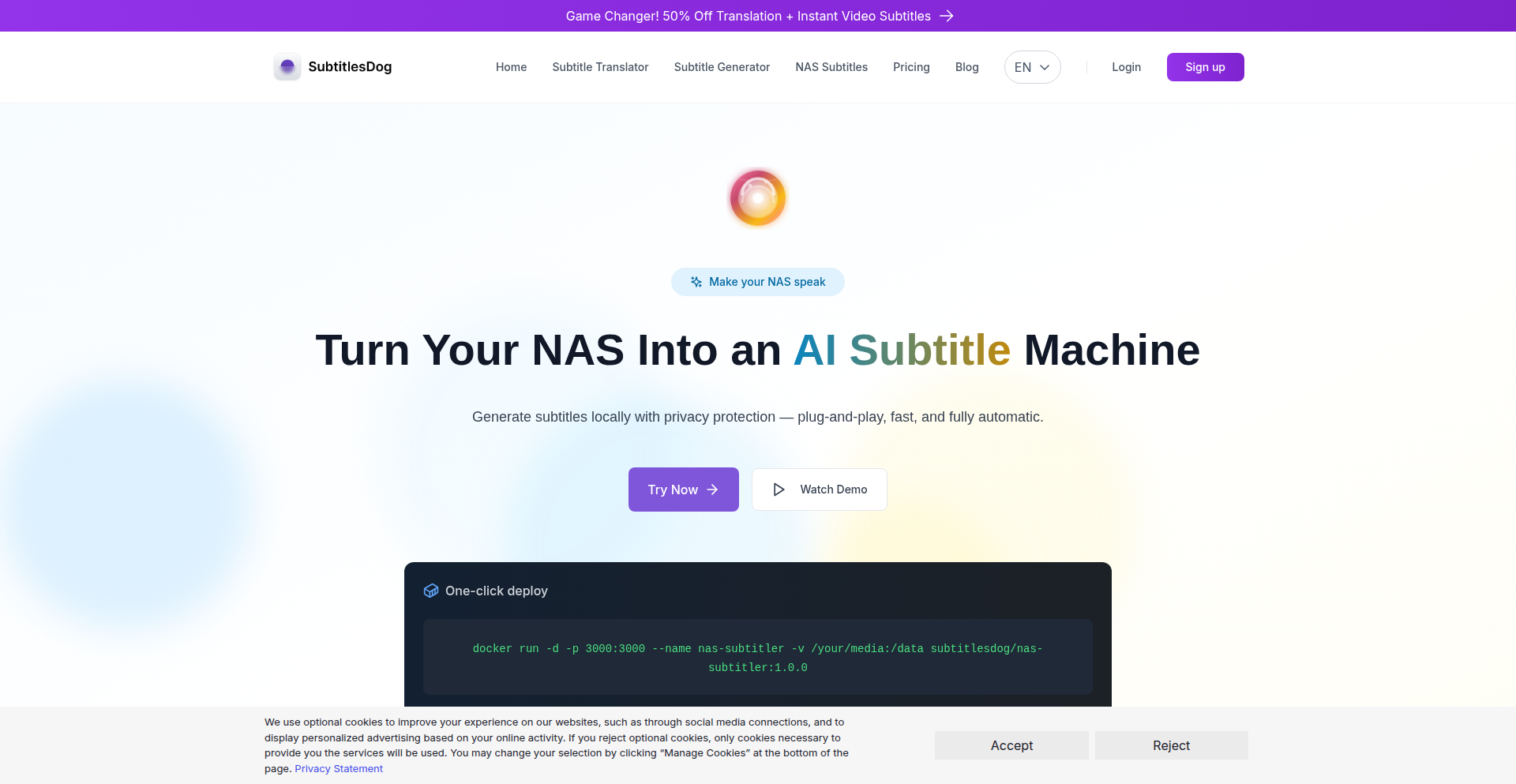
Author
mrqjr
Description
An open-source tool that transforms your Network Attached Storage (NAS) into a fully automated, local subtitle generation pipeline. It leverages on-device AI models to create subtitles for your media files, ensuring privacy and eliminating reliance on cloud services. This project tackles the challenges of existing subtitle tools by offering a seamless, autonomous solution for home server users.
Popularity
Points 1
Comments 0
What is this product?
This project is a self-contained software designed to run on your NAS (like Synology, QNAP, TrueNAS, or via Docker). It takes your movie and TV show files, automatically detects the spoken language, and uses powerful local AI models, specifically Whisper-compatible engines, to transcribe the audio into text. This text is then formatted into standard subtitle files (like .srt). The key innovation is its completely local operation, meaning your media and your voice data never leave your network, and it's designed for plug-and-play simplicity: just drop your media into a designated folder, and subtitles are generated automatically. It also supports multi-thread and GPU acceleration for faster processing and includes features like timestamp correction and auto-language detection.
How to use it?
Developers can install this project on their NAS devices or any system running Docker. The typical workflow involves adding media files to a specific watched folder on the NAS. Once the files are detected, the NAS-Subtitler automatically initiates the subtitle generation process using the local AI models. The project provides a web UI for monitoring the progress of subtitle generation tasks and managing batches of files. For more advanced users, the GitHub repository offers detailed documentation on installation, configuration, and integration with existing media server setups. The value for developers lies in having a robust, customizable, and private subtitle solution that integrates directly into their home media infrastructure.
Product Core Function
· Local Speech-to-Text Generation: Utilizes on-device AI models (Whisper-compatible) to transcribe audio into text, ensuring data privacy and eliminating cloud dependency. This means your conversations and media content stay secure within your home network, providing peace of mind.
· Automated Subtitle Pipeline: Automatically generates subtitles for media files dropped into a designated folder, freeing up manual effort and streamlining the media consumption experience. You can simply add new content, and subtitles will be ready without any intervention.
· Privacy-Focused Design: No external API calls or cloud services are used, guaranteeing that sensitive media data never leaves your local network. This is crucial for users concerned about data privacy and security.
· GPU and Multi-Thread Acceleration: Leverages hardware acceleration (GPU) and multi-threading to significantly speed up the subtitle generation process, meaning you get your subtitles faster, especially for longer videos.
· Auto-Language Detection and Timestamp Correction: Automatically identifies the spoken language in your media and accurately syncs the generated subtitles with the video through intelligent timestamp correction. This ensures subtitles are accurate and properly timed without manual adjustments.
· Web UI for Monitoring and Control: Provides a user-friendly web interface to monitor the subtitle generation queue, view progress, and manage batch processing tasks. This offers a clear overview and control over your subtitle generation workflow.
· Broad NAS and Docker Compatibility: Works seamlessly on popular NAS operating systems (Synology, QNAP, Unraid, TrueNAS) and can be deployed anywhere with Docker, offering flexibility and wide adoption potential for various home server setups.
Product Usage Case
· For a home media enthusiast with a large collection of movies and TV shows stored on their Synology NAS, this tool automates the subtitle creation process. Instead of manually searching for and syncing subtitle files for each new addition, they simply add the media to a folder, and the NAS-Subtitler generates accurate, local subtitles, making their media instantly watchable with the correct captions.
· A user who prioritizes data privacy and avoids cloud services can use this project to generate subtitles for their private video library. By running the AI models entirely on their local NAS, they ensure that their viewing habits and any sensitive content remain completely private and inaccessible to external parties.
· A developer looking to integrate automatic subtitle generation into a personal media server or a custom application can leverage this open-source project. They can incorporate its robust local AI transcription capabilities, benefiting from its efficient processing and flexible deployment options, enhancing their media management solution.
· Someone with a collection of foreign language films that lack readily available subtitles can use this tool to generate them. The auto-language detection and accurate transcription ensure that even obscure languages are processed, making a wider range of content accessible without requiring manual translation efforts.
80
ContextualAI Forge

Author
riktar
Description
ContextualAI Forge is a platform that empowers AI coding agents by providing them with deep, project-wide context. It bridges the gap between AI's code generation capabilities and the real-world complexities of software development, ensuring AI understands your codebase's architecture, dependencies, and conventions. This allows AI agents to produce more accurate, production-ready code with less manual refactoring, ultimately accelerating the development process.
Popularity
Points 1
Comments 0
What is this product?
ContextualAI Forge is a system designed to give AI coding assistants a comprehensive understanding of your entire software project. Unlike traditional AI tools that might only look at individual files, ContextualAI Forge connects to your Integrated Development Environment (IDE) and your complete codebase. This connection allows the AI to grasp your project's structure, how different parts of your code rely on each other (dependencies), and the established coding styles and rules (conventions). By understanding this context, the AI can generate code that fits seamlessly into your existing project, reducing the need for developers to spend time fixing or rewriting AI-generated code that doesn't align with the project's specific needs. This fundamentally changes how AI can be used for coding, moving beyond simple code snippets to assist with more complex development tasks.
How to use it?
Developers can integrate ContextualAI Forge into their workflow by installing a simple plugin for their IDE (provided it supports the necessary connection protocol, like MCP). Once the plugin is installed and the user creates an account, they can instruct their AI agents to use ContextualAI Forge for specific tasks. For example, a developer could tell the AI, 'Use ContextualAI Forge to add this new feature: [feature description]' or 'Use ContextualAI Forge to generate documentation for this module.' The AI, armed with the project's context, will then proceed to generate code, tests, or documentation that is aware of the surrounding code and project structure. This streamlines tasks like feature development, bug fixing, and documentation generation, allowing developers to focus on higher-level problem-solving.
Product Core Function
· Task Orchestration: This feature breaks down complex requests, like building a new feature, into smaller, manageable steps for AI agents. The value is in transforming broad ideas into actionable instructions, ensuring a structured approach to development and preventing AI from getting lost in ambiguity. This is useful for any developer tackling significant feature implementations.
· Multi-Agent Workflow: ContextualAI Forge allows for the use of specialized AI agents for different tasks. For example, one agent might focus on writing code, another on writing tests for that code, and another on generating documentation. The value here is in leveraging the strengths of different AI models for optimal results, akin to having a team of specialized developers. This is beneficial for projects requiring diverse outputs like code, tests, and documentation.
· True Context Awareness: This is the core innovation. By analyzing the entire codebase, AI agents understand project-wide patterns, dependencies, and architectural decisions. The value is in generating code that is not just syntactically correct but also semantically aligned with the project, significantly reducing integration issues and rework. This is crucial for any developer working on a mature or complex codebase.
· Seamless Integration: ContextualAI Forge is designed to work with existing development tools, specifically IDEs that support connection protocols like MCP. The value is in minimizing disruption to a developer's established workflow and toolchain. Developers don't need to switch to new, unfamiliar tools; they can enhance their current setup. This is valuable for all developers who want to leverage AI without overhauling their entire development environment.
Product Usage Case
· Developing a new user authentication module: A developer needs to implement a secure user login system. Instead of writing all the code from scratch or relying on generic AI snippets, they instruct ContextualAI Forge to 'implement a user authentication module considering our existing database schema and security policies.' The AI, aware of the project's database structure and security conventions, generates code that directly integrates with the existing system, saving hours of manual coding and integration effort.
· Generating API documentation for a microservice: A team has just finished developing a new microservice and needs to document its API endpoints. They use ContextualAI Forge to 'generate OpenAPI documentation for the user service, referencing its internal models and request/response formats.' The AI understands the service's internal structure and generates accurate, contextually relevant documentation, saving the team significant time compared to manual documentation writing.
· Refactoring a legacy component: A developer needs to refactor an old, complex piece of code. They can use ContextualAI Forge to 'refactor the payment processing component to improve performance and adhere to our latest coding standards.' The AI analyzes the component within the context of the entire application, understanding its dependencies and the project's defined standards, and proposes a refactored version that is more maintainable and efficient, reducing the risk of introducing new bugs.
· Adding unit tests for a new feature: After writing a new feature, a developer needs to ensure it's well-tested. They can prompt ContextualAI Forge to 'generate unit tests for the newly added shopping cart functionality, ensuring coverage of edge cases and existing test patterns.' The AI, understanding the project's testing framework and common testing approaches, generates relevant and effective unit tests that integrate smoothly with the existing test suite.
81
Demitter: Distributed Node.js Event Backbone
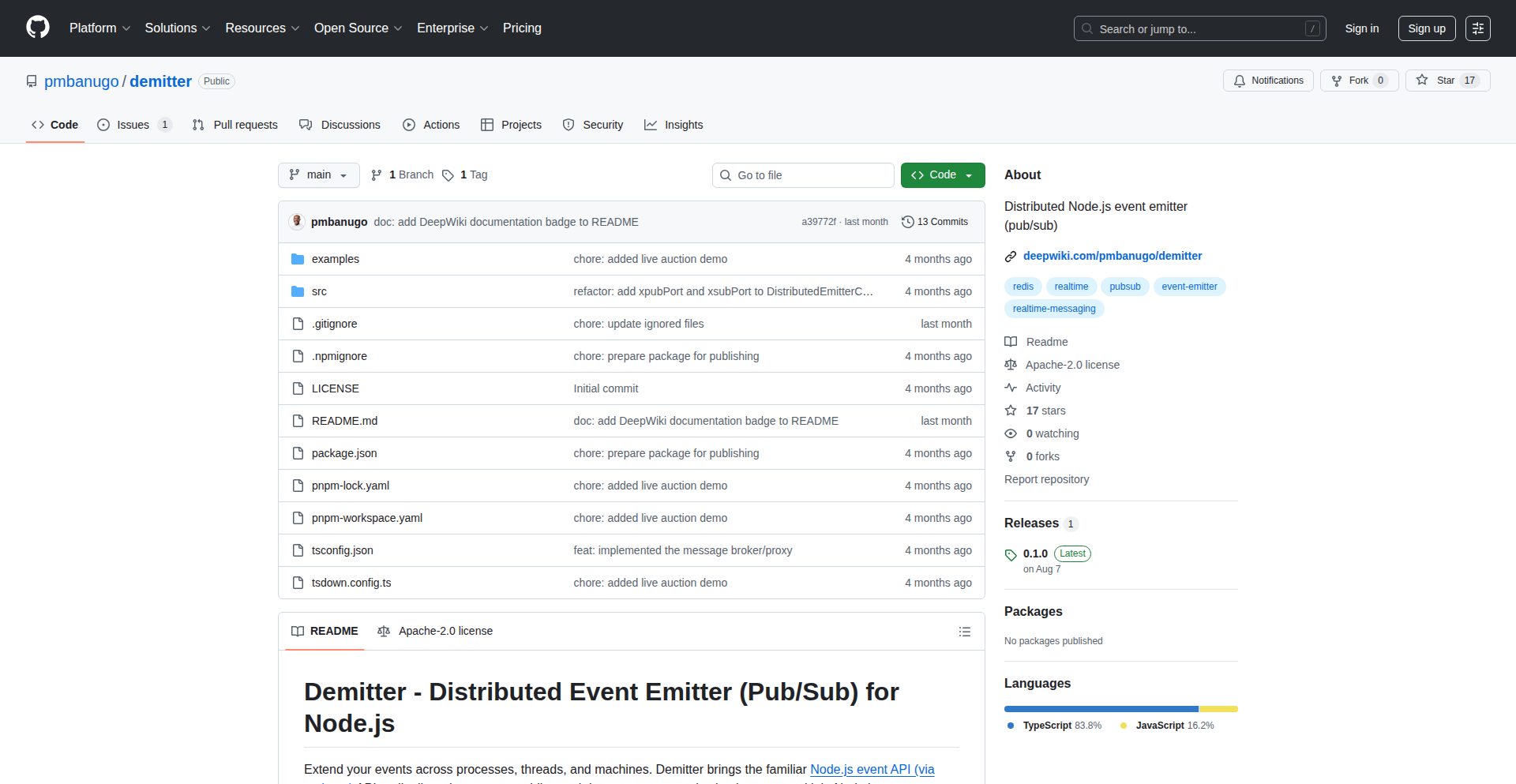
Author
pmbanugo
Description
Demitter is a novel distributed Node.js event emitter that enables robust publish-subscribe (pub/sub) communication across multiple Node.js processes or machines. It tackles the challenge of inter-process communication in distributed systems by providing a decentralized and resilient event bus, allowing services to react to events without direct coupling. This innovation is crucial for building scalable and fault-tolerant microservices.
Popularity
Points 1
Comments 0
What is this product?
Demitter is essentially a way for different parts of your application, even if they are running on separate computers or as independent Node.js processes, to talk to each other using events. Think of it like a central bulletin board where one process can post a message (publish an event), and any other process interested in that type of message can read it (subscribe to the event) and react accordingly. The innovation lies in its distributed nature: it doesn't rely on a single, central server (like traditional message brokers). Instead, it uses a peer-to-peer approach, making it more resilient and scalable. If one part of the system goes down, others can still communicate. This is achieved through clever network protocols that ensure events are reliably broadcast and received, even when nodes join or leave the network. So, for you, this means building systems that are less prone to breaking and can handle more load by distributing the communication.
How to use it?
Developers can integrate Demitter into their Node.js applications by installing it as a package. Once installed, they can instantiate a Demitter instance, which will automatically try to connect to other Demitter instances in the network. They can then use standard event emitter patterns: `demitter.on('eventName', listenerFunction)` to subscribe to events, and `demitter.emit('eventName', data)` to publish events. Demitter handles the underlying network communication to ensure these events are propagated to all subscribed listeners, regardless of their location. It's designed to be lightweight and easy to drop into existing projects, offering a plug-and-play solution for distributed eventing. This allows for seamless communication in microservice architectures, real-time applications, and event-driven systems.
Product Core Function
· Distributed Event Publishing: Allows Node.js processes to broadcast events across a network without a central broker. The value here is enabling decoupled services to trigger actions in other services, leading to more flexible and modular application designs.
· Distributed Event Subscription: Enables Node.js processes to listen for and react to events published by other processes, even if they are on different machines. This is invaluable for building responsive and reactive systems where different components need to coordinate without knowing each other's exact location.
· Decentralized Network Architecture: Operates without a single point of failure, enhancing system resilience and availability. This means your application remains functional even if some nodes go offline, improving overall robustness.
· Automatic Node Discovery and Connection: Simplifies setup by allowing Demitter instances to find and connect to each other automatically. This reduces operational overhead and makes deployment easier in dynamic environments.
· Event Broadcasting and Reliability: Ensures events are propagated to all relevant subscribers with a focus on delivering events even in challenging network conditions. This is critical for ensuring that important system updates or notifications are not missed.
Product Usage Case
· In a microservices architecture, one service might publish a 'userCreated' event. Demitter would ensure that other services, like an email notification service or a user analytics service, receive this event and can perform their respective tasks without direct API calls. This solves the problem of tightly coupled services.
· For real-time dashboards, Demitter can distribute data updates from various sources to multiple front-end instances (via a gateway). Each front-end subscribes to relevant data streams, and Demitter ensures they receive the latest information efficiently, enabling dynamic and live user experiences.
· Building a distributed cache invalidation system: When data in one part of the system is updated, an event is emitted. Demitter broadcasts this event to all cache nodes, instructing them to invalidate their stale data. This maintains data consistency across a distributed application.
· Coordinating background job processing across multiple worker nodes: A main application can emit a 'newJob' event, and Demitter distributes this to available worker nodes. This allows for efficient scaling of background tasks and load balancing without manual orchestration.
82
UberTripViz

Author
Gigacore
Description
UberTripViz is a personal project that visualizes your Uber ride history, transforming raw trip data into insightful charts and maps. It addresses the common desire for users to understand their transportation patterns, costs, and geographic footprint in a more engaging way than simply scrolling through a list of past rides. The innovation lies in its ability to process and present this data visually, offering a new perspective on personal mobility.
Popularity
Points 1
Comments 0
What is this product?
UberTripViz is a data visualization tool designed for Uber users. It takes your Uber ride history data, which is often just a list of past trips, and transforms it into interactive maps and charts. Think of it as turning your Uber activity into a personalized travel diary. The core innovation is in how it aggregates and interprets your ride data, showing you things like your most frequent destinations, total distance traveled, peak travel times, and even the geographic spread of your journeys. This goes beyond what Uber's own app typically provides in terms of historical analysis.
How to use it?
Developers can integrate UberTripViz into their own data analysis workflows or personal dashboards. The typical usage involves exporting your Uber trip data (usually available as a CSV or JSON file from your Uber account settings). Once you have this data, you can feed it into UberTripViz, which can be run as a local application or potentially as a web service. For developers, this could mean building custom reports, correlating ride data with other personal datasets (like calendar events or expense tracking), or creating automated alerts based on travel patterns. The integration is primarily data-driven, focusing on ingestion and transformation of structured ride information.
Product Core Function
· Ride Data Ingestion: Allows users to import their Uber ride history from exported data files, providing a foundation for all subsequent analysis. This is valuable because it consolidates your personal transportation data in one place.
· Interactive Map Visualization: Displays all your past Uber rides on a geographical map, showing routes and pickup/dropoff points. This offers a powerful visual overview of where you've been, helping you understand your travel habits and discover new areas.
· Statistical Analysis Dashboard: Generates charts and graphs for metrics like total distance traveled, total cost, average trip duration, and frequency of trips to specific locations. This provides concrete insights into your spending and travel patterns, enabling better budget planning and time management.
· Temporal Pattern Analysis: Visualizes trip frequency and volume based on time of day, day of week, and month. This helps identify peak travel times and understand how your transportation needs change over time, aiding in scheduling and avoiding busy periods.
· Destination Clustering: Identifies and highlights frequently visited locations, categorizing them for easier understanding of your regular travel destinations. This can be useful for personal organization and for understanding the scope of your daily routines.
Product Usage Case
· A user wants to understand how much they spend on Uber in a particular city over the past year. By uploading their ride data to UberTripViz, they can see a clear breakdown of costs by month and visualize the geographic spread of their rides within that city, helping them make informed decisions about alternative transportation.
· A developer is building a personal productivity app and wants to integrate insights about a user's commute. They can use UberTripViz's data processing capabilities to extract commute patterns (e.g., average commute time, most frequent routes) and display this information within their app, offering users a more personalized experience and helping them optimize their daily routines.
· Someone is curious about their environmental impact related to ride-sharing. UberTripViz can visualize the total mileage of their Uber trips, providing a tangible metric that can be used to compare against other forms of transportation or to encourage more sustainable travel choices.
83
Zero-Ops Threat Reactor
Author
duane_powers
Description
This project presents a platform designed for real-time, automated defense against cyber threats. It's built to be highly resilient and requires minimal operational overhead, making it suitable for handling demanding production workloads. The core innovation lies in its ability to instantly react to network-level threats, effectively neutralizing them before they can cause harm.
Popularity
Points 1
Comments 0
What is this product?
This is a cutting-edge automated defense system that operates at machine speed to detect and neutralize threats on your network traffic in real-time. Imagine having a super-fast security guard that can spot and stop intruders the instant they appear, without needing a human to tell it what to do. The innovation here is in creating a 'zero-operations' (zero-ops) platform, meaning it runs itself with virtually no human intervention required for daily management. It's hardened and defensible, making it a robust solution against sophisticated, automated attacks, especially those powered by AI.
How to use it?
Developers can integrate this platform into their existing network infrastructure. It acts as a real-time traffic filter and threat mitigation engine. For example, if you are running a web service and detect malicious bots attempting to overload it (a denial-of-service attack), this platform can automatically identify and block those bot IPs instantly, preventing your service from going down. Its automated nature means it's always on guard, providing continuous protection without manual configuration for every new threat.
Product Core Function
· Real-time threat detection and response: The system analyzes network traffic in real-time to identify malicious patterns and immediately triggers defensive actions, such as blocking suspicious IP addresses or traffic flows. This is valuable because it prevents attacks before they impact your systems, saving you from downtime and data breaches.
· Zero-operations management: The platform is designed to be self-managing, significantly reducing the need for constant human oversight and intervention. This is valuable for reducing operational costs and freeing up IT staff for more strategic tasks, while ensuring the system is always protected.
· Hardened and defensible architecture: Built with security in mind, the platform is architected to resist attacks itself. This is valuable because it ensures the defense mechanism remains operational even under duress, providing a reliable layer of security.
· Automated offense counter-measures: It's specifically designed to counter automated attacks, including those leveraging AI. This is valuable for staying ahead of evolving threat landscapes where adversaries are increasingly using sophisticated automation.
Product Usage Case
· Mitigating DDoS attacks on a public-facing API: When an API experiences a sudden surge of illegitimate traffic, this platform can automatically identify and filter out the malicious requests, ensuring legitimate users can still access the service. This prevents service outages and protects revenue.
· Blocking sophisticated botnets from scraping sensitive data: If bots are attempting to crawl a website and extract proprietary information, the reactor can detect their unusual activity patterns and block them at the network level, safeguarding intellectual property.
· Responding to zero-day exploits in real-time: For novel attacks that haven't been seen before, the system's anomaly detection capabilities can identify deviations from normal behavior and initiate protective measures, minimizing exposure to unknown threats.
84
MasteryTrack: AI-Augmented Practice Chronometer
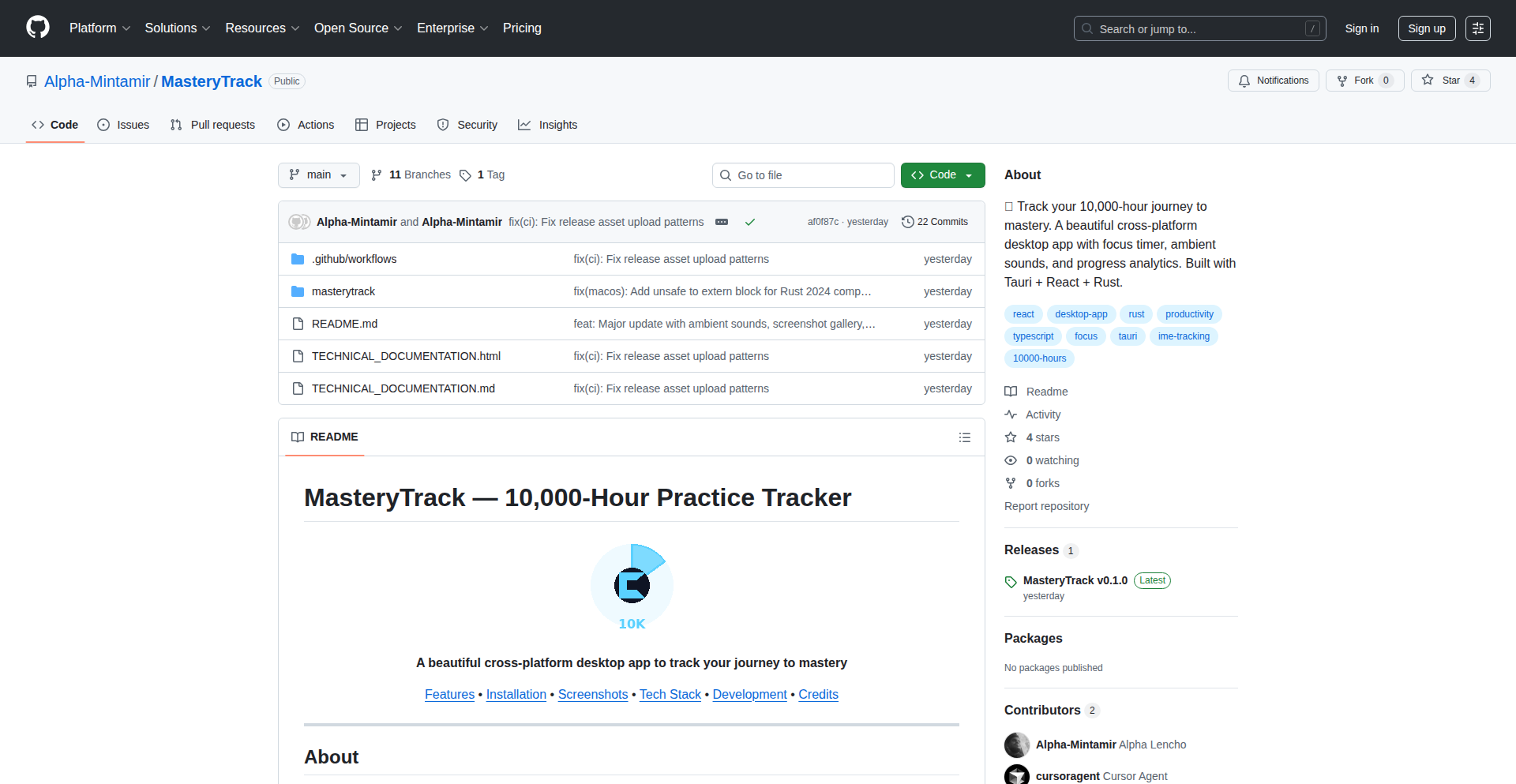
Author
alphalenchoo
Description
MasteryTrack is a cross-platform desktop application designed to help individuals meticulously track their progress towards mastering a skill, guided by the 10,000-hour rule. Its innovation lies in its AI-assisted development leveraging Cursor, a fast development cycle, and unique features like procedurally generated ambient sounds for focus and idle detection with productivity guards. This project highlights the evolving landscape of AI in software development and offers a practical tool for self-improvement.
Popularity
Points 1
Comments 0
What is this product?
MasteryTrack is a desktop application built using Tauri 2, React 19, Rust, and TypeScript. It functions as a sophisticated practice timer and progress tracker, specifically designed around the concept of achieving mastery through dedicated hours, like the famous 10,000-hour rule. The innovative aspect is not just its functionality, but also its development process; it was largely built with Cursor, an AI pair programmer, demonstrating a new paradigm in rapid software creation. It solves the problem of self-motivated individuals needing a structured and engaging way to monitor their skill development, offering features like idle detection to ensure focused practice and ambient sound generation that runs entirely offline.
How to use it?
Developers can use MasteryTrack as a personal productivity tool to cultivate skills. After downloading the application, they can set up practice sessions, initiate the focus timer, and engage in their chosen activity. The app automatically tracks time, captures screenshots during practice, and allows for session reflections. For developers interested in the technical implementation, the open-source nature of the project allows for code inspection and potential integration. They can clone the GitHub repository, explore the Rust and TypeScript codebase, and understand how Tauri is used to create a cross-platform desktop application from web technologies. This can inspire and inform their own projects, especially those exploring AI-assisted development or building offline-first applications.
Product Core Function
· Focus timer with idle detection & productivity guards: This feature ensures users remain engaged during practice sessions by monitoring activity. If a user becomes idle, the timer can pause or alert them, promoting uninterrupted learning and maximizing productive time. This directly helps users by making their practice sessions more effective.
· 7 procedurally-generated ambient sounds (rain, white noise, ocean, etc.) — runs 100% offline using Web Audio API: Instead of relying on pre-recorded audio files, the app generates these soothing sounds in real-time using the Web Audio API. This means no internet connection is needed, and it reduces the application's footprint. This provides a distraction-free environment for focused work, enhancing concentration without external dependencies.
· Automatic screenshot capture during practice sessions: This function acts as a verifiable log of practice activities. It provides a visual record of what was being worked on during specific time blocks. For users, this offers accountability and a detailed history of their learning journey, useful for review or sharing progress.
· Session reflections (what you practiced, learned, next focus): After each practice session, users are prompted to record their thoughts. This encourages metacognition – thinking about one's own learning process. By documenting what was practiced, what was learned, and what to focus on next, users gain deeper insights into their progress and can refine their learning strategies.
· Progress ring showing journey to 10,000 hours: This is a visual representation of the user's cumulative practice time towards the mastery goal. The intuitive ring design provides an at-a-glance understanding of how close they are to reaching their target. This gamified approach offers motivation and a clear sense of accomplishment.
· Data export/import for backup & PC migration: This ensures data security and flexibility. Users can back up their practice logs to prevent data loss or easily transfer their progress to a new computer. This provides peace of mind and seamless continuity for their tracking efforts.
· System tray integration: This allows the app to run in the background and be easily accessible without taking up prime screen real estate. Users can quickly interact with the timer or check their progress from the system tray. This enhances user convenience and keeps the tracking tool readily available without being intrusive.
Product Usage Case
· A programmer learning a new framework: The developer uses MasteryTrack to time their coding sessions, focusing on specific modules or challenges. The idle detection ensures they don't get sidetracked by social media. Screenshots capture their code progress, and reflections help them note down tricky concepts or solutions, accelerating their learning curve.
· A musician practicing an instrument: The musician sets up sessions for scales, repertoire, or composition. The ambient sound feature provides a calming background. Session reflections help them track which pieces they improved on and what technical challenges they aim to overcome in the next practice, leading to more structured musical development.
· A student preparing for a competitive exam: The student uses the focus timer for dedicated study blocks, ensuring they stick to their revision schedule. The progress ring provides a visual incentive as they accumulate hours towards their exam preparation goal. Data export allows them to keep a secure record of their diligent efforts.
· A game developer using Cursor to build a new feature: This is a meta-case where the developer uses the AI pair programmer to build MasteryTrack itself. The rapid development cycle showcases the power of AI in accelerating prototyping and shipping software. This demonstrates to other developers how AI can be integrated into their workflow to build tools like MasteryTrack more efficiently.
85
OpenSourceHireDB
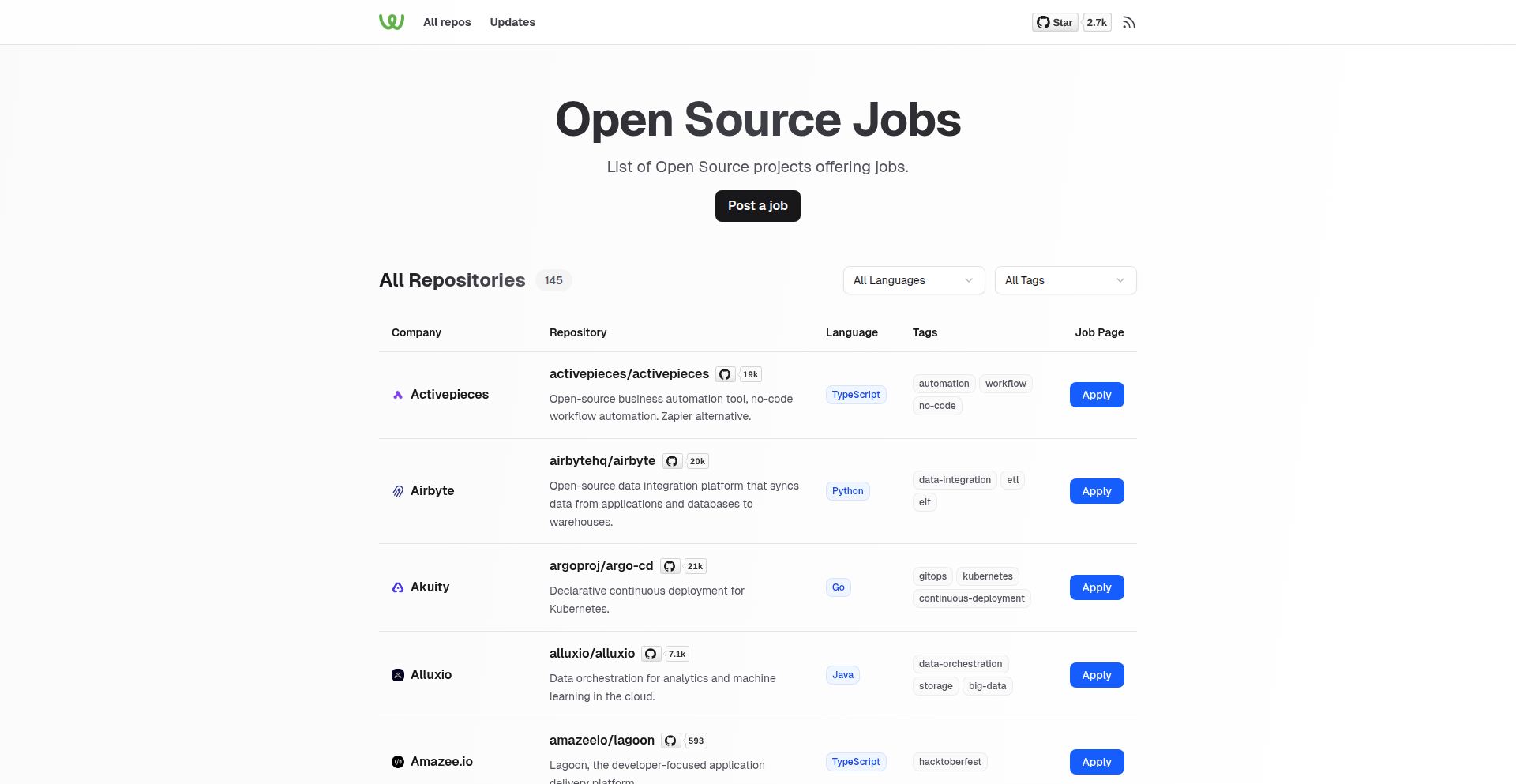
Author
timqian
Description
A curated database of over 100 open-source projects actively hiring developers. It addresses the challenge of discoverability for developers looking for opportunities within the open-source ecosystem, and for projects seeking contributors. The core innovation lies in the structured collection and presentation of this information, bridging a gap for both job seekers and maintainers.
Popularity
Points 1
Comments 0
What is this product?
OpenSourceHireDB is a publicly available collection of open-source projects that are explicitly looking to hire developers. It's essentially a filtered and organized list, identifying projects that have job openings. The innovation is in the curation effort itself – manually (or semi-automatically) sifting through many projects to find those with hiring signals, and then presenting them in an accessible format. This solves the problem of fragmented information where developers might not know which open-source projects are actively recruiting.
How to use it?
Developers can browse the database to find open-source projects that match their skills and career aspirations. It's a starting point for job searching within the open-source community. For project maintainers, it serves as a way to highlight their hiring needs to a broader audience of potential contributors and employees. Integration isn't a primary concern here; it's about discoverability. Think of it as a specialized job board for open-source opportunities.
Product Core Function
· Curated list of hiring open-source projects: This provides a centralized, reliable source of opportunities, saving developers time spent searching disparate platforms. The value is a direct path to potential job offers.
· Project details and hiring status: Each entry likely includes information about the project and a clear indication that they are hiring, allowing developers to quickly assess relevance. The value is in pre-filtered, actionable information.
· Discoverability for open-source projects: For maintainers, it increases the visibility of their hiring needs, attracting skilled individuals who are passionate about open-source. The value is in reaching a targeted talent pool.
· Bridging the gap between developers and open-source hiring: It directly connects individuals looking for work with organizations that need their skills within the open-source domain. The value is in facilitating meaningful employment in a rapidly growing sector.
Product Usage Case
· A freelance Python developer looking for full-time remote work can use OpenSourceHireDB to find open-source projects that need Python developers and are hiring, significantly speeding up their job search compared to general job boards.
· A new maintainer of a growing open-source project can list their hiring needs on OpenSourceHireDB to attract developers interested in contributing to their project long-term, potentially leading to paid roles and project sustainability.
· A student interested in gaining experience in a specific technology (e.g., Rust) can discover open-source projects using Rust that are currently hiring, providing an entry point for career development.
· A developer passionate about a particular open-source software can check OpenSourceHireDB to see if the project they love is hiring, allowing them to contribute professionally to something they care about.
86
ChefGPT-i18n
Author
ebastiban
Description
ChefGPT-i18n is an AI-powered personal chef assistant that generates custom recipes based on your ideas or available ingredients. Its core innovation lies in its ability to produce truly multilingual recipes in over 50 languages and seamlessly switch between metric and imperial measurements, solving the common problems of culinary inspiration and language/measurement barriers.
Popularity
Points 1
Comments 0
What is this product?
ChefGPT-i18n is an intelligent cooking assistant that leverages large language models (LLMs) to create personalized recipes. Instead of just a static recipe database, it dynamically generates cooking instructions. The key technological insight is using advanced AI to understand natural language inputs like dish ideas or lists of ingredients and translate them into structured, actionable recipes. Its innovation is in the deep multilingual support and measurement unit flexibility, making it a globally accessible cooking tool.
How to use it?
Developers can use ChefGPT-i18n by integrating its API (if available) into their own applications or services. For instance, a meal planning app could use ChefGPT-i18n to generate recipes based on user-provided dietary preferences and available pantry items. It can also be used directly through its web interface (MyChefGPT.com) for personal use. The multilingual and measurement conversion features allow for easy adaptation to different user bases.
Product Core Function
· AI-driven recipe generation: Uses sophisticated AI to create unique recipes, offering a fresh source of culinary ideas and solving the 'what to cook' dilemma.
· Multilingual recipe output: Generates recipes in over 50 languages, breaking down language barriers for cooks worldwide and making cooking accessible to a broader audience.
· Unit measurement conversion: Instantly toggles between metric and imperial units, catering to global users and eliminating the need for manual conversions.
· Ingredient-based recipe suggestions: Accepts a list of ingredients and suggests recipes, helping to reduce food waste and utilize existing pantry items efficiently.
· Dish idea to recipe generation: Takes a general dish concept (e.g., 'spicy vegetarian curry') and generates a complete recipe, sparking creativity and providing a starting point for new culinary explorations.
· Recipe history saving: Allows users to save generated recipes for future reference, creating a personal cookbook of successful culinary experiments.
Product Usage Case
· A developer building a smart refrigerator application could integrate ChefGPT-i18n to suggest recipes based on the items detected inside the fridge, providing users with immediate meal ideas and reducing food waste.
· A travel blogger could use ChefGPT-i18n to generate authentic local recipes in their native language and measurement system before visiting a new country, enriching their travel experience and content creation.
· A user who has a specific set of leftover ingredients could use ChefGPT-i18n to find a creative and delicious way to use them up, avoiding a trip to the grocery store and practicing sustainable cooking.
· A family with members speaking different languages could use ChefGPT-i18n to generate a single recipe that is understandable to everyone, fostering a shared cooking experience.
· A beginner cook can input a simple dish idea and receive a clear, step-by-step recipe, making cooking less intimidating and more enjoyable.
87
GetZlib Verified Link Navigator

Author
ruguo
Description
GetZlib is a minimalistic, auto-updating web application that provides a verified and reliable list of Z-Library access points. It tackles the common frustration of outdated or spam-filled mirror lists by offering a clean, single source of truth for official domains, TOR addresses, and app downloads. The innovation lies in its lean architecture, leveraging Next.js for static site generation, Cloudflare Pages for efficient hosting, and a scheduled Cloudflare Worker to continuously verify link functionality, including TOR links via a bridge. This ensures users always get current and working access methods, free from clutter and tracking.
Popularity
Points 1
Comments 0
What is this product?
GetZlib is a static website that automatically checks and lists up-to-date and verified links for Z-Library. The core technical innovation is its automated verification process. It uses a scheduled Cloudflare Worker to regularly visit and test all listed Z-Library links, including tricky TOR (onion) links by connecting through a bridge. The verified link data is then stored in Cloudflare KV (a simple key-value database) and served as static JSON, making the website fast and efficient. The site is built with Next.js 15, prioritizing static pages for speed and simplicity, and hosted on Cloudflare Pages. The value to users is a trustworthy, clutter-free way to find working Z-Library resources without encountering broken links or malicious ads.
How to use it?
Developers can use GetZlib by simply visiting the website (getzlib.com) to find the latest working Z-Library links. For developers building applications that might integrate with Z-Library resources or need to ensure their users have access, they can refer to the provided official domains, TOR addresses, and app download pages. The project's data is served as static JSON, which can be programmatically accessed and integrated into other tools or services if needed. For example, a developer could build a browser extension that uses GetZlib's API to offer quick access to Z-Library.
Product Core Function
· Verified Link Aggregation: Automatically compiles and presents a curated list of active Z-Library links, ensuring users don't waste time on dead ends. This is valuable for anyone needing consistent access to Z-Library resources.
· TOR Link Verification: Specifically validates the functionality of TOR (onion) links by connecting through a bridge, offering a more reliable way to access the Z-Library network via the Tor browser. This is critical for users who rely on the privacy and security of the Tor network.
· Auto-Updating Mechanism: Employs scheduled Cloudflare Workers to daily check and refresh link statuses, guaranteeing that the provided list is always current. This eliminates the need for manual checking and provides peace of mind.
· Minimalist Hosting and Performance: Leverages Cloudflare Pages and Next.js's static site generation to deliver a fast, responsive, and ad-free user experience. This means quick access to information without intrusive elements.
· Privacy-Focused Design: Implements a no-tracking policy (except for basic analytics) and minimizes client-side JavaScript, respecting user privacy. This is valuable for users who are concerned about their online footprint.
Product Usage Case
· A researcher needing to access academic papers through Z-Library can use GetZlib to quickly find a working domain without sifting through numerous unreliable mirror sites, saving valuable research time.
· A user prioritizing privacy and anonymity can rely on GetZlib's verified TOR links to access Z-Library through the Tor network, knowing these links have been actively checked for functionality.
· A developer building a personal research assistant tool can programmatically access GetZlib's static JSON data to integrate Z-Library access directly into their application, providing a seamless experience for their users.
· An educator looking for supplemental reading materials on Z-Library can use GetZlib to ensure they are sharing only valid and accessible resources with their students, avoiding frustration.
88
GitDoc Weaver

Author
BroTechLead
Description
GitDoc Weaver is a tool that transforms your Git repositories into dynamic, browsable documentation websites. It automatically converts diagrams written in PlantUML and draw.io, making it easy to visualize complex technical concepts. This approach keeps your documentation living alongside your code, enabling seamless collaboration via pull requests and ensuring that your docs are always up-to-date.
Popularity
Points 1
Comments 0
What is this product?
GitDoc Weaver is a system designed to automatically generate and host documentation websites directly from the markdown files stored within your Git repositories. Its core innovation lies in its ability to intelligently parse your repository's structure and content, rendering it as an easily navigable website. A key technical aspect is its auto-conversion of diagramming syntaxes like PlantUML and draw.io into visual elements within the documentation. This means you can describe processes or architectures using simple text-based diagramming tools, and GitDoc Weaver will make them appear as actual images on your documentation site. It supports flexible site structures, allowing for both a traditional hierarchical left-hand navigation and a custom top-level menu that can lead to subsites with their own navigation. This addresses the problem of scattered or outdated documentation by centralizing it and leveraging familiar Git workflows.
How to use it?
Developers can use GitDoc Weaver by simply pointing it to their Git repositories. The tool then scans the repository for markdown files, identifies the structure, and builds a web-accessible documentation site. For integration, you can host your documentation on the GitDoc Weaver platform. The process involves linking your repository, and the system takes care of the rest. You can integrate this into your development workflow by treating documentation changes just like code changes – commit your markdown files, push to Git, and the documentation site is updated. This is particularly useful for teams already using markdown for personal knowledge management (PKM) tools or for organizations looking to move away from wiki-based documentation towards a more code-centric approach.
Product Core Function
· Automatic markdown rendering to HTML: This allows developers to write documentation in familiar markdown format, and the tool automatically converts it into a readable webpage, making it easy for anyone to consume the information without needing markdown expertise.
· PlantUML and draw.io diagram auto-conversion: Developers can embed diagram definitions in their markdown using text-based languages like PlantUML or draw.io. The tool intelligently processes these, rendering them as actual visual diagrams on the documentation site, which is invaluable for explaining complex systems and workflows.
· Flexible navigation structure generation: The tool can create both a default tree-like navigation from the repository structure and allow for custom top-level menus, giving flexibility in how users explore the documentation. This helps users quickly find the information they need, tailored to their browsing preferences.
· Git repository integration: Documentation is stored directly within Git alongside the code, enabling collaboration through standard Git pull request workflows and ensuring documentation stays synchronized with code changes. This promotes a 'docs-as-code' philosophy, making updates and reviews more efficient.
· Browser-based access: The generated documentation sites are accessible via a web browser, offering a convenient way to view information without needing specific desktop applications or a complex setup, which is especially useful in restrictive corporate environments or for quick lookups.
Product Usage Case
· An organization with many microservices can use GitDoc Weaver to consolidate documentation from each service's repository into a central, searchable documentation hub. This solves the problem of fragmented knowledge by providing a unified view, making it easier for developers to understand the entire architecture and find relevant information for any service.
· A startup team working on a new product can leverage GitDoc Weaver to create onboarding documentation for new hires. By storing READMEs and design documents in markdown within their Git repo, new team members can quickly access a comprehensive overview of the project, its architecture, and development processes, reducing ramp-up time.
· An individual developer managing a personal knowledge base with tools like Obsidian or VS Code can use GitDoc Weaver to publish parts of their knowledge base as a browsable website. This is useful for sharing specific insights or technical notes with a wider audience or for creating a read-only, accessible version of their notes that can be viewed from any device, even in environments where their primary PKM tool isn't available.
89
DialectalVerse

Author
selmetwa
Description
An open-source platform designed to revolutionize Arabic language learning by offering interactive parallel texts and context-based learning. It tackles the inefficiency of traditional methods by allowing users to instantly access translations, transliterations, and grammar notes for any Arabic word with a simple click or highlight. The platform uniquely supports multiple Arabic dialects, including custom LLMs trained for Egyptian and Moroccan Arabic, addressing the gap in resources for spoken dialects. Its core innovation lies in adaptive content generation, creating lessons and stories tailored to user-defined vocabulary lists and reinforced through a spaced repetition system.
Popularity
Points 1
Comments 0
What is this product?
DialectalVerse is an open-source, interactive platform for learning Arabic, with a particular focus on dialects. Instead of flipping through dictionaries and grammar books, you can directly interact with Arabic text. When you click or highlight a word, it immediately shows you its meaning, how to pronounce it (transliteration), and relevant grammar details, all within the sentence you are reading. This context-based approach is key. Furthermore, it incorporates custom-trained AI models specifically for Egyptian and Moroccan Arabic, recognizing that these spoken dialects are often not well-represented in standard learning materials. The platform also lets you build your own vocabulary lists and uses this to generate personalized learning content like stories and sentences, making your study sessions more efficient and relevant.
How to use it?
Developers can use DialectalVerse as a foundational technology for building their own language learning applications or tools. Its API could be integrated into existing educational platforms to enhance their Arabic language modules. For individuals, it's a direct learning tool: you can import your own vocabulary lists or select from curated word banks covering different dialects. The platform then generates customized lessons. For example, imagine you're reading an article in Egyptian Arabic. You can click on an unfamiliar word, get its meaning and pronunciation instantly, and then add it to your personal study list. Later, DialectalVerse might generate a short story or a set of practice sentences using only the words you've saved, reinforcing your learning through repetition and context. You can also contribute to the open-source project, improving the LLMs or adding new dialectal data.
Product Core Function
· Interactive Parallel Texts: Enables instant lookup of word meanings, transliterations, and grammar notes by clicking or highlighting words in Arabic text. This directly addresses the frustration of constant page-flipping in traditional learning, offering immediate comprehension and a smoother reading experience.
· Multi-Dialect Support: Provides specialized models for Egyptian and Moroccan Arabic, alongside broader dialect options. This is crucial for learners who need to understand and speak everyday Arabic, rather than just formal Modern Standard Arabic, and offers a more realistic learning path.
· Context-Based Learning Engine: Analyzes user-selected vocabulary to generate personalized stories, lessons, and sentences. This ensures that all learning content is directly relevant to the user's current study goals, maximizing efficiency and retention by reinforcing targeted vocabulary.
· Spaced Repetition System (SRS): Integrates SRS to optimize vocabulary memorization and long-term retention. By strategically re-exposing users to learned words at increasing intervals, it helps solidify knowledge and move vocabulary from short-term to long-term memory.
· Customizable Vocabulary Management: Allows users to import vocabulary from CSV files or build their own word lists from scratch. This empowers learners to focus on the specific words and phrases that are most important to their personal learning objectives, whether for travel, work, or personal interest.
Product Usage Case
· A student learning Egyptian Arabic can read a news article and instantly look up unfamiliar words without leaving the page, then save those words to a study list. Later, the platform generates a practice dialogue using only those saved words, making the learning process highly targeted and efficient.
· A researcher studying linguistic variations can compare how a specific phrase is expressed across Egyptian, Moroccan, and other Arabic dialects using the platform's parallel text and dialect comparison features, gaining deep insights into linguistic nuances.
· A developer building a language exchange app can integrate DialectalVerse's API to provide real-time translation and grammar assistance for Arabic content within their app, enhancing user experience and learning support.
· Someone preparing for a trip to Morocco can create a custom vocabulary list of common travel phrases and have DialectalVerse generate simple conversational scenarios to practice with, ensuring they are prepared for practical communication.
90
TinyTextGen
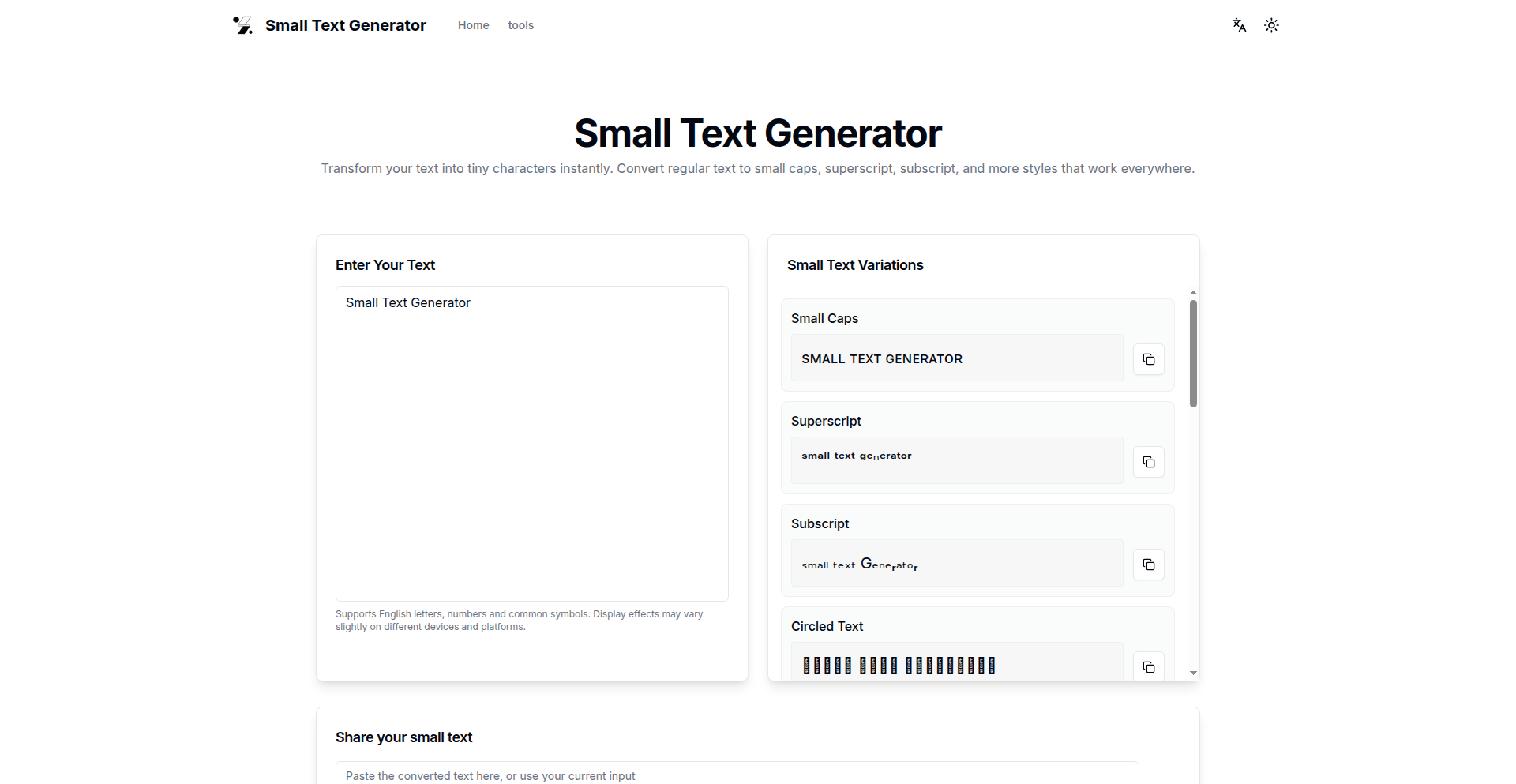
Author
light001
Description
Small Text Generator is a minimalist web application that transforms regular text into 'fancy' and tiny text styles, optimized for copy-pasting. It leverages character substitution and Unicode tricks to achieve this, offering a novel way to present text for specific visual effects without complex rendering engines. The core innovation lies in its simple yet effective use of character sets to create visually distinct text, making it a fun and practical tool for creative expression in digital communication.
Popularity
Points 1
Comments 0
What is this product?
TinyTextGen is a web-based utility that takes your normal text and converts it into visually distinct, smaller-looking text using special characters. It's not about changing the font size technically, but rather using characters from different Unicode blocks that have a similar aesthetic to smaller or stylized letters. The innovation here is the clever application of existing character encoding standards to achieve a specific visual output with minimal computational overhead. So, what does this mean for you? It means you can create eye-catching text for social media, nicknames, or creative messages that stand out without needing any special software.
How to use it?
Developers can use TinyTextGen through its web interface by simply typing or pasting text into the input field and selecting the desired output style. The generated text can then be copied and pasted directly into other applications. For integration, a developer could potentially embed a similar character substitution logic within their own application if they need to programmatically generate such text. For instance, a chat application might want to offer a 'fancy text' option. So, how can you use this? Imagine wanting to make your Instagram bio or a forum username look unique. You can use TinyTextGen to generate that distinct text and then paste it into the respective field. It's about adding a personal, creative touch to your online presence.
Product Core Function
· Text Transformation: Converts standard characters into their stylized Unicode equivalents, creating a visually smaller or 'fancy' appearance. This offers a simple way to add visual flair to text for various platforms.
· Copy-Paste Functionality: Allows seamless transfer of generated text to other applications, making it immediately usable for social media, messaging, or any text input field.
· Minimalist Interface: Provides a straightforward and uncluttered user experience, focusing purely on the text generation task without unnecessary features. This ensures ease of use and quick results.
Product Usage Case
· Social Media Customization: A user wants to create a unique username or bio on platforms like Twitter or TikTok. They use TinyTextGen to generate a distinct text style that helps their profile stand out from others. This solves the problem of generic usernames.
· Creative Messaging: A gamer wants to use a special font for their in-game name or team chat to express a certain style. TinyTextGen provides a way to achieve this without requiring the game to support custom fonts, making their communication more expressive.
· Nickname Generation: Someone wants a fun and quirky nickname for online forums or gaming communities. TinyTextGen offers a quick and easy way to generate these playful names that are visually appealing and memorable.
91
ZeroDistraction: Firefox/Zen Focus Extension
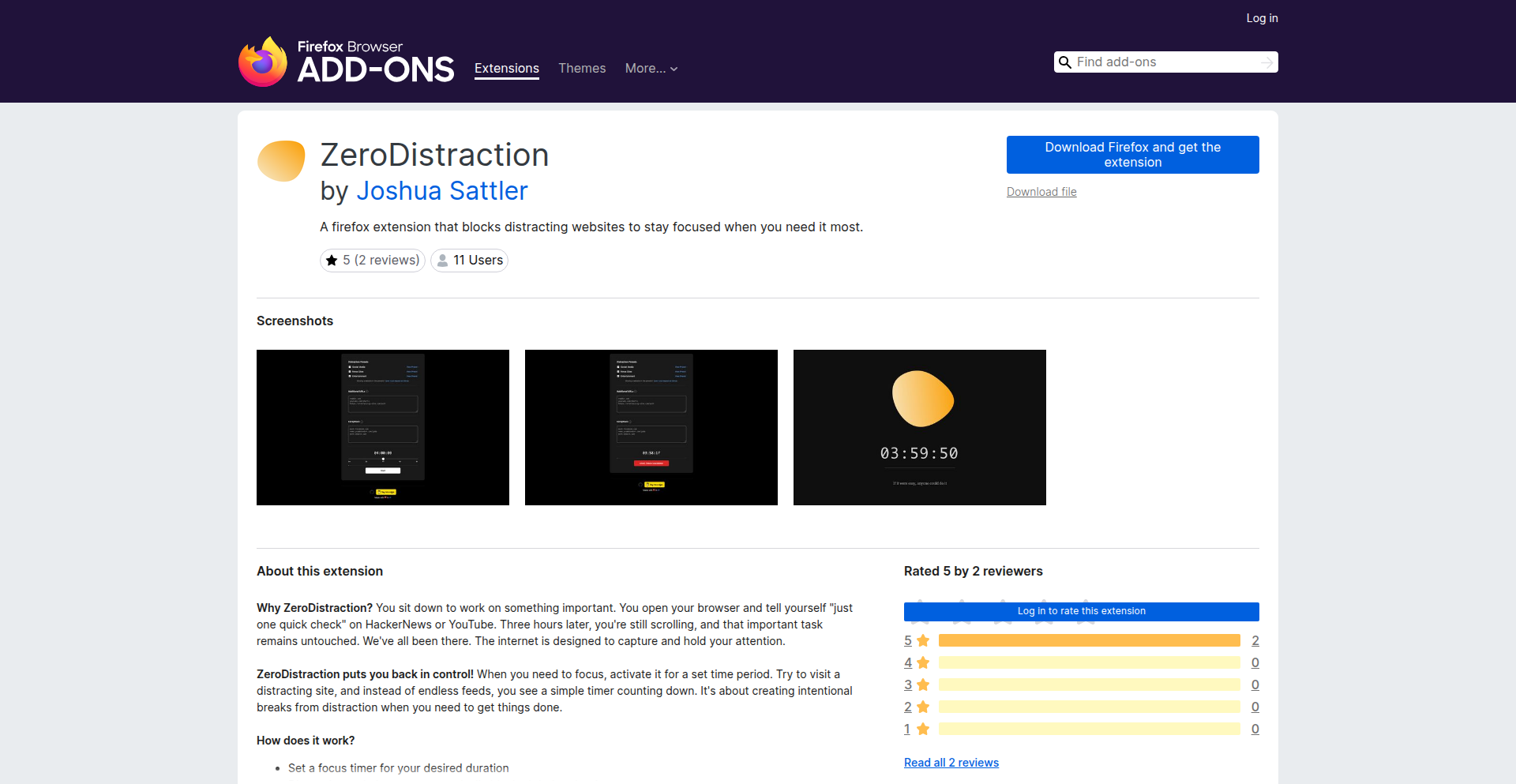
Author
jsattler
Description
A Firefox extension designed to combat digital distractions and enhance productivity. It leverages a unique approach by integrating with the concept of 'Zen' or mindfulness, aiming to create a focused browsing environment. The core innovation lies in its ability to intelligently manage distracting websites and present information in a way that promotes concentration, not overwhelm.
Popularity
Points 1
Comments 0
What is this product?
This is a browser extension for Firefox that acts as a digital 'focus shield'. It's built on the idea that by understanding and subtly altering your browsing experience, it can help you get more done. Instead of just blocking sites outright, it employs more nuanced techniques to 'quiet down' the noise of the internet. Think of it as a sophisticated filter that learns what distracts you and gently guides you back to your tasks, integrating principles of mindfulness to create a more intentional online presence. The underlying technology likely involves analyzing browsing patterns and content to identify potential distractions and implementing customized interventions, potentially using techniques like content masking or spaced repetition of productive content.
How to use it?
Developers can install this extension in their Firefox browser. Once installed, they can configure which websites or types of content are considered distracting. The extension then works in the background, subtly modifying their browsing experience. For instance, it might dim distracting elements on a page, limit the visibility of certain notifications, or even introduce brief mindfulness prompts when it detects a user is veering off-task. This can be integrated into a developer's workflow by setting it up to 'Zen' their research sessions, coding forums, or even social media breaks, ensuring these activities don't bleed into productive work time. It's about creating a dedicated space for focused work within the browser itself.
Product Core Function
· Intelligent distraction identification: Analyzes browsing behavior and website content to pinpoint potential productivity drains, allowing users to understand their personal distraction triggers.
· Context-aware intervention engine: Applies customized focus-enhancing techniques based on the identified distractions and user-defined preferences, ensuring the right 'nudge' at the right time.
· Mindfulness integration: Incorporates subtle prompts and visual cues inspired by Zen principles to encourage intentional browsing and reduce compulsive clicking.
· Customizable focus profiles: Allows users to create different 'focus modes' for various tasks or times of day, tailoring the extension's behavior to specific needs.
· Productivity analytics: Provides insights into browsing habits and distraction patterns, empowering users to make informed adjustments to their workflow.
Product Usage Case
· A developer spending hours researching a new library on Stack Overflow and Reddit might find their feeds subtly less overwhelming, with non-essential elements faded and important snippets highlighted, preventing them from getting lost in endless scrolling and helping them find the information they need faster.
· When a developer is deep into coding and instinctively opens a social media tab, the extension might gently dim the page or introduce a brief mindfulness prompt, reminding them of their current task and helping them resist the urge to engage with distracting content, thus preserving valuable coding momentum.
· For a developer who struggles with staying on task during long research sessions, the extension could be configured to periodically present brief, calming visual breaks or a subtle reminder of their original research goal, acting as a gentle guide back to productivity without complete site blocking.
· During a busy workday, a developer might set up a 'deep work' profile where certain communication platforms have their notification badges hidden and their content is presented in a more minimalist fashion, ensuring urgent messages don't break their flow of concentration.
92
Lissajous Harmonics Visualizer
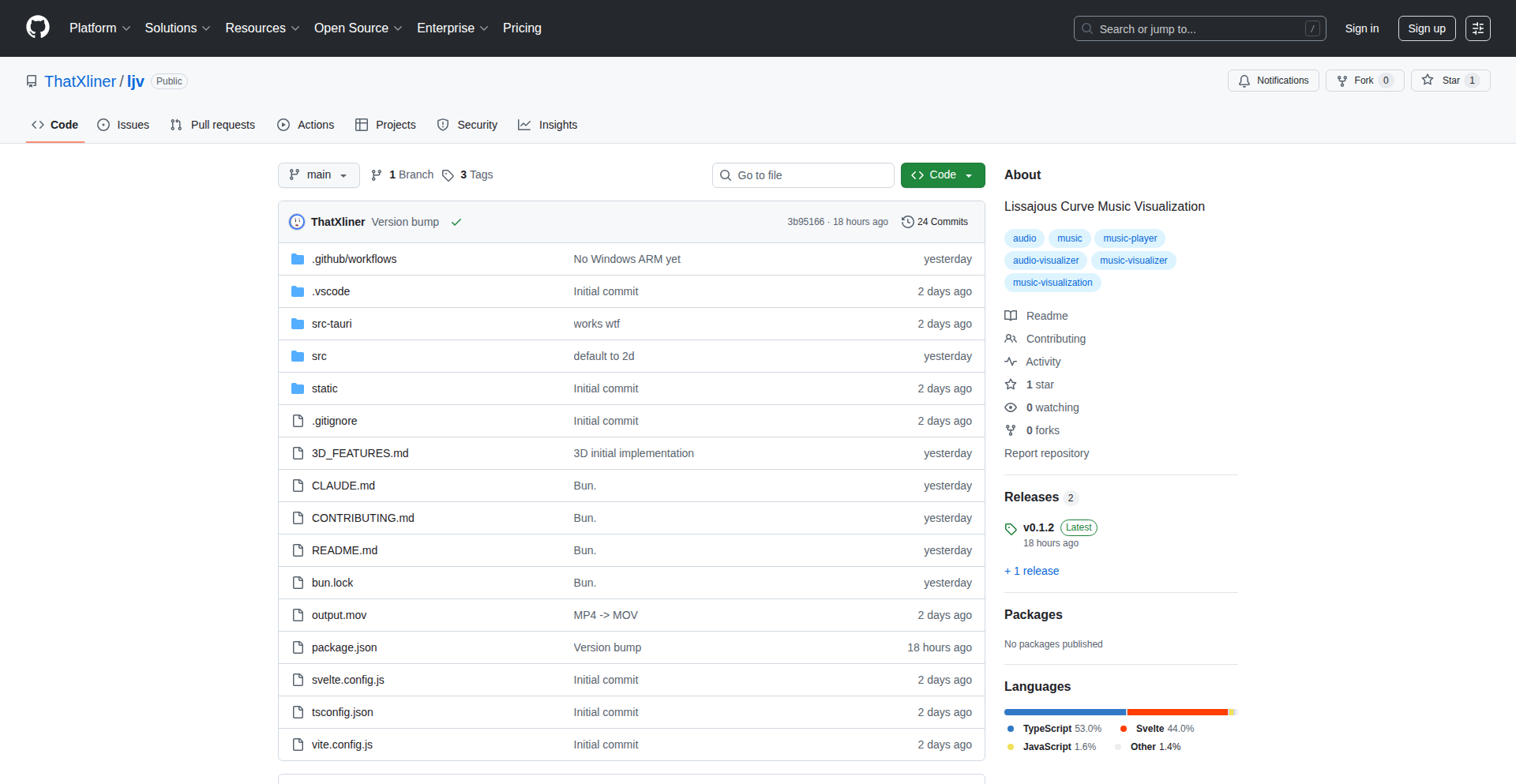
Author
thatxliner
Description
This project is a real-time music visualizer that uses Lissajous curves to represent the sonic frequencies of audio input. It translates the complex waveforms of music into elegant, dynamic geometric patterns, offering a novel way to perceive sound through visual art. The core innovation lies in mapping audio spectral data directly to the parameters of Lissajous curves, creating a unique and responsive visual experience.
Popularity
Points 1
Comments 0
What is this product?
This project is a real-time music visualizer powered by Lissajous curves. Lissajous curves are mathematical figures that describe the path of a point moving in two dimensions, where the two motions are simple harmonic motions at right angles to each other. In this project, the audio input's spectral characteristics (like amplitude and frequency distribution) are mapped to the amplitude and frequency of these harmonic motions. So, as the music changes, the shape, size, and movement of the Lissajous curves morph in response. The innovation here is taking abstract audio data and giving it a concrete, artistic visual form through this mathematical construct, offering a fresh perspective on how we can 'see' music.
How to use it?
Developers can integrate this project into various applications by feeding it audio streams. The core idea is to capture audio data (e.g., from a microphone, a media player, or a generated sound source), process its frequency spectrum, and then use that processed data to control the parameters of the Lissajous curve generation. This could involve using existing audio processing libraries (like Web Audio API for web applications, or dedicated audio libraries in Python/C++) to extract spectral information, and then feeding this information into the visualizer's rendering engine. The output is a dynamic visual representation that can be displayed on a screen, making it useful for interactive installations, creative coding projects, or even as a unique desktop background.
Product Core Function
· Real-time audio spectral analysis: Captures incoming audio and breaks it down into its constituent frequencies and their corresponding volumes. This allows the visualization to be directly influenced by the music's nuances. The value is enabling dynamic, responsive visuals that accurately reflect the audio.
· Lissajous curve generation from spectral data: Maps the analyzed audio frequencies and amplitudes to the parameters that define Lissajous curves (amplitude and phase of two oscillating signals). This is the core technical innovation, turning abstract sound into tangible geometric shapes. The value is providing a novel and aesthetically pleasing way to interpret music visually.
· Dynamic visual rendering: Continuously updates the Lissajous curves based on the incoming audio data, creating a fluid and engaging visual experience. The value is ensuring the visualization remains captivating and synchronized with the music's progression.
Product Usage Case
· Interactive art installations: Imagine a gallery where the artwork on display changes its form and color in sync with live music. This project can be the engine driving such an experience, allowing visitors to 'see' the music in a new way. It solves the problem of creating dynamic, engaging visual art that is directly tied to an auditory element.
· Music player enhancements: A developer could integrate this into a desktop or web music player to offer a sophisticated, artistic visualization beyond standard oscilloscopes or spectrum analyzers. This adds significant aesthetic value and a unique selling point to music playback software.
· Creative coding and generative art: For artists and developers exploring generative art, this project provides a powerful starting point for creating mesmerizing visual patterns driven by complex data. It solves the challenge of finding compelling ways to visualize dynamic data sources like audio.
93
Bruin AI Data Navigator
Author
karakanb
Description
This project introduces an MCP server that bridges AI agents with your Data Warehouses (DWH) and query engines, enabling seamless data interaction. It innovatively exposes CLI documentation to AI agents, allowing them to understand and utilize data engineering tools without manual configuration updates.
Popularity
Points 1
Comments 0
What is this product?
Bruin AI Data Navigator is a system designed to let AI agents intelligently interact with your data. Instead of directly giving the AI agent access to complex commands, it provides the AI with a way to 'read' the documentation of a powerful data engineering tool called Bruin CLI. This means the AI can understand what data operations are possible, how to ask for them, and then use the Bruin CLI to perform those actions on your data warehouse. The core innovation lies in how it exposes information: it doesn't give the AI the 'keys' to run commands directly, but rather the 'user manual' so the AI can learn and operate responsibly. This avoids the complexity of exposing every single command and makes new features instantly available to the AI.
How to use it?
Developers can integrate this system by setting up the Bruin CLI and then configuring their AI agents to communicate with the Bruin MCP server. The AI agent will use specific requests to fetch documentation about the Bruin CLI's capabilities. For example, an AI might ask for an overview of available data sources or the structure of the documentation. Once the AI understands what it needs to do, it formulates the appropriate Bruin CLI command and executes it in the shell. This is particularly useful for tasks like data exploration, generating reports, or even performing complex data transformations, all guided by the AI's understanding of the available data and operations.
Product Core Function
· MCP Server for AI Agent Communication: This allows AI agents to connect and request information from the data management system. The value is enabling AI to interact with your data infrastructure programmatically.
· Documentation Navigation Tools: Functions like `bruin_get_overview`, `bruin_get_docs_tree`, and `bruin_get_doc_content` enable AI agents to explore and understand the capabilities of the Bruin CLI. The value is that AI can learn about data operations without needing hardcoded instructions, making it adaptable.
· DWH/Query Engine Integration: The system supports a wide range of data sources like BigQuery, Snowflake, and Databricks. The value is that AI agents can access and process data from wherever it is stored, making data insights more accessible.
· Automatic Feature Discovery for AI: By exposing documentation, new features added to Bruin CLI are automatically discoverable by AI agents. The value is that AI capabilities stay up-to-date without manual developer effort to update AI agent configurations.
Product Usage Case
· An AI coding assistant like Cursor can use Bruin AI Data Navigator to help a data engineer by understanding their natural language request for a specific dataset. The AI then uses the navigator to find the correct Bruin CLI command to query that dataset from Snowflake and present the results to the engineer.
· For a data analyst working with Claude Code, they can describe a desired data transformation in plain English. The AI agent, leveraging Bruin AI Data Navigator, will interpret the request, consult the Bruin CLI documentation to construct the necessary SQL and Python commands for transformation in Databricks, and then execute them.
· A developer building a custom data pipeline can use an AI agent to help them understand how to ingest data from a new source into their DWH. The AI agent queries Bruin AI Data Navigator for relevant documentation on data ingestion within Bruin CLI and guides the developer through the setup process.
94
Trinity: Neural Site Healer

Author
fab_space
Description
Trinity is a novel static site generator that uses AI to automatically fix visual bugs in generated web pages. It leverages a 'Neural Healer' which, after rendering a page in a headless browser, detects layout issues and suggests specific Tailwind CSS classes to repair them, inspired by a trained LSTM model. This aims to solve the problem of LLM-generated sites having broken layouts.
Popularity
Points 1
Comments 0
What is this product?
Trinity is a specialized static site generator (SSG) that goes beyond typical templating like Jinja2 and styling with Tailwind CSS. Its core innovation is the 'Neural Healer,' an AI component that actively finds and fixes visual bugs on web pages it generates. It achieves this by: 1. Rendering the page using Playwright, a tool that controls web browsers programmatically. 2. Identifying visual glitches such as elements overlapping or extending beyond their containers. 3. Employing a Long Short-Term Memory (LSTM) neural network, trained on over 10,000 instances of code fixes, to predict and suggest the most appropriate Tailwind CSS classes to correct these visual errors directly in the Document Object Model (DOM). This approach represents a significant step towards autonomous coding for web development, where the system can self-correct its output.
How to use it?
Developers can integrate Trinity into their workflow by setting it up as their static site generation engine. Instead of manually debugging CSS issues that arise from templating or LLM-generated content, Trinity handles this automatically. For instance, if you're using an LLM to generate content and templates for your site, and you notice layout problems, Trinity can be configured to run after generation. It will test the resulting HTML and CSS, automatically applying corrections. This is particularly useful in CI/CD pipelines where automated checks for visual integrity are desired. The core idea is to replace manual CSS tweaking with AI-driven repairs, saving development time.
Product Core Function
· Automated Visual Bug Detection: This function uses headless browser automation (via Playwright) to systematically check rendered web pages for common layout issues like element overlaps and overflows. The value is in proactively identifying problems that would otherwise require manual inspection, saving significant debugging time.
· AI-Powered CSS Suggestion: Leveraging a trained LSTM model, this core feature analyzes detected bugs and proposes specific Tailwind CSS classes as solutions. The value lies in its ability to learn from a vast dataset of fixes and apply intelligent, context-aware repairs, reducing the need for developers to guess or research CSS solutions.
· Self-Healing Static Site Generation: Trinity orchestrates the entire process, from rendering to bug detection and automated correction, within a static site generation framework. The value is a more robust and less error-prone automated website building process, where the system actively improves its own output.
Product Usage Case
· Scenario: Building a blog where post content is partially generated by an LLM, leading to inconsistent formatting and broken layouts. How it solves the problem: Trinity can be used as the SSG for the blog. After the LLM generates content and the initial templates are processed, Trinity's Neural Healer will run, automatically detecting and fixing any CSS issues caused by the dynamic content, ensuring a clean and consistent visual presentation for all blog posts without manual intervention.
· Scenario: Developing a marketing landing page that needs to be pixel-perfect across various devices and browsers, but the team is under tight deadlines. How it solves the problem: Trinity can be configured to build the landing page. Its automated healing capabilities will catch and fix minor CSS discrepancies that might arise during the development process or from template imperfections. This allows developers to focus on core functionality and design, relying on Trinity to maintain visual integrity, thus accelerating the delivery of a polished product.
· Scenario: Implementing a CI/CD pipeline for a web application that requires rigorous quality assurance for visual correctness. How it solves the problem: Trinity can be integrated as a post-build step. If any visual bugs are introduced by code changes, Trinity will automatically attempt to fix them. The build can then be flagged if the fixes are insufficient or if new issues arise, providing an automated safeguard against visual regressions and improving the overall quality of deployments.
95
Envgrd AST Env Var Guardian

Author
jenia_n
Description
Envgrd is a command-line tool that uses Abstract Syntax Tree (AST) analysis to detect environment variable drift. It solves the common problem of inconsistencies between environment variables used in code and those defined in configuration files, preventing production issues related to missing or outdated variables. Its innovative approach leverages Tree-Sitter to precisely parse code and configuration sources, offering accurate detection of both static and dynamic variable patterns.
Popularity
Points 1
Comments 0
What is this product?
Envgrd is a specialized command-line interface (CLI) tool designed to automatically identify discrepancies, or 'drift,' in how your application's environment variables are managed. Imagine your code needs a specific setting (like a database password or an API key) that's supposed to come from an environment variable. Envgrd checks if that variable is actually defined in your configuration files (like .env, Docker Compose, Kubernetes ConfigMaps, etc.) and if it's still being used by your code. It's built using an AST (Abstract Syntax Tree) approach, which means it reads your code like a computer understands it, not just by simple text searching. This allows it to understand complex variable names, even those that are built dynamically (e.g., 'API_KEY_' + some_dynamic_part). This prevents common deployment headaches like apps crashing because a required setting is missing, or wasting resources on configurations that are no longer needed. So, for you, this means fewer production outages and a more reliable deployment process.
How to use it?
Developers can integrate Envgrd into their workflow as a pre-commit hook, within their CI/CD pipelines, or run it manually. After installing the tool (typically via a package manager or cloning the repository), you configure it to point to your codebase and your environment variable sources. Envgrd then parses your code to understand which environment variables are referenced and compares this against your defined configuration files. It can report on missing variables (used in code but not in configs) and unused variables (in configs but not referenced in code). The output can be in JSON format, making it easy to parse and act upon in automated scripts or for detailed reporting. This allows you to catch configuration errors early, before they impact production. So, for you, this means a smoother development cycle and more confidence in your deployments.
Product Core Function
· Detect missing environment variables: Envgrd analyzes code to find environment variables that are referenced but not defined in your configuration files. This helps ensure that all necessary settings are present before deployment, preventing runtime errors. So, for you, this means your application won't crash unexpectedly due to a missing setting.
· Detect unused environment variables: The tool identifies environment variables that are defined in your configuration files but are not actually used by your code. This helps to declutter your configurations and reduce potential security risks by removing unnecessary sensitive information. So, for you, this means cleaner, more secure configurations and less confusion.
· Handle dynamic environment variable patterns: Envgrd can intelligently parse and understand environment variables whose names are constructed dynamically within the code (e.g., 'PREFIX_' + variable_name). This goes beyond simple text matching, offering more accurate detection. So, for you, this means the tool can accurately find even complex environment variable usages, preventing false negatives.
· Support for multiple programming languages and configuration sources: It parses popular languages like JavaScript/TypeScript, Go, Python, Rust, and Java, and checks against various configuration sources including .env files, direnv, docker-compose, Kubernetes ConfigMaps/Secrets, systemd units, and shell exports. This broad compatibility makes it a versatile tool for diverse development environments. So, for you, this means it will likely work with your existing tech stack.
· Parallel execution for speed: Envgrd runs checks in parallel, significantly reducing the time it takes to scan your codebase, even for large projects. This ensures it doesn't become a bottleneck in your development or CI/CD process. So, for you, this means faster feedback loops and quicker issue detection.
Product Usage Case
· Preventing production outages due to missing database credentials: A team is deploying a new version of their web application. Envgrd is run in the CI pipeline and detects that the `DATABASE_URL` environment variable, which is used in the application's connection string, is missing from the Kubernetes ConfigMap. The deployment is halted, preventing a critical outage. So, for you, this means your application will successfully connect to its database.
· Identifying and removing deprecated API keys: A project has been active for several years, and old API keys are still present in the `docker-compose.yml` file. Envgrd scans the code and finds that none of the code references these old keys. The team is alerted to these unused variables, and they are safely removed, reducing the attack surface. So, for you, this means your configurations are cleaner and more secure.
· Ensuring consistent environment variables across developer machines and CI: A developer's local environment has a specific `FEATURE_FLAG_XYZ` set. However, this variable is not documented or exported in the CI environment. Envgrd, integrated into the CI, flags this missing variable, preventing a scenario where the application works locally but fails in production. So, for you, this means your application will behave consistently across different environments.
· Simplifying onboarding for new team members: When a new developer joins, they clone the repository and run Envgrd. It immediately highlights any missing essential environment variables required for local development, providing a clear checklist of what needs to be set up. So, for you, this means a faster and less frustrating onboarding experience.
96
HiFidelity
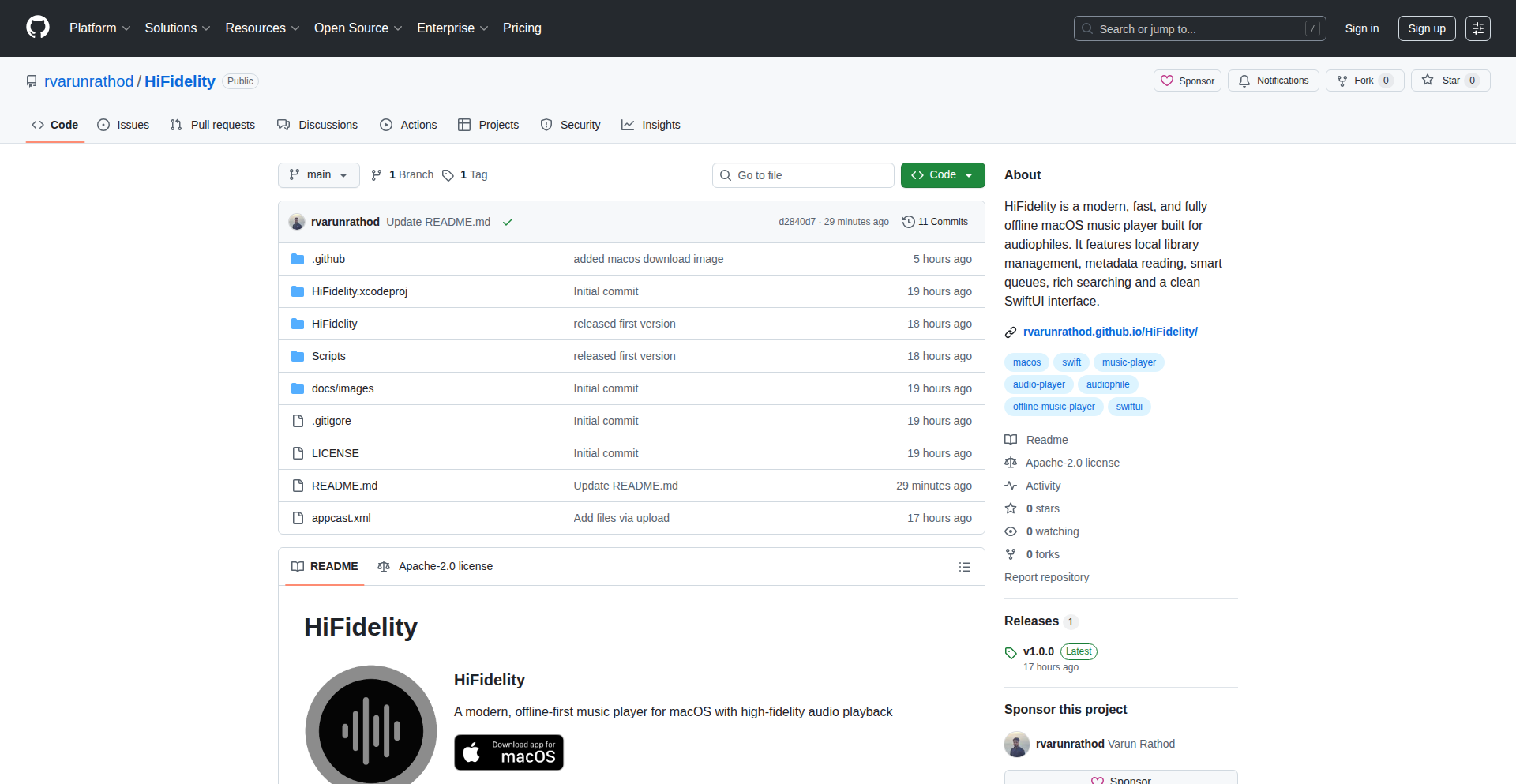
Author
rathod0045
Description
HiFidelity is a native macOS music player designed for users who love to organize and browse their music collection by album art, rather than just filenames. It addresses the limitations of existing players that often neglect artwork or struggle with less common audio formats like FLAC. This project leverages powerful audio engines and metadata libraries to deliver a fast, visually-driven, and high-fidelity listening experience, making your music library feel more alive.
Popularity
Points 1
Comments 0
What is this product?
HiFidelity is a desktop music application built for macOS. Its core innovation lies in its approach to music playback and library management. Instead of relying on traditional filename-based browsing, it prioritizes the visual browsing experience through album artwork. Technically, it utilizes the BASS audio engine, a highly efficient library known for its low latency and high-quality audio reproduction across a wide range of formats, including FLAC. For handling music metadata and extracting embedded artwork, it employs TagLib, a robust library that ensures accurate interpretation of tags and artwork embedded directly within audio files. The result is a lightweight, native macOS application that feels instantaneous to use and showcases your music library in a visually rich and intuitive way.
How to use it?
Developers can use HiFidelity as a standalone desktop application for their personal music library on macOS. It's particularly useful for audiophiles and music enthusiasts who have large collections and appreciate a visually appealing interface. For integration, while HiFidelity is a standalone player, its underlying technologies like the BASS audio engine and TagLib are open for developers to explore and potentially integrate into their own audio-related projects. Imagine building a custom music discovery tool or a media server that benefits from accurate metadata and high-fidelity playback.
Product Core Function
· High-fidelity audio playback: Utilizes the BASS audio engine for low-latency, high-quality sound reproduction, meaning you get to hear your music as the artist intended, without digital artifacts or delays. This is valuable for critical listening and enjoying the full depth of your audio files.
· Artwork-centric browsing: Enables users to navigate their music library primarily through album art, offering a more intuitive and visually engaging experience than traditional list-based players. This makes discovering and selecting music feel more like exploring a curated collection.
· Broad format support: Capable of playing a wide array of audio formats, including popular ones like MP3 and AAC, as well as more advanced formats like FLAC, ensuring compatibility with diverse audio libraries. This means you don't have to worry about converting your files to listen to them.
· Accurate metadata extraction: Employs TagLib to precisely read and display music metadata (artist, album, genre, etc.) and extract embedded artwork, ensuring your library information is correct and your album art is displayed beautifully. This keeps your music library organized and visually appealing.
· Lightweight and native macOS experience: Built to be a fast and responsive application that feels at home on macOS, providing a smooth and enjoyable user interface without consuming excessive system resources. This means the player won't slow down your computer while you enjoy your music.
Product Usage Case
· Scenario: A music collector with thousands of albums who finds traditional list views overwhelming. How it solves: HiFidelity allows them to browse their collection by simply scrolling through album covers, making it easy to find specific albums or discover music they haven't listened to in a while.
· Scenario: An audiophile who has invested in high-resolution audio files in FLAC format and is frustrated that most players don't support them natively. How it solves: HiFidelity's BASS audio engine natively supports FLAC playback at high fidelity, allowing them to enjoy their lossless audio library without compromise.
· Scenario: A developer building a smart speaker or a media center application that needs to reliably extract album art from audio files. How it solves: The use of TagLib demonstrates a robust method for accurately retrieving embedded artwork, which can inform the development of similar features in other applications.
· Scenario: A user who wants a music player that is fast and responsive, even with a very large music library. How it solves: HiFidelity's focus on being lightweight and its efficient backend ensure that browsing and playback remain smooth, providing a seamless listening experience without lag.
97
EnvHush: Secure .env Sharing
Author
madsterdev
Description
EnvHush is a developer tool designed to securely share sensitive environment variables (.env files) with end-to-end encryption. It addresses the critical need for safe sharing of credentials and configuration data, preventing security incidents that can arise from insecure transfer methods. The core innovation lies in performing all encryption within the user's browser using WebCrypto, ensuring that the server acts solely as a temporary storage for encrypted blobs, never having access to the plaintext or encryption keys.
Popularity
Points 1
Comments 0
What is this product?
EnvHush is an end-to-end encrypted service for sharing .env files. It uses browser-based encryption (WebCrypto API) so that your sensitive information, like API keys or database credentials, is encrypted before it even leaves your computer. The server only stores the encrypted file temporarily and never sees your actual secrets or the keys used to encrypt them. This means even if the server is compromised, your sensitive data remains safe. Additionally, links automatically expire, and there's an option for files to self-destruct after being read once, adding an extra layer of security. It's designed to be easy to use, with a free tier that doesn't even require an account.
How to use it?
Developers can use EnvHush in several ways. For quick sharing, you can visit the EnvHush website, upload your .env file, and generate a secure, expiring link to share. For more integrated workflows, EnvHush provides a command-line interface (CLI) tool. You can install it using npm (`npm install -g @envhush/cli`) and then securely share a .env file directly from your terminal using a command like `npx @envhush/cli .env`. This is particularly useful when you need to share configurations with team members or contractors during development or deployment, ensuring that credentials are never exposed through insecure channels like email or plain text messages.
Product Core Function
· End-to-end encryption using WebCrypto: This ensures that your sensitive data is encrypted on your device before being sent to the server, meaning only the intended recipient with the correct decryption key (derived from the shared link) can access the plaintext. This protects your secrets from server breaches and man-in-the-middle attacks.
· Server as a dumb store: The server's role is limited to storing encrypted data and facilitating the delivery of the encrypted blob. It never handles encryption keys or plaintext data, significantly reducing the attack surface and enhancing security.
· Link expiration (1 hour to 30 days): Configurable expiry times for shared links automatically remove access to the sensitive data after a set period, minimizing the risk of outdated credentials being exploited.
· Optional password protection: You can add an extra layer of security by requiring a password in addition to the share link, ensuring that even if the link is compromised, unauthorized access is prevented.
· Burn-after-reading (self-destruct): This advanced security feature ensures that once the encrypted file is downloaded and decrypted by the recipient, the link becomes invalid and the data is permanently deleted from the server. This is ideal for highly sensitive, one-time use credentials.
· Free tier with unlimited shares and no account required: This lowers the barrier to entry for developers, allowing anyone to securely share .env files without needing to sign up or pay, fostering wider adoption and security awareness within the community.
Product Usage Case
· Sharing production API keys with a new team member: Instead of emailing the keys or putting them in a shared document, you can use EnvHush to generate a secure, expiring link. The team member receives the link, downloads the encrypted .env file, and decrypts it using their browser. If the link expires or is set to burn-after-reading, the risk of the key being exposed long-term is eliminated.
· Providing temporary database credentials for a contractor: When a contractor needs temporary access to a development database, you can use EnvHush to share the credentials. The link can be set to expire after a few days or even after the contractor confirms they have accessed it, ensuring credentials are not leaked inadvertently.
· Distributing secrets for CI/CD pipelines: While often managed by secrets managers, for smaller projects or ad-hoc deployments, EnvHush can be a quick way to securely distribute necessary environment variables to a deployment script or a colleague setting up a build environment. The `npx @envhush/cli .env` command makes this integration seamless.
· Securely sharing configuration files for a presentation: If you need to show part of a configuration file in a live demo or presentation, but it contains sensitive placeholders, EnvHush allows you to share an encrypted version. You can then decrypt it live in the browser, demonstrating the structure without revealing actual secrets.
98
Just-Claude Sync
Author
jjfoooo4
Description
This project addresses a common developer pain point: managing reusable code snippets or 'just recipes' across different tools. It automatically synchronizes these handy commands from a local 'justfile' (a configuration file for the 'just' command-runner tool) to Claude Skills, an AI assistant's knowledge base. This innovation saves developers time and ensures their AI assistant stays up-to-date with their most useful custom commands, bridging the gap between local development workflows and AI productivity tools.
Popularity
Points 1
Comments 0
What is this product?
Just-Claude Sync is a utility designed to streamline the integration of personal command-line tools with AI assistants, specifically Claude. It works by monitoring a 'justfile', which is essentially a collection of custom commands you've defined using the 'just' command-runner. When you update your 'justfile' with new or modified commands, this tool detects those changes and automatically updates your Claude Skills. This means your Claude AI can instantly understand and utilize your personalized shortcuts and scripts without manual intervention. The core innovation lies in creating a seamless, automated bridge between a developer's local command execution environment and the AI's contextual understanding, essentially 'teaching' the AI your custom tools.
How to use it?
Developers can integrate Just-Claude Sync into their workflow by installing the package and configuring it to point to their 'justfile' directory and their Claude API credentials. Once set up, the tool runs in the background, periodically checking for changes in the 'justfile'. When modifications are detected, it sends the updated commands to Claude as 'Skills'. This can be used in various development scenarios, such as ensuring that complex build commands, deployment scripts, or custom utility functions you've defined in your 'justfile' are always accessible and understandable by Claude, allowing you to ask Claude to execute them or explain them without needing to copy-paste.
Product Core Function
· Automatic 'justfile' monitoring: This function continuously watches your 'justfile' for any additions, deletions, or modifications to your custom commands. The value here is that you don't have to remember to update your AI assistant every time you change your tools. It ensures your AI is always aware of your latest capabilities, saving you the tedious task of manual synchronization.
· Command synchronization to Claude Skills: This is the core mechanism that pushes your updated commands from the 'justfile' into Claude's 'Skills' feature. The value is that it makes your personalized command-line tools immediately available for Claude to understand and potentially execute. This enhances AI-assisted development by giving the AI context about your specific workflow.
· Error handling and logging: The system includes mechanisms to report any issues during the synchronization process. The value is in providing transparency and debugging capabilities, allowing developers to quickly identify and resolve any problems that might arise, ensuring the automation remains reliable.
Product Usage Case
· Scenario: A developer frequently uses custom scripts to spin up local development environments for different projects. Problem: They often forget to tell their AI assistant about these new environment commands, leading to manual copy-pasting or re-explaining. Solution: Just-Claude Sync automatically adds these environment setup commands as Claude Skills, so the developer can simply ask Claude 'Set up the development environment for project X' and Claude will know how to execute the corresponding 'just' command.
· Scenario: A team adopts a standardized set of command-line tools for tasks like linting, testing, and deployment, defined in a shared 'justfile'. Problem: Individual developers might have their own custom variations or additions to these commands, making it difficult for their AI to understand their specific execution context. Solution: By syncing their personal 'justfile' extensions, developers ensure that Claude understands their unique command variations, allowing for more precise AI assistance even when working with shared base commands.
· Scenario: A developer creates a complex command to generate boilerplate code for a new feature. Problem: Remembering the exact syntax and parameters for this command can be challenging. Solution: Just-Claude Sync registers this command as a Claude Skill. The developer can then prompt Claude with a natural language description of the desired boilerplate, and Claude will execute the correct 'just' command, significantly speeding up the initial coding phase.
99
Bookmark Guardian Zero
Author
AbsoluteXYZero
Description
Bookmark Guardian Zero is a privacy-first browser extension that locally monitors the health and safety of your bookmarks. It automatically checks for broken links, suspicious redirects, domain changes, and duplicates, providing peace of mind without collecting any personal data or requiring accounts. The innovation lies in its on-device analysis and immediate sync capabilities, including a crucial 5-second undo for deletions. This empowers users to maintain a pristine and secure bookmark collection.
Popularity
Points 1
Comments 0
What is this product?
Bookmark Guardian Zero is a browser extension for Firefox and Chrome that acts as a vigilant guardian for your saved links. Unlike typical bookmark managers, it performs all its checks directly on your computer, meaning no information about your bookmarks ever leaves your device. It intelligently scans your bookmarks to detect issues like links that no longer work (dead links), pages that unexpectedly redirect you to different sites (suspicious redirects), changes in a website's behavior, and even multiple entries for the same link (duplicates). It can optionally integrate with services like VirusTotal to leverage their threat intelligence, further enhancing safety. A key innovation is its real-time synchronization with your browser's native bookmarks, ensuring consistency. Furthermore, it offers a 5-second window to undo any accidental deletions, a lifesaver for those moments of hasty clicks. This means your bookmarks remain functional, secure, and organized without compromising your privacy.
How to use it?
To use Bookmark Guardian Zero, simply install the extension from the Firefox Add-ons store or the Chrome Web Store. Once installed, it runs in the background, automatically scanning your bookmarks periodically and whenever changes are detected. You'll be alerted if any of your bookmarks become problematic. The extension also provides an interface within the browser to view your bookmarks, see their status, and manage them. For advanced users, there's an option to integrate personal API keys for external threat intelligence services. The seamless integration means your existing bookmarks are immediately monitored, and any changes are synced locally. This makes it a set-and-forget solution for maintaining a healthy bookmark library.
Product Core Function
· Local bookmark integrity checks: This ensures that all analysis of your bookmarks happens on your device, safeguarding your privacy. The value is in knowing your browsing history and saved links are not being sent to external servers for monitoring.
· Dead/parked link detection: This function identifies bookmarks that no longer point to an active webpage. The value is in preventing wasted clicks on broken links and maintaining an organized, functional bookmark collection.
· Suspicious redirect monitoring: This feature alerts you if a bookmark starts redirecting to unexpected or potentially malicious websites. The value is in protecting you from phishing attempts and malware by flagging potentially unsafe navigation.
· Domain behavior change alerts: This monitors if the website a bookmark links to starts behaving unusually, for example, serving different content or exhibiting security warnings. The value is in early detection of compromised websites or significant site changes that might affect your user experience or security.
· Duplicate bookmark identification: This function finds and highlights multiple entries for the same URL. The value is in decluttering your bookmark list and making it easier to find what you're looking for.
· Optional external threat intelligence integration: By allowing integration with services like VirusTotal, the extension can leverage a broader database of known threats. The value is in enhanced security by cross-referencing bookmarks against extensive threat intelligence feeds.
· 5-second undo for deletions: This provides a crucial safety net for accidental bookmark removals. The value is in preventing the permanent loss of important links due to simple mistakes.
· 7-day cached results and historical alerts: The extension keeps a history of its checks, allowing you to see how bookmarks have changed over time and be alerted if a previously safe bookmark becomes suspicious. The value is in providing context and proactive threat notification.
Product Usage Case
· A user who frequently saves links for research notices that some of their older bookmarks are no longer accessible. Bookmark Guardian Zero automatically flags these as dead links, allowing the user to clean up their list and save time by not clicking on non-functional URLs.
· A developer saves a link to an API documentation. Later, they notice that clicking the bookmark redirects them to a different, unfamiliar website. Bookmark Guardian Zero alerts them to this suspicious redirect, preventing them from potentially visiting a phishing site or encountering malware.
· A user accidentally deletes a crucial bookmark. They immediately notice the deletion and use the 5-second undo feature provided by Bookmark Guardian Zero to restore the link before it's permanently lost.
· A content creator relies on a curated list of external resources. They use Bookmark Guardian Zero to periodically ensure all their links are still pointing to reliable sources and that the associated websites haven't undergone suspicious changes, thus maintaining the integrity of their shared content.
· A privacy-conscious individual wants to ensure their browser data remains private. They install Bookmark Guardian Zero because it performs all bookmark analysis locally, offering them peace of mind that their browsing habits and saved links are not being transmitted or stored by a third party.
100
NarrativeSpark AI

Author
5inGularity
Description
NarrativeSpark AI is an AI-powered storytelling coach designed for children, offering feedback on narrative structure, vocabulary, emotional range, and creativity. It addresses the lack of tools for kids to track their storytelling progress by generating personalized comics based on their stories, turning skill development into an engaging activity. The core innovation lies in translating complex narrative metrics into a visual, rewarding experience that encourages continuous storytelling practice.
Popularity
Points 1
Comments 0
What is this product?
NarrativeSpark AI is a digital platform that acts as a personal storytelling mentor for children. It uses advanced Natural Language Processing (NLP) and machine learning models, trained on research-backed metrics, to analyze the stories kids tell. Think of it like a smart assistant that reads a child's story and provides insights into how well they're structuring their narrative, how varied their word choices are, how much emotion they're conveying, and how original their ideas are. The truly innovative part is that it then automatically creates a comic book based on the story, making the feedback loop visual and fun, which is a significant departure from traditional text-based or abstract feedback methods. This creative output is the hook that keeps kids engaged, while the underlying metrics provide the actual developmental value.
How to use it?
Developers can integrate NarrativeSpark AI's core analysis engine into their educational apps or platforms. For example, a learning management system (LMS) could incorporate this tool to allow students to submit creative writing assignments. The platform would then provide automated, detailed feedback on the storytelling elements, alongside the auto-generated comic. Imagine a website or app focused on creative writing for children; you could use NarrativeSpark AI as a backend service. When a child submits a story, your application sends it to the NarrativeSpark AI API. The API returns the analysis results and the comic image, which your application then displays to the child and potentially their parents. This allows developers to quickly add sophisticated storytelling analysis and engaging visual rewards to their products without having to build the complex AI models from scratch.
Product Core Function
· Story Structure Analysis: Evaluates the logical flow and organization of a narrative, providing insights into how well plot points are connected. This helps young storytellers understand the importance of a beginning, middle, and end, crucial for clear communication.
· Vocabulary Richness Assessment: Measures the diversity and appropriateness of the words used in a story, encouraging children to expand their language skills and express themselves more vividly.
· Emotional Range Detection: Identifies the presence and variation of emotions conveyed in the narrative, helping children understand how to evoke feelings in their readers and build empathy.
· Creativity and Originality Scoring: Assesses the uniqueness of ideas and plot elements, prompting children to think outside the box and develop their imaginative capacities.
· Automated Comic Generation: Transforms the analyzed story into a visually appealing comic book format, serving as a unique reward and a tangible representation of their creative output, making the feedback process highly engaging.
Product Usage Case
· An educational app developer wants to add a creative writing module for elementary school students. They can integrate NarrativeSpark AI to automatically analyze student stories for narrative coherence and vocabulary, then display a personalized comic strip of their story within the app, thus boosting student engagement and providing constructive feedback.
· A parent looking for tools to help their child improve their writing skills can use a web-based application powered by NarrativeSpark AI. The child writes a story, and the tool provides instant, visually driven feedback and a comic book version, helping the child understand areas for improvement in a fun and non-intimidating way.
· A creator of children's interactive storybooks could use NarrativeSpark AI's engine to analyze user-submitted story ideas. The system can offer feedback on the story's potential and generate a draft comic storyboard, assisting the creator in refining narratives and accelerating the content development pipeline.
101
CyberSecDigest

Author
levberg
Description
CyberSecDigest is a daily, five-minute cybersecurity briefing designed to be engaging and easy to understand, transforming dry compliance reports into an enjoyable read. It addresses the common problem of complex, jargon-filled cybersecurity news, offering a fresh perspective for various tech professionals.
Popularity
Points 1
Comments 0
What is this product?
CyberSecDigest is a concise, daily cybersecurity newsletter that translates complex security news into plain English. Instead of legalistic jargon, it offers insights in a digestible format. The innovation lies in its commitment to clarity and engagement, making cybersecurity information accessible and interesting for a broader audience, including those in Incident Response, AppSec, Development, and Operations.
How to use it?
Developers can subscribe to the daily newsletter via email. It serves as a quick, accessible way to stay updated on critical cybersecurity trends, potential threats, and best practices without dedicating significant time to complex articles. It can be integrated into a team's daily routine, perhaps as a quick read during morning stand-ups, to foster a shared understanding of the security landscape.
Product Core Function
· Daily Briefing: Delivers a curated summary of the most important cybersecurity news and developments each day. Value: Saves time by filtering out noise and providing essential information directly. Use Case: Quickly grasp the current security landscape before starting the workday.
· Plain English Explanations: Translates technical and legalistic cybersecurity jargon into easily understandable language. Value: Democratizes access to crucial security information, making it understandable for non-specialists. Use Case: Understand the impact of new vulnerabilities or regulations without needing deep cybersecurity expertise.
· Engaging Content Format: Presents information in a way that is genuinely interesting and fun to read, moving beyond dry, report-like structures. Value: Increases user retention and active engagement with security topics. Use Case: Makes learning about cybersecurity a more enjoyable and less daunting experience, fostering proactive security awareness.
· Targeted Insights: Tailored for professionals in IR, AppSec, Dev, and Ops, offering relevant information for their specific roles. Value: Provides actionable intelligence that can be directly applied to their work. Use Case: Identify security risks pertinent to application development or operational environments.
Product Usage Case
· A busy AppSec engineer who needs to stay updated on the latest vulnerabilities affecting web applications but has limited time for research. CyberSecDigest provides a quick, daily summary of relevant threats and mitigation strategies, enabling them to prioritize security efforts effectively.
· An Incident Response team that needs to quickly understand emerging threats to prepare for potential attacks. The newsletter's clear explanations help them grasp the severity and nature of new risks, facilitating faster and more informed response planning.
· A Development team lead who wants to instill a better security mindset within their team. CyberSecDigest offers accessible content that can be shared during team meetings, fostering a collective understanding of security best practices and the importance of secure coding.
102
ESP32 WiFi MIDI Orchestrator
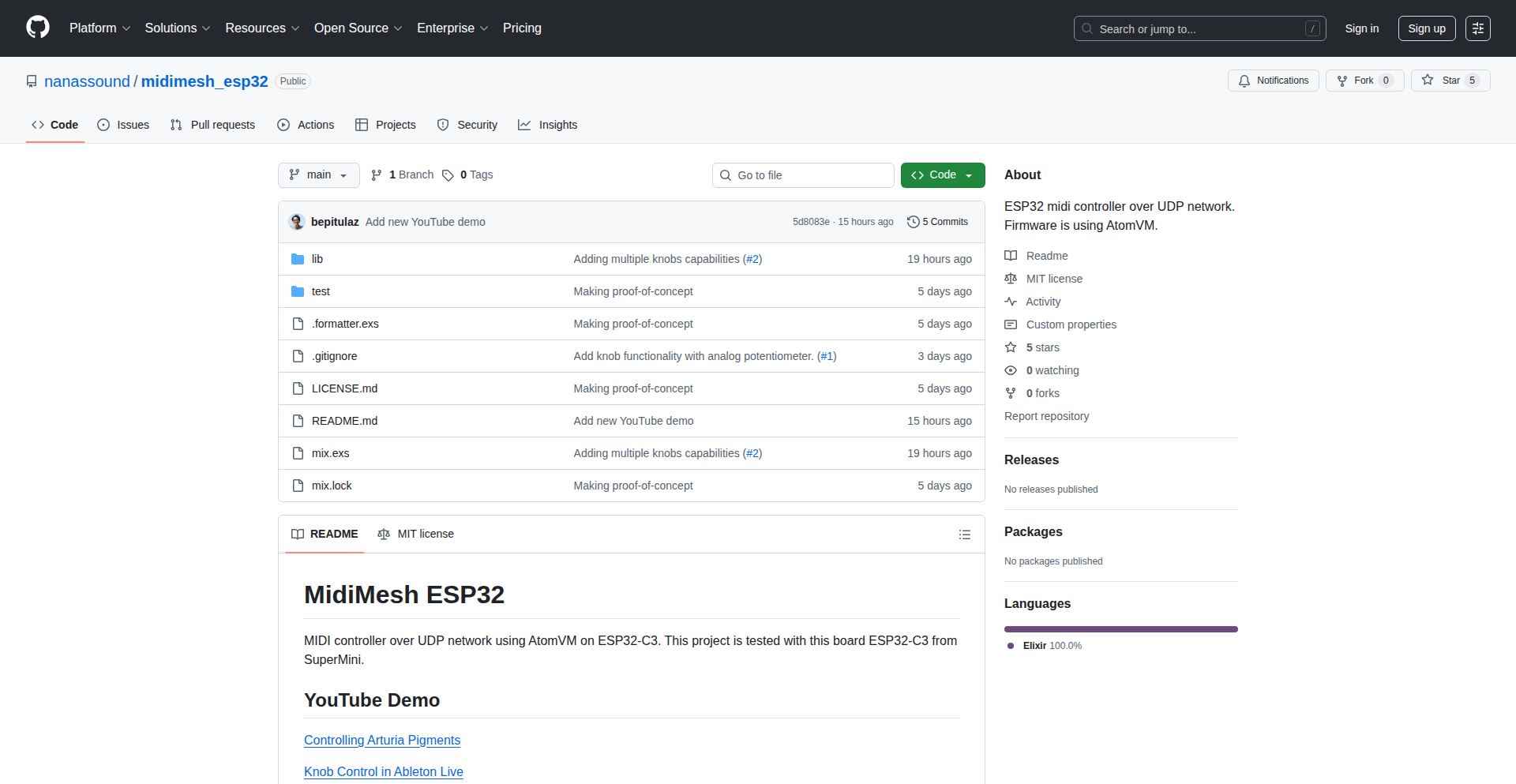
Author
bepitulaz
Description
A proof-of-concept project that leverages an ESP32 microcontroller, the Elixir programming language, and AtomVM to create a wireless MIDI controller. It bridges the gap between physical input and digital musical expression, offering a flexible and low-latency solution for musicians and developers interested in IoT and embedded systems.
Popularity
Points 1
Comments 0
What is this product?
This project demonstrates how to build a WiFi-enabled MIDI controller using an ESP32, a tiny microcontroller popular for its connectivity. The magic happens with Elixir, a functional programming language known for its concurrency and fault tolerance, and AtomVM, a virtual machine that allows Elixir code to run on resource-constrained devices like the ESP32. Essentially, it turns the ESP32 into a device that can send MIDI messages wirelessly over WiFi, allowing you to control music software or hardware from a distance without cables. The innovation lies in running Elixir on an embedded system for real-time musical control, showcasing the versatility of these technologies beyond typical web development.
How to use it?
Developers can use this project as a foundation to build custom wireless MIDI controllers. Imagine connecting potentiometers, buttons, or even a small touch screen to the ESP32. The Elixir code running on the ESP32 would then translate these physical inputs into MIDI messages, which are then sent over WiFi to your computer or music hardware. You could integrate this into a live performance setup for stage control, build a custom controller for a DAW (Digital Audio Workstation), or even create interactive art installations. The Elixir code can be extended to handle more complex MIDI messages and communication protocols.
Product Core Function
· Wireless MIDI Transmission: Enables sending MIDI control signals over WiFi, eliminating the need for physical cables. This is valuable for stage performances and studio setups where cable management is a hassle and freedom of movement is desired.
· ESP32 Microcontroller Integration: Utilizes the ESP32's embedded capabilities for hardware input sensing and real-time processing. This allows for direct interaction with physical controls like knobs and buttons, translating them into musical commands.
· Elixir Runtime on Embedded Systems: Runs the Elixir programming language on the ESP32 via AtomVM, showcasing functional programming for real-time embedded applications. This is valuable for developers who want to leverage Elixir's robust concurrency and fault tolerance in embedded projects, offering a more structured approach to handling complex interactions.
· Customizable Input Mapping: Allows developers to define how physical inputs on the ESP32 map to specific MIDI notes or control change messages. This provides immense flexibility for creating personalized controllers tailored to specific musical instruments or software.
· Low-Latency Communication: Aims for efficient and responsive communication over WiFi to ensure that musical performance feels immediate and connected. This is crucial for musicians who need their actions to be reflected in the music without noticeable delay.
Product Usage Case
· Live Performance Controller: A musician could use this to wirelessly control effects parameters or switch between song sections during a live gig, providing more stage presence and reducing cable clutter.
· Custom DAW Control Surface: Developers can build personalized control surfaces for Digital Audio Workstations, mapping physical knobs and sliders to mixer faders, plugin parameters, or transport controls, leading to a more intuitive and efficient workflow.
· Interactive Art Installation: An artist could integrate this into an interactive artwork where user physical interactions (e.g., touching sensors) generate MIDI soundscapes or visual effects, creating dynamic and responsive artistic experiences.
· Educational Tool for Embedded Elixir: Provides a practical example for students and hobbyists learning about embedded systems programming with Elixir and AtomVM, demonstrating how to connect the physical world to software in a functional paradigm.
103
Fabric: Personal Context Weaver
Author
maxalbarello
Description
Fabric is a groundbreaking personal context layer that empowers users to consolidate data from their everyday consumer apps (like Instagram, YouTube, and Google) into AI clients such as Claude and ChatGPT. It addresses the current limitation of AI agents lacking a deep understanding of the user's history and preferences, offering a richer, more personalized AI experience by leveraging a user's existing digital footprint.
Popularity
Points 1
Comments 0
What is this product?
Fabric acts as a central hub for your personal digital life. Imagine all the information you share and consume across apps like Instagram, YouTube, and Google searches. Currently, AI assistants have no access to this wealth of personal history, leading to generic interactions. Fabric solves this by securely collecting your data from these apps, processing it into a unified format, and building a personal knowledge graph. This allows AI agents to access your unique history and preferences, enabling them to understand you better and provide much more relevant and engaging assistance. It's like giving AI a comprehensive autobiography of your digital self, all while ensuring you remain in complete control of your data.
How to use it?
Developers can integrate Fabric into their AI agent or Large Language Model (LLM) client. By connecting to Fabric's MCP (Multi-Party Computation) server, agents can query the user's normalized activity data and retrieved memories. This allows the agent to move beyond generic responses and offer personalized interactions based on the user's past behavior and interests. For instance, an agent could recommend content on YouTube based on past viewing history, or plan a trip using past travel-related searches and Instagram posts. Users would connect their app accounts through a dedicated portal, granting explicit permission for Fabric to access and process their data.
Product Core Function
· Data Ingestion and Normalization: Connects to popular consumer apps (Instagram, YouTube, Google) to pull raw user interaction data. It then transforms this diverse data into a standardized schema, making it understandable for AI. Value: Ensures that data from different sources can be consistently processed and utilized, overcoming the challenge of varied data formats.
· Personal Knowledge Graph Construction: Builds a graph database that represents the relationships between user activities, interests, and entities. Value: Enables AI agents to understand the context and connections within a user's digital history, leading to more nuanced and informed responses.
· Memory Generation and Retrieval: Extracts meaningful 'memories' or insights from the knowledge graph that AI agents can easily access. Value: Provides AI with pre-digested, high-level information about the user, enhancing their ability to recall and apply relevant personal context without needing to sift through raw data.
· User-Controlled Context Layer: Acts as a secure vault for personal data, giving users full control over which apps can access their information and the ability to revoke access or delete data. Value: Fosters trust and transparency by prioritizing user privacy and data ownership, a critical aspect for personal data integration.
· MCP Server Integration: Exposes the processed personal context and memories through a standardized MCP server interface, allowing various AI clients to plug in and leverage this data. Value: Creates an interoperable ecosystem where multiple AI agents can benefit from the same rich user context, promoting flexibility and wider adoption.
Product Usage Case
· Scenario: A travel planning AI agent. Problem: The agent needs to understand the user's travel preferences and past experiences. Solution: Fabric can provide the agent with past Instagram travel posts, Google searches for destinations, and YouTube videos watched about travel. This allows the agent to suggest personalized itineraries, accommodations, and activities that align with the user's demonstrated interests, moving beyond generic recommendations.
· Scenario: A content recommendation AI. Problem: The AI struggles to provide relevant content due to a lack of understanding of the user's evolving tastes. Solution: Fabric feeds the AI with YouTube viewing history, Google search queries related to interests, and even TikTok activity. This enables the AI to identify emerging trends in the user's preferences and offer highly tailored content suggestions that are likely to resonate.
· Scenario: A personal assistant AI for productivity. Problem: The AI needs to understand the user's workflow and priorities without constant explicit input. Solution: Fabric can integrate with Google search history, calendar events, and even shopping behavior. This allows the AI to anticipate needs, schedule tasks more effectively, and offer proactive assistance by understanding the user's context and past actions.
· Scenario: An AI chatbot for learning and skill development. Problem: The chatbot needs to gauge the user's existing knowledge and learning style. Solution: Fabric can link to a user's search history on specific topics, courses they've browsed, or even YouTube tutorials they've watched. This provides the chatbot with a baseline understanding of the learner's expertise and preferred learning methods, allowing for more personalized educational content and guidance.
104
AI Topic Weaver

Author
kanodiaayush
Description
This project presents a novel visual interface designed to enhance learning and understanding of complex topics, books, or research papers using Large Language Models (LLMs). Instead of traditional chat interfaces, it focuses on providing a consolidated, at-a-glance view of information, enabling users to quickly zoom in and out of details and reduce the manual effort typically required for managing context in AI interactions. The core innovation lies in its ability to transform LLM capabilities into a more intuitive and efficient learning tool.
Popularity
Points 1
Comments 0
What is this product?
AI Topic Weaver is a web application that leverages Large Language Models (LLMs) to help you understand subjects, books, or papers more effectively. Traditional AI chat can lead to overwhelming amounts of text. This tool tackles that by creating a visual representation of the information, allowing you to see the big picture and drill down into specific details without losing track. It's like having an intelligent assistant that organizes your knowledge visually, making it easier to learn and remember. So, what's in it for you? You can grasp complex subjects much faster and retain information better, reducing the frustration of sifting through long conversations.
How to use it?
Developers can integrate AI Topic Weaver into their workflows by pointing it towards digital content like research papers (PDFs), online articles, or even book chapters. The system then processes this content using LLMs to generate a structured, visual overview. For example, you could upload a research paper to understand its key findings, or feed it a chapter of a book to get a summarized understanding. The interface allows you to click on different nodes to explore related concepts or expand on specific sections. This can be used within a personal knowledge management system or even as a supplementary tool for academic research. So, what's in it for you? You can quickly get to the core ideas of any document without reading it cover-to-cover, saving you significant time and effort.
Product Core Function
· Visual topic mapping: Transforms complex information into an interconnected visual graph, allowing users to see relationships between concepts at a glance. This helps in understanding the overall structure of knowledge. So, what's in it for you? You get a clear mental map of a subject, making it easier to navigate and internalize information.
· Contextual zooming: Enables users to seamlessly zoom in on specific details or zoom out to see the broader context without losing their place in the information flow. This mimics how we naturally explore information. So, what's in it for you? You can explore information at your own pace, focusing on what's important without feeling overwhelmed or disconnected from the bigger picture.
· AI-powered summarization and synthesis: Utilizes LLMs to condense large amounts of text into concise summaries and identify key themes and arguments. This pre-digests information for easier consumption. So, what's in it for you? You get the essence of lengthy documents quickly, saving you the time and effort of manual summarization.
· Reduced context engineering effort: Automates the process of feeding relevant information to the LLM, minimizing the need for users to manually craft prompts and provide context. This streamlines AI interactions. So, what's in it for you? You can have more meaningful interactions with AI without becoming an expert in prompt engineering, making AI tools more accessible.
· Intuitive information consolidation: Presents AI-generated insights in a consolidated and easy-to-digest format, preventing information overload and making it simpler to retain knowledge. So, what's in it for you? You can retain more information from your AI interactions and learning sessions because it's presented in a way that's easier to process and remember.
Product Usage Case
· A researcher using AI Topic Weaver to quickly grasp the main arguments and findings of multiple related academic papers, identifying potential research gaps and connections. This solves the problem of information overload when dealing with extensive literature reviews. So, what's in it for you? You can accelerate your research by understanding complex papers faster and identifying novel research directions.
· A student using AI Topic Weaver to understand a complex textbook chapter. Instead of re-reading paragraphs, they can explore a visual network of concepts, zoom into definitions, and get AI-generated summaries of key theories. This addresses the challenge of passive learning from dense texts. So, what's in it for you? You can improve your comprehension and retention of academic material, leading to better grades.
· A developer using AI Topic Weaver to understand a new technical framework or API documentation. The visual interface helps them see how different components interact and quickly find the information needed to implement a feature. This tackles the difficulty of navigating verbose technical documentation. So, what's in it for you? You can learn and apply new technologies more efficiently, reducing development time and frustration.
· Anyone trying to learn a new skill or hobby can use AI Topic Weaver to break down complex topics into manageable parts and understand prerequisites. This overcomes the hurdle of feeling overwhelmed when starting something new. So, what's in it for you? You can approach learning new skills with confidence and clarity, making the learning process more enjoyable and effective.
105
LocalLens AI Photo Explorer
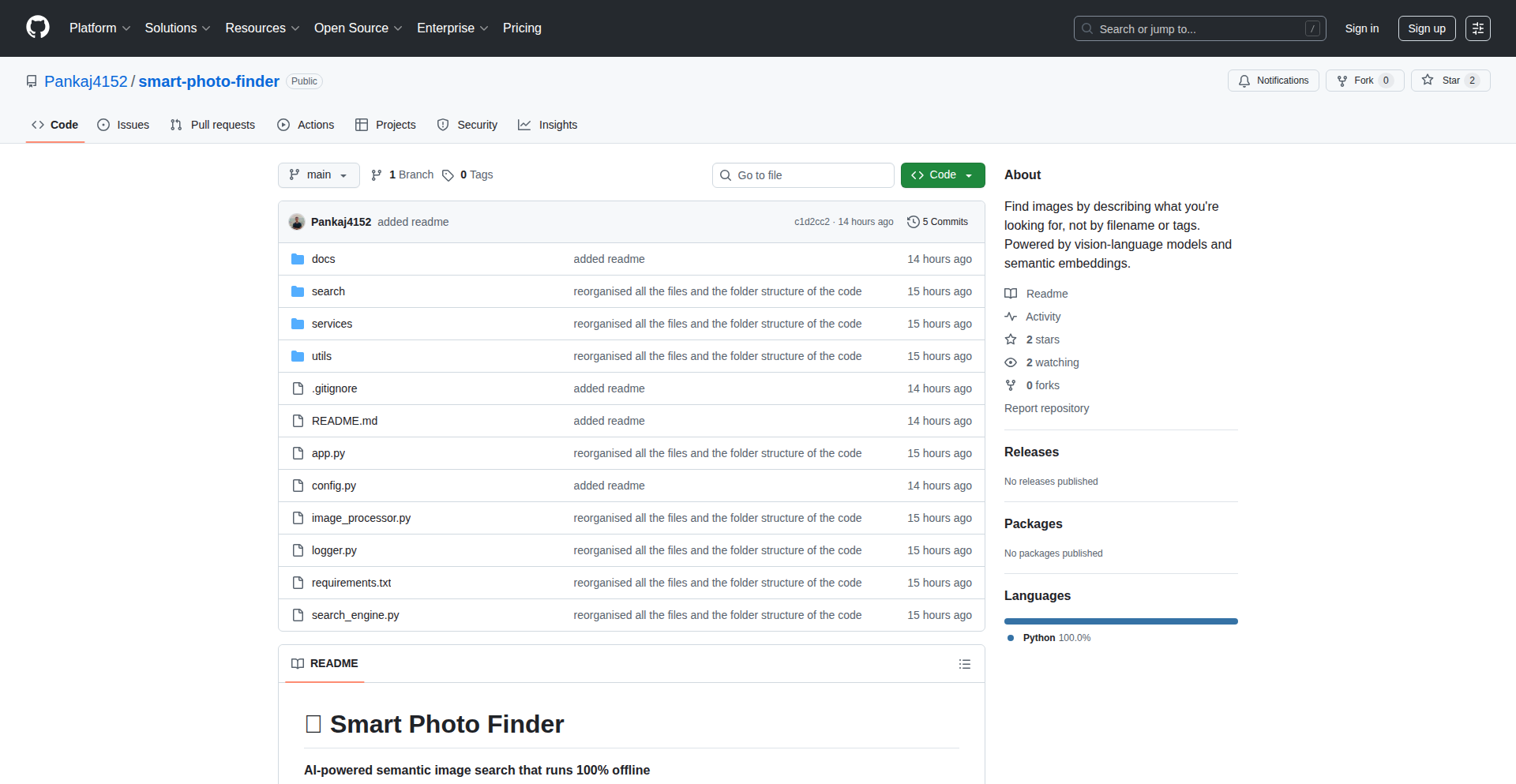
Author
Pankaj4152
Description
An offline, on-device AI-powered photo search tool. It leverages a local Vision-Language Model (VLM) to understand image content and sentence-transformers to create semantic embeddings, enabling you to find photos using natural language descriptions without any internet connection or API keys. This solves the problem of privacy-sensitive or inaccessible cloud-based image search.
Popularity
Points 1
Comments 0
What is this product?
LocalLens AI Photo Explorer is a desktop application that lets you search through your personal photo collection using AI. It works entirely on your computer, meaning your photos and search queries never leave your device, ensuring maximum privacy. The core innovation lies in running a compact Vision-Language Model (like Qwen3-VL-4B) and a sentence-transformer model locally. The VLM analyzes your photos, generating textual descriptions for each image. Then, sentence-transformers convert these descriptions (and your search queries) into numerical representations called embeddings. When you search, the tool finds embeddings similar to your query, thereby retrieving the most relevant photos. This approach brings powerful AI search capabilities to your local machine, democratizing advanced image analysis.
How to use it?
Developers can use LocalLens AI Photo Explorer by first cloning the GitHub repository and setting up the Python environment as described in the project's README. The application can be launched via `python app.py`. Users will then be prompted to process their image directories, which involves the VLM analyzing each photo and generating embeddings. Subsequently, users can engage in 'Search images' mode, typing in natural language queries (e.g., 'pictures of my dog at the beach' or 'family gathering outdoors'). The tool then uses the pre-computed embeddings to quickly find and display matching photos. For integration, developers can explore the codebase to understand how the VLM and sentence-transformers interact, potentially adapting parts of the logic for custom applications that require local, private image analysis.
Product Core Function
· Local Vision-Language Model (VLM) Inference: Enables the AI to 'see' and describe the content of your photos directly on your device, ensuring privacy and offline functionality. Value: Understands what's in your pictures without sending them to the cloud, offering a private AI experience.
· Semantic Search with Sentence-Transformers: Converts image descriptions and your search queries into mathematical representations (embeddings) that capture meaning, allowing for highly accurate, context-aware photo retrieval. Value: Finds photos based on their content and your descriptive intent, not just keywords.
· 100% On-Device Processing: All computations, from image analysis to search, happen locally on your machine, eliminating the need for internet connectivity and external API calls. Value: Guarantees data privacy and allows for search in any environment, even without internet access.
· Embeddings Generation and Storage: Creates and stores numerical representations of your photos' content, enabling rapid semantic matching during searches. Value: Speeds up the search process by pre-processing images for quick comparison.
· User-Friendly Command-Line Interface (CLI): Provides simple commands to process images and perform searches, making the powerful AI accessible without complex setup. Value: Easy to get started and use, democratizing AI-powered photo management.
Product Usage Case
· Personal Photo Archiving: A user with thousands of personal photos can process their entire library locally. When they want to find 'photos of my cat sleeping on the red sofa,' LocalLens can identify those specific images by understanding the objects, colors, and actions described, solving the problem of manually scrolling through countless images.
· Creative Project Asset Management: A designer or artist working on a project might have a large collection of inspirational images. They can use LocalLens to search for 'images with a vintage, ethereal feel' or 'photos featuring geometric patterns and pastel colors,' quickly retrieving relevant visual assets without exposing their project materials to external services.
· Developer Tooling for Image Datasets: A developer building a machine learning model might need to quickly find specific types of images within a local dataset for labeling or testing. They can use LocalLens to search for 'images of cars in rain' or 'people smiling in a park,' significantly accelerating the data exploration and preparation phase.
· Privacy-Conscious Researchers: A researcher working with sensitive personal images can utilize LocalLens to analyze and organize their data without any risk of data leaks, as all processing remains strictly on their local machine. This addresses the critical need for secure data handling in research.
106
LedgerFlow: Real-time Team Expense Sync
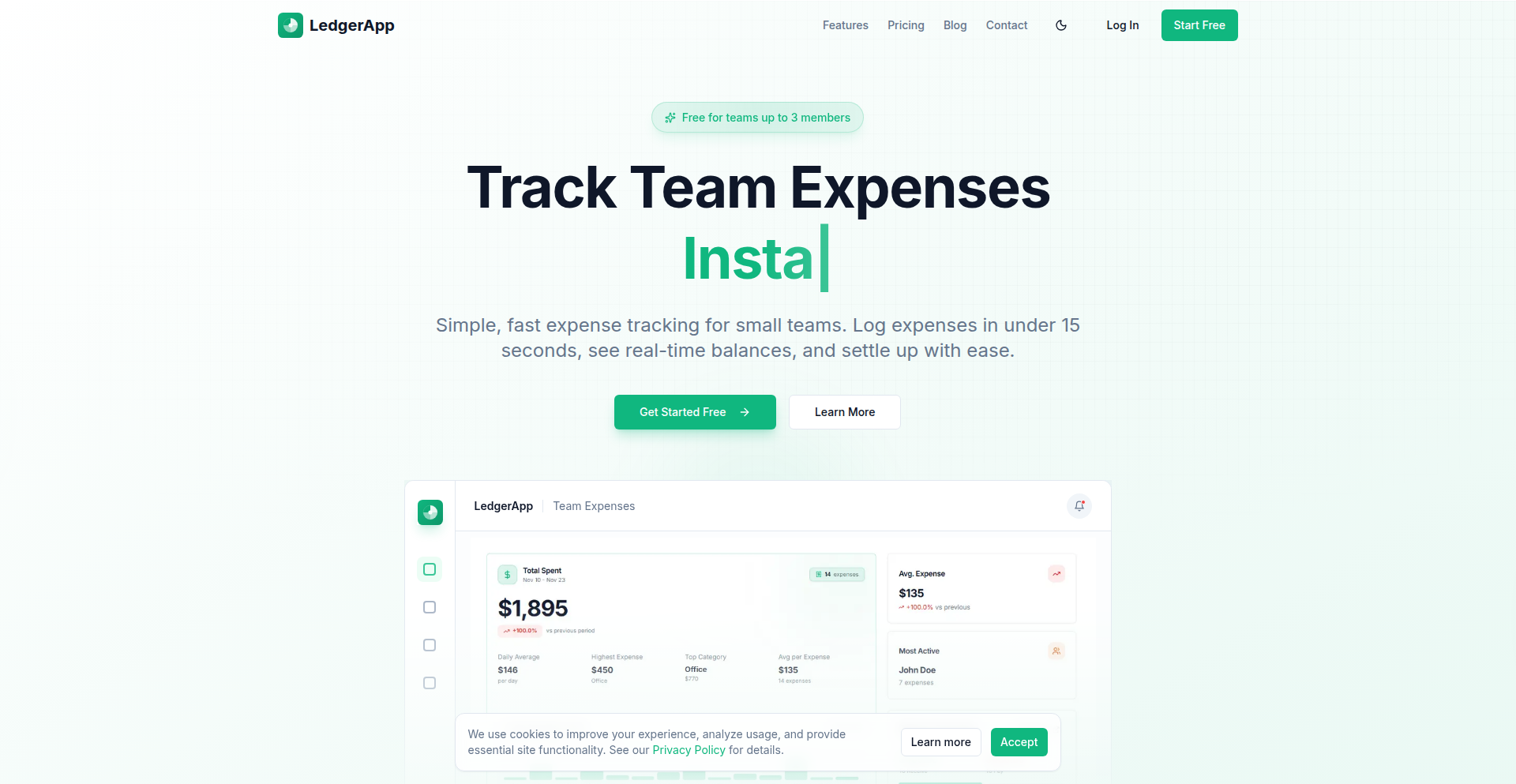
Author
planner24
Description
LedgerFlow is a rapid team expense tracking application designed to simplify shared finances. It leverages a modern tech stack including Next.js 15 and Supabase to provide instant balance updates, a streamlined expense logging process, and intelligent transaction settlement for small teams. Its core innovation lies in its focus on speed and user experience, offering a mobile-first interface that allows logging expenses in under 15 seconds.
Popularity
Points 1
Comments 0
What is this product?
LedgerFlow is a web application built to solve the common problem of tracking shared expenses within teams. It uses Next.js 15 for its front-end and back-end logic, and Supabase (which includes a PostgreSQL database, authentication, and file storage) for data management. The innovation is in its speed and simplicity. Unlike clunky spreadsheets or overly complex enterprise solutions, LedgerFlow offers a clean, mobile-first interface that lets users log an expense (amount, category, date, receipt) in just 15 seconds. Crucially, it provides real-time balance calculations for each team member as expenses are added. It also includes a smart 'Settle Up' feature that minimizes the number of transactions needed to balance everyone's accounts. So, it's a super-fast, easy-to-use tool that makes managing shared team money a breeze, without the usual headache.
How to use it?
Developers can integrate LedgerFlow into their team's workflow by signing up for free at ledgerapp.team. For small teams (up to 3 members), it's entirely free with unlimited expense logging and a basic dashboard. For larger teams or those needing advanced features like CSV/PDF exports for accounting, automated 'Settle Up' calculations, and integrations (like Slack), paid tiers are available. The application is accessible via any web browser, making it convenient for on-the-go expense tracking. For developers looking to understand its architecture, the use of Next.js App Router with Supabase as a backend means it's a full-stack application built with modern JavaScript technologies, offering a clear example of how to build scalable, real-time applications.
Product Core Function
· Instant Expense Logging: Allows users to record expenses (amount, category, date, receipt) in under 15 seconds, reducing friction and ensuring timely data capture. This is valuable because it makes sure all shared costs are recorded quickly and accurately, preventing forgotten expenses and simplifying reconciliation.
· Real-time Per-Person Balance Calculation: Automatically updates each team member's balance as new expenses are added. This provides immediate visibility into who owes what, eliminating confusion and fostering transparency. This is useful because it means everyone knows their financial standing within the team at any moment, avoiding surprises.
· Automated 'Settle Up' Calculator: Intelligently calculates the minimum number of transactions required to settle all outstanding balances among team members. This feature saves time and reduces the complexity of paying each other back. This is valuable because it simplifies the process of settling debts, making it easier to clear accounts efficiently.
· Data Export (CSV/PDF): Enables users to export expense data for accounting or record-keeping purposes. This is crucial for financial reporting and auditing. This is useful because it allows for easy integration with accounting software or for generating official financial reports.
· Mobile-First User Interface: Designed with a focus on mobile usability, ensuring a smooth and intuitive experience for logging expenses on the go. This is important because it allows team members to add expenses easily from their phones, no matter where they are.
Product Usage Case
· Small Project Team Management: A team of 3 software developers working on a side project can use LedgerFlow to track shared costs like cloud service subscriptions, software licenses, and even coffee runs. The real-time balance ensures everyone knows how much they've contributed or spent, and the 'Settle Up' feature makes it easy to clear balances at the end of each sprint. This solves the problem of informal expense tracking that often leads to discrepancies and awkward conversations.
· Freelancer Collaboration: Two freelancers collaborating on a client project can use LedgerFlow to split costs for shared resources like stock photos, meeting room rentals, or travel expenses. The fast logging and clear balance updates mean they can focus on the project without worrying about who paid for what, making their financial dealings transparent and straightforward. This addresses the challenge of managing shared costs between independent contractors.
· Event Planning Group: A group of friends planning a weekend trip can use LedgerFlow to track shared expenses such as accommodation, groceries, and activity fees. Everyone can quickly add their spending, and the app will clearly show who owes whom, simplifying the financial management of the trip and preventing disputes. This solves the common issue of messy shared expense tracking during group travel.
107
Splintr: Parallel BPE Tokenizer

Author
fs90
Description
Splintr is a high-performance Byte Pair Encoding (BPE) tokenizer written in Rust with Python bindings. It addresses performance bottlenecks in data processing pipelines, offering significantly faster batch processing speeds compared to existing Python-based tokenizers like tiktoken. The innovation lies in its hybrid parallelization strategy, processing batches of texts in parallel across CPU cores while handling individual texts sequentially for optimal speed, especially for typical LLM input sizes. It also ensures UTF-8 compliance and supports common LLM vocabularies.
Popularity
Points 1
Comments 0
What is this product?
Splintr is a specialized tool for breaking down text into smaller units (tokens) that Large Language Models (LLMs) can understand. It uses a technique called Byte Pair Encoding (BPE). The key innovation is its speed: it's designed to be much faster, especially when you need to tokenize many pieces of text at once. This is achieved by smartly using modern multi-core processors. Instead of trying to speed up the tokenization of a single short text (which can be slow due to overhead), it focuses on efficiently processing many texts simultaneously. It also guarantees that it handles text correctly, even with complex characters (UTF-8 compliance), and can work with the token sets used by popular models like GPT-4 and Llama 3.
How to use it?
Developers can integrate Splintr into their Python-based data processing pipelines. If you're working with large datasets for training or running LLMs, and you've noticed that the tokenization step is slowing things down, Splintr can be a direct replacement for existing tokenizers. You would typically install it via pip and then use its Python API to tokenize your text data, either one piece at a time or, more effectively, in batches. This means your data preparation will be quicker, allowing your LLM applications to run faster or handle more data within the same timeframe.
Product Core Function
· High-throughput batch tokenization: Achieves significantly faster processing speeds for multiple text inputs by leveraging multi-core CPUs. This means your data preprocessing will be quicker, enabling faster model training or inference.
· Optimized single-text tokenization: Provides fast sequential tokenization for individual texts using advanced regex handling, which is beneficial for scenarios where batching is not applicable or optimal.
· Hybrid parallelism strategy: Implements a smart approach to parallelism that avoids overhead for small inputs while maximizing speed for larger batches, leading to better overall performance.
· UTF-8 compliance with streaming decoder: Ensures accurate tokenization of all text, including handling incomplete multi-byte characters correctly, preventing data corruption or errors.
· Compatibility with common LLM vocabularies: Offers drop-in support for tokenization schemes used by popular models like GPT-4 (cl100k_base), GPT-4o (o200k_base), and Llama 3, making integration seamless.
· Rust core with Python bindings: Combines the performance benefits of Rust with the ease of use of Python, allowing developers to leverage its speed within their existing Python workflows.
Product Usage Case
· Accelerating LLM training data preparation: For researchers or engineers training large language models, tokenizing massive datasets can be a major bottleneck. Splintr can reduce the time spent on this preprocessing step by up to 12x for batches, freeing up computational resources and speeding up the development cycle.
· Improving real-time text processing in applications: Applications that need to process user-generated text quickly, such as chatbots or content moderation systems, can benefit from Splintr's speed. Faster tokenization leads to lower latency and a more responsive user experience.
· Optimizing inference pipelines for LLM applications: When deploying LLMs, the input processing time before feeding data to the model can impact overall performance. Splintr's efficient tokenization can help reduce this pre-inference latency, making applications faster to respond.
· Building custom NLP tools with performance requirements: Developers creating their own natural language processing tools or libraries that require fast text segmentation can use Splintr as a performant backend, ensuring their tools are competitive and efficient.
108
Calisthenics Memory
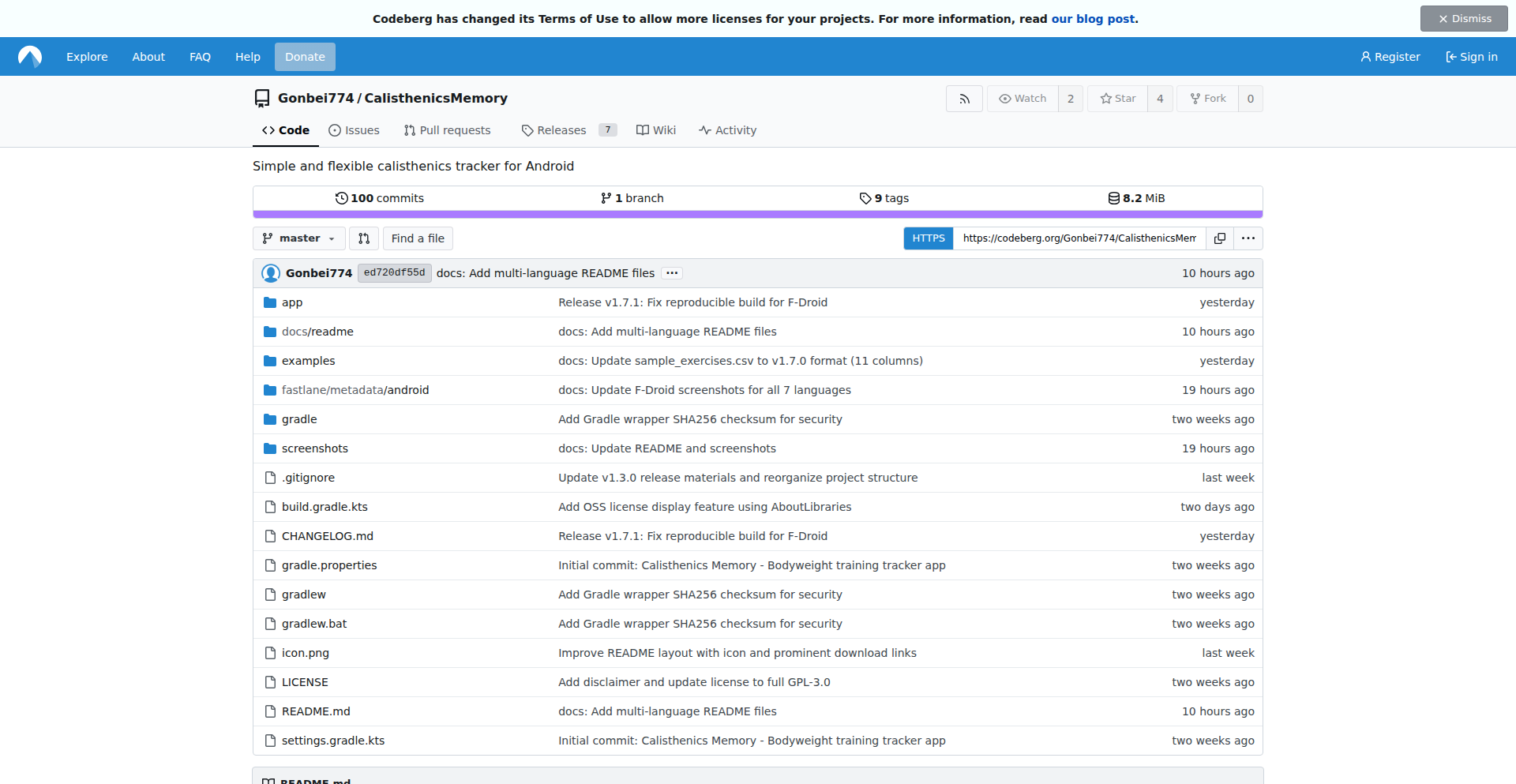
Author
Gonbei774
Description
An open-source, fully customizable bodyweight training tracker designed for personal workout records. It offers flexible exercise creation with detailed settings and two logging modes (quick manual or guided workout). Prioritizing user privacy, it operates completely offline with no accounts, tracking, or ads. The project emphasizes a hacker ethos by providing a free, adaptable tool for fitness enthusiasts to manage their training data.
Popularity
Points 1
Comments 0
What is this product?
Calisthenics Memory is a free and open-source application for tracking your bodyweight exercises. Unlike many fitness apps, it doesn't dictate how you should train. You define every aspect of your exercises – whether it's counting repetitions, timing holds, or setting specific goals for each movement. It offers two ways to log your workouts: a simple manual input for quick entries or a guided mode that walks you through your routine with built-in timers. The core innovation here is its absolute flexibility, giving you complete control over your training data and how you record it, all without needing an internet connection or sharing personal information.
How to use it?
Developers can use Calisthenics Memory by downloading the APK directly from its Codeberg repository or by building the source code themselves. For personal use, simply install the app on your Android device. You can create custom exercises from scratch, defining parameters like target reps or time, whether it's a one-sided (unilateral) or two-sided (bilateral) movement, and setting specific timers for rest or exercise duration. Once exercises are set up, you can either log workouts manually by entering completed sets and reps/times, or initiate a guided session where the app prompts you through each exercise with integrated timers. For developers interested in extending its functionality or contributing, the GPL-3.0 licensed source code on Codeberg allows for modifications and integration with other personal fitness tools.
Product Core Function
· Fully customizable exercise creation: Allows users to define every parameter of an exercise, such as reps, time, unilateral/bilateral status, and goals. This offers unparalleled flexibility for niche or personalized training routines, moving beyond generic exercise libraries.
· Dual workout logging modes (Quick Manual & Guided Workout): Provides two distinct methods for recording training sessions. Quick manual logging is for rapid data entry, while the guided workout feature uses integrated timers to pace users through their routines, enhancing focus and adherence.
· Offline operation with no user tracking: The app functions entirely without an internet connection, meaning no personal data is uploaded or stored remotely, and no ads are displayed. This respects user privacy and ensures data ownership, a key concern for many individuals.
· Open-source and Free (GPL-3.0 license): The availability of the source code on Codeberg empowers the developer community to inspect, modify, and contribute to the project, fostering transparency and collaborative improvement. This aligns with the hacker ethos of sharing and building upon each other's work.
Product Usage Case
· A calisthenics athlete who wants to track specific progressions like one-arm push-ups with varying rest times between sets. They can create a custom exercise for this, define target reps and a specific rest timer, and log each session accurately, addressing the limitations of generic tracking apps.
· A user experimenting with a unique bodyweight routine not found in popular fitness apps. They can fully define each novel exercise within Calisthenics Memory, including unique goals or timing requirements, ensuring their training is precisely recorded as they envisioned.
· An individual concerned about data privacy and app-based advertising. They can use Calisthenics Memory offline, confident that their workout data remains solely on their device without being shared or used for commercial purposes.
· A developer interested in fitness tracking who wants to understand or extend how workout data is stored and processed. They can access the GPL-3.0 licensed source code on Codeberg, learn from its implementation, and potentially build integrations or new features for personal use or the community.
109
TurkeyTime: Culinary Code Canvas

Author
rootforce
Description
Turkey Time is a playful game developed using web technologies that simulates the process of cooking a turkey. Its innovation lies in translating a real-world, multi-step process into an interactive digital experience, showcasing creative application of game development principles for educational or entertainment purposes. It solves the 'how to make complex processes engaging' problem.
Popularity
Points 1
Comments 0
What is this product?
Turkey Time is a web-based simulation game where players 'cook' a virtual turkey. The core technology involves using JavaScript and HTML Canvas to render graphics, handle user input, and manage game logic. Think of it like a digital recipe book with interactive elements. The innovation is in taking a seemingly simple activity and breaking it down into discrete, programmable steps that respond to player actions, demonstrating how to model physical processes in code. So, what's in it for you? It shows how even mundane tasks can be gamified and presented interactively, sparking ideas for educational tools or unique web experiences.
How to use it?
Developers can use Turkey Time as a demonstration of front-end game development. It's built with standard web technologies, so it can be integrated into a webpage as an embedded game or a standalone interactive demo. The codebase can serve as a learning resource for understanding game loops, state management, and graphical rendering in a browser environment. You could fork the project and expand on it, adding more complex recipes or mechanics. So, what's in it for you? It provides a tangible example of how to build interactive web applications and game-like experiences from scratch, which can inspire your own projects or learning path.
Product Core Function
· Interactive cooking simulation: The system tracks player actions like seasoning, basting, and temperature control, providing visual feedback and progression, demonstrating event handling and state updates.
· Game loop and rendering: Utilizes a game loop to continuously update the display and respond to user input, showcasing fundamental game development architecture.
· Asset management: Manages visual assets (like the turkey, utensils, etc.) for display, illustrating basic resource handling in web applications.
· User interaction handling: Processes clicks and other input events to drive the cooking process, highlighting how to create responsive user interfaces.
Product Usage Case
· Educational tool for culinary arts: A developer could adapt this to create interactive lessons on cooking techniques, where students learn by doing in a safe, virtual environment. This addresses the challenge of making learning engaging and hands-on.
· Interactive marketing campaigns: A food brand could use a similar mechanic for a promotional game, allowing users to virtually 'prepare' their product and share the experience. This provides a creative way to increase brand interaction and memorability.
· Learning resource for front-end game development: Aspiring web game developers can study the source code to understand how to build simple simulations and games using JavaScript. This helps demystify game creation and provides a practical learning project.
110
9-Line Search Upgrade

Author
andai
Description
This project demonstrates a highly condensed and efficient way to integrate search functionality into a game, specifically 'Charm Crush', using just 9 lines of code. It tackles the technical challenge of adding a core game feature with minimal overhead, showcasing a clever implementation of search algorithms for game state management.
Popularity
Points 1
Comments 0
What is this product?
This is a demonstration of how to add a powerful search capability to a game with an astonishingly small amount of code. The core innovation lies in leveraging a specific algorithm or data structure that allows for efficient searching of game elements or states. This isn't just about finding items; it's about optimizing how the game understands and reacts to its current condition. Imagine being able to instantly find all possible moves or analyze complex game board configurations. The value is in making complex game logic manageable and performant without bloating the codebase.
How to use it?
Developers can use this as a blueprint for adding search to their own games or applications where quick data retrieval or pattern matching is crucial. It would involve understanding the underlying search principle being used (e.g., a simplified A* search, a form of breadth-first search, or a custom index) and adapting it to their specific data structures. For example, if you have a grid-based game, you might adapt this to quickly find sequences of matching elements. It's about understanding the problem the 9 lines solve and applying that elegant solution to your own data.
Product Core Function
· Efficient game state analysis: The ability to quickly evaluate the current game board or situation to identify potential moves or outcomes. This is valuable for AI opponents or for providing player hints, making the game more dynamic.
· Optimized element retrieval: Rapidly finding specific game objects or patterns on the board. This is crucial for features like matching mechanics in puzzle games or for managing complex inventories, leading to a smoother user experience.
· Minimalistic feature integration: The core value is achieving significant functionality with very little code. This translates to faster development cycles, reduced maintenance, and less risk of introducing bugs, making it ideal for rapid prototyping or adding polish to existing projects.
Product Usage Case
· In a puzzle game like 'Charm Crush', this could be used to instantly find all valid matches on the board after a move, providing instant feedback or enabling features like 'show me my best move'. This solves the problem of slow or unresponsive match detection.
· For a strategy game, this search could quickly analyze potential enemy unit positions or resource availability, aiding in tactical decision-making for either a human player or an AI opponent. This tackles the challenge of complex game state calculations.
· In a card game, this could rapidly search for specific card combinations in a player's hand or the deck, useful for implementing special abilities or for providing real-time strategy tips. This addresses the need for fast pattern recognition in dynamic game elements.
111
Flux2AI-Visionary
Author
console-log
Description
Flux2AI-Visionary is a free, no-signup AI image generator powered by the Flux.2 model. It offers speed, privacy, and flexibility with multiple aspect ratios, eliminating the need for accounts or credit cards. This project showcases innovative implementation of a powerful AI model for broad accessibility.
Popularity
Points 1
Comments 0
What is this product?
Flux2AI-Visionary is a web-based application that leverages the Flux.2 diffusion model to create images from textual prompts. Its core innovation lies in making a sophisticated AI image generation model readily available without any barriers like account creation or payment. It achieves this by optimizing the model deployment for efficient inference, ensuring fast generation times and supporting various output formats such as square (512x512), landscape (768x512), and portrait (512x768) images. This means you get advanced AI capabilities instantly, without the usual hassle.
How to use it?
Developers can use Flux2AI-Visionary directly through their web browser at Flux2.cloud. For integration into other applications or workflows, they can utilize its API (if available or by building custom wrappers around the frontend). Imagine needing to quickly generate placeholder images for a website prototype, or creating unique graphics for a blog post without investing in expensive software or services. The project offers a straightforward way to access high-quality AI image generation on demand, acting as a readily available tool in any developer's toolkit.
Product Core Function
· Free AI Image Generation: Provides access to powerful AI image creation without any cost, enabling cost-effective content generation for individuals and small teams.
· No Signup Required: Eliminates the friction of account creation, allowing immediate use and protecting user privacy by not collecting personal data.
· Flux.2 Model Integration: Utilizes a state-of-the-art diffusion model for high-quality image synthesis, delivering visually impressive results.
· Multiple Aspect Ratio Support: Offers flexibility in image dimensions (square, landscape, portrait), catering to diverse design and layout needs.
· Fast Generation Speed: Optimized inference process ensures quick image creation, improving user experience and workflow efficiency.
· Privacy-Focused Design: Prioritizes user privacy by avoiding data collection and sign-up requirements.
Product Usage Case
· Rapid Prototyping: A web developer needs to quickly generate diverse visual assets for a new application mockup. By using Flux2AI-Visionary, they can input descriptive text prompts and receive multiple image variations in different aspect ratios instantly, accelerating the design iteration process without needing to source stock imagery or use complex design tools.
· Content Creation for Social Media: A content creator wants to produce unique visuals for their social media posts. Flux2AI-Visionary allows them to generate custom, eye-catching images based on their post themes, saving time and money compared to hiring a graphic designer or using generic templates.
· Personal Projects and Experiments: An individual working on a personal art project or a coding experiment requires unique imagery. Flux2AI-Visionary provides an accessible and free platform to explore AI-generated art, fostering creativity without any financial commitment or technical setup.
· Educational Tool: Students learning about AI and creative technologies can use Flux2AI-Visionary to experiment with prompt engineering and understand the capabilities of diffusion models in a practical, hands-on manner.