Show HN Today: Discover the Latest Innovative Projects from the Developer Community
 ShowHN Today
- Continue with Google
Show HN Today: Top Developer Projects Showcase for 2025-11-25
SagaSu777 2025-11-26
Explore the hottest developer projects on Show HN for 2025-11-25. Dive into innovative tech, AI applications, and exciting new inventions!
Summary of Today’s Content
Trend Insights
Today's Show HN lineup is a vibrant testament to the hacker spirit, showcasing a relentless drive to simplify complexity and empower creators. We see a strong surge in tools that leverage AI not just for code generation, but also for debugging, analysis, and even customer interaction, signaling a future where AI acts as a true co-pilot in development and business operations. The emphasis on open-source and cross-platform solutions like StepKit highlights a growing demand for interoperability and vendor independence, allowing developers to build and deploy workflows anywhere. Edge computing and local-first applications are also making a significant impact, offering cost savings and enhanced privacy, proving that innovation often comes from optimizing resource usage and putting control back into the user's hands. This diverse set of projects encourages developers and entrepreneurs to look beyond conventional approaches, find elegant solutions to nagging problems, and build with a mindset of openness and accessibility.
Today's Hottest Product
Name
Flowglad
Highlight
Flowglad tackles the complexity of payment processing by offering a zero-code integration and a declarative approach to pricing models using a `pricing.yaml` file, similar to Terraform for pricing. This innovation significantly lowers the barrier to entry for developers and businesses, especially those adopting new AI-driven product models, by abstracting away intricate payment logic and webhook management. Developers can learn about reactive programming paradigms applied to financial systems and explore declarative infrastructure-as-code principles extended to business logic.
Popular Category
Developer Tools
AI/ML
Web Development
Infrastructure
Open Source
Popular Keyword
AI
LLM
Developer Experience (DX)
Open Source
Cloud
Workflow
Automation
Technology Trends
Declarative Infrastructure for Business Logic
AI-Augmented Development and Debugging
Edge Computing for Cost-Effective Services
Cross-Platform Workflow Orchestration
Privacy-Preserving Local-First Applications
Enhanced Developer Experience (DX) through Abstraction
Decentralized and Open Systems
Project Category Distribution
Developer Tools (30%)
AI/ML (20%)
Web Development (15%)
Infrastructure (15%)
Utilities (10%)
Open Source (10%)
Today's Hot Product List
| Ranking | Product Name | Likes | Comments |
|---|---|---|---|
| 1 | Flowglad Reactive Payments | 316 | 178 |
| 2 | KiDoom Engine Visualizer | 250 | 27 |
| 3 | Cloudflare R2 Image Envoy | 54 | 32 |
| 4 | StepKit: Universal Durable Workflow Engine | 35 | 16 |
| 5 | AnimeLingua | 11 | 21 |
| 6 | Browser-Native DiffMerge | 16 | 14 |
| 7 | RAG-PerfBoost | 23 | 3 |
| 8 | CI/CD Sentinel | 12 | 0 |
| 9 | Macko SPMV Accelerator | 7 | 4 |
| 10 | LegacyGlue Weaver | 7 | 1 |
1
Flowglad Reactive Payments

Author
agreeahmed
Description
Flowglad is an open-source payment processor that simplifies integration by eliminating the need for complex glue code and webhooks. It provides real-time insights into customer feature and usage credit balances based on their billing status, inspired by the reactive programming paradigm found in frameworks like React. This innovation drastically reduces maintenance overhead and makes payment integration more predictable and less error-prone.
Popularity
Points 316
Comments 178
What is this product?
Flowglad is a payment processing system designed to be integrated with minimal developer effort. Its core innovation lies in its 'reactive' approach to payments, meaning it automatically updates and reflects changes in customer billing states, feature access, and usage credits in real-time without requiring developers to manually manage complex event handling (like webhooks). Think of it like this: instead of constantly checking if something has changed, Flowglad proactively tells you when it changes. This is achieved by abstracting pricing models into a declarative configuration file, similar to how infrastructure is defined in tools like Terraform, but specifically for your business's pricing. This means developers can define complex pricing tiers, usage meters, and feature flags with ease, and the system handles the underlying logic automatically. For developers, this translates to significantly less code to write and maintain, fewer potential bugs, and a more robust and predictable payment system, especially crucial for modern applications like AI services that often have variable pricing.
How to use it?
Developers can integrate Flowglad into their applications by following a straightforward setup process. Instead of writing extensive code to handle payment events, they define their pricing models, products, features, and usage meters using a `pricing.yaml` file. This declarative approach allows for quick setup of complex billing scenarios. Flowglad then provides simple APIs or SDKs (with a focus on a React-like developer experience) to interact with the payment system. For example, to check a customer's available usage credits for a specific feature, a developer can query Flowglad directly rather than parsing through complex webhook payloads. This approach allows for seamless integration into both backend systems and frontend user interfaces, enabling real-time display of customer entitlements and purchase options. Crucially, Flowglad avoids the need for database schema changes by using customer IDs that already exist in your system and referencing pricing elements via simple 'slugs' you define, reducing friction in adoption.
Product Core Function
· Declarative Pricing Model Configuration: Define pricing tiers, feature gates, and usage-based billing rules in a human-readable YAML file, reducing boilerplate code and potential errors. This provides a clear and organized way to manage your business's revenue streams.
· Real-time Customer Entitlement Updates: Automatically reflect changes in customer subscriptions, feature access, and usage credit balances across your application without manual polling or complex event subscriptions. This ensures users always see accurate information and unlocks, improving user experience and preventing billing discrepancies.
· Zero Webhook Integration: Eliminate the complexity and fragility of managing a large number of webhook event types by providing a reactive system that pushes updates. This significantly simplifies development, reduces maintenance burden, and enhances system reliability.
· Customer Identification via Existing IDs: Integrate with your existing customer database by referencing customers using their native IDs, avoiding data duplication and simplifying the onboarding process. This makes it easier to plug Flowglad into your current infrastructure.
· Slug-based Resource Referencing: Use simple, human-readable 'slugs' to refer to products, features, and usage meters, making your code cleaner and easier to understand. This enhances code readability and maintainability.
· Seamless Backend and Frontend Integration: Access customer usage and feature data in real-time from both your server-side logic and your React-based frontend, enabling dynamic user experiences and personalized features. This allows for a consistent and responsive application.
· Cloning and Export/Import of Pricing Models: Easily copy pricing configurations between test and live environments, and export/import them via the `pricing.yaml` file for version control and disaster recovery. This streamlines testing and deployment workflows.
Product Usage Case
· AI Service Billing: A company offering AI model access can use Flowglad to implement pay-per-token or tiered subscription plans with dynamic feature unlocks. Developers can easily configure these models in `pricing.yaml` and query customer credit balances in real-time to control access, avoiding complex webhook logic and ensuring accurate billing for variable usage.
· SaaS Product Feature Tiers: A Software-as-a-Service provider can leverage Flowglad to manage different subscription tiers with varying feature access. When a customer upgrades or downgrades their plan, Flowglad automatically updates their feature entitlements, and the frontend can instantly reflect these changes, providing a smooth user experience without requiring backend redeployments.
· Usage-Based Metering for Cloud Services: A platform providing developers with cloud resources (like compute or storage) can use Flowglad's usage meters to track consumption and bill accordingly. Developers can define the units and pricing per unit, and Flowglad will track usage in real-time, making it simple to integrate automated billing for dynamic resource consumption.
· E-commerce with Subscription Add-ons: An e-commerce store selling physical goods can offer subscription add-ons or premium features. Flowglad can manage the recurring billing for these add-ons and sync feature access with the main e-commerce platform, ensuring customers receive their purchased benefits seamlessly.
· Gaming with In-App Purchases and Credits: A game developer can use Flowglad to manage in-game currency, item purchases, and premium feature access. The real-time nature of Flowglad allows for instant validation of purchases and feature unlocks within the game, creating a responsive and engaging player experience.
2
KiDoom Engine Visualizer
Author
mikeayles
Description
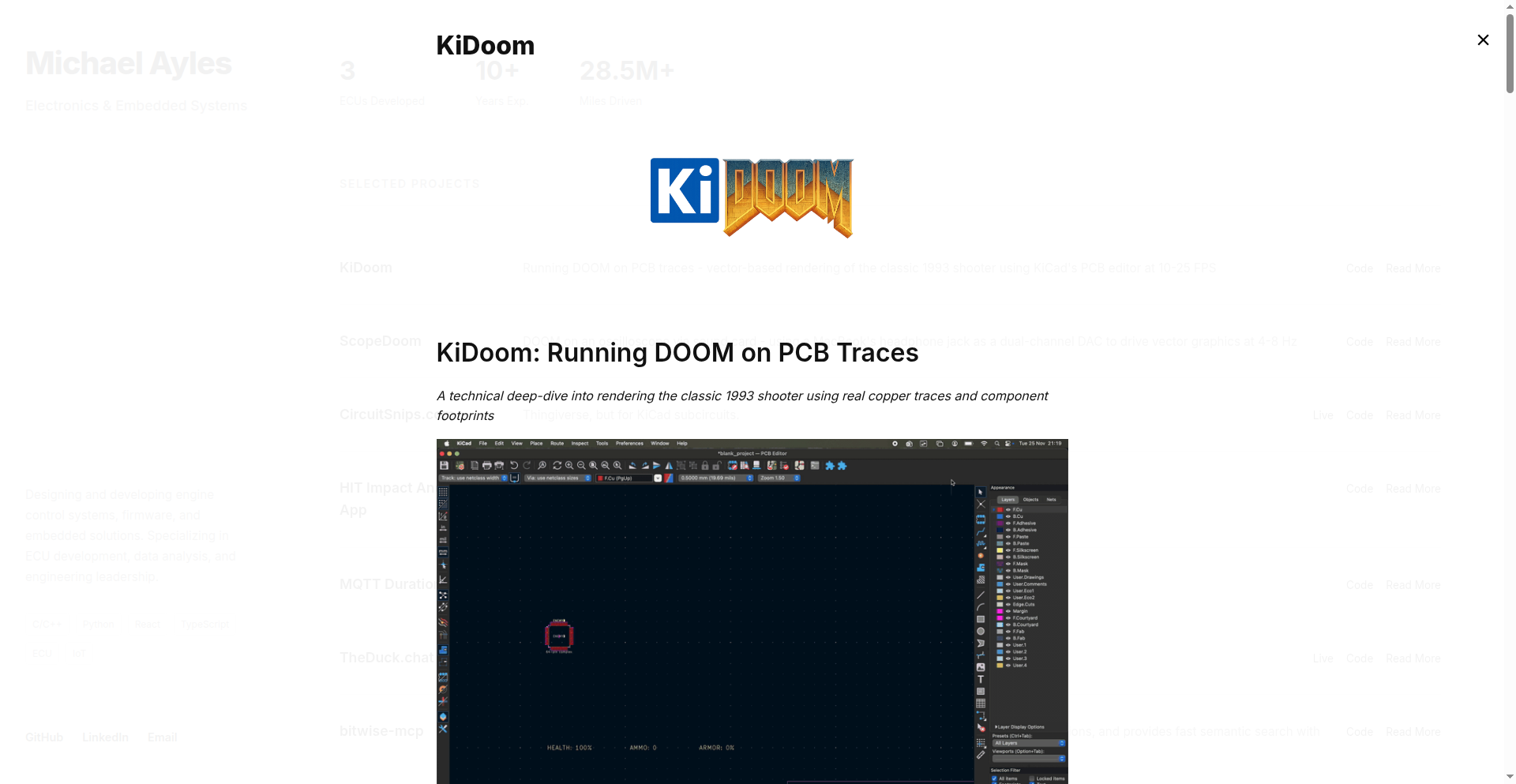
This project reimagines DOOM's graphics by rendering game elements not as pixels, but as physical PCB traces and component footprints. It achieves this by extracting vector data from the DOOM engine and translating it into graphical elements within KiCad, a popular PCB design software. So, it's a unique way to visualize game geometry using hardware design principles.
Popularity
Points 250
Comments 27
What is this product?
This is a creative endeavor that modifies the classic DOOM game to render its graphics using PCB design elements. Instead of pixels, walls are drawn as PCB traces, and game entities like enemies and items are represented by actual electronic component footprints. The core innovation lies in patching DOOM's source code to extract its internal vector geometry data (like lines for walls and sprite positions for entities) and then sending this data via a Unix socket to a Python script running within KiCad. This script then manipulates pre-allocated PCB traces and footprints to recreate the game's visuals. This bypasses the traditional pixel-rendering pipeline and offers a completely novel way to "see" the game's structure. So, it's a demonstration of how game logic can be reinterpreted through the lens of hardware design.
How to use it?
For developers, this project offers a fascinating technical deep-dive into game engine internals and creative visualization techniques. You can explore the patched DOOM source code to understand how vector data is extracted. The Python plugin for KiCad demonstrates real-time data manipulation and integration with a CAD environment. It can be used as a learning tool to understand how 3D game worlds are represented internally. While not for playing DOOM in a conventional sense, it's highly valuable for those interested in game development, graphics programming, or novel application of design tools. Integration involves setting up the modified DOOM environment and running the KiCad Python script.
Product Core Function
· Vector Data Extraction from DOOM Engine: This allows the game's geometric information (lines, shapes) to be pulled out directly, bypassing the pixel-based rendering. The value here is in understanding how game worlds are represented internally, enabling alternative visualization methods.
· PCB Trace and Footprint Mapping: Game walls are translated into lines of PCB traces, and game objects into component footprints. This offers a unique, abstract visual representation of the game, showcasing creative problem-solving by repurposing design elements.
· Real-time Data Streaming via Unix Socket: The game engine communicates its graphical data to the visualization tool in real-time. This demonstrates efficient inter-process communication and is valuable for building live visualization systems.
· KiCad Plugin for Dynamic Rendering: A Python script within KiCad actively updates the PCB layout based on incoming game data. This highlights how external data can dynamically drive complex design software, useful for interactive design tools.
· Multi-View Rendering (SDL, Python Wireframe): The project simultaneously outputs to a standard game window (SDL) and a debug wireframe window, alongside the KiCad visualization. This provides comprehensive insight into the data flow and rendering process, aiding debugging and understanding.
· Oscilloscope Vector Output (ScopeDoom): Extends the concept to outputting game vectors as audio signals to an oscilloscope. This is a groundbreaking application of game data visualization on analog hardware, demonstrating a true "hacker" approach to hardware interfacing and creative output.
Product Usage Case
· Visualizing DOOM's level geometry in KiCad: Developers can see the architectural layout of DOOM maps rendered as interconnected traces and pads on a virtual PCB. This helps understand spatial relationships and level design principles in a new way.
· Debugging game entity placement and movement: By seeing enemies and items as distinct component footprints, developers can easily track their positions and trajectories in real-time within the KiCad environment, aiding in bug fixing and game logic analysis.
· Exploring the feasibility of non-traditional game rendering: This project serves as a case study for how game engines can be adapted to output data for unconventional display methods, inspiring new forms of interactive art or educational tools.
· Demonstrating real-time data pipeline construction: The system shows how to build a pipeline from a game engine, through inter-process communication, to a sophisticated design tool for live visualization, applicable to many simulation and design workflows.
· Creating art installations or interactive displays using game engines: The ScopeDoom extension showcases how game data can be transformed into signals for analog devices like oscilloscopes, opening up possibilities for physical art and interactive experiences.
3
Cloudflare R2 Image Envoy

Author
cr1st1an
Description
A WordPress plugin that cleverly redirects your existing images to be served through Cloudflare's R2 storage and Workers. This approach dramatically cuts down on bandwidth costs, as R2 offers free egress, making image delivery significantly faster and cheaper without the usual complexity of image optimization plugins. It leverages edge computing to cache and deliver your images efficiently.
Popularity
Points 54
Comments 32
What is this product?
This project is a WordPress plugin that acts as a smart delivery agent for your website's images. Instead of your server handling every image request, the plugin rewrites the image URLs on your website. When someone visits your site, the images are then fetched and served by Cloudflare Workers, which store them in Cloudflare R2. The magic happens on the first request: the Worker fetches the original image and caches it in R2. Subsequent requests are then served directly from Cloudflare's global network, which is blazingly fast and, crucially, has zero outgoing data fees. This means your images load quickly and you save a lot on hosting bills, without needing to mess with complex image compression or resizing settings.
How to use it?
For developers, integrating Cloudflare R2 Image Envoy is straightforward. You install it as a standard WordPress plugin. The plugin automatically intercepts outgoing image URLs. You have two options: 1. Deploy your own Cloudflare Worker by following the provided code and setup instructions – this is free to run, though you'll need a Cloudflare account. 2. Opt for the managed service at $2.99 per month, which uses the developer's pre-configured Worker and R2 bucket. The plugin is theme and builder agnostic, meaning it works with any WordPress setup and doesn't alter your database. It simply ensures your media stays in WordPress but is delivered from Cloudflare's efficient edge.
Product Core Function
· Image URL Rewriting: Automatically modifies image links on your website to point to Cloudflare's edge network. This ensures that every image request is routed for optimal delivery, reducing the load on your own server and improving page speed.
· Fetch-on-First-Request Caching: The first time an image is requested, the Cloudflare Worker retrieves it from your original source and stores it in Cloudflare R2. This intelligent caching means subsequent visitors receive the image directly from Cloudflare's global cache, making loading times instantaneous.
· Zero Egress Cost Delivery via R2: Utilizes Cloudflare R2 object storage, which offers free data egress. This is the key to significant cost savings, as you avoid the hefty fees typically associated with bandwidth consumption on traditional CDNs.
· Minimalist Optimization Approach: Focuses solely on efficient image delivery rather than complex transformations like compression or resizing. This simplicity ensures compatibility and reduces potential conflicts with other plugins, making it easy to implement.
· Fail-safe Original Image Loading: If any part of the Cloudflare delivery chain encounters an issue, the system gracefully falls back to loading the original image directly from your WordPress site, ensuring uninterrupted access to your content.
Product Usage Case
· A small business owner running a WordPress e-commerce site notices high bandwidth costs due to a large number of product images. By implementing Cloudflare R2 Image Envoy, they redirect their image traffic to Cloudflare's edge. Now, product images load much faster for customers, and the monthly hosting bill is significantly reduced because they no longer pay for outgoing data.
· A blogger with a high-traffic WordPress site wants to improve their website's performance without complex technical configurations. They install the plugin and deploy their own Cloudflare Worker. Their site's perceived loading speed dramatically improves as images are served from Cloudflare's global cache, resulting in a better user experience and potentially higher search engine rankings.
· A web developer building a portfolio site wants to showcase high-resolution images without incurring CDN fees. They use the managed service option of the plugin. The plugin handles the image delivery, ensuring fast loading times and a professional presentation, while keeping the development costs low and manageable.
4
StepKit: Universal Durable Workflow Engine
Author
tonyhb
Description
StepKit is an open-source SDK and framework designed to build robust, long-running processes (workflows) that can execute on any platform, from your own servers to cloud services like Cloudflare and Netlify. Its core innovation is abstracting away the complexities of durable execution, allowing developers to write code once and run it anywhere without vendor lock-in or complex setup. It focuses on a simple, explicit API for defining asynchronous tasks and ensures resilience and observability throughout the workflow lifecycle.
Popularity
Points 35
Comments 16
What is this product?
StepKit is essentially a smart engine that manages the execution of multi-step processes, even if those processes take a long time or need to pause and resume. Think of it like a very reliable project manager for your code. Its technical innovation lies in how it handles the 'durability' aspect. Instead of relying on tricky error handling like try-catch for pausing and resuming, StepKit uses a generator-like approach. This means your workflow code can pause naturally, save its state, and pick up exactly where it left off later, even after a server restart or a network interruption. It achieves this by providing a core execution loop that handles step discovery (finding the next part of your process), memoization (remembering results to avoid re-computation), and an event loop that orchestrates the flow. The key value is its platform agnosticism; you write your workflow logic using StepKit's clear API, and it works on your local machine, a dedicated server, or serverless functions without needing to change your code for each environment. This means you get a consistent, reliable way to build complex background tasks that just *work* everywhere.
How to use it?
Developers can integrate StepKit into their applications by installing the SDK. They then define their workflows using StepKit's `step.*()` functions, which represent individual tasks or operations within the workflow. For example, you might have a `step.sendEmail()` or a `step.processPayment()` function. StepKit handles the underlying logic of calling these steps in sequence, managing any pauses or retries, and ensuring the workflow's state is preserved. You can configure different 'drivers' to tell StepKit where and how to run these workflows – for instance, using an in-memory driver for local testing, a filesystem driver for simple persistence, or specific integrations with platforms like Inngest or Cloudflare. This makes it incredibly flexible for various deployment scenarios. You can envision using StepKit in backend services to manage user onboarding sequences, process large datasets asynchronously, or orchestrate microservices.
Product Core Function
· Durable Execution Engine: Manages the lifecycle of asynchronous workflows, ensuring they can be paused and resumed reliably across different environments. This provides peace of mind that long-running tasks won't fail due to temporary issues, making your applications more robust.
· Platform Agnostic Design: Allows workflows to run on any infrastructure (self-hosted, serverless, cloud) without requiring provider-specific code. This eliminates vendor lock-in and gives you the freedom to choose the best hosting for your needs, saving costs and increasing flexibility.
· Simple and Explicit API: Uses `step.*()` functions that are easy to read, understand, and implement, making workflow development straightforward. This speeds up development time and reduces the learning curve for new developers joining your team.
· Built-in Observability: Provides mechanisms for monitoring the execution of workflows, helping developers understand what's happening and troubleshoot issues quickly. This leads to better debugging and a more stable application.
· Extensible Middleware: Supports adding custom logic (like encryption or error reporting) to the execution pipeline without altering the core workflow definition. This allows for easy integration with existing monitoring or security tools, enhancing your application's capabilities.
· Step Memoization: Avoids redundant computation by caching the results of previous steps. This optimizes performance and reduces resource consumption, leading to a more efficient and cost-effective application.
Product Usage Case
· Building an e-commerce order processing system: A customer places an order. StepKit can orchestrate the entire process: validating payment, updating inventory, sending confirmation emails, and initiating shipping, pausing and resuming as needed if any external service is temporarily unavailable. This ensures a smooth and reliable customer experience.
· Implementing an asynchronous data pipeline for analytics: Large datasets need to be ingested, transformed, and analyzed. StepKit can manage each stage of this pipeline as a series of durable steps, allowing for retries on failures and efficient processing without blocking the main application thread. This enables scalable data processing for insights.
· Creating a complex user onboarding flow: When a new user signs up, they might need to complete several steps like profile setup, verification, and introductory tutorials. StepKit can manage this multi-step, potentially lengthy process, ensuring users are guided through smoothly, even if they leave and return later. This improves user engagement and retention.
· Developing a background job processing system for microservices: Different microservices can trigger long-running tasks managed by StepKit. For example, generating a report or sending out bulk notifications. This decouples these heavy tasks from the immediate request-response cycle, improving the responsiveness of your services.
5
AnimeLingua

Author
Mikecraft
Description
AnimeLingua is a web application that transforms anime into interactive Japanese language learning lessons. It addresses the common issue of repetitive lessons in traditional language apps by sourcing diverse learning content directly from popular anime series. This innovative approach leverages engaging visual and auditory media to provide a more dynamic and effective learning experience for Japanese learners.
Popularity
Points 11
Comments 21
What is this product?
AnimeLingua is a project born from a developer's frustration with the repetitive nature of existing language learning platforms like Duolingo. Instead of standard exercises, it pulls Japanese language content from anime. The core innovation lies in its ability to analyze anime dialogues and scenes to generate contextually relevant vocabulary, grammar, and pronunciation practice. This means you're learning Japanese through real-world conversations and cultural references from the shows you love, making the process more enjoyable and memorable. It's like having a personal Japanese tutor embedded within your favorite anime.
How to use it?
Developers can use AnimeLingua as a standalone learning tool to supplement their Japanese studies. By visiting the provided web application (https://kanjieight.vercel.app/), users can select an anime and begin interactive lessons. The platform likely uses techniques like natural language processing (NLP) to extract and process dialogue, and potentially computer vision to identify relevant scenes. For developers looking to integrate similar functionality into their own projects, the underlying principles of content extraction, NLP for language analysis, and dynamic lesson generation could be explored. Think of it as a blueprint for building custom, media-rich educational tools.
Product Core Function
· Anime-based lesson generation: Dynamically creates Japanese lessons sourced from anime content. This provides learners with authentic, context-rich vocabulary and grammar practice, moving beyond generic phrases and into real-world usage scenarios.
· Interactive dialogue practice: Offers exercises based on anime conversations, allowing users to practice listening comprehension and speaking with natural intonation and pace. This helps develop fluency and understanding of conversational Japanese.
· Vocabulary and grammar contextualization: Presents new words and grammatical structures within the context of anime scenes, aiding memorization and understanding of their practical application. Learners grasp concepts more deeply when they see them used in a relatable narrative.
· Diverse learning content: Leverages a wide range of anime to offer a broad spectrum of linguistic styles and cultural nuances. This prevents learning fatigue and exposes users to different ways Japanese is spoken, from casual slang to more formal dialogue.
Product Usage Case
· A Japanese language learner struggling with memorizing kanji and vocabulary: They can use AnimeLingua to find anime featuring characters whose names or dialogue contain the kanji they need to learn. The lessons derived from these scenes will reinforce the characters and plot, making the learning process more engaging and effective than rote memorization.
· A developer wanting to build a more engaging language learning tool for a niche market: They can study the technical approach of AnimeLingua to understand how to extract and process media content for educational purposes. This could inspire the creation of similar tools for learning other languages using movies, TV shows, or even video games.
· A student preparing for a Japanese language proficiency test (JLPT): They can utilize AnimeLingua to practice listening comprehension with authentic dialogues and exposure to common grammatical patterns used in spoken Japanese. The real-world context of anime dialogues can better prepare them for the listening sections of the exam.
6
Browser-Native DiffMerge
Author
subhash_k
Description
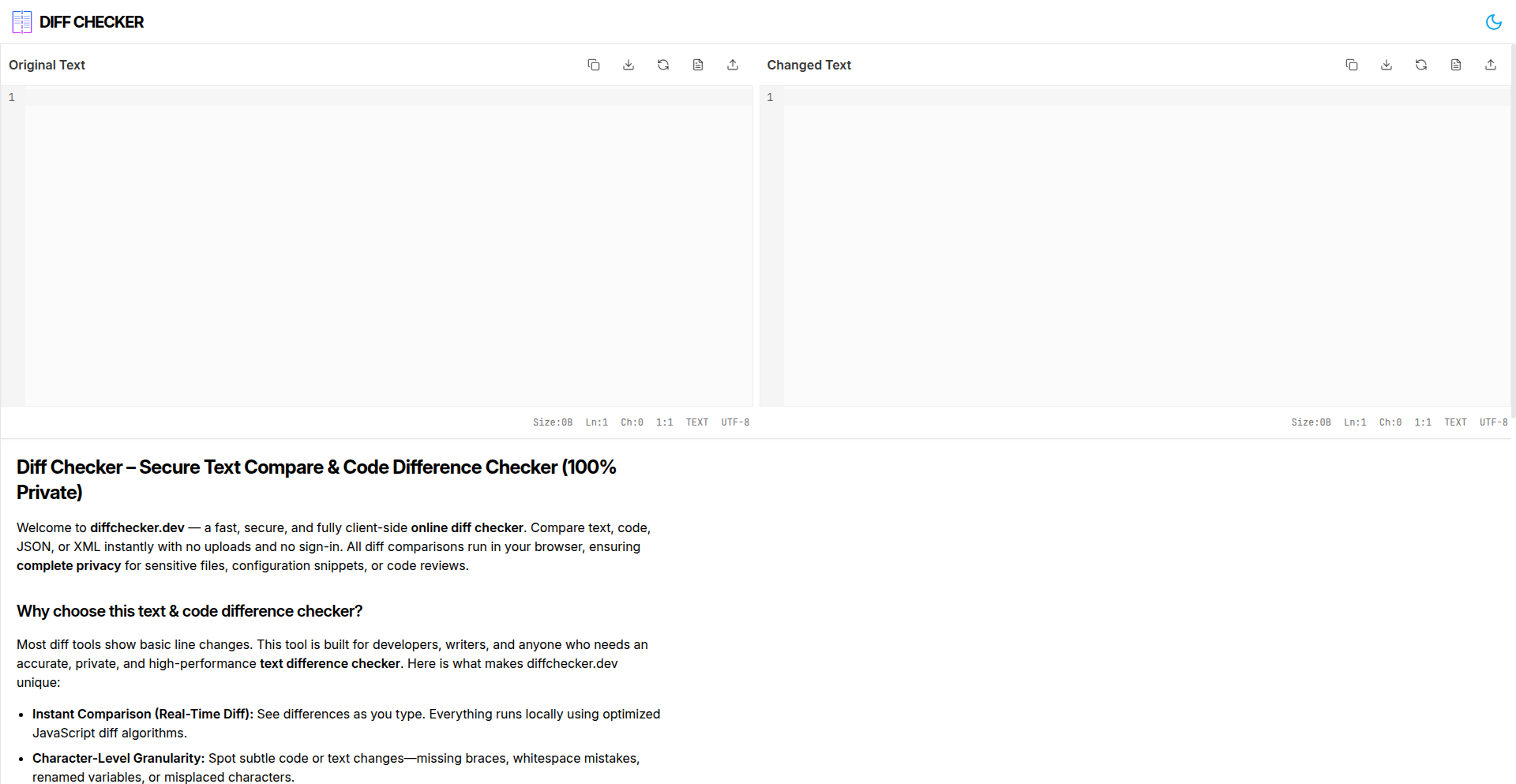
A privacy-focused, in-browser diff and merge tool designed to handle large files (25,000+ lines) with instant character-level comparison. It allows users to create shareable links for their diffs, all without sending any data to a server, ensuring 100% security.
Popularity
Points 16
Comments 14
What is this product?
This project is a web application that lets you compare two versions of a text file (like code or documents) and even merge the differences, all directly in your web browser. The core innovation is its ability to perform these computationally intensive tasks (detecting tiny changes at the character level and handling massive files) entirely client-side. This means your data never leaves your computer, making it incredibly secure and private. Think of it as a super-powered notepad comparison tool that's also a bit of a digital surgeon for text.
How to use it?
Developers can use this tool by simply navigating to the website. They can paste or upload two text files they want to compare. The tool will instantly highlight the differences in real-time, showing exactly what's changed at the character level. A key feature is the 'merge' functionality, where developers can choose which changes from each file to incorporate into a final, combined version. Furthermore, they can generate a unique, shareable link to their diff, which is useful for collaborating or showing specific changes to others without needing to send actual file attachments. This is ideal for code reviews, document version tracking, or any situation where precise text comparison and modification are needed securely.
Product Core Function
· Character-level instant diff: The technology here is an efficient algorithm that compares text character by character in real-time. This means you see changes as you type or load files, providing immediate feedback on what is different, down to a single letter or symbol. Its value is in providing granular understanding of changes, crucial for debugging or precise edits.
· Large file support (25K+ lines): The innovation lies in optimizing the diff algorithm and browser rendering to handle a significant volume of text without crashing or becoming sluggish. This is valuable for developers working with large configuration files, long code modules, or substantial document revisions where traditional online tools might fail.
· Diff merge feature: This function leverages the detected differences to intelligently combine content from two sources. It allows users to pick and choose which specific changes to keep, creating a new unified document. The value is in streamlining the process of integrating revisions from different branches or collaborators, saving manual effort and reducing errors.
· Shareable links: This feature generates a unique URL that encapsulates the comparison state (the two files and their differences). The magic is that the diff computation is done client-side, so the link likely contains instructions or data to reconstruct the diff in the recipient's browser. This provides a secure and convenient way to communicate complex text changes without exposing sensitive data or requiring recipients to install software.
· 100% secure, client-side computation: The core technical achievement is running all diff and merge logic within the user's browser using JavaScript. This eliminates the need for a backend server to process data, meaning no sensitive information is uploaded or stored. The value is paramount for privacy-conscious users and for handling proprietary or confidential information.
Product Usage Case
· Code Review Workflow: A developer has a feature branch with several changes compared to the main branch. Instead of sending large code files, they use this tool to generate a diff link. A colleague clicks the link, sees the exact character-level changes highlighted in their browser, and can even suggest merges for specific sections. This makes code reviews faster and more secure.
· Document Version Comparison: A team is working on a critical legal document with multiple revisions. One person uses the tool to compare two versions. They can instantly see every alteration, addition, or deletion. If needed, they can merge specific amendments from one version into another to create the final approved document, all without uploading the sensitive legal text to an external service.
· Configuration File Management: System administrators often deal with large configuration files. If a configuration is changed and causes issues, they can use this tool to compare the problematic version with a known good one. The character-level diff quickly pinpoints the exact line and character that might be the culprit, speeding up troubleshooting.
· Personal Project Archiving: A hobbyist programmer wants to track changes in their personal project's source code over time. They can generate diff links for different milestones and store them. Later, they can easily revisit any past state by clicking the link, seeing exactly what changed without needing complex version control systems for simple tracking.
7
RAG-PerfBoost

Author
vira28
Description
This project demonstrates a ~2x reduction in RAG (Retrieval-Augmented Generation) latency by intelligently switching embedding models. It tackles the common bottleneck in AI applications where generating responses from large language models (LLMs) often involves a retrieval step, which can be slow. The innovation lies in a dynamic strategy that chooses the most efficient embedding model for a given query, significantly speeding up the entire AI pipeline.
Popularity
Points 23
Comments 3
What is this product?
RAG-PerfBoost is a technique and potential implementation that optimizes the speed of AI systems that use Retrieval-Augmented Generation (RAG). RAG is a process where an AI model first retrieves relevant information from a knowledge base before generating a response. The embedding model is crucial for this retrieval part, as it converts text into numerical representations (vectors) that the AI can understand. The core innovation here is not just using a better embedding model, but having a system that can dynamically select between different embedding models based on the query. This means if a query is simple, it might use a very fast, less complex model. If the query is complex and requires deeper understanding, it might switch to a more powerful, but potentially slower, model. This intelligent switching drastically reduces the time it takes to get relevant information, thereby speeding up the AI's response time. So, for you, this means faster AI assistants, quicker search results in AI-powered applications, and more responsive AI-driven tools.
How to use it?
Developers can integrate this concept into their RAG pipelines. The core idea is to build a layer that sits before the embedding process. This layer analyzes incoming queries and decides which embedding model to invoke. This could be implemented using conditional logic, a simple machine learning classifier to predict query complexity, or even a lookup table. The chosen embedding model then generates the vector representation for the retrieval system. For example, a developer could have a lightweight embedding model for short, keyword-based searches and a more robust model for complex natural language questions. The RAG-PerfBoost approach allows them to leverage both effectively. This is useful for developers building chatbots, AI-powered search engines, or any application requiring efficient information retrieval for LLM generation, leading to a smoother user experience.
Product Core Function
· Dynamic embedding model selection: Allows the system to choose the most efficient embedding model for a given query, improving overall RAG speed. This is valuable for optimizing AI performance and reducing operational costs by using less compute for simpler tasks.
· Query analysis for model routing: Analyzes incoming user queries to determine the optimal embedding model to use. This intelligently directs computational resources and ensures faster retrieval for specific types of queries.
· Latency reduction in RAG pipelines: Directly addresses and significantly cuts down the time taken for the retrieval step in RAG, leading to quicker AI responses. This is crucial for real-time AI applications where responsiveness is key.
· Potential for cost optimization: By using simpler, faster embedding models for simpler queries, this approach can reduce the computational resources needed, leading to cost savings in AI deployments.
Product Usage Case
· A customer support chatbot that needs to quickly find relevant FAQs for user queries. By using RAG-PerfBoost, the chatbot can provide instant answers to common questions, and only switch to more powerful retrieval for complex or ambiguous queries, improving customer satisfaction.
· An internal knowledge base search tool for a large company. Developers can use RAG-PerfBoost to ensure that employees get fast search results for simple keyword searches, while more nuanced or complex research queries are handled efficiently without significant delay, boosting employee productivity.
· An AI-powered content summarization tool that needs to retrieve context from documents. RAG-PerfBoost can accelerate the process of finding relevant text snippets, allowing the summarization model to generate summaries much faster, making the tool more practical for real-world use.
8
CI/CD Sentinel
Author
devops-coder
Description
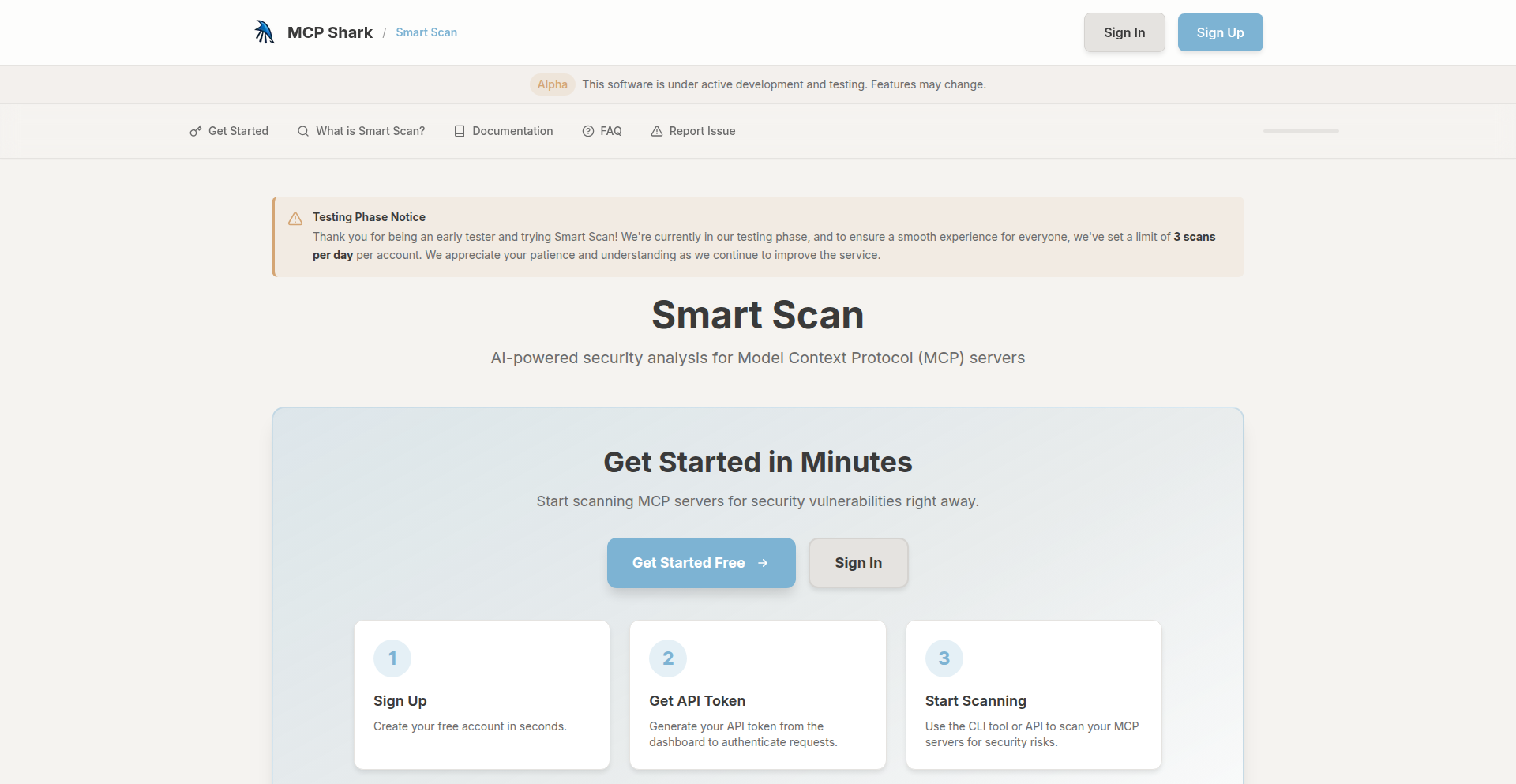
A security scanning tool specifically designed for Continuous Integration and Continuous Deployment pipelines. It aims to automate the detection of common security vulnerabilities within code and configurations early in the development lifecycle, preventing insecure code from reaching production. This offers significant value by reducing the risk of breaches and compliance failures by shifting security left.
Popularity
Points 12
Comments 0
What is this product?
CI/CD Sentinel is a command-line interface (CLI) tool that integrates directly into your CI/CD workflows. It operates by analyzing your codebase, dependency files, and configuration files against a set of predefined security rules and best practices. The innovation lies in its focus on automation and early detection within the pipeline. Instead of manual security reviews or delayed scans, it provides immediate feedback on potential security flaws as code is being built and deployed, allowing developers to fix issues before they become larger problems. This proactive approach is crucial for maintaining a secure development practice.
How to use it?
Developers can integrate CI/CD Sentinel into their existing CI/CD pipelines (like GitHub Actions, GitLab CI, Jenkins, etc.) by adding it as a build step. After pushing code, the CI/CD pipeline triggers the tool. CI/CD Sentinel then scans the committed code and its dependencies for known vulnerabilities, misconfigurations, and insecure patterns. If it finds any issues, it can be configured to fail the build, alert the development team via Slack or email, or generate a detailed report. This makes security a seamless part of the development process, rather than an afterthought.
Product Core Function
· Automated vulnerability detection: Scans code for common security flaws like injection vulnerabilities, exposed secrets, and insecure library usage, providing developers with immediate feedback to remediate issues before deployment.
· Dependency scanning: Analyzes third-party libraries and packages for knownCVEs (Common Vulnerabilities and Exposures), helping to prevent the introduction of exploitable components into the project.
· Configuration security checks: Reviews infrastructure-as-code (IaC) and deployment configurations for common security misconfigurations, ensuring that deployed environments are secure by default.
· CI/CD integration: Easily plugs into popular CI/CD platforms, making security a standard part of the build and deployment process and reducing manual security effort.
· Customizable rule sets: Allows teams to tailor scanning rules to their specific project needs and compliance requirements, providing flexibility and relevance.
Product Usage Case
· A web development team using GitHub Actions notices a critical vulnerability in a new feature's code. CI/CD Sentinel, running as part of the CI pipeline, immediately flags the vulnerability. The developer can then fix the issue within minutes, preventing the insecure code from ever being merged into the main branch and subsequently deployed to production.
· A DevOps engineer is setting up a new microservice deployment. By integrating CI/CD Sentinel into their GitLab CI pipeline, it automatically scans the Terraform configuration files for insecure resource settings. The tool alerts the engineer to an open S3 bucket, which they can then secure before the infrastructure is provisioned, preventing potential data exposure.
· A mobile app development project relies on numerous third-party SDKs. CI/CD Sentinel is configured to run during the nightly build. It identifies that one of the SDKs has a recently disclosed critical vulnerability. The team is alerted, and they can prioritize updating the SDK to a secure version before it poses a risk to their users.
· A software company needs to comply with stringent security regulations. CI/CD Sentinel is used to enforce security policies by failing any build that doesn't meet the defined security standards, ensuring that all released software adheres to compliance requirements and reducing the risk of audit failures.
9
Macko SPMV Accelerator

Author
vlejd
Description
This project presents an optimized Sparse Matrix-Vector Multiplication (SpMV) algorithm designed to efficiently run pruned Large Language Models (LLMs) on consumer-grade GPUs. It tackles the challenge of achieving performance benefits from sparsity when you don't have inherently sparse matrices or specialized hardware, pushing the boundaries of what's possible on standard GPUs.
Popularity
Points 7
Comments 4
What is this product?
Macko SPMV Accelerator is a novel approach to performing Sparse Matrix-Vector Multiplication (SpMV) operations, which are fundamental to many machine learning computations, especially in LLMs. Traditionally, you need highly sparse data or specialized hardware to see speedups from sparsity. This project's innovation lies in its ability to deliver significant performance gains even with matrices that are only 30-90% sparse, on regular GPUs. It achieves this by employing clever algorithms and data structures to minimize unnecessary computations and memory access. So, for you, it means running more complex AI models on your existing hardware with better speed.
How to use it?
Developers can integrate Macko SPMV into their existing deep learning pipelines, particularly when dealing with pruned LLMs. The project provides example code (e.g., with PyTorch) demonstrating how to leverage its optimized SpMV kernels. You would typically replace standard SpMV operations in your model's forward pass with calls to Macko SPMV functions, allowing your pruned models to execute much faster. This can be done by loading the library and using its provided functions within your training or inference scripts. This gives you a direct performance boost for your AI applications without needing to buy new hardware.
Product Core Function
· Optimized Sparse Matrix-Vector Multiplication kernel: This function accelerates the core computation of multiplying a sparse matrix by a vector. The value is enabling faster execution of AI models by reducing computational overhead, making them more responsive for real-time applications.
· Handling of moderate sparsity (30-90%): The algorithm is specifically designed to be effective when matrices are not extremely sparse. This is valuable because many real-world pruned models fall into this category, allowing for practical speedups on consumer hardware. You can benefit from AI acceleration even with moderately optimized models.
· GPU acceleration: The implementation leverages the parallel processing power of GPUs. This translates to significantly faster computation times compared to CPU-based execution, allowing you to process more data or run more complex models in the same amount of time. This means your AI tasks finish quicker.
· Low memory footprint: Efficient data structures are employed to minimize memory usage. This is important for fitting larger models or larger datasets into GPU memory, which is often a limiting factor. You can run more demanding AI tasks on your current GPU setup.
Product Usage Case
· Accelerating pruned LLM inference on consumer GPUs: A developer working on a chatbot application might use a pruned LLM to reduce its size and computational requirements. By integrating Macko SPMV, they can significantly speed up the chatbot's response time, making the user experience much smoother, even on a standard laptop. This means your AI-powered tools become faster and more practical for everyday use.
· Enabling larger AI models on limited hardware: A researcher experimenting with a new AI model architecture that has moderate sparsity might find their existing GPU struggles to run it. Using Macko SPMV could allow them to run the model efficiently, enabling them to test their hypotheses and iterate faster without needing to upgrade their hardware. This empowers innovation by removing hardware bottlenecks.
· Improving real-time AI applications: For applications requiring instant AI processing, such as object detection in video streams or natural language understanding in voice assistants, every millisecond counts. Macko SPMV's speed improvements can make these applications more viable and responsive. This means your AI applications feel more instantaneous and less laggy.
10
LegacyGlue Weaver

Author
sfaist
Description
LegacyGlue Weaver is an OSS integration tool designed to tackle the pervasive problem of 'shadow infrastructure' in large organizations. It intelligently ingests and reverse-engineers existing integration code, SQL, configurations, and documentation to map dependencies and automatically regenerate them as maintainable JavaScript code. This addresses the pain points of undocumented, unowned, and brittle legacy connectors, allowing engineers to focus on feature development and enabling faster system upgrades.
Popularity
Points 7
Comments 1
What is this product?
LegacyGlue Weaver is a sophisticated tool that acts like a detective for your old, complex integration code. Think of it as a smart system that reads through scattered bits of code, database queries, configuration files, and even old documents related to how different software systems talk to each other. It figures out what these pieces are doing, how they depend on each other, and then rewrites them into clean, modern JavaScript code. This regenerated code is easier to understand, test, and update. The innovation lies in its ability to reverse-engineer and understand systems that have been neglected or are poorly documented, effectively turning 'black boxes' into transparent, manageable code. This saves companies from wasting valuable engineering time on deciphering cryptic legacy scripts and connectors.
How to use it?
Developers can leverage LegacyGlue Weaver by pointing it to their existing integration assets, such as custom scripts, SQL queries, OpenAPI specifications, or even poorly documented configuration files. The tool will ingest these inputs and perform an analysis to understand the underlying logic and data flow. Once analyzed, it can regenerate this logic as clean JavaScript code. This generated code can then be executed directly as a standalone integration, or it can be exposed as a service through platforms like MCP (Message Communication Protocol) or integrated into new SDKs. It also continuously monitors for changes in upstream APIs or data schemas and can automatically adjust the regenerated code to maintain integration stability. So, if you're struggling with outdated, hard-to-maintain connections between your software, you can feed those into LegacyGlue Weaver and get back code that's a breeze to work with, significantly reducing debugging and maintenance overhead.
Product Core Function
· Ingestion of diverse legacy assets: Value lies in its ability to process a wide range of integration artifacts, from scripts to SQL and documentation, providing a unified starting point for modernization. Useful for organizations with a complex and heterogeneous technology stack.
· Reverse-engineering of integration logic: Value lies in its capability to deduce the actual functionality of undocumented or obscure code. This significantly reduces the time and effort required to understand and refactor legacy systems. Applicable when inheriting projects with little to no documentation.
· Dependency mapping and visualization: Value lies in clearly illustrating how different integration components interact. This provides critical insights for impact analysis during upgrades or refactoring efforts. Essential for understanding the ripple effects of changes in large systems.
· Automated regeneration into clean JavaScript code: Value lies in producing maintainable and testable code from complex legacy systems. This empowers developers to work with modern tooling and best practices. Directly translates to faster development cycles and reduced bugs.
· Continuous monitoring for API and schema drift: Value lies in proactively identifying and addressing integration breakages caused by upstream system changes. This ensures ongoing stability and reduces reactive firefighting. Crucial for maintaining reliable integrations in dynamic environments.
· Automatic repair of integration changes: Value lies in its ability to self-heal integrations when upstream systems evolve. This minimizes downtime and the manual effort required to keep integrations functional. A key feature for ensuring business continuity.
Product Usage Case
· Scenario: A company has a collection of Perl scripts that act as custom connectors between their on-premise CRM and a cloud-based marketing platform. These scripts are old, poorly documented, and hard to modify. LegacyGlue Weaver can ingest these scripts, understand their data transformation and API calls, and regenerate them as a robust Node.js integration module. This makes it easier to maintain, test, and potentially replace the entire integration with a more modern solution, saving the company from years of dealing with brittle legacy code.
· Scenario: A financial institution relies on complex SQL stored procedures for inter-system data synchronization. When the schema of a source database changes, these procedures often break, causing significant operational disruptions. LegacyGlue Weaver can analyze these SQL procedures, understand the data schemas they interact with, and generate JavaScript code that can adapt to schema changes more gracefully. This ensures the data synchronization continues to function smoothly even when upstream databases are updated, preventing costly downtime.
· Scenario: A large enterprise has accumulated numerous 'glue' scripts written over many years by different teams, performing various data transformations and API orchestrations. The knowledge of how these scripts work is often siloed with a few individuals. LegacyGlue Weaver can act as a central intelligence hub, ingesting all these disparate scripts, mapping their interdependencies, and providing a clear, unified understanding of the entire integration landscape. This greatly aids in migrating to new systems or decommissioning old ones, as the 'black boxes' are now demystified.
11
Antler: IRL Browser

Author
dannylmathews
Description
Antler is a novel 'IRL Browser' that aims to bring the serendipity and discovery of physical browsing to the digital realm. It tackles the challenge of information overload and algorithmic echo chambers by generating unique, non-linear paths through content, inspired by the experience of wandering through a physical library or bookstore. The core innovation lies in its approach to content navigation, moving beyond traditional search and recommendation engines.
Popularity
Points 6
Comments 1
What is this product?
Antler is a web application that simulates the experience of browsing physical media like books or magazines in the real world. Instead of typing in specific keywords or relying on personalized recommendations that often lead you down predictable paths, Antler uses a system to randomly connect related pieces of content. Think of it like opening a book at a random page, finding an interesting footnote, and then picking up another book based on that footnote. It's designed to break you out of your typical online habits and expose you to unexpected ideas and information. The technical innovation is in its content discovery algorithm, which prioritizes tangential connections and thematic resonance over direct relevance, fostering a more organic and exploratory user journey.
How to use it?
Developers can use Antler as a source of inspiration for their own projects or as a tool to overcome creative blocks. For example, a developer working on a new feature might use Antler to explore tangential technologies or design patterns that they wouldn't have considered through conventional research. It can be integrated into a personal knowledge management system to surface forgotten or underutilized notes. Think of it as a 'random idea generator' for your digital workflow. You visit the Antler site, start exploring a piece of content, and follow the generated links to discover new perspectives and information relevant to your work, but in a way that feels more like discovery than targeted search.
Product Core Function
· Content Graph Generation: Creates a network of interconnected content, allowing for non-linear exploration. This provides a unique way to surface related information that might otherwise be missed, offering developers exposure to novel concepts and solutions.
· Serendipitous Discovery Engine: Facilitates unexpected encounters with information by moving beyond traditional recommendation systems. This helps developers break through creative ruts and discover innovative approaches they hadn't considered, fostering a more experimental mindset.
· Thematic Navigation: Allows users to follow threads of related ideas and themes, much like browsing a physical subject area. This is valuable for developers trying to understand a broader context or explore a topic from multiple angles, enabling deeper comprehension and idea synthesis.
· IRL Browsing Simulation: Replicates the feeling of physical exploration for digital content, encouraging curiosity and a less directed approach to learning. This can be a powerful tool for developers seeking inspiration outside their usual technical comfort zones, promoting a 'hacker's spirit' of exploring the unknown.
· Algorithmic Detour Mechanism: Intentionally introduces 'detours' in content discovery to prevent users from falling into algorithmic echo chambers. This is crucial for developers who need diverse perspectives and fresh insights to drive true innovation and avoid incremental improvements.
Product Usage Case
· A web developer working on a new UI component could use Antler to explore articles and code repositories tangential to their project's core technology. By following unexpected links, they might discover a novel design pattern or a less common library that solves a usability problem in an innovative way, leading to a more user-friendly and cutting-edge product.
· A game developer facing a creative block for their next game mechanic might use Antler to explore unrelated fields like biology, physics, or even historical events. The system's ability to surface surprising connections could spark entirely new game concepts that wouldn't emerge from typical game design research, pushing the boundaries of interactive entertainment.
· A data scientist trying to find new approaches to anomaly detection could use Antler to browse through academic papers and blog posts on seemingly unrelated topics like signal processing or natural language processing. The unexpected links might reveal a cross-disciplinary technique that can be adapted to their data, leading to a more robust and efficient solution.
· A startup founder looking for disruptive ideas could use Antler as an 'idea incubation' tool. By browsing content related to emerging technologies and societal trends in a non-linear fashion, they might stumble upon an unmet need or a novel combination of existing technologies that forms the basis of their next groundbreaking product.
12
FlowLens: AI-Powered Debugging Session Replay
Author
mzidan101
Description
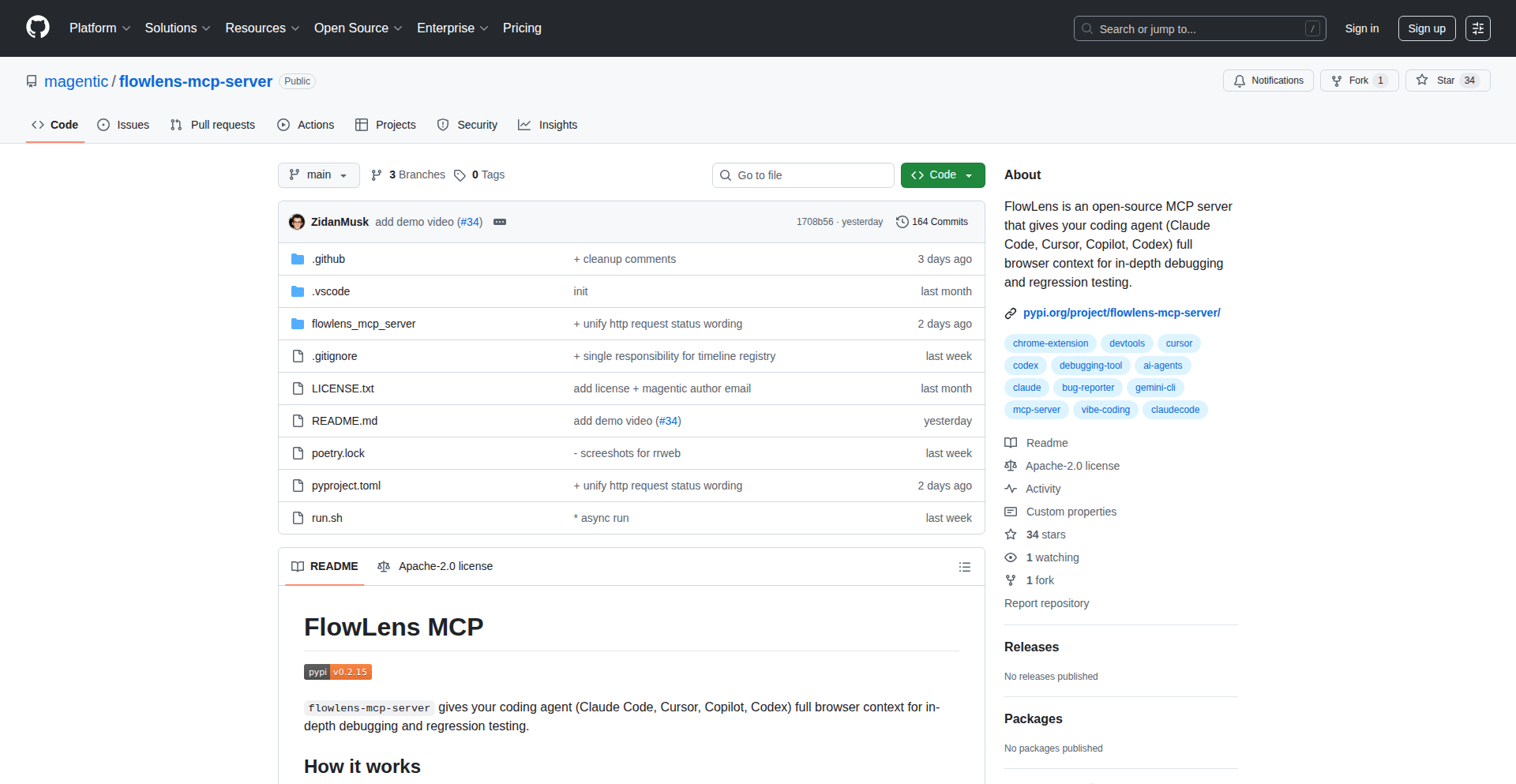
FlowLens is an open-source project that bridges the gap between developers finding bugs and AI agents understanding them. It captures browser context, including DOM, network, and console events, and makes it structured and queryable for AI agents. This allows developers to hand off exact debugging context to AI without manual retyping or hoping the AI can reproduce the issue, improving AI-assisted debugging efficiency.
Popularity
Points 5
Comments 2
What is this product?
FlowLens is a combination of a Chrome extension and an MCP server that allows you to capture and analyze your web browsing sessions for debugging purposes with AI. Instead of just giving an AI raw logs or asking it to guess what happened, the Chrome extension records your interactions, DOM changes, network requests, and console messages. This data is then packaged into a local zip file. The MCP server loads this file and provides specialized tools for an AI agent to interact with the recorded session. For example, the AI can search through events using regular expressions or take screenshots at specific moments, mimicking how a developer would investigate a bug. This is innovative because it focuses on providing AI with the exact, contextual information it needs, rather than relying on the AI to reproduce complex user flows or sift through massive amounts of unorganized data. For you, this means you can pinpoint and share bugs with AI much faster and more accurately, leading to quicker resolutions.
How to use it?
Developers can use FlowLens by installing the Chrome extension. They can either record a specific workflow that leads to a bug or enable a 'session replay' mode that continuously stores the last minute of activity. If a bug occurs, they can export the captured session as a local zip file. This zip file can then be loaded into the FlowLens MCP server. The AI agent, equipped with tools provided by the MCP server, can then access and analyze this recorded session. For instance, an AI debugging assistant could be instructed to 'find the cause of the JavaScript error in the captured session' and would use FlowLens's queryable data to investigate, saving you the time of explaining every step. This integrates seamlessly into the debugging workflow by providing a structured way to hand over complex issues to AI.
Product Core Function
· Browser Context Recording: Captures DOM, network, and console events in real-time or a rolling buffer. This allows for a precise snapshot of what happened during a bug, so you don't have to manually reproduce it for the AI.
· Session Export to Zip: Packages the recorded session data into a portable zip file. This makes it easy to share the debugging context with the MCP server or other tools.
· MCP Server for AI Interaction: Loads the exported session and exposes tools for AI agents to query and analyze the data. This means AI can 'see' and 'interact' with your past debugging session just like you would, leading to more intelligent insights.
· Token-Efficient AI Interaction Tools: Provides specialized tools like regex search and time-based screenshotting for AI to drill down into specific issues. This avoids overwhelming the AI with raw data and focuses its analysis, making the debugging process more efficient for everyone.
· Local Data Processing: All captured data stays on your machine, ensuring privacy and security. You have full control over your sensitive debugging information.
Product Usage Case
· A developer encounters a complex UI bug that is difficult to reproduce consistently. They use FlowLens to record the session, export it, and then hand it to an AI agent. The AI can then analyze the recorded DOM changes and network requests to pinpoint the exact sequence of events that triggered the bug, providing the developer with a clear explanation of the root cause.
· A team is debugging a web application where users report intermittent issues. By using FlowLens in 'session replay' mode, they can quickly grab the context of a recent problem without asking the user to reproduce it. This captured session is then analyzed by an AI to identify common patterns or error conditions, helping to diagnose the underlying problem more rapidly.
· An AI chatbot is being trained to assist with front-end development debugging. Instead of feeding it generic examples, FlowLens allows the chatbot to access and analyze real user session recordings. This provides the AI with practical, real-world debugging scenarios, enabling it to learn and offer more relevant and accurate assistance to developers.
13
ZenPaint: PixelPerfect BrowserCanvas

Author
allthreespies
Description
ZenPaint is a browser-based recreation of the original MacPaint application. It achieves pixel-perfect accuracy by meticulously reverse-engineering the original QuickDraw source code and emulating its behavior. The project focuses on replicating the unique feel and limitations of 1-bit graphics and a constrained toolset to evoke the magic of early digital art creation. Its technical innovation lies in accurately rendering fonts and shape tools without canvas smoothing, using React for a declarative UI, and employing buffer pooling and copy-on-write for performance. This offers developers a chance to explore precise graphical rendering and relive a piece of computing history.
Popularity
Points 7
Comments 0
What is this product?
ZenPaint is a web application that precisely recreates the functionality and visual fidelity of Apple's original MacPaint. The core technical challenge was to achieve pixel-perfect accuracy, meaning every line, curve, and pixel rendered looks identical to the original MacPaint. This involved deep dives into historical Apple graphics code (QuickDraw) to understand and replicate its subtle behaviors, especially around font rendering and how shapes were drawn. Instead of letting the browser's graphics system automatically smooth things out (which would ruin the pixel-perfect look), ZenPaint implements its own logic. It's built using React, a popular framework for creating user interfaces, and uses clever techniques like 'buffer pooling' (reusing memory for graphics instead of constantly creating new ones) and 'copy-on-write' (efficiently handling changes to image data) to keep the performance snappy. The innovation is in the dedication to historical accuracy and the custom graphics pipeline built within a modern web environment.
How to use it?
Developers can use ZenPaint as a reference for understanding historical graphics rendering techniques and for building their own pixel-art focused applications or emulators. It demonstrates how to achieve precise graphical control in the browser, which can be valuable for game development, retro computing projects, or specialized design tools. The project's code is available for study, allowing developers to learn from its implementation of font rendering quirks and efficient canvas manipulation. Integration might involve forking the project to adapt its rendering engine for specific needs or using its principles to guide the development of new browser-based graphics applications. The ability to share artwork via links also presents an opportunity for integrating ZenPaint's drawing capabilities into other web platforms.
Product Core Function
· Pixel-perfect rendering of 1-bit graphics: Accurately replicates the look of original MacPaint, offering a nostalgic and precise visual experience that's crucial for historical accuracy in retro applications or art tools.
· Accurate font rendering: Solves the complex problem of rendering fonts as they appeared on early Macs, vital for any project aiming for historical fidelity in text display.
· Precise shape tool emulation: Recreates the unique drawing behavior of MacPaint's tools, providing developers with insights into how specific graphical operations were performed historically.
· Declarative UI with React: Uses modern web development practices for a clean and maintainable interface, demonstrating how to build complex UIs efficiently.
· Performance optimization with buffer pooling and copy-on-write: Implements advanced techniques for efficient memory management and image manipulation, crucial for smooth drawing performance in web applications.
· Shareable artwork links: Allows users to save and share their creations, offering a mechanism for embedding or linking artwork within other applications or platforms.
Product Usage Case
· Building a retro game that requires authentic 1-bit graphics: Developers can study ZenPaint's rendering engine to ensure their game's visuals precisely match the aesthetic of classic 8-bit or 16-bit era games.
· Creating an educational tool to teach about early computer graphics: ZenPaint serves as a living example of how graphics were handled on early personal computers, useful for historical computing courses or museum exhibits.
· Developing a digital art application that emphasizes retro aesthetics: Designers and artists looking for a distinctive, low-fidelity look can draw inspiration from ZenPaint's unique constraints and tools.
· Experimenting with custom canvas rendering in web applications: Developers can analyze ZenPaint's approach to circumventing default canvas smoothing to achieve specific visual effects for their own projects, such as scientific visualizations or custom UI elements.
· Recreating other classic software interfaces: The techniques used to reverse-engineer MacPaint's graphics can be applied to recreate the look and feel of other seminal applications from the past.
14
Typst Lecture Notes

Author
subtlemuffins
Description
This project allows users to write lecture notes using Typst, a modern markup-based typesetting system. It showcases an innovative approach to creating structured and visually appealing documents with a focus on developer efficiency and a clean aesthetic, offering an alternative to traditional word processors for technical and academic content.
Popularity
Points 6
Comments 0
What is this product?
This project is essentially a demonstration of using Typst, a powerful typesetting system, to author lecture notes. Typst is designed from the ground up to be fast, flexible, and easy to learn, especially for those familiar with markup languages like LaTeX but seeking a more streamlined experience. The innovation lies in its speed and modern design philosophy, which allows for rapid iteration and compilation of documents. Instead of wrestling with complex formatting menus, you write your content in simple text and let Typst handle the rest, producing professional-looking output. This means you spend less time fiddling with layout and more time focusing on the actual content of your notes, making it incredibly efficient for students, educators, and anyone who needs to produce structured documentation.
How to use it?
Developers can use this project by adopting Typst as their primary tool for note-taking and document creation. You would install Typst (available for various operating systems) and then begin writing your lecture notes in `.typ` files using Typst's intuitive markup. For instance, you'd use simple syntax to define headings, lists, code blocks, and mathematical equations. Typst then compiles these files into high-quality PDFs or other output formats. It's ideal for creating study guides, tutorials, technical documentation, or even personal knowledge bases. Think of it as a programmer's notepad for documentation, offering more control and a cleaner output than standard text editors, with a speed that rivals basic word processors.
Product Core Function
· Structured document creation with simple markup: This allows for rapid writing of content without complex formatting. The value is in saving time and reducing cognitive load for the writer, enabling them to focus on the intellectual work rather than the mechanics of presentation. This is useful for anyone creating reports, articles, or notes that require clear organization.
· Fast compilation speeds: Typst is designed to be significantly faster than many traditional typesetting systems. The value here is immediate feedback on your writing and formatting changes, crucial for iterative development and ensuring your documents look exactly as intended without long waiting times. This is especially beneficial for large documents or when making frequent edits.
· Programmable typesetting: Typst offers a powerful scripting language that allows for advanced customization and automation of document layout and content. The value is in creating reusable templates, complex layouts, and dynamic content generation, empowering developers to build sophisticated and consistent documentation workflows. This is for advanced users who need fine-grained control over their output.
· Modern and clean syntax: Typst's syntax is designed to be more readable and approachable than some older typesetting systems. The value is in lowering the barrier to entry for creating professional-looking documents, making it accessible to a wider range of users, including those who may not have a deep background in typesetting. This makes it easier for teams to collaborate on documentation.
· Cross-platform compatibility: Typst is available on multiple operating systems, meaning you can write your notes on any machine. The value is in ensuring consistency and accessibility regardless of the user's preferred operating system, facilitating collaboration and personal workflow continuity across different devices.
Product Usage Case
· Creating a technical tutorial on a new programming framework: A developer can use Typst to write detailed explanations, embed code snippets with syntax highlighting, and include mathematical formulas for algorithms. The fast compilation allows for quick iteration on the content, and the clean output makes the tutorial easy for others to read and understand, directly addressing the problem of producing accessible and visually appealing technical guides.
· Developing a personal knowledge base or wiki: Users can organize their learning materials, research notes, and project documentation in a structured way. Typst's ability to handle complex cross-referencing and maintain consistent styling ensures that the knowledge base is navigable and aesthetically pleasing, solving the challenge of managing and presenting large amounts of personal information effectively.
· Authoring academic papers or research reports: Students and researchers can leverage Typst's robust mathematical typesetting and bibliography management capabilities to produce professional academic documents. The speed and ease of use, compared to traditional academic writing tools, can significantly reduce the time spent on formatting and allow for greater focus on research content, directly tackling the often-arduous task of academic publication.
· Generating API documentation: For software projects, Typst can be used to programmatically generate documentation for APIs, including function signatures, parameter descriptions, and example usage. The value lies in automating the documentation process, ensuring it stays up-to-date with code changes and maintaining a consistent, high-quality presentation for developers consuming the API, thus solving the problem of outdated or poorly formatted API references.
15
Fractalbits: High-Performance S3-Compatible Storage

Author
thomas_fa
Description
Fractalbits is a novel storage solution that offers S3 compatibility with exceptional performance, aiming for 1 million IOPS at p99 latency of ~5ms. It achieves this by leveraging Rust and Zig, focusing on low-level optimizations for speed and efficiency. This project tackles the common challenge of high-latency storage in distributed systems and provides a performant alternative for data-intensive applications.
Popularity
Points 6
Comments 0
What is this product?
Fractalbits is an object storage system designed to be fully compatible with the Amazon S3 API, meaning you can use existing S3 tools and libraries to interact with it. The innovation lies in its underlying implementation, built with Rust and Zig. These languages allow for fine-grained control over memory and system resources, enabling aggressive optimizations that lead to extremely high Input/Output Operations Per Second (IOPS) and low latency. Think of it as a super-fast warehouse for your digital stuff, built with the most efficient tools possible to get things in and out incredibly quickly, even when lots of people are accessing it at once. So, this helps you store and retrieve data much faster than traditional solutions, which is crucial for demanding applications.
How to use it?
Developers can integrate Fractalbits into their workflows by treating it as a drop-in replacement for S3. This involves configuring your applications or tools to point to the Fractalbits endpoint instead of an S3 endpoint. For example, you could use it as a backend for data lakes, for storing large datasets for machine learning, or as a high-performance backup solution. Its S3 compatibility means minimal code changes. So, you can easily swap out your current object storage for Fractalbits to get a significant speed boost without a major overhaul of your existing systems.
Product Core Function
· S3 API Compatibility: Enables seamless integration with existing S3 tools and applications, allowing developers to leverage a vast ecosystem without re-engineering their infrastructure. This means you can use your familiar S3 clients and SDKs directly with Fractalbits, saving time and effort.
· High IOPS Performance: Achieves extremely high rates of read and write operations, crucial for data-intensive workloads like databases, real-time analytics, and high-frequency trading systems. This directly translates to faster processing and quicker insights from your data.
· Low Latency (p99 ~5ms): Guarantees that 99% of requests are served within a very short timeframe, essential for applications requiring real-time responsiveness and minimizing user wait times. Your applications will feel snappier and more responsive.
· Rust and Zig Implementation: Utilizes modern systems programming languages to achieve low-level performance optimizations and memory safety, leading to a robust and efficient storage system. This means the system is built for speed and reliability from the ground up, ensuring consistent performance.
· Scalable Architecture: Designed to scale horizontally to handle increasing storage demands and traffic, ensuring your storage solution grows with your needs. As your data grows, Fractalbits can handle it without performance degradation.
Product Usage Case
· Machine Learning Data Storage: Storing massive datasets for training AI models where fast access to training data is critical for reducing training times. This allows ML engineers to iterate faster and build better models by reducing the bottleneck of data loading.
· Real-time Analytics Platforms: Serving as the backend for analytical dashboards and real-time data processing pipelines that require immediate access to large volumes of data. Businesses can get up-to-the-minute insights, enabling quicker decision-making.
· High-Frequency Trading Systems: Providing low-latency storage for market data and trade execution, where milliseconds can mean significant financial gains or losses. This ensures trading algorithms can react to market changes instantly.
· Cloud-Native Application Backends: Acting as a performant and scalable object store for microservices and cloud-native applications that need to store and retrieve user-generated content, logs, or application state. Developers can build more robust and responsive cloud applications.
· Large-Scale Backup and Archiving: Offering a cost-effective and high-throughput solution for backing up and archiving vast amounts of data, ensuring quick recovery when needed. This provides peace of mind with fast and reliable data recovery capabilities.
16
UniquelyEncrypted
Author
0north
Description
This project presents a novel approach to AES encryption, where each generated encryption key is unique and not designed to be cross-decryptable with others. The core innovation lies in generating a truly one-of-one AES key for each encryption operation, effectively creating an ephemeral and highly personalized encryption instance. This addresses the challenge of managing and securing keys in scenarios requiring absolute, isolated confidentiality, moving beyond traditional key management complexities.
Popularity
Points 2
Comments 3
What is this product?
UniquelyEncrypted is a demonstration of a specialized AES encryption technique. Instead of using a single master key to encrypt multiple pieces of data, this project generates a distinct, single-use AES encryption key for every single data item. Think of it like having a unique padlock and key for every single box you want to secure, rather than one master key for all boxes. The innovation is in the generation of these individual, non-reusable keys, which are derived in a way that prevents any other key generated by the same system from decrypting data encrypted by another. So, what's the value? It offers an extreme level of isolation for sensitive data; if one key is compromised, it doesn't affect any other encrypted data.
How to use it?
Developers can integrate this concept into applications where highly granular and isolated data security is paramount. For instance, in a cloud storage service, each file could be encrypted with its own unique key. When a user requests a file, the system generates a temporary key specifically for that file, encrypts it, and then provides it to the user. This would typically involve a backend service that handles key generation and encryption. A developer could use this as a blueprint for building a secure data vault or for encrypting sensitive user credentials on a per-user basis. So, how does this help you? It provides a framework for implementing encryption that makes even a single data breach extremely contained.
Product Core Function
· Unique Key Generation: Creates a singular, one-off AES encryption key for each data payload. The value here is the elimination of key reuse, enhancing security by ensuring a compromise of one key doesn't expose other data.
· Non-Cross-Decryptable Outputs: Ensures that a key generated for one encryption operation cannot decrypt data encrypted by any other key from the same system. This provides perfect data isolation, a significant security advantage for sensitive applications.
· Ephemeral Key Management: Implies a model where keys are generated for immediate use and then discarded, reducing the long-term attack surface associated with persistent key storage. The value is a reduced risk of key theft and misuse over time.
· AES Encryption Implementation: Leverages the robust AES encryption algorithm, ensuring strong confidentiality for the data. The value is using a widely vetted and secure encryption standard for the underlying protection.
Product Usage Case
· Securely storing individual user session tokens: Each session token can be encrypted with a unique key. If one token is leaked, other active sessions remain unaffected. This solves the problem of a single session token leak compromising all user sessions.
· Encrypting sensitive medical records: Each patient's record or even a specific sensitive part of a record could be encrypted with its own distinct key. This prevents a breach in one record from exposing other patients' information, addressing the critical need for HIPAA compliance and patient data privacy.
· Securing individual transaction data in financial applications: Each transaction detail could be encrypted with a unique key, limiting the scope of a breach to a single transaction rather than an entire account's history. This enhances the security posture of sensitive financial operations.
· Creating one-time secure communication channels: For highly sensitive messages, each message can be encrypted with a unique, ephemeral key shared only for that exchange. This provides an extremely secure, point-to-point communication model for critical information transfer.
17
PixelGrid CLI
Author
zephyrrd
Description
PixelGrid CLI is a powerful, open-source command-line tool that simplifies the process of merging multiple images into stunning, customizable layouts like grids, Pinterest-style masonry collages, and contact sheets. It leverages the high-performance Sharp library to efficiently handle various image formats, offering developers a quick and flexible way to generate visually appealing image compositions tailored to their project needs. Essentially, it's a smart image arranger that saves you a lot of manual work.
Popularity
Points 4
Comments 1
What is this product?
PixelGrid CLI is a command-line interface (CLI) application designed for developers. Its core innovation lies in its ability to automate the creation of complex image layouts from individual image files. Instead of manually resizing, arranging, and exporting images in design software, you can use simple commands. It intelligently handles image placement, aspect ratios, spacing, background colors, and even adds captions. The underlying technology uses the Sharp Node.js module, which is a highly optimized C-based library for image processing, ensuring that even large batches of images are processed very quickly. This means you get professional-looking image arrangements without the hassle.
How to use it?
Developers can integrate PixelGrid CLI into their workflows by installing it via npm (Node Package Manager). Once installed, they can execute commands directly from their terminal. For example, to create a simple grid of images in a 'photos' directory with a gap of 10 pixels between them, a developer would run a command like 'pixeli photos --grid --gap 10'. The tool is highly configurable, allowing users to specify image aspect ratios, background colors, add text captions, and even randomly shuffle images for unique layouts. It supports a wide range of popular image formats including JPG, PNG, WebP, SVG, and AVIF. This makes it incredibly versatile for web development, content creation, or any project requiring visually organized image sets.
Product Core Function
· Image Merging into Grids: Allows developers to automatically arrange images into a uniform grid structure, perfect for displaying product catalogs or photo galleries. The value is in time savings and consistent visual output.
· Masonry Layout Generation: Creates dynamic, Pinterest-style layouts where images of different aspect ratios fit together seamlessly, optimizing space and creating an engaging aesthetic. This is valuable for visually rich content platforms.
· Customizable Layout Parameters: Developers can precisely control elements like gaps between images, background colors, and individual image aspect ratios, ensuring the final output matches their project's design. This offers creative control and branding consistency.
· Image Captioning: Enables the addition of text captions directly to images within the layout, useful for labeling or providing context to visual content. This enhances usability and information delivery.
· Random Image Shuffling: Provides an option to randomize the order of images, allowing for quick generation of varied layouts for A/B testing or dynamic content presentation. This adds an element of surprise and variety.
· Broad Image Format Support: Handles common formats like JPG, PNG, WebP, SVG, and AVIF, making it adaptable to various image sources. This avoids format conversion headaches and expands usability.
Product Usage Case
· A web developer needs to display a portfolio of user-submitted images in a masonry layout on a blog. PixelGrid CLI can be used to generate this layout directly from the uploaded image files, saving the developer hours of manual arrangement and styling.
· An e-commerce site wants to showcase product images in a clean grid format with consistent spacing. By using PixelGrid CLI, the site can automate the creation of these product grids, ensuring a professional and uniform look across all product pages, thus improving the user shopping experience.
· A content creator is preparing a visual article that requires a contact sheet of all featured images. PixelGrid CLI can quickly generate this contact sheet with custom background colors and captions, streamlining the content production workflow.
· A game developer needs to create a sprite sheet for a 2D game. PixelGrid CLI can arrange individual game assets into a single, optimized image file, reducing the number of texture lookups and improving game performance.
18
Thand: Distributed JIT Access Orchestrator
Author
hugofromboss
Description
Thand is an open-source, self-hosted platform that automates Just-in-Time (JIT) access and provisioning for your systems and cloud resources. It solves the pain of waiting for manual access approvals or managing overly privileged accounts by enabling temporary, secure access orchestrated through durable workflows. This innovative approach uses Temporal or CNCF Serverless workflows to manage access across diverse environments, offering flexibility beyond single-cloud solutions.
Popularity
Points 5
Comments 0
What is this product?
Thand is a decentralized system designed to grant temporary, controlled access to resources (like servers, databases, or SaaS tools) exactly when you need it, and then automatically revoke it. Think of it as a smart, automated gatekeeper for your digital assets. Instead of having permanent, high-level access that can be risky, Thand allows you to request access, and a workflow automatically grants it for a limited time. The innovation lies in its distributed nature and use of robust workflow engines like Temporal. This means it's not tied to one cloud provider and can manage access across your entire infrastructure, both in the cloud and on-premises. It tackles the problem of slow, manual access requests and the security risks of over-provisioned accounts by providing a flexible, programmatic solution.
How to use it?
Developers can integrate Thand into their workflows by deploying Thand agents on their local machines or within their cloud environments. These agents act as endpoints for access requests. When a user needs temporary access to a resource, they initiate a request through Thand. The platform then uses its durable workflow capabilities to orchestrate the granting of that access. For example, a developer might use Thand to get temporary SSH access to a production server for a critical bug fix, or to provision a new database instance for a development project. This can be done via APIs, CLI commands, or even integrated into CI/CD pipelines, making it a seamless part of the development lifecycle.
Product Core Function
· Just-in-Time (JIT) Access: Grants temporary access to resources, reducing the attack surface and adhering to the principle of least privilege. This is valuable because it significantly enhances security by minimizing the window of exposure for sensitive systems and data.
· Distributed Access Orchestration: Manages access requests and grants across multiple cloud environments and on-premises infrastructure using durable workflows. This is beneficial as it breaks down silos and provides a unified access control mechanism regardless of where your resources reside.
· Automated Provisioning: Enables the automatic creation or configuration of resources based on access requests, streamlining development and operational tasks. This saves valuable developer time and reduces the potential for human error in resource setup.
· Self-Hosted and Open-Source: Offers complete control over your access management infrastructure and allows for customization and community contributions. This is valuable for organizations with strict data privacy requirements or those who want to tailor the solution to their specific needs.
· Provider-Agnostic Access: Integrates with various cloud providers and SaaS tools without being locked into a single ecosystem. This provides flexibility and avoids vendor lock-in, allowing you to choose the best tools for your job.
Product Usage Case
· Scenario: A developer needs to troubleshoot a critical issue on a production server late at night. Problem: Manually requesting elevated access through ticketing systems can be slow and may not be available outside business hours. Thand Solution: The developer can use Thand to request temporary SSH access to the production server. Thand's workflow will automatically grant this access for a predefined period, allowing the developer to fix the issue quickly and securely. The access is automatically revoked once the time expires.
· Scenario: A new team member needs temporary access to a specific cloud development environment. Problem: Manually creating user accounts and assigning permissions across multiple cloud services is time-consuming and prone to errors. Thand Solution: Thand can be configured to provision the necessary resources and grant temporary access to the new team member's account for the duration of their onboarding or project. This accelerates their productivity and ensures compliance with security policies.
· Scenario: An auditor needs read-only access to specific databases for a compliance check. Problem: Providing permanent access to auditors can be a security risk. Thand Solution: Thand can be used to grant temporary, read-only access to the required databases for a specified duration, with all actions logged for auditability. This satisfies the auditor's needs without compromising the security of the data.
19
StoryWeaver

Author
antiochIst
Description
StoryWeaver is a real-time system that monitors approximately 200,000 news RSS feeds. It intelligently clusters related articles to visualize how stories propagate and evolve across the web. It leverages advanced AI models for understanding content and efficient indexing for rapid discovery, offering a novel way to track news diffusion and narrative development. This is valuable because it provides unprecedented insight into the lifecycle of news.
Popularity
Points 3
Comments 2
What is this product?
StoryWeaver is a sophisticated system that acts like a 'news DNA tracker'. It constantly scans a massive number of news sources, looking for articles about the same event or topic. Using advanced AI, it understands the meaning of the articles and groups them together. The innovation lies in its ability to not just group them, but to also show the timeline of when each outlet reported it, how quickly the story spread, and how the way the story was told changed over time. Think of it as understanding the genetic lineage and evolution of a news story.
How to use it?
Developers can use StoryWeaver to gain a deeper understanding of how information spreads within specific industries or for particular events. For instance, a journalist could use it to track the origin and spread of a breaking news story to identify primary sources and understand media bias. A marketing professional could use it to monitor how their brand mentions or campaign news are being picked up and discussed. Integration might involve embedding StoryWeaver's visualization tools into existing news dashboards or content analysis platforms, or developers could query the underlying data to build custom applications that leverage the story-spreading insights.
Product Core Function
· Real-time RSS feed monitoring: This allows for near-instantaneous ingestion of news articles from a vast network of sources, ensuring timely analysis of developing stories. The value here is capturing information as it breaks, not after the fact.
· AI-powered article embedding: Uses advanced AI models to convert article content into numerical representations (embeddings) that capture semantic meaning. This is crucial for accurately identifying articles that are about the same topic, even if they use different wording. The value is intelligent content understanding.
· Hierarchical Navigable Small Worlds (HNSW) for similarity search: This is a highly efficient algorithm for finding similar items in a large dataset. In StoryWeaver, it's used to quickly find articles that are semantically similar to each other, forming the basis of story clusters. The value is blazing-fast discovery of related content.
· Story cluster visualization: Presents clusters of related articles in an understandable format, showing the chronological order of publication, the speed of propagation, and the evolution of the narrative. This provides a clear, visual narrative of how a story unfolds and is consumed.
· Source attribution and propagation tracking: Identifies the original source of a story and maps its spread across different media outlets. This is valuable for understanding information origins and influence.
· Narrative evolution analysis: Analyzes how the tone, focus, and key details of a story change as it gets picked up by more outlets. This reveals how public discourse and framing of events can shift over time.
Product Usage Case
· A political analyst uses StoryWeaver to track the initial spread of a controversial policy announcement. They can see which outlets reported it first, how quickly it was picked up by partisan media, and how the narrative shifted from factual reporting to opinion pieces. This helps them understand the political framing and impact of the policy.
· A cybersecurity researcher monitors news feeds related to emerging threats. StoryWeaver helps them identify early reports of new malware or attack vectors, track how quickly information about these threats is disseminated, and understand the common language and technical details being used by different security firms. This allows for faster response and better awareness.
· A financial journalist investigates the early signals of a market trend. By using StoryWeaver, they can see how different financial news outlets are reporting on specific economic indicators or company news, identify the pioneers of a particular investment narrative, and understand how that narrative is being amplified or challenged. This provides an edge in understanding market sentiment.
· A public relations team monitors how their company's crisis communications are being received. They can use StoryWeaver to track initial news reports, see how accurately the situation is being portrayed, identify misinformation, and observe how the narrative evolves across different media channels. This helps them adjust their communication strategy in real-time.
20
Kinetic Micro-Bearing Ring
Author
spinity
Description
This project explores the extreme miniaturization of a functional bearing mechanism, resulting in a 2mm thick stainless steel ring featuring an internal micro-bearing track with 20 steel balls. It demonstrates a novel approach to precision engineering in a wearable form factor, offering silent, long-duration free-spinning, and serving as a compact randomizer.
Popularity
Points 2
Comments 3
What is this product?
This is a highly engineered, ultra-thin (2mm) stainless steel ring that incorporates a functional, bearing-based rotation mechanism. The innovation lies in achieving smooth, durable, and continuous rotation within such a minimal profile. Unlike typical 'spinner rings' that simulate motion, this ring uses precision-machined internal races and 20 tiny steel balls to enable true free-spinning for over 20 seconds with a single flick. The engineering challenge was to create a robust bearing with tight tolerances (around 0.01mm) and a high surface finish without using any plastic, bushings, or lubricants, all while being durable enough for everyday wear. The result is a testament to pushing the boundaries of micro-manufacturing and mechanical precision.
How to use it?
Developers can utilize this project as a case study in precision mechanical design and micro-manufacturing. Its core technology – the miniature, self-contained bearing system – could inspire solutions in other compact electronic devices or wearables where smooth, silent rotational elements are required. For integration, one could explore adapting the bearing principle into smaller components for robotics, haptic feedback devices, or even miniature kinetic art installations. The ring itself serves as a tangible example of how to achieve precise mechanical function with minimal material and space, offering insights into CNC machining, tolerance control, and material science for miniature applications.
Product Core Function
· Precision Micro-Bearing Mechanism: Enables smooth, continuous, and silent rotation for extended periods (20+ seconds) by utilizing 20 precisely placed steel balls within CNC-machined races. This offers a novel approach to mechanical motion in ultra-compact designs, valuable for devices needing subtle kinetic elements.
· Ultra-Thin Wearable Design: Achieves a 2mm thickness, integrating a functional bearing into a form factor suitable for comfortable everyday wear. This showcases the feasibility of embedding complex mechanical functions into personal accessories, opening doors for more integrated and functional wearables.
· Durable Material Construction: Built entirely from stainless steel with a PVD variant for color durability, ensuring resilience against compression, torsion, and micro-impacts. This highlights the importance of material selection and engineering for longevity in demanding wearable applications.
· Integrated Randomizer Functionality: The outer surface can be marked 1-20, allowing the ring to function as a silent, compact random number generator. This demonstrates a clever repurposing of the mechanical function, offering a practical tool for scenarios where traditional dice are impractical or disruptive.
Product Usage Case
· Integrating silent, long-duration rotational elements into future generations of smartwatches or fitness trackers to provide subtle tactile feedback or visual cues without draining battery.
· Developing miniature kinetic components for wearable medical devices that require precise, controlled movement, such as a flow regulator or sensor actuator.
· Creating unique haptic feedback mechanisms for virtual or augmented reality controllers that offer a more immersive and nuanced physical sensation through finely tuned rotational elements.
· Designing compact, durable randomizers for tabletop role-playing games in quiet environments (e.g., during travel or late-night sessions) where traditional dice are too loud or space-consuming, showcasing a practical application of precision mechanics in everyday entertainment.
21
uvlink - Centralized .venv Cache & Symlink Manager
Author
corychu
Description
uvlink is a minimalist CLI tool that tackles a common pain point for developers using uv (a fast Python package installer). It prevents the .venv directory, which contains your project's Python environment, from being synced to cloud storage or version control. It achieves this by storing the actual .venv in a single, centralized cache on your machine and then creating a symbolic link (symlink) from your project directory to this cached environment. This saves storage space, avoids conflicts, and keeps your project directories clean and cloud-sync-friendly.
Popularity
Points 3
Comments 1
What is this product?
uvlink is a command-line utility designed to manage Python virtual environments (.venv) efficiently. Instead of having a separate .venv folder for every project that can bloat your storage and cause sync issues, uvlink creates a master copy of your .venv in a dedicated cache on your system. For each project you link with uvlink, it then intelligently creates a symlink pointing to this central .venv. This means all your projects share the same Python environment, reducing disk usage and ensuring consistency. The core innovation lies in its strategic use of symlinks to decouple the project from its environment, solving the problem of bloated, duplicated virtual environments.
How to use it?
Developers can use uvlink from their terminal. After installing uvlink, they would navigate to their project directory and run a command like `uvlink link <project_name>`. This command will create or point to a cached .venv and set up a symlink within the project. When uv needs to find the environment for a project managed by uvlink, it will automatically resolve the symlink to the central cache. This seamless integration means you can continue using uv as usual, and uvlink works in the background to optimize your environment management. It's particularly useful for projects that use uv, as it directly addresses an issue raised in uv's own GitHub repository.
Product Core Function
· Centralized virtual environment caching: This allows multiple projects to share a single Python environment, drastically reducing disk space consumption. The value is in saving storage and simplifying environment management by avoiding redundant copies.
· Symbolic link (symlink) creation: uvlink creates a pointer from your project directory to the central cache. This technique is efficient and keeps your project directories clean, making them easier to manage and sync. The value is in maintaining a clean project structure without sacrificing environment functionality.
· Integration with uv: Designed to work harmoniously with the uv package installer, ensuring a smooth workflow for developers. The value is in solving a specific problem uv users face, enhancing the overall development experience.
· CLI-based operation: Provides a simple and scriptable command-line interface for easy integration into development workflows. The value is in its accessibility and automation potential for developers.
Product Usage Case
· Scenario: A developer working on multiple Python projects on a laptop with limited SSD space. Solution: uvlink centralizes all .venv installations into a single cache, freeing up gigabytes of disk space. This resolves the issue of having many large .venv folders scattered across different projects.
· Scenario: A team collaborating on a project where keeping .venv out of cloud sync is crucial for avoiding conflicts and large sync times. Solution: uvlink ensures that only the symlink is present in the project directory, while the actual environment resides in a local cache, simplifying collaboration and preventing sync headaches.
· Scenario: A developer wants to maintain a consistent Python environment across several independent projects for testing or development purposes. Solution: uvlink allows them to point all these projects to the same cached environment, guaranteeing that they are all using the exact same Python version and installed packages. This solves the problem of environment drift between projects.
22
Hyperlink Pathfinder

Author
frayo44
Description
A web application that cleverly turns Wikipedia's vast interconnectedness into a game. It challenges users to navigate from a starting Wikipedia page to a predefined target page by exclusively clicking on hyperlinks, showcasing a novel approach to information exploration and data traversal.
Popularity
Points 3
Comments 1
What is this product?
This project, 'Hyperlink Pathfinder', is essentially a game built around the structure of Wikipedia. The core technology involves programmatically analyzing Wikipedia's hyperlink network. When you start at one page and want to reach another, the system doesn't just give you directions; it uses a sophisticated algorithm, likely a graph traversal algorithm similar to Breadth-First Search (BFS) or Depth-First Search (DFS), to understand the connections between pages. It then presents you with the challenge of finding a path yourself by only clicking links. The innovation lies in transforming the seemingly simple act of clicking links into a strategic puzzle, leveraging the underlying graph structure of the web to create an engaging user experience. So, what's in it for you? It makes exploring information fun and teaches you about how different pieces of knowledge are connected, like discovering hidden pathways in a vast library.
How to use it?
Developers can integrate 'Hyperlink Pathfinder' by embedding its core logic into their own applications or using it as a standalone tool. The system likely uses web scraping techniques to fetch Wikipedia page content and extract hyperlinks. For a developer, this means they can potentially build custom 'game modes' or use the pathfinding logic to analyze information structures in their own datasets. Imagine building a tool that helps users explore your company's internal documentation by finding the shortest path between two concepts. So, how can you use it? You can think of it as a toolkit for understanding and visualizing relationships between pieces of information, whether it's for educational games, content discovery systems, or even for debugging complex interconnected systems. It's about making sense of complex webs of data in a playful way.
Product Core Function
· Wikipedia Page Analysis: The system intelligently parses Wikipedia pages to identify and extract all outgoing hyperlinks. This allows for a deep understanding of the content's interconnectedness. Value: Enables the creation of complex navigation challenges and data exploration tools.
· Link-Based Navigation Engine: At its heart, this is a system that understands how to move between pages solely by clicking on links. It likely employs graph traversal algorithms to map out potential paths. Value: Provides a foundation for building interactive learning experiences and information discovery applications.
· Game Objective Generation: The system can generate specific 'start' and 'target' pages, creating a clear goal for the user. This transforms raw data into an engaging challenge. Value: Allows for the creation of educational games and cognitive training tools that leverage factual knowledge.
· User Interaction Interface: While not explicitly detailed, a functional 'game' requires an interface for users to click links and see their progress. Value: Translates complex data analysis into an intuitive and user-friendly experience.
· Pathfinding Logic: Underneath the game mechanics, there's likely an underlying logic that can determine if a path exists and potentially even suggest optimal paths (though the game's premise is to find it yourself). Value: Offers a core engine for solving problems related to connectivity and shortest paths in linked data structures.
Product Usage Case
· Educational Game Development: A teacher could use this technology to create a game where students learn about historical events by navigating between related Wikipedia pages, reinforcing knowledge through active exploration. This helps students discover connections they might otherwise miss.
· Content Discovery Platforms: Imagine a website where users can explore related articles or products by clicking through intelligently generated links. This 'Hyperlink Pathfinder' logic could power such a system, making content discovery more intuitive and engaging. It means users can find what they're looking for faster and discover related content they didn't even know existed.
· Information Architecture Analysis: A company could use this to visualize the connections between different sections of their internal documentation or knowledge base, identifying areas that are difficult to navigate or are poorly linked. This helps improve internal information flow and accessibility for employees.
· Cognitive Skill Training: For individuals looking to improve their critical thinking and problem-solving skills, playing 'The Wiki Game' using this system offers a fun and effective way to practice deductive reasoning and pattern recognition. It trains your brain to think in connected ways, which is useful in many aspects of life.
23
JS LLM Orchestrator
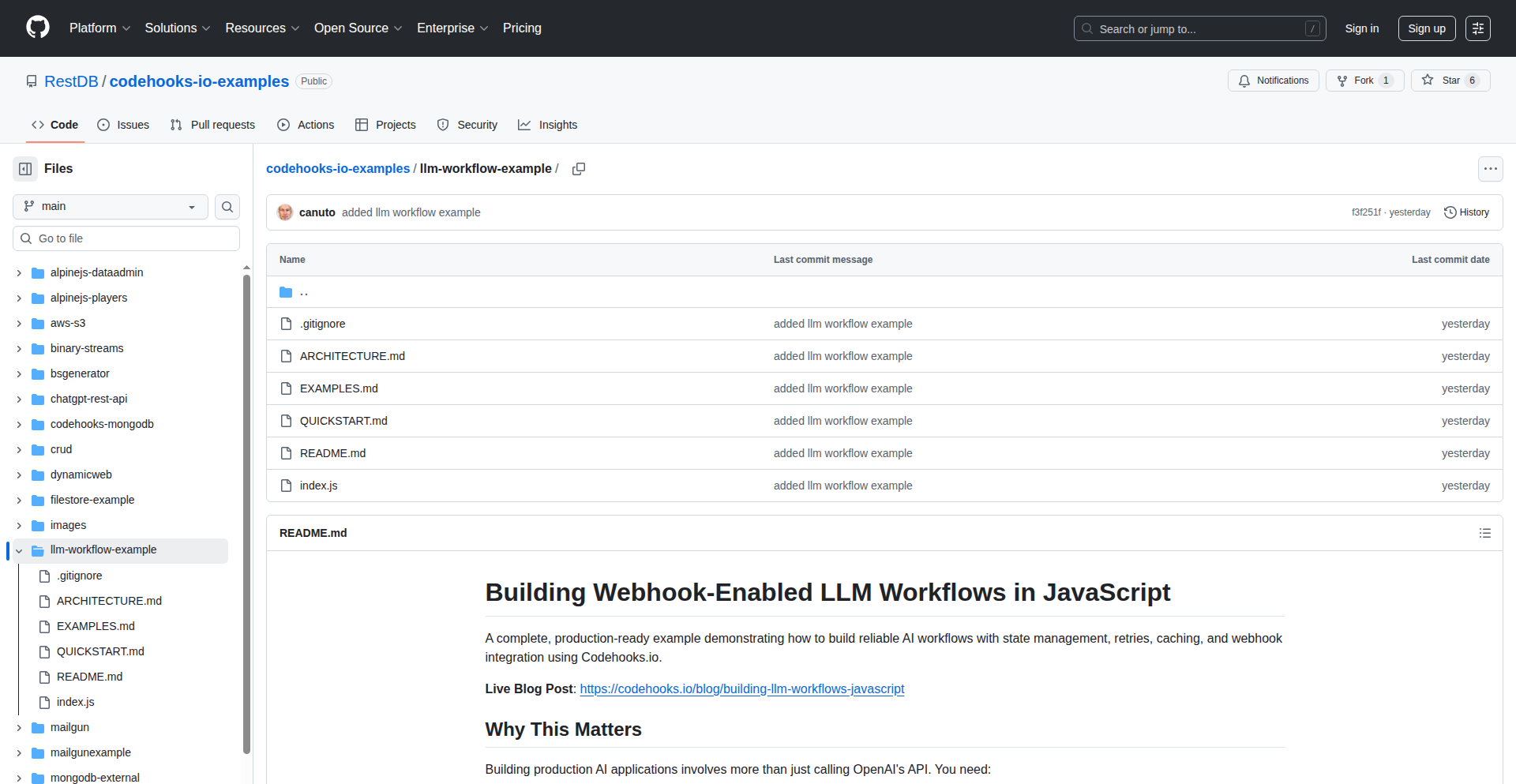
Author
bjabrboe1984
Description
A lightweight, JavaScript-native framework for building and running LLM workflows, leveraging code hooks for flexible integration and control. This project tackles the complexity of LLM interactions by providing a modular and extensible system that can be easily embedded in web applications without heavy server-side dependencies.
Popularity
Points 3
Comments 1
What is this product?
This project is a client-side framework for orchestrating Large Language Model (LLM) operations entirely within JavaScript. It breaks down complex LLM tasks into smaller, manageable steps that can be chained together. The core innovation lies in its use of 'code hooks,' which are essentially custom JavaScript functions that can be triggered at different points in the LLM workflow. This allows developers to inject custom logic, data manipulation, or even call external APIs before or after an LLM interacts with the user's input or generates output. This means you can build sophisticated LLM-powered features directly in the browser, making applications faster and more accessible.
How to use it?
Developers can integrate this framework into their existing JavaScript projects, particularly for web applications. You'd typically define your LLM workflow as a series of steps in a configuration object. Then, you'd attach specific JavaScript functions (the code hooks) to these steps. For example, a hook could preprocess user input to clean it before sending it to the LLM, or another hook could process the LLM's response to format it for display or trigger another action. This makes it incredibly versatile for adding AI capabilities to websites, interactive tools, or even simple browser extensions.
Product Core Function
· LLM Workflow Definition: Define a sequence of LLM calls and processing steps using a declarative JavaScript structure. This provides a clear roadmap for how your AI feature will operate, making complex AI logic easier to manage.
· Code Hook Integration: Inject custom JavaScript logic at various stages of the LLM workflow to modify data, call external services, or control flow. This is the 'magic sauce' that allows you to tailor the LLM's behavior precisely to your needs.
· Client-Side Execution: Run LLM workflows directly in the browser using JavaScript, reducing reliance on backend servers for simpler AI tasks. This leads to faster response times and lower infrastructure costs, making AI more practical for a wider range of applications.
· Modular Design: Easily extend and customize workflows by creating reusable components and hooks. This promotes code reuse and allows for rapid development of new AI-powered features.
· Lightweight Footprint: Designed to be minimal, ensuring it doesn't bloat your web application. This means your users experience fast loading times and a smooth user experience even when using advanced AI features.
Product Usage Case
· Building an interactive chatbot directly within a website's frontend, where user input is validated and formatted using hooks before being sent to an LLM, and the LLM's response is then parsed by another hook to display rich content. This solves the problem of creating engaging user experiences with AI without requiring complex backend infrastructure.
· Developing a content summarization tool where users can paste text, and a hook preprocesses the text (e.g., removing HTML tags) before sending it to an LLM for summarization. The summarized output is then further processed by a hook to highlight key phrases. This makes summarization readily available to users without page reloads.
· Creating a code generation assistant in a browser-based IDE. Hooks can be used to capture the current code context, send it to an LLM to generate new code snippets, and then insert these snippets back into the editor. This speeds up development by providing AI-assisted coding directly in the user's workflow.
24
HiringPulse AI

Author
TalO
Description
HiringPulse AI is a real-time dashboard that monitors job posting trends for over 1,000 public companies. It uses AI to generate insights into company performance based on hiring acceleration or deceleration, and cross-references this with stock performance to identify potential market signals before they become obvious. This offers valuable alternative data for investors and analysts looking for actionable insights into a company's future trajectory.
Popularity
Points 2
Comments 2
What is this product?
HiringPulse AI is a data analytics platform that transforms public company job posting data into actionable business intelligence. Instead of manually sifting through company reports, which is time-consuming and often lags behind actual business changes, HiringPulse AI automates the process. It leverages AI to analyze the volume and changes in job postings. For instance, a sudden surge in hiring might indicate a company is preparing for expansion or a new product launch, while a hiring freeze could signal financial difficulties or a strategic shift. The innovation lies in its ability to correlate this 'hiring momentum' directly with stock price movements, providing a unique perspective on how employment trends might be influencing or predicting financial performance. So, for you, this means getting ahead of market trends by understanding what a company's hiring activity reveals about its future business health.
How to use it?
Developers can integrate HiringPulse AI's data through its API to enrich their own financial analysis tools, trading algorithms, or investment dashboards. The platform provides normalized hiring activity data across industries and competitors, allowing for sophisticated comparative analysis. For example, a hedge fund could use the API to automatically feed real-time hiring trend data into their quantitative trading models, looking for discrepancies between hiring signals and stock price movements that suggest trading opportunities. An individual investor could embed this data into their personal portfolio tracker to get alerts when a company they're invested in shows significant changes in hiring that might impact its stock. The core idea is to programmatically access and utilize this alternative data to make more informed decisions. So, for you, this means having access to powerful, unique data to build smarter financial applications or to enhance your investment decision-making process.
Product Core Function
· Real-time hiring momentum tracking: This function continuously monitors job postings across a vast number of public companies, providing up-to-the-minute insights into their hiring activities. The value is in offering immediate awareness of a company's growth or contraction signals, allowing for rapid response in trading or investment strategies.
· AI-generated company insights: The platform uses artificial intelligence to interpret the hiring data, converting raw numbers into understandable narratives about company strategy and potential performance shifts. This saves users the effort of complex data interpretation, providing direct, actionable intelligence that can inform investment decisions.
· Alternative data benchmarking: HiringPulse AI normalizes hiring activity across industries and competitors, enabling users to benchmark a company's hiring trends against its peers. The value lies in providing context, allowing users to identify outliers and understand if hiring changes are industry-wide or company-specific, which is crucial for accurate competitive analysis.
· Hiring vs. stock performance correlation: This core feature directly compares a company's hiring trends with its stock performance, highlighting divergences that might signal future stock price movements. The value is in uncovering potential leading indicators for market shifts that traditional financial analysis might miss, offering a predictive edge.
Product Usage Case
· A quantitative hedge fund could use HiringPulse AI's API to identify companies exhibiting a significant slowdown in hiring (a potential hiring freeze) that is not yet reflected in their stock price. This could trigger an automated short-selling strategy, aiming to profit from the expected stock price decline. The problem solved is identifying undervalued or overvalued assets based on forward-looking employment data.
· An independent financial analyst could use the dashboard to monitor a specific sector, like renewable energy. They might notice that a particular company is aggressively increasing its hiring in R&D roles while its competitors are scaling back. This insight, combined with the stock performance comparison, could lead them to recommend investing in that company, believing its innovation will drive future growth. The problem solved is finding investment opportunities by spotting companies with strong internal growth indicators.
· A venture capital firm could employ HiringPulse AI to track the hiring momentum of privately held companies that are nearing IPO. By observing rapid hiring growth, they can assess the company's expansionary plans and potential market readiness. This helps in making more informed decisions about potential investments and exit strategies. The problem solved is gaining early insight into the operational health and growth trajectory of pre-IPO companies.
25
BTreePlus: Cache-Optimized .NET B+Tree Engine
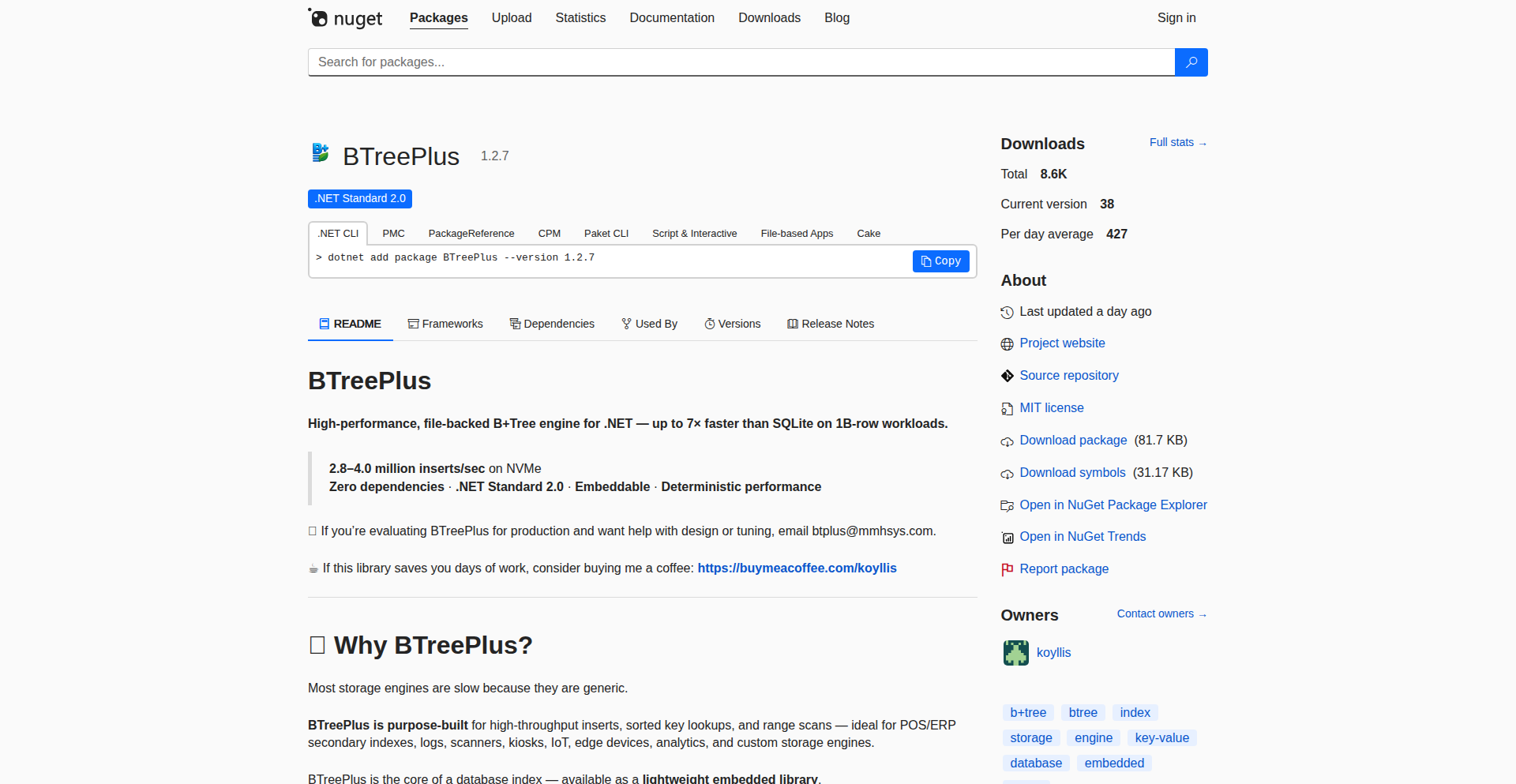
Author
staloriana
Description
BTreePlus is a specialized storage engine for .NET, built from the ground up as a B+Tree data structure. Its core innovation lies in its meticulous optimization for modern CPU caches, utilizing small, fixed-size data pages and a streamlined read/write path. This design allows it to outperform established databases like SQLite and PostgreSQL in specific key-value based workloads, such as single-key lookups, sequential insertions, and read-intensive operations that don't require complex SQL querying. So, what's in it for you? If you're developing .NET applications that deal with large amounts of data and need blazingly fast access for specific operations, BTreePlus offers a way to achieve significantly better performance without the overhead of a full-blown relational database.
Popularity
Points 4
Comments 0
What is this product?
BTreePlus is a high-performance, cache-optimized B+Tree storage engine designed for .NET applications. At its heart, it's a sophisticated way to organize and retrieve data on disk or in memory, similar to how a library organizes books on shelves for quick access. The 'B+Tree' is a type of data structure known for efficient searching, insertion, and deletion, especially for large datasets. The key innovation here is 'cache-optimization.' Modern CPUs have fast caches to hold frequently used data. BTreePlus is designed to make the most of these caches by using small, uniform data blocks (pages) and ensuring that the data accessed most often is likely to be in the cache. This minimizes the need to fetch data from slower main memory or disk, leading to dramatic speedups. Think of it as a hyper-efficient filing system designed to be lightning-fast for specific tasks. This means it can process certain types of data requests much faster than general-purpose databases. So, for developers, this offers a chance to accelerate performance-critical parts of their .NET applications.
How to use it?
Developers can integrate BTreePlus into their .NET projects by installing it via NuGet. Once installed, they can interact with the engine programmatically to store and retrieve data. The usage pattern typically involves creating an instance of the BTreePlus engine, defining the structure of the data it will hold (e.g., keys and values), and then performing operations like inserting new data points, retrieving specific data by its key, or iterating through data sequentially. It's designed for scenarios where developers need direct control over data storage and retrieval for performance-critical key-value operations. Imagine needing to quickly store and retrieve user session data, caching large lookup tables, or managing real-time inventory. BTreePlus can be a drop-in solution for these use cases, offering a performance boost directly within your .NET code. So, you can use it to build faster data handling components in your applications.
Product Core Function
· Cache-optimized B+Tree data structure: Implements a B+Tree optimized for CPU cache locality, reducing data retrieval times. This is valuable for applications needing rapid access to data, making them more responsive.
· Small, fixed-size page management: Efficiently handles data storage by using small, consistent data blocks, which improves cache hit rates and write performance. This helps in managing memory and disk usage effectively.
· Predictable read/write paths: Designed for straightforward and efficient data operations, minimizing unpredictable latency. This makes it easier to reason about and optimize application performance.
· Key-value storage: Primarily designed for efficient storage and retrieval of data based on unique keys, ideal for many common data management tasks. This is directly applicable to building fast lookup services or caching mechanisms.
· .NET integration via NuGet: Easily accessible for .NET developers to incorporate into their existing projects, lowering the barrier to entry for high-performance storage. This means you can quickly add advanced storage capabilities to your .NET applications.
Product Usage Case
· High-throughput single-key lookups: A .NET application needing to quickly find specific records based on a unique identifier, like looking up a user profile by their ID. BTreePlus would provide significantly faster retrieval than a general database, making the application feel snappier.
· Sequential inserts with small pages: A system that continuously logs events or transactions and needs to write them efficiently in order. BTreePlus's small page design optimizes these write operations, preventing bottlenecks and ensuring smooth data ingestion.
· Read-heavy scenarios without complex SQL: An e-commerce platform that frequently needs to fetch product details based on a product ID, without complex joins or queries. BTreePlus can serve these requests with very low latency, improving user experience and page load times.
· In-memory caching layer for .NET applications: Using BTreePlus to cache frequently accessed data that would otherwise require slow database queries. This drastically speeds up response times for repeated data requests, making the application feel much more performant.
26
Deft-Intruder
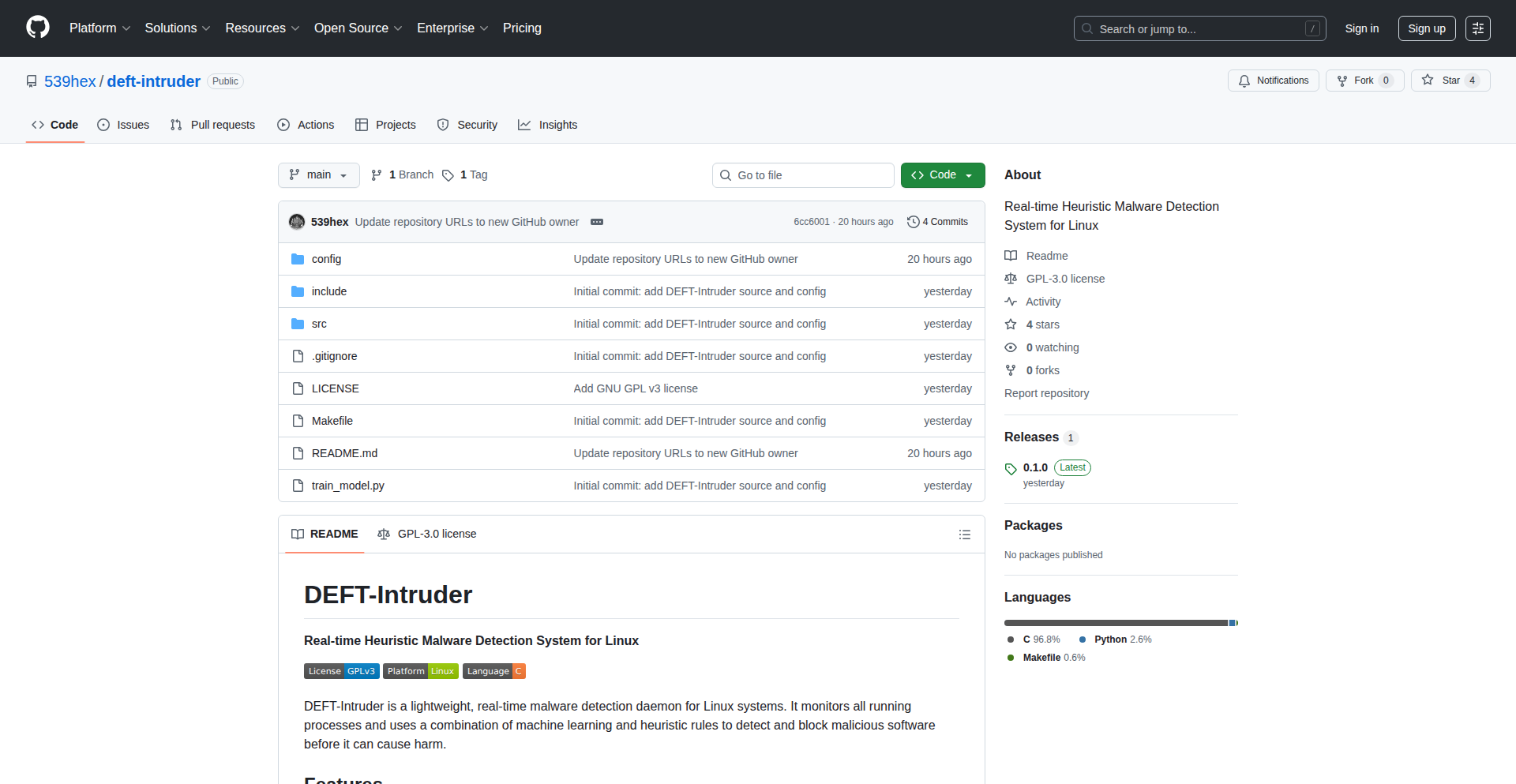
Author
539hex
Description
Deft-Intruder is a real-time malware detection daemon for Linux systems. It leverages a combination of machine learning and heuristic rules to identify and neutralize malicious processes. The innovation lies in its lightweight, dependency-free design, utilizing standard Linux interfaces (/proc) rather than requiring kernel modules or eBPF, making it compatible with a wide range of Linux versions and environments, from servers to containers and older distributions. This approach ensures broad applicability and minimal system overhead.
Popularity
Points 4
Comments 0
What is this product?
Deft-Intruder is a system security tool designed to find and stop malware running on your Linux computer. It works by constantly checking all the programs that are currently active. It uses a smart prediction model (machine learning, like teaching a computer to recognize patterns) trained on a large set of known malware samples, alongside a set of predefined rules (heuristics) that look for common signs of malicious activity. The clever part is that it doesn't need special, modern Linux kernel features like eBPF. Instead, it simply reads information from a standard Linux directory called /proc, making it work on almost any Linux system, even older ones. It's also very efficient, using very little memory and CPU power, and it can check programs extremely quickly. So, what's the benefit for you? It provides robust, real-time malware protection without slowing down your system or requiring complex setup.
How to use it?
Developers can deploy Deft-Intruder as a background service (daemon) on their Linux servers or workstations. It's designed for minimal configuration. Once installed, it runs automatically, continuously monitoring processes. For integration into existing security pipelines or custom monitoring solutions, developers can potentially read its logs or integrate its detection logic if the source code is further modularized. The key use case is to add a layer of proactive defense against unknown or emerging threats on any Linux environment where traditional, more resource-intensive or kernel-dependent solutions might not be feasible or desirable. So, how does this help you? You get a robust security guard for your Linux systems that works tirelessly in the background without you needing to constantly manage it, protecting your data and infrastructure.
Product Core Function
· Real-time Process Monitoring: Continuously scans all active processes by reading from /proc filesystem, ensuring no malicious activity goes unnoticed. This provides immediate threat detection, crucial for preventing damage before it occurs.
· Machine Learning-based Detection: Utilizes a Random Forest model trained on a large dataset to identify sophisticated malware based on learned patterns. This allows for the detection of novel threats that signature-based methods might miss.
· Heuristic Rule-based Detection: Implements specific rules to identify common malware behaviors like crypto miners, ransomware, and rootkits. This adds an extra layer of defense against known attack vectors, complementing the ML approach.
· Low Resource Footprint: Designed to consume minimal RAM (~20MB) and CPU (<1%), ensuring it doesn't impact system performance. This makes it ideal for resource-constrained environments like servers or containers.
· Sub-millisecond Scan Latency: Processes and analyzes each process very quickly, allowing for near-instantaneous detection and response. This rapid detection minimizes the window of opportunity for malware to operate.
· Zero Runtime Dependencies & Pure C Implementation: Built entirely in C with no external libraries required at runtime, ensuring maximum portability and stability across different Linux distributions and older kernels. This means it's easy to deploy and less prone to breaking.
Product Usage Case
· Securing production servers running older Linux distributions: A company running critical services on an unsupported Linux version can deploy Deft-Intruder to gain real-time malware protection without needing to upgrade their OS, mitigating security risks.
· Protecting containerized applications with limited resources: In a Docker or Kubernetes environment where resources are tightly managed, Deft-Intruder's low memory and CPU usage makes it an ideal candidate for scanning running containers for malicious processes without impacting application performance.
· Adding a lightweight security layer to embedded Linux systems: For IoT devices or specialized hardware running Linux, Deft-Intruder provides a crucial security function without demanding significant processing power or storage, crucial for devices with limited hardware capabilities.
· Proactive defense against zero-day exploits in a development environment: Developers can run Deft-Intruder on their workstations to get an early warning if any experimental code or downloaded tools exhibit malicious characteristics, preventing potential system compromise.
27
CodeCompass
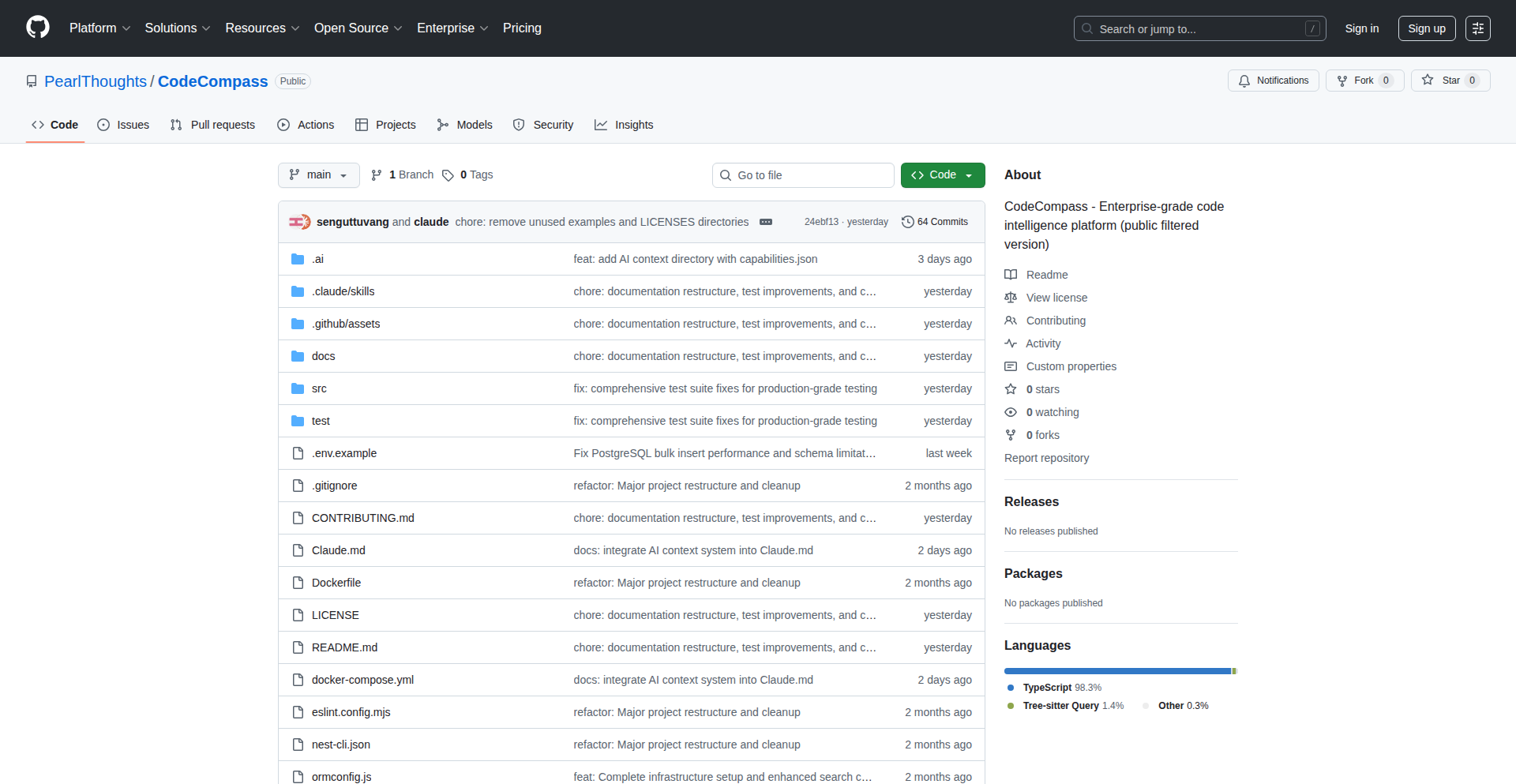
Author
seng
Description
CodeCompass is an open-source tool designed to demystify complex, legacy codebases that have become difficult to understand due to age, lack of documentation, or team turnover. It maps out system capabilities, traces logic across different code layers, and provides quick answers to how specific features work, even across hundreds of files. This empowers developers to grasp the intricacies of outdated systems, making them manageable and modernizable. For AI assistants, it offers persistent context, allowing them to understand the entire codebase rather than just isolated snippets.
Popularity
Points 4
Comments 0
What is this product?
CodeCompass is a program that acts like a detective for old, complicated software systems. Imagine inheriting a massive machine with no instruction manual and the original engineers are long gone. This tool reads through all the code, understands how different parts are supposed to work together, and can show you the entire journey of a specific action, even if it jumps between many different sections of the code. Its innovation lies in its ability to handle extremely large codebases, far beyond what typical AI coding assistants can manage due to their limited memory. It gives these AI assistants a much larger 'view' of the entire system, making their suggestions much more relevant and accurate. So, for you, it means finally understanding that tangled mess of code, making it easier to fix bugs or add new features without breaking everything.
How to use it?
Developers can integrate CodeCompass into their workflow to analyze existing legacy systems. Typically, you would run CodeCompass against your codebase. It then builds an internal map of how your code functions are connected and how data flows through the system. This map can then be queried to answer questions like 'How does the user authentication process work?' or 'Where is the code responsible for processing payments?'. The output can be used to generate documentation, identify areas for refactoring, or provide context to AI coding assistants for more informed code generation and debugging. Think of it as a super-powered 'find all references' feature that understands the logic, not just the text. This is useful when you need to understand a feature but don't know where to start looking, saving you hours of manual digging.
Product Core Function
· Codebase Mapping: Visualizes the structure and interconnectedness of code across an entire project, allowing developers to see the 'big picture' of how different components relate to each other. This is valuable for understanding the overall architecture and identifying potential dependencies.
· Logic Tracing: Follows the execution path of specific features or operations through multiple layers of code. This helps in understanding complex workflows and pinpointing the exact location of bugs or areas that need modification.
· Natural Language Querying: Allows developers to ask questions about the codebase in plain English, such as 'How is user data updated?'. The tool then provides concise answers by analyzing the code. This significantly speeds up the process of understanding unfamiliar code compared to manual code reading.
· AI Context Augmentation: Provides a persistent, comprehensive understanding of the codebase to AI coding assistants. This enables AI to offer more accurate and context-aware suggestions for code completion, debugging, and refactoring, as it has a deep grasp of the entire system's behavior.
· Legacy System Decoding: Specifically engineered to tackle the challenges of decade-old codebases with missing documentation and absent original developers. It reconstructs understanding for systems that would otherwise be deemed 'unmaintainable'.
Product Usage Case
· A team inherits a 10-year-old e-commerce platform with thousands of files and no recent documentation. They use CodeCompass to understand how a critical but poorly documented payment processing feature works. CodeCompass traces the logic through multiple layers, showing the team exactly which files handle transaction initiation, fraud checks, and confirmation, allowing them to safely implement a new payment gateway integration.
· A developer is tasked with fixing a rare bug in a large enterprise application. The bug intermittently causes data corruption, but the root cause is hidden deep within the system. By using CodeCompass to trace the data flow related to the affected records, the developer quickly identifies a subtle race condition in a rarely used background process, saving days of debugging.
· A startup wants to leverage AI to help refactor a large, monolithic Java application. They feed their entire codebase into CodeCompass, which then provides a comprehensive context to an AI assistant. The AI can now suggest refactoring strategies, like extracting microservices, with a much deeper understanding of the existing interdependencies, leading to more effective and less risky modernization efforts.
· A company is trying to migrate from a custom-built, legacy CRM system to a new platform. The original developers are no longer available, and the system's complexity makes manual reverse engineering infeasible. CodeCompass is used to generate a high-level understanding of how different CRM functionalities (like customer management, sales tracking, and reporting) are implemented, providing essential insights for planning the migration and ensuring data integrity.
28
EmailGuard CLI

Author
marcushyett
Description
An open-source command-line tool that verifies email addresses using a combination of format, DNS, and SMTP checks, with a special focus on detecting catch-all domains. It aims to provide a more cost-effective and reliable alternative to paid email verification services, addressing the issue of inaccurate verifications from existing SaaS providers.
Popularity
Points 4
Comments 0
What is this product?
EmailGuard CLI is a developer-focused utility designed to validate if an email address is likely to be deliverable. It operates by performing several checks. Firstly, it validates the basic format of the email address. Secondly, it queries the Domain Name System (DNS) to ensure the domain exists and has the necessary mail exchange (MX) records to receive emails. Finally, it attempts a rudimentary SMTP connection to the mail server to see if it accepts mail for that specific address. A key innovation is its ability to detect 'catch-all' domains, which are domains configured to accept emails for any address, thereby preventing false positives where a non-existent email might appear valid. So, this means you get a more accurate list of real email addresses without paying hefty fees for inaccurate services.
How to use it?
Developers can easily integrate EmailGuard CLI into their workflows or applications. The primary method of use is via an npm package. After installing the package, you can run the verification command directly from your terminal using `npx email-verifier-check check <email_address>`. This is ideal for quick checks during development, scripting batch verifications, or even integrating into CI/CD pipelines to ensure only valid email formats are processed. The project also offers its source code on GitHub, allowing for deeper integration or customization if needed. So, this allows developers to build more robust applications that handle user sign-ups or communication with greater confidence in email validity, saving time and money.
Product Core Function
· Email Format Validation: Checks if the email address adheres to standard syntax rules (e.g., has an '@' symbol, a valid domain part). Technical Value: Prevents processing fundamentally malformed email inputs early in the pipeline. Application Scenario: User registration forms, data import scripts to filter out obviously bad data.
· DNS MX Record Check: Verifies that the domain of the email address exists and is configured to receive emails by looking up its Mail Exchanger (MX) records. Technical Value: Ensures that the email is being sent to a domain that is set up for email communication, reducing bounces from non-existent domains. Application Scenario: Before sending marketing emails, validating sender addresses in an application.
· SMTP Connection & Verification: Attempts to establish a connection with the mail server and queries its ability to accept mail for the specific address. Technical Value: This is a more direct, albeit basic, test of deliverability, simulating a mail server's response without sending an actual email. Application Scenario: Real-time email verification during user onboarding to provide immediate feedback.
· Catch-all Domain Detection: Identifies domains that are configured to accept emails for any username, regardless of whether the specific address exists. Technical Value: Crucial for accurate verification, as it prevents falsely marking non-existent emails as valid on catch-all domains. Application Scenario: Cleaning up email lists for targeted campaigns, identifying potential bot sign-ups.
Product Usage Case
· Scenario: A startup is building a new web application and needs to collect user sign-ups. They want to avoid invalid email addresses that lead to wasted marketing efforts and high bounce rates. How it Solves the Problem: By integrating EmailGuard CLI into their sign-up flow, they can run a check on every entered email. If the format is wrong, or the domain doesn't exist, or the SMTP check fails, they can prompt the user to correct it immediately, ensuring a cleaner user database from the start.
· Scenario: A developer is working on a data migration project that involves a large list of customer emails. They need to clean this list before importing it into a new CRM system to ensure accurate communication. How it Solves the Problem: They can use EmailGuard CLI to script a batch verification process on the entire list. This helps identify and flag invalid or questionable email addresses, preventing the import of data that will inevitably lead to undelivered messages.
· Scenario: A developer is building an internal tool for a marketing team to manage email campaigns. They want to provide a simple interface for the team to quickly check if an email address is likely valid before adding it to a campaign list. How it Solves the Problem: EmailGuard CLI can be used as the backend engine for this tool. The marketing team can input an email address, and the tool, powered by EmailGuard, provides a quick validation status, saving them the cost and effort of using a commercial SaaS for every single check.
29
AlgoVoice: AI-Powered Mock Interviewer

Author
jarlen
Description
AlgoVoice is a novel tool that simulates technical interviews for L3-L4 roles, using voice interaction. It leverages advanced speech recognition and AI to provide realistic feedback, allowing developers to practice and improve their interview skills in a low-pressure environment. The core innovation lies in its ability to understand and respond to spoken technical questions and solutions, mimicking a real interview experience without human intervention.
Popularity
Points 3
Comments 1
What is this product?
AlgoVoice is a voice-driven platform designed to help aspiring and current software engineers prepare for technical interviews. It uses state-of-the-art speech-to-text technology to capture your spoken answers and sophisticated natural language processing (NLP) and AI models to evaluate your responses. The innovation is in its real-time, conversational feedback mechanism. Instead of just reading questions, it 'listens' to your explanations, assesses their technical accuracy and clarity, and can even ask follow-up questions. This creates a dynamic and adaptive interview simulation, unlike static practice platforms. So, what's in it for you? It provides a highly realistic and personalized way to hone your interview skills, understand your weak spots, and build confidence before the real deal.
How to use it?
Developers can use AlgoVoice by simply speaking into their microphone. The platform will present common L3-L4 technical interview questions, covering areas like data structures, algorithms, system design, and coding challenges. You respond verbally, explaining your thought process and solutions. AlgoVoice then analyzes your speech, providing immediate feedback on your clarity, correctness, and completeness. It can be integrated into a developer's personal study routine, acting as a readily available practice partner. Think of it as a personal AI coach for your career advancement. So, how does this benefit you? You get instant, actionable feedback anytime, anywhere, helping you identify areas for improvement and practice effectively without scheduling or coordinating with others.
Product Core Function
· Voice-based question delivery: Presents technical interview questions audibly, mimicking a human interviewer. The value is in providing an immersive auditory experience for practice.
· Speech-to-text transcription: Accurately converts spoken answers into text for analysis. This is crucial for capturing your responses faithfully.
· AI-powered response evaluation: Analyzes the technical content and clarity of your verbal answers. This provides intelligent feedback on your performance.
· Real-time feedback and suggestions: Offers immediate insights into your strengths and weaknesses, guiding your improvement. This helps you learn and adapt quickly.
· Simulated follow-up questions: Generates contextually relevant follow-up questions based on your answers, enhancing the realism of the interview. This pushes you to think deeper and elaborate effectively.
Product Usage Case
· A junior developer preparing for their first L3 software engineering role can use AlgoVoice to practice explaining complex algorithm solutions. They might struggle with articulating their approach clearly. AlgoVoice's feedback can highlight where their explanation lacks detail or is difficult to follow, allowing them to refine their communication skills. This solves the problem of not knowing how to effectively communicate technical concepts under pressure.
· An experienced engineer aiming for an L4 position can use AlgoVoice to simulate system design interviews. They can verbally outline their design choices and trade-offs. AlgoVoice can then prompt them with critical questions about scalability or fault tolerance, revealing gaps in their architectural thinking or communication of those trade-offs. This addresses the challenge of articulating complex system designs and anticipating potential interviewer concerns.
· A developer who gets nervous speaking in interviews can use AlgoVoice for repeated practice. By engaging in multiple mock interviews, they can build comfort and fluency with technical jargon and explanation styles. This helps overcome the anxiety of speaking in a high-stakes environment, making them more composed and effective during actual interviews.
30
AgentRunner Pro

Author
grace77
Description
Agent Runner Pro is an open-source, model-agnostic harness that allows developers to benchmark AI coding agents. It runs the same prompt on two different, anonymized agents in parallel, sandboxed environments. Each agent can make tool calls, modify multiple files, and self-correct its work. You then choose the better result, which helps create a ground truth for evaluating agent performance. This is crucial because traditional benchmarks don't capture the complexity of real-world coding agents that interact with multiple files and user feedback.
Popularity
Points 4
Comments 0
What is this product?
Agent Runner Pro is an experimental framework designed to test and compare different AI coding assistants, often called 'agents'. Imagine you have two different smart assistants that can write code. You give them the same task, and they both go to work in their own isolated digital 'sandbox' to prevent interference. They can use pre-defined 'tools' (like searching the web or accessing a database), change multiple code files, and even fix their own mistakes if they realize they've gone wrong. The core innovation is that it's model-agnostic, meaning it works with various AI providers (like OpenAI, Anthropic, Google), and it focuses on realistic coding tasks that involve iterative reasoning and multi-file changes, rather than just simple, single-output tests. So, it helps us understand which AI agent is truly better at complex coding tasks, by letting you decide.
How to use it?
Developers can use Agent Runner Pro in several ways. The easiest is through a command-line interface (CLI). After installing it via pip (e.g., `pip install agent-runner`), you can simply run a command like `agentrunner run 'create a nextjs replica of Discord'`. This will execute the prompt on two agents and present their results for your comparison. You can also integrate it into your development workflow or CI/CD pipelines to automate the evaluation of different coding agents for specific projects. The project also provides a web interface at designarena.ai/agentarena for a more interactive experience. The ability to run it as a CLI tool means it's easily scriptable for automated testing and comparison, helping you quickly find the best AI assistant for your specific coding needs.
Product Core Function
· Parallel Agent Execution: Runs two distinct AI coding agents simultaneously on the same prompt. This allows for direct comparison of agent capabilities side-by-side, helping you identify superior solutions more efficiently.
· Sandboxed Environments: Executes agents in isolated environments. This ensures that agent actions do not interfere with each other or your local system, providing a safe and controlled testing space for complex code generation and modification.
· Tool Call Integration: Supports agents making calls to external tools. This is vital for realistic coding scenarios where agents need to access information or perform actions beyond just generating text, showcasing their ability to interact with the broader development ecosystem.
· Multi-File Editing: Enables agents to modify multiple files within a project. This reflects real-world software development where changes often span across various parts of a codebase, providing a more accurate assessment of agent's practical coding skills.
· Self-Correction Mechanism: Allows agents to iterate and correct their own outputs. This highlights the agent's reasoning capabilities and its ability to refine its work based on intermediate steps or feedback, leading to more robust and accurate code.
· Model Agnosticism: Works with a wide range of AI coding models from different providers. This offers flexibility and allows developers to benchmark and choose the best-performing agent without being locked into a single vendor, fostering competition and innovation.
· User-Driven Benchmarking: Relies on user preference to determine the 'ground truth' for agent performance. This human-in-the-loop approach ensures that the benchmark reflects actual developer needs and preferences for code quality and functionality.
Product Usage Case
· Evaluating which LLM agent generates the most efficient and bug-free boilerplate code for a new web framework like Next.js. By running the same 'create a Next.js app' prompt on two agents, the developer can compare the generated project structure and code quality, and then use the better output as a starting point, saving significant setup time.
· Testing the ability of different AI assistants to refactor an existing codebase to improve performance or adhere to new coding standards. For instance, a developer could prompt Agent Runner to 'refactor this Python script for better memory efficiency' and choose the agent that produces more optimized and maintainable code.
· Assessing how well AI agents handle complex feature requests that involve multiple file changes, such as 'add user authentication with JWT to this existing Express.js API'. The developer can compare how each agent modifies models, routes, and middleware, and select the one that implements the feature most comprehensively and correctly.
· Benchmarking AI agents for their ability to debug and fix issues in a pre-existing project. A developer might provide a codebase with known bugs and ask agents to 'fix the rendering issue in the user profile page'. The chosen agent's solution becomes the validated fix, accelerating the debugging process.
· Comparing the effectiveness of different agents in responding to follow-up prompts or user clarifications during a coding session. For example, after an agent generates initial code, a developer might ask 'now integrate a Stripe payment gateway'. Agent Runner can show which agent better understands and incorporates the new requirements into the existing code.
31
Codeflow Weaver

Author
lluiscanadell
Description
Idealane is a platform that simplifies web development by abstracting away complex backend integrations. It automatically handles essential functionalities like user authentication (Supabase, Auth0) and aims to provide seamless email and payment processing. This empowers entrepreneurs and SMB owners to build applications without deep technical expertise, focusing on their business logic rather than infrastructure.
Popularity
Points 4
Comments 0
What is this product?
Codeflow Weaver is a low-code/no-code platform designed for non-technical users. Its core innovation lies in its automated integration of common backend services. Instead of developers manually setting up databases, authentication providers, or payment gateways, Idealane handles these behind the scenes. This is achieved through smart configuration and a focus on a user-friendly experience that hides most of the underlying code. The platform uses a credit-based pricing model, where one credit equals one prompt or action, making costs transparent and predictable. This approach democratizes app development, making it accessible to individuals who understand their business needs but lack programming skills.
How to use it?
Developers and entrepreneurs can use Codeflow Weaver by defining their application's requirements through a visual interface or conversational prompts. The platform then automatically generates the necessary backend infrastructure and user interface components. For example, to add user login, you simply enable the authentication feature, and Idealane integrates a secure system without requiring you to write any authentication code. Similarly, for features like sending emails or processing payments, you'll be able to enable them directly within the platform, with automated setups. This makes it ideal for quickly prototyping ideas, building internal tools, or launching MVPs for small businesses without needing to hire a dedicated development team.
Product Core Function
· Automated Authentication: Handles user sign-up, login, and management seamlessly, abstracting away the complexities of integrating services like Supabase or Auth0. This provides immediate value by allowing users to secure their applications without writing any authentication code.
· Intuitive UI Generation: Creates user interfaces based on user input and predefined templates, enabling non-technical users to design and deploy application frontends quickly. The value here is in rapid prototyping and the ability to visualize and interact with application ideas without coding.
· Integrated Backend Services: Offers built-in solutions for common backend tasks such as data storage and retrieval, with plans to integrate email and payment processing. This significantly reduces development time and effort by providing ready-to-use functionalities.
· Credit-Based Pricing: A transparent pricing model where each action or prompt costs one credit, making it easy to understand and manage expenses. This removes the ambiguity often found in other platform pricing, offering clear value for money.
· Focus on Business Logic: By abstracting technical complexities, the platform allows users to concentrate on defining and implementing their core business features and workflows. The value is in maximizing efficiency and focusing on what truly drives the business.
Product Usage Case
· A small business owner wants to create a customer portal for managing appointments. They can use Codeflow Weaver to quickly set up user accounts for their clients, a calendar interface for booking, and an automated email notification system for appointment confirmations. This solves the problem of needing a custom web application without the high cost and development time.
· An entrepreneur has an idea for a new SaaS product but lacks coding experience. They can use Codeflow Weaver to build a functional prototype, including user registration and a core feature set, within days. This allows them to validate their market idea and gather user feedback before investing heavily in traditional development.
· A marketing team needs an internal tool for managing campaign assets. They can use Codeflow Weaver to build a simple file upload and categorization system with role-based access control, all without requiring a developer. This solves the immediate need for a functional tool that improves workflow efficiency.
32
WorldClock Fusion

Author
thenodeshift
Description
WorldClock Fusion is a lightning-fast multi-timezone event planner. It tackles the common frustration of scheduling meetings or events across different global timezones by providing an intuitive and highly performant interface. The core innovation lies in its real-time rendering of global clock states and intelligent event slot suggestions, minimizing the mental overhead and potential for errors in international coordination.
Popularity
Points 3
Comments 1
What is this product?
This project is a web application designed to simplify scheduling across multiple timezones. Instead of manually calculating time differences, WorldClock Fusion presents a dynamic, real-time view of different cities' times. Its technical innovation stems from its efficient rendering engine, which can handle numerous timezone updates simultaneously without performance degradation. It uses a sophisticated algorithm to not only display current times but also to intelligently suggest optimal event slots that are convenient for most participants across various locations. This means it's not just a clock display; it's an active scheduling assistant.
How to use it?
Developers can integrate WorldClock Fusion into their applications or use it as a standalone tool. For standalone use, it's a simple web interface where users select cities and then see their current times side-by-side. For integration, it offers APIs that allow developers to embed its timezone calculation and event suggestion capabilities into their own platforms, such as project management tools, calendar applications, or team communication apps. This means your team's scheduling software could automatically suggest meeting times that work for everyone, regardless of their location.
Product Core Function
· Real-time Multi-timezone Display: Shows the current time for a selected list of global cities simultaneously. The value is in providing an immediate visual understanding of time differences, eliminating manual lookups and preventing scheduling mistakes. It's useful for anyone working with international teams or clients who need to know what time it is 'there' right now.
· Intelligent Event Slot Suggestion: Analyzes available time slots across all selected timezones to suggest optimal meeting times that minimize inconvenience for participants. The value is in automating the most tedious part of international scheduling, saving significant time and reducing the chance of scheduling conflicts. This is perfect for project managers who frequently coordinate global team syncs.
· Performance-Optimized Rendering: Built with a focus on speed and efficiency, ensuring smooth operation even with many timezones. The value is a user experience that doesn't lag or freeze, making complex scheduling tasks feel effortless. This means even with a dozen locations, the tool remains responsive and easy to use.
· Customizable City Selection: Allows users to choose any city worldwide to monitor. The value is in tailoring the tool to specific team or client locations, making it highly relevant and practical for any global operation. This ensures you're always tracking the times that matter to your specific business needs.
Product Usage Case
· A remote software development team with members in San Francisco, London, and Tokyo needs to schedule a daily stand-up meeting. WorldClock Fusion can be used to instantly see that a 9 AM PST meeting is 5 PM GMT and 1 AM JST, allowing them to find a compromise time like 1 PM PST (9 PM GMT, 5 AM JST the next day) that works better for the majority, solving the problem of finding overlap in drastically different workdays.
· A global sales team needs to schedule client calls across North America, Europe, and Australia. By using WorldClock Fusion, sales representatives can quickly identify when clients in Sydney are available during their business hours, without having to repeatedly check a clock and guess at time conversions, thereby increasing the efficiency of client engagement and reducing missed opportunities.
· An event planner organizing an international webinar needs to find a time that accommodates speakers and attendees from North and South America, India, and Southeast Asia. WorldClock Fusion can highlight common available slots across these diverse timezones, making the planning process significantly faster and more accurate, preventing issues like speakers being unavailable due to early morning or late-night calls.
33
Parm: GitHub Release CLI Manager

Author
houndz
Description
Parm is a command-line interface (CLI) tool that intelligently installs software directly from GitHub release assets. It automates the process of finding, downloading, extracting, and setting up executables from GitHub projects, mimicking the ease of system package managers. This innovative approach simplifies software acquisition for developers by leveraging common GitHub release patterns and the GitHub API, effectively managing the entire software lifecycle from installation to updates and uninstallation.
Popularity
Points 3
Comments 1
What is this product?
Parm is a developer-centric CLI tool designed to streamline the installation of pre-built software distributed via GitHub releases. It understands the common structures and naming conventions found in GitHub releases across various open-source projects. By using the GitHub API, Parm identifies the correct release asset for your specific operating system and architecture, downloads it, extracts the necessary files, locates the executable binaries, and seamlessly adds them to your system's PATH. This means you can run installed programs directly from any directory without manual configuration. It's not intended to replace your operating system's primary package manager, but rather to offer a convenient, centralized method for installing software directly from its source on GitHub.
How to use it?
Developers can install Parm by following the instructions on its GitHub repository. Once installed, it's used via simple commands in their terminal. For example, to install a piece of software named 'my-tool' from a GitHub repository 'owner/repo', a developer might run a command like `parm install owner/repo`. Parm will then handle the entire process. Developers can also use commands like `parm update my-tool`, `parm uninstall my-tool`, and `parm list` to manage their installed software. This integration is straightforward for any developer comfortable with using a terminal and Git.
Product Core Function
· Automated GitHub Release Asset Discovery: Parm intelligently identifies the correct pre-built binary for your OS and architecture from GitHub releases by recognizing common naming patterns. This saves developers from manually searching and downloading the right file.
· Seamless Installation and PATH Integration: After downloading and extracting, Parm automatically places the executable files in a location accessible via your system's PATH. This means you can run the installed software directly from the command line without needing to specify its full path.
· Software Lifecycle Management: Parm provides commands to check for updates, uninstall software easily, and list all software installed through it. This offers a centralized way to manage applications installed from GitHub, reducing clutter and confusion.
· GitHub API Utilization: Parm leverages the GitHub API to fetch release information and download assets. This ensures reliable access to the latest releases and is a robust technical approach for software distribution.
· Cross-Platform Support (Linux/macOS): Parm is designed to work on popular developer operating systems, making it a versatile tool for a wide range of users.
Product Usage Case
· Scenario: A developer needs to quickly try out a new experimental tool that is only distributed as a pre-compiled binary on GitHub. Instead of manually downloading, extracting, and adding it to their PATH, they can use Parm: `parm install experimental_author/experimental_tool`. This immediately makes the tool available in their terminal, allowing for rapid experimentation and feedback.
· Scenario: A project maintains multiple versions of its CLI tools on GitHub releases for different operating systems. A developer working on macOS needs to install a specific version of this CLI. Parm can automate this by finding the correct macOS release asset: `parm install project_owner/cli_tool --version v1.2.3`. This ensures the correct binary is downloaded and configured without manual intervention.
· Scenario: A developer has installed several tools using Parm and wants to ensure they are up-to-date. They can run `parm update --all` to check and install updates for all software managed by Parm, ensuring they are using the latest stable versions without having to individually visit each project's GitHub page.
34
Container-Make CLI
Author
DEVINHE111
Description
Container-Make (cm) is a command-line interface (CLI) tool that allows developers to run commands within Docker containers defined by a devcontainer.json configuration, eliminating the need for VS Code and solving common issues like file permissions and signal handling.
Popularity
Points 3
Comments 0
What is this product?
Container-Make (cm) is a tool written in Go that interprets your standard devcontainer.json file. Normally, devcontainers are tightly integrated with VS Code, forcing you to use that IDE. cm breaks this dependency by acting like a command runner, similar to 'make', but it executes all your commands inside a fresh, ephemeral Docker container based on your devcontainer.json. The innovation lies in how it dynamically creates users inside the container to match your host system's file ownership, solving the frustrating 'root-owned files' problem on Linux. It also ensures interactive tools and signals work smoothly, providing a seamless command-line experience. So, this gives you the power of containerized development environments without being locked into a specific IDE.
How to use it?
Developers can integrate Container-Make into their workflow by first defining their development environment using the standard devcontainer.json file. Then, instead of opening the project in VS Code, they can use the 'cm' command in their terminal to execute build, test, or any other development commands. For example, instead of 'make build' on the host, they might run 'cm build' which will execute the 'build' command inside the container. This allows for consistent development environments across different machines and simplifies setup. So, this allows you to easily run your project's commands within a standardized, isolated environment from your preferred terminal.
Product Core Function
· Runs commands within defined devcontainers: Executes any command (like build, test, lint) inside a container specified by devcontainer.json, providing consistent execution environments. This is valuable because it ensures your code behaves the same way regardless of your local machine's setup, reducing 'it works on my machine' problems.
· Solves Linux file permission issues: Dynamically creates a user inside the container that matches the host user's ID and group, ensuring that files created or modified by the container have the correct ownership. This is crucial for developers working on Linux, as it prevents frustrating permission errors when mounting host directories into containers.
· Seamless terminal and signal handling: Captures and forwards terminal signals (like Ctrl+C) and runs interactive tools (like vim or htop) correctly within the container. This makes command-line development inside containers feel natural and responsive, similar to running directly on the host.
· Leverages Docker BuildKit caching: Utilizes Docker's BuildKit for optimized image building and caching, leading to faster build times. This saves developers time by avoiding redundant work during development cycles.
· Supports key devcontainer.json features: Includes support for defining the container image, using a custom Dockerfile, forwarding ports, running post-creation commands, and setting environment variables. This means you can configure your development environment comprehensively using familiar devcontainer.json syntax, making it easy to define complex setups.
· Single source of truth for development environment: Uses devcontainer.json as the sole configuration for both VS Code and CLI development, reducing duplication and maintenance overhead. This is beneficial because it simplifies project setup and ensures consistency between different development workflows.
Product Usage Case
· Running a complex build process that requires specific dependencies: A developer has a project with many build steps and dependencies that are difficult to manage locally. They define these in devcontainer.json and then use `cm build` to execute the entire build process reliably within a clean container, ensuring reproducibility and avoiding local dependency conflicts. So, this allows you to run intricate build tasks without polluting your local system or worrying about missing dependencies.
· Developing a web application and needing to access its API from the host: A developer is building a backend API inside a container and wants to access it from their host machine's browser. They configure `forwardPorts` in devcontainer.json and then run their API with `cm start`. The forwarded port makes the API accessible on localhost, enabling easy testing. So, this simplifies accessing services running inside your containers from your local machine.
· Collaborating on a project where team members use different operating systems: A team is working on a project, and members use macOS, Windows, and Linux. By using Container-Make with a shared devcontainer.json, everyone can run the project's commands identically within their defined container environment, eliminating OS-specific issues and ensuring consistent results. So, this ensures everyone on your team has the exact same development environment, regardless of their operating system.
· Debugging issues related to file permissions in mounted volumes: A developer encounters errors where files created by their container are owned by root on their Linux host. By using Container-Make, the dynamic user matching feature automatically resolves this, allowing them to read, write, and modify files in the mounted volume without permission barriers. So, this removes the common frustration of file ownership issues when working with containers and host file systems.
35
Colonet: Serverless Anonymous Forum

Author
mvphauto
Description
Colonet is an anonymous forum built entirely on serverless technologies, eliminating the need for user sign-ups. It leverages Cloudflare Workers and D1, a serverless database, along with Hono for routing and React with Tailwind CSS for the frontend. The innovation lies in achieving a full-stack, real-time anonymous forum experience with minimal infrastructure overhead and enhanced privacy.
Popularity
Points 3
Comments 0
What is this product?
Colonet is a decentralized and anonymous forum platform. It uses Cloudflare Workers, which are like mini-programs that run on Cloudflare's global network, making the forum extremely fast and available worldwide. The data is stored in Cloudflare D1, a serverless SQL database that scales automatically. Hono is a lightweight web framework that handles incoming requests efficiently. The frontend is built with React, a popular JavaScript library for creating user interfaces, styled using Tailwind CSS and daisyUI for a clean look. The core technical innovation is enabling a no-signup, anonymous forum experience without managing traditional servers or databases, which enhances user privacy and reduces operational complexity.
How to use it?
Developers can use Colonet as a foundation or a reference architecture for building privacy-focused, serverless applications. The project can be forked and deployed to Cloudflare. Developers can integrate it into existing projects by utilizing its backend API endpoints or adapt its frontend components. The entire stack is designed to be highly scalable and cost-effective. For a quick start, one could deploy the Cloudflare Workers directly and connect to the D1 database. This offers a ready-to-go anonymous forum for communities or projects that value user privacy above all else.
Product Core Function
· Anonymous Posting: Allows users to post messages without registration, ensuring privacy and freedom of expression. The technical value is in abstracting user identity management, relying on the inherent anonymity of the platform.
· Real-time Updates: Posts and replies appear instantly without manual refreshes, enhancing user engagement. This is achieved through efficient backend processing and frontend rendering on the serverless infrastructure.
· Serverless Architecture: Built entirely on Cloudflare Workers and D1, providing high availability, global distribution, and automatic scaling with minimal infrastructure management. The value is in extreme cost-efficiency and operational simplicity.
· Decentralized Data Storage: Utilizes Cloudflare D1, a serverless SQL database, for data persistence. This offers a scalable and reliable way to store forum content without managing traditional database servers.
Product Usage Case
· Building a temporary, event-specific anonymous Q&A forum for a conference or online event, allowing attendees to ask questions without revealing their identity and getting immediate answers. This solves the problem of requiring registration for temporary interactions.
· Creating a community feedback platform for open-source projects where users can report bugs or suggest features anonymously, encouraging more candid and honest feedback. This addresses the hesitation users might have when providing critical feedback.
· Developing a decentralized anonymous chat room for sensitive discussions or brainstorming sessions where complete privacy is paramount. This provides a secure and accessible space for private conversations.
· Using Colonet as a starter kit for developing other no-signup, privacy-first web applications that require basic forum-like functionalities, demonstrating the power of a lean, serverless full-stack approach.
36
TabMasterIDE

Author
novoreorx
Description
TabMasterIDE is a visionary project that reimagines terminal tab management. Frustrated with the typical tab overload in iTerm2, the developer has prototyped an idealized user interface that aims to provide a clear, high-level overview of ongoing tasks, making it easier to navigate and manage multiple terminal sessions.
Popularity
Points 3
Comments 0
What is this product?
TabMasterIDE is a conceptual user interface design and prototype for terminal tab management. It addresses the common problem of losing track of tasks when dealing with numerous terminal tabs. The core innovation lies in a proposed UI that offers a more structured and visual way to organize and understand what each tab represents and its current status. Think of it as a dashboard for your terminal activities, instead of just a long, undifferentiated list of tabs.
How to use it?
This project is primarily a design and concept demonstration. Developers can use it as inspiration for building new terminal emulators or plugins. The envisioned UI can be integrated into existing terminals like iTerm2 or other alternatives by developing custom extensions or by influencing the future direction of these tools. The goal is to provide a mental model for better tab organization that developers can then seek to implement.
Product Core Function
· Visual Tab Organization: The core function is a revamped visual layout for terminal tabs that goes beyond a simple list. This allows developers to quickly grasp the context of each session at a glance, reducing mental overhead when switching between tasks.
· Task-Centric Overview: Instead of just showing the command running, the UI aims to display a summary or status of the task associated with each tab. This helps developers immediately identify what's important and prioritize their work.
· Intuitive Navigation: The design proposes more intuitive ways to switch between and group related tabs. This translates to faster workflow and fewer accidental closures or mistakes.
· Customizable Workspace View: The concept allows for a more customizable display of terminal sessions, enabling developers to tailor their workspace to their specific needs and project requirements.
Product Usage Case
· Remote Development Workflow: Imagine a developer working on multiple remote servers for a single project. TabMasterIDE's visual overview could clearly distinguish tabs for staging, production, database connections, and development environments, preventing confusion and errors.
· CI/CD Pipeline Monitoring: When monitoring a continuous integration and continuous deployment pipeline from the terminal, each tab might represent a build or deployment stage. This project's approach would offer a clear, organized view of each stage's status, allowing for quicker identification of issues.
· Complex Debugging Sessions: During intricate debugging scenarios that involve multiple terminal windows for logs, application instances, and debugging tools, TabMasterIDE would provide a structured way to manage these, making it easier to correlate information and resolve problems efficiently.
37
PassVault Offline Sentinel
Author
jksalcedo
Description
PassVault is a privacy-focused, offline Android password manager. It securely stores your login credentials directly on your device, eliminating the need for internet access and ensuring your data never leaves your hands. Its innovative use of Android Keystore for encryption and Argon2Kt for file-level security makes it a robust solution for safeguarding sensitive information.
Popularity
Points 2
Comments 1
What is this product?
PassVault Offline Sentinel is a mobile application designed to keep your passwords and sensitive login details safe and sound, all without sending them over the internet. It's like a digital vault for your online life, built right into your Android phone. The core innovation lies in its commitment to local-only storage and strong encryption. Instead of relying on cloud servers that could be hacked, it uses your phone's built-in secure hardware (Android Keystore) to protect your data. For an extra layer of security, it employs Argon2Kt, a powerful password-hashing algorithm, to encrypt your password database. This means even if someone got their hands on your device's files, they wouldn't be able to read your passwords without the master key. So, why is this useful? It gives you peace of mind knowing your most important digital keys are protected by cutting-edge security, completely under your control.
How to use it?
Developers can integrate PassVault Offline Sentinel into their Android applications to offer secure credential management features without the overhead and security risks of cloud-based solutions. This is particularly useful for applications that handle sensitive user data and require a high degree of privacy. For instance, you could use it to store API keys, user tokens, or any sensitive configuration data that shouldn't be exposed online. The project provides APIs for adding, retrieving, updating, and deleting password entries, as well as generating secure passwords on the fly. Data can be securely imported from or exported to other popular password managers like KeePass and Bitwarden, making migration seamless. This means you can build applications that are inherently more secure and trustworthy by leveraging PassVault's robust local encryption and authentication mechanisms.
Product Core Function
· Secure PIN Authentication: Implements a robust PIN-based system to unlock the password vault, ensuring that only authorized users can access their credentials. This is useful for quick and secure access without the need for complex passwords to unlock the app itself.
· Biometric (Fingerprint) Login: Leverages Android's biometric capabilities for fast and secure access to your vault. This offers a convenient alternative to PIN entry, enhancing user experience while maintaining high security standards. So, you can unlock your vault with your fingerprint, which is both fast and secure.
· Encrypted Database (AES-256): Utilizes the widely-accepted AES-256 encryption algorithm to secure the entire password database. This ensures that even if the database file is compromised, the data within remains unreadable. This is critical for protecting your stored usernames and passwords from unauthorized access.
· Argon2Kt for file encryption: Employs Argon2Kt, a modern and highly secure password hashing algorithm, to encrypt the actual database files. This provides a strong defense against brute-force attacks and rainbow table exploits, making it extremely difficult for attackers to crack your master password. This means your vault is protected by a very strong encryption method.
· Add, View, Edit, & Delete Passwords: Provides the fundamental CRUD (Create, Read, Update, Delete) operations for managing individual password entries. This allows users to easily add new credentials, review existing ones, make changes, and remove outdated information. This is the basic functionality you need to manage your passwords efficiently.
· In-app Password Generator: Includes a built-in tool to generate strong, random passwords. This helps users create unique and complex passwords for different accounts, significantly improving their overall online security posture. This feature helps you create strong, unique passwords for all your accounts, making them harder to guess.
· Encrypted Import/Export (for backups and transfer): Allows for secure backup and transfer of password data in an encrypted format. This ensures that your data remains protected even when it's being moved between devices or stored as a backup. This is crucial for safeguarding your data during backups or when migrating to a new device.
· Encrypted Automatic Backups: Automatically creates encrypted backups of your vault data, providing a safety net in case of data loss or device failure. These backups are also secured to prevent unauthorized access. This ensures you don't lose your passwords in case something happens to your phone.
· Import from KeePass (using kotpass)/Bitwarden: Facilitates easy migration of existing password data from other popular password managers like KeePass and Bitwarden. This simplifies the process of switching to PassVault without losing your valuable credentials. This makes it easy to switch to PassVault from other password managers you might be using.
Product Usage Case
· A developer building a sensitive data management app for Android needs to store user authentication tokens securely. Instead of implementing complex encryption from scratch, they can integrate PassVault's SDK to leverage its robust AES-256 encryption and Android Keystore for local storage. This drastically reduces development time and ensures high security without needing an internet connection for credential management.
· A freelance journalist who handles confidential source information needs a highly secure way to store passwords and notes on their Android device, offline. PassVault's commitment to zero internet permissions and strong local encryption provides the perfect solution. They can use the fingerprint login for quick access and the encrypted export feature to create secure backups of their vault, ensuring their sensitive data remains protected even if their device is lost or stolen.
· An independent game developer working on an Android game that requires users to store in-game currency or account credentials locally. By using PassVault, they can offer a secure, built-in password management solution for their game's authentication system. This adds a layer of trust for players and avoids the security risks associated with storing sensitive game data in plain text or less secure methods.
38
ChimeraDB: Unified LLM Data Fabric
Author
machinewriter
Description
ChimeraDB is an innovative solution designed to simplify data management for Large Language Model (LLM) applications. It ingeniously merges three distinct data types – vector embeddings for semantic search, property graphs for relationship analysis, and SQL for structured data querying – into a single, compact DuckDB file. This eliminates the need for developers to manage multiple databases, streamlining development and accelerating performance for complex AI workloads.
Popularity
Points 3
Comments 0
What is this product?
ChimeraDB is a unified database that combines vector search, graph traversal, and SQL analytics within a single, lightweight DuckDB file. It's built using extensions like vss (for vector search) and duckpgq (for graph queries) on top of DuckDB. This means you can perform semantic searches to find information based on meaning, navigate complex relationships between data points (like a social network or project dependencies), and run traditional analytical queries, all within one database. The innovation lies in integrating these capabilities seamlessly, reducing the complexity of setting up and managing separate specialized databases for LLM apps. So, instead of juggling three different tools, you have one powerful, easy-to-use data store. This makes building sophisticated AI applications much faster and more efficient.
How to use it?
Developers can easily integrate ChimeraDB into their projects by installing it via pip: `pip install chimeradb`. Once installed, you can initialize ChimeraDB with a simple Python command: `kg = KnowledgeGraph('my.db')`. You can then immediately leverage its core functionalities. For example, to find information semantically, you'd use `kg.search('your query')`. To explore relationships, you'd use `kg.traverse('node_name', direction='incoming')`. For structured data analysis, you can use standard SQL: `kg.query('SELECT ...')`. This makes it incredibly versatile for various LLM use cases, from advanced Retrieval Augmented Generation (RAG) systems that need contextual understanding, to AI agents that require dynamic reasoning and data access, all while benefiting from the speed and portability of a single file database.
Product Core Function
· Vector Semantic Search: Enables finding information based on the meaning and context of a query, not just keywords. This is crucial for LLM applications to understand user intent and retrieve relevant documents or data for tasks like RAG, offering more accurate and context-aware results.
· Property Graph Traversal: Allows navigation and exploration of complex relationships between data entities. This is invaluable for AI agents that need to understand connections, dependencies, or hierarchies within data, enabling more intelligent decision-making and complex reasoning.
· SQL Analytics: Provides the power of traditional SQL for structured data querying and aggregation. This enables developers to perform sophisticated data analysis, generate reports, and extract insights from their data alongside vector and graph data, offering a comprehensive view for any application.
· Unified Data Storage: Combines vector, graph, and SQL data into a single file. This drastically simplifies data management, reduces infrastructure overhead, and accelerates development by eliminating the need to integrate and manage multiple disparate database systems.
· Zero Infrastructure Deployment: Runs as a single file, making it incredibly portable and easy to deploy. This means you can run it anywhere without complex server setups, which is perfect for rapid prototyping, local development, or applications where deployment simplicity is key.
Product Usage Case
· Building a RAG system: A developer needs to implement a question-answering system that retrieves information from a large document corpus. ChimeraDB can store document embeddings for semantic search, relationships between concepts within documents for contextual understanding, and structured metadata for filtering. This allows for highly relevant and context-aware answers, improving user experience.
· Developing an AI agent: An AI agent needs to perform tasks that involve understanding relationships and making decisions based on available data. For instance, an agent managing project tasks could use ChimeraDB to store task dependencies (graph), project status (SQL), and natural language descriptions of tasks (vectors). The agent can then navigate these relationships and query the data to intelligently plan and execute actions.
· Analyzing customer behavior: A business wants to understand customer interactions. ChimeraDB can store customer profiles (SQL), product relationships (graph), and customer feedback (vectors). Developers can then query this data to identify patterns, understand sentiment, and discover how different products influence customer journeys, leading to better business strategies.
· Creating a knowledge base for LLMs: A developer wants to build a rich knowledge base for an LLM application. ChimeraDB allows for storing facts, their connections, and their natural language descriptions all in one place. This enables the LLM to access and reason over a highly structured and semantically rich knowledge graph, enhancing its understanding and response generation capabilities.
39
Comment Sentiment Analyzer for Dev Tools

Author
13pixels
Description
This project analyzes 5,000 comments to quantify the sentiment gap between Jira and Linear. It leverages natural language processing (NLP) techniques to extract and measure user opinions, providing data-driven insights into developer tool preferences. The core innovation lies in using sentiment analysis to objectively gauge community perception, moving beyond anecdotal evidence. This helps understand why certain tools resonate more with developers, informing product development and marketing strategies.
Popularity
Points 2
Comments 1
What is this product?
This project is a demonstration of applying Natural Language Processing (NLP) and sentiment analysis to a specific dataset of user comments about development tools (Jira vs. Linear). It works by processing text data, identifying keywords and phrases related to sentiment (positive, negative, neutral), and then aggregating these scores to create a quantitative measure of overall sentiment for each tool. The innovative aspect is using this objective, data-driven approach to understand community perception, which is often subjective and hard to quantify. This helps answer the question: 'What do developers *really* think about these tools, and why?'
How to use it?
Developers can use this project as a blueprint for analyzing sentiment in their own user feedback. It's about understanding how your users feel about your product or similar products in the market. You can adapt the NLP techniques (like tokenization, stop word removal, and lexicon-based or machine learning-based sentiment scoring) to analyze forum discussions, support tickets, social media mentions, or survey responses related to your own software. This helps identify areas of satisfaction and pain points, guiding improvements and feature prioritization. The value is in proactively understanding user sentiment to build better products.
Product Core Function
· Comment Data Ingestion: Ability to load and process raw comment data, such as from online forums or social media. This allows for the analysis of large volumes of text to understand broad trends. The value is in handling scale and breadth of feedback.
· Sentiment Analysis Engine: Utilizes NLP algorithms to score the emotional tone of each comment (positive, negative, neutral). This provides a quantifiable measure of user satisfaction or dissatisfaction. The value is in turning subjective opinions into objective data.
· Sentiment Gap Quantification: Calculates and visualizes the difference in sentiment between competing products or features. This highlights relative strengths and weaknesses from a user's perspective. The value is in identifying competitive advantages or disadvantages.
· Keyword and Topic Extraction: Identifies key terms and themes frequently mentioned in comments, correlating them with sentiment. This helps pinpoint specific reasons for positive or negative feedback. The value is in understanding the 'why' behind the sentiment.
· Reporting and Visualization: Generates summaries and charts to present the analyzed sentiment data in an easily digestible format. This makes complex findings accessible to stakeholders. The value is in clear communication of insights.
Product Usage Case
· A SaaS company can use this approach to analyze user reviews on G2 Crowd and Capterra to understand why their product has a higher churn rate compared to a competitor. By analyzing common negative keywords associated with their product and positive keywords for the competitor, they can identify specific feature gaps or user experience issues to address. This helps them prioritize roadmap items that will directly impact user retention.
· A product manager can use this to analyze discussions on developer forums about a new API they've released. If sentiment analysis reveals a significant portion of negative feedback is related to 'documentation clarity' or 'error handling,' the team can immediately allocate resources to improve these aspects, preventing further user frustration and adoption roadblocks. This provides a direct pathway to improving developer experience.
· A marketing team can analyze social media sentiment around different feature launches to understand which messaging resonates best with their target audience. If a particular feature launch is met with overwhelmingly positive sentiment and mentions of 'ease of use,' marketing can amplify this message in future campaigns. This helps refine marketing strategies for maximum impact.
40
ReceiptScan & Splitter

Author
truetotosse
Description
A client-side only receipt scanner and bill splitter that uses local OCR for receipt processing. It addresses the pain point of complex bill splitting without requiring app downloads or compromising user privacy, as all data remains within the user's browser.
Popularity
Points 2
Comments 1
What is this product?
This project is a web application that allows users to split bills among multiple people directly in their browser. Its core innovation lies in its use of local Optical Character Recognition (OCR) technology. This means that when you scan a receipt (by uploading an image), the text extraction and processing happen entirely on your computer, not on a remote server. This ensures your sensitive bill information never leaves your device, offering a high level of privacy. The complexity it handles is the ability to assign different items on a receipt to different payers, going beyond simple equal splitting.
How to use it?
Developers can use this project as a reference implementation for client-side OCR and intelligent data extraction. It can be integrated into existing web applications that require receipt processing or bill splitting functionalities. For example, a travel booking site might use this to help users split shared expenses, or a restaurant review platform could leverage it for user-submitted bill breakdowns. The primary use case for an end-user is to upload a photo of a bill, tag which items each person is responsible for, and get an instant breakdown of who owes what. This is useful for group dinners, shared living expenses, or any situation where costs need to be divided.
Product Core Function
· Client-side OCR for Receipt Scanning: Processes receipt images directly in the browser, extracting text without sending data to a server. This ensures privacy and allows for offline processing of scanned data.
· Complex Bill Splitting Logic: Enables assigning individual items or groups of items on a receipt to specific individuals, handling scenarios with multiple payers and varied item ownership.
· Privacy-Focused Design: Operates entirely within the user's browser, meaning no personal data, no login, no ads, and no cookies are used or stored. This provides a secure and anonymous experience for users.
· Web-Based Accessibility: Accessible through any modern web browser without the need to download a dedicated mobile application, offering convenience and broad reach.
Product Usage Case
· Scenario: A group of friends goes out for a meal and wants to split the bill. Problem: The bill has many items, and each person only wants to pay for what they consumed. Solution: The web app scans the receipt, and each friend can then select the items they ordered, and the app automatically calculates each person's share, avoiding manual calculation and disputes.
· Scenario: Shared household expenses. Problem: Roommates need to divide utility bills or grocery costs fairly. Solution: Upload a photo of the utility bill or grocery receipt, assign specific charges (like a particular internet plan or shared groceries) to individuals, and the app generates a clear breakdown of who owes whom, simplifying expense management.
· Scenario: Collaborative trip planning. Problem: Travelers incur shared costs for accommodation, transportation, or activities. Solution: Use the tool to scan receipts for shared expenses, assign costs to specific travelers, and easily track who is owed money, streamlining group travel finances and reducing the need for complex spreadsheets.
41
FairCode Insights
Author
KylieM
Description
A Google Sheets-based tool that offers a more accurate and nuanced analysis of GitHub contributions than standard line counts. It intelligently filters out noise like boilerplate code and merge commits, and weights different types of work, providing a fairer evaluation of developer effort and impact. So, this is useful for you because it helps understand the true value of contributions, not just the quantity of code added.
Popularity
Points 2
Comments 1
What is this product?
FairCode Insights is a free, open-source tool that runs entirely within Google Sheets, designed to overcome the limitations of GitHub's default analytics. Standard GitHub metrics often treat all lines of code equally and can be easily manipulated, leading to misleading conclusions about a developer's impact. FairCode Insights addresses this by employing smart algorithms to filter out irrelevant code (like imports and starter code), ignore non-contributory merge commits, and exclude minor changes that could artificially inflate scores. It also tracks net changes, ensuring that repetitive edits don't skew results. The innovation lies in its ability to differentiate and value different types of contributions (e.g., features, bug fixes, testing), offering a more granular and fair assessment of individual and team efforts. So, this is useful for you because it provides a transparent and objective way to measure development work, moving beyond superficial metrics.
How to use it?
Developers can use FairCode Insights by accessing it directly within Google Sheets, requiring no installation. The tool leverages your GitHub username to pull and process your contribution data. It automatically applies sophisticated filtering and weighting logic to provide a detailed breakdown of your work, such as the percentage of contributions allocated to feature development, bug fixing, or testing. You can then use these insights for personal reflection, team performance evaluation, or to present a more accurate picture of your contributions in academic or professional settings. So, this is useful for you because it's an accessible and easy-to-integrate solution for gaining deeper insights into development activity without complex setups.
Product Core Function
· Automatic exclusion of boilerplate and starter code: This technical implementation avoids inflating contribution metrics with non-essential code, providing a clearer view of actual development work. It's valuable for you by focusing on meaningful code changes.
· Skipping merge commits: By ignoring merge commits, the tool ensures that credit is given for substantive work rather than just combining code from different branches. This is valuable to you because it prevents the artificial inflation of contribution counts.
· Minimum line thresholds: This feature prevents gaming the system by making very small, trivial changes repeatedly. It's valuable to you by promoting genuine and substantial contributions.
· Net change tracking: This function ensures that repeated edits to the same lines of code don't artificially increase a contribution score. It's valuable to you by reflecting the overall impact and evolution of code, not just the volume of edits.
· GitHub username integration: This ensures accurate and unique tracking of contributions tied to specific developers. This is valuable to you by guaranteeing the integrity and individuality of your contribution analysis.
Product Usage Case
· In a computer science course setting, instructors can use FairCode Insights to grade student projects more fairly, differentiating between students who contribute significantly to core features versus those who primarily add documentation or minor fixes. This helps solve the problem of subjective grading and ensures students are recognized for their actual development effort. So, this is useful for you because it leads to more equitable academic evaluations.
· For open-source project maintainers, the tool can provide team analytics that go beyond simple commit counts. It helps in identifying key contributors across different types of tasks, fostering a more inclusive recognition of diverse skills within the community. This solves the problem of overlooking valuable contributions that don't manifest as large code additions. So, this is useful for you because it helps build stronger and more appreciative developer communities.
· When evaluating team performance, managers can use FairCode Insights to understand the composition of work being done, such as the balance between new feature development and bug resolution. This can inform resource allocation and identify areas where a team might be over- or under-invested. This solves the problem of having a superficial understanding of team productivity. So, this is useful for you because it enables data-driven decision-making for team management and strategy.
42
Finite Information General Relativity Deriver

Author
loning
Description
This project explores a novel approach to deriving General Relativity, a cornerstone of modern physics, by starting from the principle of finite information. It's an open-source endeavor aiming to build a computational framework that can systematically derive complex physical theories, showcasing how fundamental physics might emerge from information-theoretic underpinnings. The core innovation lies in treating information as the fundamental building block, then deducing physical laws from it.
Popularity
Points 2
Comments 1
What is this product?
This project is a computational framework that attempts to derive the equations of General Relativity, the theory describing gravity, by starting with the idea that information is finite. Instead of the usual approach of observing phenomena and then formulating theories, this project works backward from information principles. The innovation is in using information theory as a foundation to reconstruct a highly complex physical theory, treating it as a computational problem. This is valuable because it offers a potentially new perspective on how physical laws arise and how we can use computation to explore theoretical physics.
How to use it?
For developers, this project offers a blueprint and potentially code for building computational models that explore theoretical physics. It can be used as a starting point for developing algorithms that derive physical laws from more fundamental principles. Developers could integrate this approach into symbolic computation engines or create simulations that test these information-theoretic derivations against known physics. It's particularly useful for those interested in theoretical computer science, computational physics, or exploring the intersection of information and reality.
Product Core Function
· Information Principle Integration: Implements algorithms to represent physical concepts as information structures, allowing for their manipulation and derivation. This is valuable for creating a computational model of theoretical physics.
· Derivation Engine: Develops a system that can systematically derive physical equations, such as Einstein's field equations, from information-theoretic postulates. This is valuable for automating theoretical discovery and exploring new physical theories.
· Open-Source Framework: Provides a shareable and extensible codebase for the community to build upon and contribute to. This fosters collaboration and accelerates research in this novel area.
· Theoretical Exploration Tool: Enables researchers to test hypotheses about the origin of physical laws from information. This is valuable for pushing the boundaries of our understanding of the universe.
Product Usage Case
· A physicist could use this framework to computationally explore alternative derivations of General Relativity, potentially uncovering new mathematical structures or insights. This solves the problem of limited human capacity to explore all possible theoretical pathways.
· A computer scientist specializing in formal methods could apply this project's principles to develop algorithms for deriving other complex scientific theories, demonstrating the broad applicability of information-centric derivation.
· A student interested in the philosophical underpinnings of physics could use this project to gain a hands-on understanding of how fundamental theories might be constructed from basic principles, illustrating abstract concepts through code.
· A researcher in quantum gravity could leverage this approach to search for connections between information theory and quantum mechanics, addressing the challenge of unifying these two pillars of modern physics.
43
CascadeCanvas

Author
jchiu1234
Description
CascadeCanvas is a novel coding and design tool that leverages AI agents like Claude Code to help you rapidly explore and iterate on your design ideas. It offers a unified canvas for visualizing all your design previews and changes side-by-side, allowing for parallel testing of multiple concepts. Its innovation lies in enabling granular, element or component-level context selection for the AI agent to understand and modify directly, streamlining the design and coding workflow.
Popularity
Points 3
Comments 0
What is this product?
CascadeCanvas is a platform that bridges the gap between design and development through AI-powered iteration. At its core, it allows designers and developers to feed their design elements or components to an AI agent, which can then understand and modify them based on provided instructions. The key innovation is the ability to provide specific, focused context to the AI (e.g., 'change the button color here' or 'adjust the spacing of this card'). This is different from broad prompts because it allows for precise control and faster, more predictable results. Imagine having a coding assistant that can directly manipulate parts of your UI based on your design input, all visualized on a single screen for easy comparison.
How to use it?
Developers can integrate CascadeCanvas into their workflow by defining design components or elements within the tool. They then select these specific parts of the design and provide instructions to the AI agent. For example, a developer might upload a UI component and ask the AI to generate variations in different color schemes or to adapt its layout for a mobile view. The tool then displays these AI-generated code and design iterations side-by-side with the original, allowing for quick visual assessment and selection of the best options. This can be used for rapid prototyping, A/B testing design variations, or even generating boilerplate code for common UI patterns.
Product Core Function
· Side-by-side visualization of design iterations: This allows developers to compare multiple versions of a design or code snippet simultaneously, helping them quickly identify the most effective approach. The value is in accelerated decision-making and reduced confusion from scattered design files.
· Parallel testing of multiple design ideas: Instead of developing one idea at a time, developers can explore several concepts concurrently. This speeds up the experimentation phase and increases the chances of finding an optimal solution. The value is in faster innovation and a broader exploration of possibilities.
· Element/component-level context selection for AI agents: This is a game-changer. Developers can pinpoint exactly which part of the design the AI should focus on. This leads to more accurate and targeted AI modifications, reducing the need for extensive manual correction. The value is in precise AI control and more efficient AI-assisted development.
· AI-powered code and design generation: The tool uses AI agents to generate variations of design elements or even code. This can significantly reduce the time spent on repetitive tasks and help overcome creative blocks. The value is in boosted productivity and creative augmentation.
Product Usage Case
· A front-end developer needs to create several button styles for a new feature. Instead of manually coding each one, they can feed a base button component into CascadeCanvas and ask the AI to generate variations with different colors, border-radii, and hover effects. The tool displays these instantly, allowing the developer to pick the best one and integrate it into the project. This solves the problem of time-consuming manual styling.
· A UI/UX designer wants to test how a specific card component looks with different amounts of text and images. They can use CascadeCanvas to present the component to the AI and request adaptations for various content densities. The generated previews help the designer understand user experience implications under different scenarios without extensive manual resizing and layout adjustments. This solves the challenge of realistically simulating various content scenarios.
· A team is debating between two different navigation bar layouts. Using CascadeCanvas, they can provide both layouts to the AI and ask it to suggest improvements or generate hybrid versions. The side-by-side comparison and AI-driven suggestions help the team reach a consensus faster. This addresses the difficulty in collaborative decision-making on design choices.
44
JustBlogged: Edge-Deployed Blogging Platform

Author
usamaejaz
Description
JustBlogged is a friction-free blogging platform designed for developers and creators. It tackles the common frustrations of setting up and maintaining a personal blog by offering a rapid 2-minute setup, built-in custom domains with free SSL, and lightning-fast performance delivered via Cloudflare Workers. Its core innovation lies in leveraging edge computing for scalability and speed, alongside a developer-friendly REST API for programmatic content creation. So, why is this useful? It means you can focus on writing and sharing your ideas, not wrestling with server configurations or expensive hosting, and still get a professional, performant blog instantly.
Popularity
Points 3
Comments 0
What is this product?
JustBlogged is a blogging platform that simplifies the process of creating and publishing content online. At its technical heart, it utilizes Cloudflare Workers, a serverless compute platform that runs code directly at the network's edge, close to users. This means your blog's content is served from many locations around the world simultaneously, resulting in incredibly fast load times (under 1 second). It also includes automatic image optimization and a globally distributed CDN for enhanced performance. The innovation is in taking this powerful, scalable edge technology and packaging it into an incredibly easy-to-use blogging tool, eliminating the need for traditional server management. So, what's the benefit for you? You get a super-fast, always-on blog without any technical hassle, making your content accessible to a global audience quickly and reliably.
How to use it?
Developers can get started with JustBlogged in just 2 minutes. The setup involves connecting a custom domain (which can be managed within the platform) and choosing a theme. For content creation, you can use the provided distraction-free writing interface, or leverage the REST API for programmatic posting. This API allows you to push new blog posts directly from your scripts, CI/CD pipelines, or other applications. Imagine automating your technical tutorials or project updates directly to your blog. This integration makes it seamless for developers to maintain a technical presence and share their work. So, how does this help you? You can easily integrate your blogging workflow with your development processes, ensuring consistent updates and a professional online portfolio.
Product Core Function
· 2-minute setup: Enables immediate blog creation without complex configuration, providing instant online presence.
· Custom domain & free SSL: Allows for a personalized brand identity and secure connections without additional costs or setup steps.
· Fast by default (<1s loads): Leverages edge computing for rapid content delivery, improving user experience and SEO.
· Usable free tier: Offers a cost-effective entry point for individuals and small projects, making blogging accessible.
· REST API for programmatic posting: Enables automated content updates and integrations with other tools, streamlining content workflows.
· Fully customizable themes: Provides flexibility in design to match personal or brand aesthetics, enhancing visual appeal.
· Distraction-free writing experience: Focuses on content creation with a clean interface, boosting productivity.
Product Usage Case
· A software engineer wanting to share weekly technical insights or project updates can use the REST API to automatically post commit messages or build logs as blog entries, saving time and ensuring consistent content.
· A freelance developer looking to build a professional portfolio can quickly set up a custom-domain blog within minutes, showcasing their projects and expertise with custom themes without worrying about hosting or server maintenance.
· A content creator launching a new personal brand can use the free tier and free SSL to establish an online presence immediately, focusing on writing engaging articles without the upfront cost or technical burden of traditional blogging platforms.
45
Kodaii Backend Forge
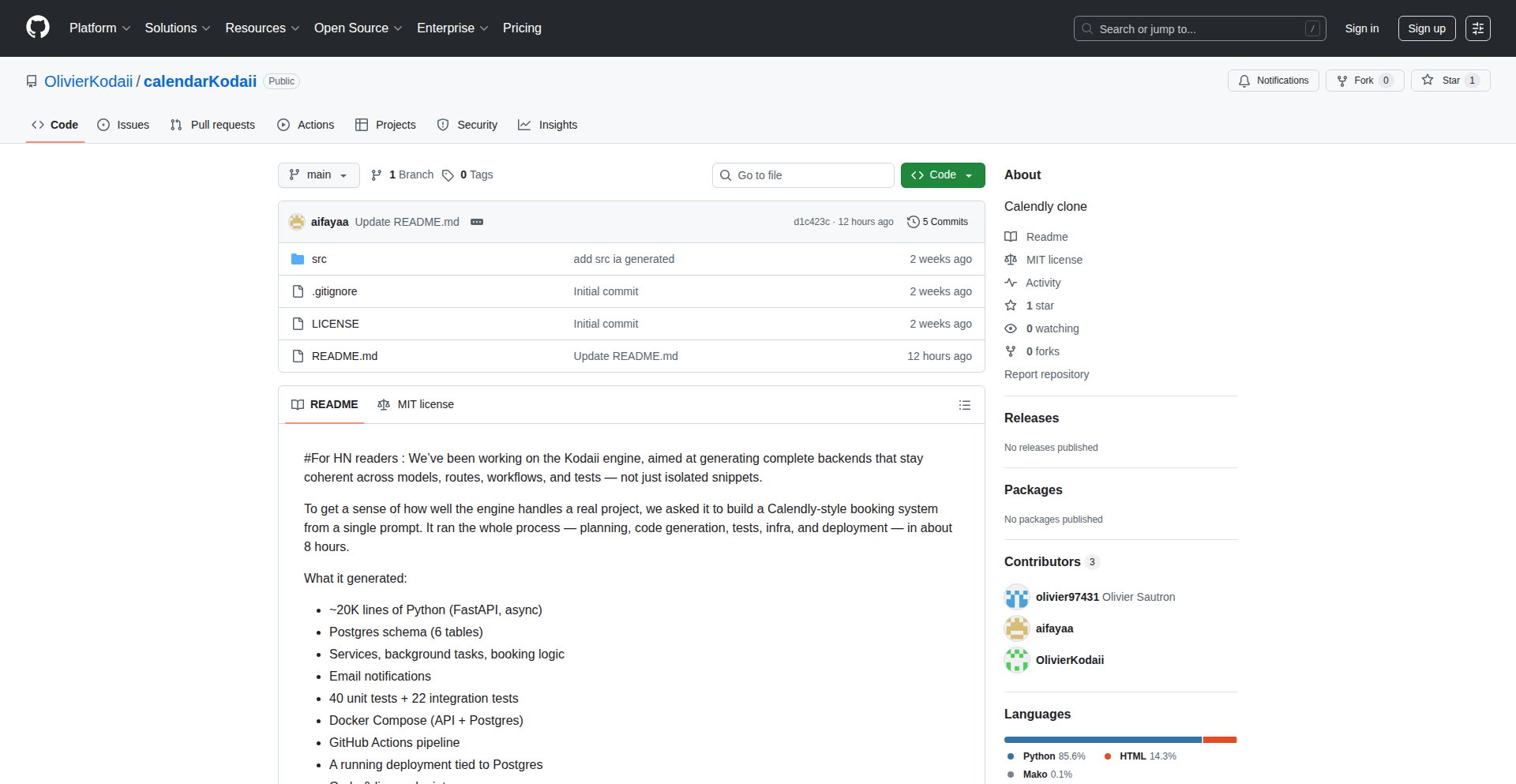
Author
vigile
Description
Kodaii Backend Forge is an AI-powered engine that generates complete, coherent backends from a single prompt. Unlike tools that produce isolated code snippets, Kodaii builds an entire application, including API endpoints, databases, background tasks, testing, and deployment configurations, ensuring consistency across all components. This tackles the complexity of backend development by automating the entire lifecycle, providing developers with a fully functional, production-ready foundation.
Popularity
Points 2
Comments 1
What is this product?
Kodaii Backend Forge is a sophisticated AI system designed to automate the creation of robust backend applications. Instead of asking developers to write individual pieces of code for different parts of a system, you provide a high-level description (a prompt), and Kodaii intelligently plans, designs, and generates the entire backend architecture. This includes the core logic, data storage (like a PostgreSQL database), background processes, email notifications, comprehensive testing suites (unit and integration), and even deployment configurations using Docker and GitHub Actions. The innovation lies in its ability to maintain consistency and coherence across all generated elements, from the database schema to the API endpoints and automated tests, resulting in a complete and integrated backend system, rather than fragmented code.
How to use it?
Developers can leverage Kodaii Backend Forge by providing a clear, descriptive prompt outlining the desired functionality of their backend. For example, a prompt could be 'Generate a booking system similar to Calendly.' Kodaii then takes this prompt and orchestrates the entire development process. The generated output is a complete codebase, typically in Python using the FastAPI framework, along with database schemas, testing files, and deployment scripts. This can be directly used as a starting point for a new project, integrated into existing workflows by examining and adapting the generated code, or used as a learning tool to understand how a complete backend can be architected. The project is open-source, allowing developers to inspect the code, contribute, or deploy it themselves.
Product Core Function
· Automated Backend Generation: This core function uses AI to translate a single prompt into a fully functional backend application, saving significant manual coding effort and time, so you can focus on unique business logic rather than boilerplate code.
· End-to-End System Coherence: Ensures all generated components, from database schemas to API logic and tests, work harmoniously. This addresses a common challenge in development where different parts of a system can become inconsistent, leading to bugs and maintenance overhead. For you, this means a more stable and reliable application from the start.
· Comprehensive Test Suite Generation: Automatically creates unit and integration tests alongside the application code. This is crucial for ensuring code quality and preventing regressions. For you, this means confidence in your application's correctness and easier future updates.
· Infrastructure as Code Generation: Produces Docker configurations and CI/CD pipelines (e.g., GitHub Actions) for seamless deployment and automation. This simplifies the often-complex process of setting up and deploying applications, allowing for faster iteration and deployment cycles.
· Database Schema and Logic Generation: Designs and implements appropriate database schemas (e.g., PostgreSQL) and the corresponding backend logic to interact with it. This provides a solid data foundation for your application, handling data storage and retrieval efficiently.
Product Usage Case
· Building a complex booking system like Calendly from a single prompt, which typically involves intricate scheduling logic, user management, and notification systems. This demonstrates Kodaii's ability to handle substantial feature sets and complex workflows, providing a complete, ready-to-deploy solution. For you, this means a significant reduction in the time and expertise needed to build sophisticated applications.
· Rapid prototyping of new backend ideas. Instead of spending weeks or months on initial development, a developer can use Kodaii to generate a working proof-of-concept in hours, allowing for quicker validation of business ideas and market fit. This helps you de-risk new ventures and iterate faster.
· Generating boilerplate code for common backend patterns (e.g., CRUD APIs, authentication flows). This frees up developers from repetitive tasks, allowing them to concentrate on more challenging and innovative aspects of their projects. For you, this means more time for creative problem-solving and delivering unique value.
· As a learning tool for aspiring backend developers. By inspecting the generated codebase, developers can gain insights into best practices for backend architecture, API design, database management, and testing in a real-world context. This provides a practical, hands-on learning experience.
46
Praval Agentic AI Mesh

Author
aiexplorations
Description
Praval is a lightweight, experimental AI framework designed for building multi-agent systems. It emphasizes native agent-to-agent communication and provides integrations for memory (Chroma DB) and messaging (Reef, with RabbitMQ support). It aims to offer observability through OpenTelemetry compatibility and currently supports OpenAI LLMs, with plans for broader model integration.
Popularity
Points 3
Comments 0
What is this product?
Praval is a foundational toolkit for developers to construct intelligent systems composed of multiple cooperating AI agents. Think of it like building a team of specialized AI workers, each with its own role. Its core innovation lies in how these agents can seamlessly communicate and collaborate. It uses a system called 'Reef' for messaging, which acts like a reliable post office for agents to send and receive information. For memory, it integrates with Chroma DB, allowing agents to 'remember' past interactions or data, much like a human recalling information. This enables more complex and context-aware AI behaviors. So, what's the value? It drastically simplifies the creation of sophisticated AI applications that go beyond a single AI responding to a prompt, enabling more dynamic and intelligent automation.
How to use it?
Developers can integrate Praval into their Python projects by installing it via PyPI. They can then define custom AI agents, imbue them with memory capabilities by configuring Chroma DB, and establish communication channels using the Reef subsystem. For example, one agent could be tasked with gathering data, passing it to another agent for analysis, which then communicates its findings back to a user-facing agent. This can be used to build advanced chatbots, automated research tools, or complex workflow orchestrators. Its modular design allows for flexible integration into existing or new applications, providing a powerful backend for AI-driven features.
Product Core Function
· Agent-to-Agent Communication: Enables direct and structured communication between different AI agents, facilitating collaborative tasks and complex workflows. The value is in creating intelligent systems where agents can work together efficiently.
· Native Memory Integration (Chroma DB): Allows agents to store and retrieve information, giving them a sense of continuity and learning. This is valuable for building AI that remembers context and improves over time.
· Reef Communication Sub-system: Provides a robust messaging layer for agent communication, with native support for RabbitMQ. This ensures reliable data exchange between agents, crucial for complex distributed AI systems.
· Observability Features (OpenTelemetry): Aims to provide insights into agent behavior and system performance through standardized tracing. This is valuable for debugging, monitoring, and understanding how your AI system operates in real-time.
· LLM Support (OpenAI, Anthropic, Cohere, etc.): Integrates with various Large Language Models, allowing developers to leverage different AI 'brains' for their agents. This offers flexibility and the ability to choose the best model for specific tasks.
Product Usage Case
· Automated Research Assistant: Imagine feeding research papers into Praval. One agent could index the papers, another could answer specific questions about them, and a third could summarize key findings. This saves researchers significant time and effort in sifting through vast amounts of information.
· Complex Chatbot Orchestration: Instead of a single chatbot, Praval can power a system where different agents handle different aspects of a conversation – one for understanding intent, another for retrieving information, and a third for crafting a nuanced response. This leads to more natural and helpful user interactions.
· Data Analysis Pipelines: Agents can be set up to ingest data from various sources, perform transformations, run analytical models, and then report findings. This automates data processing and insights generation, making it accessible to a wider audience.
47
AdaptiveRunner

Author
garydevenay
Description
AdaptiveRunner is a running coach that dynamically adjusts training plans based on individual performance data. It addresses the common challenge of generic training plans by offering personalized adjustments, making training more effective and reducing the risk of overtraining or undertraining. This innovative approach leverages real-time performance metrics to create a truly responsive coaching experience.
Popularity
Points 1
Comments 2
What is this product?
AdaptiveRunner is a smart running coach that acts like a personal trainer for your runs. Instead of following a rigid, one-size-fits-all plan, it analyzes your actual running performance – like your pace, heart rate, and even how you feel after a run – and then intelligently modifies your future training sessions. The core innovation lies in its adaptive algorithm that learns from your data. Think of it as a coach who watches you run, understands your strengths and weaknesses on any given day, and tells you exactly what to do next to get better, safely. So, what's in it for you? It means your training is always optimized for your current fitness level, leading to faster progress and a lower chance of getting injured.
How to use it?
Developers can integrate AdaptiveRunner into their fitness applications or wearable devices. The system typically works by receiving performance data (e.g., from GPS trackers, heart rate monitors, or user input after a run) through an API. AdaptiveRunner then processes this data using its machine learning models to generate personalized recommendations for the next training session, such as adjusting distance, intensity, or rest periods. These recommendations can then be sent back to the application or device to guide the user. For example, if a runner consistently exceeds their target pace on easy runs, the system might suggest longer distances or slightly higher intensity on future workouts. So, what's in it for you? It allows you to build smarter, more personalized fitness features into your own products, providing a significant competitive edge and user value.
Product Core Function
· Performance Data Ingestion: Processes various running metrics like pace, distance, heart rate, and subjective feedback to understand user performance. The value is in creating a comprehensive picture of the runner's current state, which is the foundation for any smart adaptation. This is useful for any application that collects running data.
· Adaptive Training Plan Generation: Dynamically modifies training schedules based on ingested performance data, offering personalized workout adjustments. The value is in moving beyond static plans to a truly individualized training experience, maximizing efficiency and minimizing risk. This is crucial for fitness apps aiming for high user engagement.
· Real-time Feedback Loop: Continuously learns from new performance data to refine future training recommendations. The value is in ensuring the training plan remains relevant and effective as the runner progresses, preventing plateaus and promoting continuous improvement. This means users always get the best advice.
· Overtraining/Undertraining Detection: Identifies patterns in performance data that suggest the user is pushing too hard or not enough, and adjusts the plan accordingly. The value is in injury prevention and ensuring optimal training load, which is a primary concern for any serious runner. This keeps users healthy and motivated.
Product Usage Case
· A marathon training app could use AdaptiveRunner to adjust weekly mileage and interval intensity based on how well a runner performs during their long runs and speed workouts. If a runner struggles with a particular speed session, the system can recommend more recovery or a less intense version next time, preventing burnout and improving endurance. This solves the problem of runners hitting a wall due to poorly adapted plans.
· A wearable device company could integrate AdaptiveRunner to provide live coaching adjustments during a run. If the device detects the runner is significantly slower than their target pace for an easy run, AdaptiveRunner could suggest increasing their effort slightly to meet the intended training stimulus. This provides immediate, actionable guidance to the user.
· A virtual running platform could leverage AdaptiveRunner to tailor the difficulty of virtual races or challenges. Based on a user's recent performance, the system can recommend appropriate challenges that are neither too easy nor too hard, ensuring an engaging and rewarding experience. This helps keep users motivated and coming back for more.
48
InsightForge
Author
mathgladiator
Description
InsightForge is a novel application that deciphers and visualizes complex datasets, revealing underlying patterns and relationships that are often hidden. It tackles the challenge of extracting actionable intelligence from raw data by employing advanced statistical analysis and interactive visualization techniques, making data-driven insights accessible to a broader audience.
Popularity
Points 3
Comments 0
What is this product?
InsightForge is a tool designed to make sense of complicated data. At its core, it uses statistical algorithms to find trends and connections within a dataset that might not be obvious at first glance. The innovation lies in how it presents these findings: instead of just numbers, it creates interactive charts and graphs that allow users to explore the data themselves. This means you don't need to be a data scientist to understand what the data is telling you, offering a powerful way to gain understanding from raw information.
How to use it?
Developers can integrate InsightForge into their workflows by feeding it structured data files (like CSV or JSON). The application then processes this data and provides an API or a web interface to access the generated insights and visualizations. This can be used in various development scenarios, such as building custom analytics dashboards, enhancing reporting tools, or enabling dynamic data exploration within existing applications. Its primary value is in quickly distilling complex data into understandable formats.
Product Core Function
· Automated Pattern Detection: The system automatically identifies significant patterns and correlations within the input data. This is valuable because it saves significant manual effort in data exploration, allowing developers to quickly surface important trends they might have missed.
· Interactive Data Visualization: InsightForge generates dynamic and explorable visualizations (e.g., scatter plots, heatmaps, network graphs). This is useful for developers building user-facing applications where end-users need to interact with data and understand it intuitively, providing a more engaging and informative experience.
· Insight Summarization: The tool provides concise summaries of key findings derived from the data analysis. This is beneficial for developers who need to quickly grasp the main takeaways from a dataset without diving deep into raw figures, making presentations and reports more efficient.
· Customizable Analysis Parameters: Users can adjust certain parameters of the analytical models to tailor the insights to specific needs. This offers flexibility and control, enabling developers to focus the analysis on aspects most relevant to their project's goals.
Product Usage Case
· Building a personalized recommendation engine: A developer could use InsightForge to analyze user behavior data and identify patterns that predict user preferences, then use these insights to build a more effective recommendation system for an e-commerce platform.
· Enhancing business intelligence dashboards: For a project requiring a BI dashboard, InsightForge can process raw sales figures, customer demographics, and marketing campaign data to automatically highlight top-performing products, customer segments, and campaign effectiveness, making the dashboard more insightful and actionable for business users.
· Troubleshooting complex software logs: Developers facing issues with large, complex software logs can use InsightForge to analyze patterns in error messages, system events, and performance metrics, helping to quickly pinpoint the root cause of problems.
· Scientific research data exploration: Researchers working with large experimental datasets can use InsightForge to visualize and identify preliminary correlations or anomalies, guiding further hypothesis generation and experimental design.
49
Tripnly Browser-Native City Pass

Author
alper_aydin
Description
This project is a fully digital city pass for Lisbon that operates entirely within the browser, eliminating the need for app downloads or sign-ups. It offers access to over 50 attractions, museums, tours, and local experiences, integrating city card functionality, discounts, and a loyalty system. The core innovation lies in its frictionless, browser-first approach to enable seamless city exploration and support local businesses.
Popularity
Points 3
Comments 0
What is this product?
Tripnly Lisboa City Pass is a web-based pass that lets you instantly access Lisbon's attractions and experiences without downloading anything or creating an account. Think of it like a digital key that unlocks city adventures. The technical innovation is its 'browser-native' design. Instead of requiring you to install an app, it leverages web technologies to run directly in your browser. This means it's immediately accessible from any device with a web browser, making it incredibly easy to start using, fulfilling the hacker ethos of solving problems with elegant, minimal code.
How to use it?
Developers can use Tripnly by simply visiting the website and purchasing a pass. The pass is then accessed and managed directly through their browser. For integration, developers could potentially build upon the underlying principles or leverage similar web-based mechanisms for their own location-based services or loyalty programs. Imagine a scenario where a local event organizer wants to offer digital tickets with discounts for nearby cafes; this project shows how that can be achieved without complex app development, focusing on the web as a universal platform.
Product Core Function
· Browser-native pass delivery: Enables instant access to city attractions and experiences without requiring users to download an application, significantly reducing friction for users and demonstrating a novel approach to digital ticketing.
· Unified access to attractions and experiences: Provides a single point of access for over 50 different offerings, simplifying city exploration and offering a streamlined experience for tourists and locals alike, showing the power of aggregation through web technology.
· Integrated discount and loyalty system: Combines city pass functionality with discounts and a loyalty program, creating a holistic tool for engaging with the city and its businesses, highlighting how web platforms can foster local economic activity.
· Frictionless onboarding: Eliminates sign-up barriers, allowing users to start exploring immediately, which is a key principle in user experience design and showcases a 'get things done' hacker mentality.
Product Usage Case
· A tourist visiting Lisbon for a short trip who wants to explore multiple attractions without the hassle of downloading several different apps. Tripnly allows them to purchase a pass for 1€ and immediately access museums and tours directly from their phone's browser, solving the problem of app fatigue and providing immediate value.
· A local resident looking for new ways to experience their city and support small businesses. Tripnly can be used to discover hidden gems, access local tours, and benefit from discounts at cafes and shops, demonstrating how a digital pass can foster community engagement and economic support.
· A startup building a web-based travel guide wants to offer a premium feature for accessing exclusive content or deals. They could draw inspiration from Tripnly's browser-native approach to create a seamless, integrated experience for their users, solving the challenge of integrating complex features into a simple web interface.
50
Agentic Arena
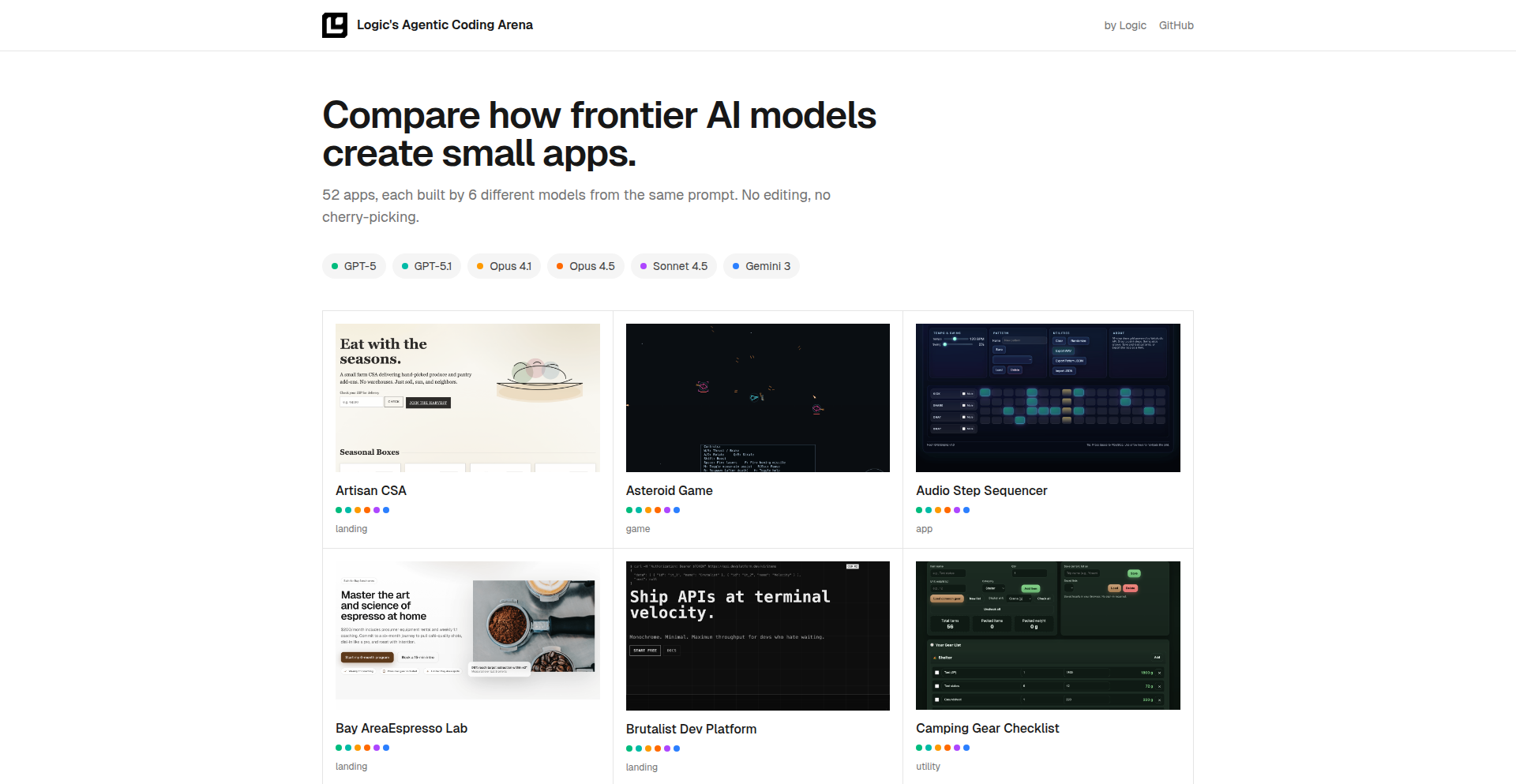
Author
sgk284
Description
Agentic Arena is a benchmark platform that evaluates the performance of multiple large language models (LLMs) like Opus 4.5, Gemini 3, and GPT-5.1 across 52 diverse tasks. It showcases a novel approach to comparing AI agents by setting up controlled environments and measuring their ability to complete specific objectives. The core innovation lies in its systematic task implementation and cross-model comparison, providing empirical data on LLM capabilities in a standardized format. This helps developers understand which LLM performs best for different types of problems, accelerating the selection and integration of AI agents into applications.
Popularity
Points 1
Comments 2
What is this product?
Agentic Arena is a sophisticated testing ground designed to rigorously assess and compare the capabilities of cutting-edge Large Language Models (LLMs). Think of it as a series of challenging missions for AI. Each mission (or task) is meticulously designed to probe specific skills, such as logical reasoning, creative writing, or data analysis. The platform then deploys different LLMs, like Opus 4.5, Gemini 3, and GPT-5.1, to attempt these missions. By observing how each LLM performs, including its success rate, efficiency, and the quality of its output, developers gain invaluable insights into the strengths and weaknesses of various AI models. The innovation is in its structured approach to AI evaluation, moving beyond anecdotal evidence to provide quantifiable data on AI agent performance.
How to use it?
Developers can leverage Agentic Arena to directly benchmark the performance of different LLMs against a defined set of tasks relevant to their application. Instead of guessing which LLM is best suited for a particular feature, developers can run these models through the 52 tasks implemented in the arena. This allows them to empirically determine which LLM excels at specific functions, like generating code, summarizing documents, or engaging in complex dialogues. The results can inform crucial decisions about model selection, fine-tuning strategies, and resource allocation, ultimately leading to more effective and efficient AI-powered applications. It acts as a sophisticated A/B testing framework for AI.
Product Core Function
· Task implementation for LLM evaluation: This allows for consistent and repeatable testing of AI models across a broad spectrum of capabilities, providing objective performance metrics. This is useful for developers who need to select the most suitable LLM for their specific project needs.
· Multi-model comparison framework: This enables developers to directly compare the performance of different LLMs side-by-side on identical tasks, highlighting relative strengths and weaknesses. This helps in making informed decisions about which AI model to integrate.
· Quantitative performance metrics: The platform generates data on success rates, task completion times, and output quality, offering concrete evidence of LLM effectiveness. This is valuable for understanding the practical utility of different AI models in real-world scenarios.
· Benchmarking against established AI models: By using well-known and advanced LLMs as benchmarks, the platform provides a clear understanding of where new or experimental models stand relative to current industry standards. This helps developers gauge the competitive edge of their chosen AI.
· Diverse task repository: With 52 distinct tasks covering various domains, the arena offers comprehensive testing across different problem types, from creative generation to analytical reasoning. This ensures a holistic evaluation of an LLM's potential applications.
Product Usage Case
· A developer building a customer support chatbot needs to choose between GPT-5.1 and Gemini 3 for handling natural language queries. Agentic Arena can be used to test both models on tasks like sentiment analysis, intent recognition, and answer generation to see which performs better and more consistently, thus improving customer satisfaction.
· A data scientist wants to integrate an LLM for automated report generation. By using Agentic Arena, they can compare Opus 4.5, Gemini 3, and GPT-5.1 on tasks like data summarization, trend identification, and natural language explanation of findings to select the model that produces the most accurate and insightful reports.
· A game developer is looking to implement AI-driven non-player characters (NPCs) that can engage in dynamic conversations. Agentic Arena can be used to evaluate how each LLM handles dialogue generation, character consistency, and responsiveness to player input, enabling the selection of an LLM that creates more immersive gaming experiences.
· A researcher is exploring the creative writing capabilities of different LLMs for story generation. By employing Agentic Arena's creative writing tasks, they can compare the originality, coherence, and stylistic nuances of outputs from Opus 4.5, Gemini 3, and GPT-5.1 to understand their potential in literary applications.
51
AdSlotConnect

Author
ovelv
Description
A decentralized platform for website owners to directly publish and manage ad slots, and for advertisers to subscribe to them. It bypasses traditional ad networks by offering transparent pricing and automated management, fundamentally changing how small and medium-sized websites monetize their traffic and how advertisers find niche audiences.
Popularity
Points 2
Comments 0
What is this product?
AdSlotConnect is a peer-to-peer marketplace for digital advertising space. Instead of relying on complex and often opaque ad networks that take a significant cut and obscure performance data, website owners can define specific ad slots on their sites with clear pricing. Advertisers can then directly browse and subscribe to these slots. The innovation lies in cutting out intermediaries, providing transparency in pricing and data, and enabling direct relationships. Think of it like a farmer's market for ad space, where you know exactly where your ad is going and what you're paying for, without a middleman.
How to use it?
Website owners can integrate AdSlotConnect by placing a small snippet of code on their website. This code will display available ad slots they wish to monetize. They can then define the pricing, targeting parameters (if any), and duration for each slot through the AdSlotConnect dashboard. Advertisers can browse the platform, filter websites based on their niche or traffic, and subscribe to specific ad slots. Payment and ad delivery are automated through the platform. For example, a blogger specializing in vintage camera reviews could list an ad slot on their homepage, setting a price for a week's display, and a camera gear manufacturer could easily find and book that slot.
Product Core Function
· Direct Ad Slot Publishing: Website owners can easily define and list available advertising spaces on their sites, detailing size, placement, and pricing. This empowers creators to monetize their content directly and with full control over what appears on their pages.
· Advertiser Subscription & Management: Advertisers can search for relevant websites, view available ad slots with transparent pricing, and subscribe to campaigns. This offers a more targeted and efficient way to reach specific audiences without the guesswork of large ad exchanges.
· Automated Ad Delivery & Reporting: The platform automates the process of ad display and provides straightforward reporting on performance metrics, giving both parties clear visibility into campaign effectiveness without complex setup.
· Transparent Pricing Model: All pricing is set by the website owner and clearly displayed to advertisers. This eliminates hidden fees and provides a fair marketplace, making advertising more accessible and predictable for businesses of all sizes.
· No Ad Network Dependency: By facilitating direct transactions, AdSlotConnect removes the reliance on traditional ad networks, allowing website owners to retain a larger portion of their ad revenue and advertisers to build direct relationships with publishers.
Product Usage Case
· A niche tech blog owner wants to monetize their content without selling user data or dealing with intrusive ads. They can use AdSlotConnect to list a sidebar ad slot, setting a price for a month-long campaign. A small SaaS company targeting developers can then find this blog through the platform and book the ad slot, ensuring their message reaches a highly relevant audience directly.
· A travel blogger with a dedicated readership wants to partner with boutique travel agencies. They can use AdSlotConnect to create a premium featured ad slot on their homepage, offering prominent placement. A local boutique travel agency could then subscribe to this slot, enabling them to reach highly engaged potential customers and drive direct bookings.
· A freelance graphic designer wants to showcase their portfolio and attract clients. They can list a small banner ad slot on their personal website, offering a space for relevant businesses to advertise. A web design software company looking for exposure within the design community can then subscribe to this slot, gaining visibility among potential users and generating leads.
52
Banana Studio: AI-Powered Region-Specific Image Editor

Author
sumit-paul
Description
Banana Studio is a groundbreaking client-side image editor that leverages Google's Gemini Nano for precise image modifications using simple text instructions. It solves the common AI image editing problem of ambiguous prompt application by allowing users to define specific regions with bounding boxes, ensuring edits are applied exactly where intended. This innovative approach makes powerful AI image editing accessible and intuitive for everyone, directly in their browser.
Popularity
Points 2
Comments 0
What is this product?
Banana Studio is a web-based image editing tool that uses advanced AI, specifically Google's Gemini Nano, to let you change parts of an image by simply drawing a box and typing what you want to change. Unlike other AI tools where your instructions might apply everywhere, here you tell the AI exactly which section of the image to focus on. It maps your drawn box to the AI's understanding of the image's layout, creating a super specific instruction. This means you get exactly the edit you want, without the AI guessing. It all happens in your browser, so your images and your AI instructions stay private and it's fast. So, what's the use? It makes complex, precise image editing as easy as drawing a box and typing a sentence, giving you professional-level control without needing to be a design expert.
How to use it?
Developers can use Banana Studio by simply visiting the website. After uploading an image, they can draw one or more bounding boxes directly on the canvas to select specific areas. For each box, a unique text prompt can be entered to describe the desired modification. For example, one box might contain the prompt 'add a hat' and another 'change the shirt color to blue'. If no box is selected, prompts will apply as global enhancements to the entire image. For deeper integration or custom workflows, developers can bring their own Gemini API key, which is securely stored locally in their browser. This allows for programmatic access and scaling of these precise editing capabilities. So, how can you use it? You can quickly generate variations of product photos, enhance specific elements in user-generated content, or even create artistic effects with pinpoint accuracy, all without complex software or leaving your browser.
Product Core Function
· Region-specific editing with bounding boxes: Allows users to precisely define areas for AI modification by drawing boxes, ensuring edits are targeted. This provides granular control over AI image generation, eliminating ambiguity and delivering predictable results.
· Multiple prompts for different regions: Enables distinct instructions for separate bounding boxes within the same image. This allows for complex edits, such as modifying multiple objects or areas with different styles or content in a single operation, unlocking advanced creative possibilities.
· Global image enhancements: Supports applying AI modifications to the entire image when no specific region is selected. This offers a convenient way to apply overall stylistic changes or improvements, acting as a general AI-powered filter.
· Client-side processing for privacy and speed: All image processing and AI interactions occur within the user's browser. This enhances privacy by keeping data local and significantly speeds up the editing process, providing near real-time feedback.
· Bring Your Own API Key (BYOK): Users can integrate their own Gemini API key, stored locally. This offers flexibility for developers who want to manage their API usage, build custom applications, or leverage specific API features beyond the default setup.
Product Usage Case
· E-commerce product image refinement: A seller can upload a product photo and draw a box around a specific feature, like a logo or a detail, and prompt 'make the logo red' or 'add a subtle shine to the stitching'. This solves the problem of generic AI edits that might alter the entire product, allowing for precise marketing enhancements.
· Social media content creation: A user can take a selfie, draw a box around their hair, and prompt 'add highlights'. Or draw a box around the background and prompt 'blur the background artistically'. This addresses the need for quick, targeted edits to make social media posts more engaging without needing Photoshop.
· Personalized avatar generation: Users could upload a base avatar, draw a box around the eyes, and prompt 'change eye color to blue'. Then draw another box around the mouth and prompt 'add a small smile'. This allows for highly customized avatars for gaming or virtual environments by applying specific changes to predefined areas.
· Architectural visualization quick edits: An architect could upload a rendering, draw a box around a specific window, and prompt 'change glass to tinted'. Or draw a box around a section of the facade and prompt 'add a stone texture'. This helps in rapidly visualizing design options by precisely modifying elements of a rendering.
53
Autopilot Social Responder

Author
kartik_malik
Description
This project is an AI-powered tool designed to automate the creation of instant, context-aware replies for social media platforms like X (formerly Twitter) and LinkedIn. It addresses the challenge of maintaining an active online presence amidst a busy schedule by generating human-like responses that capture the user's authentic tone and respond directly to the post's context. The innovation lies in its ability to seamlessly integrate into the user's existing workflow, reducing the time spent on social media engagement from minutes to seconds.
Popularity
Points 1
Comments 1
What is this product?
This is an AI-driven social media engagement assistant. It works by analyzing the content of a post on platforms like X and LinkedIn and then generating a relevant and personalized reply. The core innovation is its 'tone mimicry' and 'contextual understanding' capabilities. Instead of generic auto-replies, it learns your usual communication style and understands the nuances of the post to craft thoughtful responses. This means you can maintain your online presence without sacrificing your personal voice or spending significant time manually typing replies. So, what's in it for you? It frees up your time while keeping your social media profiles active and engaging.
How to use it?
Developers can integrate this tool by leveraging its API or by running it locally as a script. The primary use case is for individuals and professionals who want to stay active on social media but struggle with the time commitment. Imagine you're a busy professional who needs to maintain a presence on LinkedIn for networking. You see an interesting industry post, and instead of spending 15 minutes crafting a reply, you can use this tool to generate an instant, relevant response in seconds. This allows for consistent engagement, fostering connections and visibility without interrupting your core work. So, how does it help you? It automates a time-consuming task, enabling you to be more productive while still appearing engaged online.
Product Core Function
· Instant reply generation: Leverages Natural Language Processing (NLP) models to create replies in real-time, saving users significant time compared to manual crafting.
· Tone and style matching: Analyzes existing user content to learn and replicate their unique writing style, ensuring replies feel authentic and not robotic.
· Contextual understanding: Accurately interprets the subject and sentiment of a social media post to generate relevant and on-topic responses.
· Cross-platform compatibility (X/LinkedIn): Designed to work within the specific interfaces and interaction patterns of popular social networks.
· Reduced friction for engagement: Eliminates the mental overhead and manual effort typically associated with responding to posts, making online interaction effortless.
Product Usage Case
· A software developer actively participating in technical discussions on X. Instead of spending their limited break time typing out complex technical insights, they can use this tool to generate a thoughtful, code-related response that reflects their expertise, keeping their profile active and their insights visible to the community.
· A startup founder building their brand on LinkedIn. They can use the tool to instantly reply to posts about their industry, sharing relevant perspectives or acknowledging insights from others, without taking away from their product development or investor outreach efforts.
· A content creator looking to boost engagement on their social media channels. This tool can help them respond to comments and mentions more quickly, fostering a stronger connection with their audience and increasing the overall interaction rate on their posts.
54
Cognitive Workspace: LLM Active Memory Manager

Author
tao-hpu
Description
This project introduces an innovative approach to managing the memory of Large Language Models (LLMs). It focuses on 'active memory management,' which dynamically allocates and prioritizes information the LLM needs to access, unlike traditional static memory approaches. This significantly enhances LLM performance and reduces computational overhead by ensuring the LLM only processes the most relevant data at any given time, making complex tasks more efficient and cost-effective.
Popularity
Points 1
Comments 1
What is this product?
Cognitive Workspace is a system designed to improve how Large Language Models (LLMs) handle information. Think of an LLM like a very smart student who needs to remember a lot of facts to answer questions. Traditional LLMs have a fixed way of remembering things, which can be inefficient. Cognitive Workspace acts like a smart assistant that helps the LLM prioritize and recall only the most important information for the current task. It does this through 'active memory management,' which means it intelligently decides what information to keep readily available and what can be temporarily set aside. This is innovative because it's not just about storing more information, but about making the information stored more accessible and relevant. So, for you, this means LLMs can perform better, faster, and with less wasted effort on tasks requiring extensive knowledge recall.
How to use it?
Developers can integrate Cognitive Workspace into their LLM-powered applications. It typically works by acting as an intermediary layer between the user's input, the LLM, and the LLM's knowledge base. When a user asks a question or provides a prompt, Cognitive Workspace analyzes it and intelligently fetches the most pertinent pieces of information from the LLM's memory or external data sources. This retrieved information is then fed to the LLM in a way that maximizes its understanding and response accuracy. Integration could involve using its provided APIs or libraries to manage memory access patterns for your custom LLM applications. This is useful for anyone building applications that rely on LLMs for complex reasoning, content generation, or data analysis, allowing them to leverage LLMs more effectively without being bogged down by memory limitations.
Product Core Function
· Dynamic Memory Allocation: Intelligently assigns memory resources based on task relevance. This is valuable for ensuring the LLM has quick access to what it needs, leading to faster and more accurate responses in time-sensitive applications.
· Information Prioritization: Ranks and orders information for the LLM based on its immediate utility. This improves the LLM's focus and reduces the chance of it getting sidetracked by less important details, enhancing the quality of its output.
· Contextual Data Retrieval: Fetches specific data chunks that are most relevant to the current query or task. This is crucial for building conversational AI or question-answering systems where precision is key, as it helps the LLM provide highly targeted answers.
· Reduced Computational Load: By only actively managing essential information, it minimizes the processing power needed. This translates to lower operational costs and the ability to run more sophisticated LLM tasks on less powerful hardware, making advanced AI more accessible.
· Task-Adaptive Memory: Memory management adjusts dynamically as the LLM's task evolves. This is a significant advantage for complex, multi-stage processes where the required information changes, ensuring the LLM remains efficient throughout the entire workflow.
Product Usage Case
· Building an advanced customer support chatbot that needs to recall extensive product details and past customer interactions to provide personalized assistance. Cognitive Workspace helps the chatbot quickly access and utilize the most relevant conversation history and product specifications, leading to more helpful and efficient support.
· Developing a research assistant tool that summarizes lengthy scientific papers. The system can use Cognitive Workspace to focus the LLM on extracting key findings and methodologies from specific sections, improving the accuracy and conciseness of the summaries.
· Creating a code generation assistant that requires understanding a large codebase and project requirements. Cognitive Workspace enables the LLM to intelligently load and refer to relevant code snippets and documentation, resulting in more contextually accurate and functional code suggestions.
· Implementing a personal learning companion that adapts to a user's learning pace and knowledge gaps. Cognitive Workspace allows the LLM to dynamically manage the user's learning progress and tailor explanations and exercises to their current understanding, creating a more personalized and effective learning experience.
55
DuckDuckGo Scraper Insights

Author
johncole
Description
This project is a scraper designed to extract search results from DuckDuckGo. It offers a way to programmatically access and analyze the information presented on DuckDuckGo's search pages, providing valuable data for researchers, developers, and anyone interested in search engine trends and competitive analysis. The innovation lies in its ability to bypass typical web scraping challenges and provide structured data from a privacy-focused search engine.
Popularity
Points 1
Comments 1
What is this product?
This project is a tool that programmatically retrieves and organizes search results from DuckDuckGo. It's built using web scraping techniques, essentially automating the process of visiting a DuckDuckGo search results page and collecting the displayed links, titles, and snippets. The innovative aspect is its specific focus on DuckDuckGo, a search engine known for its privacy features, and its ability to extract this data in a usable format. This means you can get raw search data without manual copying and pasting, allowing for automated analysis. So, what's in it for you? You get an automated way to gather search engine data for analysis, which can be very time-consuming to do manually.
How to use it?
Developers can integrate this scraper into their own applications or run it as a standalone script. It typically involves specifying search queries, potentially setting parameters like the number of results to fetch, and then processing the output, which is usually in a structured format like JSON or CSV. This allows for custom data collection for specific research needs, competitive analysis, or building applications that leverage search data. You would typically install the provided library or script and then call its functions with your desired search terms. So, how does this help you? It enables you to build custom data-driven tools or conduct research without spending hours manually collecting search information.
Product Core Function
· Search Query Execution: Allows users to input search terms to retrieve relevant DuckDuckGo results. This is valuable because it provides a structured way to request information from the search engine, mimicking a user's search but in an automated and scalable manner, useful for any data-gathering initiative.
· Result Extraction: Parses the HTML of the search results page to extract key information like titles, URLs, and descriptions. The value here is in transforming unstructured web page data into organized, machine-readable data, essential for analysis and integration into other systems.
· Data Structuring: Organizes the extracted information into a clear and usable format (e.g., JSON, CSV). This makes the data readily available for further processing, analysis, or storage, significantly reducing the effort required to work with raw web data. It's useful for anyone who needs to work with large datasets of search information.
· Customizable Parameters: Offers options to control aspects of the scraping process, such as the number of results to fetch. This flexibility is important for tailoring data collection to specific needs, ensuring you get the right amount of information for your task without being overwhelmed. This helps you get precisely the data you need for your project.
Product Usage Case
· Market Research: A user wants to understand what information appears at the top of DuckDuckGo for a specific product or service. By using this scraper, they can collect the top 10-20 results, analyze keywords, and identify common themes or competitors. This helps them understand their online visibility and what information is being presented to potential customers. This is useful for refining marketing strategies.
· SEO Analysis: An SEO professional wants to monitor keyword rankings and search result snippets on DuckDuckGo. They can use the scraper to periodically collect results for target keywords, track changes over time, and identify opportunities or threats. This aids in optimizing website content for better search engine performance. This helps in improving website traffic and search engine rankings.
· Academic Research: A student or researcher is studying trends in online information dissemination or the behavior of privacy-focused search engines. This scraper can provide a dataset of search results for analysis, allowing them to study patterns in content, authority, or the types of sources that rank. This supports in-depth academic studies and data-driven insights.
· Content Aggregation: A developer wants to build a tool that aggregates news or information from specific search queries on DuckDuckGo. This scraper can be integrated into their application to automatically pull relevant articles or links, which are then displayed to users in a curated feed. This streamlines content discovery and provides users with relevant information automatically.
56
Echosnap AI: Voice-First Idea Capture

Author
pradeep3
Description
Echosnap AI is a minimalist voice-first notes application designed for capturing spontaneous ideas. It leverages AI to provide instant, clean transcripts of voice recordings, offers translation capabilities, and includes simple organization features like tags and folders. Its core innovation lies in its speed and simplicity, directly addressing the need to quickly document thoughts before they are lost, making technology feel more integrated with the user's flow.
Popularity
Points 2
Comments 0
What is this product?
Echosnap AI is a streamlined application that lets you speak your ideas and have them instantly transcribed into text. It's built on the idea that speaking is often the fastest way to capture a fleeting thought. The innovation is in the seamless integration of high-quality speech-to-text and optional translation into a user-friendly interface. This means you don't have to fumble with typing when inspiration strikes; you just speak, and the AI handles the rest, making it incredibly accessible for quick note-taking.
How to use it?
Developers can use Echosnap AI as a personal productivity tool to quickly capture coding ideas, architectural thoughts, or even meeting summaries. The app allows you to record a voice note, and within moments, you receive a clean text transcript. You can then organize these notes with tags (e.g., 'bug fix', 'new feature idea', 'refactor') and folders. The translation feature can be useful for developers working with international teams or looking for resources in different languages. It's designed to be integrated into your workflow by being readily available when you have a thought, without disrupting your current task.
Product Core Function
· Instant Voice Transcription: Converts spoken words into text with high accuracy, enabling rapid idea capture without manual typing. This is valuable because it saves time and ensures that fleeting ideas are not forgotten, directly translating to increased productivity.
· Multilingual Translation: Translates recorded notes into different languages. This is useful for developers collaborating globally or seeking information across language barriers, enhancing communication and knowledge sharing.
· Tagging and Folder Organization: Allows users to categorize and manage notes using custom tags and folders. This functionality helps in retrieving specific ideas or project-related notes efficiently, improving project management and recall.
Product Usage Case
· Capturing a sudden coding solution while on a walk: Instead of forgetting the breakthrough idea, a developer can quickly open Echosnap AI, speak the solution, and have it transcribed for later implementation. This solves the problem of losing valuable insights due to delayed documentation.
· Summarizing a technical discussion during a commute: A developer can record key points from a conversation and later access a clean transcript for follow-up actions. This addresses the challenge of remembering complex discussions accurately.
· Translating a foreign technical article snippet: If a developer encounters a useful piece of information in a different language, Echosnap AI can transcribe and translate it, making it accessible for integration into their work. This bypasses language as a barrier to technical knowledge.
57
GoalDecomposer

Author
jtnt101
Description
GoalDecomposer is a unique planner calendar designed to help users break down large, overwhelming goals into manageable, actionable tasks. It addresses the common problem of procrastination and feeling lost when facing ambitious objectives by providing a structured approach to task decomposition. The innovation lies in its intuitive visual interface and the underlying logic for suggesting task breakdowns.
Popularity
Points 2
Comments 0
What is this product?
GoalDecomposer is a project that helps you conquer big dreams by turning them into bite-sized steps. Imagine you want to write a book; instead of staring at a blank page, GoalDecomposer helps you break that down into chapters, then sections, then individual writing sessions. It uses a smart algorithm to suggest logical divisions of your goal, making the path forward clear. The core idea is to reduce the psychological barrier of large projects by making them seem less daunting and more achievable, which is a significant leap from traditional, rigid calendar apps.
How to use it?
Developers can integrate GoalDecomposer into their workflow by accessing its API to fetch task breakdowns for their personal or team projects. For instance, if you're developing a new feature, you can input the main feature as a goal, and GoalDecomposer will suggest sub-tasks like 'design UI,' 'implement backend logic,' 'write tests,' and so on. This can be visualized in existing project management tools or personal dashboards, providing a clear roadmap and making the development process feel more organized and less overwhelming.
Product Core Function
· Goal decomposition engine: This is the heart of GoalDecomposer, taking a broad goal and intelligently splitting it into smaller, more manageable sub-tasks. The value is in reducing the feeling of being overwhelmed and providing a clear, step-by-step path to success, which is crucial for complex software development projects.
· Hierarchical task visualization: Presents decomposed goals as a tree-like structure, allowing users to see the relationship between big goals and small tasks. This visual clarity helps in understanding progress and identifying bottlenecks, essential for effective project planning and execution.
· Task suggestion algorithm: Offers intelligent recommendations for how to break down goals based on common project structures and patterns. This saves time and mental effort, helping developers bypass the initial 'how do I even start?' phase of a new project or feature.
· Calendar integration (potential): While not explicitly detailed, the 'planner calendar' aspect suggests potential integration with existing calendar systems to schedule and track these decomposed tasks. The value here is seamless workflow management, ensuring that planned tasks are actively worked on and progress is monitored.
Product Usage Case
· Scenario: A developer is tasked with building a new user authentication module. Problem: The scope feels large and daunting. Solution: Using GoalDecomposer, they input 'Build User Authentication Module' as the goal. The system suggests breaking it down into tasks like 'Design database schema for users,' 'Implement signup API endpoint,' 'Develop login functionality,' 'Integrate OAuth providers,' 'Write unit tests for authentication logic.' This directly addresses the problem by providing a concrete, actionable list, making the development process much more manageable.
· Scenario: A lead developer is planning a major refactoring of an existing codebase. Problem: Understanding the full scope and dependencies of the refactoring is challenging. Solution: GoalDecomposer can help break down the refactoring into smaller phases, such as 'Refactor User Service,' 'Optimize Database Queries,' 'Update Frontend Component Library,' and then further decompose each of these into specific code modules or functions to be addressed. This helps in estimating effort and allocating resources more effectively.
· Scenario: A solo developer is working on a side project and needs to manage their time efficiently. Problem: Balancing multiple features and avoiding burnout. Solution: They can use GoalDecomposer to map out the entire project from idea to deployment, breaking it down into weekly or monthly sprints of smaller, achievable tasks. This provides a sense of progress and helps maintain motivation.
58
Latent Portfolio Explorer

Author
daylankifky
Description
This project maps a user's investment portfolio into a latent space, allowing for novel visualization and analysis of asset relationships. It addresses the challenge of understanding complex portfolio dynamics by using dimensionality reduction techniques to reveal hidden patterns and correlations.
Popularity
Points 1
Comments 1
What is this product?
This is a project that takes your investment portfolio data and uses advanced machine learning techniques, specifically dimensionality reduction (think of it like summarizing a long book into a few key paragraphs), to represent each asset and their relationships in a multi-dimensional space. The innovation lies in visualizing these abstract relationships in a way that's more intuitive than traditional spreadsheets or charts. Instead of just seeing numbers, you can potentially see clusters of similar assets or outliers. So, this is useful because it offers a new, visually insightful way to understand the hidden structure and potential risks or opportunities within your investments that might be missed with conventional methods. It's a creative application of AI for financial analysis.
How to use it?
Developers can use this project as a library or a standalone tool. For library usage, they can integrate the dimensionality reduction and visualization code into their own portfolio management dashboards or analysis platforms. The core idea is to feed the project with asset data (like price history, market cap, sector, etc.), and it outputs a representation that can be plotted. For a standalone tool, users could input their portfolio details directly, and the project would generate interactive visualizations. For example, a developer might use this to build a feature that highlights which assets are behaving similarly, even if they are in different sectors, helping to identify areas of concentrated risk or diversification opportunities.
Product Core Function
· Portfolio Data Ingestion: Accepts various forms of portfolio data, such as CSV files or API integrations, to build a comprehensive dataset for analysis. The value is in its flexibility to work with existing data sources.
· Dimensionality Reduction: Employs techniques like t-SNE or PCA to reduce the complexity of asset features into a lower-dimensional space, making complex relationships easier to visualize. This is valuable for uncovering non-obvious connections between assets.
· Latent Space Visualization: Generates interactive 2D or 3D plots of assets within the reduced dimensional space, allowing users to visually explore clusters, outliers, and proximity of assets. This provides an intuitive way to understand portfolio composition.
· Relationship Mapping: Identifies and highlights correlations and similarities between assets based on their proximity in the latent space. This is crucial for risk management and diversification strategies.
· Code Modularity: Provides well-structured and commented code, allowing developers to easily modify, extend, or integrate the functionality into their own projects. This fosters community collaboration and rapid development.
Product Usage Case
· Scenario: A hedge fund analyst needs to quickly identify if a portion of their tech stock holdings are behaving in lockstep, even if they are from different sub-sectors. They can use this tool to plot their tech stocks in the latent space; if they cluster tightly, it indicates a high correlation, potentially signaling systemic risk. This directly helps in rebalancing the portfolio.
· Scenario: A retail investor wants to understand if their diverse portfolio of stocks, bonds, and alternative investments is truly diversified. By mapping all assets into the latent space, they can see if certain asset classes are unexpectedly close, suggesting hidden correlations. This enables them to make more informed decisions about divesting from over-correlated assets.
· Scenario: A fintech startup is building a new portfolio advisory service and wants to offer a more engaging way for users to understand their investment profiles. They can integrate this latent space visualization into their platform, allowing users to see their portfolio not just as a list of holdings but as a dynamic map, enhancing user engagement and understanding of their financial health.
· Scenario: A data scientist is researching novel methods for asset correlation analysis beyond traditional covariance matrices. They can use this project as a starting point to experiment with different dimensionality reduction algorithms and their impact on portfolio insights, pushing the boundaries of quantitative finance.
59
Loglast: Temporal Event Tracker

Author
oliverkzh
Description
Loglast is a minimalist, self-hosted tool designed to precisely record and recall the last time a specific event or action occurred. It addresses the common human need to remember 'when did I last do that?' for recurring tasks, personal habits, or even small maintenance checks, all without complex setup or data bloat. The core innovation lies in its simplicity and focus on a single, yet powerful, use case, achieved through a lightweight architecture.
Popularity
Points 2
Comments 0
What is this product?
Loglast is a personal event logging system that helps you track the last occurrence of any activity you define. Think of it as a digital journal specifically for 'last time I did X'. Technologically, it uses a very straightforward approach. When you tell Loglast you've performed an action (e.g., 'watered plants'), it simply records the current timestamp associated with that action's name. This is typically managed by a simple database or even a file-based storage for extreme simplicity, making it very fast and resource-efficient. The innovation here is distilling a complex need into an elegantly simple, highly accessible tool.
How to use it?
Developers can use Loglast by setting it up on their local machine or a small server. They can then interact with it via a simple command-line interface (CLI) or potentially through a basic API. For example, after completing a coding session, a developer could run a command like `loglast 'finished coding session'` to record the event. Later, they can query `loglast 'finished coding session'` to see the exact timestamp of the last time they did that. This is incredibly useful for tracking personal development streaks, project milestones, or even when a particular piece of software was last updated on their system.
Product Core Function
· Record event occurrences: The system accepts a user-defined event name and stores the current timestamp for it. This allows for precise logging of any activity, from personal habits to technical tasks. The value is having an immutable record of when something happened, removing guesswork.
· Query last event timestamp: Users can ask Loglast for the last time a specific event occurred. This provides immediate recall of past actions. The value is instant retrieval of historical data for decision-making or simply for knowledge.
· Lightweight and self-hostable: Built with minimal dependencies, Loglast can run on almost any system without consuming significant resources. The value is privacy, control over your data, and avoiding reliance on external cloud services.
Product Usage Case
· Personal habit tracking: A developer wants to know when they last meditated or exercised. They can log `loglast 'meditated'` and later query to see their last session, helping them maintain consistency. This solves the problem of forgetting and provides motivation.
· Software development workflow: A developer wants to track when they last committed to a specific branch or tested a particular feature. Using `loglast 'committed to feature-branch-xyz'` helps them manage their workflow and understand their development pace. This solves the problem of lost context in complex projects.
· System maintenance reminders: For personal projects or small servers, a developer might want to track when they last updated dependencies or rebooted a service. Logging `loglast 'updated dependencies'` or `loglast 'rebooted server'` provides a simple way to manage these tasks and avoid forgetting critical maintenance. This solves the problem of ad-hoc system management.
60
Seeded Chaos Runner for Async Rust

Author
Crroak
Description
This project introduces a deterministic chaos simulation runtime specifically designed for asynchronous Rust applications. It allows developers to inject controlled, reproducible failures into their async Rust code, making it easier to test the resilience and robustness of their systems under adverse conditions. The core innovation lies in its seeded, deterministic nature, ensuring that the same set of simulated failures will always produce the same outcome, which is crucial for effective debugging and performance tuning.
Popularity
Points 1
Comments 1
What is this product?
This is a tool for asynchronous Rust programs that simulates unexpected errors or delays in a predictable way. Think of it like a 'stress test' generator. Normally, when you test software, you want to know if it breaks in a way you can understand. Randomly throwing errors makes this hard. This tool lets you define a *specific sequence* of simulated problems (like network timeouts or task cancellations) that will happen *exactly the same way* every time you run the test. This is achieved using a 'seed', which is like a secret code that dictates the entire sequence of simulated chaos. So, if your program crashes with these simulated problems, you know precisely why, and you can fix it. This helps build more reliable software because you can confidently test how your program handles unexpected situations.
How to use it?
Developers can integrate this runtime into their existing asynchronous Rust projects. By wrapping their asynchronous code or specific components with the provided runner, they can then configure the desired chaos injection. For example, during testing or even in production for controlled experiments, they can specify the 'seed' and the types of failures to simulate (e.g., delaying certain async operations, randomly cancelling tasks). This allows them to observe how their application behaves under these specific, reproducible failure conditions. The benefit is that you can pinpoint exactly when and why your application might falter, allowing for targeted improvements. It's like having a doctor who can precisely replicate a specific illness in a controlled environment to study its effects and find a cure.
Product Core Function
· Deterministic Chaos Injection: Allows developers to introduce simulated failures (e.g., delays, panics, cancellations) into async Rust code in a predictable and repeatable manner using a seed value. This helps in understanding the root cause of bugs and improving system stability by making failure scenarios reproducible.
· Async Rust Compatibility: Specifically designed to work seamlessly with Rust's asynchronous programming features, ensuring that the chaos simulation doesn't break the underlying event loop or task management mechanisms. This means you can test your modern, high-performance Rust applications effectively.
· Configurable Failure Modes: Provides flexibility to define various types of simulated failures, allowing for comprehensive testing of different failure scenarios. You can tailor the tests to mimic real-world issues like network latency or resource exhaustion.
· Reproducible Testing: By using a seeded approach, every test run with the same seed will produce identical chaos, making debugging and regression testing significantly more efficient and reliable. This saves time and reduces the frustration of chasing elusive bugs.
· Resilience Analysis: Enables developers to analyze how their asynchronous Rust applications react to specific failures, identify weaknesses, and build more robust and fault-tolerant systems. You gain confidence that your application can withstand common problems.
Product Usage Case
· Testing a distributed database in Rust: Simulate network partitions or node failures with a specific seed to observe how the database handles data consistency and failover. This helps ensure data integrity even when parts of the system are unavailable.
· Validating a microservices architecture: Inject random task panics or request timeouts in one service and see how upstream or downstream services react and recover. This identifies critical dependencies and potential cascading failures.
· Debugging complex asynchronous workflows: Introduce delays in specific asynchronous operations to identify bottlenecks or race conditions that might only appear under certain timing conditions. This helps optimize performance and prevent deadlocks.
· Developing a real-time data processing pipeline: Simulate sudden drops in incoming data or processing unit failures to verify that the pipeline can gracefully handle interruptions and resume processing without data loss. This ensures the reliability of critical data streams.
61
BrowserHandSkeleton

Author
warrowarro
Description
A real-time hand tracking tool that runs entirely in your browser, using MediaPipe for pose estimation and Three.js for rendering. It overlays a cyberpunk-style skeleton onto your hands captured by your webcam. The core innovation is achieving accurate and stable hand tracking locally without any server dependency, which is crucial for privacy and responsiveness. This solves the problem of needing complex server infrastructure for real-time augmented reality experiences with hands.
Popularity
Points 2
Comments 0
What is this product?
This project is a browser-based application that uses your webcam to detect and track your hands in real-time. It leverages Google's MediaPipe framework, specifically its hand tracking model, to identify key landmarks on your hands (like fingertips and knuckles). These landmarks are then fed into Three.js, a JavaScript 3D library, to draw a stylized, cyberpunk-themed 3D skeleton that precisely follows your hand movements. The groundbreaking aspect is that all of this processing happens directly in your web browser, meaning no data is sent to a server, making it private and incredibly fast. The main technical challenge was ensuring the 3D skeleton accurately mapped to your physical hands and remained smooth without flickering, which the developer solved through clever coordinate system adjustments.
How to use it?
Developers can integrate this project into their web applications to add interactive hand-based controls or augmented reality features. You can embed the core JavaScript code into your existing web project. For example, if you're building an interactive art installation on a webpage or a game that uses hand gestures as input, you can easily hook into the detected hand landmarks provided by BrowserHandSkeleton. The output is a stream of 3D coordinates for each landmark, which your application can then use to manipulate 3D objects, trigger events, or create visual effects in real-time, all from within the user's browser.
Product Core Function
· Real-time Hand Landmark Detection: Utilizes MediaPipe's advanced machine learning models to accurately pinpoint 21 key points on each hand with high precision. This is valuable for understanding hand pose and gestures, enabling intuitive user interfaces and interactive experiences.
· Browser-Native 3D Rendering: Employs Three.js to draw a dynamic 3D skeleton that visually represents the detected hand landmarks. This provides a clear, real-time visual feedback loop for users and developers, making it easy to see what the system is tracking.
· Client-Side Processing: All computation, including pose estimation and rendering, is performed directly in the user's browser. This offers significant privacy benefits as no sensitive hand data is ever transmitted to a server, and it dramatically reduces latency for a more responsive experience.
· Coordinate Mapping Stability: Implements sophisticated algorithms to ensure the rendered 3D skeleton remains stably aligned with the user's physical hands, minimizing jitter and drift. This is crucial for any application requiring precise hand tracking, ensuring a smooth and reliable user interaction.
Product Usage Case
· Building an interactive virtual art piece where users can manipulate 3D models with their hands in a web browser, like painting in 3D space or sculpting. The hand tracking provides the precise input needed to control the virtual tools.
· Developing a web-based gesture recognition system for controlling presentations or applications, where specific hand movements (e.g., a thumbs-up, a pointing gesture) can trigger actions like advancing slides or selecting options without needing to click a mouse or touch a screen.
· Creating a simple augmented reality overlay for educational purposes, where users can see a 3D model of a DNA strand or a molecule superimposed on their hands and interact with it using gestures, all within a webpage.
· Enhancing accessibility in web applications by providing alternative input methods for users who may have difficulty with traditional mouse or keyboard controls, allowing them to interact with digital content using natural hand movements.
62
EmailReachability CLI & Library

Author
hazzadous
Description
This project is a practical, open-source tool designed to verify the reachability of email addresses. It provides a command-line interface (CLI) and a JavaScript library that checks if an email address is valid and if the associated mailbox is likely to exist, without actually sending any emails. This is achieved through a series of technical checks like syntax validation, domain record lookups, and SMTP checks.
Popularity
Points 2
Comments 0
What is this product?
EmailReachability is a developer tool that acts like a postman for your email addresses. Instead of sending a real letter, it performs a series of technical checks to see if the "mailbox" is likely to exist and if the "address" is correctly formatted. The core innovation lies in its ability to perform these checks efficiently and non-intrusively, using standard internet protocols. It performs syntax validation to ensure the email looks right, checks for MX (Mail Exchanger) records to see if the domain is set up to receive emails, and then does an SMTP (Simple Mail Transfer Protocol) check to see if the specific mailbox is recognized by the mail server, all without sending an actual email. It even has a smart feature to detect "catch-all" domains, which accept all emails sent to them, providing a more nuanced result.
How to use it?
Developers can use EmailReachability in two primary ways. First, as a command-line tool: simply run `npx email-reachable [email protected]` in your terminal to quickly check a single email. This is great for ad-hoc testing or debugging. Second, as a library within your JavaScript projects: import the `verifyEmail` function and use it asynchronously in your code, like `const result = await verifyEmail('[email protected]')`. This allows you to integrate email reachability checks directly into your applications, for example, during user sign-up or data import processes, to clean up your contact lists.
Product Core Function
· Syntax Validation: Checks if the email address format is correct (e.g., has an '@' symbol and a domain). This adds value by preventing common errors early and saving processing time on obviously invalid inputs.
· MX Record Lookup: Verifies if the domain of the email address has the necessary records configured to receive emails. This is crucial because an email can't be delivered if the domain isn't set up for it, thus providing a foundational check for deliverability.
· SMTP Mailbox Check (Without Sending Emails): Directly communicates with the email server to determine if the specific mailbox exists. This is the most innovative part, as it accurately verifies the existence of the mailbox without the risk of spamming users or incurring sending costs, offering a reliable and safe verification method.
· Catch-all Domain Detection: Identifies domains that accept emails sent to any address. This is valuable because a positive SMTP check on a catch-all domain might be misleading; this feature provides a more accurate understanding of deliverability.
Product Usage Case
· User Registration Flow: Integrate the library into a web application's sign-up form. When a user enters an email, the application can use `verifyEmail` to check its reachability before allowing registration, thus reducing bounce rates for newsletters and important communications.
· Data Cleaning for Marketing Campaigns: Use the CLI tool to process a large list of email addresses from a CSV file. By identifying unreachable emails upfront, marketers can avoid sending emails to invalid addresses, improving campaign performance and sender reputation.
· Lead Generation Validation: If your business collects leads with email addresses, use this tool to verify the validity of those leads. This helps ensure that your sales team is contacting potentially valid contacts, saving time and resources.
· Internal Tooling for Developers: Create a quick script using the library to check the status of internal distribution lists or test email functionality in a development environment without sending actual emails.
63
AgentChaosInject
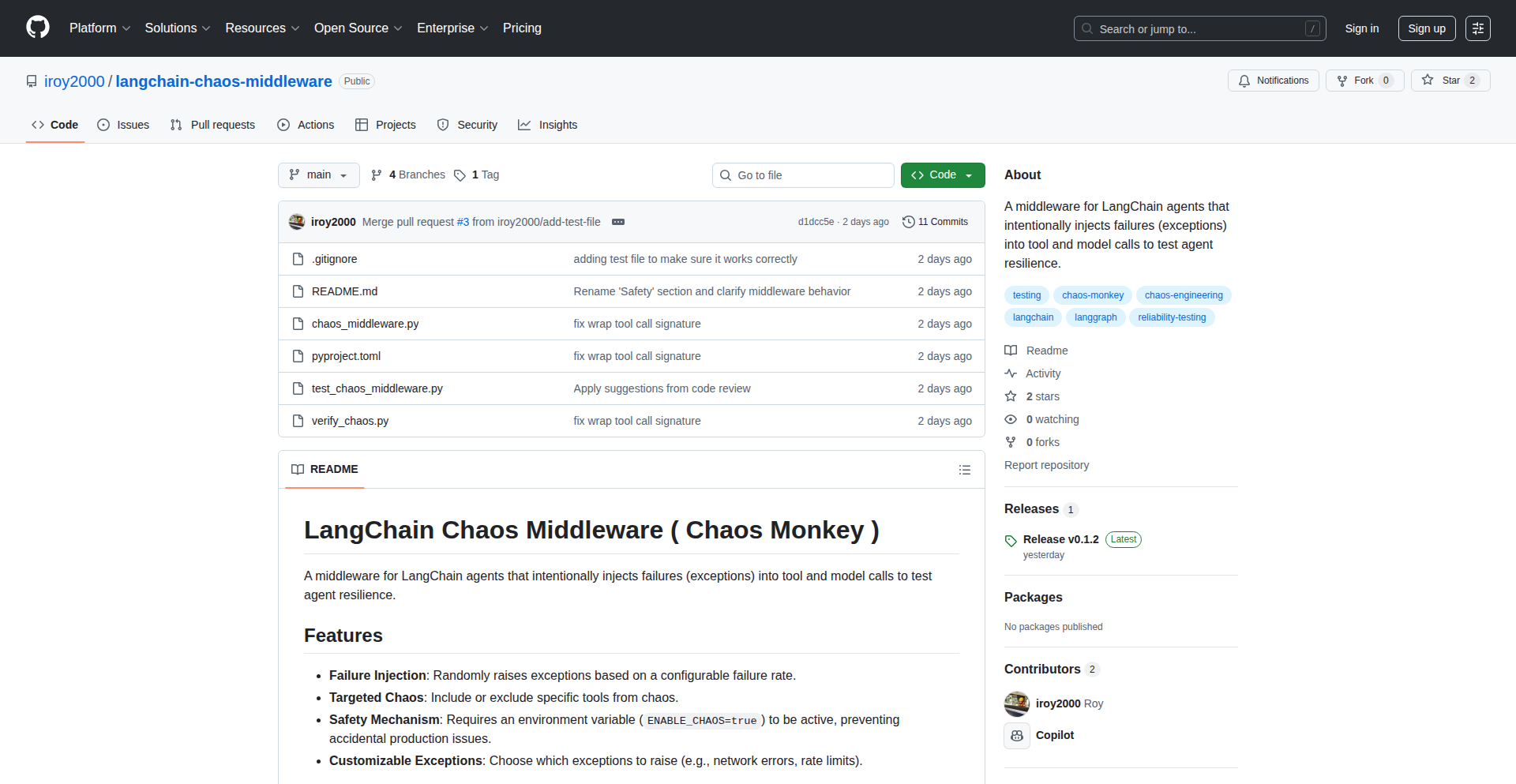
Author
iroy2000
Description
This project is a middleware designed to inject random failures into LangChain agents. It simulates real-world issues like network errors, rate limits, or service outages by randomly throwing exceptions into tool or model calls at adjustable rates. The core innovation lies in providing a controlled environment to test and improve the resilience of AI agents, making them more robust in production.
Popularity
Points 2
Comments 0
What is this product?
AgentChaosInject is a developer tool that acts like a 'chaos monkey' specifically for LangChain agents. Imagine you're building an AI assistant powered by LangChain. These agents rely on various tools (like searching the web or accessing a database) and models to function. AgentChaosInject intentionally breaks these connections or causes errors at specific points. For example, it might randomly make a web search fail or a language model return gibberish. By doing this, developers can see how their agent reacts when things go wrong. The innovation is in offering a predictable way to introduce unpredictable behavior, which is crucial for building reliable AI systems. So, what does this mean for you? It means you can proactively find and fix weaknesses in your AI agent before it causes problems for your users in a live environment.
How to use it?
Developers using LangChain can integrate AgentChaosInject as a middleware layer within their agent's execution pipeline. This involves configuring the rate and types of failures they want to simulate. For instance, you could set it to inject a network error 5% of the time when the agent tries to access an external API. The middleware then intercepts the agent's calls to its tools or models and injects the simulated errors. This allows for systematic testing of agent robustness under various failure conditions. You can also fine-tune the probability of different types of failures (e.g., timeouts, invalid responses, API errors). So, how does this help you? By easily plugging this into your existing LangChain setup, you can conduct rigorous stress tests without manually creating failure scenarios, leading to a more stable and dependable AI agent.
Product Core Function
· Configurable Failure Injection: Allows developers to specify the probability and type of errors (e.g., network errors, API failures, model timeouts) to inject into agent tool or model calls. This provides granular control over the testing environment, enabling targeted resilience checks. This means you can precisely simulate the kind of problems your agent might encounter.
· Agent Resilience Testing: Specifically designed to test how well LangChain agents can handle unexpected failures and recover from them. By observing agent behavior under simulated adverse conditions, developers can identify and address vulnerabilities. This ensures your AI agent doesn't crash or produce incorrect results when faced with real-world instability.
· Production-like Failure Simulation: Mimics real-world production issues such as network latency, rate limiting, and service unavailability. This allows for more realistic testing than simple unit tests, preparing agents for the unpredictable nature of live environments. This helps build AI agents that are ready for the messy reality of being online.
Product Usage Case
· Simulating API Rate Limits: A developer is building an agent that frequently calls a third-party API. They can use AgentChaosInject to simulate occasional rate limit errors (e.g., HTTP 429 Too Many Requests) to test how their agent gracefully handles these situations, perhaps by implementing retry logic or queuing requests. This means their agent won't just break when the API says 'no more requests'.
· Testing Network Instability: For an agent that relies on web scraping or external data sources, AgentChaosInject can introduce random network timeouts or connection refused errors. This helps the developer ensure the agent can manage these disruptions without failing completely, perhaps by falling back to cached data or notifying the user. This prevents user frustration when the internet gets shaky.
· Validating Model Error Handling: When an agent interacts with a language model that might return malformed responses or encounter internal errors, this tool can inject such issues. The developer can then verify that the agent correctly identifies and handles these model-specific problems, ensuring the agent provides sensible feedback instead of crashing. This guarantees your AI agent communicates clearly even when the underlying language model has issues.
64
VAC-Memory-System

Author
ViktorKuz
Description
A novel, independent memory retrieval architecture for AI agent systems, built from scratch without a traditional CS background. It ingeniously combines FAISS (for fast similarity search), BM25 (for keyword matching), and a symbolic ranking layer (MCA) to achieve deterministic, transparent, and reproducible results. This system prioritizes performance and cost-effectiveness, reaching 80.1% accuracy on the LoCoMo benchmark with low latency (~2.5 seconds) and minimal cost (~$0.10 per 1M tokens). Its isolated and local memory makes it ideal for offline or enterprise applications.
Popularity
Points 2
Comments 0
What is this product?
This is a hybrid memory system designed to empower AI agents with robust and efficient information recall. Instead of relying solely on large, opaque language models, it uses a clever combination of techniques: FAISS helps find information that is conceptually similar very quickly, like finding related ideas. BM25 acts like a powerful search engine, pinpointing information based on specific keywords. The MCA layer then intelligently ranks and synthesizes this retrieved information, ensuring the most relevant and accurate data is presented. The key innovation lies in this layered approach, focusing on transparency and reproducibility, meaning you can understand and trust how it retrieves information. This leads to impressive accuracy (80.1% on LoCoMo) with significantly lower costs and faster response times compared to many existing agent memory solutions, making it highly practical for real-world deployments, even offline.
How to use it?
Developers can integrate VAC-Memory-System into their AI agent projects by leveraging its open-source repository. The system is designed for modularity, allowing for easy incorporation into existing agent frameworks. You can think of it as a specialized 'brain' for your AI. When the agent needs to recall information or make a decision, it queries this memory system. The system efficiently searches its local, isolated memory store, retrieves relevant data using its hybrid FAISS/BM25/MCA approach, and returns precise, ranked results. This can be done via API calls, making it simple to plug into Python-based agent development environments. For instance, you could use it to build a customer support chatbot that needs to access a vast knowledge base without constant, expensive cloud calls, or an autonomous system that needs to remember and act on past experiences locally.
Product Core Function
· Hybrid Memory Retrieval: Combines FAISS for vector similarity search and BM25 for keyword relevance to retrieve information. This means it can find information based on both meaning and exact terms, offering a more comprehensive recall than single-method approaches. Its value is in providing richer, more accurate context for AI decision-making.
· Symbolic Ranking Layer (MCA): An intelligent layer that ranks and synthesizes retrieved information. This ensures the most pertinent data is prioritized, leading to more focused and effective agent responses and reducing noise from irrelevant information. Its value is in improving the quality and relevance of AI outputs.
· Deterministic and Reproducible Outputs: The system is designed to produce consistent results, meaning the same query will yield the same answer reliably. This is crucial for debugging, testing, and ensuring predictable behavior in critical AI applications. Its value is in building trust and enabling robust testing of AI systems.
· Low Latency and Cost-Effectiveness: Achieves fast retrieval times (~2.5s) and low operational costs (~$0.10 per 1M tokens). This makes it economically viable for large-scale deployments and real-time applications where speed and budget are concerns. Its value is in making advanced AI memory accessible and practical.
· Isolated and Local Memory: Data is stored and processed locally, offering enhanced privacy and security. This is ideal for enterprise solutions or applications requiring offline functionality without cloud dependencies. Its value is in providing control over sensitive data and enabling operation in restricted environments.
Product Usage Case
· Offline Enterprise Knowledge Base Retrieval: A company could deploy this system on their internal network to allow employees to query a secure, local knowledge base for internal policies or technical documentation. The hybrid retrieval ensures both conceptual understanding and precise keyword matches, while local storage maintains data privacy. This solves the problem of needing secure, fast access to internal information without relying on external cloud services.
· AI Agent for Scientific Research Assistance: A researcher could use this system to build an AI assistant that helps sift through vast amounts of scientific papers. The agent could query the system for specific findings or related concepts, and the system's accurate and fast retrieval would significantly speed up literature review and hypothesis generation. This solves the problem of information overload in academic research.
· Personalized AI Companion with Local Memory: An individual could use this system to create a personal AI assistant that learns and remembers their preferences, habits, and past interactions. The isolated and local nature ensures privacy, while the efficient memory recall allows the AI to offer truly personalized and context-aware support. This solves the problem of privacy concerns with cloud-based personal assistants and enables deeper personalization.
65
URL Sanitizer

Author
safeshare
Description
URL Sanitizer is a compact web application and a set of bookmarklets designed to automatically strip tracking parameters and unwrap common URL redirections. It operates entirely within the user's browser, requiring no account creation or server-side processing. The innovation lies in its client-only JavaScript implementation, leveraging PWA and service worker technology to provide a private and efficient URL cleaning experience. This solves the problem of cluttered, privacy-invading URLs that hinder readability and potentially expose browsing habits.
Popularity
Points 2
Comments 0
What is this product?
URL Sanitizer is a tool that cleans up web addresses (URLs) you encounter. Imagine you click a link and the address in your browser bar becomes a long, messy string of characters after the main address, like ?utm_source=facebook&gclid=12345. These are called tracking parameters, and they're used to track where you came from and what you do online. URL Sanitizer uses clever JavaScript code that runs directly on your computer, meaning it doesn't send your browsing data to any servers. It also handles common link shorteners, like t.co or Google's redirector, so you see the actual destination URL. The innovative part is that it's a Progressive Web App (PWA) with a service worker, making it feel like a native app and work even offline, all while prioritizing your privacy by staying local. So, what's the value to you? It makes your browsing cleaner, more private, and easier to understand by showing you the real, uncluttered URLs.
How to use it?
Developers can integrate URL Sanitizer into their workflows in several ways. The primary method is by using the provided bookmarklets. You can drag and drop these bookmarklets onto your browser's bookmark bar. When you encounter a URL you want to clean, simply click the corresponding bookmarklet. For more advanced integration, the project's client-only JavaScript can be incorporated into custom web applications. The PWA architecture means it can be installed on your device and can even function without a constant internet connection, making it reliable for offline use. Developers can also build their own browser extensions using this core logic. This gives you direct control over how URLs are processed, ensuring your browsing is always tidy and private.
Product Core Function
· URL Cleaning: Strips common tracking parameters (e.g., utm_, gclid, fbclid) from URLs, making them shorter and easier to read. This is valuable for anyone who wants a cleaner browsing experience and to reduce passive data collection.
· Redirect Unwrapping: Resolves common URL shorteners and redirectors (e.g., t.co, Google redirects) to reveal the original destination URL. This helps users understand where they are actually going, preventing unexpected or potentially malicious redirects.
· Client-Side Processing: All operations happen locally within the user's browser using JavaScript, PWA, and service workers. This means no data is sent to external servers, ensuring maximum privacy and security for user browsing habits.
· Team Whitelist: Allows for the configuration of a whitelist for specific tracking parameters that are deemed acceptable, offering a degree of customization for users with specific tracking needs.
· Bookmarklet Functionality: Provides easy-to-use bookmarklets that can be activated with a single click, offering immediate URL cleaning without requiring full application installation.
Product Usage Case
· A content creator sharing a link on social media can use the bookmarklet to clean the URL before posting, ensuring a tidier and more professional-looking link for their audience. This solves the problem of long, distracting URLs.
· A privacy-conscious researcher browsing multiple articles can use URL Sanitizer to automatically remove tracking parameters as they navigate. This helps them maintain a more anonymous browsing footprint and focus on the content, not the tracking metadata.
· A developer building a tool that processes URLs might integrate the core JavaScript logic of URL Sanitizer. This allows their tool to automatically present clean URLs to users, improving usability and reducing potential issues caused by tracking parameters.
· A user who frequently receives emails with promotional links can use a bookmarklet to preview the true destination of the link before clicking, thus avoiding potentially misleading or spammy URLs.
66
Kimaki: Discord Command Bridge

Author
xmorse
Description
Kimaki is a Discord bot that bridges open-source code execution with your chat environment. It allows you to run commands and scripts directly from Discord messages, acting as a secure and convenient interface to your development tools and infrastructure. The core innovation lies in its ability to translate natural language-like Discord commands into executable code, providing a frictionless way for developers to interact with their projects without context switching.
Popularity
Points 1
Comments 1
What is this product?
Kimaki is a Discord bot designed to let you execute open-source code and commands directly within your Discord server. It works by parsing specific commands sent in a Discord channel. When a recognized command is detected, Kimaki securely executes the associated script or program on a designated server. The results of the execution, whether text output, file downloads, or status updates, are then sent back to the Discord channel. Its innovation is in abstracting away the complexities of server access and command-line interfaces, making powerful development tools accessible through a familiar chat interface.
How to use it?
Developers can integrate Kimaki into their Discord servers by inviting the bot. Once added, they can configure custom commands and associate them with specific shell scripts or executable files hosted on a server Kimaki has access to. For instance, a developer might set up a command like `!deploy staging` to trigger a deployment script. When they type this in Discord, Kimaki intercepts it, runs the script on the server, and reports the success or failure back in the chat. This is particularly useful for team collaboration and quick operational tasks.
Product Core Function
· Command Parsing and Execution: Kimaki listens for specific commands in Discord channels and translates them into executable actions on a server. This allows for programmatic control of development workflows directly from chat, saving time and reducing manual steps.
· Script Association: Developers can map custom Discord commands to any shell script or binary. This means you can trigger complex build processes, database operations, or system checks with a simple chat message, offering immense flexibility.
· Secure Execution Environment: Kimaki is designed to run commands in a controlled environment, ensuring that only authorized actions are performed. This provides peace of mind when giving chat users the ability to trigger code execution, preventing accidental or malicious interference.
· Result Feedback: The output of executed commands is relayed back to the Discord channel in real-time. This immediate feedback loop is crucial for developers to monitor progress, troubleshoot issues, and confirm task completion without leaving their chat interface.
Product Usage Case
· CI/CD Triggering: A development team can use Kimaki to trigger CI/CD pipeline stages from Discord. For example, a command like `!build production` could initiate a build and deployment process, with status updates appearing in the #devops channel.
· Server Monitoring and Diagnostics: Developers can set up commands to quickly check server health or retrieve logs. A command like `!check-cpu server-a` could run a script to fetch CPU utilization for a specific server, with the results displayed in Discord, aiding in rapid issue identification.
· Database Operations: For smaller teams or less sensitive operations, Kimaki could be used to perform basic database tasks. A command such as `!backup production-db` might initiate a database backup script, with confirmation sent back to the channel.
67
Rust-eBPF Packet Guardian
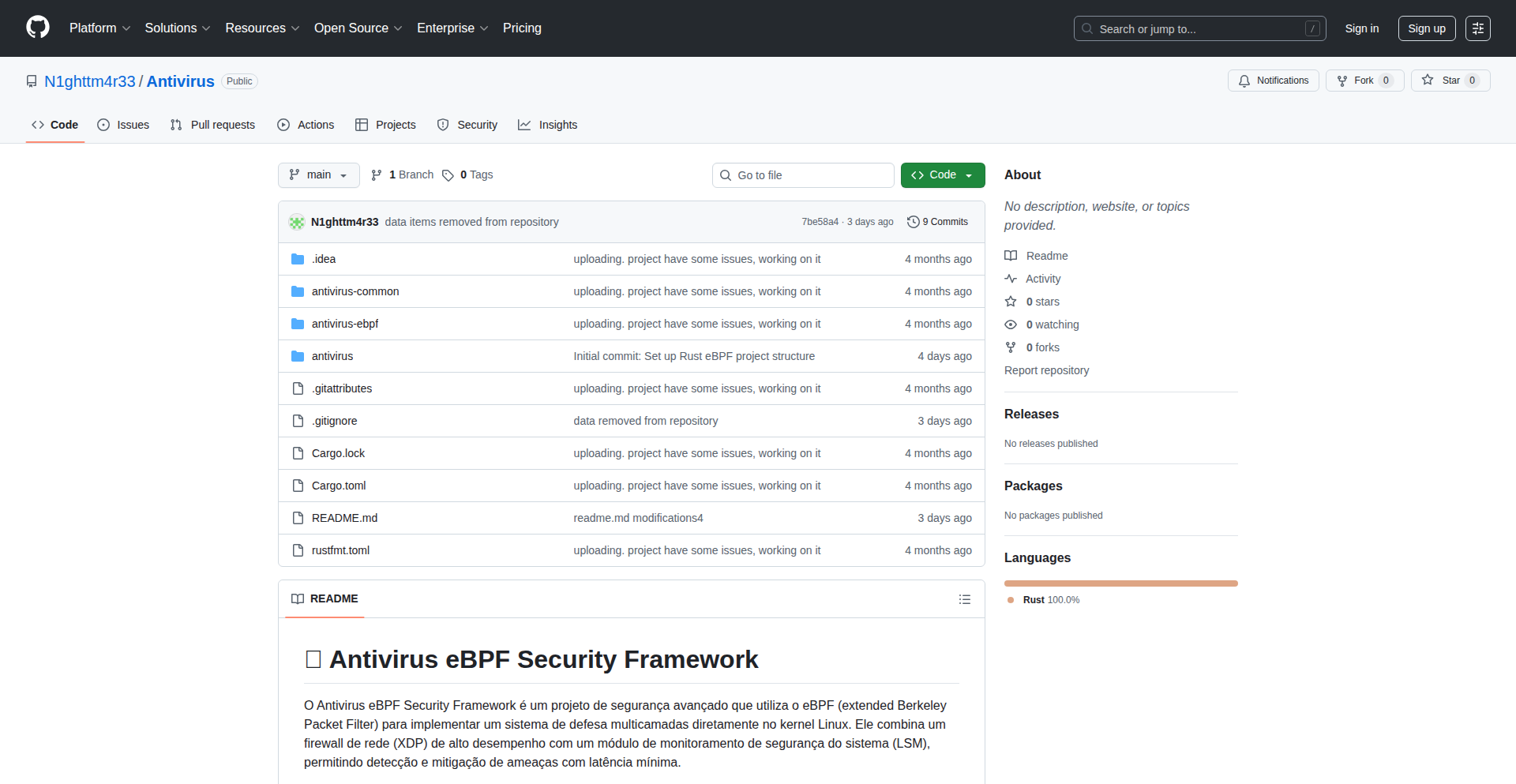
Author
n1ghtm4rr3
Description
This is an experimental firewall built using Rust and eBPF (Extended Berkeley Packet Filter) with XDP (eXpress Data Path). It's designed for learning purposes, acting as a packet-level reputation engine that analyzes incoming network traffic to score the risk associated with each IP address. It detects various malicious or suspicious patterns like port scans, potential IP spoofing, denial-of-service-like bursts, and malformed packets, with the ability to automatically block high-risk IPs or apply tarpit behavior. So, this helps understand and practice advanced network security analysis at a fundamental level.
Popularity
Points 2
Comments 0
What is this product?
This project is a lightweight, experimental network security tool that leverages Rust and eBPF/XDP. eBPF allows running custom code directly within the Linux kernel without modifying kernel source code, while XDP enables high-performance packet processing at the earliest possible point in the network stack. This guardian analyzes network packets in real-time, assigns a risk score to each IP address based on observed behavior (like port scanning, unusual traffic patterns, or malformed packets), and uses this score to decide on actions like blocking or slowing down suspicious connections. It's built with learning in mind, exploring efficient state tracking within eBPF maps and practical threat detection heuristics. So, it provides a deep dive into how modern, high-performance network security can be implemented directly in the kernel.
How to use it?
Developers can integrate this project into their Linux systems to gain real-time insights into network traffic and enhance security. After compiling the Rust code, the eBPF program can be loaded into the kernel, typically attached to a network interface via XDP. The system then begins inspecting packets. Developers can tune the heuristics (the rules for detecting suspicious activity) and the risk scoring mechanism. Configuration might involve setting up blocklists using Bloom filters (a memory-efficient way to check if an item is in a set) and defining the thresholds for automatic blocking or tarpit actions. It can be used for monitoring network behavior in development or staging environments, or as a foundation for building more sophisticated custom network security solutions. So, it offers a hands-on way to implement kernel-level network security monitoring and control.
Product Core Function
· Rust + eBPF (XDP) packet inspection: Inspects network packets efficiently at the kernel level, allowing for immediate analysis of network traffic. This means faster detection of threats than traditional userspace solutions.
· Per-IP risk scoring (0–1000): Assigns a numerical risk score to each IP address, quantifying the level of suspicion associated with its network activity. This provides a clear metric for identifying problematic IPs.
· Port scan detection: Identifies common port scanning techniques (SYN, FIN, NULL, XMAS scans) by analyzing packet flags and sequences. This helps to proactively detect reconnaissance attempts against your systems.
· TTL variance detection: Detects variations in the Time-To-Live (TTL) field of IP packets, which can indicate IP spoofing or other malicious manipulation. This helps protect against network impersonation.
· Burst traffic pattern detection (DoS-like): Recognizes sudden, large volumes of traffic from a single IP, a common characteristic of Denial-of-Service (DoS) attacks. This enables early warning and mitigation of DoS attempts.
· ICMP misuse and oversized payloads detection: Flags unusual ICMP (Internet Control Message Protocol) usage and packets that exceed expected sizes, which can be indicators of probing or attacks. This enhances the detection of network-level vulnerabilities.
· Malformed packets detection: Identifies network packets that do not conform to established network protocols, often a sign of exploitation attempts or network errors. This helps ensure network integrity.
· Bloom filter blocklist (up to 400k entries): Utilizes a memory-efficient data structure to quickly check if an IP address is on a blocklist. This allows for rapid blocking of known malicious IPs without significant performance overhead.
· LRU map tracking port access timing: Tracks the timing of port access for each IP using a Least Recently Used (LRU) cache mechanism. This helps detect brute-force attacks or rapid port enumeration.
· Auto-blocking on critical risk: Automatically blocks IP addresses that reach a predefined critical risk score. This provides an automated defense against severe threats.
· Tarpit behavior on high-risk IPs: Slows down or delays responses to connections from IPs with elevated risk scores, making it difficult for attackers to carry out their activities. This acts as a deterrent and resource conservation measure.
Product Usage Case
· Network monitoring and security analysis in a development environment: A developer can deploy this tool on their local machine or a development server to observe and understand the network traffic patterns directed at their applications, identifying potential vulnerabilities or unwanted scanning activity. This helps in building more robust applications from the start.
· Experimental threat intelligence: Researchers or security enthusiasts can use this project to experiment with different heuristic detection methods and risk scoring algorithms, contributing to the broader understanding of lightweight threat detection techniques. This fosters innovation in cybersecurity research.
· Learning eBPF and kernel development: Developers interested in low-level networking and kernel programming can use this project as a practical example to learn Rust in kernel constraints, how XDP works, and efficient state management within eBPF maps. This accelerates learning for those venturing into kernel-level development.
· Proactive defense against automated attacks: Small to medium-sized businesses could integrate this into their edge network devices to automatically block common attack vectors like port scans and brute-force attempts before they reach critical servers. This provides an immediate layer of defense.
68
Rs-Utcp: Universal LLM Tool Interoperability in Rust
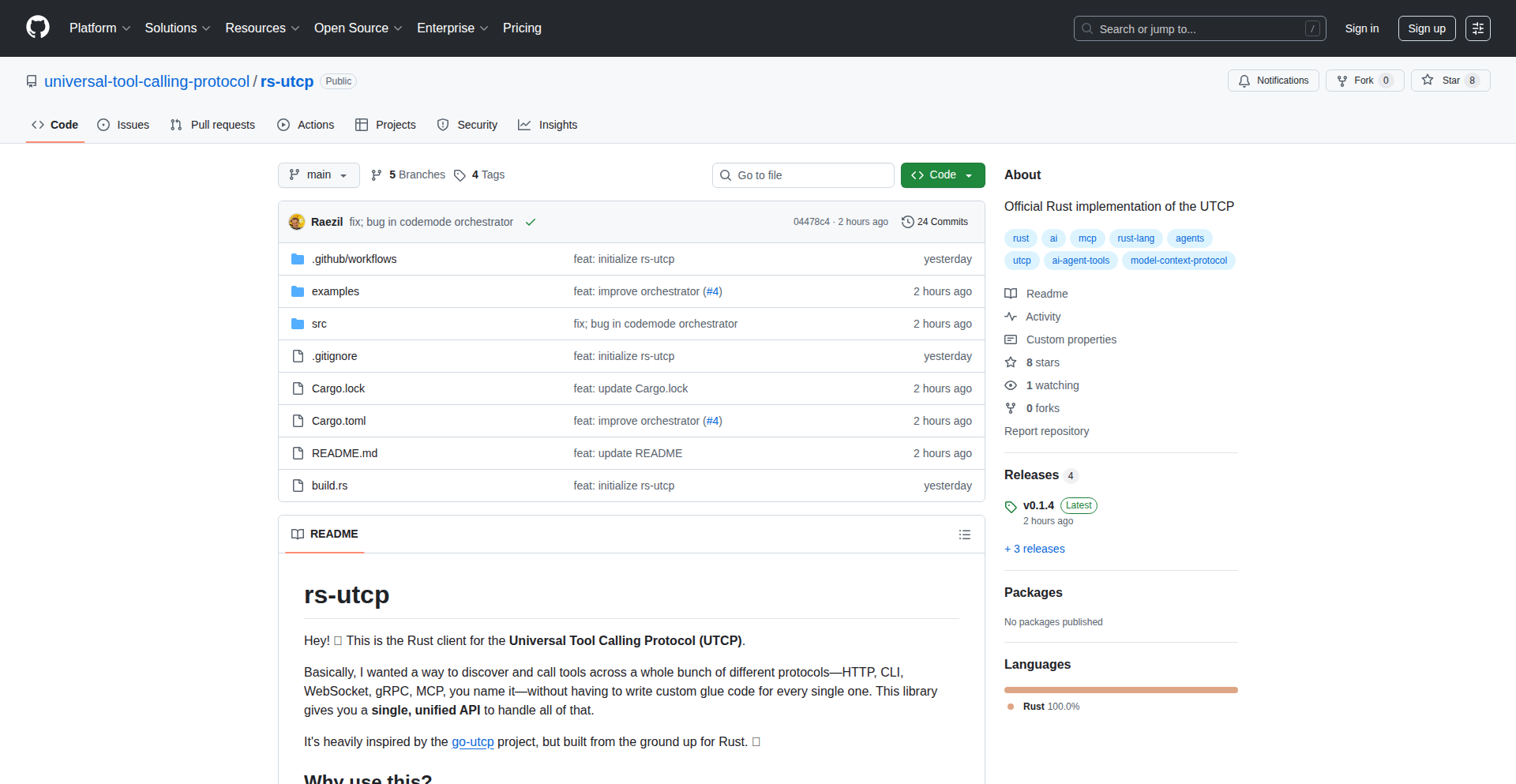
Author
juanviera23
Description
Rs-Utcp is a Rust implementation of the Universal Tool Calling Protocol (UTCP). It aims to standardize how Large Language Models (LLMs) interact with external tools, preventing the fragmentation caused by each vendor defining their own proprietary schema. This library provides a robust, transport-agnostic, and type-safe way to achieve predictable and seamless interoperability between LLMs and tools. Its core innovation lies in establishing a vendor-neutral protocol that simplifies integration and fosters a more open ecosystem for LLM applications.
Popularity
Points 2
Comments 0
What is this product?
Rs-Utcp is a Rust library that implements the Universal Tool Calling Protocol (UTCP). Think of it as a universal translator for when a Large Language Model (LLM) needs to use an external tool (like a calculator, a database query tool, or a weather API). Instead of each LLM provider or tool vendor inventing their own way of describing what a tool does and how to call it, UTCP provides a common language. Rs-Utcp takes this protocol and builds a reliable implementation in Rust. The innovation here is creating a predictable and standard way for LLMs and tools to talk to each other, making it much easier for developers to build applications that leverage LLMs with various tools without getting bogged down by incompatible communication methods. It's like having a standard plug for all your electrical appliances instead of needing a different adapter for each one.
How to use it?
Developers can integrate Rs-Utcp into their LLM-powered applications by using its Rust library. The library allows for parsing and serializing UTCP messages, which are the standardized descriptions of tool calls and their responses. This means you can define your tools and their expected inputs and outputs using the UTCP schema, and then use Rs-Utcp to translate these definitions into messages that an LLM can understand and process. Crucially, Rs-Utcp is transport-agnostic, meaning it can work over various communication channels like standard input/output (stdin/stdout), HTTP, or WebSockets. This flexibility allows developers to seamlessly integrate LLM tool calling into existing or new architectures, regardless of the underlying communication infrastructure. So, if you're building a chatbot that needs to access real-time data or perform calculations, you can use Rs-Utcp to define those actions and have your LLM reliably trigger them.
Product Core Function
· Full UTCP message parsing and serialization: This allows the library to understand and generate the standardized messages required for LLM tool calling. This is valuable because it ensures that communication between your LLM and external tools follows a consistent format, reducing errors and simplifying development.
· Strongly typed request/response models: The library uses Rust's strong typing system to define the structure of tool call requests and responses. This means you get compile-time checks that ensure your data is in the correct format, preventing runtime errors and making your code more robust. This is useful for ensuring data integrity and catching bugs early.
· Transport-agnostic design: Rs-Utcp can work with various communication methods like stdin/stdout, HTTP, and WebSockets. This flexibility is invaluable as it allows you to integrate LLM tool calling into almost any application architecture without being limited by a specific communication protocol. This makes it easy to adapt to different deployment scenarios.
· Minimal dependencies and straightforward API: The library is designed to be lightweight and easy to use, with few external dependencies. This leads to faster build times and a simpler learning curve for developers. This is beneficial for developers looking for efficient and easy-to-integrate solutions.
Product Usage Case
· Building a sophisticated AI assistant that can interact with multiple external APIs (e.g., weather, news, stock prices): A developer can use Rs-Utcp to define these API functionalities as tools. The LLM can then intelligently select and call the appropriate tool based on user queries, with Rs-Utcp handling the precise formatting of the request and parsing of the response. This solves the problem of inconsistent API integration.
· Developing a plugin system for an LLM-powered application: Rs-Utcp can standardize how third-party plugins (tools) communicate with the core LLM. Developers can create plugins that adhere to the UTCP standard, and the core application can seamlessly discover, load, and invoke these plugins. This addresses the challenge of creating a pluggable and extensible LLM ecosystem.
· Creating a unified interface for LLM orchestration across different LLM providers: If a developer wants to use multiple LLM models, each potentially having different ways of handling tool calls, Rs-Utcp provides a single, consistent protocol. The developer defines their tools once according to UTCP, and then can switch between LLM providers with minimal code changes. This solves the vendor lock-in and integration complexity issue when working with multiple LLMs.
69
SQLAgentGuard
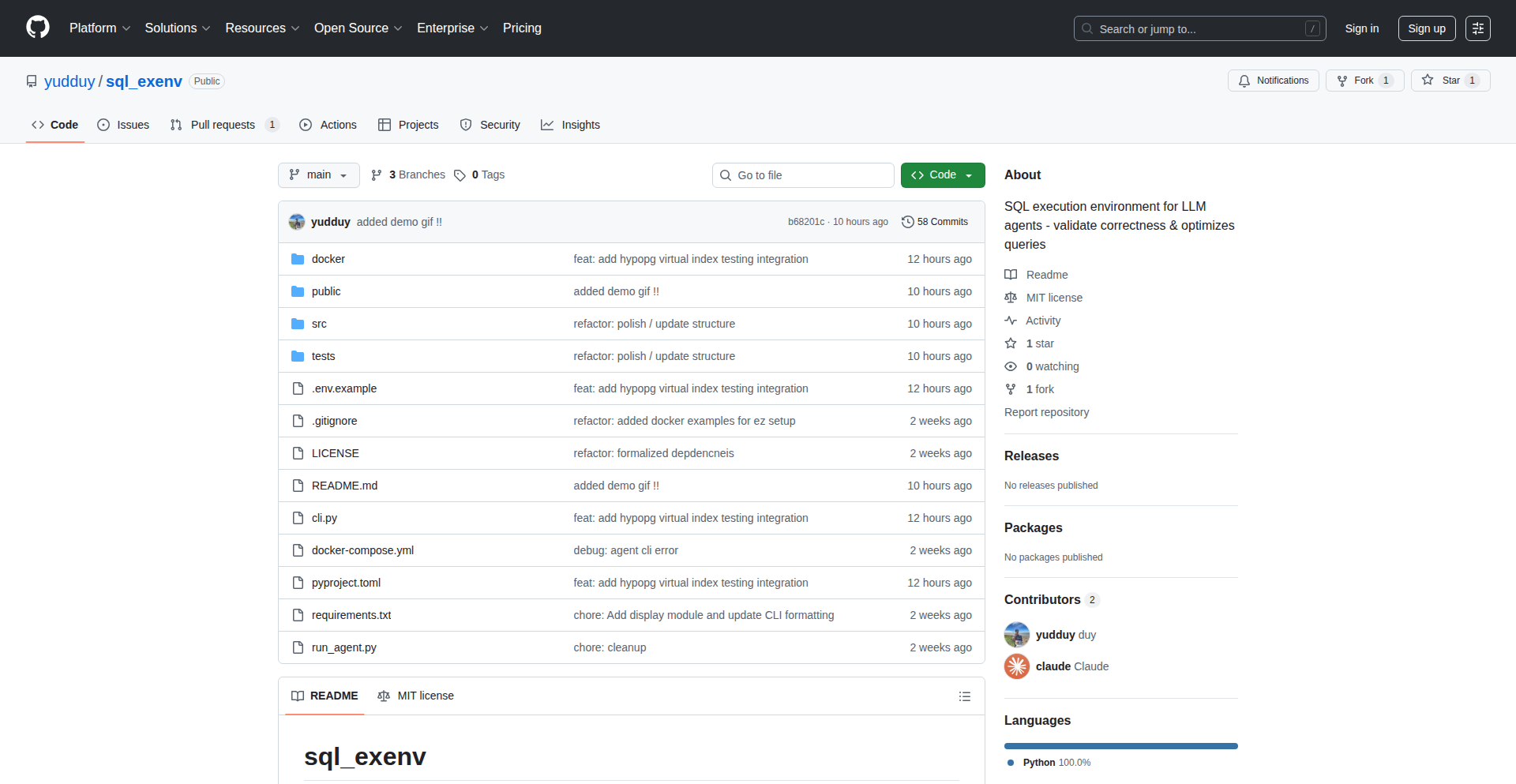
Author
yudduy
Description
A tool that monitors SQL agents in real-time to ensure they behave as expected, preventing unexpected errors or data corruption. It's like a vigilant security guard for your database interactions.
Popularity
Points 1
Comments 1
What is this product?
This project is a runtime verification system specifically designed for SQL agents. SQL agents are automated processes that interact with databases, often executing complex queries or tasks. The innovation here lies in its ability to observe these agents *while they are running* and check if their actions align with predefined rules or specifications. Instead of just testing code before it runs, it watches it in action. This is achieved by intercepting and analyzing the SQL queries and responses generated by the agent. The core technical insight is applying formal verification principles, usually seen in high-assurance systems, to the dynamic and often unpredictable world of database interactions. So, what this means for you is that your automated database tasks are less likely to go rogue and cause problems.
How to use it?
Developers can integrate SQLAgentGuard into their existing workflows by running it alongside their SQL agents. It can monitor specific agents or an entire set of database operations. The system typically requires defining a set of 'invariants' or expected behaviors for the SQL agent – essentially, telling the guard what 'good' looks like. When the agent executes a query, SQLAgentGuard analyzes it against these rules. If a violation is detected, it can trigger alerts, log the issue, or even attempt to mitigate the problem. This offers a proactive approach to debugging and ensuring system stability. So, how this helps you is by providing an early warning system for issues in your database automation, saving you from costly downtime and debugging headaches.
Product Core Function
· Real-time SQL query monitoring: This function allows the system to observe every SQL query an agent sends to the database as it happens. The technical value is in enabling immediate detection of anomalies rather than finding them later through logs or user complaints. The application scenario is critical for applications where data integrity and immediate feedback are paramount, such as financial transactions or real-time analytics.
· Behavioral specification enforcement: This function allows users to define what 'correct' behavior looks like for the SQL agent, such as checking for specific query patterns or ensuring data constraints are not violated. Technically, this involves a rule-engine or a formal specification language. The value is in preventing subtle bugs that might not cause immediate errors but lead to data inconsistency over time. This is useful for ensuring compliance with business logic and data governance policies.
· Anomaly detection and alerting: When the monitored behavior deviates from the defined specifications, this function triggers alerts or logs detailed information about the violation. The technical implementation likely involves pattern matching or statistical anomaly detection. The value is in providing actionable insights into potential issues before they escalate into major problems. This is incredibly useful for operations teams to quickly diagnose and resolve issues in production environments.
Product Usage Case
· Ensuring data integrity in e-commerce platforms: Imagine an SQL agent responsible for updating product inventory. SQLAgentGuard can monitor its queries to ensure that the stock count is never reduced below zero, even if a bug causes an incorrect update request. This prevents overselling and customer dissatisfaction.
· Preventing accidental data deletion in banking systems: An agent might be tasked with archiving old transaction records. SQLAgentGuard can be configured to detect and flag any queries that attempt to delete data from the live transaction table, a critical safeguard against catastrophic data loss.
· Validating complex business logic in reporting tools: If an SQL agent generates reports based on intricate business rules, SQLAgentGuard can verify that the queries adhere to these rules, ensuring the reports are accurate and trustworthy, preventing flawed business decisions based on incorrect data.
70
MacroViz Dashboards

Author
roberttidball
Description
A project that provides free, downloadable macro dashboards with dynamic charts. It focuses on making complex economic data accessible and visual, allowing users to easily explore trends and download charts for further analysis. The innovation lies in its ability to generate customized, interactive dashboards from raw economic data with minimal user effort, directly addressing the challenge of data visualization for non-specialists.
Popularity
Points 1
Comments 1
What is this product?
MacroViz Dashboards is a web-based tool that transforms raw economic data (like currency exchange rates, e.g., EUR/USD) into interactive, downloadable dashboards with charts. It uses data fetching and charting libraries to process economic indicators, render them into user-friendly visualizations, and enable export. The core innovation is in its automated dashboard generation from common macro data sources, simplifying data analysis for a broader audience. This means you get insightful economic views without needing to be a data science expert.
How to use it?
Developers can integrate this project by leveraging its backend APIs to fetch and render economic data. For example, a fintech application could embed these dashboards to show currency trends directly within their platform, providing users with real-time economic insights. Users can also simply visit the provided web interface to explore and download charts of various economic indicators relevant to their interests or research. This allows for quick access to crucial economic information for decision-making or reporting.
Product Core Function
· Automated Data Ingestion and Processing: Automatically pulls economic data from specified sources, cleans and formats it for charting. The value here is saving developers significant time and effort in data preparation, allowing them to focus on analysis rather than data wrangling.
· Interactive Chart Generation: Creates dynamic, interactive charts (e.g., line graphs, bar charts) for economic data, allowing users to hover, zoom, and explore trends. This provides a much richer understanding of data patterns than static images, making complex economic relationships easier to grasp.
· Downloadable Chart Exports: Enables users to download charts in various formats (like PNG, SVG), facilitating their use in reports, presentations, or further offline analysis. This adds practical utility, allowing users to easily incorporate visual economic insights into their work.
· Customizable Dashboard Views: Offers the ability to tailor dashboard views to specific economic indicators and timeframes. This ensures users see the most relevant data for their needs, improving the efficiency and effectiveness of their analysis.
Product Usage Case
· A financial analyst needs to quickly compare historical EUR/USD exchange rates for a report. Using MacroViz Dashboards, they can generate a chart in minutes, customize the date range, and download it as a high-quality image for their presentation, avoiding manual charting and data retrieval.
· A developer building a personal finance app wants to include currency fluctuation insights. They can integrate MacroViz's charting API to display live or historical exchange rates directly within their app, offering users valuable context without building a complex data visualization backend from scratch.
· A student researching global economic trends needs to visualize inflation rates across different countries. MacroViz Dashboards allows them to select relevant indicators and time periods, generate comparative charts, and download them for academic papers, making complex economic data accessible for educational purposes.
71
AnimBits: React Animation Toolkit

Author
m1racle
Description
AnimBits is a collection of over 50 pre-built, production-ready animation UI components and hooks for React applications. Built on top of Framer Motion, it simplifies the process of adding subtle, accessible, and customizable animations to your projects, eliminating the typical setup complexities. This means you get polished animations with a simple copy-paste or easy integration via shadcn UI registry, enhancing user experience without significant development effort.
Popularity
Points 2
Comments 0
What is this product?
AnimBits is a curated library of animation components and hooks designed for React developers. It leverages the power of Framer Motion, a popular animation library for React, to provide out-of-the-box solutions for common UI animation needs. Instead of writing complex animation logic from scratch, developers can use these pre-made components for elements like buttons, cards, text effects, loaders, and even page transitions. The innovation lies in abstracting away the boilerplate setup of Framer Motion, offering ready-to-use, subtle, and accessible animations that are designed to be easily integrated and customized. This significantly reduces development time and the learning curve associated with animation in React, making sophisticated animations accessible even to developers less experienced with animation libraries.
How to use it?
Developers can use AnimBits in two primary ways. The first is through a simple copy-paste mechanism: browse the AnimBits website, select the desired animation component, and copy the provided code snippet directly into your React project. This is ideal for quick integrations or when you only need a few specific animations. The second, more integrated approach, is by using the shadcn UI registry. If your project already uses shadcn UI, you can add AnimBits components with a single command like 'npx shadcn add <link_to_component.json>'. This method ensures seamless integration with your existing component system and styling. All components are fully typed with TypeScript, providing excellent developer experience with autocompletion and type safety, and are licensed under MIT, allowing for broad usage.
Product Core Function
· Pre-built Animation Components: Provides over 50 ready-to-use UI elements like animated buttons, cards, loaders, and text effects. This offers immediate visual polish to your application, improving user engagement and perceived quality without requiring you to write custom animation code. For example, an animated button can draw attention to calls to action.
· Animation Hooks: Offers reusable animation logic as hooks that developers can integrate into their custom components. This empowers developers to build complex, dynamic interfaces with less effort, ensuring consistent animation behavior across the application. For instance, a hook for staggered list item animations can make data presentation more dynamic.
· Page Transition Components: Includes components specifically designed for smooth transitions between different pages or views in a React application. This significantly enhances the user experience by creating a sense of flow and professionalism, making navigation feel more fluid and less jarring. Think of animated fade-ins or slide-ins when moving between routes.
· Framer Motion Integration: Built entirely on Framer Motion, it benefits from its powerful and flexible animation capabilities while abstracting away the setup. This means you get access to sophisticated animation features like physics-based animations and gesture recognition without the steep learning curve, allowing for more expressive user interfaces.
· Accessibility Focus: Components are designed with accessibility in mind, ensuring that animations are subtle and do not negatively impact users with motion sensitivities or who rely on assistive technologies. This ensures your application is inclusive and usable by a wider audience, meeting important usability standards.
Product Usage Case
· Enhancing user onboarding with animated welcome messages and step indicators. Developers can use the text effect components to make introductory content more engaging and guiding, solving the problem of static and uninspiring onboarding experiences.
· Creating interactive product cards that animate on hover to reveal more details or call-to-action buttons. This can be achieved using the card animation components, which solve the problem of needing to visually communicate product features dynamically and attractively.
· Implementing smooth loading animations for data fetching or form submissions. Developers can integrate the loader components to provide visual feedback to users during asynchronous operations, preventing users from feeling stuck or unsure if the application is working.
· Adding subtle visual cues to form inputs, such as focus animations or validation feedback. This can be done using a combination of input-related components and animation hooks, helping users understand the state of their form entries and improving usability.
· Building engaging portfolio websites with animated elements for sections, images, or navigation. AnimBits can provide visually appealing transitions and effects that make a developer's personal showcase stand out, addressing the need for a dynamic and memorable online presence.
72
AstroProse Editor
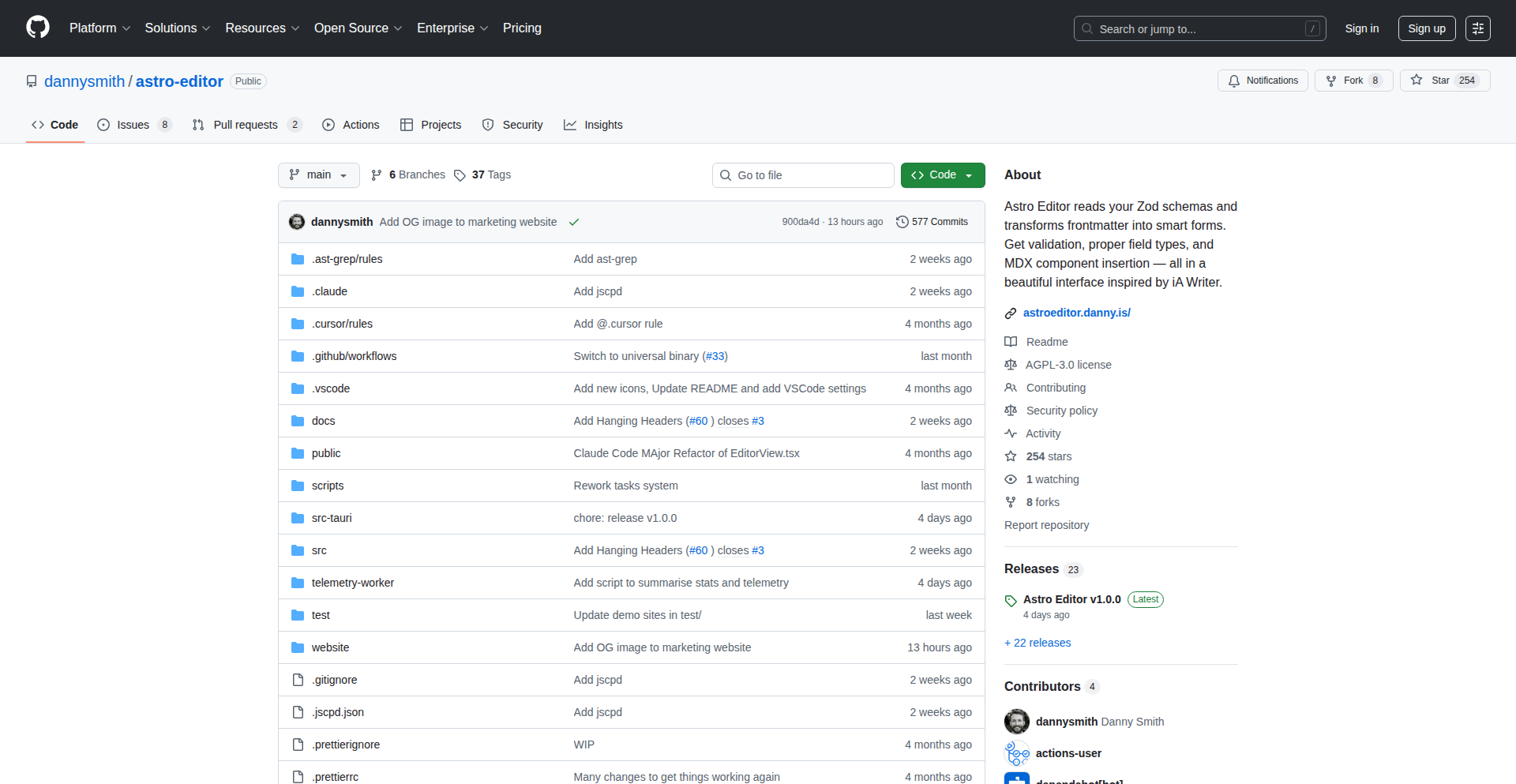
Author
dannysmith
Description
AstroProse Editor is a desktop application designed to simplify writing content for Astro websites. It bridges the gap between distraction-free writing tools and the complex MDX (Markdown with JSX components) file format used by Astro's content collections. It automatically generates forms for frontmatter based on your schema definitions and provides an intuitive way to insert and configure MDX components, making content creation for Astro developers significantly smoother.
Popularity
Points 2
Comments 0
What is this product?
AstroProse Editor is a native desktop application built with Tauri and React, inspired by minimalist writing tools like iA Writer. Its core innovation lies in its deep integration with Astro's content collections. Instead of wrestling with plain text Markdown editors that don't understand Astro's specific needs, AstroProse Editor understands that your content files are more than just text. It intelligently parses YAML frontmatter and MDX syntax. A key feature is its ability to auto-generate user-friendly forms for your frontmatter directly from your Zod schemas. This means you don't have to manually type out metadata; the editor creates a structured input for you. Furthermore, it offers a seamless component insertion experience, allowing you to pick and configure MDX components with their props directly within the editor, bypassing the need to write raw JSX. This approach solves the problem of content creators struggling with the technical overhead of modern static site generators, enabling them to focus on writing rather than code.
How to use it?
Developers using Astro for their content-heavy websites can download and install AstroProse Editor on their macOS machines. Once installed, they can point the editor to their Astro project's content collections. The editor will automatically detect Zod schemas defined for their frontmatter and present them as easily fillable forms. When writing content, developers can use a special syntax or a dedicated button to insert MDX components. AstroProse Editor will then display a prompt to select the desired component and configure its properties through an intuitive interface, generating the correct MDX and frontmatter syntax behind the scenes. This streamlines the process of creating and managing blog posts, documentation, or any other content types within an Astro project, making it accessible even to less technical team members. For integration, it essentially acts as a specialized editor for your content files, so no complex build process or server setup is required beyond having an Astro project set up.
Product Core Function
· Distraction-free writing environment that hides complex code elements like YAML frontmatter and imports, allowing writers to focus solely on their prose. This is valuable because it reduces cognitive load and enhances productivity during the writing process.
· Automatic generation of frontmatter forms from Zod schemas, transforming raw schema definitions into user-friendly input fields. This provides immense value by eliminating manual data entry errors and ensuring consistent metadata across all content pieces.
· Intuitive component insertion with a prop picker for MDX, enabling developers to easily add and configure reusable UI elements within their content without writing raw JSX. This simplifies the process of incorporating dynamic elements into static sites.
· Drag-and-drop image handling that automatically uploads and links images to your content. This is incredibly useful for content creators as it streamlines the media management process and reduces the technical steps involved in embedding images.
· Native desktop application built with Tauri, offering a smooth and responsive user experience similar to other productivity applications. This offers value by providing a dedicated, performant tool separate from the browser-based IDEs.
Product Usage Case
· A blogger using Astro to maintain their personal website wants to write new articles without being bogged down by frontmatter configuration or MDX syntax. They can use AstroProse Editor to write their post in a clean interface, fill out metadata through generated forms, and easily insert custom components for image galleries or call-to-action buttons, all while the editor handles the underlying Astro-specific file structure.
· A technical writer creating documentation for a software project using Astro needs to embed code snippets and component examples. AstroProse Editor allows them to write the narrative, use a prop picker to select and configure code highlighting components or interactive demos, and ensure the frontmatter correctly tags the documentation version, thus solving the problem of complex embedding procedures.
· A marketing team managing a content-heavy website built with Astro wants to empower non-technical team members to contribute blog posts. AstroProse Editor, with its form-based frontmatter input and simplified component insertion, allows them to create content without needing to understand Markdown nuances or JSX, directly addressing the challenge of democratizing content creation within a technical framework.
73
Seamless Multi-Monitor Canvas

Author
biinjo
Description
An open-source macOS utility that takes a single high-resolution image and intelligently spreads it across all connected monitors, ensuring a seamless and aesthetically pleasing desktop experience. It addresses the common issue of wallpapers tiling awkwardly or being cropped poorly on multi-monitor setups.
Popularity
Points 2
Comments 0
What is this product?
This project is a macOS application designed to solve the frustration of setting wallpapers across multiple displays. Instead of simply tiling or stretching an image, which often looks bad, SpreadPaper analyzes the image and your monitor arrangement to render it across all screens as one continuous, high-resolution artwork. It leverages macOS's graphics capabilities to achieve this without performance degradation, offering a clean, focused solution for multi-monitor users who value desktop aesthetics.
How to use it?
Developers can download and run SpreadPaper on their macOS machines. Once installed, they can select a single high-resolution image. The utility will then automatically detect all connected monitors and seamlessly render the chosen image across them. It can be set to run at startup for a persistent effect. Integration with existing wallpaper management workflows is straightforward as it functions as a standalone application that replaces the default wallpaper behavior for the chosen image.
Product Core Function
· Intelligent Image Spanning: Utilizes algorithms to analyze image content and monitor layout, projecting a single image across multiple displays without tiling or awkward cropping, providing a unified visual experience. This solves the problem of distorted wallpapers on multi-monitor setups, enhancing your workspace aesthetics.
· High-Resolution Support: Designed to handle and display high-resolution images without losing quality, ensuring your desktop wallpaper looks sharp and detailed on even large or high-density displays. This means your beautiful images remain vibrant and clear across all your screens.
· Seamless Integration: Functions as a simple, native macOS application, meaning it integrates smoothly into your existing desktop environment and can be configured to start automatically with your system. This offers a hassle-free way to improve your multi-monitor setup without complex configurations.
· Minimalist Design: Focuses on core functionality without unnecessary bloat or intrusive features, providing a clean and efficient user experience. This ensures the tool doesn't consume excessive system resources, keeping your computer running smoothly while enhancing your visual setup.
Product Usage Case
· A graphic designer using three monitors for their workflow can now use a single, panoramic artwork as their wallpaper, creating an immersive and cohesive design environment instead of mismatched or tiled images. This improves focus and visual continuity.
· A programmer with dual monitors who wants to display a detailed city skyline photograph across both screens can use SpreadPaper to ensure the skyline flows naturally from one monitor to the next, avoiding jarring cuts or repeated elements. This makes the coding environment more visually appealing and less distracting.
· A user who wants to display a family portrait across their two monitors can achieve a unified, gallery-like presentation, making their workspace feel more personal and professional. This transforms a functional setup into a more enjoyable visual space.
74
RemotelyGood.us Agentic Job App Enhancer

Author
Theresa_i_a
Description
This project is an evolution of RemotelyGood.us, a job board focused on social impact and remote roles. The core innovation lies in the prototyping of 'agentic features' aimed at perfecting job applications. This means leveraging AI-like capabilities to analyze job descriptions and user resumes, providing intelligent suggestions to tailor applications, thereby increasing the chances of success. The underlying technical insight is to move beyond simple job listings to actively assisting users in the application process, solving the common problem of generic applications that fail to impress employers.
Popularity
Points 1
Comments 0
What is this product?
RemotelyGood.us Agentic Job App Enhancer is a feature being developed for a job board that helps people find remote, social impact jobs. The innovation is the introduction of 'agentic' capabilities, which essentially means using smart technology to act as an assistant for your job applications. Instead of just showing you job postings, it will analyze the job description and your resume to suggest how you can best present yourself. This is built upon the idea that many job seekers struggle to tailor their applications effectively, and by providing automated, intelligent feedback, it helps bridge that gap. The technical approach involves natural language processing (NLP) to understand text and potentially machine learning to identify patterns in successful applications.
How to use it?
Developers can use this project by exploring the underlying agentic features, potentially integrating similar logic into their own job search tools or career platforms. The current implementation is a prototype on RemotelyGood.us, where users can experience these features firsthand. For a developer, understanding how the agentic components process resume and job description data can offer insights into building smarter career tools. Integration would involve studying the API or code (if made open-source) that handles the analysis and suggestion generation, and then implementing it within a new or existing application to provide enhanced resume and job description matching.
Product Core Function
· Resume analysis and keyword matching: The system can scan a user's resume and identify keywords relevant to specific job descriptions, highlighting areas for improvement or emphasizing existing strengths. This is valuable for ensuring resumes are optimized for Applicant Tracking Systems (ATS) and hiring managers.
· Job description tailoring suggestions: Based on the analysis of a job posting, the system provides specific recommendations on how to rephrase or highlight certain skills and experiences on a resume or cover letter to better align with the employer's requirements. This helps users create more targeted and impactful applications.
· Gap identification for skill development: The agentic features can pinpoint areas where a user's skills might be lacking compared to the requirements of a desired job, offering actionable advice on what skills to acquire or emphasize. This empowers users to proactively improve their profiles for better job prospects.
· Automated cover letter snippet generation: The system can assist in drafting relevant sentences or paragraphs for cover letters by pulling key information from the resume and job description, saving users time and improving the quality of their written applications.
Product Usage Case
· Scenario: A job seeker is applying for a 'Sustainability Program Manager' role remotely. They upload their resume and the job description. The agentic features identify that the resume highlights 'project management' but lacks specific keywords related to 'environmental impact assessment' or 'stakeholder engagement' as mentioned in the job description. The system then suggests rephrasing certain project management experiences to emphasize their environmental outcomes and recommends adding bullet points related to engaging with external environmental groups.
· Scenario: A developer is looking for remote backend engineering positions. They input their resume and a job description for a 'Senior Python Engineer' role that emphasizes experience with 'microservices' and 'cloud deployment'. The agentic features flag that while the resume mentions Python development, it doesn't explicitly detail experience with building microservices architectures or deploying applications on AWS/GCP. It then suggests that the applicant add specific examples of microservice projects and detail their cloud deployment experience, providing prompts on how to best describe these achievements.
· Scenario: A recent graduate with a degree in marketing is applying for an entry-level 'Social Media Coordinator' position. The job requires strong writing skills and familiarity with various social media platforms. The agentic features analyze the resume and job description, noting that the resume lists several marketing internships but doesn't explicitly quantify social media engagement metrics or highlight specific platform proficiency. The system then suggests adding metrics like 'increased engagement by X%' and listing proficiency with platforms like Instagram, TikTok, and LinkedIn, making the application more concrete and impressive.
75
Lenscraft: Virtual DSLR Studio

Author
bosschow
Description
Lenscraft is a weekend project that simulates a DSLR camera experience, using Google Street View as its viewfinder. It allows users to control camera settings like focal length, aperture, ISO, and shutter speed, and apply film simulations to virtual street view panoramas. This effectively turns the vastness of Google Street View into a personal photography studio for learning and experimentation.
Popularity
Points 1
Comments 0
What is this product?
Lenscraft is a virtual camera application built using Next.js. It leverages the Google Street View API to provide a live, explorable view of streets worldwide, acting as your camera's viewfinder. Instead of capturing real-world photos, it takes 'shots' of these panoramas. The innovation lies in combining a familiar DSLR interface with a boundless digital canvas. You can adjust simulated camera parameters, mimicking the creative control of a physical camera, and apply digital 'film simulations' to alter the mood and aesthetic of your captured street view images. This offers a low-cost, accessible way to practice photography principles and explore creative visual styles.
How to use it?
Developers can use Lenscraft in a few ways. As a learning tool, it provides an interactive platform to understand how camera settings affect image output without needing physical equipment. For content creators, it offers a unique way to generate visual assets with a distinct aesthetic, leveraging the global reach of Street View. Integration could involve embedding the Lenscraft viewer into other applications or using its API to programmatically 'shoot' specific Street View locations with predefined camera settings for automated visual generation. Essentially, if you need to create visually interesting panoramas or learn camera controls, Lenscraft provides a digital playground.
Product Core Function
· Virtual Viewfinder with Google Street View: Provides a real-time, explorable view of any street in the world, allowing users to frame their shots just like a real camera.
· Simulated DSLR Controls: Users can adjust focal length, aperture (f-stop), ISO, and shutter speed, understanding how each parameter impacts the simulated exposure and depth of field. This teaches fundamental photographic concepts in an interactive way.
· Film Simulation Filters: Apply various digital filters that mimic the look and feel of different photographic films, enabling creative expression and stylistic experimentation with street view imagery.
· Static API Image Capture: 'Takes a photo' of the current Street View scene with the applied settings, generating a static image that reflects the chosen camera parameters and filters. This allows for saving and sharing the virtually captured images.
· Optional AI Enhancement: Offers an AI-powered post-processing step to further refine or stylize the captured images, adding another layer of creative control and potential for unique visual outcomes.
Product Usage Case
· Photography Student Learning: A student can use Lenscraft to practice understanding aperture's effect on depth of field by focusing on different elements within a Street View panorama, then adjusting the simulated aperture to see the results, all without expensive gear.
· Indie Game Developer Asset Creation: A game developer could use Lenscraft to quickly generate background images or environmental references for a game set in a global city. They can 'shoot' specific street corners with custom camera settings and film looks to match the game's art style.
· Content Creator Visual Exploration: A blogger or social media influencer could use Lenscraft to create unique, eye-catching header images or posts. By exploring different streets and applying creative film simulations, they can generate distinctive visuals that stand out.
· Prototyping Visual Effects: A visual effects artist could use Lenscraft to explore how different lens characteristics and lighting simulations would look on a street scene, serving as a quick prototyping tool before committing to more complex 3D rendering or real-world shoots.
76
BaiduScrapeBuddy
Author
johncole
Description
A Python-based tool designed to programmatically extract data from Baidu search results. It tackles the challenge of obtaining structured information from the Baidu search engine, often a tedious manual process, by providing an automated and efficient scraping solution. The core innovation lies in its ability to navigate Baidu's specific search result page structure and extract relevant data points, offering a technical shortcut for data acquisition.
Popularity
Points 1
Comments 0
What is this product?
BaiduScrapeBuddy is a developer tool built with Python that allows you to automatically collect data from Baidu search engine results pages (SERPs). Think of it as a digital assistant that can visit Baidu, search for something you're interested in, and then gather all the important information from the results page for you. The technical innovation is in its smart parsing of Baidu's unique web page layout, which is different from Google or other search engines. This means it can reliably pull out things like website titles, URLs, and snippets of text, saving you from having to copy and paste each one by hand.
How to use it?
Developers can integrate BaiduScrapeBuddy into their Python projects. This typically involves installing the library and then writing a few lines of Python code to specify what search query to run on Baidu and what kind of data to extract. For example, you could use it to find all the websites ranking for a specific industry term in China, or to gather competitor information. It's designed to be a reusable component that can be plugged into larger data analysis or research workflows, offering a programmatic way to access Baidu's search landscape.
Product Core Function
· Automated Baidu Search Execution: The ability to programmatically initiate search queries on Baidu. This is valuable because it allows for systematic exploration of Baidu's search landscape without manual intervention, enabling large-scale data collection.
· Intelligent SERP Parsing: The core technical innovation is its ability to understand and extract specific data points (like titles, URLs, descriptions) from Baidu's search result pages. This saves developers significant time and effort compared to manual data extraction, providing clean, structured data for further processing.
· Customizable Data Extraction: Users can configure which specific data elements they want to retrieve from the search results. This offers flexibility and ensures that developers get exactly the information they need for their specific use case, reducing noise and improving data relevance.
· Error Handling and Robustness: Built with considerations for potential network issues or changes in Baidu's page structure, aiming to provide a more reliable scraping experience. This is crucial for any automated process that relies on external web services, as it minimizes downtime and data loss, leading to more dependable results.
Product Usage Case
· Market Research in China: A marketing team could use BaiduScrapeBuddy to identify top-ranking websites for specific product keywords in the Chinese market. This helps them understand competitor presence and online visibility, informing their market entry strategy.
· SEO Analysis: An SEO specialist might use this tool to gather search result data for a set of target keywords on Baidu to analyze ranking fluctuations, identify organic traffic opportunities, and benchmark against competitors' search performance.
· Academic Research: Researchers studying online information dissemination or trends in China could use BaiduScrapeBuddy to collect large datasets of search results for analysis, contributing to a deeper understanding of digital information consumption.
· Lead Generation: A business looking for potential partners or clients in China could employ BaiduScrapeBuddy to find relevant companies and their contact information listed in Baidu search results, streamlining the lead qualification process.
77
AI Contextual Search Engine for Teams

Author
flabberghasted
Description
This project introduces an AI-powered search engine designed to provide contextual answers and insights for startups and engineering teams. Instead of just returning links, it synthesizes information from various sources to deliver direct, relevant answers, solving the problem of information overload and inefficient knowledge retrieval within teams. Its core innovation lies in using AI to understand the nuances of team-specific knowledge and external technical documentation, making information discovery faster and more effective.
Popularity
Points 1
Comments 0
What is this product?
This is an AI-driven search engine that goes beyond traditional keyword matching. It leverages Natural Language Processing (NLP) and potentially Large Language Models (LLMs) to understand the semantic meaning of your queries and the content it searches. Think of it as a smart librarian who not only finds books but also reads them and summarizes the exact information you need. The innovation is its ability to create a 'contextual understanding' of your team's projects, codebases, and internal documentation, alongside publicly available technical information, to deliver precise answers, not just search results. This means you get the 'why' and 'how' directly, saving significant time.
How to use it?
Developers and teams can integrate this search engine into their workflows. It can be deployed as a standalone application or potentially integrated into existing collaboration tools like Slack or project management dashboards. Users would pose natural language questions about their codebase, project requirements, or technical challenges. The engine then queries its indexed knowledge base (internal documents, code repositories, wikis, etc., plus external tech resources) and provides a synthesized answer with relevant citations. This is useful for quickly onboarding new team members, debugging complex issues, or researching new technologies relevant to your projects.
Product Core Function
· Contextual Answer Synthesis: Instead of just returning a list of documents, the AI processes and synthesizes information to provide direct answers to user queries, saving time spent reading multiple sources. This is valuable for getting to the core of a problem quickly.
· Knowledge Base Indexing: The engine can index various data sources including code repositories (e.g., Git), internal wikis, documentation, and even chat logs, creating a unified and searchable knowledge graph. This ensures all team knowledge is accessible and discoverable.
· Natural Language Querying: Users can ask questions in plain English, making information retrieval accessible to all team members, regardless of their technical expertise. This democratizes access to technical information.
· Source Citation: Provides links to the original sources used to generate the answer, allowing users to verify information and explore further if needed. This builds trust and enables deeper dives into topics.
· Team-Specific Contextualization: The AI learns and adapts to the specific terminology, projects, and technologies used by a particular team, providing more relevant and accurate results than generic search engines. This leads to highly tailored and effective information discovery.
Product Usage Case
· Debugging a complex bug: A developer asks, 'What are the common causes of memory leaks in our Python backend service, and how have we addressed them previously?' The AI searches internal bug trackers, code comments, and relevant internal documentation to provide a synthesized answer with links to specific commits and past resolved issues, directly helping to solve the problem faster.
· Onboarding a new engineer: A new team member asks, 'Explain the authentication flow for our user accounts and the primary libraries we use.' The AI retrieves information from architectural diagrams, API documentation, and onboarding guides to provide a clear, step-by-step explanation with links to relevant code modules, reducing ramp-up time.
· Evaluating new technologies: A team lead asks, 'What are the pros and cons of using Vector Databases for our recommendation engine compared to our current approach?' The AI searches through internal technical discussions, external tech blogs, and comparison articles to provide a summarized overview with key considerations specific to the team's use case, aiding in informed decision-making.
78
EGF - Educational Game File Format

Author
EGF-Format
Description
EGF is an open file format designed specifically for educational games. It addresses the challenge of standardizing how educational content, game logic, and player progress are stored, making it easier to create, share, and integrate educational games. Its innovation lies in defining a structured way to package complex educational game elements, fostering interoperability and reducing development friction.
Popularity
Points 1
Comments 0
What is this product?
EGF stands for Educational Game File. It's a new standard for organizing the data within educational games. Think of it like a universal blueprint for how to describe everything from the learning materials (like text, images, or quizzes) to the game's rules and how a player is doing. The core innovation is providing a structured, machine-readable way to define these elements, which allows different educational games to understand and work with each other's content more easily. This is a big deal because currently, each educational game often has its own unique way of storing data, making it hard to reuse content or build upon existing games. EGF aims to fix that fragmentation.
How to use it?
Developers can use EGF by adopting it as the primary file format for their educational game projects. This involves structuring their game's assets, educational content, and game mechanics according to the EGF specification. Tools built around EGF could allow developers to import and export educational game components between different platforms or game engines. For example, a teacher could create a lesson in one EGF-compliant tool and then easily integrate it into a game built by another developer using the same format. It's about enabling modularity and reusability in educational game development.
Product Core Function
· Content Definition: Allows for structured definition of educational materials like lessons, quizzes, and interactive exercises, enabling consistency and reusability across different games and platforms. This means you can create a learning module once and use it in multiple educational games, saving development time.
· Game Logic Specification: Provides a standardized way to describe the rules and behaviors of educational games, facilitating the creation of adaptable and interoperable game mechanics. This allows for more complex and engaging game experiences that are still easy to share and modify.
· Player Progress Tracking: Enables a consistent method for storing and retrieving player performance data, facilitating personalized learning paths and progress monitoring. This helps in understanding how students are learning and where they might need extra support.
· Asset Management: Offers a structured approach to organizing game assets such as graphics, sound, and other multimedia elements. This simplifies the management of game resources and ensures they are easily accessible by the game engine.
· Interoperability Framework: Designed to allow different EGF-compliant games and tools to exchange content and functionalities seamlessly. This means a game developed in one system can potentially leverage content created in another, fostering a collaborative ecosystem.
Product Usage Case
· Scenario: A developer wants to create a new math game for elementary school students. Using EGF, they can define specific learning objectives, quiz questions with multiple-choice answers, and interactive problem-solving steps in a structured format. They can then use existing EGF-compliant libraries to quickly implement the game's mechanics and student progress tracking, significantly speeding up the development process.
· Scenario: An educational organization has a library of interactive science lessons developed over several years using different tools. By adopting EGF, they can convert these disparate lessons into the standardized format. This allows them to easily integrate these lessons into a new, unified gaming platform or share them with other educational institutions that also support EGF, making their valuable content more accessible.
· Scenario: A team of educators wants to build a game where students learn historical facts. They can use EGF to define the facts, create drag-and-drop activities to match events with dates, and set up challenges. Other developers could then take this EGF package and build a more visually appealing or gamified interface around it, or even create adaptive learning paths based on how students perform on the EGF-defined challenges.
79
Pingora: Rust-Powered Network Proxy Framework

Author
gdcbe
Description
Pingora is a high-performance proxy framework built with Rust, designed to handle massive scale network traffic. It offers a modern alternative to traditional proxies like NGINX, enabling developers to build custom, efficient network infrastructure with a focus on performance, reliability, and flexibility. This project represents a significant leap in network proxy technology, showcasing the power of Rust for demanding system-level applications.
Popularity
Points 1
Comments 0
What is this product?
Pingora is a framework that allows developers to build custom proxy servers and network applications. Instead of using pre-built solutions like NGINX, Pingora provides the building blocks in Rust to create highly optimized and tailored network solutions. It leverages Rust's memory safety and performance to handle vast amounts of data and connections efficiently. The innovation lies in its modular design, allowing for fine-grained control over traffic flow, connection management, and protocol handling, which is crucial for operating at a global scale.
How to use it?
Developers can use Pingora to create a wide range of network services, from simple load balancers to complex API gateways and custom proxy solutions. The framework provides APIs and tools to define how traffic is received, processed, and forwarded. This allows for deep customization of features like connection reuse strategies, dynamic traffic routing based on real-time conditions, and seamless integration with various protocols like gRPC. It's particularly useful for scenarios requiring high throughput, low latency, and the ability to implement specific business logic directly within the proxy layer.
Product Core Function
· High-performance proxy engine: Achieves superior speed and efficiency by using Rust and optimized network handling, meaning your applications can serve more users with less infrastructure.
· Customizable traffic routing: Enables developers to define intricate rules for directing network traffic, allowing for intelligent load balancing and advanced service discovery.
· Connection reuse strategies: Optimizes resource usage by reusing established network connections, leading to reduced latency and better performance for end-users.
· Dynamic traffic handling: Allows proxies to adapt to changing network conditions or application demands in real-time, ensuring service stability and responsiveness.
· Protocol translation and gRPC support: Facilitates communication between different network protocols, including modern ones like gRPC, making it easier to integrate diverse services.
· Custom HTTP implementations: Provides the flexibility to build unique HTTP handling logic, enabling specialized features or optimizations not found in standard proxies.
· Integrated TLS backend choices: Offers flexibility in managing secure connections (HTTPS/TLS), allowing developers to select the best options for their security and performance needs.
Product Usage Case
· Building a custom API gateway: A developer can use Pingora to create a highly performant API gateway that routes requests to different microservices, enforces authentication, and aggregates responses, solving the challenge of managing complex microservice architectures.
· Implementing a dynamic load balancer: Pingora can be configured to distribute incoming traffic across a fleet of servers, intelligently adjusting the distribution based on server load or availability, which is crucial for maintaining application uptime during peak traffic.
· Developing a specialized edge proxy: For applications requiring specific request modification or content caching at the network edge, Pingora allows for the creation of tailored proxy logic that can be deployed closer to users, reducing latency.
· Migrating from NGINX for performance-critical services: Organizations experiencing performance bottlenecks with NGINX can leverage Pingora's Rust-based architecture to build a more efficient proxy that handles significantly higher traffic volumes.
80
Martini-Kit: Declarative Multiplayer State Sync

Author
yaoke259
Description
Martini-Kit is a JavaScript framework designed to simplify multiplayer game development by abstracting away the complexities of network synchronization and state management. It allows developers to define game state and actions as pure functions, and the framework automatically handles state synchronization, conflict resolution, and message ordering, enabling developers to focus on game logic rather than low-level networking details. This addresses common multiplayer bugs like state desyncs and race conditions by making them structurally impossible.
Popularity
Points 1
Comments 0
What is this product?
Martini-Kit is a library that revolutionizes how multiplayer games are built. Instead of manually managing network messages, message queues, and synchronizing player positions or game states across different devices, you define your game's state and the actions that can change it. Martini-Kit then automatically ensures that all players see a consistent game state, even with network latency or disconnections. It works by having one designated player's machine ('the host') be in charge of the 'truth' of the game state. This host broadcasts only the changes (what's called 'state diffs' which are optimized for minimal data transfer) to all other players. Each player's machine then updates its local copy of the game state based on these changes. This declarative approach fundamentally prevents common multiplayer bugs because the system is designed to enforce state consistency from the ground up, rather than trying to fix inconsistencies after they happen.
How to use it?
Developers can integrate Martini-Kit by defining their game's state and actions using JavaScript. The core idea is to create a `defineGame` object that specifies the initial `setup` for the game state (e.g., player positions, health) and a list of `actions` that represent player inputs or game events (e.g., `move`, `attack`). Martini-Kit then handles the networking on top of this. For example, to move a player, you would call an action like `game.dispatch('move', { playerId: 'player1', dx: 10, dy: 0 })`. The framework takes care of sending this action to the host, processing it, and broadcasting the resulting state update to all connected clients. It offers adapters for popular game engines like Phaser (included) and is working on integrations for Unity and Godot. It can work with both peer-to-peer (using WebRTC) and client-server (using WebSockets) architectures and can be combined with services like Colyseus or Nakama for matchmaking and authentication.
Product Core Function
· Declarative State Definition: Developers define game state using plain JavaScript objects and pure functions, making it easy to understand and manage what the game looks like at any point. This offers a clear blueprint for your game's world.
· Automatic State Synchronization: The framework handles sending state changes between players, ensuring everyone sees the same game world. You don't need to write complex code to broadcast positions or update game objects manually across the network.
· Conflict Resolution: Built-in mechanisms, defaulting to host-authoritative, resolve situations where multiple players try to change the same thing simultaneously. This prevents chaotic game states and ensures a single source of truth.
· Action Dispatching: Developers trigger game events or player inputs by dispatching actions. Martini-Kit serializes these actions, sends them to the authoritative host, and broadcasts the resulting state updates, simplifying input handling.
· Network Abstraction: Developers can choose between WebRTC (peer-to-peer) and WebSocket (client-server) communication without changing their core game logic. This provides flexibility in how your multiplayer game connects players.
· Game Engine Integration: Pre-built adapters for frameworks like Phaser, and ongoing work for Unity and Godot, allow seamless integration into existing or new game development pipelines, saving time on setup.
Product Usage Case
· Developing a turn-based strategy game: Martini-Kit can manage complex game states, ensuring that each player's moves are consistently applied and visible to all participants. This eliminates the need for intricate logic to sync player turns and board states.
· Building a cooperative puzzle game: Developers can define shared game objects and synchronized interactions. If one player manipulates an object, Martini-Kit ensures all other players see the updated state, facilitating seamless co-op gameplay without manual state syncing.
· Creating a simple racing game: For games where precise 60Hz tick rates aren't critical, Martini-Kit can synchronize player positions and vehicle states. The framework's ability to handle state diffs efficiently minimizes bandwidth usage while ensuring players see each other's cars moving smoothly.
· Prototyping a multiplayer arcade game quickly: The interactive playground allows developers to test multiplayer mechanics instantly in the browser. This rapid feedback loop is invaluable for iterating on game ideas and verifying multiplayer functionality without extensive setup.
81
Chess960v2: Fischer Random Reinvented

Author
lavren1974
Description
Chess960v2 is an innovative take on Fischer Random Chess, also known as Chess960. It goes beyond a simple variant by not only generating over 400 unique starting positions but also focusing on the underlying algorithmic generation and play tracking. This project highlights the technical challenge of creating a robust chess engine that can handle the combinatorial explosion of randomized starting positions, offering a fresh perspective for both chess enthusiasts and developers interested in algorithmic challenges.
Popularity
Points 1
Comments 0
What is this product?
Chess960v2 is a web-based implementation of Fischer Random Chess, a chess variant where the starting position of the pieces (except pawns) is randomized according to a specific set of rules. This means there are 960 possible starting arrangements. The innovation here lies in the technical implementation: it likely involves a sophisticated algorithm to generate these 960 unique positions, coupled with a chess engine capable of understanding and enforcing the rules of each randomized setup. It's not just about playing a different game; it's about the clever programming that makes it possible and the ability to track an impressive number of played rounds, demonstrating the system's stability and capacity. The value for a developer lies in understanding how to programmatically generate complex, rule-based variations and manage large-scale game data.
How to use it?
Developers can leverage Chess960v2 as a case study for building complex game logic and algorithmic generation. They can explore the codebase to understand how the 960 starting positions are generated and validated. The project's ability to track over 400 rounds suggests robust data management and potentially a backend for storing game states. This could be integrated into other projects requiring randomized scenarios, rule engines, or even competitive gaming platforms where variations are key. For chess players, it offers a novel way to play and discover new strategic patterns.
Product Core Function
· Algorithmic Generation of 960 Chess Starting Positions: This core function uses mathematical principles and programming to create all valid Fischer Random Chess setups. This demonstrates how to programmatically create combinatorial variations, valuable for game development or simulations.
· Chess Engine Integration for Randomized Boards: The project must have a chess engine that can interpret and play from any of the 960 starting positions, adapting to the unique constraints of each. This highlights robust rule-enforcement and adaptable game logic, useful for building flexible game systems.
· High-Volume Game Tracking and Persistence: The ability to log and manage over 400 rounds played indicates efficient data storage and retrieval mechanisms. This is crucial for any application dealing with user activity or game history, showing practical application of database or state management techniques.
· Web-based User Interface for Chess960: While not explicitly detailed, a project like this typically involves a front-end to display the board and allow interaction. This showcases practical web development skills for creating interactive applications.
Product Usage Case
· A game developer looking to create a new strategy game with randomized starting conditions could study Chess960v2's position generation algorithm to implement similar mechanics, ensuring fairness and replayability in their own game.
· A backend developer building a platform for competitive online games might analyze how Chess960v2 handles tracking a large number of game sessions. This could inform their design for scalable user session management and persistent game state.
· A student of computer science interested in algorithmic game theory could examine the code to understand the practical application of generating and evaluating complex rule-sets in a combinatorial environment, like proving the effectiveness of the randomization.
82
CognitiveFlow Words

Author
andsko
Description
A minimalist text editor designed to aid thinking and idea generation by presenting words in a unique, fluid way. It tackles the problem of 'writer's block' or 'thinking block' by offering a novel interface that stimulates creativity, focusing on the inherent power of language rather than complex features.
Popularity
Points 1
Comments 0
What is this product?
CognitiveFlow Words is a highly experimental, minimalist text editor that rethinks how we interact with words to foster deeper thought and idea generation. Instead of a traditional static cursor and typing experience, it aims to create a more dynamic and associative environment for text creation. The core innovation lies in its approach to word presentation and interaction, potentially using subtle visual cues or a non-linear flow to help users discover new connections between ideas. This is about leveraging the psychology of language and cognition directly through the interface, offering a fresh perspective on how tools can influence our thinking process. So, what's in it for you? It's a tool that might break you out of creative ruts and unlock new ways of formulating your thoughts, making the process of ideation more intuitive and less frustrating.
How to use it?
Developers can use CognitiveFlow Words as a digital notebook for brainstorming, drafting complex ideas, or simply as a distraction-free environment to explore thoughts. Its minimalist nature means it likely integrates seamlessly into existing workflows. For example, you could use it to quickly jot down initial concepts for a new project, outline technical architectures, or even write prose for documentation. The focus is on getting ideas down without the friction of a conventional editor. So, how can you use it? It's a digital canvas for your mind, designed to be as unobtrusive and helpful as possible, allowing you to focus on the 'what' you want to say, not the 'how' of typing it.
Product Core Function
· Experimental word presentation mechanics: This aims to create a more engaging and associative writing experience, helping users discover new connections between their thoughts. The value is in stimulating novel ideas and overcoming creative blocks by making the act of writing itself more interactive. This is useful for anyone who struggles to get started or wants to explore their ideas more deeply.
· Minimalist interface for distraction-free thinking: By stripping away unnecessary features, the tool allows users to focus solely on their thoughts and the words they are using to express them. This offers a dedicated space for deep work and concentration, directly benefiting those who need to minimize cognitive load to think clearly.
· Potential for associative word linking or suggestion: While not explicitly detailed, the 'words that help me think' suggests an underlying mechanism to subtly guide or connect words. This would be invaluable for expanding on initial concepts and exploring related ideas without manual searching. This function helps in brainstorming and generating a richer set of related concepts.
Product Usage Case
· A developer struggling to architect a new feature could use CognitiveFlow Words to freely jot down potential components and their interactions, letting the tool's unique interface help them visualize dependencies and discover emergent architectural patterns. This solves the problem of early-stage design paralysis by providing a more fluid ideation space.
· A technical writer facing a blank page for documentation could use this tool to freely explore the core concepts of a technology, with the word presentation encouraging them to find new ways to explain complex ideas, leading to clearer and more impactful documentation. This addresses the challenge of making complex technical information accessible and engaging.
· A solo founder or indie hacker brainstorming new product ideas could use it to rapidly capture and connect fleeting thoughts, with the system potentially highlighting unexpected connections that spark a novel business concept. This provides a powerful tool for creative problem-solving and opportunity discovery in the early stages of entrepreneurship.
83
Tornago: Go-Powered Tor Abstraction Layer

Author
mimixbox
Description
Tornago is a Go library designed to seamlessly integrate Tor's anonymizing network capabilities into your applications. It provides a robust way for developers to manage Tor daemon lifecycles and facilitate SOCKS5 communication, making it easier to build privacy-focused services, perform anonymous crawling, or enhance fraud prevention tools. Its cross-platform compatibility (Windows, macOS, Linux, BSDs) and support for both client and server roles, including hidden services, make it a versatile tool for developers prioritizing secure and anonymized network routes.
Popularity
Points 1
Comments 0
What is this product?
Tornago is a software library written in the Go programming language that acts as a 'wrapper' for the Tor anonymity network. Think of it as an intermediary that makes it significantly easier for other software applications to use Tor's power without needing to understand the complex inner workings of Tor itself. It automates the process of starting and stopping the Tor software (the 'daemon') and handles the communication protocols (SOCKS5) that Tor uses to route traffic anonymously. The innovation lies in abstracting away the complexity of Tor integration, making it accessible for production use across various operating systems. So, for you, it means you can easily add robust anonymity features to your Go applications without becoming a Tor expert.
How to use it?
Developers can integrate Tornago into their Go projects by importing the library. It allows them to programmatically control the Tor daemon, such as starting it on demand, and then directing application network requests through Tor's SOCKS proxy. This can be used for scenarios like anonymous web scraping, creating privacy-preserving APIs, or securing sensitive data transmissions. The library provides straightforward functions to initiate Tor connections and manage the anonymized traffic flow. For example, if you're building a Go application that needs to access websites anonymously, you would use Tornago to ensure your requests go through Tor. So, this empowers you to build applications with built-in privacy and security by simplifying complex network routing.
Product Core Function
· Cross-platform Tor daemon management: Ensures Tor runs reliably on Windows, macOS, Linux, and BSD, providing a consistent anonymizing infrastructure regardless of the deployment environment. This is valuable because it removes the burden of platform-specific Tor setup and maintenance for your application.
· SOCKS5 communication handling: Facilitates the secure routing of application network traffic through Tor's anonymizing relays, enabling anonymous internet access. This is crucial for any application that needs to mask its origin or destination for privacy or security reasons.
· Client and Server mode support: Allows Tornago to be used for both initiating anonymous connections (client) and hosting anonymous services like hidden services (.onion sites) (server). This offers flexibility for a wide range of privacy-centric application designs.
· Tor daemon lifecycle management: Automates the starting, stopping, and health monitoring of the Tor process, reducing manual intervention and improving application stability. This means your application can rely on Tor being available without constant manual checks.
· Error handling and reporting: Provides mechanisms for developers to understand and react to potential issues within the Tor network or the integration process. This helps in building more resilient and reliable privacy-focused applications.
Product Usage Case
· Anonymous web scraping: Developers can use Tornago to build Go applications that crawl websites without revealing their IP address, thus avoiding IP bans and respecting website terms of service by appearing as a regular, anonymous user. This helps in gathering data from the web without your identity being tracked.
· Privacy-focused APIs: For applications that expose APIs, Tornago can ensure that requests to these APIs are anonymized, protecting the privacy of the API consumers. This is useful for services where user anonymity is a primary concern.
· Fraud prevention and investigation: By routing network traffic through Tor, applications involved in fraud detection can analyze suspicious activity without revealing their investigation origins, enhancing operational security. This provides a secure and untraceable way to investigate digital anomalies.
· Secure communication for sensitive data: In scenarios where data transmission needs to be highly confidential, using Tornago can add an extra layer of anonymity to the communication channel, protecting the sender and receiver's identities. This offers enhanced security for transmitting sensitive information.
· Development of .onion hidden services: Developers can leverage Tornago to easily set up and manage their own anonymous websites or services on the Tor network, accessible only through the Tor browser. This allows for the creation of services that are inherently private and censorship-resistant.
84
FreeLLM-Prompt

Author
_phnd_
Description
This project presents a free system for interacting with Large Language Models (LLMs) via prompts. It focuses on enabling developers to easily experiment with and utilize LLMs without incurring costs, highlighting a novel approach to prompt engineering and LLM access.
Popularity
Points 1
Comments 0
What is this product?
FreeLLM-Prompt is a system designed to allow anyone to use powerful AI language models for free. Instead of needing expensive subscriptions or complex setups, it provides a streamlined way to send instructions (prompts) to an LLM and get intelligent responses. The innovation lies in how it makes advanced AI accessible and manageable, potentially through clever prompt optimization or efficient resource sharing, enabling a broader audience to leverage the power of LLMs for various tasks.
How to use it?
Developers can integrate FreeLLM-Prompt into their applications or use it for quick prototyping. This might involve calling a simple API endpoint with their desired prompt and receiving the LLM's generated text back. Use cases range from building chatbots, automating content creation, summarizing documents, or even generating code snippets. The ease of use means developers can quickly test ideas and see how LLMs can enhance their projects without upfront investment.
Product Core Function
· Cost-free LLM interaction: Enables experimentation and application development without incurring API costs, making advanced AI accessible for personal projects and startups.
· Simplified prompt management: Offers tools or a framework to efficiently craft and manage prompts, leading to better and more predictable LLM outputs.
· Direct LLM output: Provides raw text generation from LLMs, allowing developers to directly incorporate AI-driven content into their applications.
· Experimental LLM access: Facilitates trying out new LLM features or models as they become available, fostering rapid innovation and learning within the developer community.
Product Usage Case
· A startup developer wants to build a customer support chatbot but has a limited budget. They can use FreeLLM-Prompt to power the chatbot's responses, allowing them to test the concept and gather user feedback without spending on commercial LLM APIs.
· A content creator needs to generate blog post outlines and social media captions. They can use FreeLLM-Prompt to quickly get AI-generated ideas and text, saving time and boosting their productivity, demonstrating the value of AI in creative workflows.
· A student is learning about natural language processing and wants to experiment with prompt engineering. FreeLLM-Prompt provides a free and easy platform to test different prompt structures and observe how they affect LLM behavior, facilitating hands-on learning.
85
Deft-Intruder: Universal Linux Malware Sentinel
Author
539hex
Description
Deft-Intruder is an open-source, real-time malware detection daemon for Linux systems. It employs a clever combination of machine learning (ML) and heuristic rules to monitor running processes. The innovation lies in its ability to achieve this without needing kernel modules or eBPF, making it highly versatile and compatible with a wide range of Linux kernels. It effectively identifies threats like crypto miners, ransomware, and rootkits with minimal system resource usage.
Popularity
Points 1
Comments 0
What is this product?
Deft-Intruder is a security tool for Linux that watches for malicious software that's already running on your system. It uses a smart approach: it first looks at data about running programs (like their file structure and complexity) and then uses a trained machine learning model (think of it as a digital detective trained on millions of examples of good and bad software) to guess if a program is harmful. It also has a set of predefined 'rule-of-thumb' checks for known bad behavior (like a program trying to secretly mine cryptocurrency). The neatest part is how it achieves this: it doesn't need special, modern operating system features like eBPF or kernel modules, which means it can run on almost any Linux system, even older ones. This makes it very flexible and lightweight, using very little memory and CPU power, and it can check programs extremely quickly. This is valuable because it offers robust protection without slowing down your system or requiring complex setup.
How to use it?
Developers can integrate Deft-Intruder into their Linux environments for proactive security. This can be done by compiling the pure C code, which has no external dependencies, and running the resulting binary as a daemon. It continuously polls the `/proc` filesystem to identify new processes. For developers managing fleets of servers, including those on older distributions or within containers, this provides an easy-to-deploy, resource-efficient solution for detecting and neutralizing threats in real-time. It can be configured to automatically terminate detected malicious processes, thereby preventing damage. The low resource footprint makes it ideal for environments where every bit of performance matters.
Product Core Function
· Real-time process monitoring: Continuously scans running processes using standard Linux interfaces (like /proc) to detect newly launched or active malware. This is valuable because it provides immediate threat detection, preventing potential damage before it occurs.
· Machine learning-based detection: Utilizes a pre-trained Random Forest model on a large dataset (EMBER 2018) to analyze program features and predict maliciousness. This offers a sophisticated, data-driven approach to identifying novel and evolving threats, going beyond simple signature matching.
· Heuristic rule engine: Implements specific rules to detect common malware behaviors like cryptocurrency mining, ransomware encryption, and rootkit techniques. This adds a layer of specialized detection for known malicious patterns, improving accuracy and speed for these common threats.
· Low resource footprint: Designed to consume minimal RAM (~20MB) and CPU (<1%), with sub-millisecond scan latency. This is crucial for not impacting system performance, making it suitable for production environments and resource-constrained systems.
· Kernel-agnostic compatibility: Works on any Linux kernel version 2.6+, without requiring eBPF or kernel modules. This broad compatibility is a significant advantage, allowing deployment on a wide range of systems, including legacy servers and containers, ensuring universal protection.
· Pure C implementation with zero runtime dependencies: Built entirely in C with no external libraries needed at runtime. This simplifies deployment and maintenance, as there are no complex installation steps or potential conflicts with other software.
Product Usage Case
· Securing a legacy server farm: A company with older Linux servers running kernel 2.6.x needs to implement malware detection without upgrading their operating system. Deft-Intruder can be easily deployed on these servers to monitor for and block malicious processes, protecting critical data without system overhaul.
· Container security in CI/CD pipelines: A development team wants to add an extra layer of security to their containerized applications during the build and deployment process. Deft-Intruder can be integrated into the container image or run alongside it to detect any potentially malicious code that might have been introduced, ensuring only clean applications are deployed.
· Protecting IoT devices with limited resources: On embedded systems or Internet of Things (IoT) devices running older Linux versions with minimal RAM and CPU, Deft-Intruder's lightweight design and broad compatibility make it a viable option for detecting and stopping malware that could compromise the device's functionality or data.
· Early detection of ransomware activity: A system administrator wants to quickly identify and stop ransomware strains that try to encrypt files. Deft-Intruder's heuristic rules specifically targeting ransomware behavior, combined with its real-time monitoring, can detect such activity in its early stages and terminate the malicious process before significant data loss occurs.
86
PoliSciPy: Electoral Atlas Builder
Author
quantumHashMap
Description
PoliSciPy is an open-source Python library that empowers developers and researchers to quickly generate highly customizable, publication-ready U.S. Electoral College maps. It streamlines the complex process of visualizing election data by leveraging geographical shapefiles and data merging, making advanced data visualization accessible with minimal code.
Popularity
Points 1
Comments 0
What is this product?
PoliSciPy is a Python package designed to simplify the creation of U.S. Electoral College maps. It takes raw geographical data (like U.S. Census Bureau Shapefiles) and allows you to overlay your own election results or other relevant data. The innovation lies in its ability to process these shapefiles, compute necessary geographic points for labeling, and then render them using the popular matplotlib library. This means you don't need to be a GIS expert to create sophisticated maps; the library handles the underlying complexities of spatial data manipulation and visualization, offering custom color schemes for parties or candidates and supporting historical election data.
How to use it?
Developers can integrate PoliSciPy into their Python projects. After installing the package (e.g., via pip), you can load U.S. state or county shapefiles and then merge your custom data (like election results). With just a few lines of Python code, you can specify colors for different political parties or candidates, add labels, and generate a high-quality electoral map. This is particularly useful for data journalists, political scientists, or anyone needing to visualize election outcomes for reports, articles, or interactive web applications.
Product Core Function
· Electoral Map Generation: Creates visually appealing U.S. Electoral College maps from election data, offering a clear representation of electoral outcomes. This provides immediate value by making complex election results understandable at a glance.
· Customizable Color Schemes: Allows users to define unique color palettes for different parties, candidates, or data ranges, enhancing the clarity and branding of the maps. This means you can tailor the map's appearance to match specific project requirements or stylistic preferences.
· Data Merging Capabilities: Enables the integration of external datasets (e.g., election results, demographic data) with geographical boundaries, providing a richer context for the maps. This allows for deeper analysis by combining different types of information on a single visual.
· Shapefile Processing and Transformation: Internally handles the complexities of U.S. Census Bureau Shapefiles, including necessary spatial transformations and centroid calculations for accurate labeling. This saves developers significant time and effort by abstracting away intricate GIS operations.
· Historical Election Map Support: Facilitates the generation of maps for past elections, enabling historical trend analysis and comparative studies. This is valuable for researchers and historians looking to visualize changes over time.
Product Usage Case
· Data journalism: A news outlet uses PoliSciPy to quickly generate maps for election night reporting, visualizing results by state in real-time. This allows them to present complex election data to their audience in an easily digestible format, improving reader engagement.
· Academic research: A political science researcher uses PoliSciPy to create maps for a publication illustrating voting patterns across different regions over several election cycles. This helps to visually support their arguments and makes the research more impactful for a wider audience.
· Personal projects: A hobbyist developer creates an interactive election tracker for their personal website, using PoliSciPy to dynamically update electoral maps as results come in. This allows them to build a custom, engaging tool for election enthusiasts.
· Data visualization dashboards: A company building data dashboards for political analysis integrates PoliSciPy to display electoral performance alongside other key metrics, providing a comprehensive view of political trends. This adds a crucial geographical visualization component to their analytical tools.
87
AI D&D Character Forge

Author
ethanYIAI
Description
An AI-powered platform that instantly generates complete Dungeons & Dragons 5e characters. It addresses the time-consuming and often complex process of character creation, especially for new players or busy Dungeon Masters. The innovation lies in leveraging AI to synthesize various game elements into a coherent and playable character, complete with stats, skills, features, and narrative backstories, thus democratizing access to D&D gameplay.
Popularity
Points 1
Comments 0
What is this product?
This is an AI-driven system designed to automatically create fully fleshed-out Dungeons & Dragons 5th Edition characters. Instead of manually choosing every ability score, skill, class feature, and background detail, which can be overwhelming for beginners or a chore for experienced players, this tool uses artificial intelligence to generate all these components. The AI analyzes D&D 5e rules and common character archetypes to produce a balanced and interesting character profile, including stats, proficiencies, spells (if applicable), personality traits, and a unique backstory. This provides a powerful shortcut and a source of creative inspiration, making character generation accessible and efficient.
How to use it?
Developers can integrate this tool into their own D&D companion apps, virtual tabletop platforms, or even personal game management tools. The core functionality can be accessed via an API. For example, a virtual tabletop might call the API to quickly generate NPC characters for a dungeon crawl or to help a new player jump into a game without the initial hurdle of character creation. The output is typically a structured data format (like JSON) representing the character sheet, which can then be displayed or further manipulated within the developer's application. This significantly speeds up the setup for game sessions and onboarding new players.
Product Core Function
· AI-driven character generation: Leverages machine learning models trained on D&D 5e rules to create balanced and thematically consistent characters from minimal input. This means players don't need to understand all the intricate rules to get a playable character, saving time and reducing frustration.
· Automated ability score and skill assignment: The AI intelligently assigns ability scores (Strength, Dexterity, etc.) and determines skill proficiencies based on class, race, and background, ensuring a mechanically sound character ready for play.
· Generation of class features and spells: Automatically selects appropriate class features, spells, and other abilities based on the chosen class and level, simplifying the understanding and application of complex character abilities.
· Creation of backstories and personality traits: Goes beyond just stats by generating narrative elements like personality quirks, bonds, ideals, and a compelling backstory, adding depth and roleplaying potential to the character, making them more engaging for players.
· Rapid inspiration for creators: Provides quick access to unique character concepts for Game Masters designing adventures or for players seeking new character ideas, fostering creativity and reducing writer's block.
Product Usage Case
· A virtual tabletop (VTT) platform uses the AI Character Forge API to allow new players to join a game in minutes. Instead of spending an hour creating a character, they click a button, get a generated character, and are ready to play immediately, significantly improving the onboarding experience.
· A Dungeon Master (DM) running a complex campaign needs to populate a town with NPCs quickly. They use the tool to generate several unique townsfolk with distinct personalities and simple backstories, saving them hours of prep time and adding flavor to their world.
· A solo player experimenting with different character builds uses the AI to quickly generate a variety of character concepts. This allows them to explore different class and race combinations and their narrative potential without the repetitive manual setup, accelerating their creative process.
· A game designer developing a D&D-inspired video game integrates the API to procedurally generate NPCs for their game world. This provides a rich pool of diverse characters with built-in narrative hooks, enhancing replayability and world immersion.
88
AgentNexus: AI Agent Orchestration Fabric

Author
raahul_rahl
Description
AgentNexus is a foundational layer designed to streamline the integration of authentication, payment processing, and communication functionalities for AI agents. It addresses the complex challenge of making AI agents secure, financially viable, and capable of seamless interaction, enabling developers to build more robust and commercially ready AI applications without reinventing these critical infrastructure components.
Popularity
Points 1
Comments 0
What is this product?
AgentNexus acts as a middleware that connects AI agents to essential services. Think of it like a universal adapter for AI agents. Instead of each AI agent needing to build its own system for verifying who is using it (authentication), how to charge for services (payment), and how to talk to users or other agents (communication), AgentNexus provides a standardized and secure way to handle all of this. Its innovation lies in abstracting away the complexities of these core services, allowing AI developers to focus solely on their agent's intelligence and functionality, thereby accelerating development and deployment. It's about making AI agents more like a complete product, not just a raw model.
How to use it?
Developers can integrate AgentNexus into their AI agent projects by leveraging its SDKs and APIs. For authentication, it provides mechanisms to verify user identities, ensuring that only authorized users can access or command the AI agent. For payments, it integrates with popular payment gateways, allowing agents to monetize their services through subscriptions or pay-per-use models. For communication, it offers robust channels for bidirectional messaging between the agent and its users, or even between different AI agents. This means you can plug AgentNexus into your existing AI agent framework, connect it to your chosen authentication provider (like OAuth) and payment processor (like Stripe), and then use its communication modules to send prompts to your agent and receive its responses. This dramatically simplifies the process of building a user-facing AI application.
Product Core Function
· Secure Authentication: Provides robust identity verification for AI agent users, ensuring data privacy and preventing unauthorized access. Value: Makes AI agents trustworthy and secure for commercial use, protecting both users and service providers.
· Seamless Payment Integration: Connects AI agents to established payment processors for easy monetization. Value: Empowers developers to build sustainable AI businesses by offering flexible payment options like subscriptions or pay-as-you-go.
· Unified Communication Layer: Enables real-time, two-way communication between AI agents and users, or between agents themselves. Value: Facilitates intuitive user experiences and enables complex multi-agent workflows and collaborations.
· Agent Orchestration: Offers tools to manage and coordinate multiple AI agents, enabling sophisticated applications. Value: Simplifies the development of complex AI systems that require inter-agent communication and task delegation.
Product Usage Case
· Building a personalized AI tutor: Developers can use AgentNexus to authenticate students, handle subscription payments for advanced features, and enable seamless chat communication for personalized learning. This solves the problem of needing to build separate systems for billing and user management.
· Developing an AI-powered customer support chatbot: AgentNexus can manage user sessions, integrate with payment systems for premium support tiers, and facilitate clear communication between the AI and the customer, ensuring a professional and efficient support experience. This addresses the need for a secure and commercially viable support solution.
· Creating an AI-driven content generation service: Developers can leverage AgentNexus to authenticate creators, process payments for content generation credits, and manage the communication of generated content back to the user. This solves the challenge of monetizing and distributing AI-generated content effectively.
· Enabling collaborative AI research platforms: AgentNexus can manage access for different research teams (authentication), potentially handle computational resource billing, and facilitate communication for sharing findings or coordinating experiments between specialized AI agents. This unlocks new possibilities for distributed and cooperative AI development.
89
RemoteBigCSVParser

Author
severo_bo
Description
This project is a modern solution for parsing large CSV files directly from remote URLs, offering a more efficient and user-friendly alternative to traditional methods. It addresses the challenges of handling massive datasets that often exceed local memory or bandwidth limitations.
Popularity
Points 1
Comments 0
What is this product?
This project is a JavaScript library designed to efficiently parse large CSV files that are hosted on remote servers. Instead of downloading the entire file, which can be slow and consume significant resources, it employs a streaming approach. This means it processes the data chunk by chunk as it's received from the URL. The innovation lies in its ability to manage large datasets without overwhelming the user's browser or local machine, providing a 'modern Papaparse' experience for big, remote data. This is useful because it allows developers to work with vast amounts of data that would otherwise be impractical to handle directly, saving time and reducing infrastructure costs.
How to use it?
Developers can integrate this library into their web applications or Node.js projects. It can be used by simply providing the URL of the remote CSV file. The library then exposes an API to access and process the data row by row or in batches. This could involve using it within a data visualization tool to display large datasets, in a backend process to ingest remote data, or in an analytics dashboard. The core idea is to bypass the need for intermediate storage or lengthy downloads, making real-time or near-real-time processing of large remote CSVs feasible.
Product Core Function
· Remote CSV Streaming Parsing: Allows processing of CSV data directly from a URL without downloading the entire file. This is valuable because it drastically reduces latency and memory usage when dealing with large files, enabling faster insights and smoother user experiences.
· Chunked Data Processing: The library processes data in manageable chunks, preventing browser or server crashes due to memory exhaustion. This provides stability when working with extremely large datasets, ensuring your application remains responsive.
· Event-Driven API: Offers an event-driven interface for handling parsed data, allowing developers to react to data as it becomes available. This is beneficial for building interactive applications where immediate data availability is key, such as live dashboards or real-time analytics.
· Error Handling for Remote Sources: Includes robust error handling for network issues or malformed CSV data from remote URLs. This ensures application resilience, preventing unexpected failures when external data sources are unreliable.
Product Usage Case
· Real-time analytics dashboard: A developer can use this to pull and display live sales data from a remote CSV without long load times, allowing for immediate decision-making.
· Large dataset visualization: Instead of downloading gigabytes of geographical data, a visualization tool can stream and render it on the fly, offering a fluid user experience.
· Backend data ingestion: A server application can ingest configuration or user data from a remote CSV in real-time without needing to store the entire file locally, streamlining data pipelines.
· Interactive data exploration: Users can explore large datasets within a web application by filtering and sorting data as it streams, providing a powerful interactive experience without heavy client-side computation.
90
LocalB2BLeadsExtractor
Author
yiyiyayo
Description
A Python-based tool designed to scrape and extract local B2B (business-to-business) lead information from publicly available online sources. It addresses the common challenge for small businesses and sales professionals in identifying and compiling potential client data within a specific geographic area, leveraging web scraping techniques to automate a previously manual and time-consuming process. The innovation lies in its targeted approach to B2B data aggregation, providing actionable leads for sales outreach.
Popularity
Points 1
Comments 0
What is this product?
This project is a specialized web scraping tool built with Python. It automates the process of finding potential business clients in a local area. Instead of manually searching websites, directories, or business listings, this tool intelligently scans online information to gather details about businesses that could be potential customers. The core technical innovation involves using libraries like BeautifulSoup or Scrapy to parse HTML content from various websites, identifying relevant data points such as business names, addresses, phone numbers, and sometimes even contact persons or website URLs. It's essentially a 'digital scout' for sales teams, finding prospects you might otherwise miss, saving significant time and effort.
How to use it?
Developers can use this tool by installing the necessary Python libraries and running the script with specific parameters, such as the target geographic location (city, state, or ZIP code) and potentially keywords to refine the search (e.g., 'restaurants', 'tech startups'). The output is typically a structured file (like a CSV) containing the extracted B2B leads, ready to be imported into CRM systems, email outreach platforms, or used for direct sales calls. It can be integrated into existing sales workflows or marketing automation pipelines, providing a continuous stream of qualified leads.
Product Core Function
· Automated B2B Lead Identification: Leverages web scraping to find businesses that match specific geographic and industry criteria, directly translating to more targeted sales efforts and increased efficiency for sales teams.
· Data Extraction and Structuring: Parses raw web data to extract key business information like company name, address, phone, and website, making it easy to organize and use for follow-up, thus providing a clean and actionable dataset.
· Geographic Targeting: Allows users to specify a precise geographical area for lead generation, ensuring that the leads are relevant to local sales efforts and reducing wasted outreach on non-local businesses.
· Customizable Search Parameters: Enables refinement of search queries with keywords, allowing businesses to find leads that align with their specific products or services, leading to higher quality leads and better conversion rates.
Product Usage Case
· A small marketing agency wants to find new local businesses to offer their services. They can use this tool to scan their city for businesses that match their ideal client profile, generating a list of potential clients to contact for a free consultation, thus accelerating their business development.
· A B2B SaaS provider targeting local restaurants needs to identify potential customers. They can run the tool with 'restaurants' as a keyword and their city as the location, quickly compiling a list of restaurant owners' contact information to initiate sales outreach, thereby streamlining their lead generation process.
· A freelance salesperson is looking to build a client base in a new territory. They can use this tool to identify local businesses that are likely to need their services (e.g., accounting, legal), creating a robust pipeline of prospects to nurture and close deals, thus supporting their income generation.
91
RigidRing Physics Dangler

Author
jasonthorsness
Description
This project is an SVG editor and physics simulation that visually predicts how objects connected by rigid rings will dangle when hung. It tackles the challenge of accurately modeling the complex interplay of gravity and rigid constraints in a multi-object system, offering a surprising real-world prediction accuracy. The innovation lies in translating abstract physics principles into a tangible, interactive visual tool, demonstrating a creative approach to problem-solving with code.
Popularity
Points 1
Comments 0
What is this product?
RigidRing Physics Dangler is a web-based application that uses a physics engine to simulate the behavior of a chain of objects connected by rigid rings. When you hang such a structure, gravity pulls it down, and the rigid connections between the rings influence how it settles. This tool allows you to design and visualize these arrangements, predicting exactly how they will hang. The technical innovation here is in accurately modeling the forces and constraints. Think of it like a virtual Rube Goldberg machine, but focused on the simple elegance of how things hang. It's built using SVG for the graphics and a physics simulation engine, likely employing concepts like Verlet integration or a similar numerical method to step through time and calculate forces, collisions, and constraints. This means it can show you, in a visually intuitive way, the outcome of complex physical interactions without you needing to do complicated math yourself. So, what's in it for you? It provides a clear, visual understanding of a physical phenomenon that's hard to intuit, making it useful for designers, educators, or anyone curious about physics.
How to use it?
Developers can use this project by visiting the live app, which acts as a visual playground. You can create and manipulate objects and their ring connections directly in the browser. For more advanced use or integration, the source code is available on GitHub. You can fork the repository, modify the simulation parameters, or even integrate its core physics engine into your own web applications. Imagine building an interactive art installation, a learning module for physics concepts, or even a tool for product prototyping where the hanging behavior of components is critical. The integration involves understanding the JavaScript physics engine and how to feed it object data and constraints, then rendering the output using SVG.
Product Core Function
· Interactive SVG Editor: Allows users to draw and define objects and their connections using a graphical interface. The value is in enabling intuitive creation and modification of simulation scenarios without manual coding, making complex setups accessible. This is useful for quickly prototyping designs or exploring variations.
· Rigid Ring Constraint Simulation: Accurately models the behavior of rigid connections between objects under gravity. The value is in providing a realistic prediction of how complex hanging structures will behave, saving time and effort in physical prototyping and analysis. This is applicable to creating realistic animations or understanding the structural integrity of hanging elements.
· Real-time Physics Calculation: Updates the visual representation of the hanging objects in real-time as the simulation progresses. The value is in providing immediate visual feedback on design changes and physics interactions, allowing for rapid iteration and discovery. This is great for experimenting with different configurations and seeing the results instantly.
· Cross-platform Web App: Accessible via a web browser on various devices. The value is in its universal accessibility and ease of use, requiring no special software installation for users. This makes it readily available for anyone to explore or use in educational contexts.
Product Usage Case
· Visualizing the Dangle of a Mobile: A designer creating a hanging mobile can use this tool to test different arrangements of objects and rings to ensure a balanced and aesthetically pleasing final result before physical construction. It solves the problem of unpredictable dangling and ensures visual harmony.
· Educational Tool for Physics Classrooms: A teacher can use this to demonstrate Newton's laws of motion, gravity, and constraints in a dynamic and engaging way. Students can experiment with different parameters to understand how they affect the simulation, making abstract physics concepts tangible and understandable.
· Prototyping for Suspended Art Installations: Artists designing installations that involve hanging elements can use the simulator to predict how the artwork will hang, avoiding potential structural issues and achieving the desired visual effect. It helps solve the problem of designing for unpredictable environmental factors and structural dynamics.
92
AI Voice Interviewer

Author
satssehgal
Description
This project automates customer interviews using an AI voice agent. It addresses the pain points of manual interviews, such as time inefficiency, inconsistency, and difficulty in managing schedules and notes. The innovation lies in its ability to conduct natural language conversations, extract key insights like themes, pain points, and feature requests, and then generate a structured summary, all running directly in the browser. This means quicker feedback loops and more informed product decisions.
Popularity
Points 1
Comments 0
What is this product?
This is a tool that uses artificial intelligence to conduct customer interviews for you. Instead of you scheduling and talking to each customer individually, an AI voice agent has a natural conversation with them. It's designed to be very easy to use, running right in your web browser so no downloads are needed. The core technology involves an AI model that can understand and respond to spoken language, similar to how you'd talk to a virtual assistant. The innovation here is taking that voice AI capability and applying it to the structured, yet often time-consuming, process of gathering customer feedback. It automatically identifies important points from the conversation and presents them in an organized way, so you can quickly understand what your users are saying and what they need. So, what's the value? It drastically cuts down the time you spend on interviews and gives you clear, actionable insights without the manual effort.
How to use it?
Developers can integrate this by triggering interviews through a simple link or email. Imagine you've just launched a new feature. You can generate a unique link and share it with a segment of your users via email or a survey. When a user clicks the link, the AI interviewer will start a conversation directly in their browser. The user speaks their answers, and the AI listens, asks follow-up questions, and records the entire interaction. Once the interview is complete, you receive a structured summary of the user's feedback, highlighting their pain points and feature requests. This means you can gather feedback at scale, without having to manually reach out to each user or transcribe recordings. It streamlines the product development cycle by making customer insights readily available.
Product Core Function
· Automated voice conversation with AI: Enables natural, back-and-forth dialogue with users without human intervention, making the feedback process feel more organic and less like a rigid survey. This provides richer, more detailed qualitative data.
· In-browser execution: Runs directly in the user's web browser, eliminating the need for app installations or complex setups, thus maximizing participation rates. Users can provide feedback anytime, anywhere.
· Insight extraction (themes, pain points, feature requests): Intelligently analyzes the conversation transcripts to identify recurring patterns, user frustrations, and suggestions for improvement, saving you hours of manual analysis. This directly tells you what to prioritize in your next development sprint.
· Structured interview summary generation: Compiles all the extracted insights into a clear, organized report. This allows for quick comprehension of user needs and faster decision-making on product roadmap. You get a concise overview of what matters most to your users.
Product Usage Case
· A startup founder wants to understand user adoption challenges for a new mobile app. They can send out links for AI interviews to a group of beta testers. The AI will ask about their onboarding experience, any difficulties they encountered, and what features they found most useful or confusing. The generated summary will immediately highlight common roadblocks in the onboarding flow, allowing the founder to prioritize fixes before the public launch.
· A SaaS product team is considering adding a new integration. They can use the AI interviewer to talk to existing customers about their workflow and what third-party tools they'd like to see connected. The AI will probe for specific use cases and desired benefits. The team receives a report detailing the most requested integrations and the underlying reasons, guiding their feature development investment.
· A designer is iterating on a user interface for a complex web application. They can generate a link to an AI interview and ask users to describe their experience with the current design and what aspects are difficult to navigate. The AI will ask clarifying questions about specific UI elements, and the team can use the summarized feedback to identify areas for usability improvements and redesign.
93
YC Validation Engine

Author
alielroby
Description
A free web tool designed to help aspiring founders get instant, community-driven feedback on their startup ideas, mimicking a 'Hot or Not' style voting system. It addresses the challenge of receiving feedback from competitive programs like Y Combinator by enabling founders to share their ideas, receive ratings and comments, and view a leaderboard of top-rated startups.
Popularity
Points 1
Comments 0
What is this product?
YC Validation Engine is a platform built to solve a common pain point for startup founders: the lack of actionable feedback, especially when applying to competitive accelerators like Y Combinator. The core technology is a web application that allows users to submit their startup ideas. Other users can then browse these ideas and vote on them, similar to a 'Hot or Not' interface. Beyond simple voting, it incorporates a commenting system for qualitative feedback and a dynamic leaderboard that ranks startups based on community reception. This provides founders with a concrete, data-driven understanding of how their ideas are perceived by a relevant audience, going beyond anecdotal advice and offering a scalable way to iterate on their concepts. The innovation lies in its focused application to the pre-launch validation stage, creating a dedicated space for early-stage startup assessment.
How to use it?
Founders can use YC Validation Engine by visiting the website and signing up. After creating an account, they can submit their startup idea, providing a description and any relevant details. Once submitted, their idea becomes visible to the community. Other users can then browse through submitted ideas, cast their votes (e.g., 'hot' or 'not hot'), and leave constructive comments. Founders can track the performance of their own idea by checking its rating and the feedback received. The platform can be integrated into a founder's workflow by treating it as a primary channel for early-stage market validation, supplementing traditional methods like customer interviews or surveys. The leaderboard allows founders to benchmark their idea against others in a similar development stage.
Product Core Function
· Startup Idea Submission: Founders can share their nascent business concepts. This provides a concrete starting point for feedback and allows the idea to enter the community validation loop, helping founders understand initial market appeal.
· Community Voting System: Users can rate submitted startup ideas, offering a quick pulse on general perception. This provides quantitative data on an idea's potential attractiveness without requiring complex analytics.
· Qualitative Feedback Comments: Allows for detailed, constructive criticism and suggestions on startup ideas. This moves beyond simple ratings to offer actionable insights for improvement and refinement, addressing 'why' an idea is perceived a certain way.
· Leaderboard Ranking: Displays top-rated startups based on community votes and engagement. This offers founders a benchmark and motivation, showing which ideas resonate most with the target audience and highlighting successful validation strategies.
· Founder Validation Loop: Enables founders to receive immediate, iterated feedback on their startup concepts. This accelerates the learning process, allowing founders to pivot or persevere based on real-time community sentiment, ultimately saving time and resources.
Product Usage Case
· A pre-seed startup founder struggling to articulate their value proposition uses YC Validation Engine to submit their idea. They receive numerous 'hot' votes and comments suggesting a stronger focus on a specific user pain point, prompting them to refine their messaging and feature prioritization.
· A solo developer with an innovative app concept uses the platform to gauge interest before investing significant development time. The 'not hot' votes and comments highlighting usability concerns lead them to rework the core user flow, preventing a potentially costly development mistake.
· A team applying to Y Combinator submits their pitch to the engine to get a sense of how it might be received. The feedback from other founders helps them identify weaknesses in their business model that they can address in their actual YC application, increasing their chances of acceptance.
· A founder seeking to validate a niche market idea uses the commenting feature to engage with users who leave feedback. This leads to direct conversations that uncover unexpected use cases and potential customer segments, opening up new avenues for growth.
94
TarsVOIP: Terminal-Native VoIP Communicator
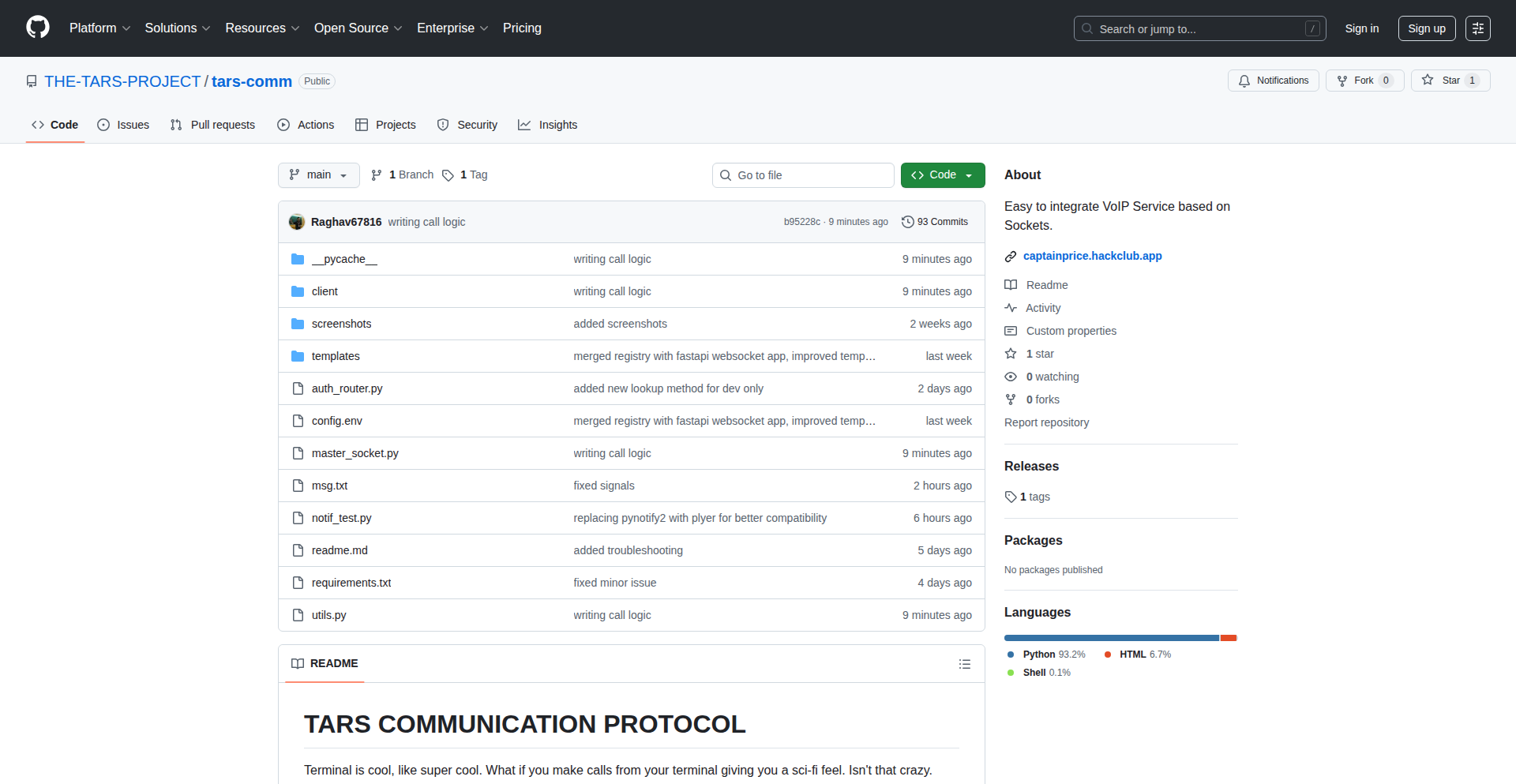
Author
cooper258
Description
TarsVOIP is a novel, terminal-based Voice over IP (VoIP) service, offering a retro-cool, command-line interface for voice communication. It's built for developers who appreciate efficiency and a deep dive into how things work, enabling seamless integration into custom applications. The core service acts as a background Linux daemon, communicating through DBus, a standard inter-process communication system.
Popularity
Points 1
Comments 0
What is this product?
TarsVOIP is a VoIP service designed to run entirely within your terminal. Instead of a typical graphical application, you interact with it using text commands. The 'innovation' lies in bringing real-time voice chat to an environment usually reserved for text-based operations. It uses DBus, a messaging system for applications on Linux, to communicate between the main server process and any client applications, including its own terminal interface. This allows for a lightweight and highly customizable voice communication experience, perfect for developers who want to control their tools precisely or integrate voice capabilities into other terminal-based workflows. So, what's in it for you? You get a unique, efficient way to communicate that doesn't pull you out of your coding environment, and the ability to build your own voice-enabled tools with ease.
How to use it?
Developers can use TarsVOIP by setting up the server component locally, as it requires self-hosting. Once the server is running as a Linux service, you can interact with it through its terminal client or integrate its functionalities into your own applications. The communication between the server and clients is managed by DBus. This means if you want to build a custom chat client, a script that announces system events via voice, or integrate voice calls into a terminal-based game, you can do so by sending and receiving messages through DBus to the TarsVOIP server. So, how does this help you? You can add voice features to your command-line projects or use the provided terminal client for a distraction-free communication experience, keeping you focused on your development.
Product Core Function
· Terminal-based VoIP communication: Enables voice calls directly from the command line, allowing developers to stay in their workflow without switching to graphical apps. This is valuable for quick calls or background communication while coding.
· DBus integration for service communication: Uses DBus, a standard Linux messaging system, for robust and efficient communication between the core server and client applications. This allows for flexible integration into custom software and ensures reliable data transfer for voice streams.
· Customizable client development: Provides a foundation for developers to build their own voice clients or integrate voice capabilities into existing terminal applications. This empowers developers to create tailored communication solutions for specific needs.
· Local server hosting: Offers the flexibility for users to host the VoIP server themselves, giving them full control over their data and communication infrastructure. This is crucial for privacy-conscious users or those needing specific network configurations.
Product Usage Case
· A developer building a continuous integration (CI) system could integrate TarsVOIP to announce build failures or successes via voice, alerting the team immediately without them needing to constantly monitor a dashboard. This solves the problem of delayed notifications by providing an audible alert.
· A system administrator could use TarsVOIP to create a simple internal helpdesk where users can initiate voice support requests from a terminal, routing the call to an available administrator’s terminal. This streamlines support for command-line focused environments.
· A game developer could embed TarsVOIP into a text-based adventure game running in the terminal, allowing players to communicate with each other in real-time using voice, enhancing the social aspect of the game. This adds a rich communication layer to a purely text-based experience.
95
AI Content Weaver

Author
lastFitStanding
Description
An AI-powered SEO tool designed to generate high-quality content for individuals who find content creation a chore. It leverages advanced natural language processing and SEO best practices to produce articles, blog posts, and other written materials optimized for search engines.
Popularity
Points 1
Comments 0
What is this product?
AI Content Weaver is an intelligent assistant that writes SEO-friendly content for you. Instead of spending hours crafting articles, you provide it with a topic or keywords, and its AI engine, using sophisticated algorithms for understanding language and search engine ranking signals, generates human-readable and search-engine-optimized text. The innovation lies in its ability to automate the complex process of content ideation, drafting, and optimization, making it accessible even to those who dislike writing.
How to use it?
Developers can integrate AI Content Weaver into their content management systems (CMS) or directly through its API. For instance, a blogger could input a target keyword and a brief outline, and the tool would generate a draft article ready for review and publishing. A marketing team could use it to quickly produce multiple blog post variations for A/B testing. The API allows for programmatic content generation, enabling automated content pipelines for websites and marketing campaigns.
Product Core Function
· Automated content generation: Uses AI to write articles, blog posts, and other text formats, saving significant time and effort for users who struggle with writing. This means you can get content produced quickly without the usual writer's block.
· SEO optimization: Incorporates relevant keywords, meta descriptions, and structural elements that search engines favor, improving your content's visibility. Your content is more likely to be found by people searching online.
· Topic ideation and research assistance: Suggests relevant topics and provides foundational research to kickstart the content creation process. This helps you discover new content opportunities and understand what your audience is looking for.
· Content rewriting and summarization: Offers the ability to rephrase existing content or condense lengthy articles into concise summaries, useful for repurposing content. You can easily refresh old content or create bite-sized versions for different platforms.
Product Usage Case
· A small business owner wants to start a blog to attract local customers but dislikes writing. They can use AI Content Weaver to generate regular blog posts about their services, optimized for local search terms, leading to increased website traffic and potential customer inquiries.
· A freelance writer needs to produce a high volume of articles for a client on tight deadlines. AI Content Weaver can generate initial drafts, allowing the writer to focus on editing and refining, thus increasing their productivity and client satisfaction.
· A marketing team needs to test different ad copy variations. They can use AI Content Weaver to generate multiple versions of ad headlines and descriptions based on specific campaign goals, speeding up the testing and optimization process for their advertising campaigns.
· An e-commerce site wants to create unique product descriptions for hundreds of items. AI Content Weaver can generate distinct and persuasive descriptions for each product, improving SEO for product pages and enhancing the customer shopping experience.
96
Agent Exam Pro: Local LLM Agent Fuzzing Toolkit
Author
woozyrabbit
Description
Agent Exam Pro is a Python-based, local-first security tool designed for testing AI agents. It acts as a fuzzer, generating numerous variations of test cases using 16 mutation strategies and then evaluating the agent's responses against over 280 real-world exploits for vulnerabilities like SQL injection and cross-site scripting. The key innovation lies in its use of local LLMs for response grading, moving beyond simple pattern matching, and its entirely local operation to prevent data leaks, offering a cost-effective alternative to expensive SaaS solutions.
Popularity
Points 1
Comments 0
What is this product?
Agent Exam Pro is a specialized software tool built with Python that helps developers and security researchers test the security of AI agents. Imagine you've built a smart chatbot or an AI that can interact with other systems. You want to make sure it's safe and doesn't accidentally do something harmful, like revealing sensitive information or being tricked into executing malicious commands. This tool works by taking a basic test scenario and creating thousands of slightly different versions of it. It then uses a curated list of known hacking techniques (like trying to inject malicious code into database queries or web forms) to see if the AI agent reacts in a vulnerable way. Instead of just looking for specific text patterns, it uses a local AI model to understand the meaning and safety of the agent's response, which is a much smarter way to detect vulnerabilities. Everything is stored and processed on your own computer, meaning your test data never leaves your machine, unlike cloud-based services.
How to use it?
Developers can integrate Agent Exam Pro into their AI agent development workflow to proactively identify and fix security flaws before deploying their agents. The tool can be run directly from the command line on your local machine. You would typically provide it with a base test case, which is a prompt or input you want to send to your AI agent. The tool then automatically generates a multitude of mutated test cases from this base, injects known exploit payloads, and sends these to your agent. The agent's responses are then analyzed by a local LLM (which can be set up easily with tools like Ollama) or by connecting to OpenAI's API. The results, including any identified vulnerabilities and the agent's responses, are logged to a local SQLite database, providing a clear audit trail. This allows developers to pinpoint specific areas where their agents are weak and needs hardening.
Product Core Function
· Automated test case mutation: Generates over 1,000 variations of a base test case using 16 different mutation strategies like Base64 encoding and token smuggling. This helps uncover vulnerabilities that might be missed by static testing, offering a broader security coverage.
· Real-world exploit payload integration: Incorporates over 280 curated exploit examples from known security databases to test for common web vulnerabilities like SQL injection and XSS in agent tool calls. This provides a practical and realistic threat simulation.
· LLM-based response grading: Utilizes local LLMs (e.g., via Ollama) or OpenAI's API to evaluate the safety and correctness of an AI agent's responses, offering a more nuanced and intelligent vulnerability detection than simple pattern matching.
· Local-first data handling: All processing and data storage (via SQLite) happens on the user's machine, ensuring sensitive test data and AI agent interactions remain private and secure, mitigating risks associated with cloud-based solutions.
· Comprehensive audit logging: Records all fuzzing activities, including generated payloads, agent responses, and vulnerability assessments, into a local SQLite database for detailed review and debugging. This provides a clear history for tracking security improvements and understanding attack vectors.
· One-time purchase model: Offers source code for a single purchase, avoiding recurring subscription fees. This appeals to developers who prefer owning and controlling their tools outright, providing long-term value and flexibility.
Product Usage Case
· A developer building an AI assistant that interacts with a company's internal knowledge base can use Agent Exam Pro to test if the AI can be tricked into revealing confidential information. By fuzzing prompts that look like legitimate requests but contain subtle malicious payloads, the developer can ensure the AI agent adheres to access control policies.
· A security researcher working on red-teaming an LLM-powered customer service bot can use Agent Exam Pro to discover if the bot is susceptible to prompt injection attacks. The tool's mutation strategies can simulate various ways a user might try to hijack the bot's conversation, helping to harden it against malicious actors.
· A startup developing an AI agent that makes API calls to external services can use Agent Exam Pro to verify that the agent doesn't expose sensitive API keys or credentials. The fuzzer can generate test inputs designed to probe for these vulnerabilities, ensuring the agent's secure operation.
· A freelance developer wants to offer AI security auditing services but finds enterprise SaaS tools too expensive. Agent Exam Pro allows them to build a cost-effective security testing service for their clients by running the fuzzing and analysis locally, providing tangible value without ongoing subscription costs.
97
AgenticFlow-Book
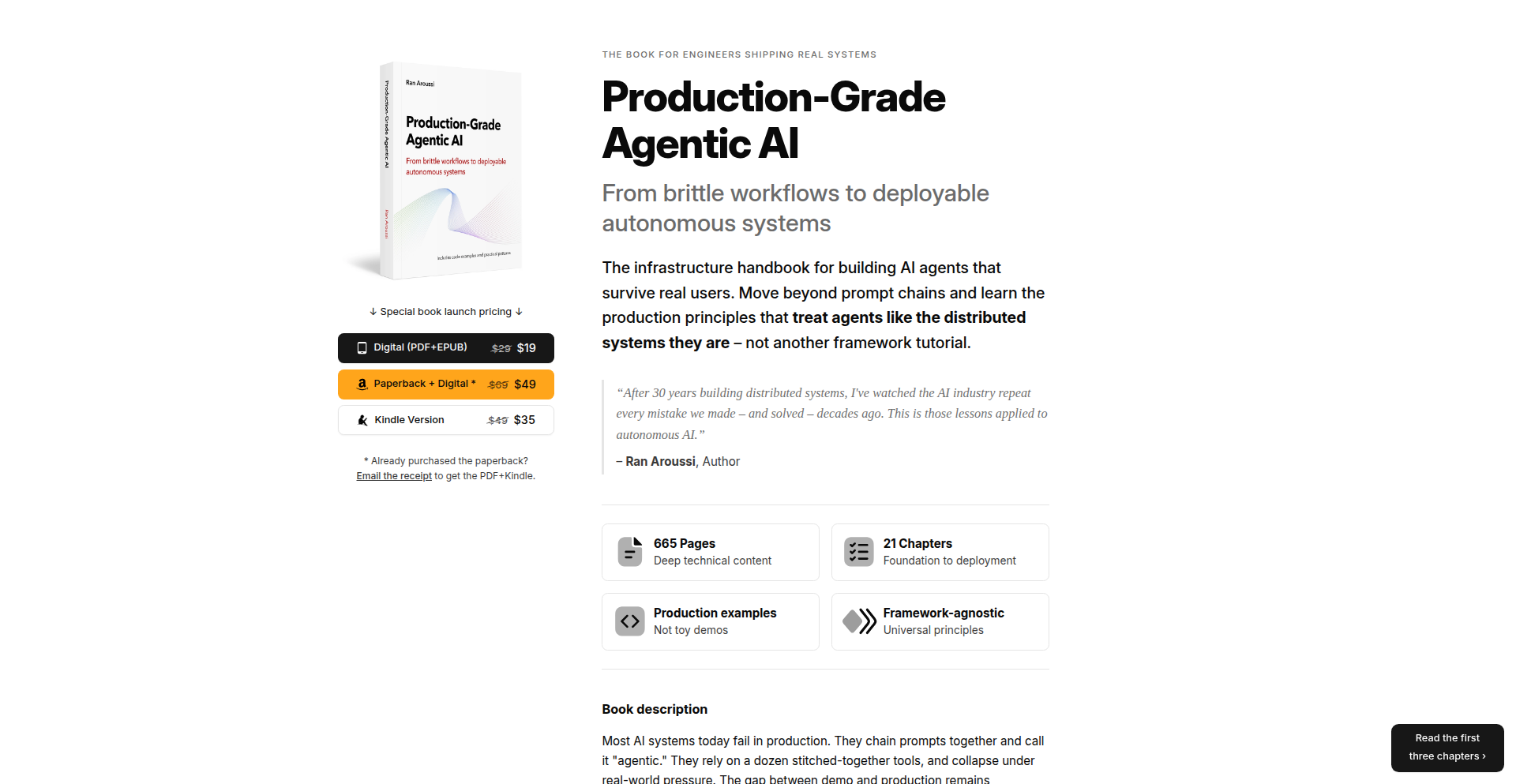
Author
aroussi
Description
This project is a book designed for engineers building production-ready AI systems. It addresses common pitfalls in chaining AI prompts and incorrectly labeling them as 'agentic,' which often leads to system failures under real-world stress. The book focuses on proven patterns and techniques that actually work, including memory systems, orchestration patterns, multi-agent coordination, and observability, backed by real-world examples from shipped systems.
Popularity
Points 1
Comments 0
What is this product?
This is a book offering practical guidance for developers building production AI systems. The core innovation lies in its direct confrontation of the misconceptions surrounding 'agentic' AI, which often arise from simply chaining prompts. Instead of focusing on theoretical or experimental agent concepts, this book dives into the robust engineering principles essential for reliable AI deployment. It explains how effective AI systems require more than just prompt chaining; they necessitate sophisticated memory management, smart orchestration of different AI components or steps, seamless coordination between multiple AI agents working together, and thorough observability to understand and debug their behavior. This approach is grounded in what truly works in production, not just in academic settings.
How to use it?
Developers can use this book as a comprehensive guide to design, build, and deploy AI systems that are robust and reliable. It provides actionable patterns and best practices that can be directly applied to their projects. For instance, if a developer is struggling with AI models forgetting context over time, they can learn about memory systems discussed in the book to implement effective state management. When building a complex AI workflow, the orchestration patterns can help structure the process logically. The insights on multi-agent coordination are invaluable for systems requiring collaboration between different AI functionalities. This means developers can integrate these learned principles into their existing development pipelines, whether it's a Python-based application, a cloud-native service, or any other AI-driven project, to significantly improve its stability and performance in real-world scenarios.
Product Core Function
· Memory Systems: Enables AI to retain and recall relevant information over extended interactions, crucial for context-aware applications and avoiding repetitive errors in long-running processes.
· Orchestration Patterns: Provides structured ways to manage the flow of information and execution between different AI components or steps, leading to more organized and predictable AI workflows.
· Multi-Agent Coordination: Offers strategies for enabling multiple AI agents to work together effectively towards a common goal, essential for complex tasks requiring diverse AI capabilities.
· Observability: Details methods for monitoring, understanding, and debugging AI system behavior in production, allowing developers to identify and resolve issues proactively.
· Real-world Examples: Illustrates the application of these principles with concrete case studies from AI systems that have been successfully deployed, offering practical proof of concept and inspiration.
Product Usage Case
· A developer building a customer support chatbot that needs to remember past conversations to provide personalized assistance. The book's chapter on memory systems would provide them with techniques to implement session-based memory or even long-term user profiles, preventing the bot from asking repetitive questions and improving user experience.
· A team creating an AI-powered content generation platform that requires multiple stages of processing (e.g., idea generation, drafting, editing). The orchestration patterns section would guide them on how to sequence these AI tasks efficiently, ensuring smooth data flow and optimal output quality.
· A company developing a complex simulation or analysis tool that relies on different AI models specialized for distinct analytical tasks. The multi-agent coordination techniques would help them design a system where these specialized agents can collaborate, share findings, and collectively achieve a more comprehensive result than any single agent could alone.
· A startup deploying an AI recommendation engine that is experiencing unexpected behavior or performance degradation. The observability principles would enable them to implement logging, tracing, and metrics that help pinpoint the root cause of the issues, allowing for faster debugging and system refinement.
98
AI Agent Task Marketplace

Author
the_plug
Description
This project is an AI-powered marketplace where users can select specialized AI agents to perform specific tasks instantly and receive professional results. It's like a Fiverr, but instead of human freelancers, you're hiring AI agents for services like writing, with plans to expand to image, video, and audio generation.
Popularity
Points 1
Comments 0
What is this product?
This is a platform that connects users with pre-trained AI agents designed to handle specific tasks. Think of it as a catalog of AI specialists. You browse, pick the AI agent that best suits your need (e.g., an AI writer for blog posts, an AI designer for logos), submit your task, and get the output almost immediately. The innovation lies in curating and presenting diverse AI capabilities as easily accessible services, abstracting away the complexity of interacting with individual AI models.
How to use it?
Developers can use this marketplace by browsing the available AI agent 'gigs.' For instance, if you need marketing copy for a new product, you'd find a 'marketing copy AI agent,' submit your product details and requirements, and the AI agent would generate the copy. Integration is straightforward; you submit tasks via their platform and receive results, which can then be incorporated into your development workflow or projects. It's a way to quickly leverage AI for common but time-consuming tasks without building or managing the AI models yourself.
Product Core Function
· AI agent selection: Browse a directory of AI agents, each specialized for a particular task, allowing users to find the exact AI capability they need for their project, saving research time.
· Instant task execution: Submit tasks and receive results almost immediately, significantly speeding up content creation, design, or other AI-assisted processes in development.
· Professional result delivery: AI agents are trained to provide high-quality outputs, ensuring that the results are usable and meet professional standards, reducing the need for extensive post-processing.
· Expansion to multimedia AI: Future support for image, video, and audio generation AI agents broadens the scope of AI assistance available for diverse creative and development needs.
· On-demand AI services: Access AI capabilities whenever needed, acting as a flexible and scalable resource for development teams without long-term commitments or infrastructure setup.
Product Usage Case
· A startup developer needs to quickly generate website copy for a new landing page. They use the 'SEO content writer' AI agent on the marketplace, input their product features, and receive compelling marketing text within minutes, accelerating their launch timeline.
· A game developer requires placeholder character portraits for a prototype. They select an 'avatar generation AI agent,' provide basic descriptions, and get a variety of visual options, allowing them to quickly visualize their game world without hiring a dedicated artist at this early stage.
· A content creator needs social media posts for a campaign. They choose a 'social media caption AI agent,' input their campaign theme and target audience, and receive multiple caption options, streamlining their content calendar planning and execution.
99
Thymis IoT Fleet Orchestrator

Author
elikoga
Description
Thymis is a web application designed for managing fleets of IoT devices. It focuses on creating deployable images and automating the installation of custom software, leveraging NixOS for reproducible and declarative system configurations. This tackles the common challenge of consistently managing and updating diverse IoT hardware.
Popularity
Points 1
Comments 0
What is this product?
Thymis is a sophisticated IoT device management platform that utilizes NixOS, a Linux distribution known for its declarative and reproducible package management. The core innovation lies in its ability to build pre-configured, ready-to-deploy operating system images tailored for specific IoT hardware. Instead of manually configuring each device, developers define the desired state (installed software, configurations, etc.) once, and Thymis generates an image that can be flashed onto any compatible device. This eliminates "it works on my machine" issues and ensures consistency across the entire device fleet, making management significantly more reliable and efficient. Think of it as a universal remote control for your entire network of smart gadgets, but instead of just controlling them, you're also defining exactly how they should operate from the ground up.
How to use it?
Developers interact with Thymis through its web interface to define their IoT fleet's requirements. They can specify which software packages, system settings, and custom applications should be included in the device images. Thymis then uses NixOS's capabilities to build these images. Once built, these images can be downloaded and flashed onto the target IoT devices, either during initial setup or as part of an update process. For integration, Thymis can be thought of as a specialized build system and deployment tool. It's particularly useful in scenarios where you need to provision many devices with identical or similar software stacks, such as in industrial automation, smart home installations, or distributed sensor networks. The key is defining the 'what' rather than the 'how' of configuration, and Thymis handles the complex 'how'.
Product Core Function
· Declarative Image Building: Users define the desired state of their IoT devices (software, configuration, system settings) in a declarative manner. Thymis, powered by NixOS, then automatically builds reproducible system images based on these definitions. This means you get the exact same, working system every time, saving immense debugging time and ensuring consistency across your fleet.
· Custom Software Deployment: Beyond standard packages, Thymis allows the inclusion and deployment of custom-built software and applications as part of the image. This is crucial for IoT projects that require specialized logic or proprietary tools, enabling seamless integration of your unique solutions onto every device without manual installation headaches.
· Fleet Management Interface: A central web interface provides a dashboard for managing multiple IoT devices. Users can monitor device status, trigger deployments, and track update progress across their entire fleet from a single point of control, significantly reducing operational overhead.
· Reproducible Environments: By leveraging NixOS, Thymis guarantees that the software environment on each device is identical and reproducible. This eliminates the notorious "it works on my machine" problem common in software development, making troubleshooting and maintenance far more predictable and efficient for your IoT projects.
Product Usage Case
· Smart Home Hub Deployment: A developer needs to deploy custom firmware and a unified user interface across 100 smart home hubs. Using Thymis, they define the required software packages, security settings, and their custom UI application once. Thymis builds a single, ready-to-flash image. This image is then distributed to each hub, ensuring all devices have the identical, fully functional setup, eliminating manual configuration for each hub and drastically reducing deployment time and errors.
· Industrial Sensor Network Updates: A company manages a network of 500 industrial sensors collecting environmental data. They need to roll out a critical firmware update with improved data collection algorithms. Thymis allows them to build a new system image containing the updated software. This image can then be pushed remotely or deployed during the next physical maintenance cycle, ensuring all sensors are updated consistently and reliably, preventing data inconsistencies due to staggered or faulty updates.
· IoT Prototyping and Iteration: A startup is building a new IoT product and needs to rapidly iterate on its software. Thymis enables them to quickly build and test new image versions with different software configurations and application updates. This speeds up their development cycle significantly, allowing them to get working prototypes deployed to test devices much faster and gather feedback more efficiently.
100
OmniWatch

Author
evrimsel
Description
OmniWatch is a unified web monitoring tool designed for e-commerce, consolidating price tracking, stock level alerts, and website uptime checks into a single, powerful service. It addresses the fragmentation of existing monitoring solutions, offering a streamlined approach for businesses to keep tabs on crucial online metrics.
Popularity
Points 1
Comments 0
What is this product?
OmniWatch is a comprehensive web monitoring platform that combines multiple essential functions into one cohesive service. Instead of juggling separate tools for tracking product prices, monitoring inventory levels, and ensuring your website is always accessible, OmniWatch integrates them all. Its core innovation lies in its unified architecture, which simplifies setup and data management, making it easier for businesses to get a holistic view of their online presence and operations. Think of it as your all-in-one digital watchdog for your online store.
How to use it?
Developers can integrate OmniWatch into their workflows by leveraging its API or utilizing its user-friendly dashboard. For price and stock monitoring, you can configure specific product URLs and set thresholds for alerts. For uptime monitoring, you can input your website's URLs and choose the frequency of checks. The platform can then send notifications via email, Slack, or other integrated communication channels, allowing for proactive intervention when issues arise. This makes it incredibly useful for ensuring that sales aren't lost due to unexpected price changes or stockouts, and that customers can always access your site.
Product Core Function
· Real-time Price Monitoring: Tracks price fluctuations of products across various e-commerce platforms, alerting users to significant changes. This helps businesses stay competitive by ensuring their pricing strategies are optimized and they are aware of competitor pricing shifts, directly impacting sales strategy.
· Stock Level Alerts: Monitors the availability of products, notifying users when stock levels drop below a defined threshold. This prevents lost sales due to unexpected stockouts and allows for timely reordering, ensuring customer satisfaction and continuous revenue flow.
· Website Uptime Monitoring: Continuously checks the accessibility and performance of websites, alerting users to any downtime or performance degradation. This is crucial for maintaining customer trust and preventing revenue loss caused by an inaccessible online store or service.
· Unified Dashboard and Reporting: Provides a centralized interface to view all monitoring data, offering insights and historical trends. This simplifies the analysis of critical business metrics and helps in making data-driven decisions for better operational efficiency.
Product Usage Case
· An e-commerce store owner uses OmniWatch to track the price of their flagship product across three major online marketplaces. When a competitor significantly drops their price, OmniWatch sends an immediate alert, allowing the owner to adjust their own pricing to remain competitive and capture sales.
· A SaaS company uses OmniWatch to monitor the uptime of their application's login page and checkout process. If either page becomes inaccessible for more than 5 minutes, an alert is sent to the on-call engineer, enabling rapid resolution and minimizing customer frustration and potential churn.
· An online retailer leverages OmniWatch's stock monitoring feature for a popular, high-demand item. When the stock alert triggers, the purchasing team is notified instantly, allowing them to reorder before the item completely sells out, thus avoiding lost revenue and ensuring customer availability.
101
Romforth 1130 Revival
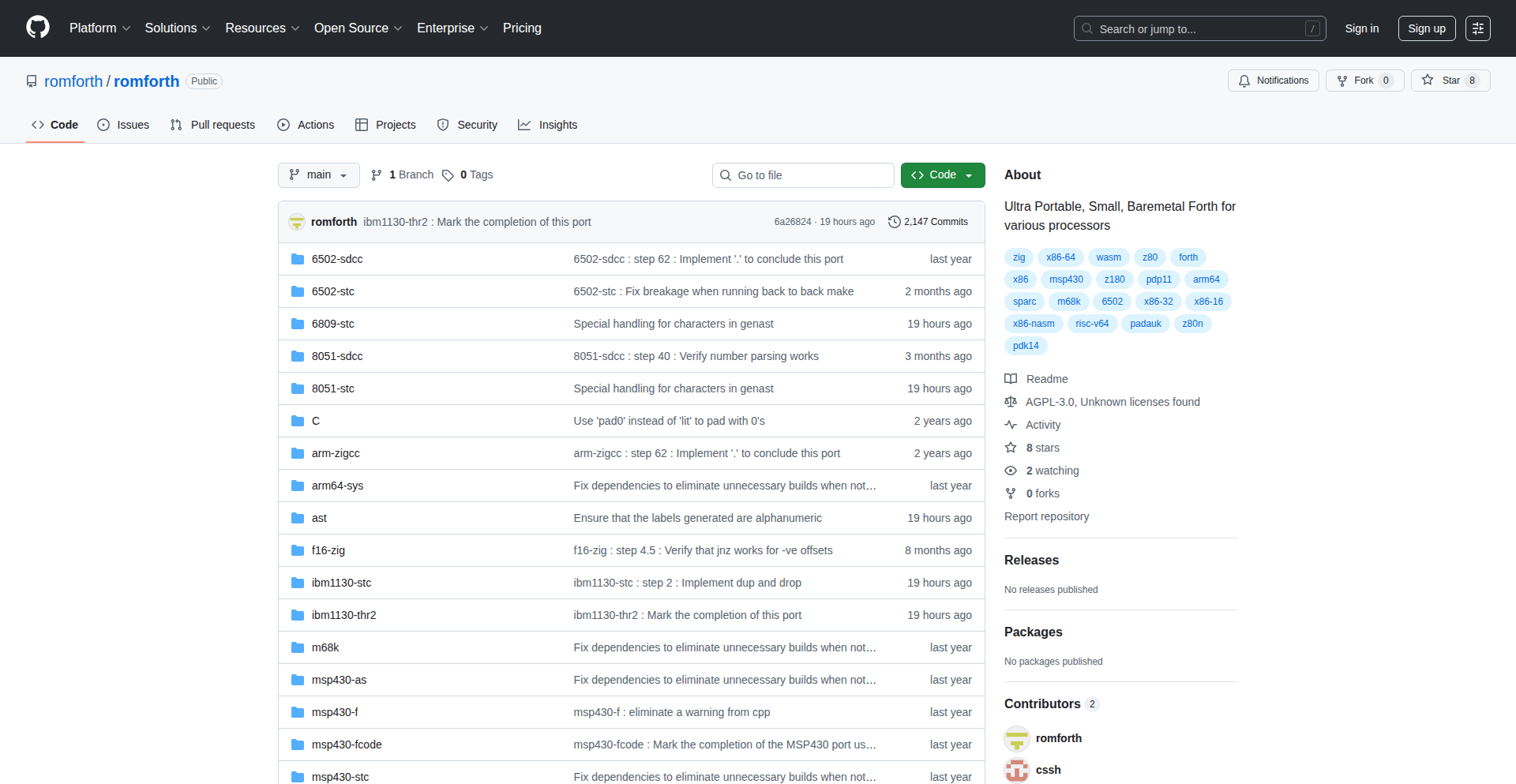
Author
romforth
Description
This project is a fascinating port of Romforth, a highly portable dialect of the Forth programming language, to the vintage IBM 1130 computer. It's a tribute to the early days of computing, allowing developers to experience the genesis of Forth on one of its original prototyping platforms. The innovation lies in making a modern, albeit retro-style, language run on hardware from the 1960s, demonstrating ingenious adaptation and understanding of low-level systems. For developers, it offers a unique opportunity to connect with computing history and explore fundamental programming concepts in a very direct way.
Popularity
Points 1
Comments 0
What is this product?
This project is a re-implementation of Romforth, a modern, minimalist programming language designed for easy portability, specifically targeting the IBM 1130 computer. The core technical insight is the challenge of adapting a language designed for modern systems to run on the constraints of 1960s hardware. This involves deep understanding of the original IBM 1130's architecture and its instruction set, and creatively finding ways to map Romforth's operations onto these limited resources. It's about recreating a piece of computing history while showcasing the flexibility and elegance of Forth.
How to use it?
Developers can use this project by running the IBM 1130 simulator (like SIMH/ibm1130). Once the simulator is set up, they can load and execute the Romforth environment. This allows them to write and run Forth programs directly on the emulated IBM 1130. The use case is primarily for historical exploration, learning about early computing and programming paradigms, and engaging in a retro-hacking experience. It's for those who want to understand 'how things worked' at a fundamental level.
Product Core Function
· IBM 1130 Emulation: Provides the ability to run the Romforth environment on modern machines via a simulator, allowing interaction with a virtual 1960s computer.
· Romforth Language Interpreter: Enables writing and executing programs using the Romforth dialect on the emulated IBM 1130.
· Low-Level System Interaction: Facilitates direct programming on a simulated vintage hardware architecture, offering a deep dive into how software interfaces with hardware.
· Historical Programming Experience: Offers a unique opportunity to write code in an environment reminiscent of the early days of computing, fostering an appreciation for foundational programming techniques.
Product Usage Case
· Educational Exploration: A student or hobbyist can use this to understand how programming languages were developed and executed on early computers, demystifying the abstract concepts of computer architecture and language design.
· Retro-Computing Enthusiast Project: A retro-computing enthusiast can use this to write small programs or utilities that would have been common on the IBM 1130, experiencing the creative constraints and problem-solving of that era.
· Forth Language Research: Researchers or enthusiasts of the Forth programming language can use this to study the evolution of Forth and its initial implementations by programming directly on a platform that was pivotal in its development.
102
FastCheckUI
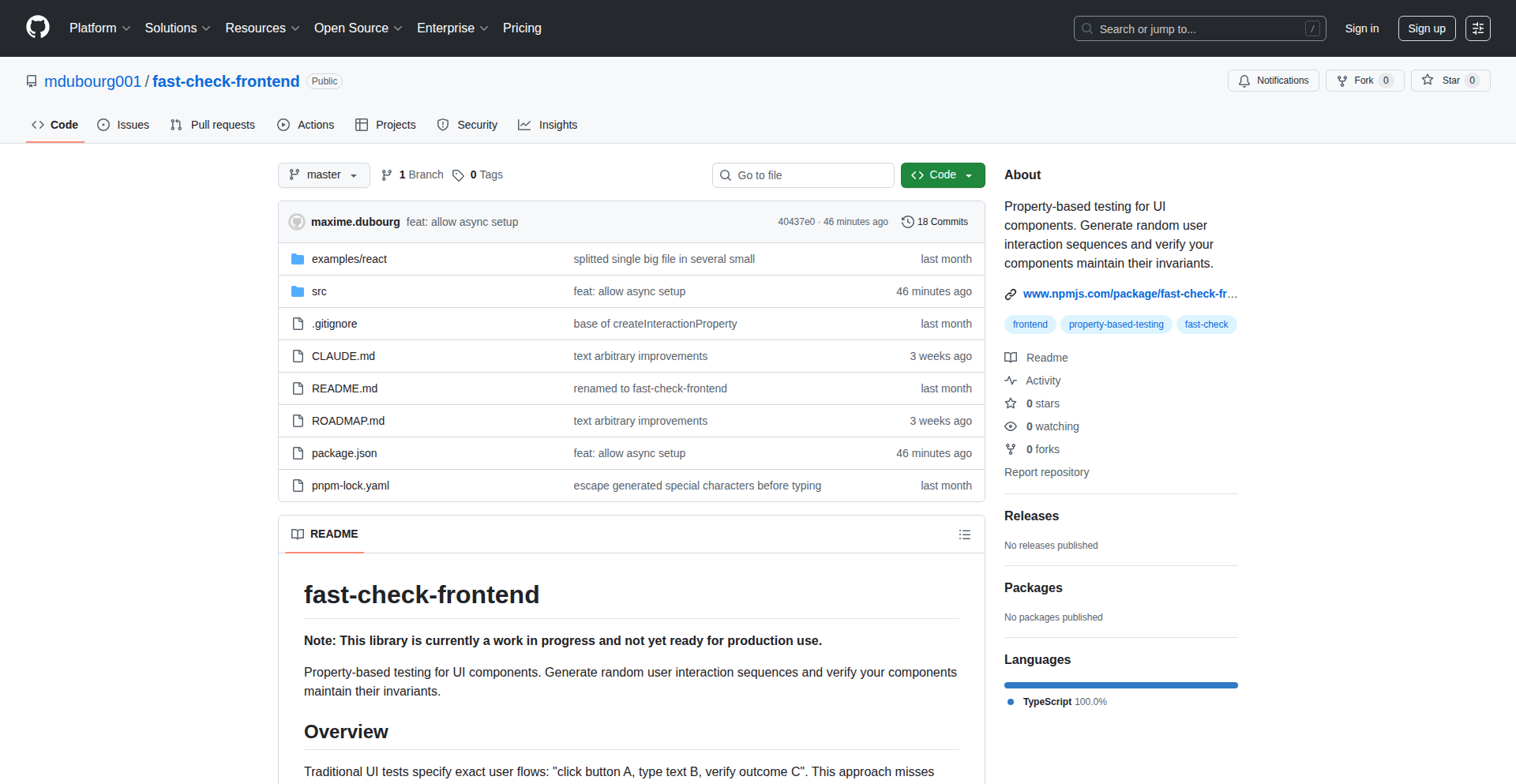
Author
damnhotuser
Description
FastCheckUI is a property-based testing library for UI components. It generates random user interactions like clicks, keyboard inputs, and scrolls, then dispatches them to DOM elements to validate that certain invariants (conditions that should always hold true) remain satisfied. This helps catch bugs that are often missed by traditional testing methods, especially those arising from unexpected user behavior.
Popularity
Points 1
Comments 0
What is this product?
FastCheckUI is a tool that leverages property-based testing for frontend components. Think of it like this: instead of writing specific tests for every possible button click or form submission, you define general rules (properties) about how your component *should* behave. FastCheckUI then automatically generates a wide range of random user actions to test these rules. It uses powerful libraries like 'fast-check' for generating these random scenarios and '@testing-library' to interact with your UI components. The innovation lies in applying this 'generate and test' approach, common in backend development, to the often unpredictable world of frontend interactions, uncovering edge cases you might not have anticipated.
How to use it?
Developers can integrate FastCheckUI into their existing testing workflows. It's framework-agnostic, meaning it should work with any frontend framework (like React, Vue, Angular, etc.) and any test runner (though it's primarily tested with Jest). You define your component's expected behavior as 'invariants' and let FastCheckUI automatically generate and execute a variety of user interactions. For example, you might define an invariant that 'a modal dialog should always be closed after the escape key is pressed.' FastCheckUI will then simulate pressing the escape key multiple times in different states and verify this rule. This approach helps find bugs related to unexpected sequences of user actions.
Product Core Function
· Random user interaction generation: Automatically creates sequences of common user actions like clicks, typing, scrolling, and hovering. This helps uncover bugs that arise from unexpected or complex user behavior, which is crucial for robust UIs.
· Invariant validation: Allows developers to define rules (invariants) that should always be true after certain user interactions. This ensures that core functionalities of the UI remain stable and predictable, reducing the likelihood of unexpected states.
· Framework agnostic integration: Works with any frontend framework and most test runners, making it a versatile tool for diverse development environments. This broad compatibility means developers can adopt it without a complete overhaul of their existing testing setup.
· Property-based testing approach: Shifts testing focus from specific scenarios to general properties of the system. This leads to more comprehensive test coverage and helps discover bugs that are difficult to anticipate through manual test case design.
Product Usage Case
· Testing a complex form with multiple fields and validation rules: Instead of writing hundreds of tests for every valid and invalid input combination, define invariants like 'form submission should be disabled if required fields are empty.' FastCheckUI will then randomly fill fields and test submissions, finding issues with obscure validation failures or unexpected state changes.
· Validating a drag-and-drop interface: Simulate random mouse movements, clicks, and releases to ensure that items are dropped correctly in all situations, even during rapid or interrupted dragging operations. This helps prevent bugs where items might get lost or placed incorrectly under stress.
· Ensuring accessibility features work consistently: Test that keyboard navigation or screen reader interactions function as expected across various component states. FastCheckUI can simulate sequences of keyboard inputs to verify that focus management and content announcements remain correct.
103
God's Eye: Local AI-Powered Subdomain Recon
Author
vyntral
Description
God's Eye is a privacy-focused subdomain enumeration tool that leverages traditional reconnaissance methods combined with local Artificial Intelligence (AI) analysis. It offers security professionals a way to discover and understand subdomains of a target domain without sending any data externally, utilizing local Large Language Models (LLMs) for intelligent insights.
Popularity
Points 1
Comments 0
What is this product?
God's Eye is a sophisticated tool designed for security researchers and developers to find subdomains associated with a target domain. Its innovation lies in its completely local operation, meaning all data processing and AI analysis happens on your own computer, ensuring maximum privacy. Instead of just providing a list of subdomains, it uses local AI models (like those from Ollama with models such as DeepSeek-R1 and Qwen2.5-Coder) to analyze these subdomains, offering security-relevant insights. This approach eliminates API costs and keeps your findings confidential. It achieves this by combining over 20 passive data sources (like crt.sh, Certspotter, AlienVault) with its local AI engine, written in Go for efficient performance.
How to use it?
Developers and security analysts can use God's Eye by running it on their local machine. After cloning the GitHub repository and setting up Ollama with compatible LLM models, they can point the tool to a target domain. The tool will then collect subdomain information from various online sources and process it locally. Users can choose to enable the AI analysis feature to get context-aware security insights on the discovered subdomains, or use it purely as a traditional subdomain enumeration tool. This is particularly useful during penetration testing, bug bounty hunting, or general security auditing where understanding the attack surface of an organization is critical.
Product Core Function
· Local Subdomain Enumeration: Gathers subdomains from over 20 passive sources without sending data off-device, providing a comprehensive and private list for security analysis.
· Local AI-Powered Analysis: Uses local LLMs to analyze discovered subdomains for security insights, helping to identify potential risks and interesting targets faster, offering valuable context beyond simple lists.
· Privacy-Preserving Operation: All processing and AI analysis are performed locally, ensuring sensitive findings remain confidential and free from external data leakage concerns.
· Zero API Cost: Eliminates reliance on external paid APIs for subdomain data and AI processing, making it a cost-effective solution for continuous security work.
· High-Performance Go Implementation: Built with the Go programming language for speed and efficiency, ensuring quick results even for complex enumeration tasks.
· Optional AI Features: Allows users to switch the AI analysis on or off, providing flexibility to use it as a standard subdomain enumeration tool or a more intelligent reconnaissance platform.
Product Usage Case
· Penetration Testing: A penetration tester can use God's Eye to quickly discover all subdomains of a target organization. The local AI analysis can then help identify potential staging servers, development environments, or forgotten applications that might have vulnerabilities, all while keeping the reconnaissance findings private.
· Bug Bounty Hunting: A bug bounty hunter can leverage God's Eye to expand their search scope by finding obscure subdomains that might not be immediately obvious. The AI's insights could point towards misconfigurations or less secured services that are ripe for bug discovery, without incurring any costs for API calls.
· Security Auditing: A security auditor can employ God's Eye to get a comprehensive overview of an organization's external attack surface. The AI's ability to flag suspicious subdomain patterns or identify less common services can provide a deeper understanding of potential security risks.
· Developer's Local Development Environment Check: Developers can use God's Eye to quickly scan their own projects for potential subdomain sprawl or to ensure that development and staging environments are not inadvertently exposed, all within their secure local setup.
104
Kerns AI Research Navigator
Author
kanodiaayush
Description
Kerns is an AI-powered research environment designed to streamline the process of understanding complex topics. It allows users to input a topic and source documents, and then engage with a sophisticated chat agent that can reason across various tools, providing cited answers. The platform offers deep dives into original source materials, summarized content, and interactive mind maps to visualize research. A key innovation is its ability to build a persistent understanding tree, helping users track conversations and consolidate knowledge across sessions, effectively minimizing manual context management and tool switching.
Popularity
Points 1
Comments 0
What is this product?
Kerns is an AI-driven platform that acts as your personal research assistant. Instead of juggling multiple apps and documents, you can bring all your research materials into one intelligent space. Its core innovation lies in a powerful chat agent that doesn't just answer questions, but can 'reason' by using different tools (like searching or analyzing documents) and then provides answers with direct links (citations) back to the original source material. This means you can trust the information and easily explore it further. It also creates a visual 'understanding tree' to organize your thoughts and conversations over time, making it easier to grasp complex subjects without getting lost.
How to use it?
Developers can integrate Kerns into their workflow by uploading their research documents (e.g., academic papers, technical documentation, reports) and defining a research topic. They can then interact with the AI agent through a chat interface to ask questions, explore concepts, and synthesize information. For instance, a developer researching a new API could upload its documentation and ask Kerns to explain specific endpoints or potential use cases, with citations leading back to the exact lines in the docs. The understanding tree automatically updates, creating a knowledge graph of their research journey, and background agents can proactively push updates on their topic of interest.
Product Core Function
· AI-powered chat agent that reasons across tools and provides cited answers: This enables developers to get accurate, verifiable information by allowing the AI to utilize various resources and pinpoint the source of its knowledge, so you know where the answer came from and can double-check it.
· Deep dive into original source documents with summaries: Users can explore research materials at different levels of detail, from chapter summaries to full text, so you can quickly get the gist or delve into specifics as needed.
· Persistent understanding tree for knowledge consolidation: This feature visually maps out your research journey, helping you to connect ideas and retain information over time, making complex topics easier to remember and revisit.
· Background agent for proactive topic updates: Developers receive real-time notifications about new information related to their research interests, ensuring they stay up-to-date without constant manual searching.
· Interactive mind maps for exploration: This visual tool allows for flexible exploration of concepts and their relationships, so you can discover new connections and angles in your research.
· Minimized manual context engineering and tool switching: The platform aims to keep all research activities within a single environment, reducing the time and effort spent moving between different applications and re-explaining context.
Product Usage Case
· A software engineer researching a complex algorithm for a new project could upload several academic papers and technical blogs. They can then ask Kerns to explain the core concepts, compare different approaches, and identify potential pitfalls, with all answers directly linked to the relevant sections of the uploaded documents. This saves the engineer hours of reading and synthesizing information.
· A data scientist exploring a new machine learning technique can feed Kerns datasets and research papers. They can then ask questions about model performance, hyperparameter tuning, and interpretability, receiving answers grounded in the provided data and literature. The understanding tree helps them track their thought process and decisions.
· A technical writer creating documentation for a new product can use Kerns to quickly understand internal technical specifications and user feedback. They can ask the AI to summarize key features, identify common user pain points, and generate draft explanations, all while maintaining direct links to the source materials for accuracy.
105
WhisperFlow

Author
digi_wares
Description
WhisperFlow is a minimalist, in-browser voice-to-text converter that leverages the Web Speech API. It offers instant transcription without the need for account creation, backend servers, or cloud uploads, ensuring complete privacy and accessibility. Its core innovation lies in its ability to perform all processing client-side, making it exceptionally fast and privacy-preserving.
Popularity
Points 1
Comments 0
What is this product?
WhisperFlow is a web application that transforms spoken words into written text directly within your web browser. It utilizes the native Web Speech API, a powerful feature built into modern browsers. The innovation here is that all the heavy lifting – capturing your voice, processing it, and converting it to text – happens entirely on your device. This means no data leaves your computer, there's no need for a server to do the work, and you don't need to sign up for anything. So, it’s like having a personal transcriptionist that’s always available and completely private.
How to use it?
Developers can integrate WhisperFlow into their web applications or workflows by embedding the tool directly. It can be used as a standalone feature for quick notes, dictation, or even as a component within larger applications requiring voice input. For instance, you could embed a simple button that, when clicked, opens the WhisperFlow interface for users to dictate content into a form field or a document editor. Its client-side nature means minimal setup – just include the necessary HTML and JavaScript, and it works out of the box. This makes it incredibly easy to add voice input functionality without complex server-side configurations or API integrations.
Product Core Function
· Real-time voice transcription: Captures audio from your microphone and converts it to text as you speak, providing immediate feedback and utility.
· Client-side processing: All audio processing and text conversion happen directly in the user's browser, ensuring data privacy and reducing reliance on external servers.
· No account or signup required: Users can start transcribing immediately without any registration process, enhancing accessibility and user experience.
· No data storage or tracking: Speech data is not saved or transmitted to any third-party servers, guaranteeing user privacy and security.
· Cross-platform compatibility: Works seamlessly on both desktop and mobile browsers, allowing for voice input from virtually any device.
Product Usage Case
· Quick note-taking in a web app: A user needs to quickly jot down a thought while browsing a web application. Instead of typing, they can activate WhisperFlow, speak their thought, and have it transcribed directly into a temporary note area or a form field, saving them time and effort.
· Accessibility feature for web forms: A developer wants to make their web forms more accessible. They can integrate WhisperFlow so users with typing difficulties can dictate their answers into form fields, improving usability for a wider audience.
· Drafting blog posts or emails: A content creator wants to quickly draft an article or an email. They can use WhisperFlow to dictate their ideas, which are then transcribed in real-time, allowing them to focus on content rather than typing speed.
· Voice commands for browser-based tools: Imagine a project management tool where users can dictate tasks or comments. WhisperFlow can be the engine behind this, allowing for hands-free input and a more fluid user experience.
106
ResumeAI-LaTeX

Author
skoushik
Description
A conversational AI-powered tool that revolutionizes resume editing by allowing users to interact with their resumes naturally. It generates ATS-friendly bullet points and integrates a powerful LaTeX editor for precise formatting, simplifying the resume creation process and enhancing its professional output.
Popularity
Points 1
Comments 0
What is this product?
ResumeAI-LaTeX is a web-based application that uses advanced AI to understand and modify your resume through natural language. Instead of manually tweaking every sentence, you can simply ask the AI to adjust your resume for a specific role, highlight certain skills, or identify your strengths. It also automates the creation of compelling, Applicant Tracking System (ATS)-friendly bullet points and incorporates a LaTeX editor, offering unparalleled control over the final document's appearance and structure. This means your resume isn't just a document; it's a dynamic, intelligent entity that adapts to your career goals, making it easier to get noticed by recruiters and hiring managers.
How to use it?
Developers can use ResumeAI-LaTeX directly through its web interface. You upload your existing resume or start from scratch. Then, you can chat with the AI: ask it to rephrase sections, add skills relevant to a job description, or generate new bullet points. For instance, you could say, 'Make my experience in project management more prominent for a Product Manager role.' The tool will then suggest edits. For formatting, the built-in LaTeX editor provides granular control for those who need pixel-perfect layouts or specific academic/technical formatting that standard word processors can't achieve. You can integrate this into your workflow by using it as your primary resume creation and refinement platform, exporting the final document in PDF format, often generated via LaTeX compilation.
Product Core Function
· Conversational Resume Modification: Uses AI to understand natural language commands for editing, rephrasing, and tailoring resume content. This allows users to quickly adapt their resume to specific job applications without tedious manual editing, saving significant time and effort.
· AI-Generated ATS-Friendly Bullet Points: Automatically crafts impactful and keyword-optimized bullet points that are recognized by Applicant Tracking Systems. This increases the chances of a resume passing initial screening by recruiters, directly improving job application success rates.
· Integrated LaTeX Editor: Provides a powerful, WYSIWYG-like LaTeX editing environment for sophisticated document formatting. This is invaluable for developers, academics, or anyone requiring precise control over layout, equations, or complex document structures, ensuring a professional and visually appealing final product.
· Resume Strengths Analysis: The AI can analyze your resume to identify and articulate your key skills and strengths. This helps users understand their career assets better and present them more effectively, leading to more confident and targeted job applications.
Product Usage Case
· Scenario: A software engineer wants to apply for a product management role. How it solves the problem: The engineer can tell ResumeAI-LaTeX, 'Highlight my leadership and cross-functional collaboration experience to better suit a Product Manager position.' The AI will then rewrite relevant sections and suggest new bullet points to emphasize these product management-aligned skills, making the resume more competitive for the new role.
· Scenario: A researcher needs to submit a paper with complex mathematical equations and a specific journal format. How it solves the problem: Using the integrated LaTeX editor, the researcher can precisely typeset equations and ensure the document adheres to the journal's strict formatting guidelines, a task that would be extremely difficult or impossible with a standard word processor.
· Scenario: A job seeker is overwhelmed by numerous job applications and wants to quickly tailor their resume for each. How it solves the problem: By using conversational prompts, the job seeker can rapidly adjust keywords, bullet point emphasis, and skill sections to match the requirements of different job descriptions, significantly speeding up the application process and improving relevance.
· Scenario: A developer wants to create a resume with a highly unique, modern, and professional layout that standard templates don't offer. How it solves the problem: The developer can leverage the power of the LaTeX editor to design a custom template from scratch or heavily modify existing ones, ensuring their resume stands out visually and professionally from the competition.
107
AI Workflow Weaver

Author
harjjotsinghh
Description
This project is a visual AI orchestration platform that allows users to build complex AI workflows by dragging and connecting different AI models, like GPT-5.1, Claude Opus 4.5, and Llama Maverick 4. Unlike traditional sequential automation tools, it supports parallel execution, enabling faster and more efficient processing. The core innovation lies in its zero-code, drag-and-drop interface, making advanced AI integration accessible to a wider audience without requiring extensive programming knowledge.
Popularity
Points 1
Comments 0
What is this product?
AI Workflow Weaver is a no-code platform designed to simplify the creation of AI-powered automation. It operates on the principle of visual programming, often referred to as 'Scratch for AI agents'. Instead of writing code, users can visually assemble workflows by selecting various AI models (like different versions of GPT, Claude, or Llama) and connecting them with visual blocks. The key technical innovation is its ability to execute these AI tasks in parallel, meaning multiple AI agents can work simultaneously on different parts of a task, dramatically speeding up processing compared to tools that can only run tasks one after another. This tackles the complexity of current AI integration and the limitations of existing automation tools that lack parallel processing capabilities.
How to use it?
Developers and even non-technical users can use AI Workflow Weaver through its intuitive drag-and-drop interface. You can access the platform via its landing page (orchastra.org, currently a mock-up). The process involves selecting AI models from a library, arranging them on a canvas, and drawing connections between them to define the flow of data and operations. For example, you could create a workflow that simultaneously analyzes customer feedback using Claude Opus 4.5 and generates social media summaries using GPT-5.1. This can be integrated into existing projects by conceptually defining the required AI processing steps and then visually constructing them, saving significant development time on building custom AI integrations.
Product Core Function
· Visual AI Model Orchestration: Drag and drop different AI models (like GPT, Claude, Llama) to build AI workflows. This allows for easy experimentation and rapid prototyping of AI-driven processes without coding, directly translating to faster development cycles and exploration of AI capabilities.
· Parallel Execution Engine: Runs multiple AI tasks concurrently, unlike sequential automation tools. This significantly reduces processing time for complex tasks, leading to more responsive applications and improved user experiences. Imagine processing large datasets or generating multiple reports simultaneously.
· Zero-Code Workflow Builder: Empowers users with little to no coding experience to create sophisticated AI automations. This democratizes AI, making it accessible for business users and designers to build their own AI solutions, fostering innovation and reducing reliance on specialized developers for simple AI tasks.
· Pre-built AI Model Connectors: Provides ready-to-use integrations with popular and advanced AI models. This saves developers the significant effort of building custom APIs and integrations for each AI service, allowing them to focus on the core logic of their application.
· Workflow Visualization: Clearly displays the flow of data and execution between AI agents. This visual clarity helps in understanding complex AI processes, debugging issues, and identifying bottlenecks, making AI system management more intuitive and less prone to errors.
Product Usage Case
· A marketing team could use AI Workflow Weaver to simultaneously analyze customer sentiment from social media using one AI model and generate personalized email campaign content using another. This solves the problem of manually compiling data and writing varied content, delivering targeted campaigns much faster.
· A content creator could build a workflow that takes a raw video script, uses one AI to summarize key points, another AI to generate social media snippets, and a third AI to create a draft blog post, all in parallel. This drastically cuts down content repurposing time and effort for different platforms.
· A customer support team could develop a system where incoming support tickets are instantly routed to different AI agents for initial categorization and response generation. One AI could answer FAQs, while another could escalate complex issues, improving response times and agent efficiency.
· A developer building a data analysis tool could use AI Workflow Weaver to integrate multiple AI models for feature extraction, anomaly detection, and predictive modeling, all executed concurrently. This speeds up the model training and inference process, leading to faster insights from data.
108
ICT Model Explorer

Author
DmitriiBaturo
Description
This project presents the ICT (Information-Consciousness-Temporality) Model, a formal framework that unifies concepts of information dynamics, temporal structure, consciousness, and multi-level physical systems. It's a technical exploration into a unified theory. The innovation lies in its attempt to mathematically connect seemingly disparate areas, offering a novel perspective on fundamental aspects of reality.
Popularity
Points 1
Comments 0
What is this product?
The ICT Model Explorer is an exposition of a formal framework called the ICT Model. This model is a theoretical construct designed to link how information behaves, the nature of time, and the phenomenon of consciousness, all within the context of physical systems. The core innovation is the creation of a mathematical language to describe these connections, providing testable criteria and a formal structure to explore these profound questions. Think of it as building a rigorous blueprint for understanding how information, our experience of time, and consciousness might be fundamentally intertwined with the physical universe.
How to use it?
For developers, the ICT Model Explorer serves as a conceptual blueprint and a source of inspiration. While not a direct software tool for everyday coding, it can be used in several ways: 1. As a foundation for speculative AI research, particularly in areas exploring artificial consciousness or emergent intelligence, by providing a structured way to think about information processing and temporality. 2. For researchers in theoretical physics, computer science, or neuroscience looking to explore interdisciplinary connections, the model offers a formal starting point for developing new hypotheses or computational simulations. 3. Developers interested in complex systems modeling might find its approach to information dynamics useful for designing novel simulation architectures.
Product Core Function
· Formal Framework for Information Dynamics: Provides a mathematical structure to analyze how information flows and transforms within systems. This is valuable for developers building complex data processing pipelines or simulation engines, offering a more principled way to handle information.
· Temporal Structure Formalism: Offers a rigorous way to conceptualize and model time's role in physical and informational processes. This can benefit developers working on time-series analysis, real-time systems, or simulations where temporal accuracy is critical.
· Consciousness Integration Principles: Attempts to connect informational and temporal aspects to consciousness, offering theoretical insights for AI researchers aiming to build systems with more advanced cognitive capabilities.
· Multi-level Physical System Compatibility: The model is designed to be applicable across different scales of physical systems, from subatomic particles to complex biological organisms. This broad applicability means developers in diverse fields could potentially draw inspiration from its unifying principles.
· Testable Criteria and Equations: The research includes specific mathematical formulations and criteria that can be experimentally or computationally verified. This is highly valuable for researchers and developers looking to validate theoretical concepts through practical implementation or simulation.
Product Usage Case
· AI Research & Development: An AI researcher could use the ICT Model's principles as inspiration to design new algorithms for artificial general intelligence (AGI) that better incorporate concepts of temporal awareness and information processing, potentially leading to more robust and context-aware AI.
· Complex Systems Simulation: A developer building simulations of ecological systems or financial markets could leverage the ICT Model's approach to information dynamics and temporal structure to create more nuanced and realistic models, improving predictive capabilities.
· Theoretical Physics Exploration: A physicist might use the ICT Model's mathematical framework as a starting point to explore new hypotheses about the fundamental nature of reality, potentially leading to breakthroughs in understanding quantum mechanics or cosmology.
· Neuroscience and Cognitive Science Research: Researchers in these fields could use the ICT Model to develop computational models of brain function that explicitly link neural information processing with the subjective experience of time and consciousness.
109
FounderLink AI

Author
arlindb
Description
Guesswhere is an AI-powered platform designed to connect founders with relevant mentors and resources. It uses natural language processing (NLP) to understand founder needs and match them with experienced individuals who can offer guidance and support, thereby fostering a collaborative founder ecosystem. The innovation lies in leveraging AI for intelligent matchmaking, moving beyond generic directories to personalized, context-aware connections.
Popularity
Points 1
Comments 0
What is this product?
Guesswhere is a smart matching service for startup founders. Instead of passively searching for help, founders describe their challenges and goals using plain text. Our AI, using advanced Natural Language Processing (NLP) techniques, analyzes these descriptions to understand the core problems and needs. It then intelligently matches founders with other founders, mentors, or advisors who have faced similar challenges or possess relevant expertise. This is innovative because it autom to a more precise and effective way to find the right kind of support, saving time and reducing frustration compared to traditional networking methods. So, what's in it for you? It means getting tailored advice and connections that are actually useful for your specific startup journey, faster.
How to use it?
Founders can interact with Guesswhere through a simple web interface. They input their current startup stage, the specific problems they are facing (e.g., 'struggling with user acquisition for a SaaS product,' 'need advice on fundraising rounds,' 'seeking co-founder with strong technical skills'), or the type of support they are looking for. The platform then presents a curated list of potential matches, including brief profiles and the relevance of their expertise to the founder's needs. Integration might involve a simple signup and profile creation process, with the AI doing the heavy lifting behind the scenes. So, what's in it for you? You can quickly find the right person to help you navigate your startup's hurdles without sifting through countless irrelevant contacts.
Product Core Function
· AI-driven needs analysis: Utilizes NLP to deeply understand founder's stated problems and aspirations, enabling a more accurate problem definition for matching. This means the system doesn't just look for keywords, but understands the context and nuances of your business challenges, providing more relevant connections.
· Personalized mentor/advisor matching: Employs sophisticated algorithms to connect founders with individuals who have demonstrated success in similar areas or possess complementary skills, rather than a generic pool. This ensures you're getting advice from someone who truly understands your situation, increasing the likelihood of actionable insights.
· Founder-to-founder networking facilitation: Identifies and connects founders facing similar stages or challenges, creating a peer support network for shared learning and mutual assistance. This allows you to learn from and collaborate with others who are on the same entrepreneurial path, fostering a strong sense of community and shared problem-solving.
· Resource recommendation engine: Suggests relevant tools, articles, or communities based on the founder's identified needs, extending support beyond direct human connections. This provides you with additional helpful resources beyond just connecting with people, offering a more comprehensive support system.
· Continuous learning and improvement: The AI model learns from successful matches and user feedback to refine its matching capabilities over time. This means the more people use it, the better it becomes at connecting you with the most valuable resources and individuals, ensuring ongoing improvement in the quality of matches.
Product Usage Case
· A pre-seed SaaS founder is struggling to find product-market fit and needs advice on refining their pitch. They describe their situation to Guesswhere, and the AI connects them with a seasoned SaaS entrepreneur who successfully navigated similar early-stage challenges and can offer tactical advice on user feedback loops and MVP validation. This helps the founder avoid common pitfalls and accelerate their path to finding product-market fit.
· A fintech startup is seeking a technical co-founder with expertise in blockchain technology. Guesswhere analyzes their requirements and matches them with an experienced blockchain developer who has previously founded a successful crypto project and is looking for a new venture. This solves the critical problem of finding specialized talent for a niche technology, enabling the startup to build its core product.
· A solo founder working on an e-commerce business needs guidance on scaling their marketing efforts and managing inventory efficiently. Guesswhere connects them with two other founders who run successful e-commerce stores, one specializing in digital marketing and the other in supply chain management. This provides the founder with direct access to practical strategies and operational best practices from peers who have already achieved scale.
· A founder developing an AI-powered healthcare solution is facing regulatory hurdles and needs to understand HIPAA compliance. Guesswhere identifies a legal expert who specializes in healthcare regulations and has advised numerous health tech startups. This connection helps the founder navigate complex compliance requirements, reducing legal risks and enabling them to move forward with product development.
110
N1netails - CodeDriven Alerts

Author
shahidfoy
Description
N1netails is a lean, self-hosted alerting system designed for developers. It bridges the gap between your applications and your favorite communication tools like Discord, Slack, Telegram, MS Teams, and email. The core innovation lies in its developer-centric API, allowing any application to trigger alerts programmatically, solving the problem of keeping developers informed about critical events in their systems without complex infrastructure.
Popularity
Points 1
Comments 0
What is this product?
N1netails is a self-hosted alerting platform that allows your applications to send notifications to various chat and email services. It uses a simple RESTful API where you can send a token and a message to trigger an alert. The 'innovation' here is its extreme simplicity and focus on developer integration. Instead of relying on complex monitoring tools that need extensive setup, N1netails lets you directly code alerts into your applications. The backend is built with Spring Boot for robustness, and the frontend uses Angular for a clean dashboard. This means you can quickly set up a private alerting system that fits your workflow and doesn't require sharing sensitive data with third-party services.
How to use it?
Developers can integrate N1netails into their existing applications by making HTTP POST requests to its API endpoint. You'll need to set up N1netails on your own server (Docker makes this easy) and configure which notification channels you want to use. Then, in your application's code, wherever you encounter a condition that needs attention – perhaps an error, a performance bottleneck, or a successful deployment – you can write a few lines of code to call the N1netails API with a specific message and a secure token. This allows for real-time, contextual notifications directly where developers are already communicating.
Product Core Function
· Token-based API for secure alert triggering: This allows any application, script, or service to send alerts by authenticating with a unique token. This means you can integrate alerts from anywhere in your code without exposing credentials, making your alerting more secure and flexible for custom integrations.
· Multi-channel notification delivery (Discord, Slack, Telegram, MS Teams, Email): This function provides the value of reaching developers on their preferred communication platforms. Instead of forcing everyone to check a single system, alerts appear where developers are actively engaged, reducing response times and ensuring critical information isn't missed.
· Lightweight and self-hosted architecture: This offers developers control over their data and infrastructure. By hosting N1netails yourself, you avoid relying on external services, which can be costly or have privacy concerns. Its lightweight nature ensures minimal resource usage, making it ideal for individual developers or small teams with limited server capacity.
· Simple Docker setup: This significantly reduces the barrier to entry for deployment. Developers can get N1netails up and running with minimal configuration, enabling rapid adoption and experimentation without needing deep sysadmin expertise. This means you can start benefiting from custom alerts within minutes.
Product Usage Case
· A solo developer building a web application might use N1netails to send a Slack message whenever a critical database error occurs. This allows them to be immediately notified of potential issues, even if they are not actively monitoring logs, directly solving the problem of unexpected downtime.
· A small team managing a set of microservices could configure N1netails to send alerts to a dedicated Discord channel when any service experiences a spike in latency or an increase in error rates. This provides an immediate heads-up for the team to investigate performance degradations before they impact users.
· A CI/CD pipeline could be integrated with N1netails to send a Telegram message upon successful deployment of new code. This gives developers instant confirmation that their changes have been deployed successfully, providing a clear signal for next steps.
· A batch job script that processes sensitive data could be set up to send an email alert via N1netails if the job fails or encounters an anomaly. This ensures that critical data processing tasks are not silently failing, protecting data integrity.
111
Kubently Agentic Kubernetes Debugger
Author
drtydzzle
Description
Kubently is an open-source tool that uses AI agents to help you debug Kubernetes clusters through natural language conversations. Instead of sifting through lengthy command outputs and manually switching contexts between different clusters, you can simply chat with an AI to diagnose and resolve issues. This significantly speeds up troubleshooting, especially when managing complex or multiple Kubernetes environments.
Popularity
Points 1
Comments 0
What is this product?
Kubently is an intelligent assistant for Kubernetes troubleshooting. It leverages AI models (LLMs) to understand your debugging requests expressed in plain English. The core innovation lies in its agentic approach, meaning it doesn't just fetch information; it can interpret, analyze, and even suggest solutions based on the context of your cluster. It achieves this by securely interacting with your Kubernetes cluster using read-only operations by default, and it's built with an A2A (Agent-to-Agent) protocol that can integrate with popular AI frameworks like LangChain and LangGraph. The entire process is optimized for speed, with commands delivered in approximately 50 milliseconds via Server-Sent Events (SSE), making the interaction feel immediate. So, what does this mean for you? It translates to faster issue resolution and less time spent on manual, error-prone debugging tasks in your Kubernetes environments, regardless of where they are hosted (AWS EKS, Google GKE, Azure AKS, or bare metal).
How to use it?
Developers can integrate Kubently into their workflow by deploying it to their Kubernetes cluster. Once set up, they can interact with it through a conversational interface, which could be a dedicated chat application or integrated into existing CI/CD pipelines. For example, you can ask questions like 'Why is my pod stuck in a Pending state?' or 'Show me the logs for the failing service.' Kubently will then translate your natural language query into the necessary Kubernetes commands, execute them (read-only by default), analyze the output, and provide you with a clear, concise answer or suggested actions. Its multi-cluster capability means you can manage and debug several Kubernetes environments from a single point of interaction, streamlining operations. This makes complex cluster management more accessible and less time-consuming.
Product Core Function
· Agentic Debugging via Natural Language: Understands human-readable questions about cluster issues and translates them into executable diagnostic commands, providing actionable insights instead of raw data. This means you get answers, not just information, saving you the cognitive load of interpreting verbose logs.
· Fast Command Delivery (SSE, ~50ms): Executes diagnostic commands and streams results back quickly using Server-Sent Events, ensuring a responsive and interactive debugging experience. This eliminates the frustrating lag often associated with traditional command-line tools.
· Secure Read-Only Operations by Default: Prioritizes safety by performing most diagnostic tasks without making any changes to your cluster, minimizing the risk of accidental misconfigurations or outages during troubleshooting. This gives you peace of mind while investigating.
· Native A2A Protocol Integration: Seamlessly connects with other AI-powered systems and development frameworks like LangGraph and LangChain, enabling more sophisticated and automated debugging workflows. This allows you to build more intelligent and interconnected operational tools.
· Multi-Cluster Management: Empowers users to monitor and debug multiple Kubernetes clusters from a single interface, significantly reducing context-switching overhead for teams managing diverse infrastructure. This centralizes control and simplifies distributed system management.
Product Usage Case
· Troubleshooting a Pod in a Pending State: A developer asks, 'Why is my application-pod stuck in Pending status?' Kubently analyzes node resources, scheduler logs, and pod definitions to identify that the pod is pending due to insufficient CPU requests, which is clearly explained to the developer. This directly addresses the problem of quickly identifying the root cause of pod scheduling failures.
· Diagnosing Application Errors Across Multiple Clusters: A DevOps engineer needs to investigate a spike in errors for a microservice running on EKS and GKE. They can ask Kubently, 'What are the common errors for the 'auth-service' across all my clusters?' Kubently gathers logs and metrics from both clusters, aggregates them, and presents a consolidated view of the errors, helping to pinpoint a potential configuration drift or dependency issue.
· Identifying Network Connectivity Issues: A site reliability engineer (SRE) observes intermittent connectivity problems. They can query Kubently with, 'Check network connectivity between service-a and service-b in the staging cluster.' Kubently would then execute appropriate network diagnostic commands (like ping or traceroute within the cluster's context) and report any blockages or high latency, speeding up the resolution of network-related incidents.
112
JpmRs: Rsync-Powered Package Manager

Author
sunnykentz
Description
JpmRs is a novel package manager that leverages the power of rsync for efficient file synchronization. It addresses the common pain point of slow and redundant file transfers in traditional package management by intelligently syncing only the changed parts of files, thus significantly speeding up installations and updates. This innovative approach offers a more robust and faster alternative for managing software packages, especially in environments with limited bandwidth or for large codebases.
Popularity
Points 1
Comments 0
What is this product?
JpmRs is a command-line tool designed to manage software packages. Unlike traditional package managers that might download entire new versions of files, JpmRs utilizes the rsync algorithm. Rsync is a sophisticated file synchronization tool that compares files locally and remotely, and only transfers the differences. This means if only a small part of a file has changed, rsync will only send that small changed portion over the network. The innovation here lies in applying this efficient synchronization technology to the realm of package management, making the process of installing and updating software much faster and more resource-friendly. So, for you, this means quicker software installations and updates, saving you time and potentially reducing data usage.
How to use it?
Developers can use JpmRs from their terminal. After installing JpmRs (which itself could be managed by a bootstrap mechanism or another package manager initially), they can use commands like `jpmrs install <package_name>` or `jpmrs update <package_name>`. JpmRs would then communicate with a package repository, fetch information about the package, and use rsync to download or update the necessary files efficiently. Integration into CI/CD pipelines would involve incorporating these commands into build scripts, enabling faster and more reliable deployments. So, for you, this means a simpler and faster way to get the software you need onto your development machine or into your deployment pipeline.
Product Core Function
· Rsync-based file synchronization: This core function allows JpmRs to intelligently transfer only the changed portions of files, significantly reducing download times and bandwidth consumption. This is valuable for developers who frequently update dependencies or work with large projects, leading to faster development cycles.
· Efficient package installation: By using rsync, JpmRs ensures that installing new packages or updating existing ones is dramatically faster than traditional methods, especially when only minor changes have occurred. This saves developers valuable time and improves their productivity.
· Delta updates: The ability to apply incremental updates means that only the differences between package versions are downloaded and applied. This is crucial for maintaining large codebases and for environments with unreliable or slow network connections, ensuring smoother development workflows.
· Resource optimization: By minimizing data transfer, JpmRs helps conserve bandwidth and reduces the load on package repositories, contributing to a more sustainable and efficient ecosystem for developers.
· Cross-platform compatibility: While the specific implementation details would determine this, the underlying rsync technology is widely available, suggesting potential for JpmRs to be a versatile tool across different operating systems. This broadens its applicability and usefulness for diverse development teams.
Product Usage Case
· Scenario: A developer is working on a large web application with many dependencies and needs to frequently update libraries. JpmRs can be used to install and update these dependencies, where only minor changes in library files are downloaded, drastically reducing the time spent waiting for updates. This directly translates to more coding and less waiting.
· Scenario: A team is deploying microservices to a cluster with limited network bandwidth between the build server and the deployment targets. JpmRs can be used to update the service code, ensuring that only the modified code snippets are transferred, making deployments faster and more reliable. This means less risk of deployment failures due to network issues.
· Scenario: A developer is contributing to an open-source project that has frequent releases. Using JpmRs to manage their local copy of the project code would allow them to quickly pull in the latest changes with minimal data transfer, enabling faster iteration and contribution. This empowers developers to be more active in open-source communities.
· Scenario: A developer is setting up a new development environment on a remote server with slow internet access. JpmRs can be used to install development tools and project dependencies efficiently, minimizing the initial setup time and frustration. This makes remote development more practical and less daunting.
113
MidiToolbox: Browser-Native MIDI Powerhouse
Author
wangaileen
Description
MidiToolbox.com is a privacy-first, browser-based suite of utilities designed for anyone working with MIDI files. It offers instant MIDI playback, in-depth analysis, essential editing capabilities, and even conversion to PDF sheet music, all processed locally on the user's device. This means speed, security, and accessibility for musicians, educators, and developers without needing to upload sensitive files.
Popularity
Points 1
Comments 0
What is this product?
MidiToolbox.com is a collection of powerful tools for interacting with MIDI files, built to run entirely within your web browser. It leverages modern web technologies to perform operations like playing MIDI, dissecting its musical data, modifying it (like changing tempo or transposing notes), and even transforming it into a visual musical score (PDF). The key innovation is that all these processes happen on your computer, not on a remote server. This ensures your MIDI files remain private, are processed extremely quickly, and are accessible from any device with a web browser, no installation required. So, what's the benefit for you? You get advanced MIDI manipulation and analysis capabilities instantly, without compromising your data privacy or needing complex software.
How to use it?
Developers and users can access MidiToolbox.com directly through their web browser. For simple use cases, one can upload a MIDI file, select a desired tool (e.g., playback, analysis, editing), and perform the action. For more integrated development scenarios, the underlying principles of client-side MIDI processing can inspire similar implementations in web applications or desktop software. While MidiToolbox.com itself doesn't offer a direct API for external programmatic access in its current Show HN form, its open-source nature (implied by the hacker ethos) suggests potential for future integration or learning. The value proposition for developers is understanding how to build robust, privacy-preserving tools using browser technologies. So, how can you use this? Simply visit the website to manage your MIDI files, or study its approach to build your own MIDI-related web applications.
Product Core Function
· MIDI Playback & Viewer: This function allows users to instantly listen to and visualize the structure of MIDI files directly in their browser. The technical value lies in efficiently parsing and rendering MIDI data client-side, providing immediate auditory and visual feedback. The application scene is for quick song auditioning or understanding a MIDI's content without complex software.
· Deep MIDI Analysis: This tool provides a granular inspection of MIDI events, tracks, tempo changes, and time signatures. Its technical innovation is in its thorough parsing of MIDI metadata, offering insights into a file's composition. This is invaluable for music theorists, educators verifying compositions, or developers debugging MIDI sequences. The value to you is gaining a detailed understanding of any MIDI file's inner workings.
· Editing Suite (Transposition, Tempo Adjustment, Merging, Splitting): This suite offers practical tools for modifying MIDI files. The technical challenge is efficiently manipulating MIDI event data structures on the client. This enables users to adapt existing MIDI files for different purposes. For example, changing a song's key or creating new arrangements. The benefit for you is the ability to easily customize MIDI files without needing professional digital audio workstations.
· PDF Score Conversion: This feature converts MIDI files into printable sheet music. Technically, it involves translating MIDI note and timing data into musical notation symbols and layout. This bridges the gap between digital MIDI data and traditional musical representation. Its application is for musicians who need to read or perform music from sheet, or educators creating learning materials. So, this provides you with a way to visualize and interact with MIDI music in a familiar, traditional format.
Product Usage Case
· A musician wants to quickly hear a MIDI demo they downloaded and then transpose it to a different key for practice. They upload the MIDI to MidiToolbox.com, use the playback feature to audition it, then apply the transposition tool. This solves the problem of needing separate software for each step, offering a streamlined, private workflow.
· A music educator needs to create sheet music for a class from a MIDI file. They upload the MIDI to MidiToolbox.com and use the PDF Score Conversion feature to generate printable sheet music. This saves them significant time and effort compared to manually transcribing the music. The value here is easy creation of educational materials.
· A game developer is working with MIDI soundtracks and needs to analyze the structure and timing of a specific MIDI file to ensure it fits within game engine limitations. They use the Deep MIDI Analysis tool on MidiToolbox.com to get a detailed breakdown of the MIDI's tracks and tempo changes, all without sending the proprietary audio asset to a third-party server. This ensures intellectual property remains secure while enabling effective integration.
114
Vizier: Agent Workflow Codifier
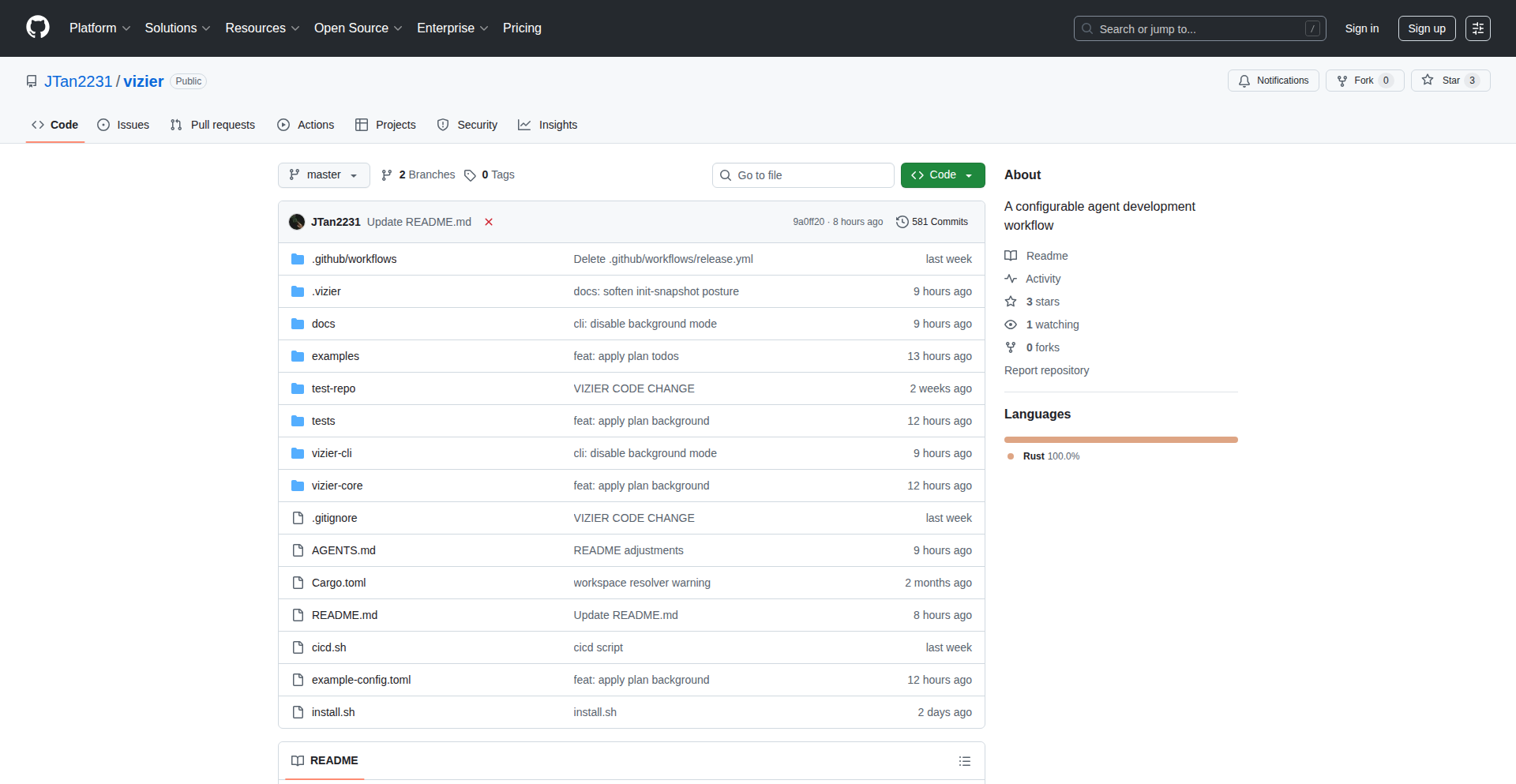
Author
JTan2231
Description
Vizier is a project designed to streamline the development of AI agents by codifying repetitive tasks and configurations. It tackles the tedium of re-typing prompts and managing settings for agent development tools, offering a more structured and repeatable approach. The innovation lies in creating 'glue' code that bridges the gap between complex agent functionalities and the developer's day-to-day workflow, making agent development more accessible and less error-prone.
Popularity
Points 1
Comments 0
What is this product?
Vizier is a developer tool that acts as a 'config + prompt glue' for AI agent development. Instead of repeatedly typing out the same instructions or setting up configurations for AI agents (like those used for coding assistance or task automation), Vizier allows developers to define these elements once in a codified way. This means the complex underlying logic of the AI agent is managed through pre-defined templates and settings, reducing the need for manual input and ensuring consistency. Think of it as creating reusable blueprints for your AI agent's behavior and setup. The core innovation is in automating the 'tedious parts' of agent development by making common configurations and prompts programmatically manageable, which significantly reduces development friction.
How to use it?
Developers can use Vizier by integrating its configuration files and prompt templates into their existing AI agent development environment. For example, if you're building an AI assistant that needs to interact with your codebase, you can use Vizier to define common code inspection prompts or specific ways the agent should understand and respond to your programming queries. Instead of manually crafting these prompts every time, Vizier allows you to reference pre-defined structures. This can be done by setting up YAML or JSON configuration files that Vizier reads, which then dynamically generate the prompts and settings for the AI agent. This makes it easy to switch between different agent behaviors or experiment with new ideas without starting from scratch each time. So, for you, it means less typing, fewer errors, and faster iteration when building and using AI agents.
Product Core Function
· Codified Prompt Templating: This allows developers to create reusable prompt structures for AI agents. Instead of writing the same instructions repeatedly, they can use placeholders that Vizier fills in dynamically. This saves time and ensures prompts are consistent, leading to more predictable agent responses.
· Configuration Management: Vizier provides a structured way to manage agent settings and parameters. This means developers can define and save specific configurations for different tasks or agent behaviors, making it easy to switch between them without manual adjustments. This is useful for tailoring agent performance for specific use cases.
· Workflow Automation Glue: The core value is in automating the 'glue' between different parts of the agent development process. It reduces manual effort in setting up prompts and configurations, allowing developers to focus on the agent's core intelligence and problem-solving capabilities, thereby speeding up the overall development cycle.
· Reduced Repetitive Tasks: By codifying common development workflows, Vizier eliminates the need to perform repetitive typing and configuration tasks. This leads to increased developer efficiency and a more enjoyable development experience, as tedious aspects are handled automatically.
Product Usage Case
· Developing a code review agent: A developer can use Vizier to define a set of standardized prompts for code review, including instructions on what to look for (e.g., security vulnerabilities, performance bottlenecks). Vizier would then dynamically generate the full prompt for the AI agent each time it's invoked, ensuring consistency and comprehensive analysis without manual re-entry.
· Experimenting with different AI agent personalities: A developer wants to test how an AI coding assistant performs with different levels of assertiveness or helpfulness. They can create different configuration profiles within Vizier, each specifying a different set of prompts and parameters for the agent's tone and interaction style, allowing for quick A/B testing of agent behavior.
· Onboarding new team members to agent development: Vizier provides a clear, codified structure for agent development workflows. New team members can quickly understand and replicate established patterns by using Vizier's pre-defined configurations and templates, reducing the learning curve and promoting team consistency.
· Building automated testing scripts for AI agents: Developers can use Vizier to programmatically generate diverse sets of prompts and configurations for testing an AI agent's robustness and accuracy across various scenarios, ensuring the agent performs as expected under different conditions.
115
TripMeter - Uber Data Visualizer

Author
Gigacore
Description
TripMeter is a self-hosted web application that allows users to upload their Uber trip data and generate interactive visualizations. It tackles the problem of understanding personal travel patterns by making complex data accessible and insightful through user-friendly charts, enabling users to analyze their spending, routes, and travel habits. This project showcases the power of data visualization for personal insights.
Popularity
Points 1
Comments 0
What is this product?
TripMeter is a personal data analytics tool specifically designed for your Uber ride history. It leverages data visualization techniques to transform raw trip data (like dates, times, costs, pickup/dropoff locations) into easily understandable charts and graphs. The core innovation lies in its ability to process your private Uber data locally, without sending it to any third-party servers, ensuring privacy. It's built using modern web technologies to create a dynamic and interactive experience, making it simple for anyone to explore their own travel footprint. So, what's in it for you? It helps you understand where you've been, how much you've spent on rides, and identify patterns you might not have noticed otherwise.
How to use it?
To use TripMeter, you'll need to download your Uber data archive from your Uber account settings. Once you have the data file (typically a ZIP archive containing CSV files), you can run the TripMeter application locally on your computer or a server. Users interact with TripMeter through a web browser. You upload your Uber data file, and the application processes it, presenting you with a dashboard of interactive visualizations. This allows for deep dives into your travel history. For developers, it can be integrated into personal dashboards or data analysis pipelines. This means you can take control of your data and gain personalized insights effortlessly.
Product Core Function
· Interactive Trip Map: Visualize all your past Uber trips on a map, showing routes and locations. This helps you see your travel spread and common destinations, making it clear where your journeys have taken you.
· Spending Analysis: Generate charts showing your Uber spending over time, by month, or by year. Understand your expenditure trends and identify potential areas for savings.
· Frequency and Duration Insights: Analyze how often you take Uber rides and their average duration. This provides a clear picture of your reliance on ride-sharing services.
· Data Privacy (Self-Hosted): The application runs locally, meaning your personal Uber data never leaves your control. This ensures your sensitive travel information remains private and secure. You get peace of mind knowing your data is safe.
· Customizable Date Range Filtering: Filter your trip data by specific date ranges to analyze particular periods, like a vacation or a work assignment. This allows for focused analysis on relevant timeframes.
Product Usage Case
· Analyzing commute patterns: A user uploads their Uber data to see how often they use Uber for their daily commute, how much it costs, and at what times of day. This helps them decide if they should consider alternative transport for cost savings or efficiency.
· Understanding travel habits during a trip: A traveler downloads their Uber data from a recent vacation to visualize all the places they visited using Uber. This provides a visual diary of their exploration and helps them recall their experiences.
· Identifying spending spikes: A user notices unusual spending on Uber and uses TripMeter to pinpoint specific dates or periods where spending was significantly higher, perhaps due to an event or a change in routine. This helps in budgeting and financial awareness.
· Evaluating ride-sharing dependency: A user wants to understand their reliance on Uber for getting around. By visualizing trip frequency and duration, they can assess if they are over-dependent and explore alternatives like public transport or cycling.
116
Tickk: Unchained Voice Brain Dump

Author
digi_wares
Description
Tickk is a client-side, offline-first voice task manager designed to capture rapid-fire ideas without judgment. It leverages the browser's Web Speech API for transcription and a deterministic NLP library (compromise.js) for immediate sorting of thoughts into tasks and notes, all without relying on cloud servers or AI. This empowers users, especially those with ADHD, to overcome the bottleneck between thought and typing, ensuring no idea gets lost.
Popularity
Points 1
Comments 0
What is this product?
Tickk is a progressive web application (PWA) that acts as your personal digital scribe. Instead of typing, you speak your ideas, tasks, or notes directly into the app. It uses the browser's built-in Web Speech API to convert your speech into text in real-time. The magic happens with compromise.js, a JavaScript library that analyzes the transcribed text using pre-defined rules (deterministic NLP), not complex machine learning. This means it can instantly identify potential tasks, notes, and even smart dates (like 'tomorrow at 3 PM') without sending any data to the cloud. All processing and storage happen directly on your device using IndexedDB, making it fully functional offline and ensuring your privacy. So, what does this mean for you? It means you can capture fleeting thoughts the moment they occur, with zero latency and guaranteed privacy, transforming those racing thoughts into organized information.
How to use it?
Using Tickk is incredibly straightforward. Visit the Tickk web app (tickk.app) in your browser. Click the prominent microphone icon and simply start speaking. As you speak, your words will be transcribed. Tickk's deterministic NLP engine will analyze the text in the background, automatically identifying and categorizing potential tasks or notes, and even recognizing dates and times you mention. You can then refine these later. For developers looking to integrate similar functionality, the core concepts involve implementing the Web Speech API for voice input and utilizing a rule-based NLP library like compromise.js for on-device text processing. The app's offline capabilities are achieved through PWA technologies and IndexedDB for local storage. So, for you, it's as simple as clicking a button and talking, and for developers, it's an example of building privacy-preserving, offline-first productivity tools with readily available browser technologies.
Product Core Function
· Voice-to-text transcription using Web Speech API: This function allows users to dictate their thoughts and ideas directly into the application, overcoming the speed limitation of typing. The value is in capturing thoughts instantly without interruption, ensuring no valuable insights are missed. This is useful for brainstorming sessions, quick task logging, or capturing fleeting ideas during conversations.
· Deterministic NLP for task/note classification with compromise.js: This feature analyzes transcribed text using predefined rules to automatically sort content into categories like tasks or notes. The value lies in providing immediate organization without the need for manual tagging or the privacy concerns of cloud-based AI. It helps users quickly distinguish between actionable items and general thoughts, streamlining their workflow.
· Smart date and time detection: The system automatically recognizes natural language expressions for dates and times (e.g., 'tomorrow at 3 PM') and converts them into structured data. The value is in making scheduling and deadline tracking effortless, reducing the cognitive load of manually inputting dates and ensuring important events are flagged correctly. This is beneficial for anyone managing a busy schedule.
· Offline functionality via PWA and IndexedDB: The application works fully offline by storing all data locally in the browser. The value is in ensuring uninterrupted access to your ideas and tasks regardless of internet connectivity, providing peace of mind and reliability. This is crucial for users who work in areas with poor internet or want to maintain productivity on the go.
· Privacy-focused, client-side processing: All operations, including transcription and analysis, happen directly on the user's device, with no data sent to servers. The value is in guaranteeing absolute data privacy and security, which is paramount for sensitive personal or professional information. This means your thoughts and ideas remain yours alone.
· Streak tracking and priority detection: The system can identify patterns and assign priorities to your inputs, encouraging consistent use and highlighting important items. The value is in gamifying productivity and helping users focus on what matters most, promoting better habit formation and task management.
Product Usage Case
· ADHD Brain Dump Capture: A user with ADHD experiences a rapid influx of ideas during a creative session. Instead of fumbling with a keyboard, they quickly speak their thoughts into Tickk, which then automatically organizes them into actionable tasks and notes. This solves the problem of losing ideas due to slow input methods.
· On-the-Go Task Management: A developer is walking between meetings and has a sudden idea for a bug fix. They pull out their phone, open Tickk, and speak the task. Tickk transcribes it, identifies it as a task with a potential deadline, and saves it locally, all without needing an internet connection. This solves the need for immediate, offline task capture in transient environments.
· Meeting Note Simplification: During a fast-paced meeting, a user needs to jot down action items and key discussion points. They use Tickk to voice their notes. The app automatically separates action items from general notes and flags any mentioned deadlines, making post-meeting organization much faster. This solves the problem of messy, unorganized meeting notes.
· Personal Idea Journaling: Someone who thinks faster than they type wants a private space to record thoughts, project ideas, and personal reflections without the burden of constant typing or cloud privacy concerns. Tickk provides an auditable, offline solution for this, ensuring their private thoughts remain secure and accessible.
117
AI Meme Navigator

Author
mdimec4
Description
SmartMemeSearch is an AI-powered desktop application that revolutionizes how you find memes on your computer. It leverages cutting-edge AI image recognition (specifically CLIP) and Optical Character Recognition (OCR) to scan and understand the content of your meme collection. Instead of manually browsing folders, you simply describe what you're looking for, and the app instantly retrieves the most relevant memes, even understanding text embedded within the images.
Popularity
Points 1
Comments 0
What is this product?
This project is an intelligent desktop search tool for your personal meme library. At its core, it uses a powerful AI model called CLIP (Contrastive Language-Image Pre-training) to understand the visual content of images, allowing it to match your textual descriptions to the memes themselves. Additionally, it incorporates OCR technology to read any text present within the meme images. This combination means you can search not just by visual similarity but also by the text content of the memes. So, what does this mean for you? It means no more endless scrolling through folders trying to find that one specific meme you remember seeing, but can't quite recall where it's saved.
How to use it?
Developers can integrate this project into their workflows by setting up a local instance of the application. The process typically involves installing the necessary dependencies, including the CLIP model and an OCR engine. Once set up, the application scans a designated folder on your computer where your memes are stored. You can then interact with the application through a simple command-line interface or a potential future GUI, typing descriptive queries like 'funny cat meme with text about Mondays' or 'reaction image for success'. The application processes your query, analyzes your meme collection using its AI and OCR capabilities, and presents you with a ranked list of matching memes. This allows for rapid retrieval and efficient use of your meme archive.
Product Core Function
· AI-powered image recognition with CLIP: This allows the app to understand the visual context and themes of memes, so you can search for abstract concepts or general categories of memes, not just exact keywords. This is valuable because it helps you find memes even if you don't remember specific details, just the general idea.
· OCR text detection within images: This function enables the app to read and index text embedded in meme images. This is useful for searching memes based on specific quotes, punchlines, or phrases that are crucial to their meaning.
· Fuzzy matching and relevance ranking: The system doesn't just look for exact matches but ranks results based on how closely they align with your query, both visually and textually. This ensures you get the best possible results even if your search terms are not perfect.
· Local file scanning and indexing: The application works directly on your computer's files, respecting your privacy and ensuring fast access to your personal meme collection without relying on cloud services. This is important for users who want to keep their data private and have quick access to their files.
· Instantaneous search results: Optimized algorithms ensure that your search queries are processed rapidly, providing you with the desired memes in seconds. This saves you time and frustration when you need to find a meme quickly for a conversation or presentation.
Product Usage Case
· A content creator needing to quickly find a specific reaction meme for a social media post. Instead of manually searching through hundreds of downloaded images, they can type 'sad dog reaction meme' and get instant results, saving valuable time during content creation.
· A developer debugging an issue and wanting to share a relevant humorous meme with their team. They can search for 'programmer coding late night meme' and find an appropriate image within seconds, improving team communication and morale.
· A student organizing their personal digital assets who wants to find all memes related to a particular topic for a presentation. They can search using descriptive terms like 'funny science experiment meme' to quickly gather relevant visuals from their stored collection.
· A hobbyist who collects memes for personal amusement and wants to easily retrieve memes based on inside jokes or specific cultural references. They can search using phrases or descriptions that capture the essence of the meme, leveraging both text and image analysis to locate it.